Monroe County Quitclaim Deed (Corporation Grantor) Form
Last validated September 29, 2026 by our Forms Development TeamFormatted for recording in Monroe County, for property anywhere in the county: rural and unincorporated areas as well as Alderson, Ballard, Gap Mills, Greenville, Lindside, Peterstown, Secondcreek, Sinks Grove and 4 more.
- 3 documents included
- Immediate PDF download
- Formatting guarantee
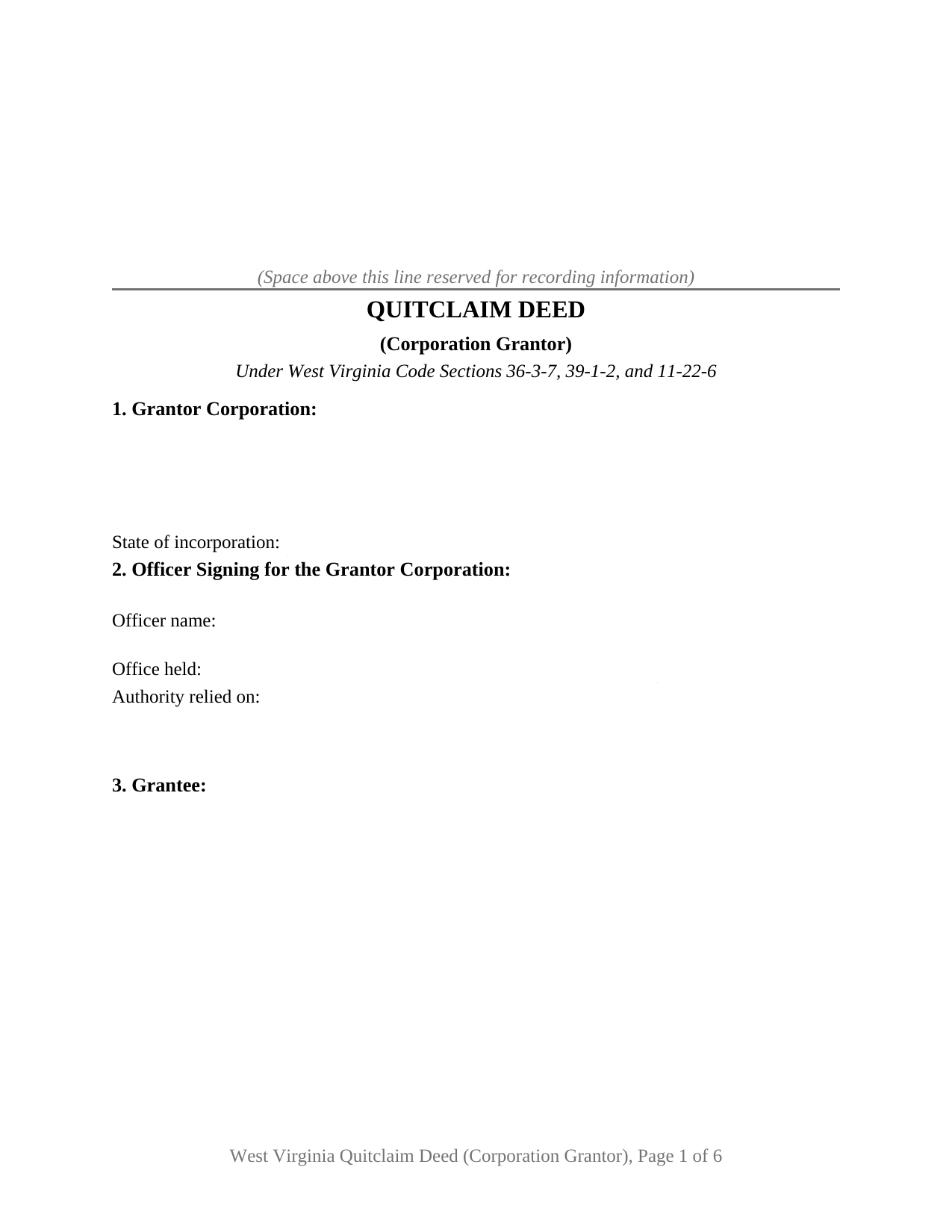
Monroe County Quitclaim Deed (Corporation Grantor) Form
Fill in the blank Quitclaim Deed (Corporation Grantor) form formatted to comply with all West Virginia recording and content requirements.
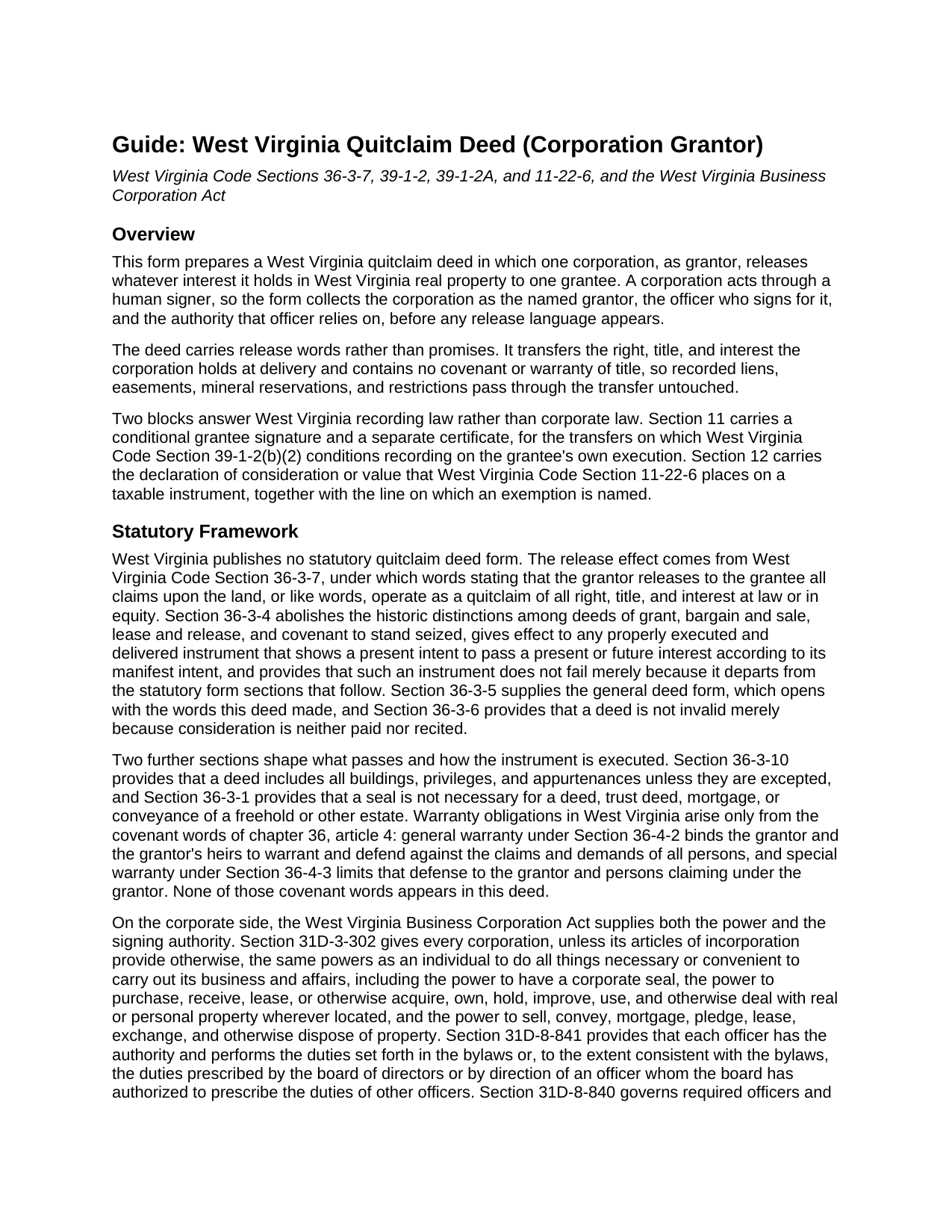
Monroe County Quitclaim Deed (Corporation Grantor) Guide
Line by line guide explaining every blank on the Quitclaim Deed (Corporation Grantor) form.
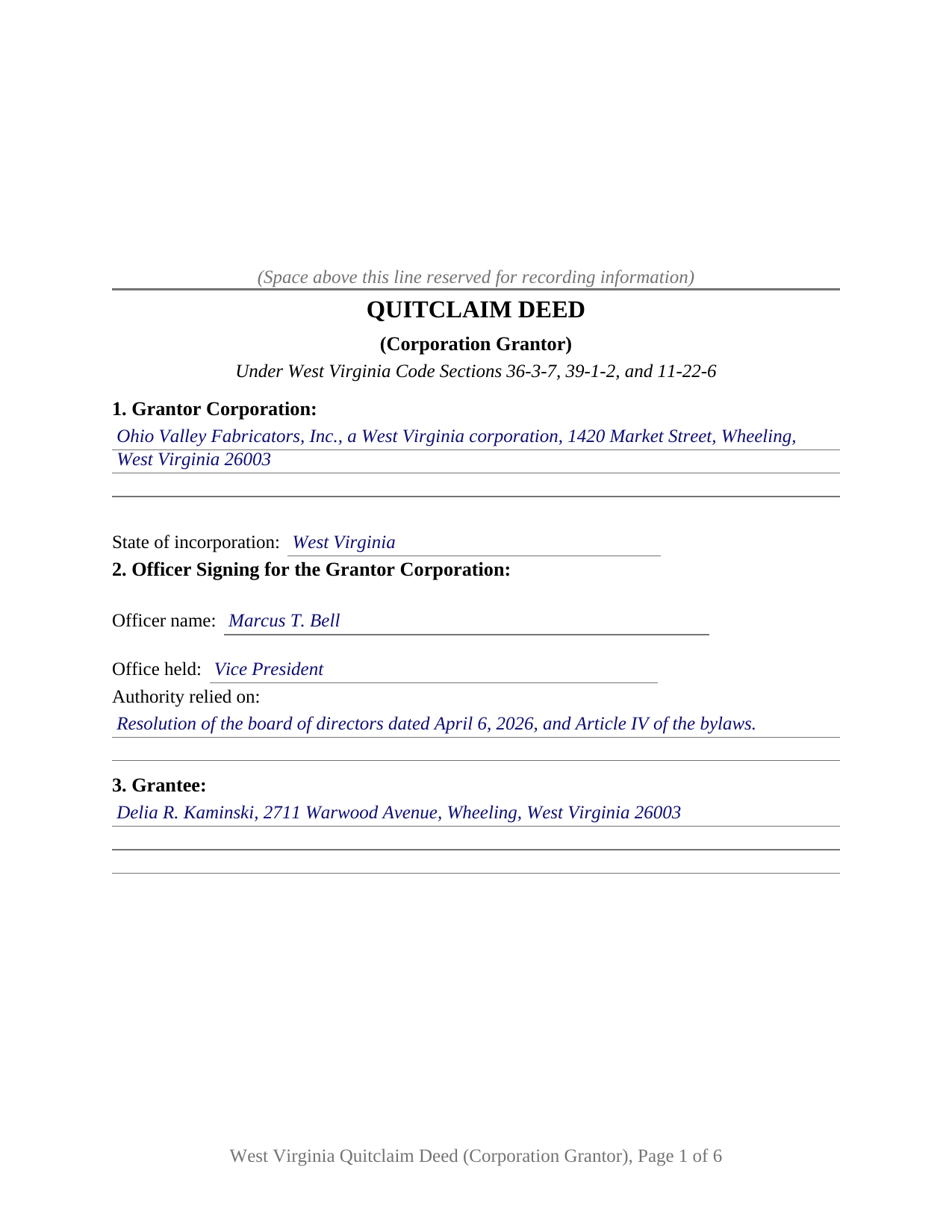
Monroe County Completed Example of the Quitclaim Deed (Corporation Grantor) Document
Example of a properly completed West Virginia Quitclaim Deed (Corporation Grantor) document for reference.
All 3 documents above included • One-time purchase • No recurring fees
Immediate Download • Secure Checkout
Additional West Virginia and Monroe County documents included at no extra charge:
Where to Record Your Documents
Monroe County
Union, West Virginia 24983
Hours: Monday through Friday 8:30 AM - 4:30 PM
Phone: (304) 772-3096
Recording Tips for Monroe County:
- Bring your driver's license or state-issued photo ID
- Ensure all signatures are in blue or black ink
- Ask if they accept credit cards - many offices are cash/check only
- Check that your notary's commission hasn't expired
- Documents must be on 8.5 x 11 inch white paper
Cities and Jurisdictions in Monroe County
Properties in any of these areas use Monroe County forms:
- Alderson
- Ballard
- Gap Mills
- Greenville
- Lindside
- Peterstown
- Secondcreek
- Sinks Grove
- Union
- Waiteville
- Wayside
- Wolfcreek
Hours, fees, requirements, and more for Monroe County
How do I get my forms?
Forms are available for immediate download after payment. The Monroe County forms will be in your account ready to download to your computer. An account is created for you during checkout if you don't have one. Forms are NOT emailed.
Are these forms guaranteed to be recordable in Monroe County?
Yes. Our form blanks are guaranteed to meet or exceed the applicable formatting requirements used for recording in Monroe County, including margin requirements, font requirements, and other layout standards. This guarantee applies to formatting, not to the legal sufficiency of information entered by the user or the suitability of a form for a particular transaction.
Can I reuse these forms?
Yes. You can reuse the forms for your personal use. For example, if you have multiple properties in Monroe County you only need to order once.
What do I need to use these forms?
The forms are PDFs that you fill out on your computer. The free Adobe Acrobat Reader is recommended, and most PDF apps also work. You do NOT enter your property information online - you download the blank forms and complete them privately on your own computer.
Are there any recurring fees?
No. This is a one-time purchase. Nothing to cancel, no memberships, no recurring fees.
How much does it cost to record in Monroe County?
Recording fees in Monroe County vary. Contact the recorder's office at (304) 772-3096 for current fees.
Questions answered? Let's get started!
West Virginia's recording statute never asks which person inside a corporation may sign away land, and the Business Corporation Act keeps that answer in the bylaws and the minute book. This West Virginia quitclaim deed is arranged around it: one corporation as grantor, one officer signing in an office the deed names, and the authority relied on, collected in Section 2 ahead of any release language.
Where a corporate signer's authority sits
W. Va. Code Section 31D-3-302 gives a corporation, unless its articles of incorporation provide otherwise, the same powers as an individual to hold and deal with real property and to sell, convey, mortgage, pledge, lease, exchange, and otherwise dispose of it. Which human being exercises it is a separate question, and Section 31D-8-841 answers that inside the company: each officer has the authority set forth in the bylaws or, consistent with them, the duties the board prescribes. So the form takes the office held and the source of authority, a board resolution or the bylaw article carrying the power to convey. Section 31D-3-304 then narrows who may question a corporation's power to act at all.
Approval is the next layer, and it also sits outside the deed. Section 31D-12-1201 asks nothing of shareholders for a disposition in the usual and regular course of business or for a transfer to an entity whose shares the corporation owns. Section 31D-12-1202 does ask, where the disposition would leave the corporation without a significant continuing business activity, routing that transaction through a board resolution the directors submit to the shareholders.
A release, never a promise
The operative language is a release. Under Section 36-3-7, words releasing all claims upon the land operate as a quitclaim: what the corporation holds at law passes, what it holds in equity passes, and nothing further does. Section 9 of this quit claim deed sets those release words beside a printed line disclaiming any covenant or warranty of title. Not one covenant word from chapter 36, article 4 appears, so a recorded deed of trust, a judgment lien, or a mineral reservation rides through untouched, and Section 36-3-1 makes a corporate seal unnecessary.
Why a corporate gift reaches the clerk on two signatures
Since July 11, 2025, Section 39-1-2(b)(2) has closed the record to a quitclaim deed made without consideration unless the grantee signs and acknowledges it as well, or two witnesses prove it as to the grantee before the clerk of the county commission, and a deed recorded against that rule is void. Every exception the subsection lists names a family relationship between individuals, so a corporate release passing no consideration sits outside all of them. Section 11 draws that second signature block with a certificate of its own, and it stays empty where consideration passes.
What this form draws, and what it leaves out
Section 1 takes one corporation with its state of incorporation, Section 3 a single grantee, and Section 10 one signature over one certificate. A corporation clearing a residual interest standing in its name since an older transaction, a corporation releasing a parcel to an affiliate whose shares it owns, and a corporation releasing what it holds to a purchaser taking title without covenants all present the corporate grantor pattern this deed carries. Two corporations signing together, an individual owner, a trustee, or a signer under a power of attorney each execute through different blocks than this form draws. One line common on West Virginia deeds is absent by design: dower and curtesy are abolished by Section 43-1-1, and the notice duty of Section 43-1-2 speaks to a married person who conveys, so an entity grantor brings no joinder signature.
The figure the clerk reads
Section 12 carries the declaration of consideration or value that Section 11-22-6 places on the instrument, with a line for any exemption claimed under Section 11-22-1, among them the exclusion for a transfer from a subsidiary to its parent. Where stamps are due, the clerk computes them at the state rate of one dollar and ten cents for each five hundred dollars of value, plus the county excise and the twenty dollar Affordable Housing Fund fee on transfers for consideration. The State Tax Commissioner Sales Listing Form is completed separately.
This package includes the deed as a fillable PDF, a completed example filled in for an Ohio County release, and a guide to the twelve sections and the recording steps. The materials are informational and are not legal advice.
Important: Your property must be located in Monroe County to use these forms. Documents should be recorded at the county recording office listed above.
This Quitclaim Deed (Corporation Grantor) meets all recording requirements specific to Monroe County.
Our Promise
The documents you receive here are guaranteed to meet or exceed the applicable Monroe County recording format requirements. If there is a rejection caused by our formatting, we will correct the issue or refund your payment. This guarantee applies to document formatting only and does not extend to information entered by the user, the selection of the form, or the legal effect of the completed document.
Save Time and Money
Get your Monroe County Quitclaim Deed (Corporation Grantor) form done right the first time with Deeds.com Uniform Conveyancing Blanks. At Deeds.com, we understand that your time and money are valuable resources, and we don't want you to face a penalty fee or rejection imposed by a county recorder for submitting nonstandard documents. We constantly review and update our forms to meet rapidly changing state and county recording requirements for roughly 3,500 counties and local jurisdictions.
4.8 out of 5 - ( 4,828 Reviews )
Rebecca C. 5 out of 5 stars
Great service ! Hawaii is not a "forms state" so unfortunately the public has no way to get templates on our local gov site but deeds.com to the rescue. The template was affordable and easy to use and successfully recorded. Great to use when you don't need to involve title or attorneys for simple deed changes, thank you
Thank you for your feedback. We really appreciate it. Have a great day!
Karen C. 5 out of 5 stars
Quick and easy download. Got everything I needed. I would recommend deeds.com
We appreciate your business and value your feedback. Thank you. Have a wonderful day!
Toni C. 4 out of 5 stars
The system was simple to use. The rep that answered my questions could have been a little more forthcoming, but that being said I would use the service again.
Thank you!
tim g. 5 out of 5 stars
that is what I was looking for thanks
Thanks Tim, glad we could help.
Katherine S. 5 out of 5 stars
This was easy!!
Thank you!
Bverly C. 5 out of 5 stars
I got the form and guide just fine, but the "completed example" showed up as another blank form.
Thank you for your feedback. We really appreciate it. Have a great day!
Rut P M. 5 out of 5 stars
I was very pleased with the document I downloaded. I was able to edit it easily and save a copy both as a permanent copy or one that could still be edited. I also liked being able to cut and paste longer paragraphs. It cost a little more than I expected; however, it was worth it be cause I didn't have to fill it out by hand. Great job!
Thank you for your feedback. We really appreciate it. Have a great day!
Stephanie P. 5 out of 5 stars
So far Deeds.com has done everything they say they'll do and very promptly.
Thank you for your feedback. We really appreciate it. Have a great day!
Katherine D. 5 out of 5 stars
Once I found your site it was very easy to understand, order and copy the forms. It is very helpful that you included an example of a completed form. Thank you. This form helps hundreds of seniors avoid lawyers, probate and the fear of losing their homes.
We appreciate your business and value your feedback. Thank you. Have a wonderful day!
Toni M. 5 out of 5 stars
I liked having the forms. Some may need to know they can look at the legal Description from online county records, then type up in Word document line by line, the degree sign in Word program is achieved by using alt and 248 on number pad. Then on the form page one write SEE Exibit A and title your Word program description as Exibit A. Goes without saying the legal description should be looked over many times and it is easier to do so if you format your Word the same lineage as the legal description online which is usually not text which is why you have to retype it.
Thank you for your feedback. We really appreciate it. Have a great day!
Paul V. 5 out of 5 stars
Easy to use , so far
Thank you!
Robert S. 5 out of 5 stars
The cost was well worth it. It was very easy to download, fill in the necessary information and then print the deed. I filed my need deed today and everything was complete and accurate because of the example you provided.
Thanks Robert, we appreciate your feedback!
Alisen J. 5 out of 5 stars
Easiest experience ever when filling out these forms, given the examples provided, and explanation of content on forms.
We’re glad you had a positive experience. Thank you.
Thomas M. 5 out of 5 stars
EXCELLENT resource for ALL state documents! The forms come with explanations and examples. A real Deal!!!
Thank you!
Peter & Bonnie Higgins H. 5 out of 5 stars
We were very pleased with the advice and forms provided. We were able to complete our special project. Just what we were looking for. I give you 41/2 stars
Thank you!