Brooke County Quitclaim Deed (LLC Grantor) Form
Last validated October 2, 2026 by our Forms Development TeamFormatted for recording in Brooke County, for property anywhere in the county: rural and unincorporated areas as well as Beech Bottom, Bethany, Colliers, Follansbee, Short Creek, Wellsburg, Windsor Heights.
- 3 documents included
- Immediate PDF download
- Formatting guarantee
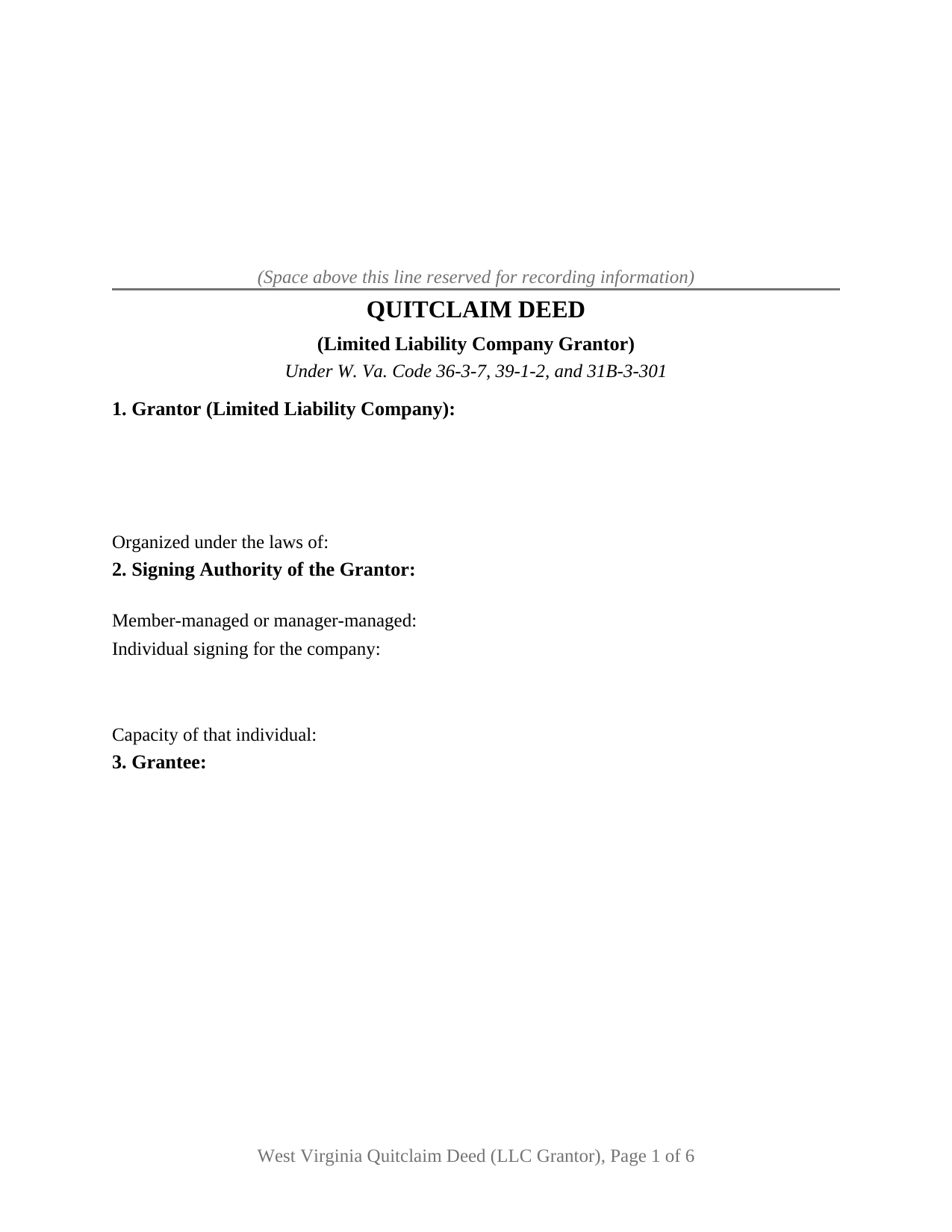
Brooke County Quitclaim Deed (LLC Grantor) Form
Fill in the blank Quitclaim Deed (LLC Grantor) form formatted to comply with all West Virginia recording and content requirements.
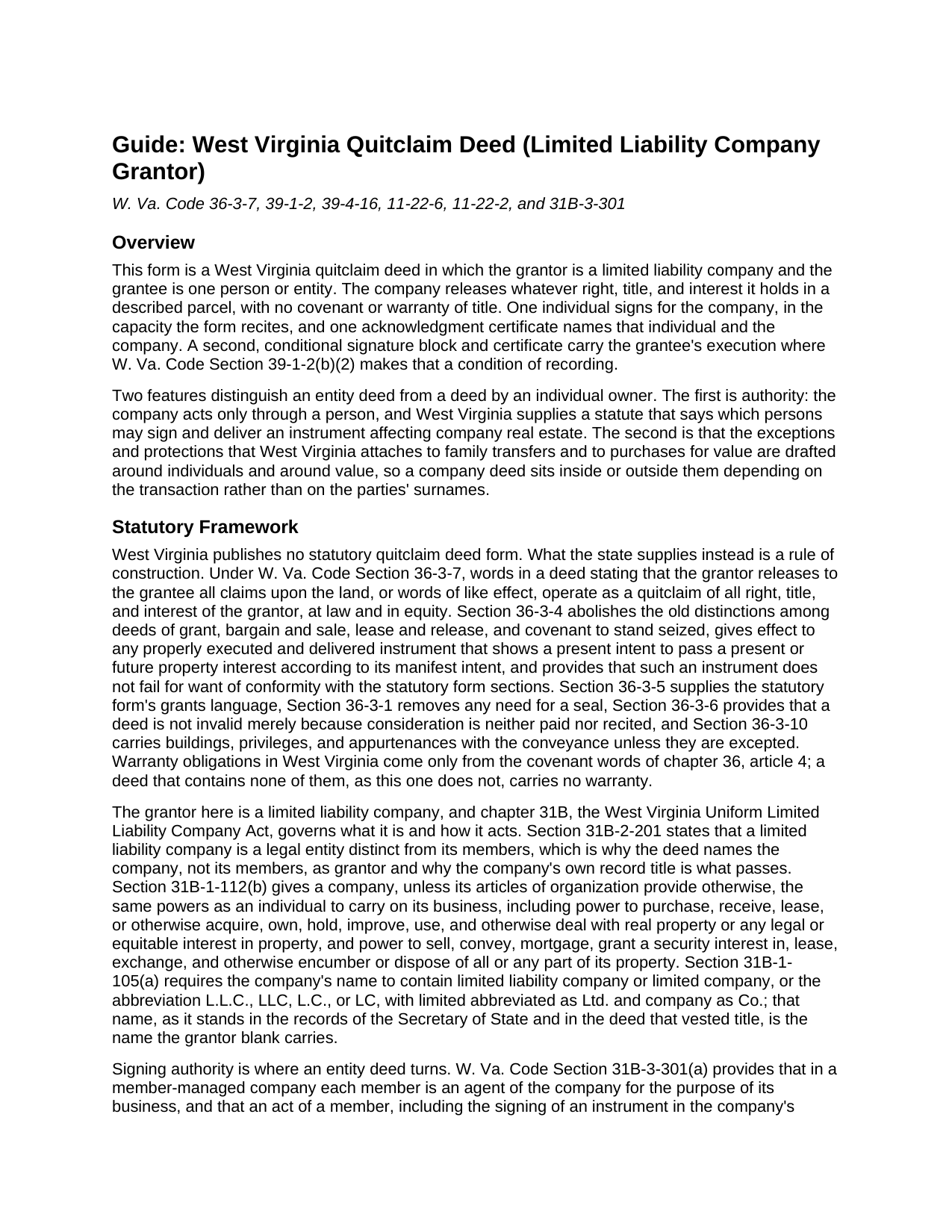
Brooke County Quitclaim Deed (LLC Grantor) Guide
Line by line guide explaining every blank on the Quitclaim Deed (LLC Grantor) form.
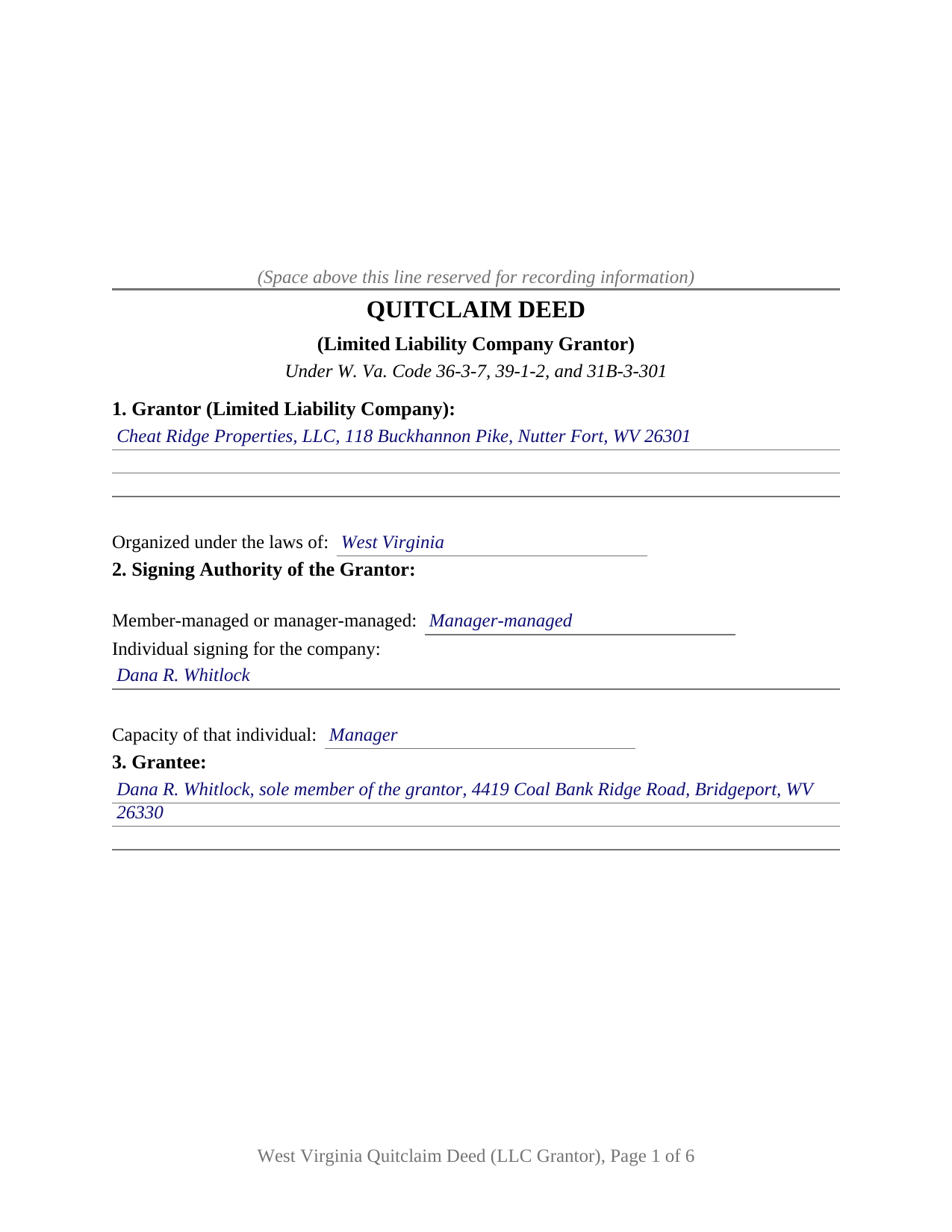
Brooke County Completed Example of the Quitclaim Deed (LLC Grantor) Document
Example of a properly completed West Virginia Quitclaim Deed (LLC Grantor) document for reference.
All 3 documents above included • One-time purchase • No recurring fees
Immediate Download • Secure Checkout
Additional West Virginia and Brooke County documents included at no extra charge:
Where to Record Your Documents
Brooke County Clerk
Wellsburg, West Virginia 26070-1743
Hours: 9:00 to 5:00 M-F / first & last Sat 9:00 to 12:00 (except holiday weekends)
Phone: (304) 737-3661
Recording Tips for Brooke County:
- Bring your driver's license or state-issued photo ID
- Ensure all signatures are in blue or black ink
- Check that your notary's commission hasn't expired
- Documents must be on 8.5 x 11 inch white paper
- Double-check legal descriptions match your existing deed
Cities and Jurisdictions in Brooke County
Properties in any of these areas use Brooke County forms:
- Beech Bottom
- Bethany
- Colliers
- Follansbee
- Short Creek
- Wellsburg
- Windsor Heights
Hours, fees, requirements, and more for Brooke County
How do I get my forms?
Forms are available for immediate download after payment. The Brooke County forms will be in your account ready to download to your computer. An account is created for you during checkout if you don't have one. Forms are NOT emailed.
Are these forms guaranteed to be recordable in Brooke County?
Yes. Our form blanks are guaranteed to meet or exceed the applicable formatting requirements used for recording in Brooke County, including margin requirements, font requirements, and other layout standards. This guarantee applies to formatting, not to the legal sufficiency of information entered by the user or the suitability of a form for a particular transaction.
Can I reuse these forms?
Yes. You can reuse the forms for your personal use. For example, if you have multiple properties in Brooke County you only need to order once.
What do I need to use these forms?
The forms are PDFs that you fill out on your computer. The free Adobe Acrobat Reader is recommended, and most PDF apps also work. You do NOT enter your property information online - you download the blank forms and complete them privately on your own computer.
Are there any recurring fees?
No. This is a one-time purchase. Nothing to cancel, no memberships, no recurring fees.
How much does it cost to record in Brooke County?
Recording fees in Brooke County vary. Contact the recorder's office at (304) 737-3661 for current fees.
Questions answered? Let's get started!
A limited liability company signs nothing by itself, so an entity deed stands or falls on the person who signs for it. This West Virginia quitclaim deed is arranged around that person: one company as grantor, one individual signing in a capacity the deed recites, and one acknowledgment certificate naming the individual, the capacity, and the company. Section 2 collects the company's management structure and its signer before any release language appears.
The statute behind the signature line
W. Va. Code Section 31B-3-301(c) speaks directly to company land: unless the articles of organization limit their authority, any member of a member-managed company or any manager of a manager-managed company may sign and deliver any instrument transferring or affecting the company's interest in real property, and that instrument is conclusive in favor of a person who gives value without knowledge of the signer's lack of authority. The subsections above it set the baseline. A member of a member-managed company is an agent whose signing in the company's name binds the company where it apparently carries on the ordinary course of company business; in a manager-managed company a member is not an agent solely by reason of being a member, and that agency belongs to the managers. The articles of organization state which kind the company is, which is why the form asks. Section 31B-2-201 supplies the reason the company itself is the named grantor: a limited liability company is a legal entity distinct from its members.
Two provisions that both turn on value
That statutory conclusiveness protects a person who gives value. Since July 11, 2025, Section 39-1-2(b)(2) has closed the record to a quitclaim deed made without consideration unless the person taking under it signs and acknowledges the deed as well, and every exception the subsection lists describes individuals: a transfer on death deed, and transfers among spouses, parents and children, and grandparents and grandchildren. A company release passing no consideration falls outside both provisions at once, so it reaches the clerk's counter needing a second signature and a second certificate. The subsection makes a deed recorded against it void, which is why the rule prints in capital letters above the signature lines and why the form carries a grantee block of its own.
A release, never a promise
The operative words are release words. Section 36-3-7 gives a deed stating that the grantor releases to the grantee all claims upon the land the effect of a quitclaim of all right, title, and interest the grantor holds at law and in equity, and this form carries those words beside the remise, release, and quitclaim clause. None of the covenant words of chapter 36, article 4 appears in it, so the company promises nothing about the title: a deed of trust, a judgment lien, a mineral reservation, or a recorded easement survives the transfer untouched.
What this form recites, and what it leaves out
The form draws one grantor block for one company, with the state under whose laws it is organized, one grantee block, one grantor signature over one certificate, and the conditional grantee block. A company winding up and distributing a parcel to a member, and a company releasing a fractional or disputed interest so that another owner's record reads clean, both present the entity-grantor pattern this deed recites. Two companies signing together, an individual owner, or a person signing under a power of attorney each execute through a different architecture than these blocks draw. One line found on many West Virginia deeds is absent deliberately: dower and curtesy are abolished by Section 43-1-1, and the spousal notice rule of Section 43-1-2 addresses a married person who conveys, so an entity grantor brings no joinder signature with it.
The tax figure the clerk reads
Section 12 prints the declaration of consideration or value under W. Va. Code Section 11-22-6: consideration paid, true and actual value, and any exemption claimed under Section 11-22-1. Stamps run $1.10 for each $500 of value at the state rate, plus the county's own excise and a $20 Affordable Housing Fund fee where consideration passes. Several exclusions in Section 11-22-1 describe entity transactions, among them certain mergers and conversions and transfers from a subsidiary to its parent.
The download delivers this LLC quit claim deed as a fillable PDF, a completed example set in Harrison County, and a line by line guide to the twelve sections, the acknowledgment options, and the recording package. The materials are informational and are not legal advice.
Important: Your property must be located in Brooke County to use these forms. Documents should be recorded at the county recording office listed above.
This Quitclaim Deed (LLC Grantor) meets all recording requirements specific to Brooke County.
Our Promise
The documents you receive here are guaranteed to meet or exceed the applicable Brooke County recording format requirements. If there is a rejection caused by our formatting, we will correct the issue or refund your payment. This guarantee applies to document formatting only and does not extend to information entered by the user, the selection of the form, or the legal effect of the completed document.
Save Time and Money
Get your Brooke County Quitclaim Deed (LLC Grantor) form done right the first time with Deeds.com Uniform Conveyancing Blanks. At Deeds.com, we understand that your time and money are valuable resources, and we don't want you to face a penalty fee or rejection imposed by a county recorder for submitting nonstandard documents. We constantly review and update our forms to meet rapidly changing state and county recording requirements for roughly 3,500 counties and local jurisdictions.
4.8 out of 5 - ( 4,828 Reviews )
Audra M. 5 out of 5 stars
It was easy to e-record and will/would recommend it to everyone.
Thank you for your feedback. We really appreciate it. Have a great day!
Susan L. 5 out of 5 stars
Instructions easy to follow, example form was a big help.
We appreciate your business and value your feedback. Thank you. Have a wonderful day!
Robert E B. 5 out of 5 stars
Easy to use!
Thank you!
JOSE M. 5 out of 5 stars
Excellent Website.
Thank you!
MANUEL O. 5 out of 5 stars
great service Loved!
Thank you!
Evone A. 5 out of 5 stars
So thankful that I could just find the form and complete the estate I am working on for my parents. The forms and instructions were very helpful.
We truly value your business and appreciate your review.
Michael G. 5 out of 5 stars
Very helpful and easy to use
Your appreciative words mean the world to us. Thank you.
Sylvia L. 5 out of 5 stars
Very easy...found what I was looking for
We appreciate your business and value your feedback. Thank you. Have a wonderful day!
Roger V. 5 out of 5 stars
Very easy to use.
Thank you Roger, we appreciate your feedback.
Rachelle S. 5 out of 5 stars
Wow that was easy
Thank you!
Robert B. 5 out of 5 stars
Excellent service. Unbelievably rapid and detailed responses. Was not happy to have to pay the fee but totally worth it.
Thank you for your feedback. We really appreciate it. Have a great day!
Giuseppina M. 5 out of 5 stars
Fast, reliable excellent service
Your feedback is greatly appreciated. Thank you for taking the time to share your experience!
Andrea R. 5 out of 5 stars
I was pleasantly surprised as I didn't even know you can record a quit claim deed digitally. I am in the mortgage business so I will gladly refer all my clients to this website! Deeds.com was prompt and fast with the entire process. My document was recorded and completed in less than 24 hours! Thank you again!
We appreciate your business and value your feedback. Thank you. Have a wonderful day!
Brenda S. 5 out of 5 stars
Awesome forms, filled them out on my computer, printed them out complete, notarized, recorded, wonderful process. THANKS
Thank you for the kind words Brenda. Have a great day!
Charlene H. 5 out of 5 stars
Deeds.com is a wonderful website. I highly recommend them and would use them again in the future.
Thank you, Charlene! We're so glad to hear you had a great experience. We truly appreciate your recommendation and look forward to helping you again in the future.