Bayfield County Subcontractor Claim of Lien Form
Last validated November 13, 2026 by our Forms Development TeamFormatted for recording in Bayfield County, for property anywhere in the county: rural and unincorporated areas as well as Bayfield, Benoit, Cable, Cornucopia, Drummond, Grand View, Herbster, Iron River and 3 more.
- 3 documents included
- Immediate PDF download
- Formatting guarantee
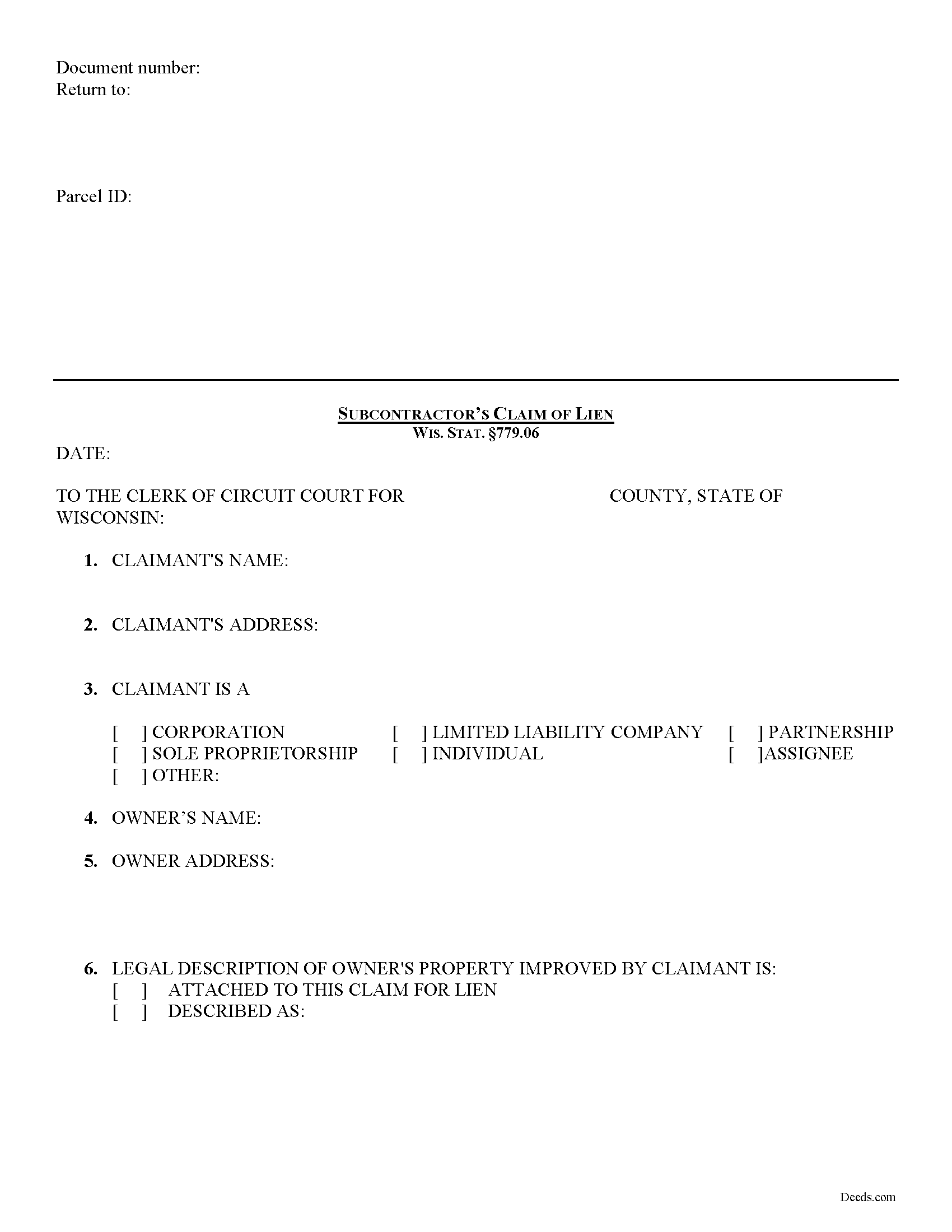
Bayfield County Subcontractor Claim of Lien Form
Fill in the blank form formatted to comply with all recording and content requirements.
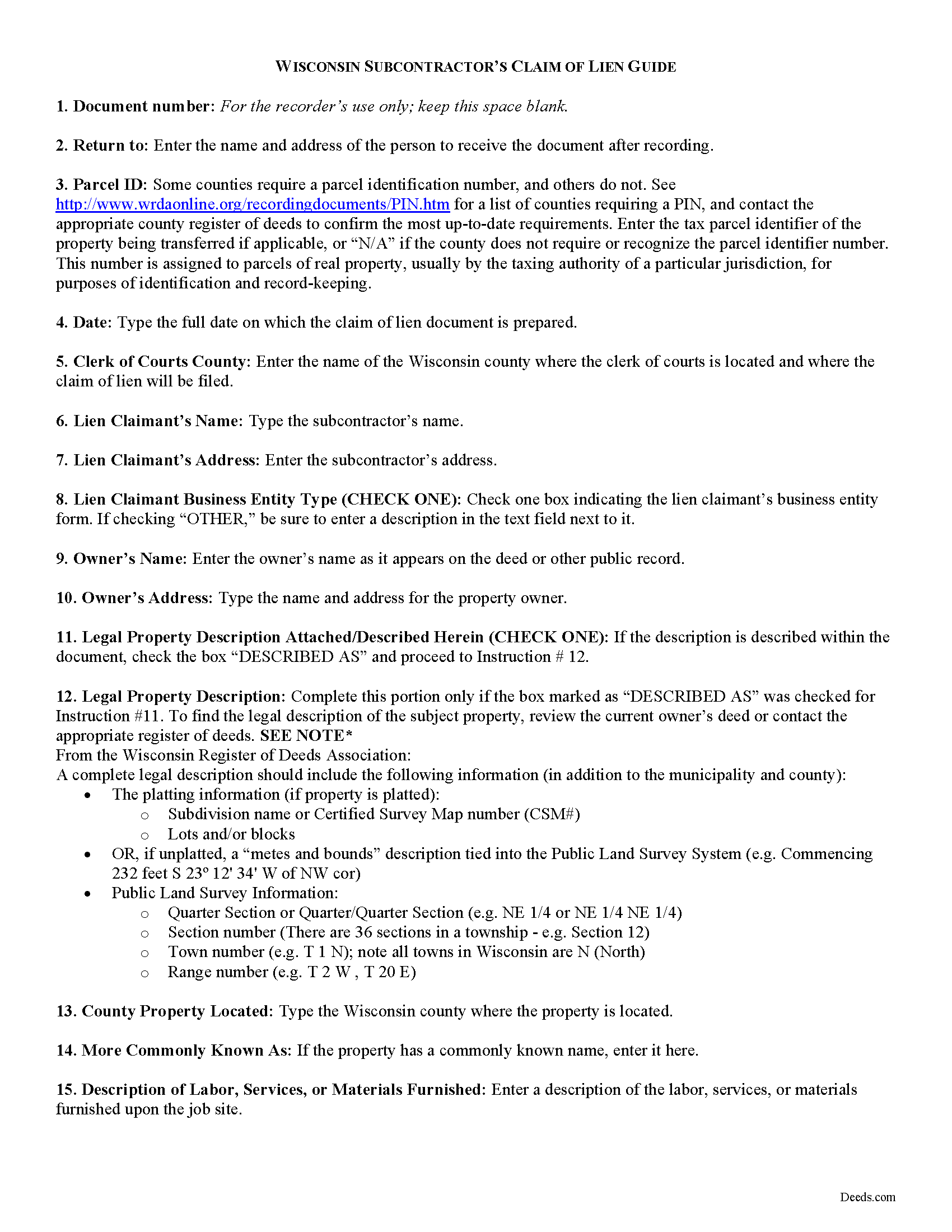
Bayfield County Subcontractor Claim of Lien Guide
Line by line guide explaining every blank on the form.
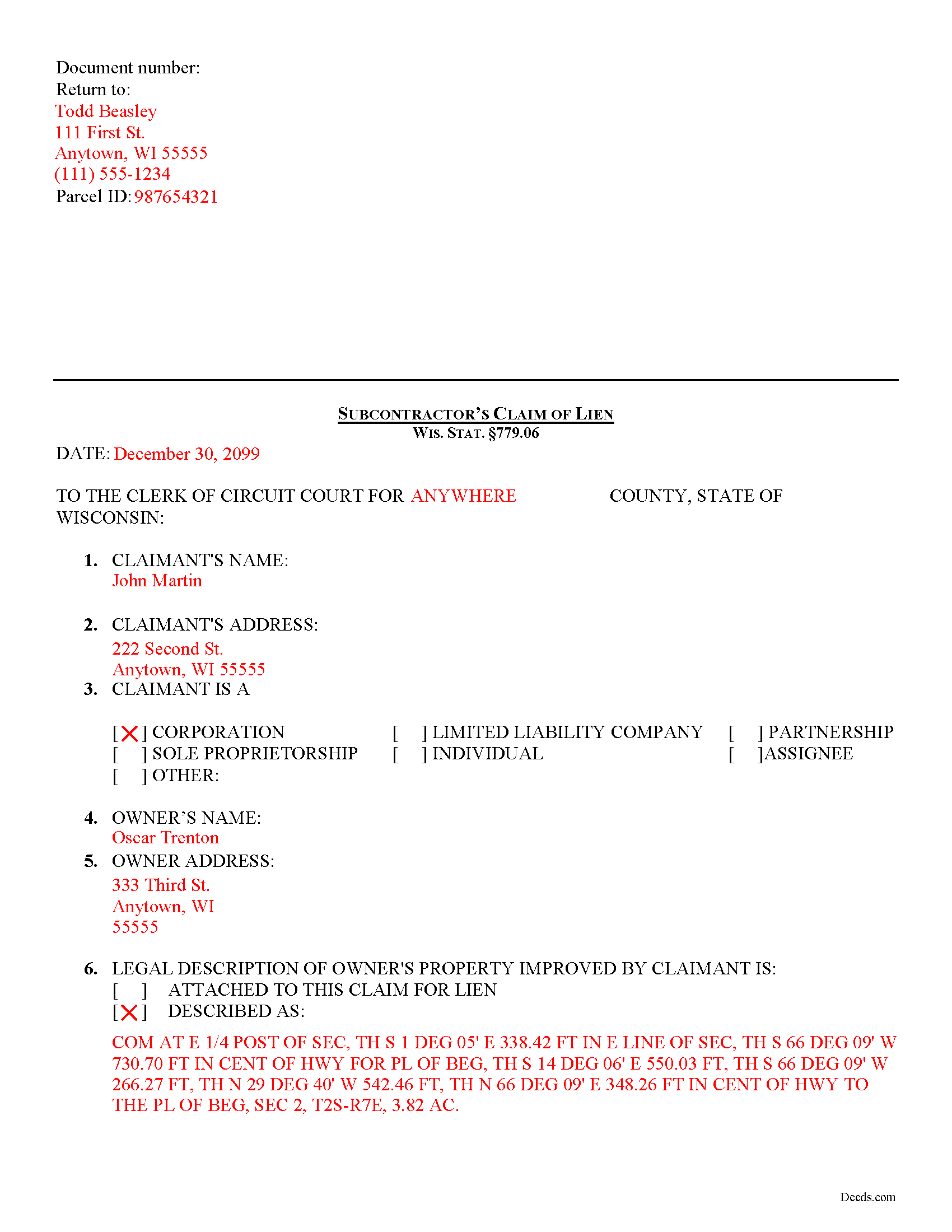
Bayfield County Completed Example of the Subcontractor Claim of Lien Document
Example of a properly completed form for reference.
All 3 documents above included • One-time purchase • No recurring fees
Immediate Download • Secure Checkout
Additional Wisconsin and Bayfield County documents included at no extra charge:
Where to Record Your Documents
Bayfield County Register of Deeds
Washburn, Wisconsin 54891
Hours: Monday - Friday 8:00am - 4:00pm
Phone: (715) 373-6119
Recording Tips for Bayfield County:
- Bring your driver's license or state-issued photo ID
- Ensure all signatures are in blue or black ink
- Ask about their eRecording option for future transactions
- Avoid the last business day of the month when possible
- Both spouses typically need to sign if property is jointly owned
Cities and Jurisdictions in Bayfield County
Properties in any of these areas use Bayfield County forms:
- Bayfield
- Benoit
- Cable
- Cornucopia
- Drummond
- Grand View
- Herbster
- Iron River
- Mason
- Port Wing
- Washburn
Hours, fees, requirements, and more for Bayfield County
How do I get my forms?
Forms are available for immediate download after payment. The Bayfield County forms will be in your account ready to download to your computer. An account is created for you during checkout if you don't have one. Forms are NOT emailed.
Are these forms guaranteed to be recordable in Bayfield County?
Yes. Our form blanks are guaranteed to meet or exceed the applicable formatting requirements used for recording in Bayfield County, including margin requirements, font requirements, and other layout standards. This guarantee applies to formatting, not to the legal sufficiency of information entered by the user or the suitability of a form for a particular transaction.
Can I reuse these forms?
Yes. You can reuse the forms for your personal use. For example, if you have multiple properties in Bayfield County you only need to order once.
What do I need to use these forms?
The forms are PDFs that you fill out on your computer. The free Adobe Acrobat Reader is recommended, and most PDF apps also work. You do NOT enter your property information online - you download the blank forms and complete them privately on your own computer.
Are there any recurring fees?
No. This is a one-time purchase. Nothing to cancel, no memberships, no recurring fees.
How much does it cost to record in Bayfield County?
Recording fees in Bayfield County vary. Contact the recorder's office at (715) 373-6119 for current fees.
Questions answered? Let's get started!
Subcontractor Lien Claims in Wisconsin
Wisconsin law authorizes subcontractors to use a mechanic's lien to place a block or burden on a property owner's title if they have not been paid for labor, materials, or equipment provided. Mechanic's liens are governed under Chapter 779 of the Wisconsin legislative code.
To claim a lien, the subcontractor must file a claim of lien form with the office of the clerk of courts in the county where the property is located. WIS. STAT. 779.06(1). The claim must be filed within six (6) months from the last date the sub performed, furnished, or procured labor, services, materials, plans, or specifications. Id
The subcontractor must also serve a copy of the claim for lien on the owner of the property on which the lien is placed within thirty (30) days after filing the claim. Id.
No lien claim may be filed unless, at least 30 days before timely filing of the lien claim, the sub has first served the owner with a written notice of intent to file a lien claim. WIS. STAT. 779.06(2). The notice is required to be given whether or not the sub has been required to and has given any previous notice. Id. The notice must briefly describe the nature of the claim, its amount and the land and improvement to which it relates. Id
The subcontractor's claim must have any previously served preliminary notice attached. WIS. STAT. 779.06(3). The claim must also contain a statement of the contract or demand upon which it is founded, the name of the person against whom the demand is claimed, the name of the claimant and any assignee, the last date of performing, furnishing, or procuring any labor, services, materials, plans, or specifications, a legal description of the property against which the lien is claimed, a statement of the amount claimed and all other material facts in relation thereto. Id. The claim of lien shall be signed by the claimant or attorney and does not need to be verified. Id.
This article is provided for informational purposes only and should not be relied upon as a substitute for the advice from a legal professional. Please contact an attorney with questions about filing a subcontractor's claim for a mechanic's lien, or any other issues related to liens in Wisconsin.
Important: Your property must be located in Bayfield County to use these forms. Documents should be recorded at the county recording office listed above.
This Subcontractor Claim of Lien meets all recording requirements specific to Bayfield County.
Our Promise
The documents you receive here are guaranteed to meet or exceed the applicable Bayfield County recording format requirements. If there is a rejection caused by our formatting, we will correct the issue or refund your payment. This guarantee applies to document formatting only and does not extend to information entered by the user, the selection of the form, or the legal effect of the completed document.
Save Time and Money
Get your Bayfield County Subcontractor Claim of Lien form done right the first time with Deeds.com Uniform Conveyancing Blanks. At Deeds.com, we understand that your time and money are valuable resources, and we don't want you to face a penalty fee or rejection imposed by a county recorder for submitting nonstandard documents. We constantly review and update our forms to meet rapidly changing state and county recording requirements for roughly 3,500 counties and local jurisdictions.
4.8 out of 5 - ( 4,864 Reviews )
Julie D S. 5 out of 5 stars
thank you for all the forms
Thank you!
Lutz P. 5 out of 5 stars
Your forms are great but I couldn’t use them with my computer and acrobats reader didn’t work. And then my thermal printer would only print 1/3 size pages with no way to fix it. I ordered a new color printer and we’ll see what happens.
Thank you, Lutz. We're glad you like the forms, and we're sorry getting them working turned into such a hassle. That shrunken page is typical of thermal printers: most use narrow receipt or label paper, so a full page gets scaled down to fit, and no setting can change that. Thermal paper also fades over time, which you don't want on a document you're recording, so the new printer is the right call. When it arrives, print on plain white paper with “Actual size” selected in the print settings so the page comes out full size with its margins intact. If Acrobat Reader gives you trouble again, save the form to your computer first and open the saved file in Acrobat Reader rather than in your web browser. Still stuck? Contact our support team and we'll walk you through it.
Joseh R. 5 out of 5 stars
Very pleased! Forms easy to understand and use. Thank you!
Thank you for your feedback. We really appreciate it. Have a great day!
Roger A. 5 out of 5 stars
Easy peasy to use! It's great to have the guide for completing the form and an example of a completed form.
It was a pleasure serving you. Thank you for the positive feedback!
Christine B. 5 out of 5 stars
The site was easy to navigate.
Thank you!
Lloyd S. 5 out of 5 stars
What a great website. It does Pasco County PROUD !!
Thank you!
samantha b. 5 out of 5 stars
excellent instructions and the examples made completing the forms so very simple. thanks so much.
Thank you Samantha.
Gabriel R. 4 out of 5 stars
So far the service seems good, simple to use. One criticism, the password change feature should require the user to re-enter their old password, new password, and re-enter the new password to make sure there is no typos. Thanks.
Thank you for your feedback. We really appreciate it. Have a great day!
Tamara H. 5 out of 5 stars
Absolutely awesome! Quick, easy and efficient. I will definitely be using again!
Thank you Tamara. We really appreciate you taking the time to leave your comments. Have an amazing day!
Vicki J. 5 out of 5 stars
Reasonably priced and Extremely easy to use.
We appreciate your business and value your feedback. Thank you. Have a wonderful day!
Jane N. 5 out of 5 stars
This worked. Saved me a trip to get a copy of a deed. Cost less than the parking fee. Very convenient.
Thank you for your feedback. We really appreciate it. Have a great day!
David G. 5 out of 5 stars
Thanks got what I needed
Thank you David, glad to hear that.
lorali V. 3 out of 5 stars
Not easy to fill in and the finished product looked awful when printed.
Thank you for your feedback. We really appreciate it. Have a great day!
Angela T. 5 out of 5 stars
I love this website .. it has been very helpful in so many ways.. thank you so much..
Thank you!
Amanda M. 5 out of 5 stars
Was very easy to use.
Thank you!