Albany County Correction Deed Form
Last validated October 5, 2026 by our Forms Development TeamFormatted for recording in Albany County, for property anywhere in the county: rural and unincorporated areas as well as Bosler, Buford, Centennial, Garrett, Jelm, Laramie, Rock River, Tie Siding.
- 3 documents included
- Immediate PDF download
- Formatting guarantee
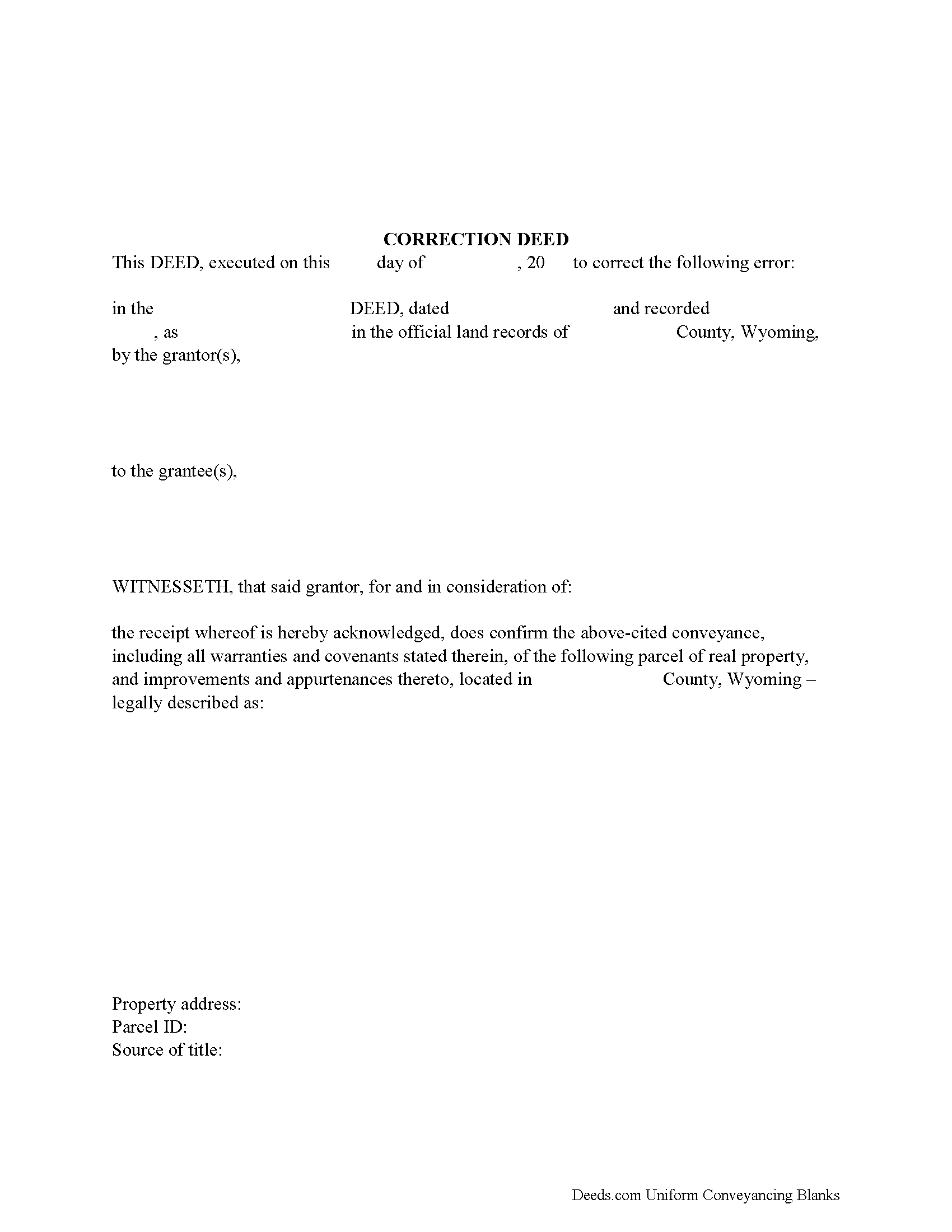
Albany County Correction Deed Form
Fill in the blank form formatted to comply with all recording and content requirements.
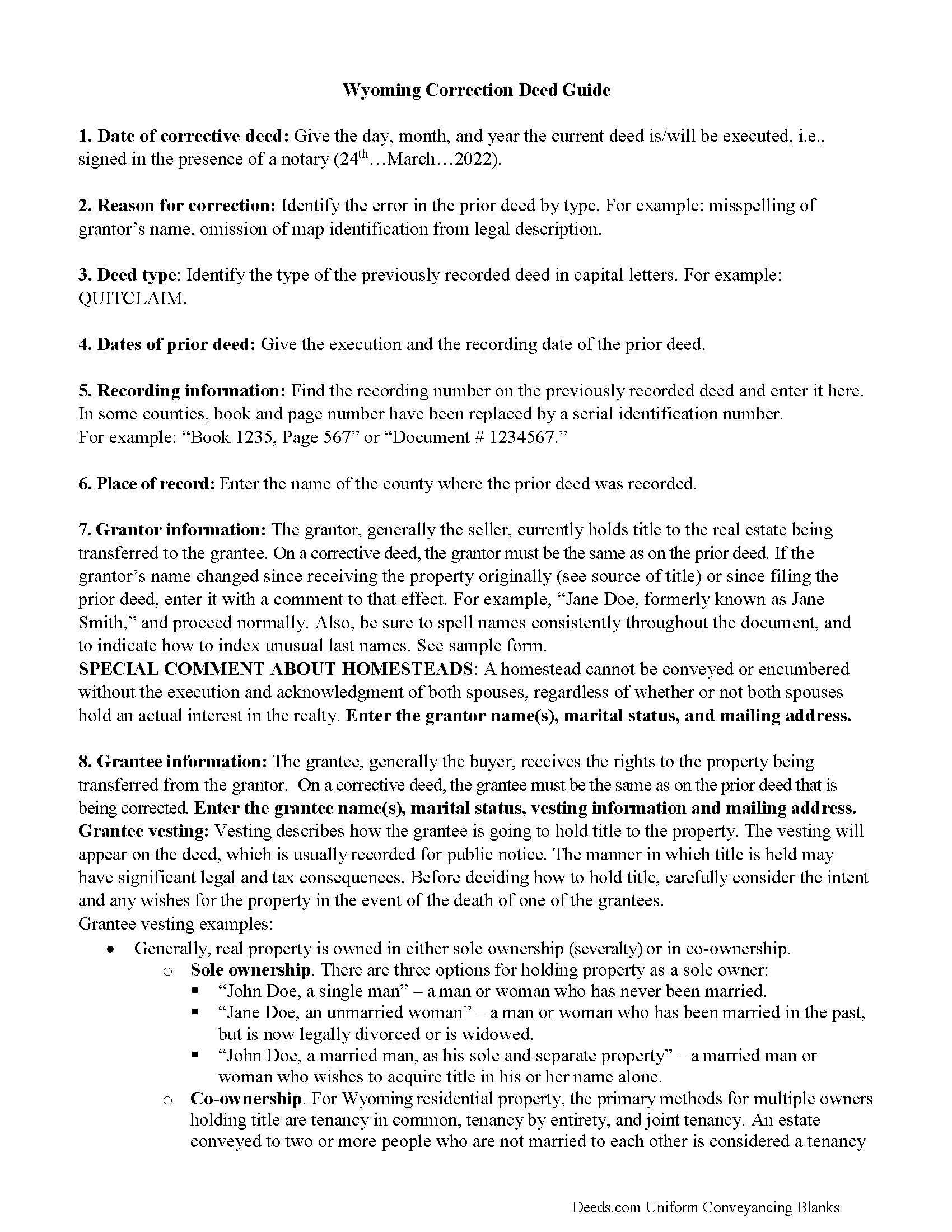
Albany County Correction Deed Guide
Line by line guide explaining every blank on the form.
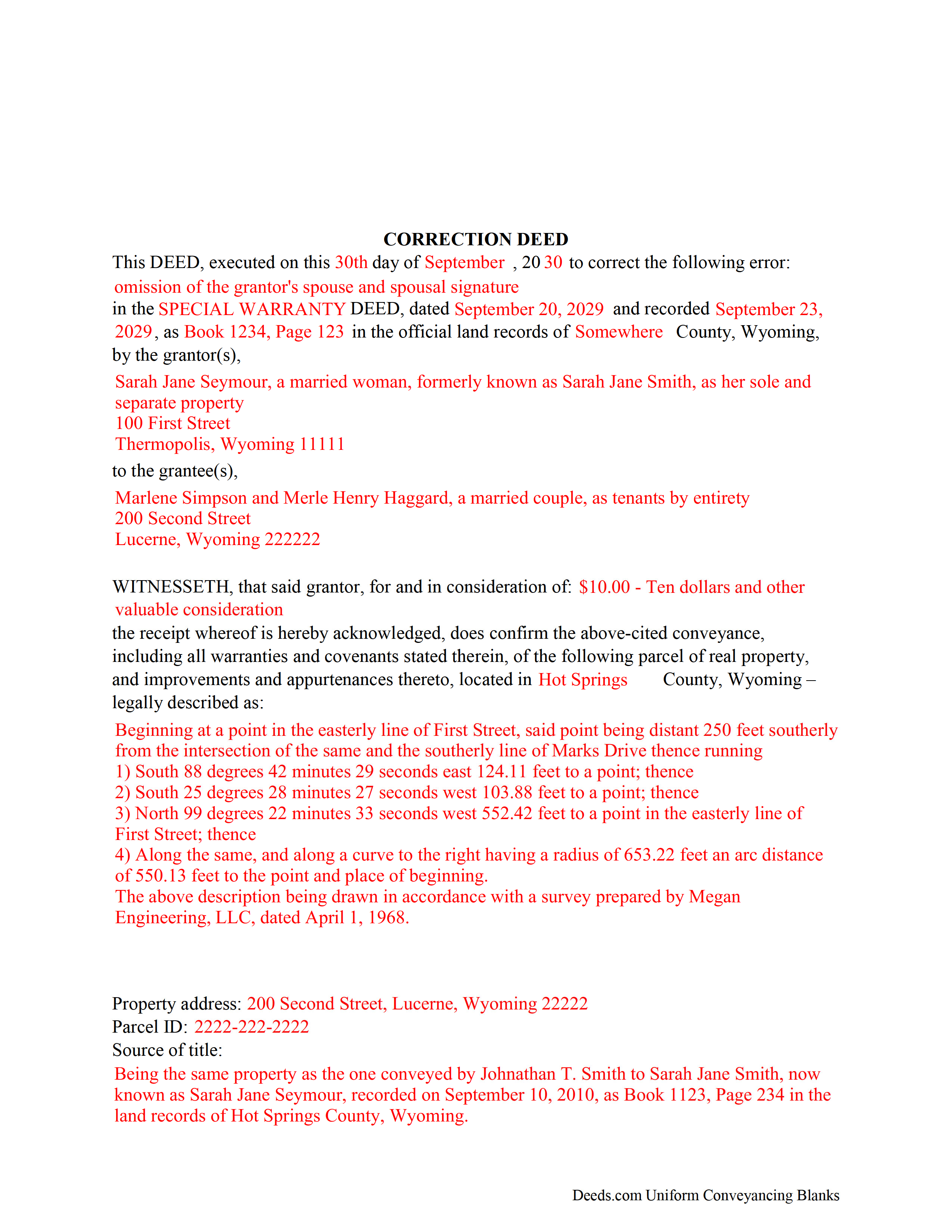
Albany County Completed Example of a Correction Deed Document
Example of a properly completed form for reference.
All 3 documents above included • One-time purchase • No recurring fees
Immediate Download • Secure Checkout
Additional Wyoming and Albany County documents included at no extra charge:
Where to Record Your Documents
Albany County Clerk
Laramie, Wyoming 82070
Hours: 9:00 to 5:00 M-F
Phone: (307) 721-2547
Recording Tips for Albany County:
- Bring your driver's license or state-issued photo ID
- Ensure all signatures are in blue or black ink
- Ask for certified copies if you need them for other transactions
- Ask if they accept credit cards - many offices are cash/check only
- Check that your notary's commission hasn't expired
Cities and Jurisdictions in Albany County
Properties in any of these areas use Albany County forms:
- Bosler
- Buford
- Centennial
- Garrett
- Jelm
- Laramie
- Rock River
- Tie Siding
Hours, fees, requirements, and more for Albany County
How do I get my forms?
Forms are available for immediate download after payment. The Albany County forms will be in your account ready to download to your computer. An account is created for you during checkout if you don't have one. Forms are NOT emailed.
Are these forms guaranteed to be recordable in Albany County?
Yes. Our form blanks are guaranteed to meet or exceed the applicable formatting requirements used for recording in Albany County, including margin requirements, font requirements, and other layout standards. This guarantee applies to formatting, not to the legal sufficiency of information entered by the user or the suitability of a form for a particular transaction.
Can I reuse these forms?
Yes. You can reuse the forms for your personal use. For example, if you have multiple properties in Albany County you only need to order once.
What do I need to use these forms?
The forms are PDFs that you fill out on your computer. The free Adobe Acrobat Reader is recommended, and most PDF apps also work. You do NOT enter your property information online - you download the blank forms and complete them privately on your own computer.
Are there any recurring fees?
No. This is a one-time purchase. Nothing to cancel, no memberships, no recurring fees.
How much does it cost to record in Albany County?
Recording fees in Albany County vary. Contact the recorder's office at (307) 721-2547 for current fees.
Questions answered? Let's get started!
Use the correction deed to correct an error in a previously recorded deed of conveyance, such as a warranty or quitclaim deed, in Wyoming.
Correcting an error in a recorded deed helps prevent problems that might arise when the current owner tries to sell the property. The best method for correction is to prepare and record a new document, often called a corrective or correction deed. This document does not convey title; instead, it confirms the prior conveyance of the property.
Apart from supplying the correct information, the new deed must give the reason for the correction by identifying the error. It also must reference the prior deed by title, date, and recording number. The original grantor signs the corrective deed, which confirms the property transfer to the grantee. Generally, deeds of correction are used to address minor omissions and errors in a recorded document, such as typos, accidentally omitted suffixes or middle initials of names. When correcting the legal description, both grantor and grantee should sign the corrective instrument to avoid doubt regarding any portions of the conveyed property.
For certain changes, however, a correction deed cannot be used. Adding or removing a grantee, for example, or making material changes to the legal description, especially deleting a portion of the originally transferred property, may all require a new deed of conveyance, instead of a correction deed. When in doubt about the gravity of an error and whether a corrective deed is the appropriate vehicle to address it, consult a lawyer.
(Wyoming CD Package includes form, guidelines, and completed example)
Important: Your property must be located in Albany County to use these forms. Documents should be recorded at the county recording office listed above.
This Correction Deed meets all recording requirements specific to Albany County.
Our Promise
The documents you receive here are guaranteed to meet or exceed the applicable Albany County recording format requirements. If there is a rejection caused by our formatting, we will correct the issue or refund your payment. This guarantee applies to document formatting only and does not extend to information entered by the user, the selection of the form, or the legal effect of the completed document.
Save Time and Money
Get your Albany County Correction Deed form done right the first time with Deeds.com Uniform Conveyancing Blanks. At Deeds.com, we understand that your time and money are valuable resources, and we don't want you to face a penalty fee or rejection imposed by a county recorder for submitting nonstandard documents. We constantly review and update our forms to meet rapidly changing state and county recording requirements for roughly 3,500 counties and local jurisdictions.
4.8 out of 5 - ( 4,836 Reviews )
Elizabeth S. 5 out of 5 stars
Easy to download. I like the fact that it gives me an example of how to fill it out and also the instructions. Thank you so much.
Thank you for your feedback. We really appreciate it. Have a great day!
Glenda C. 4 out of 5 stars
It was easy to find what I was looking for. The instructions were easy to follow. The example given was most beneficial in completing form.
We appreciate your business and value your feedback. Thank you. Have a wonderful day!
Kurt P. 5 out of 5 stars
I like the basics. The one thing I would recommend changing would be, something that tells me I have actually have submitted my package, or that I can leave at any time without needing to click on a "Submit" button.
Thank you for your feedback. We really appreciate it. Have a great day!
Karen B. 5 out of 5 stars
Completed although having the sample really helped. Now to file.
Thank you for your feedback. We really appreciate it. Have a great day!
Dexter Lamar H. 5 out of 5 stars
Quick service!
Thank you!
april m. 2 out of 5 stars
Could not give me any deed history prior to 1986, when our company bought the property, so this was a bust.
Thank you for your feedback April. Have a great day.
Cathern S. 5 out of 5 stars
Thanks much for your good help. Was a pleasure to use your help and was simple to use. Thanks much.
Thank you!
Daren K. 5 out of 5 stars
Awesome, so far. Thanks
Thank you!
Rita M. 5 out of 5 stars
I have not received the deed via email. That is what I was expecting. Let me know if I am incorrect in my thinking.
Thanks for reaching out. While we do send some email notifications, we do not email documents. All orders are available via your account. You can log into your account from the menu button at the top left of most pages on the website.
Gerald B. 5 out of 5 stars
Thank you so much for the helpful service and quick action! If needed, I will definitely choose Deeds.com again.
We appreciate your business and value your feedback. Thank you. Have a wonderful day!
Christina W. 5 out of 5 stars
I stand corrected. I received my report and it was exactly what I requested.
Thank you!
Allen H. 5 out of 5 stars
Your program was invaluable to us, I used it for my Mom's estate and when she passed the transition was seamless and no probate was involved. I am going to use this for myself to transfer my property over to my children in upon my death. Can't say enough positive things about it. Thanks, Allen
Thank you!
Jackie C. 5 out of 5 stars
Easy process!
Thank you!
Lutz P. 5 out of 5 stars
Your forms are great but I couldn’t use them with my computer and acrobats reader didn’t work. And then my thermal printer would only print 1/3 size pages with no way to fix it. I ordered a new color printer and we’ll see what happens.
Thank you, Lutz. We're glad you like the forms, and we're sorry getting them working turned into such a hassle. That shrunken page is typical of thermal printers: most use narrow receipt or label paper, so a full page gets scaled down to fit, and no setting can change that. Thermal paper also fades over time, which you don't want on a document you're recording, so the new printer is the right call. When it arrives, print on plain white paper with “Actual size” selected in the print settings so the page comes out full size with its margins intact. If Acrobat Reader gives you trouble again, save the form to your computer first and open the saved file in Acrobat Reader rather than in your web browser. Still stuck? Contact our support team and we'll walk you through it.
Amber H. 3 out of 5 stars
after typing in the information, the printing is not in alignment - looks disorganized on the page and hard to read
Thank you for your feedback. We will flag the document for review.