Bullock County Mortgage Form
Last validated October 21, 2026 by our Forms Development TeamFormatted for recording in Bullock County, for property anywhere in the county: rural and unincorporated areas as well as Fitzpatrick, Midway, Perote, Union Springs.
- 7 documents included
- Immediate PDF download
- Formatting guarantee
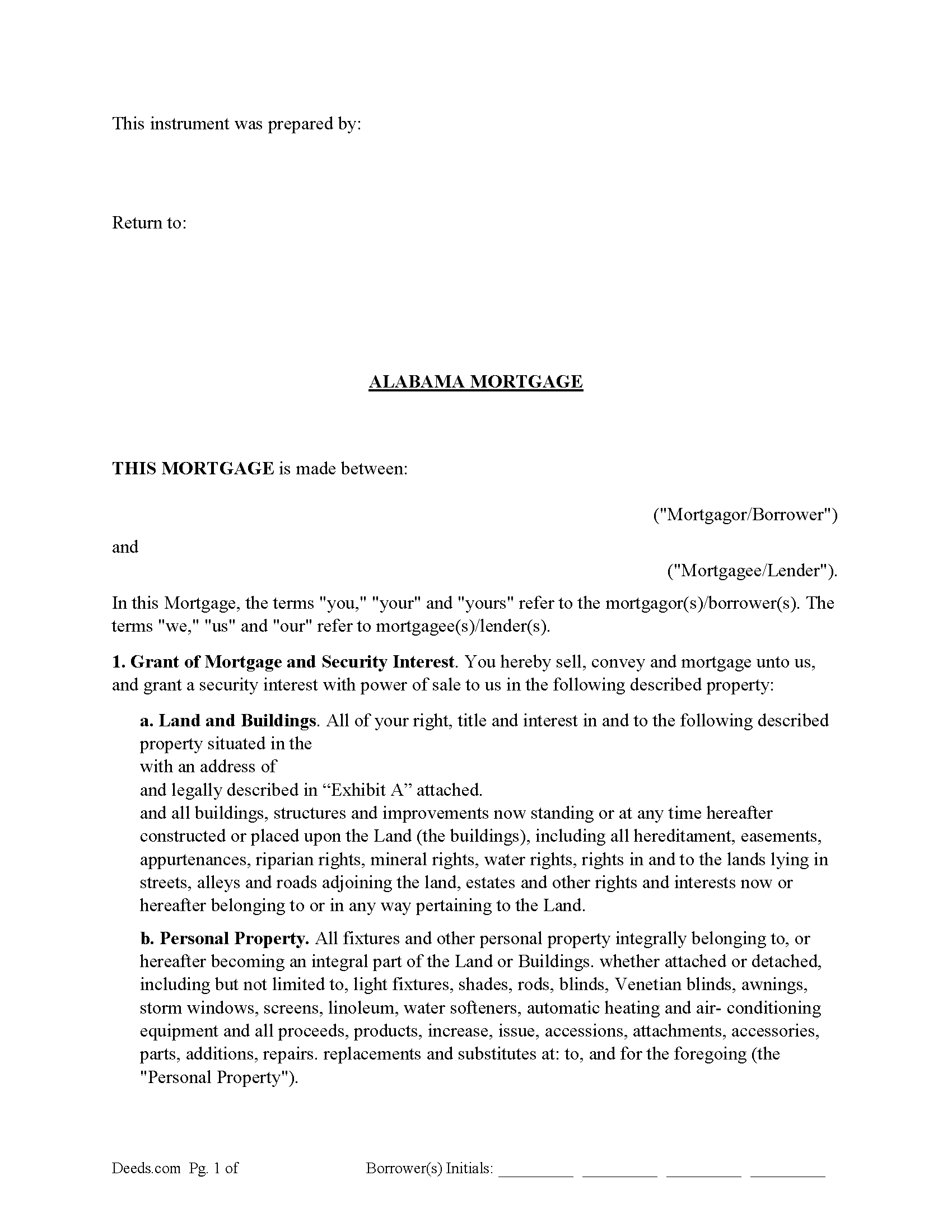
Bullock County Mortgage Form
Fill in the blank form formatted to comply with all recording and content requirements.
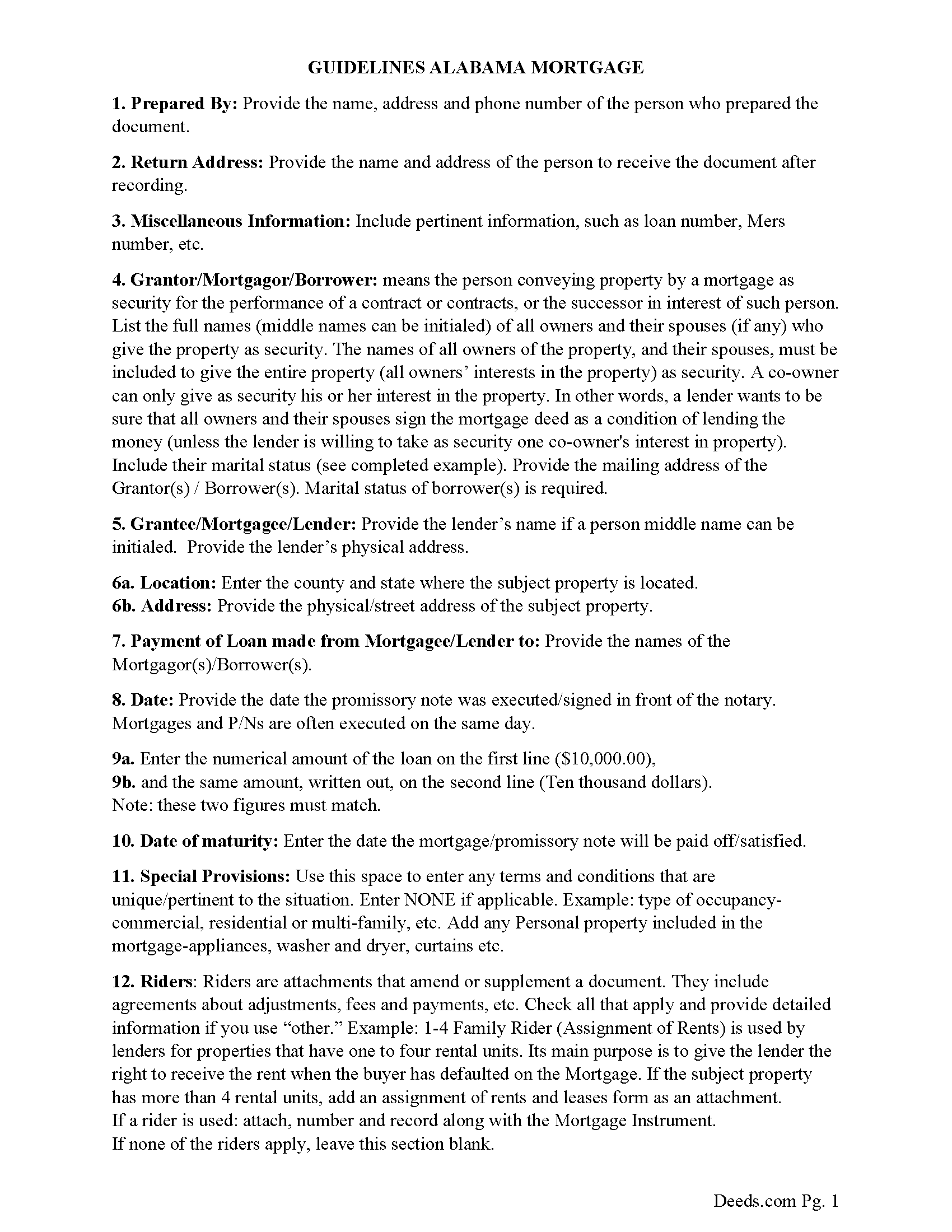
Bullock County Mortgage Guidelines
Line by line guide explaining every blank on the form.
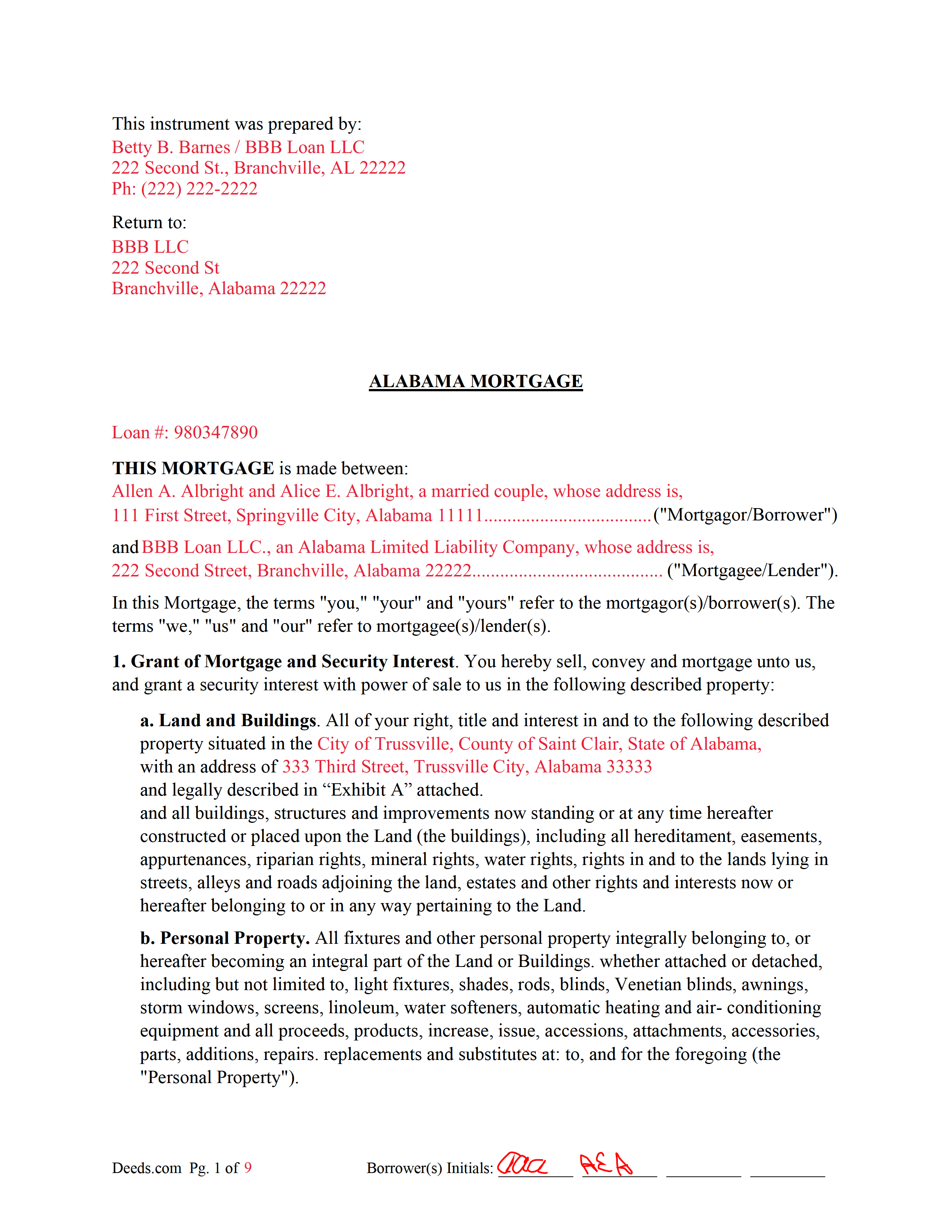
Bullock County Completed Example of the Mortgage Document
Example of a properly completed form for reference.
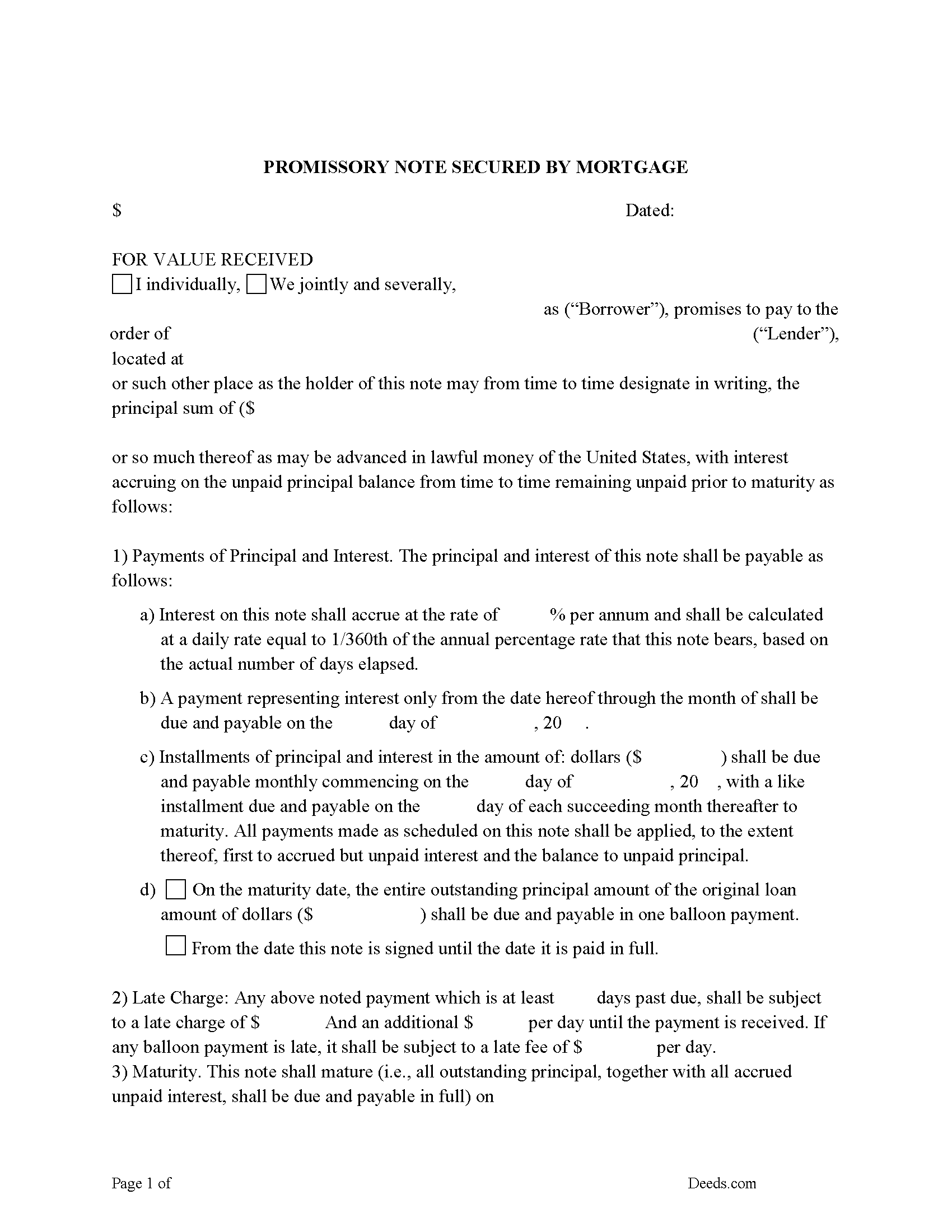
Bullock County Promissory Note Form
Note that is secured by the Mortgage. Can be used for traditional installments or balloon payment.
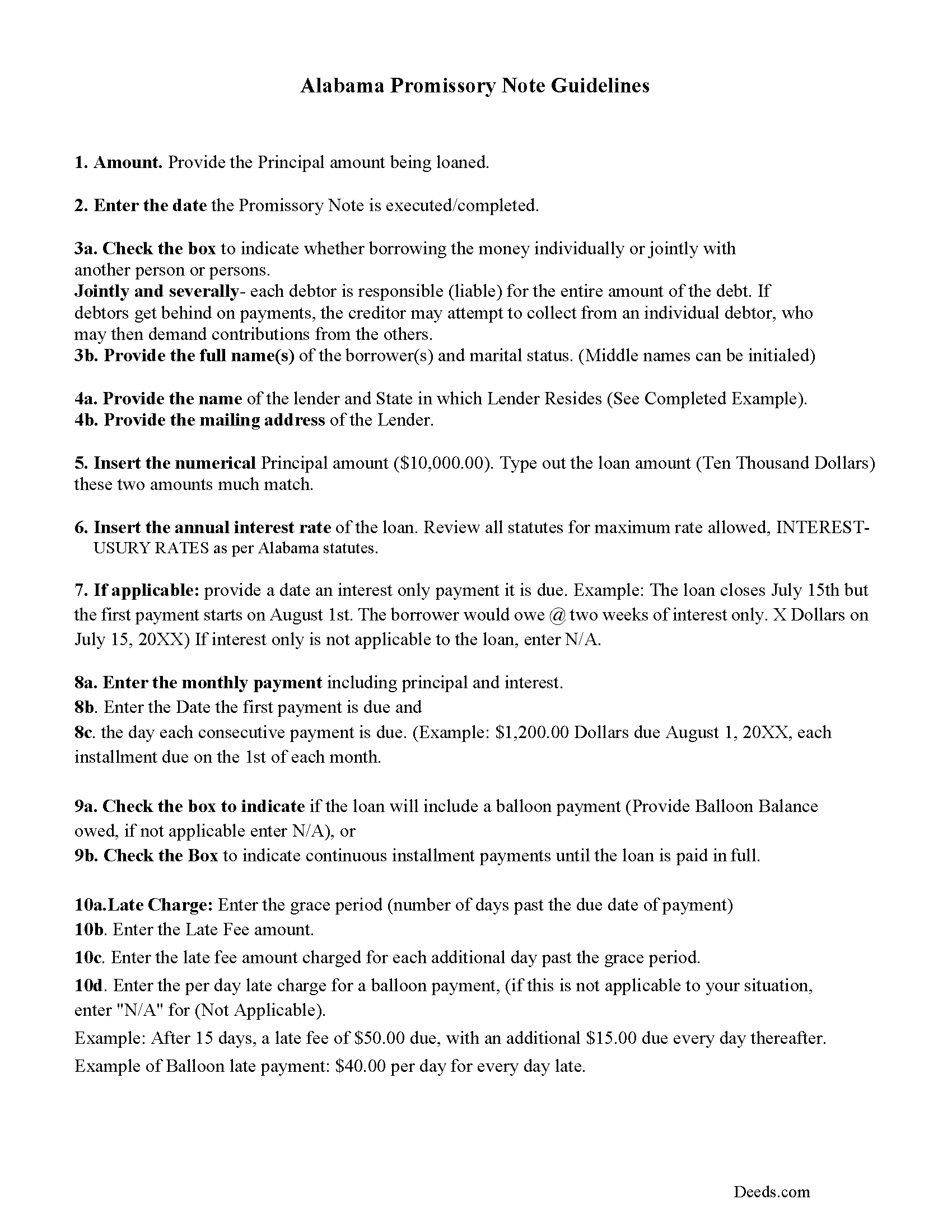
Bullock County Promissory Note Guidelines
Line by line guide explaining every blank on the form.
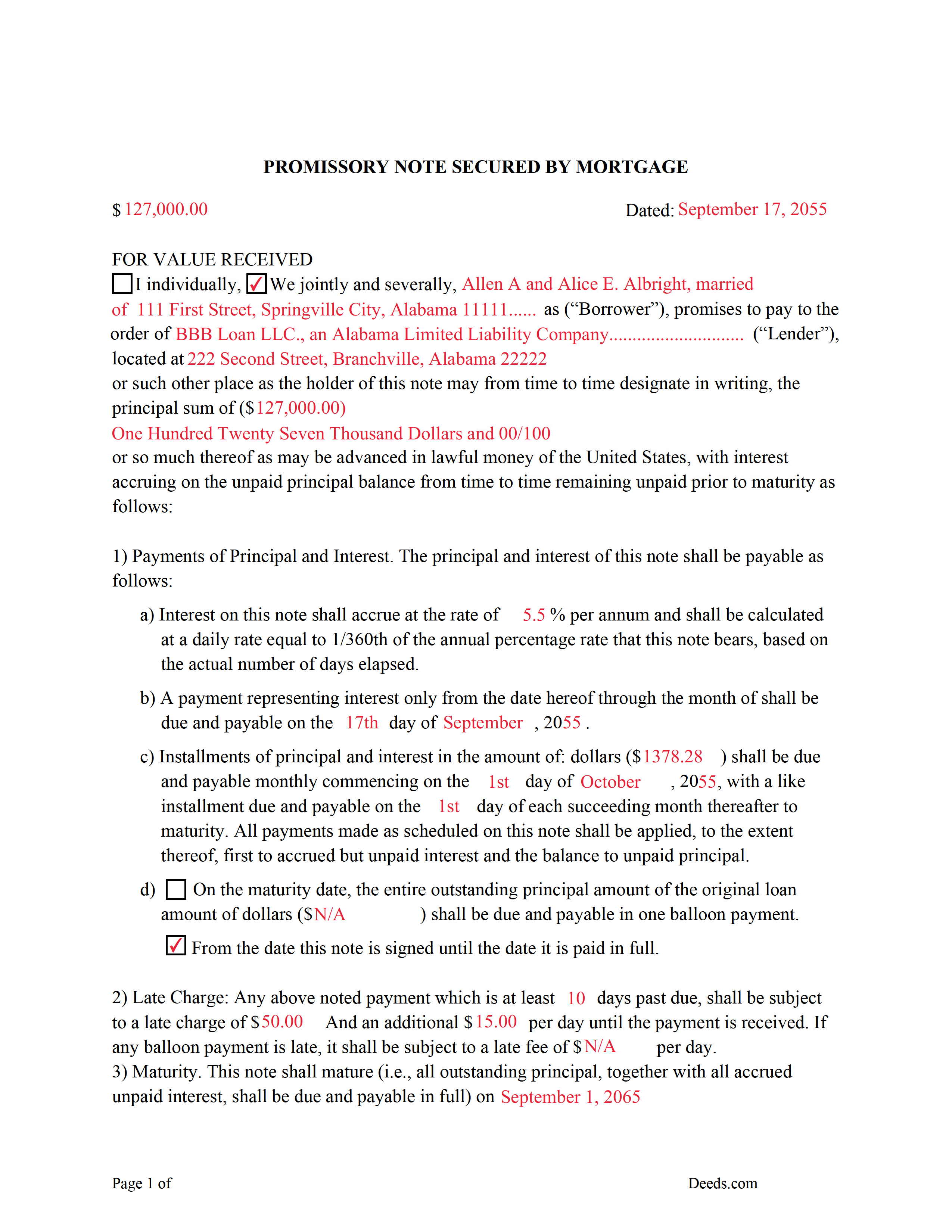
Bullock County Completed Example of the Promissory Note Document
Example of a properly completed form for reference.
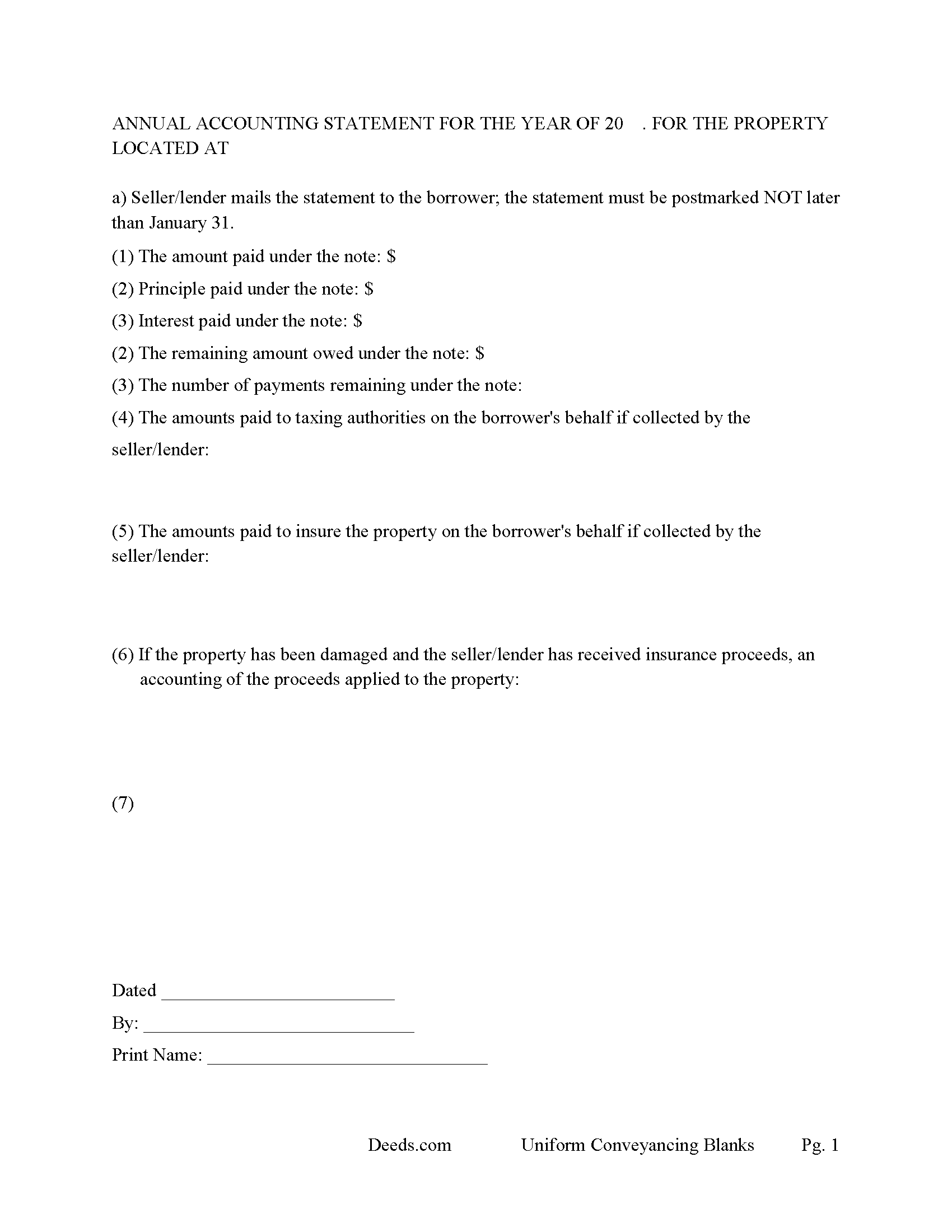
Bullock County Annual Accounting Statement Form
Mail to borrower for fiscal year reporting.
All 7 documents above included • One-time purchase • No recurring fees
Immediate Download • Secure Checkout
Additional Alabama and Bullock County documents included at no extra charge:
Where to Record Your Documents
Bullock County Probate Office
Union Springs, Alabama 36089
Hours: 8:30 to 4:30 M-F
Phone: (334) 738-2250
Recording Tips for Bullock County:
- Bring your driver's license or state-issued photo ID
- Ensure all signatures are in blue or black ink
- White-out or correction fluid may cause rejection
- Ask about their eRecording option for future transactions
- Avoid the last business day of the month when possible
Cities and Jurisdictions in Bullock County
Properties in any of these areas use Bullock County forms:
- Fitzpatrick
- Midway
- Perote
- Union Springs
Hours, fees, requirements, and more for Bullock County
How do I get my forms?
Forms are available for immediate download after payment. The Bullock County forms will be in your account ready to download to your computer. An account is created for you during checkout if you don't have one. Forms are NOT emailed.
Are these forms guaranteed to be recordable in Bullock County?
Yes. Our form blanks are guaranteed to meet or exceed the applicable formatting requirements used for recording in Bullock County, including margin requirements, font requirements, and other layout standards. This guarantee applies to formatting, not to the legal sufficiency of information entered by the user or the suitability of a form for a particular transaction.
Can I reuse these forms?
Yes. You can reuse the forms for your personal use. For example, if you have multiple properties in Bullock County you only need to order once.
What do I need to use these forms?
The forms are PDFs that you fill out on your computer. The free Adobe Acrobat Reader is recommended, and most PDF apps also work. You do NOT enter your property information online - you download the blank forms and complete them privately on your own computer.
Are there any recurring fees?
No. This is a one-time purchase. Nothing to cancel, no memberships, no recurring fees.
How much does it cost to record in Bullock County?
Recording fees in Bullock County vary. Contact the recorder's office at (334) 738-2250 for current fees.
Questions answered? Let's get started!
An Alabama Mortgage is the primary security instrument used to finance real property in Alabama, tying a borrower’s repayment obligation to the property itself and creating a recorded lien in favor of the lender. What makes the Alabama mortgage different is how it is treated under state law: it operates as a security instrument tied to a separate promissory note, is recorded in the county probate system, and commonly includes a power of sale clause that allows non-judicial foreclosure. If the mortgage is not properly executed and recorded under Alabama requirements, the lender’s lien position—and the borrower’s title—can be compromised. :contentReference[oaicite:0]{index=0}
What the Alabama Mortgage does
An Alabama Mortgage secures repayment of a loan by placing a lien against the property. The borrower signs both the mortgage (the security instrument) and a promissory note, which contains the actual repayment terms. The borrower typically takes possession and uses the property, while the mortgage creates the lender’s enforceable interest until the debt is paid. Once satisfied, the mortgage is released and removed from the public record. :contentReference[oaicite:1]{index=1}
Alabama statutory framework and mortgage structure
Alabama mortgage law is governed primarily under Title 35, Chapter 10 of the Code of Alabama. The mortgage itself is not a standalone loan document—it works together with the promissory note, which defines the debt and repayment terms. Alabama does not prescribe a single statutory form for mortgages, but the instrument must contain sufficient information to identify the parties, the obligation, and the property being used as collateral. :contentReference[oaicite:2]{index=2}
Most Alabama mortgages include a power of sale provision, which allows the lender to foreclose without filing a court action if the borrower defaults (Ala. Code § 35-10-1). This non-judicial foreclosure framework is a key distinction in Alabama and affects how lenders enforce their rights.
Execution requirements for an Alabama mortgage
To be recordable, an Alabama Mortgage must be signed by each borrower and executed in compliance with state law. Alabama requires that conveyances affecting land be attested by at least one witness if the signer writes his or her name, unless the document is properly acknowledged before a notary public (Ala. Code § 35-4-20). A proper acknowledgment satisfies the statutory requirement for recording (Ala. Code § 35-4-23).
For homestead property—generally a single-family owner-occupied dwelling—Alabama requires the voluntary signature and assent of the spouse, even if the spouse is not a borrower (Ala. Code § 6-10-3). This is a critical execution requirement that differs from many states and must be addressed before recording.
Alabama-specific traps that cause recording or title problems
- Homestead spousal signature: Failure to obtain the spouse’s signature on a homestead mortgage can render the lien defective or unenforceable (Ala. Code § 6-10-3).
- Marital-status recital: Alabama requires the marital status of the conveying party to be stated before recording (Ala. Code § 35-4-73).
- Preparer identification: The mortgage must include the name and address of the preparer (Ala. Code § 35-4-110).
- Legal description accuracy: The property description must be complete and consistent with recorded deeds. If referencing a subdivision, proper plat information must be included (Ala. Code § 35-4-74).
- Power of sale implications: Alabama mortgages commonly include a power of sale clause, allowing non-judicial foreclosure. The terms of this clause directly affect enforcement rights (Ala. Code § 35-10-1).
- Exact name matching: Borrower names must match existing title records. Errors can cause indexing problems or delays in future transactions.
- Riders and attachments: If the mortgage includes riders or additional terms, they must be clearly identified and attached to avoid incomplete recording.
Recording process in Alabama
The Alabama Mortgage is recorded with the Judge of Probate in the county where the property is located. Recording establishes the lender’s lien in the public record and determines priority against other claims under Alabama’s race-notice system (Ala. Code § 35-4-90). Once recorded, the mortgage becomes part of the property’s title history and will be reviewed in any future sale or refinance.
Recording fees apply, and Alabama imposes recordation taxes on mortgages under Title 40, Chapter 22. The probate office calculates the applicable tax based on the amount secured and collects it at the time of recording.
Vesting considerations in Alabama
The mortgage must reflect the current ownership structure of the property. Alabama does not presume survivorship in co-ownership unless expressly stated in the creating instrument (Ala. Code § 35-4-7). Ensuring that all owners of record properly execute the mortgage helps maintain a clear chain of title and enforceable lien.
What is included in the download package
The Alabama Mortgage package includes the mortgage form, detailed instructions, and a completed example, along with guidance for completing a secured promissory note. It is designed for Alabama use and addresses probate recording requirements, acknowledgment or witness compliance, homestead spousal signatures, preparer identification, and proper property description formatting.
Important: Your property must be located in Bullock County to use these forms. Documents should be recorded at the county recording office listed above.
This Mortgage meets all recording requirements specific to Bullock County.
Our Promise
The documents you receive here are guaranteed to meet or exceed the applicable Bullock County recording format requirements. If there is a rejection caused by our formatting, we will correct the issue or refund your payment. This guarantee applies to document formatting only and does not extend to information entered by the user, the selection of the form, or the legal effect of the completed document.
Save Time and Money
Get your Bullock County Mortgage form done right the first time with Deeds.com Uniform Conveyancing Blanks. At Deeds.com, we understand that your time and money are valuable resources, and we don't want you to face a penalty fee or rejection imposed by a county recorder for submitting nonstandard documents. We constantly review and update our forms to meet rapidly changing state and county recording requirements for roughly 3,500 counties and local jurisdictions.
4.8 out of 5 - ( 4,837 Reviews )
Russell B. 5 out of 5 stars
complete package as promised at a very reasonable cost. Easy forms to complete. Thank you. Definitely 5 stars!!!
Thank you for your feedback. We really appreciate it. Have a great day!
Georgette S. 5 out of 5 stars
Very easy form to us. Instructions very good.
Thank you!
Eva S. 5 out of 5 stars
I was able to download the forms and I needed and fill out quickly. There were examples to review if I needed any assistance. I would recommend this site to anyone.
We are delighted to have been of service. Thank you for the positive review!
Carleton G. 5 out of 5 stars
I found everything I needed. Very easy to use. I am very satisfied.
We appreciate your business and value your feedback. Thank you. Have a wonderful day!
Kris S. 5 out of 5 stars
Being a real estate agent I know just enough about legal documents to get in trouble. Thankfully the pros here know what they are doing.
Thank you for your feedback. We really appreciate it. Have a great day!
Kitty H. 5 out of 5 stars
I have had it reviewed by a mortgage broker and a title manager and both said it was done correctly! Your product and the instructions are what made this possible. It took me several hours as I continued to review your information. I just finished printing and ready to file. Yeah! Thanks! Highly recommend the product!
We appreciate your business and value your feedback. Thank you. Have a wonderful day!
Pat K. 5 out of 5 stars
It has been very easy. Like that the recording is so fast.
Thank you for your feedback. We really appreciate it. Have a great day!
Anne H. 5 out of 5 stars
After some initial general confusion -- (we sold a small piece of land privately and therefore do not typically prepare such documentation (!)) -- we were able to purchase and download all forms from Deeds.com and understand how to complete it/them. The help is all there, we just needed to read and study it - the "Example" helped alot. We were able to complete the Document per your online form(s) and then take it to be signed/notarized - and take the completed paper document to the Registry -- and it is now all registered and we are All Set. Took the morning (only). THANK YOU. A wonderful tool!!
We appreciate your business and value your feedback. Thank you. Have a wonderful day!
Marlene B. 4 out of 5 stars
I appreciated the fact that the forms were by Texas County and I knew I had the right form. The form were fairly easy to complete. I had trouble completing the form because the property description was long and kept disappearing and I had to re-type. It would also have helped it I could have saved and not had to start over every time.
Your satisfaction with our services is of utmost importance to us. Thank you for letting us know how we did!
Michael M. 5 out of 5 stars
My sale is a land contract and it is complicated. We were thinking we'd have to get an attorney. Your site is very thorough and helpful. We will still have an attorney look over our final papers --and we are still waiting on my deed from the bank to finalize our input. Had several questions, but they seemed to be answered as I went along. The actual process of downloading and saving and having a link went very smoothly. Thank you.
We appreciate your business and value your feedback. Thank you. Have a wonderful day!
albert C. 5 out of 5 stars
thumbs up
Thank you!
Sharon B. 5 out of 5 stars
Easy to use, download, . Would use again.
Thank you for your kind words and for choosing us.
Gail W. 5 out of 5 stars
Deeds.com had the forms I needed, along with completed examples. Fast download. Easy to use site. Thanks!
Thank you!
Timothy K. 5 out of 5 stars
Great company to work with, quick responses.
We appreciate your business and value your feedback. Thank you. Have a wonderful day!
HELENA M. 5 out of 5 stars
Quick, super easy and very reasonable charge!!
Thank you for your feedback. We really appreciate it. Have a great day!