Cullman County Notice of Unpaid Balance Lien Form
Last validated August 21, 2026 by our Forms Development TeamFormatted for recording in Cullman County, for property anywhere in the county: rural and unincorporated areas as well as Baileyton, Bremen, Crane Hill, Cullman, Garden City, Hanceville, Holly Pond, Joppa and 2 more.
- 3 documents included
- Immediate PDF download
- Formatting guarantee
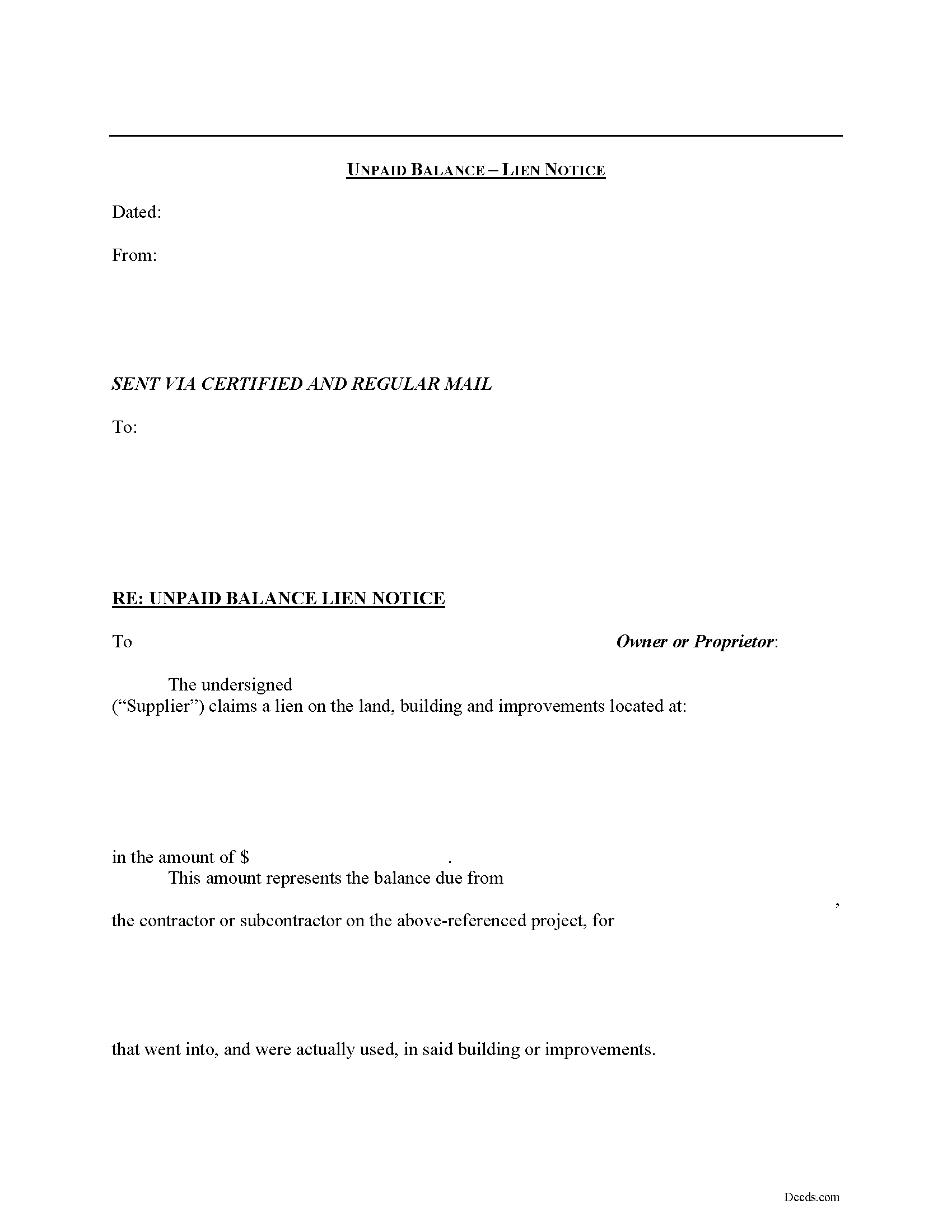
Cullman County Notice of Unpaid Balance Lien Form
Fill in the blank Notice of Unpaid Balance Lien form formatted to comply with all Alabama recording and content requirements.
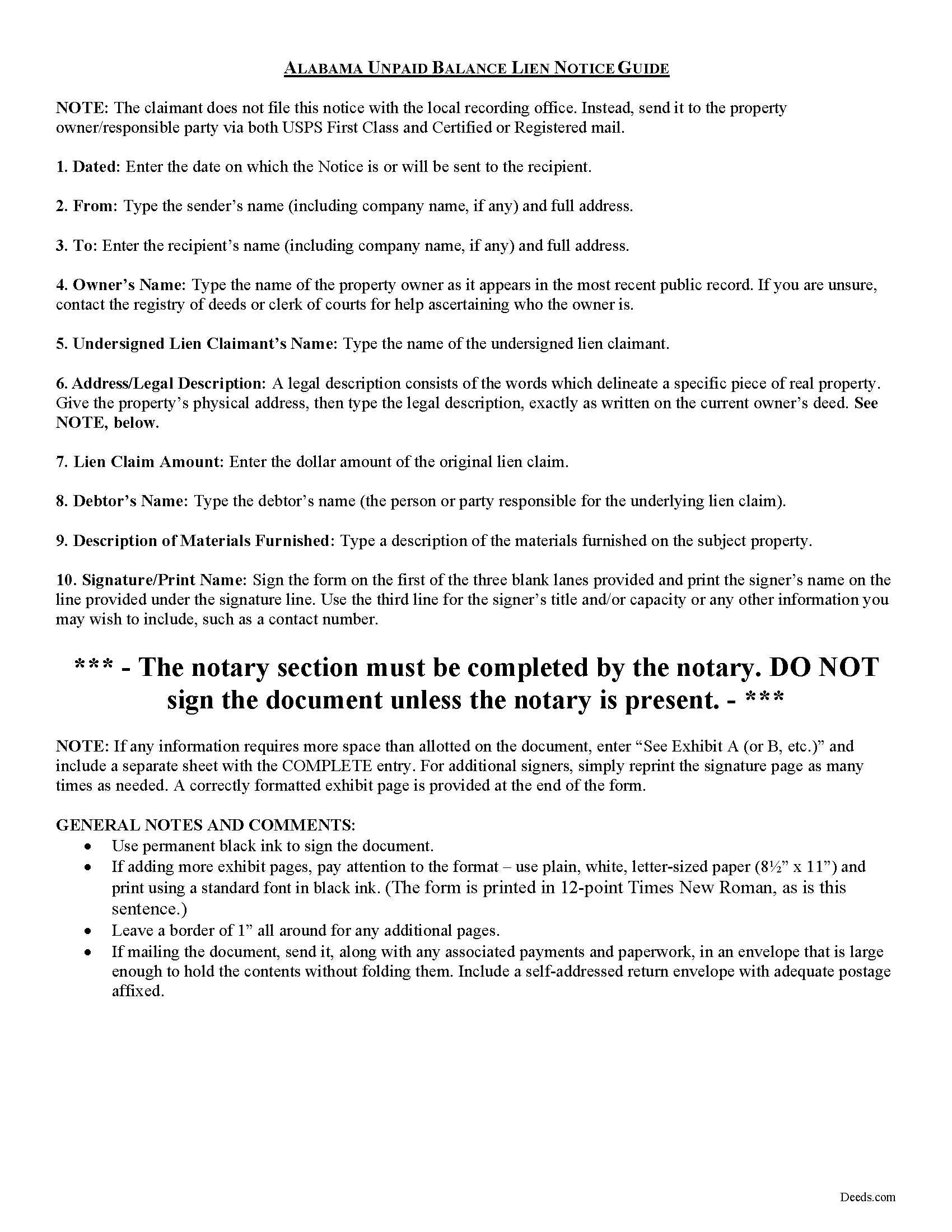
Cullman County Notice of Unpaid Balance Lien Guide
Line by line guide explaining every blank on the form.
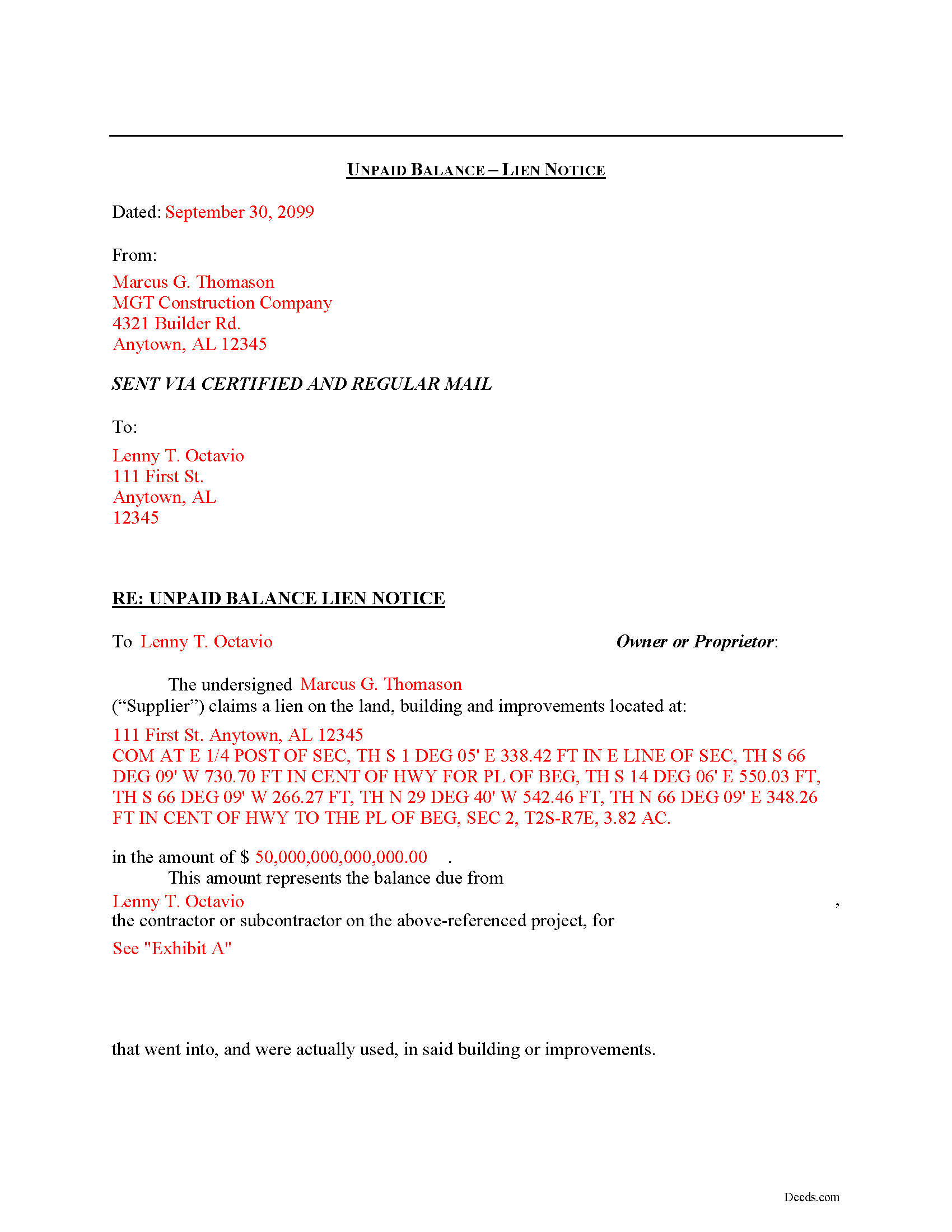
Cullman County Completed Example of the Notice of Unpaid Balance Lien Document
Example of a properly completed form for reference.
All 3 documents above included • One-time purchase • No recurring fees
Immediate Download • Secure Checkout
Additional Alabama and Cullman County documents included at no extra charge:
Where to Record Your Documents
Probate Office: Recording Division
Cullman, Alabama 35055 / 35056-0970
Hours: 8:00 to 4:30 M-F
Phone: (256) 775-4808
Recording Tips for Cullman County:
- Bring your driver's license or state-issued photo ID
- Ensure all signatures are in blue or black ink
- Bring extra funds - fees can vary by document type and page count
- Check margin requirements - usually 1-2 inches at top
- Leave recording info boxes blank - the office fills these
Cities and Jurisdictions in Cullman County
Properties in any of these areas use Cullman County forms:
- Baileyton
- Bremen
- Crane Hill
- Cullman
- Garden City
- Hanceville
- Holly Pond
- Joppa
- Logan
- Vinemont
Hours, fees, requirements, and more for Cullman County
How do I get my forms?
Forms are available for immediate download after payment. The Cullman County forms will be in your account ready to download to your computer. An account is created for you during checkout if you don't have one. Forms are NOT emailed.
Are these forms guaranteed to be recordable in Cullman County?
Yes. Our form blanks are guaranteed to meet or exceed the applicable formatting requirements used for recording in Cullman County, including margin requirements, font requirements, and other layout standards. This guarantee applies to formatting, not to the legal sufficiency of information entered by the user or the suitability of a form for a particular transaction.
Can I reuse these forms?
Yes. You can reuse the forms for your personal use. For example, if you have multiple properties in Cullman County you only need to order once.
What do I need to use these forms?
The forms are PDFs that you fill out on your computer. The free Adobe Acrobat Reader is recommended, and most PDF apps also work. You do NOT enter your property information online - you download the blank forms and complete them privately on your own computer.
Are there any recurring fees?
No. This is a one-time purchase. Nothing to cancel, no memberships, no recurring fees.
How much does it cost to record in Cullman County?
Recording fees in Cullman County vary. Contact the recorder's office at (256) 775-4808 for current fees.
Questions answered? Let's get started!
Declaring an Unpaid Balance Lien in Alabama
Unpaid balance liens are used by material suppliers on a construction job. The term "material suppliers" refers to those parties who furnish materials incorporated in the building or improvement on the subject property.
Employees of the contractor or persons furnishing material to him or her, shall have a lien that extends only to the amount of any unpaid balance due to the contractor by the owner or proprietor, and the employees and materialmen shall also have a lien on the unpaid balance. See Ala. Code Ann. 35-11-210.
The unpaid balance lien notice contains the names of the lien claimant and property owner, as well as a description of the owner's property and of the materials furnished, and the claimed price amount. The notice should be sent to the owner of the property and any other interested party by both regular and certified mail to ensure delivery.
This article is provided for informational purposes only and should not be relied upon as a substitute for the advice from a licensed attorney. Please contact an Alabama attorney for any questions regarding mechanic's liens.
Important: Your property must be located in Cullman County to use these forms. Documents should be recorded at the county recording office listed above.
This Notice of Unpaid Balance Lien meets all recording requirements specific to Cullman County.
Our Promise
The documents you receive here are guaranteed to meet or exceed the applicable Cullman County recording format requirements. If there is a rejection caused by our formatting, we will correct the issue or refund your payment. This guarantee applies to document formatting only and does not extend to information entered by the user, the selection of the form, or the legal effect of the completed document.
Save Time and Money
Get your Cullman County Notice of Unpaid Balance Lien form done right the first time with Deeds.com Uniform Conveyancing Blanks. At Deeds.com, we understand that your time and money are valuable resources, and we don't want you to face a penalty fee or rejection imposed by a county recorder for submitting nonstandard documents. We constantly review and update our forms to meet rapidly changing state and county recording requirements for roughly 3,500 counties and local jurisdictions.
4.8 out of 5 - ( 4,829 Reviews )
Kay G. 5 out of 5 stars
Found just the form I was looking for. It was an easy download process. Now just have to complete the forms!
Thank you for your feedback Kay, we really appreciate it.
Joel M. 5 out of 5 stars
Very easy and efficient. The team was quick to respond when I had questions and made it very simple.
We are delighted to have been of service. Thank you for the positive review!
John N. 5 out of 5 stars
Very easy to navigate.
Thank you!
Susan S. 5 out of 5 stars
Very quick, easy and readily available forms. No wait, no advertisements, no pressure to purchase MORE. I expected to only get part of the information I needed, and for there to be a hidden cost to get the complete package, but surprisingly, I got immediate access to all the forms I ordered, AND THERE WERE NO ADDITIONAL HIDDEN COSTS! How refreshing!
Thank you Susan, we really appreciate your feedback.
Will O. 5 out of 5 stars
Saved me so much time and $!!
Thank you!
Michael L. G. 5 out of 5 stars
Thank you, Deed.com provided the needed forms to change county and state information after the passing of my father, saved me a trip to law office, especially after the lawyers would not return my calls, so I would recommend you check Deed.com for information, saved my family money for lawyer fees, would use Deed.com again. Mike
Thank you for your feedback. We really appreciate it. Have a great day!
Douglas C. 5 out of 5 stars
Excellent website with examples on how to fill out forms. Even better was the help from the office of the county clerk. I called them twice and they were extremely helpful on how to fill out the forms. Kudos to them!!!
Thank you for your feedback. We really appreciate it. Have a great day!
Luis C. 5 out of 5 stars
Excellent forms but the instructions are not to clear.
Thank you for your feedback. We really appreciate it. Have a great day!
Ronene T. 5 out of 5 stars
I cannot believe how fast your service is! Thank you!
Thank you!
Clarence O. 5 out of 5 stars
Very easy process to record a Quit Claim Deed. Would definitely recommend!
Thank you!
A. S. 3 out of 5 stars
First, I am glad that you gave a blank copy, an example copy, and a 'guide'. It made it much easier to do. Overall I was very happy with your products and organization... however, things got pretty confusing and I have a pretty 'serious' law background in Real Estate and Civil law. With that said, I spent about 10+ hours getting my work done, using the Deed of Trust and Promissory note from you and there were a few problems: First, it would be FANTASTIC if you actually aligned your guide to actually match the Deed or Promissory Note. What I mean is that if the Deed says 'section (E)' then your guide shouldn't be 'randomly' numbered as 1,2,3, for advice/instructions, but should EXACTLY match 'section (E)'. Some places you have to 'hunt' for what you are looking for, and if you did it based on my suggestion, you wouldn't need to 'hunt' and it would avoid confusion. 2nd: This one really 'hurt'... you had something called the 'Deed of Trust Master Form' yet you had basically no information on what it was or how to use it. The only information you had was a small section at the top of the 'Short Form Deed of Trust Guide'. Holy Cow, was that 'section' super confusing. I still don't know if I did it correctly, but your guide says only put a return address on it and leave the rest of the 16 or so page Deed of Trust beneath it blank... and then include your 'Deed of Trust' (I had to assume the short form deed that I had just created) as part of it. I had to assume that I had to print off the entire 17 page or so title page and blank deed. I also had to assume that the promissory note was supposed to be EXHIBIT A or B on the Short Form Deed. It would be great if someone would take a serious look at that short section in your 'Short Form Deed of Trust Guide' and realize that those of us using your products are seriously turning this into a county clerk to file and that most of us, probably already have a property that has an existing Deed... or at least can find one in the county records if necessary... and make sure that you make a distinction between the Deed for the property that already exists, versus the Deed of Trust and Promissory note that we are trying to file. Thanks.
Thank you for your feedback. We'll have staff review the document for clarity. Have a great day!
Steve R. 5 out of 5 stars
Hopefully filling out and filing the paperwork is as easy as this was.
Thank you for your feedback. We really appreciate it. Have a great day!
Debra K. 5 out of 5 stars
Very happy with forms downloaded. Well worth the price. Could not find them anywhere else on the web. Also had easy to understand instructions and a demo form as a guide
Thank you Debra, we appreciate your feedback. Have a wonderful day!
Leslie P. 5 out of 5 stars
Fantastic deed forms, formatting was spot on, nice not to have to worry about it considering how picky our clerk is. Great job you guys and gals!
Thank you for the kind words Leslie!
Daniel B. 5 out of 5 stars
The staff at Deeds.com was very patient and ensured the deed was in the correct format for recording. Had I tried to record it myself, it would have been rejected, as I did not have the home address for the 2 witnesses. I would definitely recommend deeds.com
Thanks for the kind words, Daniel. Witness address requirements catch a lot of people off guard. Glad we could get everything squared away before it hit the recorder's desk. We appreciate the recommendation.