Little River County Assignment of Mortgage or Deed of Trust Form
Last validated October 9, 2026 by our Forms Development TeamFormatted for recording in Little River County, for property anywhere in the county: rural and unincorporated areas as well as Alleene, Ashdown, Foreman, Ogden, Wilton, Winthrop.
- 6 documents included
- Immediate PDF download
- Formatting guarantee
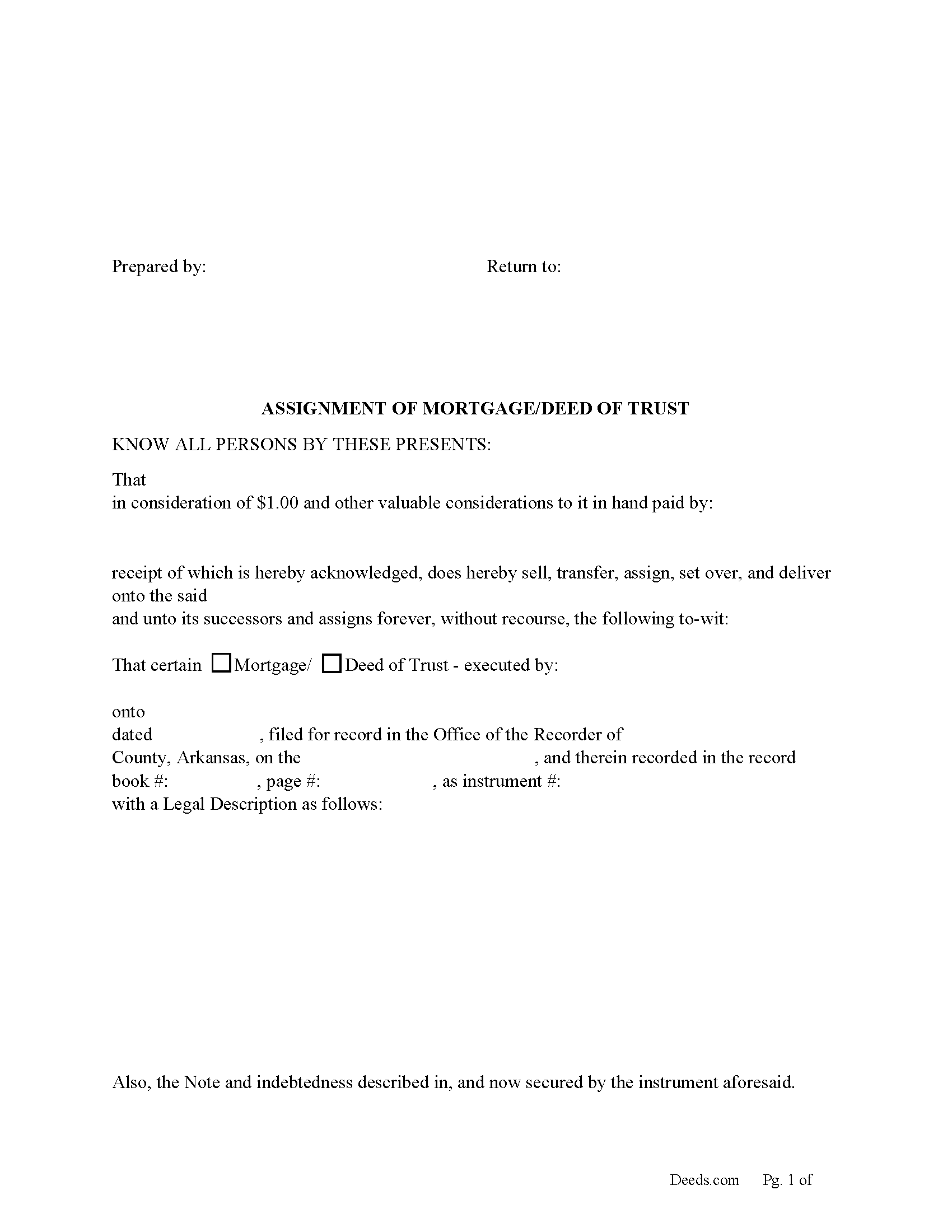
Little River County Assignment of Mortgage or Deed of Trust form
Fill in the blank form formatted to comply with all recording and content requirements.
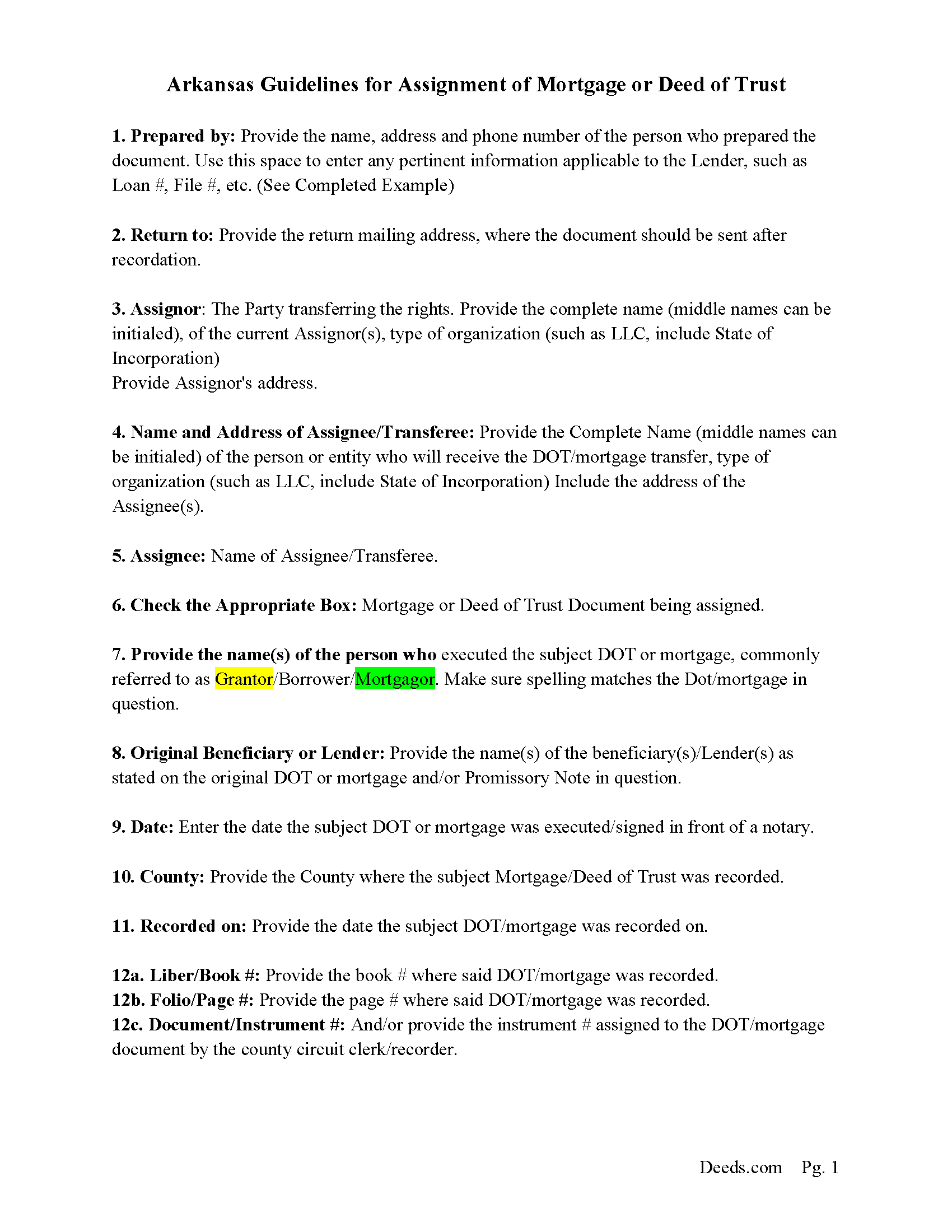
Little River County Assignment Guidelines
Line by line guide explaining every blank on the form.
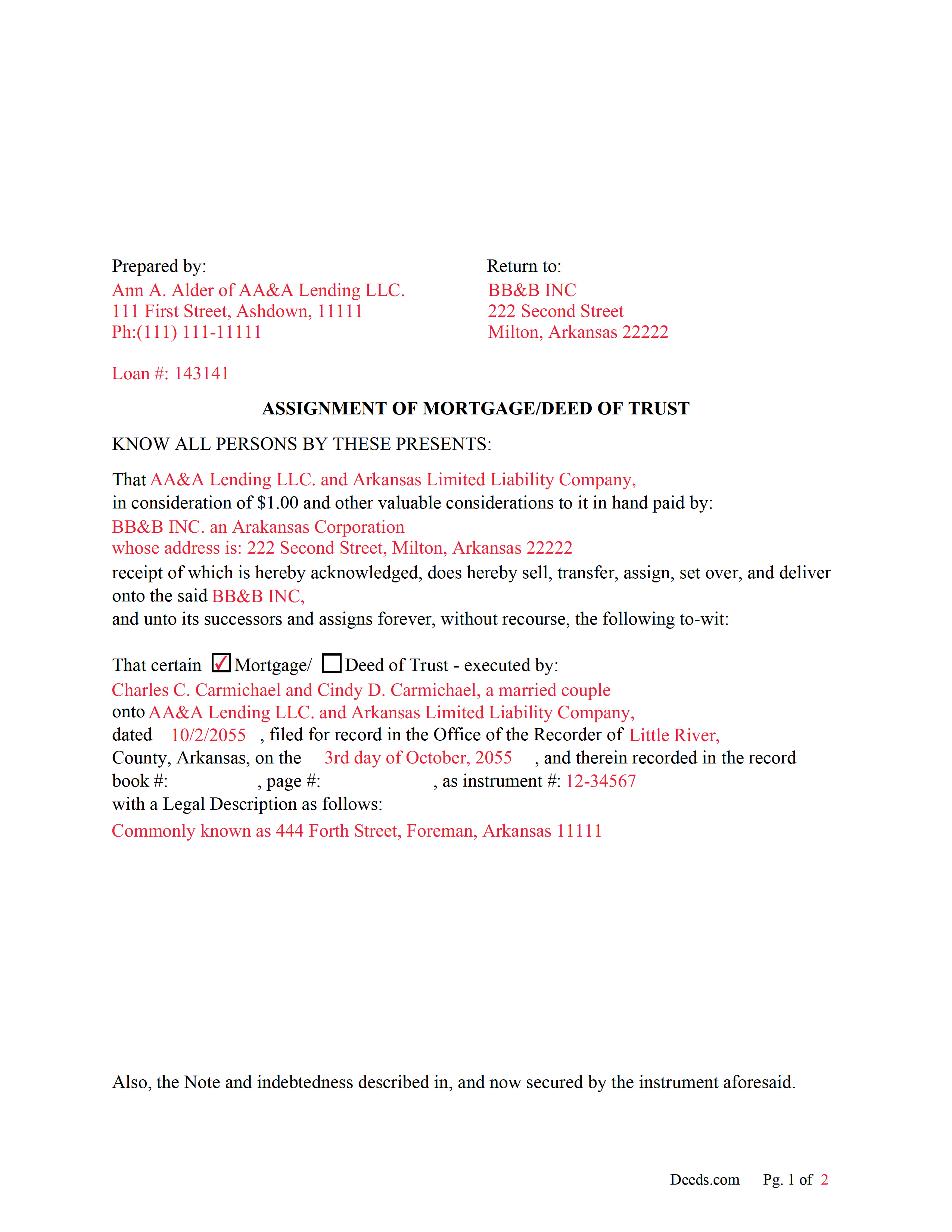
Little River County Completed Example of an Assignment Document
Example of a properly completed form for reference.
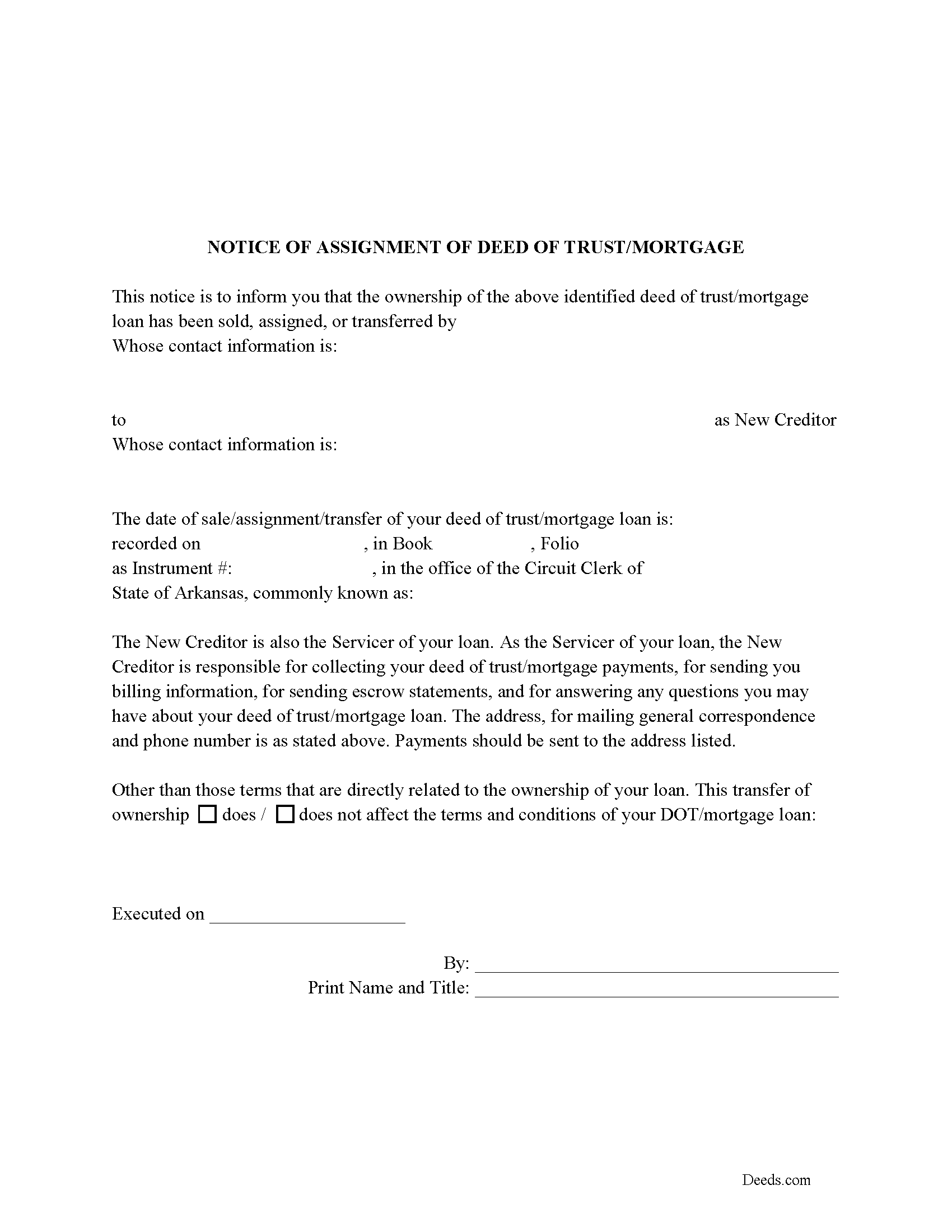
Little River County Notice of Assignment of Mortgage or DOT
Required form notifies borrowers of the recorded Assignment.
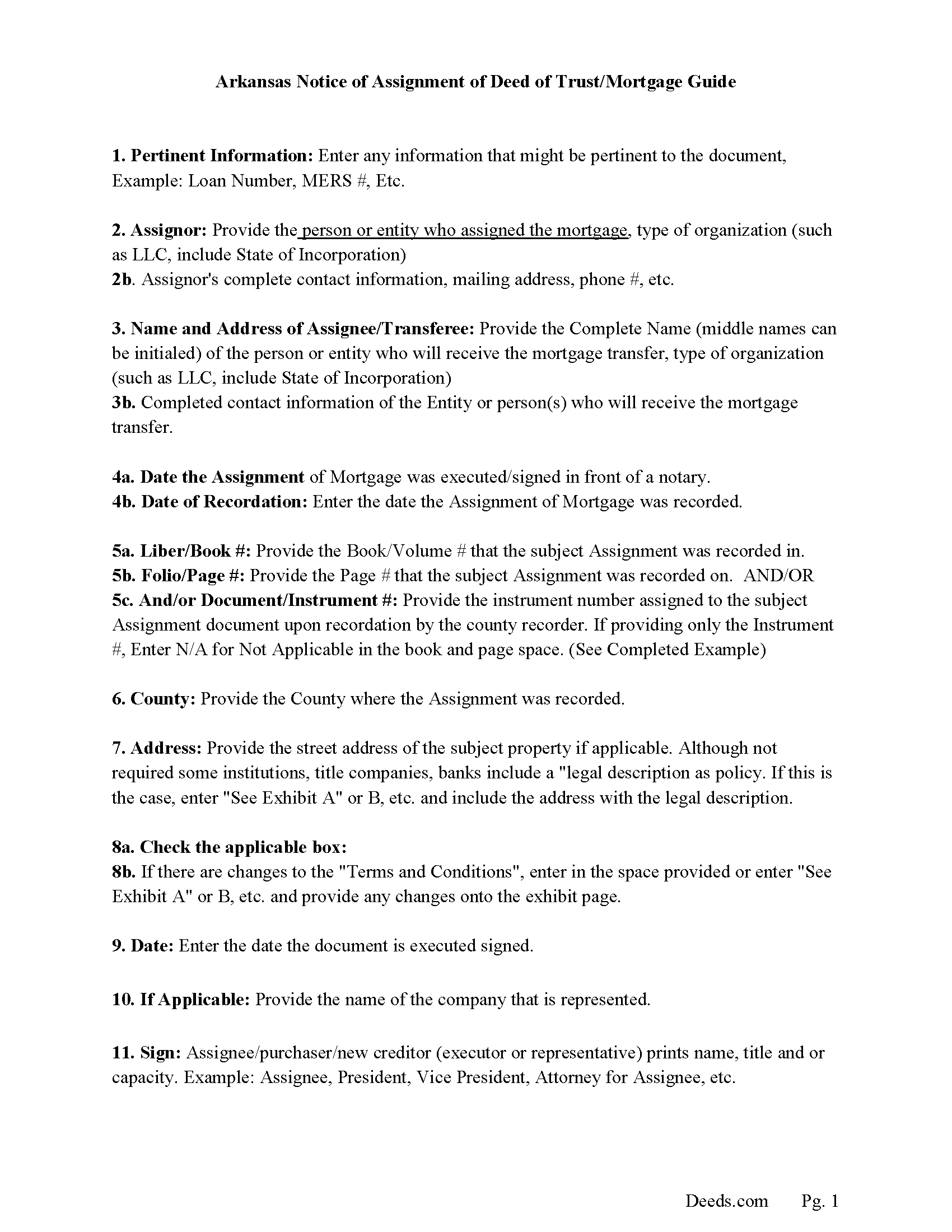
Little River County Notice of Assignment Guidelines
Line by line guide explaining every blank on the form.
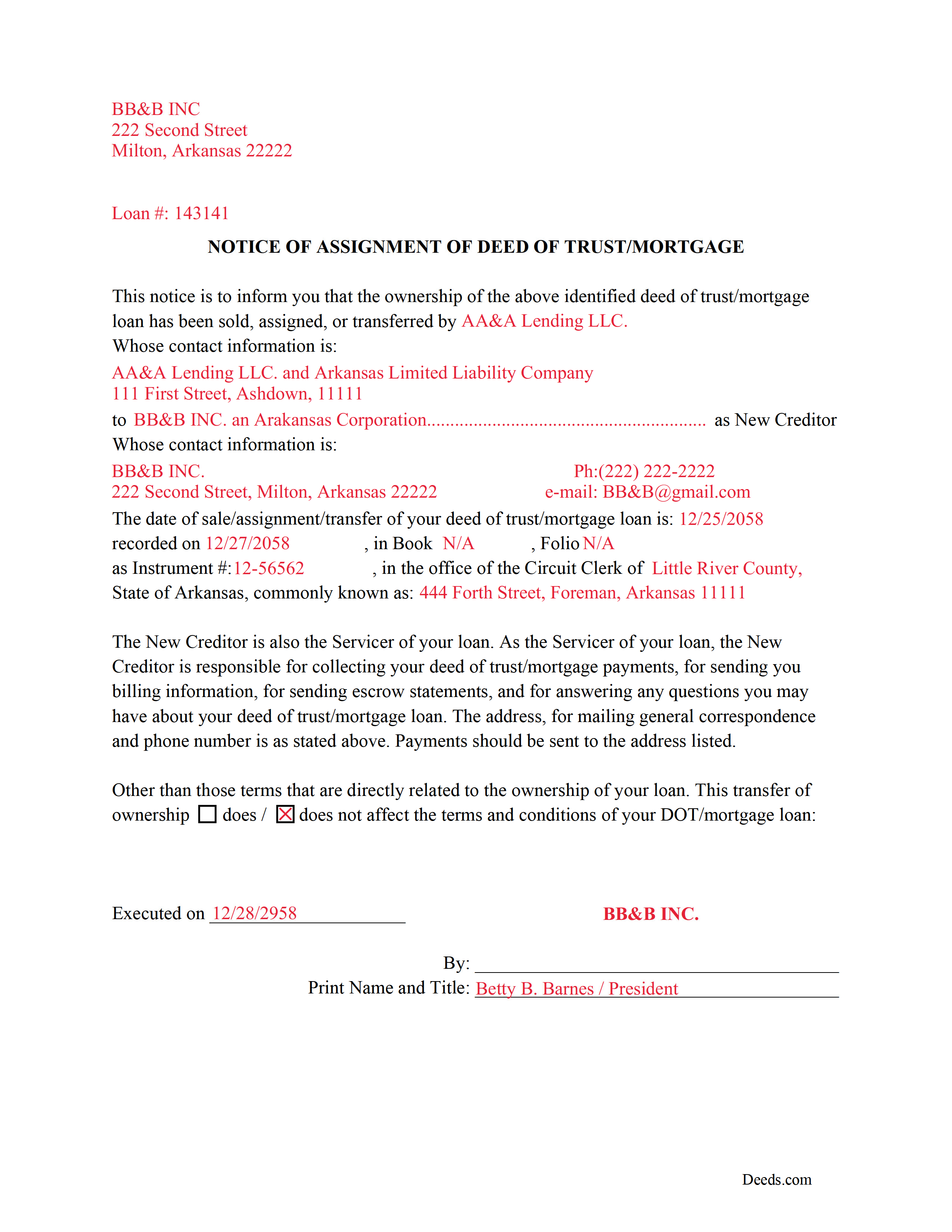
Little River County Completed Example of a Notice of Assignment Document
Example of a properly completed form for reference.
All 6 documents above included • One-time purchase • No recurring fees
Immediate Download • Secure Checkout
Additional Arkansas and Little River County documents included at no extra charge:
Where to Record Your Documents
Little River County Circuit Clerk
Ashdown, Arkansas 71822
Hours: 8:00am to 4:30pm M-F
Phone: (870) 898-7211
Recording Tips for Little River County:
- Bring your driver's license or state-issued photo ID
- Ensure all signatures are in blue or black ink
- Request a receipt showing your recording numbers
- Ask about accepted payment methods when you call ahead
- Ask for certified copies if you need them for other transactions
Cities and Jurisdictions in Little River County
Properties in any of these areas use Little River County forms:
- Alleene
- Ashdown
- Foreman
- Ogden
- Wilton
- Winthrop
Hours, fees, requirements, and more for Little River County
How do I get my forms?
Forms are available for immediate download after payment. The Little River County forms will be in your account ready to download to your computer. An account is created for you during checkout if you don't have one. Forms are NOT emailed.
Are these forms guaranteed to be recordable in Little River County?
Yes. Our form blanks are guaranteed to meet or exceed the applicable formatting requirements used for recording in Little River County, including margin requirements, font requirements, and other layout standards. This guarantee applies to formatting, not to the legal sufficiency of information entered by the user or the suitability of a form for a particular transaction.
Can I reuse these forms?
Yes. You can reuse the forms for your personal use. For example, if you have multiple properties in Little River County you only need to order once.
What do I need to use these forms?
The forms are PDFs that you fill out on your computer. The free Adobe Acrobat Reader is recommended, and most PDF apps also work. You do NOT enter your property information online - you download the blank forms and complete them privately on your own computer.
Are there any recurring fees?
No. This is a one-time purchase. Nothing to cancel, no memberships, no recurring fees.
How much does it cost to record in Little River County?
Recording fees in Little River County vary. Contact the recorder's office at (870) 898-7211 for current fees.
Questions answered? Let's get started!
Use these forms to assign/transfer a previously recorded mortgage or deed of trust onto a new party, this is frequently done when a mortgage/deed of trust has been sold.
Notice of Assignment Form Included.
The Truth and lending act requires that borrowers be notified when their Mortgage/Deed of Trust debt has been sold, transferred, or assigned to a new creditor.
Title 18 - Property
Subtitle 4 - Mortgages and Liens
Chapter 40 - Mortgages
18-40-109. Transfer, etc., by separate instrument
(a)
(1) No provision contained in 18-40-103, 18-40-106, 18-40-107, and this section shall prevent any mortgagee, trustee, agent of owner of record, or the owner of record, transferee, or assignee appearing of record, from selling, transferring, or assigning any deed of trust, mortgage, or vendor's lien retained in deed by separate instrument duly acknowledged and recorded.
(2) At the time of recording any separate instrument transferring any mortgage, deed of trust, vendor's lien, or lien retained in deed, note, bond, or other instrument, the clerk and ex officio recorder in the office in which the transfer or assignment shall appear shall note on the margin of the record of the original mortgage, deed of trust, or deed retaining vendor's lien a memorandum noting that the lien contained in the instrument, and the notes or other instruments evidenced thereby, have been transferred, to whom transferred, the date of the transfer, and the book and page where the separate instrument and transfer may be found.
(3) The failure of the clerk and ex officio recorder to make the marginal entry or notation shall not invalidate the sale, transfer, or assignment recorded as provided in this section.
(b)
(1) The clerks in counties which use other than paper recording systems shall not allow any assignment by marginal notation after December 31, 1995.
(2) Any such marginal notation entered after December 31, 1995, is void
(Arkansas Assignment Package includes form, guidelines, and completed example) For use in Arkansas only.
Important: Your property must be located in Little River County to use these forms. Documents should be recorded at the county recording office listed above.
This Assignment of Mortgage or Deed of Trust meets all recording requirements specific to Little River County.
Our Promise
The documents you receive here are guaranteed to meet or exceed the applicable Little River County recording format requirements. If there is a rejection caused by our formatting, we will correct the issue or refund your payment. This guarantee applies to document formatting only and does not extend to information entered by the user, the selection of the form, or the legal effect of the completed document.
Save Time and Money
Get your Little River County Assignment of Mortgage or Deed of Trust form done right the first time with Deeds.com Uniform Conveyancing Blanks. At Deeds.com, we understand that your time and money are valuable resources, and we don't want you to face a penalty fee or rejection imposed by a county recorder for submitting nonstandard documents. We constantly review and update our forms to meet rapidly changing state and county recording requirements for roughly 3,500 counties and local jurisdictions.
4.8 out of 5 - ( 4,828 Reviews )
Bea Lou H. 5 out of 5 stars
easy access and easy to find what I was looking for. Thank you
Thank you for your feedback. We really appreciate it. Have a great day!
Nicole w. 5 out of 5 stars
Awesome and very fast service!!!
Thank you!
Patrick U. 5 out of 5 stars
Great product. They processed and transmitted the deed promptly. A small question I had was answered quickly and professionally. I would use again if the need arises and will recommend to friends.
Your feedback is greatly appreciated. Thank you for taking the time to share your experience!
Kerry G. 5 out of 5 stars
Could not be happier with the deeds here. Long time customer and never had a problem, they always have the right documents for what I need.
Thank you for the kind words Kerry. Have a great day!
Jared D. 5 out of 5 stars
Yes it was awsome experience,thank you
Thank you!
Linda F. 5 out of 5 stars
I can't recommend working with Deeds.com enough. I had been given incorrect information from another document service. The helpful staff member at Deeds.com that assisted in the submission of the recording was exceptionally helpful in making sure what I was submitting included the necessary elements required by the county. I am very thankful I chose Deeds.com for my eRecording service. Thank you!!
Thank you, Linda! We’re so glad our team could assist in making sure your submission met the county’s requirements. It means a lot that you chose Deeds.com after a frustrating experience elsewhere. We appreciate your trust and kind words!
JOSE M. 5 out of 5 stars
Excellent Website.
Thank you!
Cherene K. 4 out of 5 stars
The process was easy and reasonable. My only problem was that, when I filled out my form on the computer, the writing I did overlapped with the pre-written words on the form, so that I had to end up doing it by hand. I've used DEEDS before and have not had that problem.
Thank you for your feedback Cherene. We've emailed you for some followup regarding the issue you reported.
Fredrick Z. 5 out of 5 stars
So happy to be able to track down where I purchased TODD forms and be able to sign in and find the forms and use the fillable ones ! I thought they were gone forever and I would have to repurchase or bother people to attain them!
We’re glad to hear things went well. Thank you for the review.
MATUS C. 5 out of 5 stars
Quick, easy way to get the forms I needed
Thank you for your feedback. We really appreciate it. Have a great day!
Carol S. 5 out of 5 stars
Excellent ...easy, timely!
Thank you for your feedback. We really appreciate it. Have a great day!
Brennan H. 5 out of 5 stars
I had worked for a couple of months sending things back and forth to the county and still had no success. I decided to use deeds.com and it was all done in a few hours. Such a relief! While I find this to be wrong and the county should work with property owners as well as they work with third parties, I was still grateful for this service.
Thank you for your feedback. We really appreciate it. Have a great day!
Rosemary W. 5 out of 5 stars
considering the current epidemic your fees save me time and parking fees. with help from DC recorder of deeds I was directed to the correct link to process my deed
Thank you for your feedback. We really appreciate it. Have a great day!
James K. 5 out of 5 stars
Looks like a very professional site. I just don’t know what it would cost using this site.
Thanks for the kind words about the website James, sorry to hear that you could not find pricing information, we will try harder.
Camesha Y. 5 out of 5 stars
Was working with a notary client that need to do a deed. We got on this site, ordered the blank forms, he filled them out and we printed them so he could sign. Really clean forms, easy to understand and complete in a hurry. I will be letting all my clients know about this site.
That's terrific Camesha, glad to hear. Have a great day!