Little River County Easement Deed Form
Last validated October 9, 2026 by our Forms Development TeamFormatted for recording in Little River County, for property anywhere in the county: rural and unincorporated areas as well as Alleene, Ashdown, Foreman, Ogden, Wilton, Winthrop.
- 4 documents included
- Immediate PDF download
- Formatting guarantee
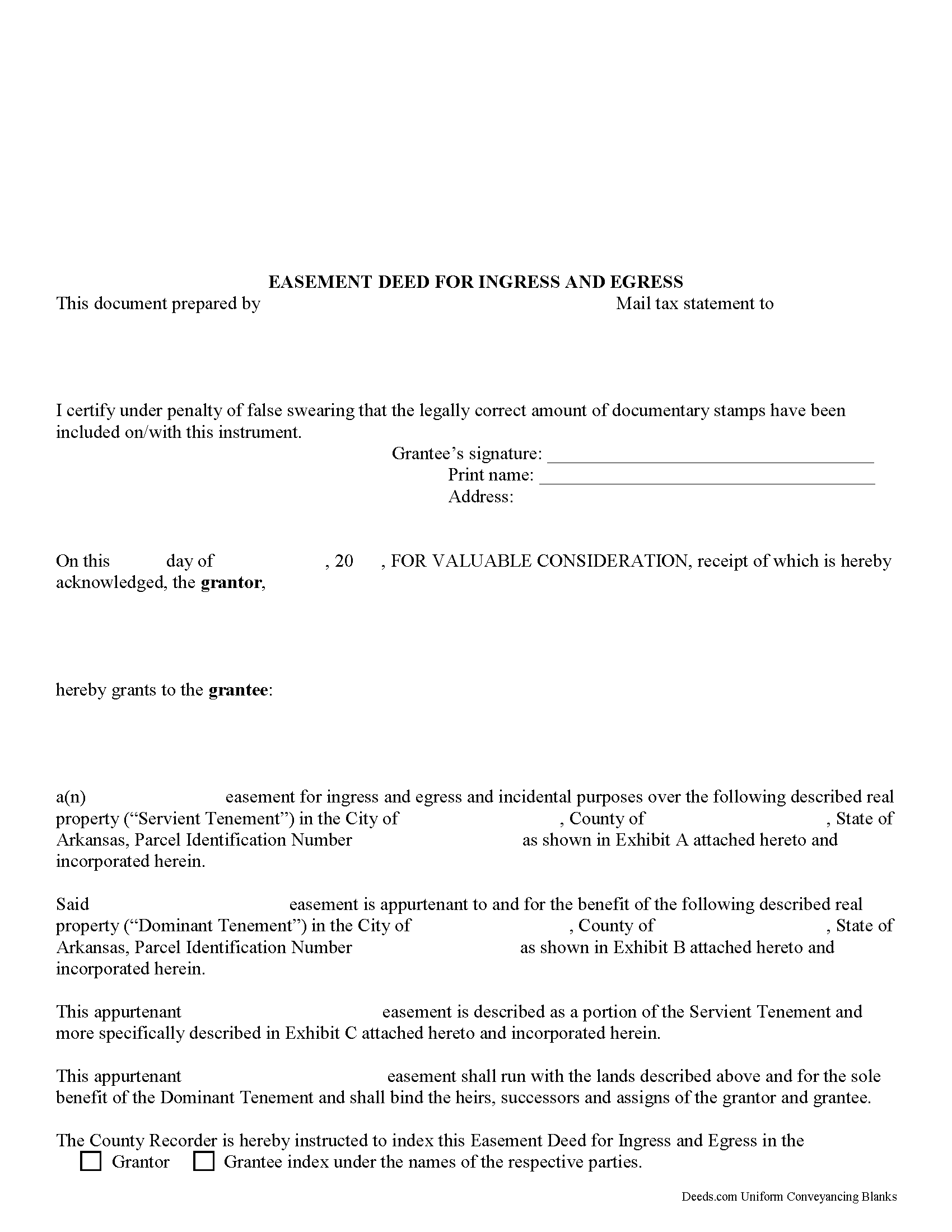
Little River County Easement Deed Form
Fill in the blank form formatted to comply with all recording and content requirements.
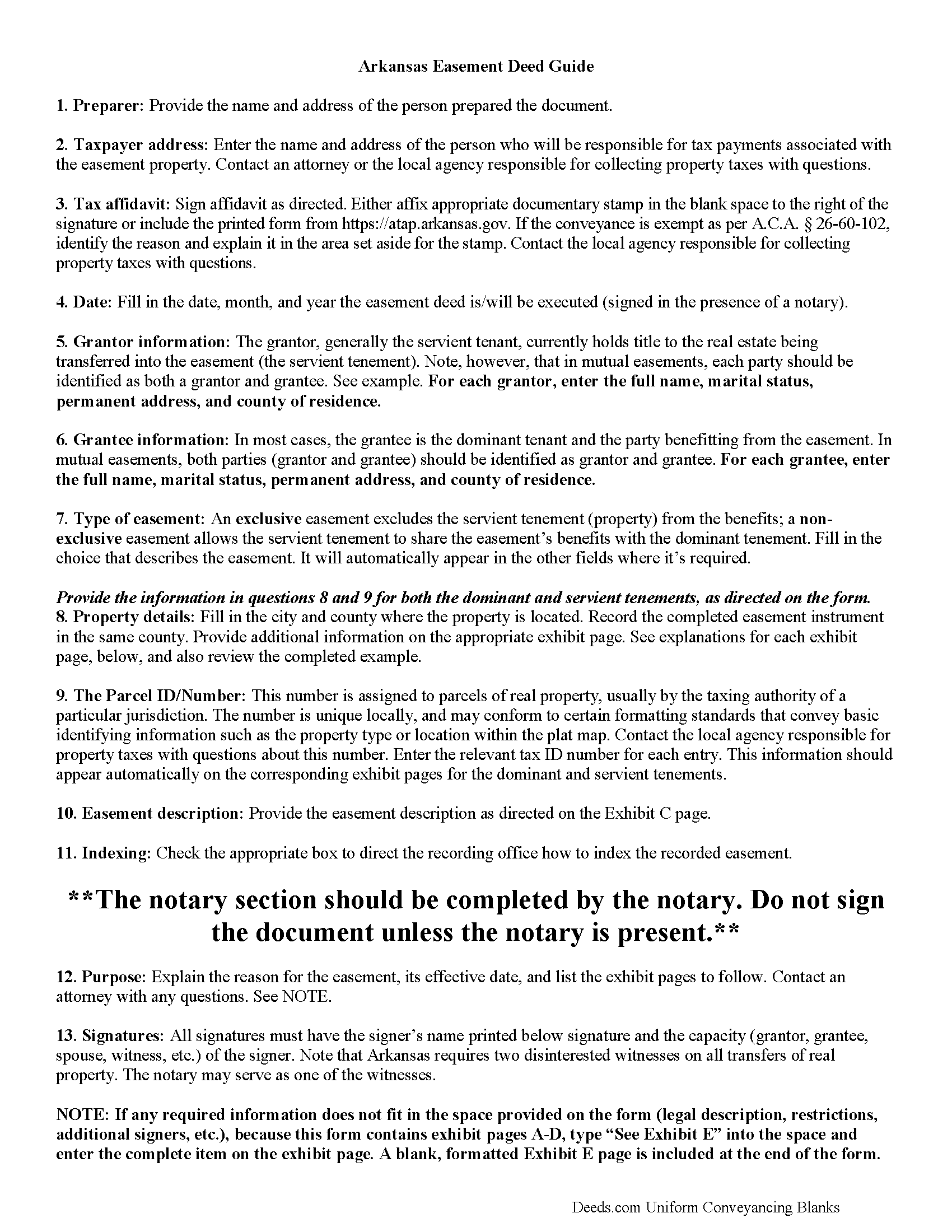
Little River County Easement Deed Guide
Line by line guide explaining every blank on the form.
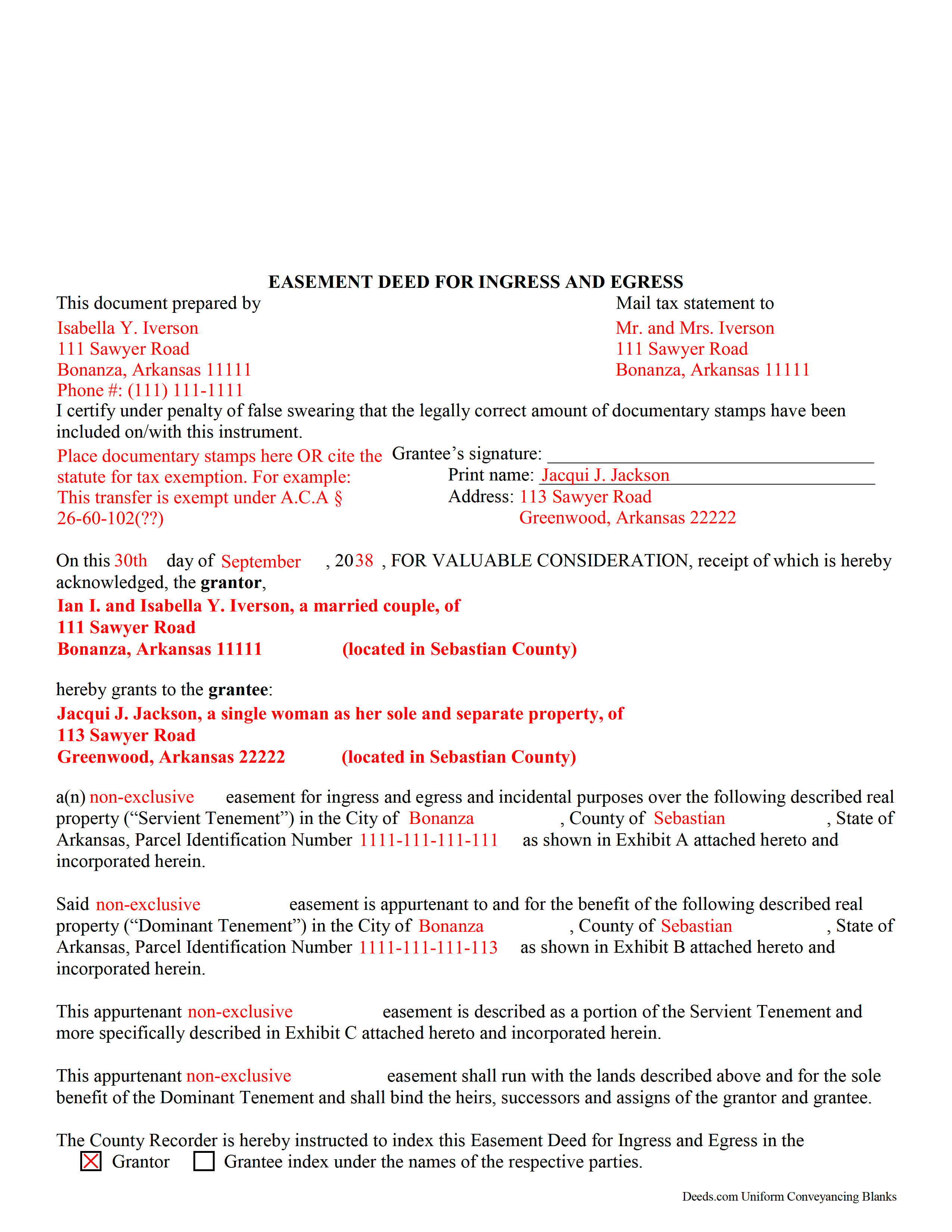
Little River County Completed Example of the Easement Deed Document
Example of a properly completed form for reference.
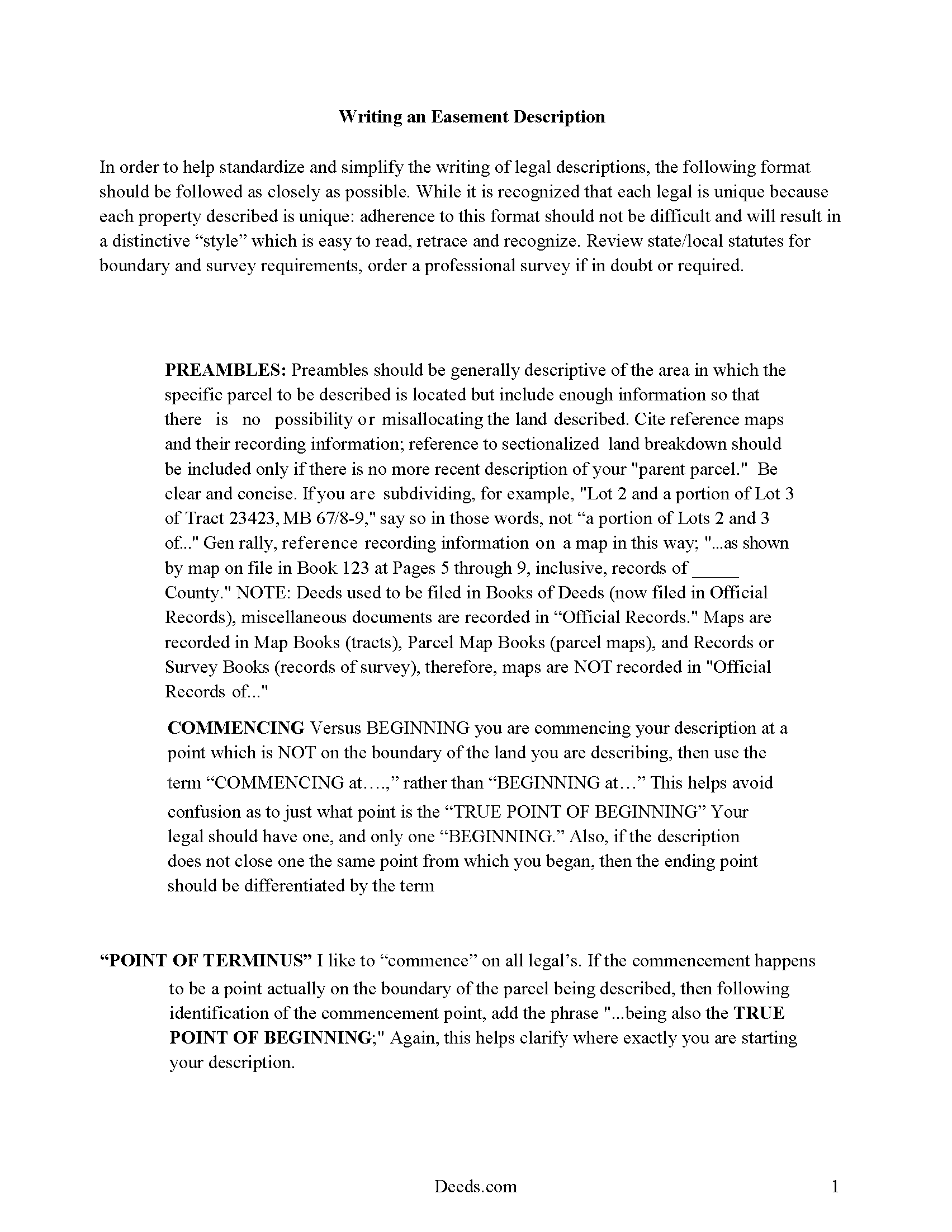
Little River County Guide to Writing an Easement Description
A Description of the Easement will be required, apply this guide to write an acceptable description of an easement/right of way, which gives access, to and from - point A to point B.
All 4 documents above included • One-time purchase • No recurring fees
Immediate Download • Secure Checkout
Additional Arkansas and Little River County documents included at no extra charge:
Where to Record Your Documents
Little River County Circuit Clerk
Ashdown, Arkansas 71822
Hours: 8:00am to 4:30pm M-F
Phone: (870) 898-7211
Recording Tips for Little River County:
- Bring your driver's license or state-issued photo ID
- Ensure all signatures are in blue or black ink
- Make copies of your documents before recording - keep originals safe
- Recorded documents become public record - avoid including SSNs
- Recording fees may differ from what's posted online - verify current rates
Cities and Jurisdictions in Little River County
Properties in any of these areas use Little River County forms:
- Alleene
- Ashdown
- Foreman
- Ogden
- Wilton
- Winthrop
Hours, fees, requirements, and more for Little River County
How do I get my forms?
Forms are available for immediate download after payment. The Little River County forms will be in your account ready to download to your computer. An account is created for you during checkout if you don't have one. Forms are NOT emailed.
Are these forms guaranteed to be recordable in Little River County?
Yes. Our form blanks are guaranteed to meet or exceed the applicable formatting requirements used for recording in Little River County, including margin requirements, font requirements, and other layout standards. This guarantee applies to formatting, not to the legal sufficiency of information entered by the user or the suitability of a form for a particular transaction.
Can I reuse these forms?
Yes. You can reuse the forms for your personal use. For example, if you have multiple properties in Little River County you only need to order once.
What do I need to use these forms?
The forms are PDFs that you fill out on your computer. The free Adobe Acrobat Reader is recommended, and most PDF apps also work. You do NOT enter your property information online - you download the blank forms and complete them privately on your own computer.
Are there any recurring fees?
No. This is a one-time purchase. Nothing to cancel, no memberships, no recurring fees.
How much does it cost to record in Little River County?
Recording fees in Little River County vary. Contact the recorder's office at (870) 898-7211 for current fees.
Questions answered? Let's get started!
An easement deed is a voluntary transfer of some of the rights inherent in property ownership. It allows the easement holder to use real property in Arkansas that he or she does not own or possess, but does not allow the holder to occupy the land or exclude others from using it, unless their use would interfere with the easement holder's use.
An easement in Arkansas, whether it is a preservation easement, conservation, easement by prescription, or any other kind in use, must contain binding and enforceable covenants that run with the land or structure.
Before an easement or any deed affecting real property can be recorded, it must be acknowledged or proved as required by law. Easement deeds and all other instruments of writing for the conveyance of real estate in Arkansas should be executed in the presence of two witnesses who are not otherwise involved with the transaction or should be acknowledged by the grantor in the presence of two such witnesses, who should then subscribe the deed. When the witnesses do not subscribe the easement as described at the time of execution, the date of their subscribing it should be stated with their signatures ( 18-12-104). Any court or officer, either in Arkansas or out-of-state, that takes acknowledgments or proof of an instrument must have a certificate of acknowledgement endorsed on the instrument ( 18-12-205).
As a legal document, an easement in Arkansas should be filed and recorded in the land records with the county recorder in the county where the property is located. Every instrument affecting the title, in law or in equity, to real property in Arkansas, including easements, which is required by law to be acknowledged or proved and recorded will be constructive notice to all persons from the time the easement is filed for record in the office of the county recorder in the county where the property is located ( 14-15-404).
(Arkansas Easement Deed Package includes form, guidelines, and completed example)
Important: Your property must be located in Little River County to use these forms. Documents should be recorded at the county recording office listed above.
This Easement Deed meets all recording requirements specific to Little River County.
Our Promise
The documents you receive here are guaranteed to meet or exceed the applicable Little River County recording format requirements. If there is a rejection caused by our formatting, we will correct the issue or refund your payment. This guarantee applies to document formatting only and does not extend to information entered by the user, the selection of the form, or the legal effect of the completed document.
Save Time and Money
Get your Little River County Easement Deed form done right the first time with Deeds.com Uniform Conveyancing Blanks. At Deeds.com, we understand that your time and money are valuable resources, and we don't want you to face a penalty fee or rejection imposed by a county recorder for submitting nonstandard documents. We constantly review and update our forms to meet rapidly changing state and county recording requirements for roughly 3,500 counties and local jurisdictions.
4.8 out of 5 - ( 4,828 Reviews )
susanne y. 5 out of 5 stars
wonderful service, docs recorded with no issues.
Thank you for your feedback. We really appreciate it. Have a great day!
MIMI T. 5 out of 5 stars
Awesome great service!
Fantastic! Thanks for the feedback Mimi.
Wilfrid J. 5 out of 5 stars
It was fast and easy but it's really official
Thank you!
Jimmy W. 5 out of 5 stars
The forms where easy to get to and I hope that they will be as easy to fill out.
Thank you!
Gregory B. 5 out of 5 stars
I believe you need more instruction on the use of the web site. I would type and nothing would appear on the form. When I tried to save a completed form I ended with a blank form with no detail.
Thank you!
Bruce B. 5 out of 5 stars
Worked great and was easy to use
Thanks Bruce, glad we could help.
Ron B. 5 out of 5 stars
Most complete and affordable documents that I was able to locate online. Excellent printed out presentation. Very professional. More than happy with results.
Thank you!
Eric D. 5 out of 5 stars
Very helpful and informative. It has saved me time going to get the forms at county recorder / clerk (as my county and state websites dont offer forms on their sites) and also provided help understanding the uses of the specific deed I needed to use.
Thank you Eric. Have a great day!
RAUL G. 5 out of 5 stars
Very pleased with the service, easy to download and print
Thank you for your feedback. We really appreciate it. Have a great day!
Teri A S. 5 out of 5 stars
Received the quit claim form as ordered. Seemed clear and concise, easy to follow instructions and the completed example was helpful.
Thank you Teri, have a great day!
James K. 5 out of 5 stars
Looks like a very professional site. I just don’t know what it would cost using this site.
Thanks for the kind words about the website James, sorry to hear that you could not find pricing information, we will try harder.
Darrell J. 5 out of 5 stars
Easy to use, rapid response, excellent service.
Thank you for your feedback. We really appreciate it. Have a great day!
Leslie P. 5 out of 5 stars
Fantastic deed forms, formatting was spot on, nice not to have to worry about it considering how picky our clerk is. Great job you guys and gals!
Thank you for the kind words Leslie!
Jing H. 5 out of 5 stars
Excellent work. I have recommended some friends to your website and will continue. Thanks.
Thank you Jing. Have a fantastic day!
Donna F. 5 out of 5 stars
Straight forward easy to understand completing my document. The guide readily explained filing all portions of the document.
Thank you Donna, we appreciate your feedback.