Tulare County Affidavit of Surviving Spouse Form
Last validated November 6, 2026 by our Forms Development TeamFormatted for recording in Tulare County, for property anywhere in the county: rural and unincorporated areas as well as Alpaugh, Badger, California Hot Springs, Camp Nelson, Cutler, Dinuba, Ducor, Earlimart and 26 more.
- 3 documents included
- Immediate PDF download
- Formatting guarantee
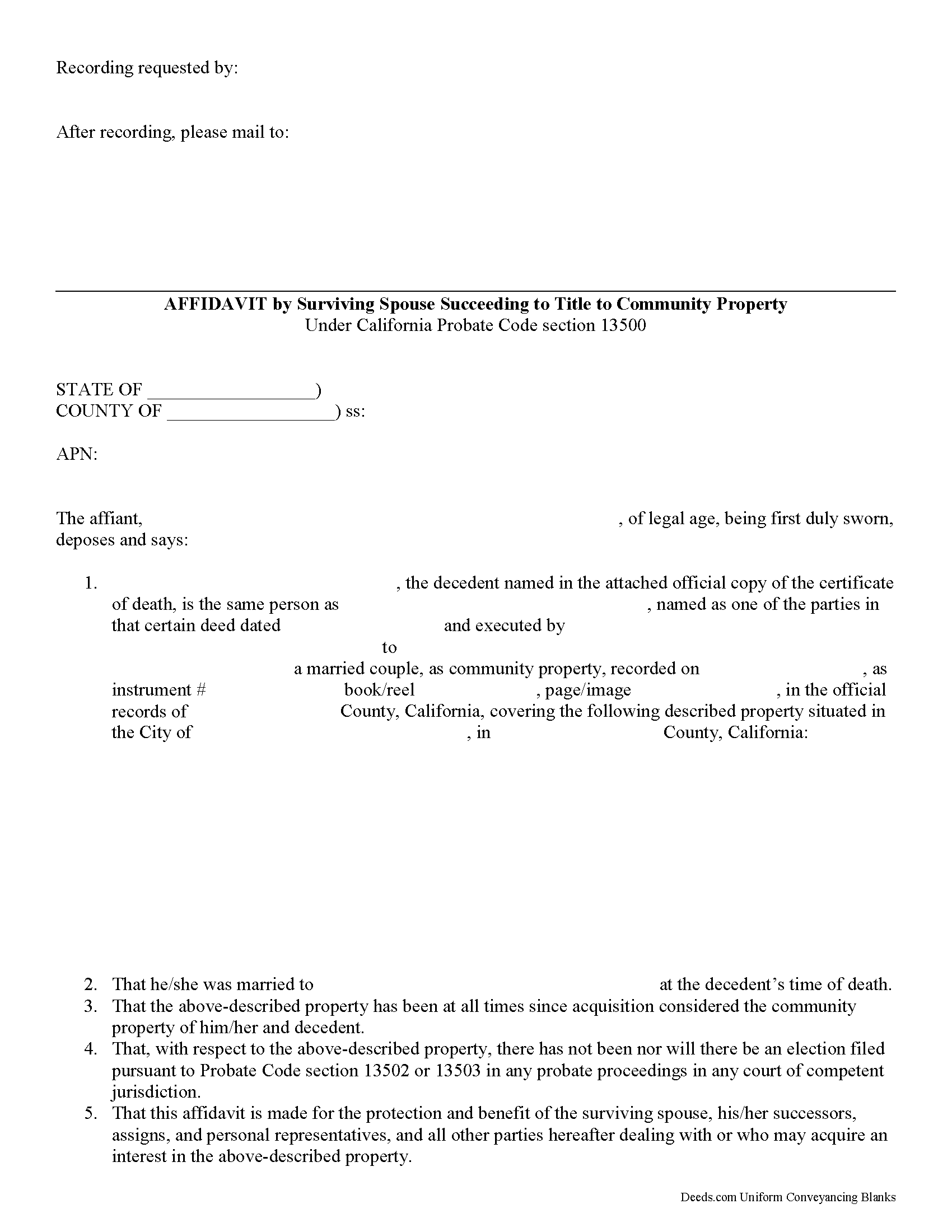
Tulare County Affidavit of Surviving Spouse Form
Fill in the blank form formatted to comply with all recording and content requirements.
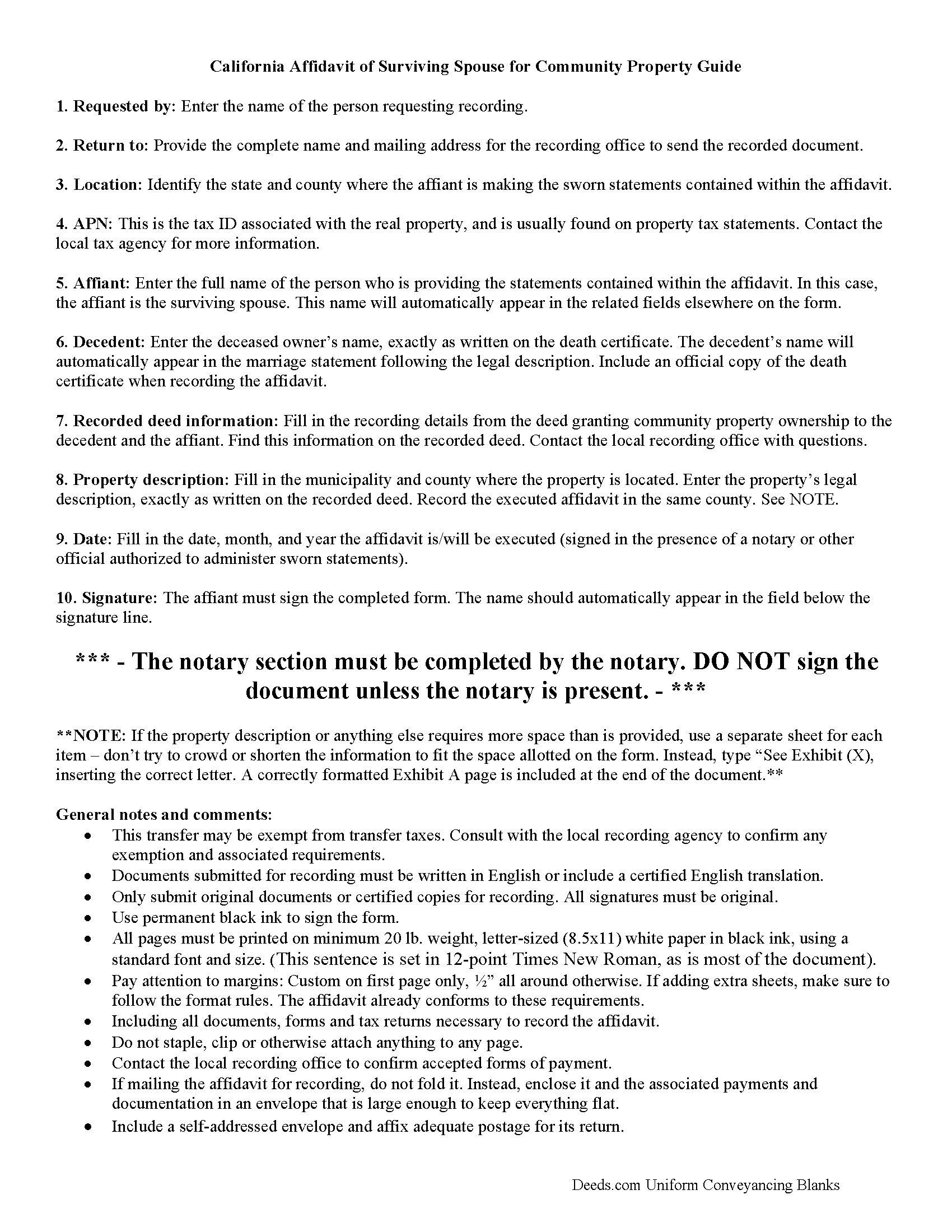
Tulare County Affidavit of Surviving Spouse Guide
Line by line guide explaining every blank on the form.
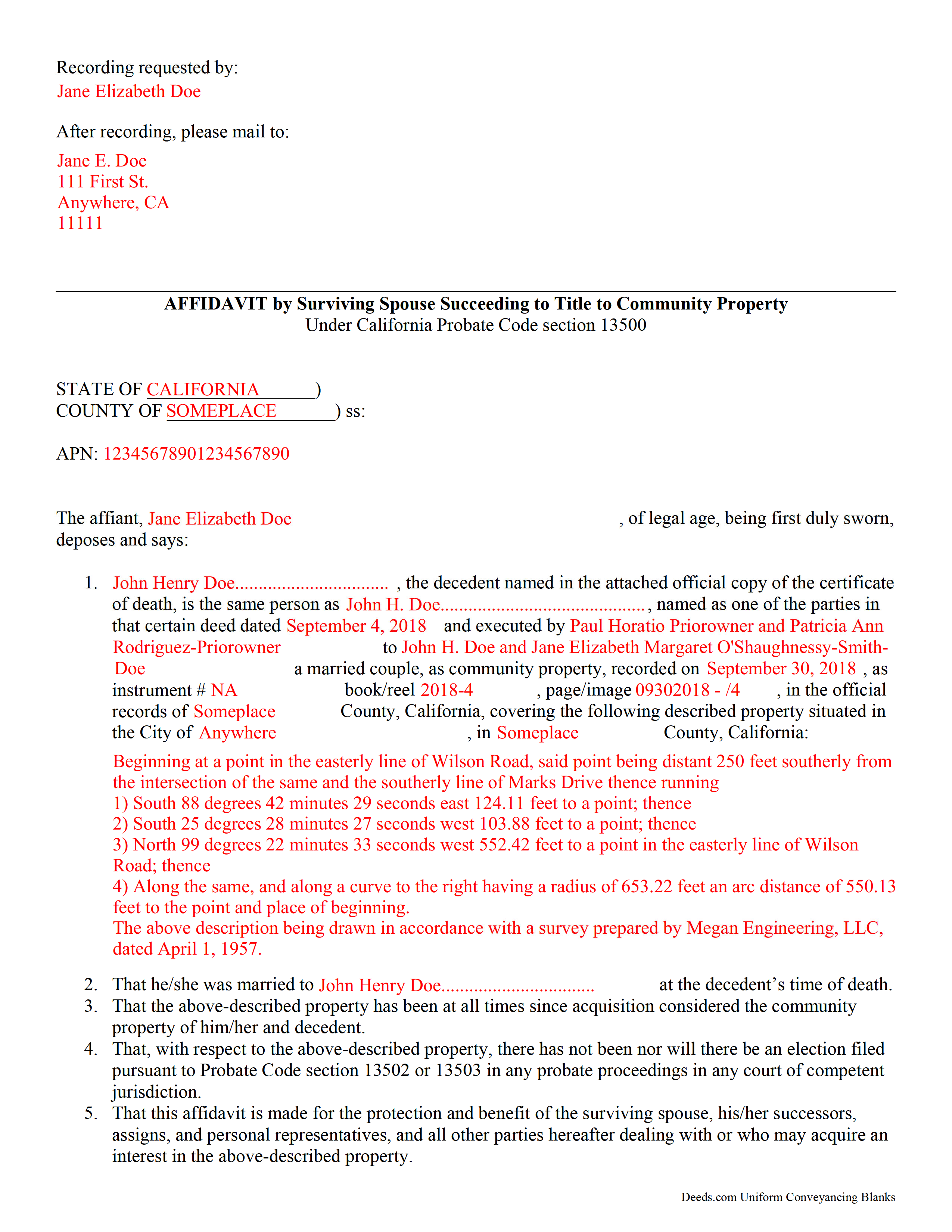
Tulare County Completed Example of the Affidavit of Surviving Spouse Document
Example of a properly completed form for reference.
All 3 documents above included • One-time purchase • No recurring fees
Immediate Download • Secure Checkout
Additional California and Tulare County documents included at no extra charge:
Where to Record Your Documents
Tulare County Clerk-Recorder
Visalia, California 93291
Hours: 8:00am to 3:30pm / Recording until 3:00pm / Phone until 5:00pm
Phone: (559) 636-5050
Recording Tips for Tulare County:
- Bring your driver's license or state-issued photo ID
- Ensure all signatures are in blue or black ink
- Request a receipt showing your recording numbers
- Ask about accepted payment methods when you call ahead
- Ask for certified copies if you need them for other transactions
Cities and Jurisdictions in Tulare County
Properties in any of these areas use Tulare County forms:
- Alpaugh
- Badger
- California Hot Springs
- Camp Nelson
- Cutler
- Dinuba
- Ducor
- Earlimart
- Exeter
- Farmersville
- Goshen
- Ivanhoe
- Kaweah
- Kings Canyon National Pk
- Lemon Cove
- Lindsay
- Orosi
- Pixley
- Porterville
- Posey
- Richgrove
- Sequoia National Park
- Springville
- Strathmore
- Sultana
- Terra Bella
- Three Rivers
- Tipton
- Traver
- Tulare
- Visalia
- Waukena
- Woodlake
- Yettem
Hours, fees, requirements, and more for Tulare County
How do I get my forms?
Forms are available for immediate download after payment. The Tulare County forms will be in your account ready to download to your computer. An account is created for you during checkout if you don't have one. Forms are NOT emailed.
Are these forms guaranteed to be recordable in Tulare County?
Yes. Our form blanks are guaranteed to meet or exceed the applicable formatting requirements used for recording in Tulare County, including margin requirements, font requirements, and other layout standards. This guarantee applies to formatting, not to the legal sufficiency of information entered by the user or the suitability of a form for a particular transaction.
Can I reuse these forms?
Yes. You can reuse the forms for your personal use. For example, if you have multiple properties in Tulare County you only need to order once.
What do I need to use these forms?
The forms are PDFs that you fill out on your computer. The free Adobe Acrobat Reader is recommended, and most PDF apps also work. You do NOT enter your property information online - you download the blank forms and complete them privately on your own computer.
Are there any recurring fees?
No. This is a one-time purchase. Nothing to cancel, no memberships, no recurring fees.
How much does it cost to record in Tulare County?
Recording fees in Tulare County vary. Contact the recorder's office at (559) 636-5050 for current fees.
Questions answered? Let's get started!
Transferring California Community Property to the Surviving Spouse
Section 100(a) of the California Probate Code states that when a married person dies, one-half of the couple's community property belongs to the surviving spouse and the other half stays in the decedent's name, ostensibly for probate distribution. For transfers occurring after July 1, 2001, California property owners gained the option to hold title as community property with the right of survivorship. By vesting this way, the remaining spouse acquires the deceased spouse's portion of the shared property without the need for probate (Cal Civ Code 682.1(a)).
The surviving spouse files an affidavit (a statement of facts, made under oath), along with an official copy of the death certificate, at the recording office for the county where the property is located. The content may vary depending on the circumstances, but it generally contains the names of both spouses, a formal legal description of the shared real estate, and the recording information for the deed transferring ownership to the couple, confirming their intention to hold title as community property. Note that the right of survivorship is not automatic with community property -- it must be written on the face of the deed. To alleviate any questions about the survivorship status, consider including an official copy of the recorded deed.
The affidavit should also confirm, among other things, that the co-owners were married when the decedent died, that there are no probate actions related to the property, and that the surviving spouse is submitting the affidavit to ensure clear title. A clear title is important because it makes future transactions involving the real estate less complicated.
Each case is unique, so contact an attorney with specific questions or for complex situations.
(California Affidavit of Surviving Spouse Package includes form, guidelines, and completed example)
Important: Your property must be located in Tulare County to use these forms. Documents should be recorded at the county recording office listed above.
This Affidavit of Surviving Spouse meets all recording requirements specific to Tulare County.
Our Promise
The documents you receive here are guaranteed to meet or exceed the applicable Tulare County recording format requirements. If there is a rejection caused by our formatting, we will correct the issue or refund your payment. This guarantee applies to document formatting only and does not extend to information entered by the user, the selection of the form, or the legal effect of the completed document.
Save Time and Money
Get your Tulare County Affidavit of Surviving Spouse form done right the first time with Deeds.com Uniform Conveyancing Blanks. At Deeds.com, we understand that your time and money are valuable resources, and we don't want you to face a penalty fee or rejection imposed by a county recorder for submitting nonstandard documents. We constantly review and update our forms to meet rapidly changing state and county recording requirements for roughly 3,500 counties and local jurisdictions.
4.8 out of 5 - ( 4,845 Reviews )
Connie C. 4 out of 5 stars
I thought the process was fairly easy. The price was reasonable. I had a slight problem, some of the words were missing from one page of the documents when I printed it. However, after I saved it to my computer, I was able to print the page in full.
Thank you for your feedback. We really appreciate it. Have a great day!
sean m. 5 out of 5 stars
Wow everything I need in one place... what a concept. thanks Deeds.com for the deeds, the guides and the transfer certificate all included for a great price
We appreciate your business and value your feedback. Thank you. Have a wonderful day!
Michelle N. 5 out of 5 stars
I was very pleased with the service I received. I sent a Quit Claim deed to be filed and received a response the next morning that it was complete.
Thank you for your feedback. We really appreciate it. Have a great day!
Shirley B. 5 out of 5 stars
Very convenient, glad I discovered this website.
We appreciate your business and value your feedback. Thank you. Have a wonderful day!
Karen K. 5 out of 5 stars
Deeds was very easy to use. I thought it might take weeks to complete, but the whole process was completed in just a few hours. I am very satisfied with my experience and would use them again
Thank you for your feedback. We really appreciate it. Have a great day!
Kimberly S. 5 out of 5 stars
Worked very well. Seamless process with helpful directions.
Thank you for your feedback. We really appreciate it. Have a great day!
willie jr t. 5 out of 5 stars
Awesome! Thanks so so much!
Thank you!
Harley N. 5 out of 5 stars
Well thought out and user friendly website. The forms were easily fillable as well.
Thank you for your feedback. We really appreciate it. Have a great day!
NORA F. 5 out of 5 stars
The guide was so helpful, really made filing out the form easy. Thanks!
Thank you for your feedback. We really appreciate it. Have a great day!
Denise G. 5 out of 5 stars
It was so easy to locate and download all the forms I needed. Saved so much time.
We appreciate your business and value your feedback. Thank you. Have a wonderful day!
Steven H. 5 out of 5 stars
Great Product!!! Used the more commonly known websites before, but never again. It was easy, great examples to follow so that I was sure and confident that I completed the document correctly. Thank You!
Thank you for your feedback. We really appreciate it. Have a great day!
Duncan M. 2 out of 5 stars
Forms are fine, but the inability to download a completed form is not. Nor is the ability to convert to another format. Everytime I went to download, the form erased. I didn't have a printer available, so everything I did was to waste.
Thank you for your feedback Duncan. The blank forms should be downloaded first and then completed on your computer.
Kristen R. 5 out of 5 stars
wonderful experience. highly recommend. will use again.
We deeply appreciate the trust you have placed in our services. Thank you for your valuable feedback and for choosing us.
Donna O. 5 out of 5 stars
Quick and easy to use. I was able to download the Transfer on Death Deed form to my computer so that I can read through and fill them out at a later time. That made it convenient and "no pressure". The complimentary guide and completed example that came with the form was also very helpful.
We appreciate your business and value your feedback. Thank you. Have a wonderful day!
Kevin B. 5 out of 5 stars
Ordered the Ohio Land Contract forms for Jefferson County. It was an awesome purchase for $28 bucks. Easy and straight forward for someone like me with no real estate background to make my own land contract and save a couple grand hiring an attorney to copy and paste one to me. I'll be buying the same package for every county I invest in!
We are grateful for your engagement and feedback, which help us to serve you better. Thank you for being an integral part of our community.