Tulare County Quitclaim Deed Form
Last validated October 14, 2026 by our Forms Development TeamFormatted for recording in Tulare County, for property anywhere in the county: rural and unincorporated areas as well as Alpaugh, Badger, California Hot Springs, Camp Nelson, Cutler, Dinuba, Ducor, Earlimart and 26 more.
- 3 documents included
- Immediate PDF download
- Formatting guarantee
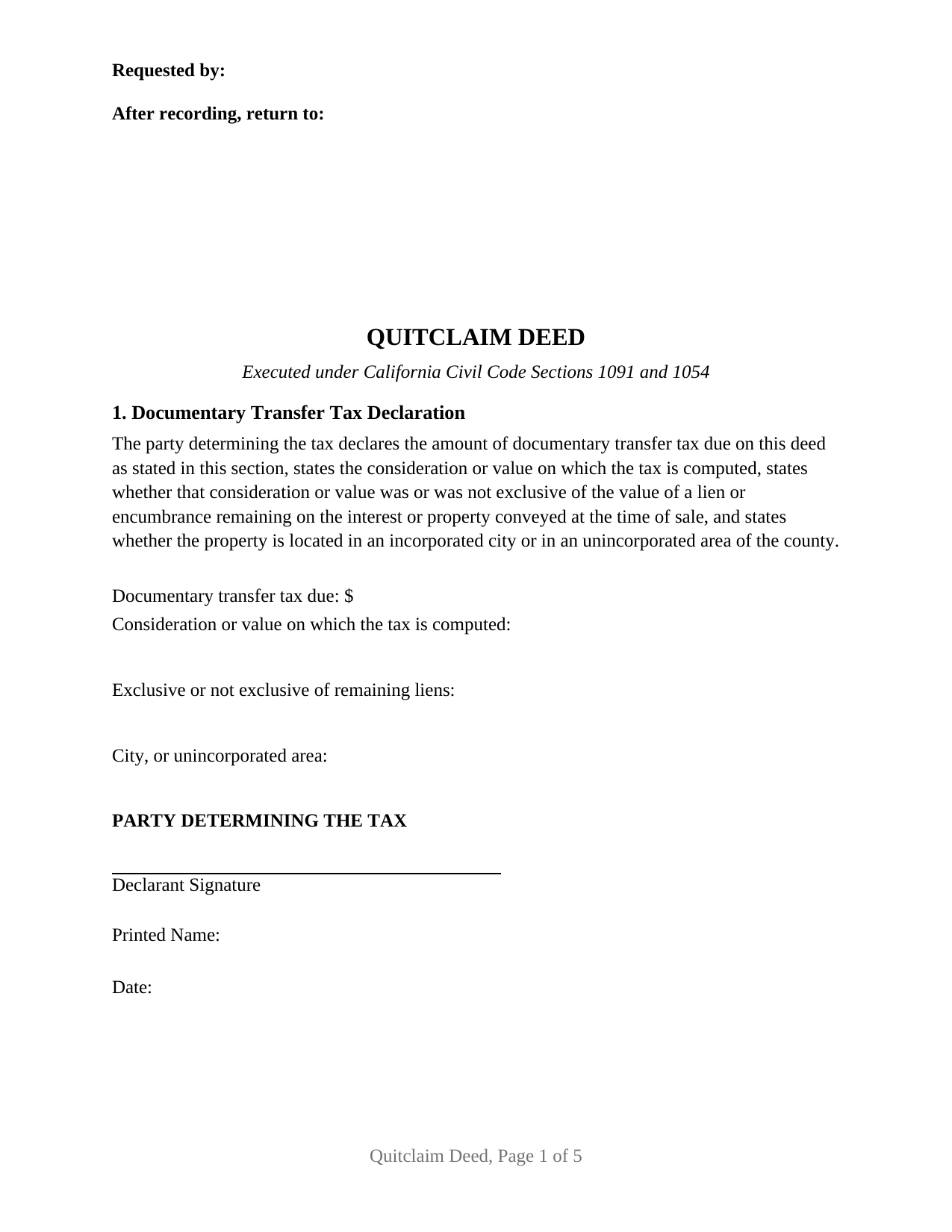
Tulare County Quitclaim Deed Form
Fill in the blank Quitclaim Deed form formatted to comply with all California recording and content requirements.
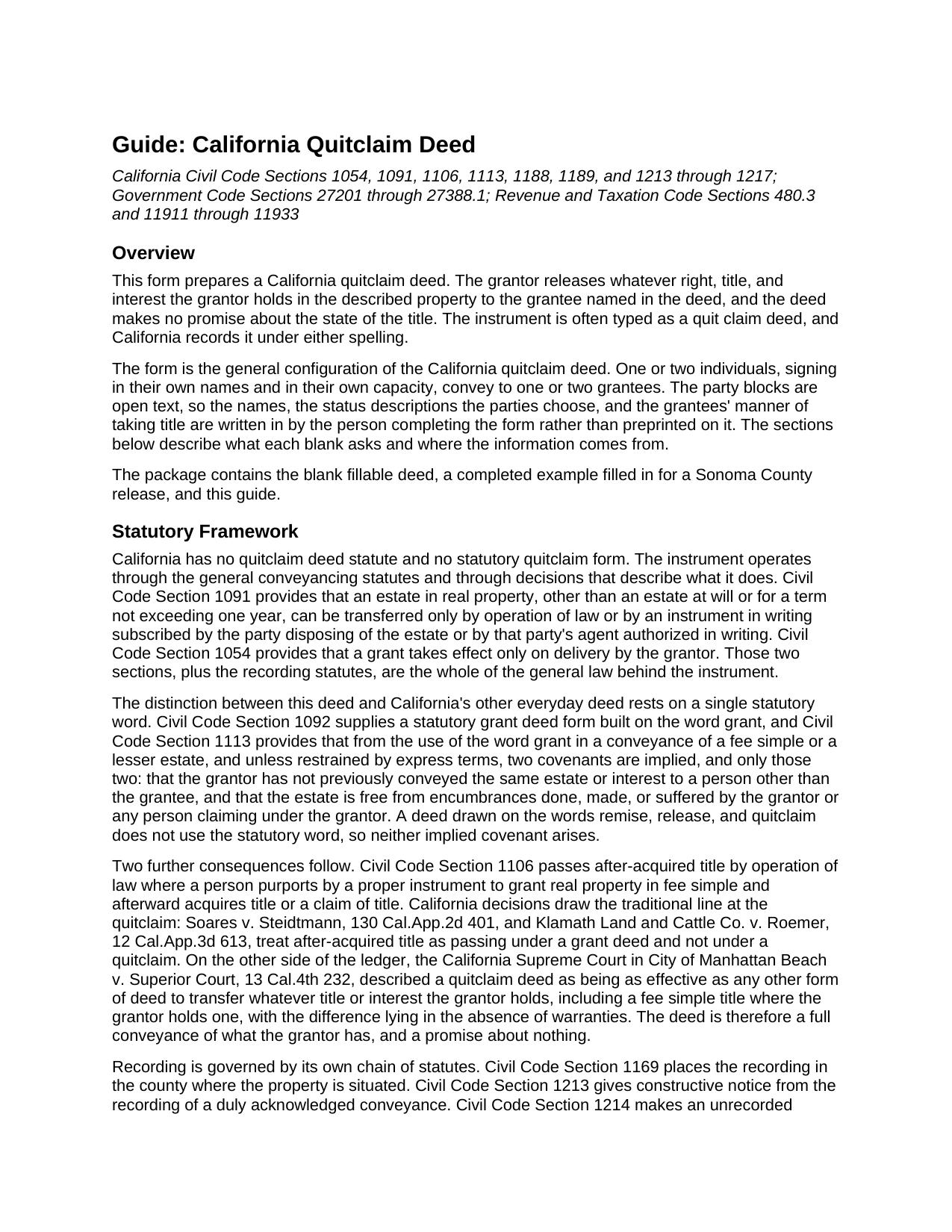
Tulare County Quitclaim Deed Guide
Line by line guide explaining every blank on the Quitclaim Deed form.
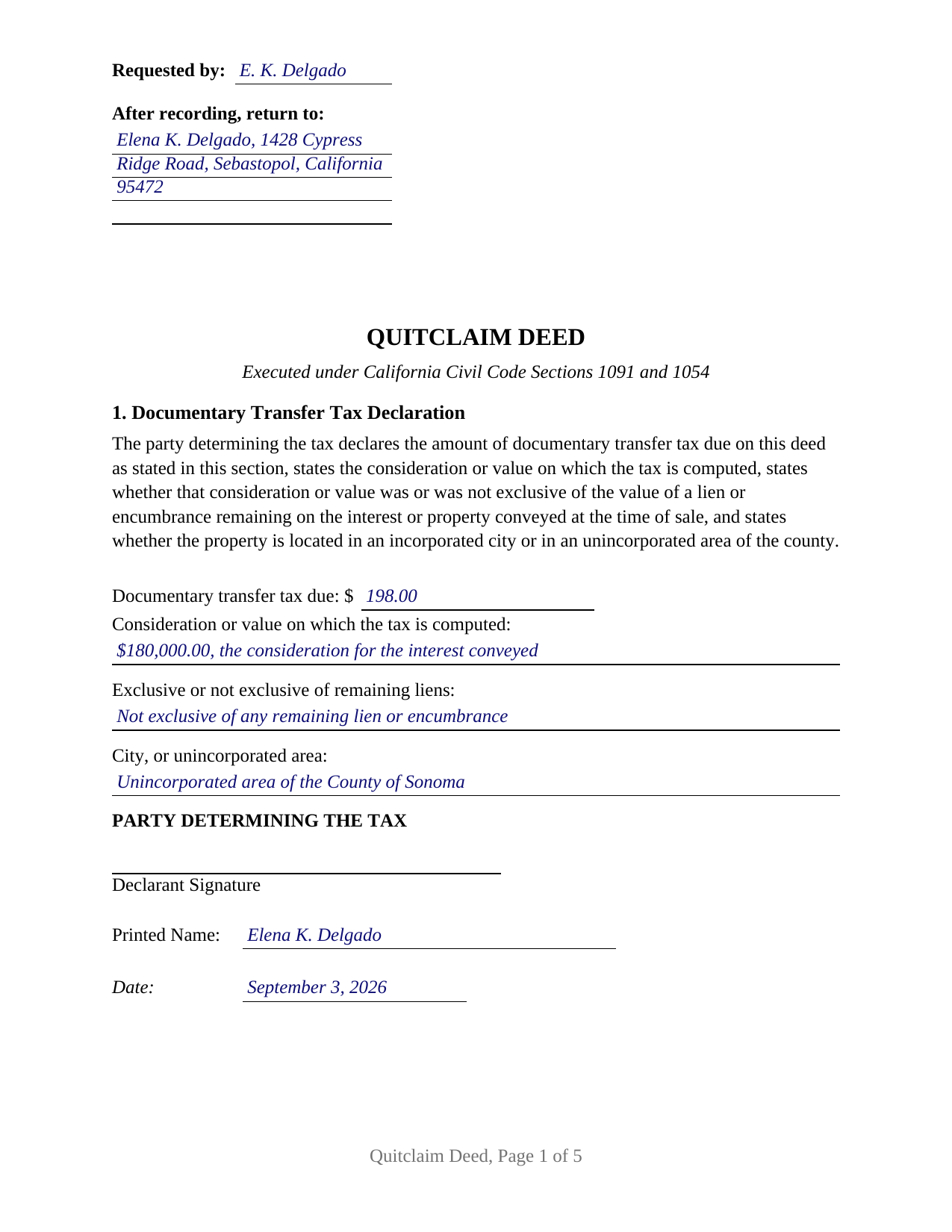
Tulare County Completed Example of the Quitclaim Deed Document
Example of a properly completed California Quitclaim Deed document for reference.
All 3 documents above included • One-time purchase • No recurring fees
Immediate Download • Secure Checkout
Additional California and Tulare County documents included at no extra charge:
Where to Record Your Documents
Tulare County Clerk-Recorder
Visalia, California 93291
Hours: 8:00am to 3:30pm / Recording until 3:00pm / Phone until 5:00pm
Phone: (559) 636-5050
Recording Tips for Tulare County:
- Bring your driver's license or state-issued photo ID
- Ensure all signatures are in blue or black ink
- Avoid the last business day of the month when possible
- Both spouses typically need to sign if property is jointly owned
- Bring extra funds - fees can vary by document type and page count
Cities and Jurisdictions in Tulare County
Properties in any of these areas use Tulare County forms:
- Alpaugh
- Badger
- California Hot Springs
- Camp Nelson
- Cutler
- Dinuba
- Ducor
- Earlimart
- Exeter
- Farmersville
- Goshen
- Ivanhoe
- Kaweah
- Kings Canyon National Pk
- Lemon Cove
- Lindsay
- Orosi
- Pixley
- Porterville
- Posey
- Richgrove
- Sequoia National Park
- Springville
- Strathmore
- Sultana
- Terra Bella
- Three Rivers
- Tipton
- Traver
- Tulare
- Visalia
- Waukena
- Woodlake
- Yettem
Hours, fees, requirements, and more for Tulare County
How do I get my forms?
Forms are available for immediate download after payment. The Tulare County forms will be in your account ready to download to your computer. An account is created for you during checkout if you don't have one. Forms are NOT emailed.
Are these forms guaranteed to be recordable in Tulare County?
Yes. Our form blanks are guaranteed to meet or exceed the applicable formatting requirements used for recording in Tulare County, including margin requirements, font requirements, and other layout standards. This guarantee applies to formatting, not to the legal sufficiency of information entered by the user or the suitability of a form for a particular transaction.
Can I reuse these forms?
Yes. You can reuse the forms for your personal use. For example, if you have multiple properties in Tulare County you only need to order once.
What do I need to use these forms?
The forms are PDFs that you fill out on your computer. The free Adobe Acrobat Reader is recommended, and most PDF apps also work. You do NOT enter your property information online - you download the blank forms and complete them privately on your own computer.
Are there any recurring fees?
No. This is a one-time purchase. Nothing to cancel, no memberships, no recurring fees.
How much does it cost to record in Tulare County?
Recording fees in Tulare County vary. Contact the recorder's office at (559) 636-5050 for current fees.
Questions answered? Let's get started!
California wrote a statutory form for the grant deed and none at all for this one. The quitclaim deed lives on practice and decision instead, and what marks it is a word it never uses. This form prepares that instrument in its general configuration: one or two people, signing in their own names, releasing whatever interest they hold to one or two grantees, with nothing promised about the title.
The Word This Deed Leaves Out
Civil Code Section 1092 supplies a statutory deed built on the word grant, and Civil Code Section 1113 attaches two implied covenants to that word and, in its own terms, no others: against a prior conveyance of the same estate by the grantor, and against encumbrances the grantor made or suffered. Drop the word and both covenants fall away, and Section 1106, which carries after-acquired title where an instrument purports to grant a fee simple, stays on the far side of that line too. What the deed does convey is not small: the California Supreme Court has described a quitclaim as being as effective as any other deed to pass whatever title the grantor holds, fee simple included, the difference lying in the absence of warranties.
Open Blanks Instead of Preprinted Status
The form decides as little as possible for the parties. The grantor block is open text sized for two names, and the words beside a name, whether an owner writes an unmarried woman, a married man as separate property, or nothing at all, are the filler's own. The grantee block works the same way and holds the manner of taking title where the grantees state one, whether that reads as joint tenants, tenants in common, or community property with right of survivorship. Four count patterns fit those blocks: one grantor to one grantee, one to two, two to one, and two to two, all of them individuals signing in their own capacity. Two signature blocks follow, each under its own Civil Code Section 1189 acknowledgment certificate headed by the boxed identity notice that section requires; where one person conveys, the second block and its certificate stay blank. What it is not set up for is a signer acting through a corporate office, a management title, a partnership name, a fiduciary capacity, or a power of attorney.
A First Page Built Around Reserved Space
California recorders read page one before anything else, and Government Code Section 27361.6 tells a drafter where to stay out of the way: the top 2.5 inches belong to recording information, with the requester line and return address in the left 3.5 inches of that band. The form places both there and puts the document title immediately below, where Government Code Section 27324 puts the title the recorder indexes. Two more entries follow: the assessor's parcel number, and the address for future tax statements Government Code Section 27321.5 asks for before a fee title deed is accepted.
The Tax Line, and the Signature Under It
Section 1 carries the documentary transfer tax declaration. Revenue and Taxation Code Section 11911 sets the county rate at 55 cents for each 500 dollars of consideration or value above one hundred dollars, exclusive of liens remaining at sale, and Sections 11932 and 11933 want the amount on the face of the document over a declaration signed by the party who determined it, stating whether the taxed amount was or was not exclusive of those liens. Charter cities layer taxes of their own above that rate. Where an exemption applies, county practice enters its code section on the amount line instead of a figure, and the guide walks through the exemptions a quitclaim commonly meets.
What Recording Settles
Government Code Section 27287 makes the notarial acknowledgment the condition of recording, with subscribing witness proof unavailable for deeds. California then runs a race-notice rule: the deed binds the parties without recording under Civil Code Section 1217, while an unrecorded conveyance loses to a later good faith purchaser who records first. Recording proves nothing about the underlying title: Government Code Section 27201 keeps legal sufficiency out of what the recorder examines.
Three files arrive together: the quitclaim deed as a fillable PDF, a completed example worked through a Sonoma County release, and a plain language guide covering every section, the vesting choices on the grantee side, the certificates, and the fees. All of it sets out what California law provides in general terms, and none of it is legal advice about a particular parcel or title.
Important: Your property must be located in Tulare County to use these forms. Documents should be recorded at the county recording office listed above.
This Quitclaim Deed meets all recording requirements specific to Tulare County.
Our Promise
The documents you receive here are guaranteed to meet or exceed the applicable Tulare County recording format requirements. If there is a rejection caused by our formatting, we will correct the issue or refund your payment. This guarantee applies to document formatting only and does not extend to information entered by the user, the selection of the form, or the legal effect of the completed document.
Save Time and Money
Get your Tulare County Quitclaim Deed form done right the first time with Deeds.com Uniform Conveyancing Blanks. At Deeds.com, we understand that your time and money are valuable resources, and we don't want you to face a penalty fee or rejection imposed by a county recorder for submitting nonstandard documents. We constantly review and update our forms to meet rapidly changing state and county recording requirements for roughly 3,500 counties and local jurisdictions.
4.8 out of 5 - ( 4,825 Reviews )
Petre A. 5 out of 5 stars
Easy @ useful
Thank you!
Colleen N. 5 out of 5 stars
The instruction were very clear and the sample was also very helpful.
Thank you!
Sandra W. 5 out of 5 stars
No issues with the forms.
Thank you!
Dennis M. 3 out of 5 stars
Deeds was responsive and got back to me right away suggesting I go to the county and retrieve copies of the deed there. It's a couple of hundred miles away so was hoping I could do it online. A pretty good website though. Sorry we couldn't do business.
Thank you for your feedback. We really appreciate it. Have a great day!
Linda D. 5 out of 5 stars
It was quick & easy so thank you!
Thank you Linda.
Donna W. 5 out of 5 stars
Answered all of my questions and was very easy to use. I will use Deeds.com to do all of my real estate forms from now on. Thanks.
Thank you!
SHALINI W. 5 out of 5 stars
Exceptionally easy to use. Very user friendly. Would highly recommend.
We appreciate your business and value your feedback. Thank you. Have a wonderful day!
Norma J H. 5 out of 5 stars
Your forms have been very helpful. I thank you very much for making them easy to use.
Thank you for your feedback. We really appreciate it. Have a great day!
Mitchell S. 5 out of 5 stars
This service was very helpful, quick, inexpensive and easy to use. Should I ever need it again, I know right where to go.
We are sincerely grateful for your feedback and are committed to providing the highest quality service. Thank you for your trust in us.
Robert V. 5 out of 5 stars
Website seems to work great and documents are very clear and easy to review and download, thank you. Regards, Bob
We appreciate your business and value your feedback. Thank you. Have a wonderful day!
Ma Luisa R. 5 out of 5 stars
Great service and fast
We appreciate your business and value your feedback. Thank you. Have a wonderful day!
Celestine U. 5 out of 5 stars
Very well done
Thank you!
Sally Ann C. 5 out of 5 stars
Thank you for your service. It seems to have worked, I printed a document purporting to be the Deed I needed. I was somewhat disappointed though - I was expecting something as impressive as the Title Search, which goes back to 1828 and includes Millard Fillmore, admittedly not one of our most celebrated Presidents. But I am happy to have what I have, and thank you again! peace - SAVC
Thank you for your feedback. We really appreciate it. Have a great day!
Judi W. 5 out of 5 stars
Great website! Well organized, easy to navigate and put to practical use. Would use again.
Thank you!
Michael W. 5 out of 5 stars
I thought it was fine, but I would like to have the option to download Word versions of each form, for easier preparation on my end.
We appreciate your business and value your feedback. Thank you. Have a wonderful day!