San Mateo County Quitclaim Deed (Corrective) Form
Last validated October 9, 2026 by our Forms Development TeamFormatted for recording in San Mateo County, for property anywhere in the county: rural and unincorporated areas as well as Atherton, Belmont, Brisbane, Burlingame, Daly City, El Granada, Half Moon Bay, La Honda and 15 more.
- 3 documents included
- Immediate PDF download
- Formatting guarantee
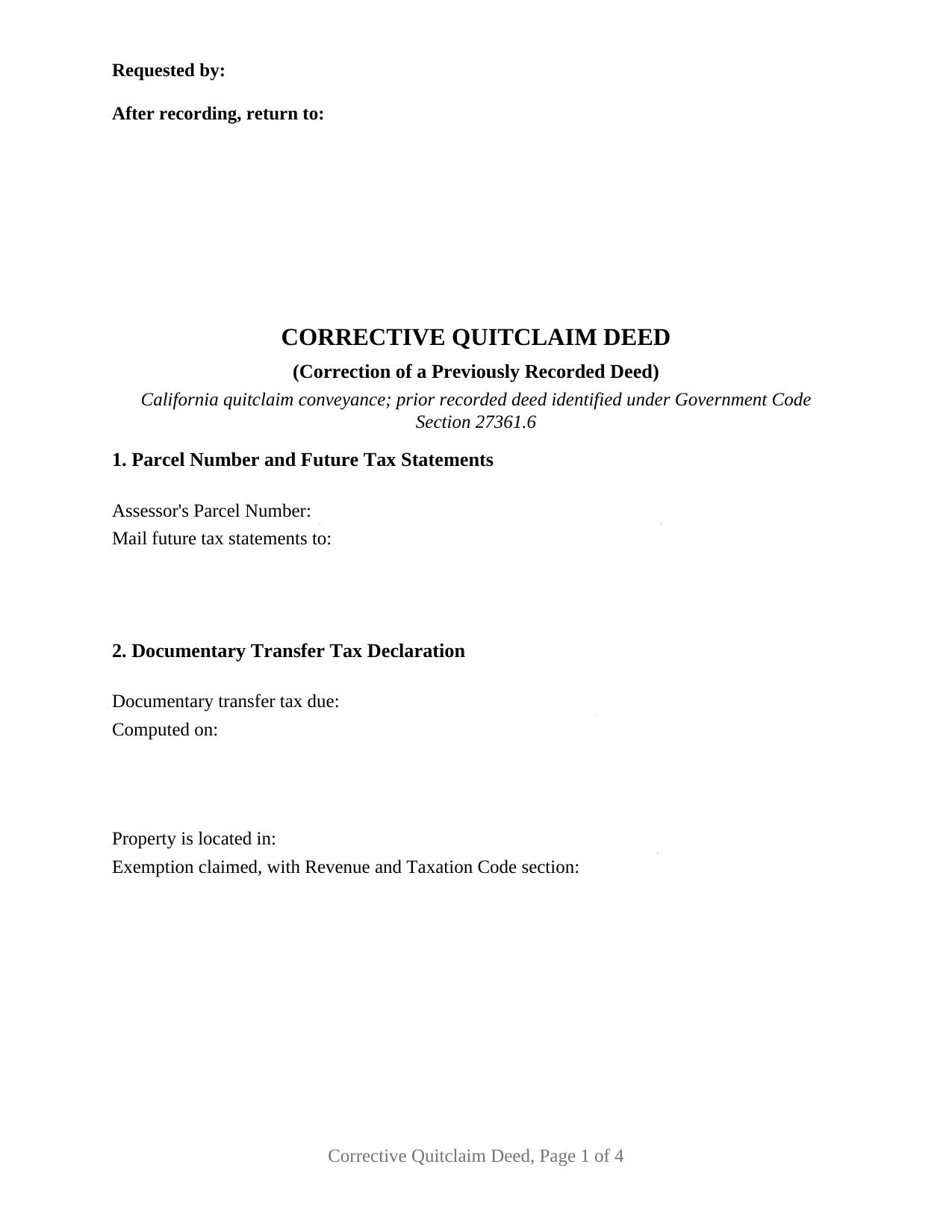
San Mateo County Quitclaim Deed (Corrective) Form
Fill in the blank Quitclaim Deed (Corrective) form formatted to comply with all California recording and content requirements.
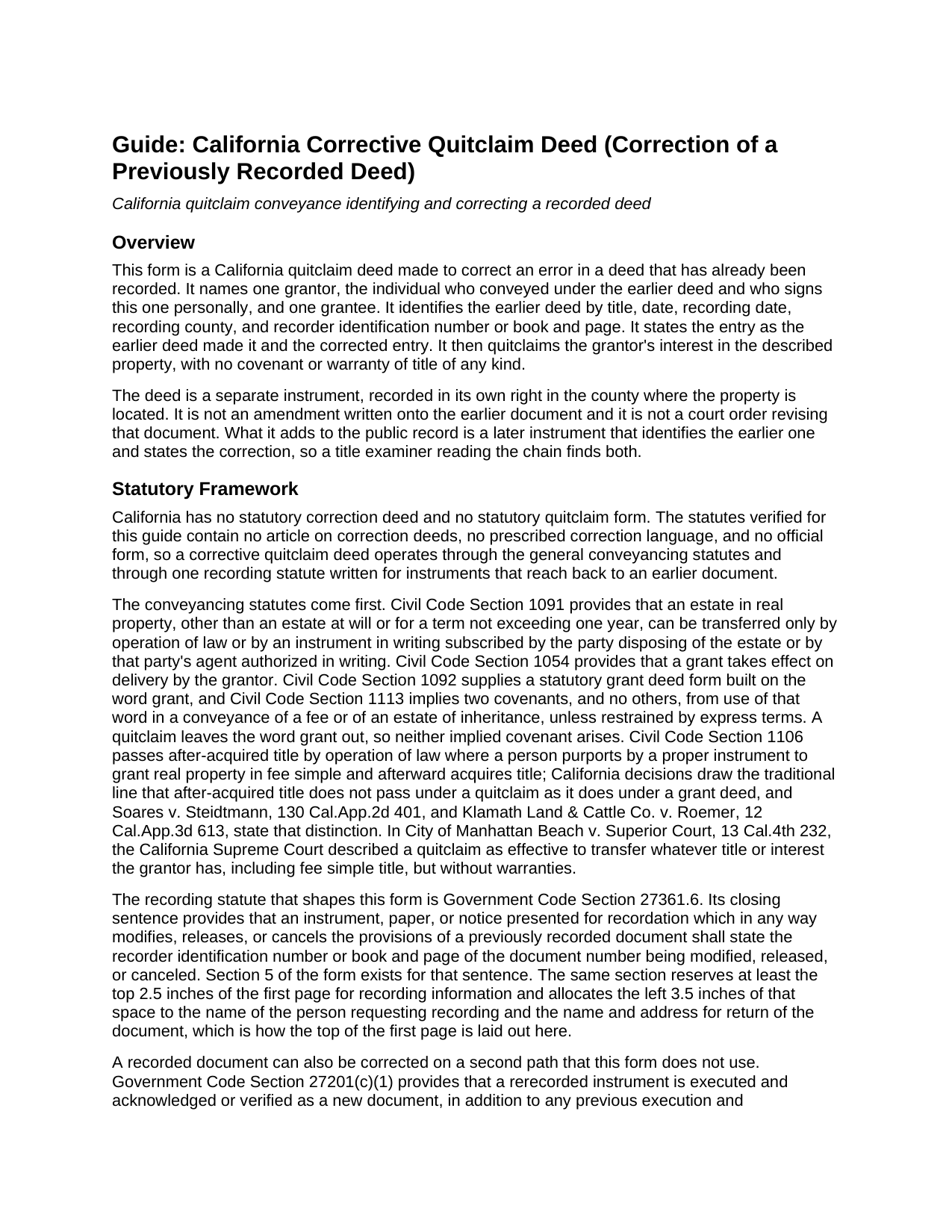
San Mateo County Quitclaim Deed (Corrective) Guide
Line by line guide explaining every blank on the Quitclaim Deed (Corrective) form.
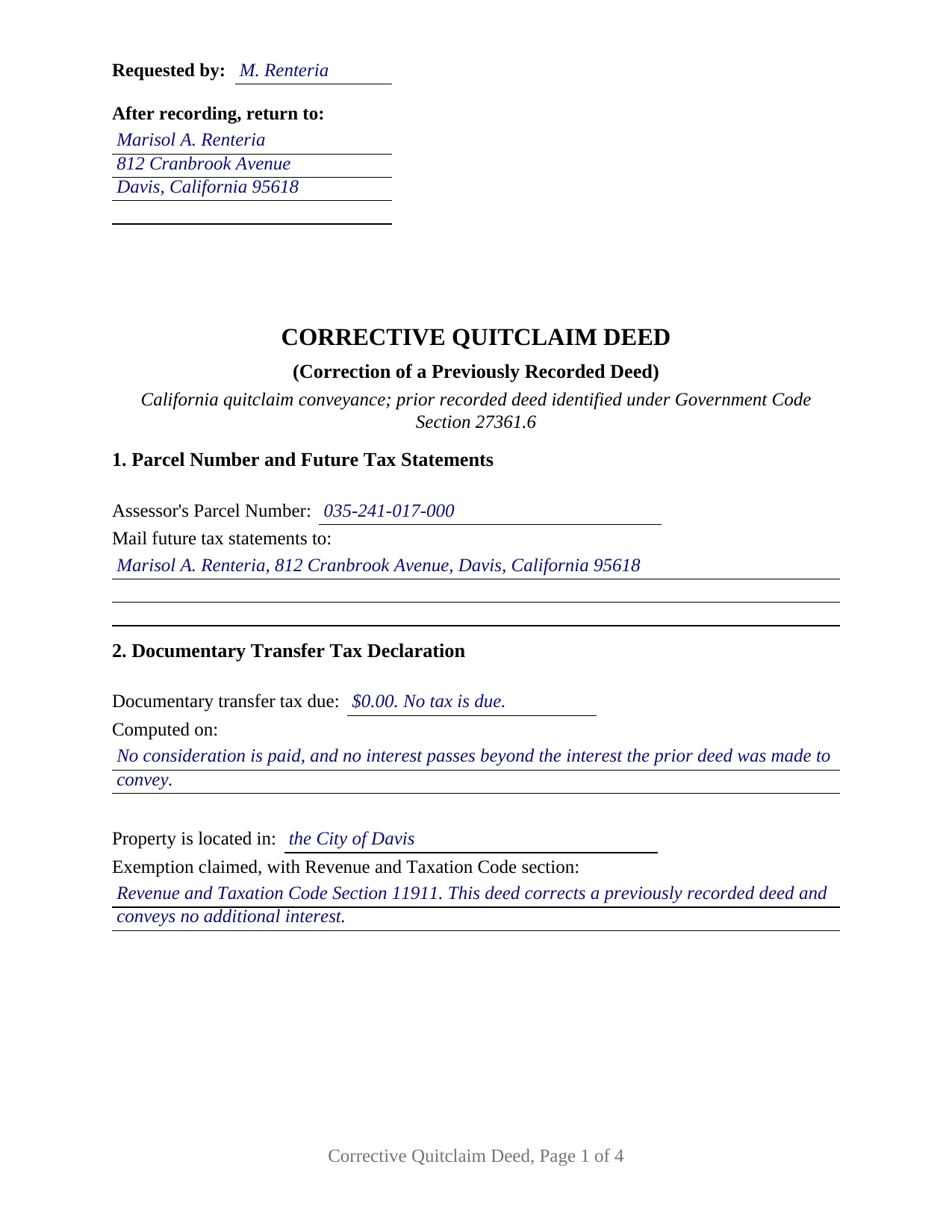
San Mateo County Completed Example of the Quitclaim Deed (Corrective) Document
Example of a properly completed California Quitclaim Deed (Corrective) document for reference.
All 3 documents above included • One-time purchase • No recurring fees
Immediate Download • Secure Checkout
Additional California and San Mateo County documents included at no extra charge:
Where to Record Your Documents
San Mateo County Recorder
Redwood City, California 94063-1665
Hours: Monday through Friday 8:00am to 5:00pm
Phone: (650) 363-4500
Recording Tips for San Mateo County:
- Bring your driver's license or state-issued photo ID
- Ensure all signatures are in blue or black ink
- Ask for certified copies if you need them for other transactions
- Ask if they accept credit cards - many offices are cash/check only
- Check that your notary's commission hasn't expired
Cities and Jurisdictions in San Mateo County
Properties in any of these areas use San Mateo County forms:
- Atherton
- Belmont
- Brisbane
- Burlingame
- Daly City
- El Granada
- Half Moon Bay
- La Honda
- Loma Mar
- Menlo Park
- Millbrae
- Montara
- Moss Beach
- Pacifica
- Pescadero
- Portola Valley
- Redwood City
- San Bruno
- San Carlos
- San Francisco
- San Gregorio
- San Mateo
- South San Francisco
Hours, fees, requirements, and more for San Mateo County
How do I get my forms?
Forms are available for immediate download after payment. The San Mateo County forms will be in your account ready to download to your computer. An account is created for you during checkout if you don't have one. Forms are NOT emailed.
Are these forms guaranteed to be recordable in San Mateo County?
Yes. Our form blanks are guaranteed to meet or exceed the applicable formatting requirements used for recording in San Mateo County, including margin requirements, font requirements, and other layout standards. This guarantee applies to formatting, not to the legal sufficiency of information entered by the user or the suitability of a form for a particular transaction.
Can I reuse these forms?
Yes. You can reuse the forms for your personal use. For example, if you have multiple properties in San Mateo County you only need to order once.
What do I need to use these forms?
The forms are PDFs that you fill out on your computer. The free Adobe Acrobat Reader is recommended, and most PDF apps also work. You do NOT enter your property information online - you download the blank forms and complete them privately on your own computer.
Are there any recurring fees?
No. This is a one-time purchase. Nothing to cancel, no memberships, no recurring fees.
How much does it cost to record in San Mateo County?
Recording fees in San Mateo County vary. Contact the recorder's office at (650) 363-4500 for current fees.
Questions answered? Let's get started!
Almost every California deed points at land. This one also points at a document. A corrective quitclaim deed fixes an error in a deed already sitting in a county's Official Records, naming that earlier instrument on its face before it conveys anything. The form prepares that configuration: one individual grantor, one grantee, the corrected deed identified by its recording data, and no warranty of title.
The Sentence That Shapes This Form
Government Code Section 27361.6 closes with a requirement most deeds never trigger. An instrument presented for recordation that in any way modifies, releases, or cancels the provisions of a previously recorded document states the recorder identification number, or the book and page, of the document being modified. Section 5 exists for that sentence, taking the earlier deed's title, its date, its recording date, the county whose Official Records hold it, and the number the recorder assigned. Section 6 then splits the correction in two: the entry as the earlier deed makes it, and the entry as corrected, so an examiner can line one document up against the other.
Correcting a Deed Rather Than Rewriting One
California enacted no correction deed article and no statutory form for one, so the instrument works through the ordinary conveyancing statutes while carrying the identification the recording statute asks for. A second route runs through Government Code Section 27201: a rerecorded document is executed and acknowledged again as a new document unless an exception applies. One exception covers a minor correction made with an attached corrective affidavit, which the statute confines to four items: a return address, a clarification of illegible text, a printed or typed name near a signature, and a documentary transfer tax amount. Those papers are prepared separately and are not part of this package. Past what the parties settle between themselves lies reformation under Civil Code Section 3399, a court action for fraud or mistake.
One Grantor, One Signature Line, One Certificate
The grantor is the person who conveyed under the deed being corrected, signing personally, because the released interest is that person's. The form carries one grantor block, one grantee block, a single signature line, and a single California all-purpose acknowledgment certificate, opening with the notice Civil Code Section 1189 places in an enclosed box at the top of a certificate taken in this state. Clerical slips of a familiar kind present this pattern in California's grantor indexes: a grantee surname carrying a transposed letter, a middle initial lost between the escrow file and the signed page, a map book and page reversed in the legal description, and a vesting line naming no form of co-ownership where the parties meant to name one. Two individuals who conveyed together present a two signature pattern outside this block, as do an entity, an agent under a power of attorney, and a trustee. Adding a party, dropping one, or moving a different parcel is a new conveyance rather than a correction, whatever the document is titled.
Nothing Warranted, Nothing New Conveyed
The instrument, searched by many people as a correction deed or a quit claim deed, promises nothing about the state of the title. California packs its two everyday deed covenants into one statutory word under Civil Code Section 1113, and this deed never uses it. The operative section states the rest: the correction is the one respect in which the earlier deed changes, what passes is the interest the grantor holds at delivery, and title reaching the grantor afterward stays outside.
Transfer Tax and the Assessor When Nothing New Moves
Page one arrives arranged for the counter: the reserved recording space, the parcel number, the address for future tax statements, and the transfer tax lines, closed by a signature from whoever determined the amount. Revenue and Taxation Code Section 11911 taxes a deed by which realty sold is conveyed for consideration above one hundred dollars, so a deed moving no new interest for no money commonly enters a code section on those lines instead of a dollar figure. Property tax answers to a separate provision, Revenue and Taxation Code Section 62(b), which excludes any transfer for the purpose of perfecting title from change in ownership.
Three files ship: the fillable deed, a completed example worked through a Yolo County correction of a misspelled grantee name, and a plain language guide covering every numbered section, the certificate, the fees, and recorder intake. The materials describe California law in general terms and are not legal advice about a particular deed or error.
Important: Your property must be located in San Mateo County to use these forms. Documents should be recorded at the county recording office listed above.
This Quitclaim Deed (Corrective) meets all recording requirements specific to San Mateo County.
Our Promise
The documents you receive here are guaranteed to meet or exceed the applicable San Mateo County recording format requirements. If there is a rejection caused by our formatting, we will correct the issue or refund your payment. This guarantee applies to document formatting only and does not extend to information entered by the user, the selection of the form, or the legal effect of the completed document.
Save Time and Money
Get your San Mateo County Quitclaim Deed (Corrective) form done right the first time with Deeds.com Uniform Conveyancing Blanks. At Deeds.com, we understand that your time and money are valuable resources, and we don't want you to face a penalty fee or rejection imposed by a county recorder for submitting nonstandard documents. We constantly review and update our forms to meet rapidly changing state and county recording requirements for roughly 3,500 counties and local jurisdictions.
4.8 out of 5 - ( 4,836 Reviews )
Julie G. 5 out of 5 stars
Great online tool to get your deeds recorded without having to go downtown! Will be using deeds.com for all our future recordings!
Thank you!
Stephen B. 5 out of 5 stars
This was the first time to use the Deeds.com website for preparing my deed document. This was painless and easy to follow the instructions and sample package for filling in the blank boxes document. The city clerk was impressed to review my document and easily filed my deed record without questions. I would recommend anyone to prepare a legal form that is available from the Deeds.com website.
Your appreciative words mean the world to us. Thank you.
Jacqueline C. 3 out of 5 stars
Was relieved to see your site actually delivered what I paid for.
Thank you!
Calvin S. 5 out of 5 stars
Service is convenient,easy, fast and helpful.
Thanks for your feedback. We’re glad we could help.
John H. 5 out of 5 stars
This was pretty easy especially for a old guy like me.
Thanks John, glad we could help!
Katherine M. 5 out of 5 stars
Very helpful!
Thank you!
charles b. 5 out of 5 stars
The product I needed was available, easy to download, access and complete. The instructions were very helpful. I had previously purchased another product which was terrible. I highly recommend Deeds.com
We appreciate your business and value your feedback. Thank you. Have a wonderful day!
Vicki G. 5 out of 5 stars
Thank you for this service, saved me from driving down town. It was quick and very easy to navigate. Have a great Thanksgiving break.
We appreciate your business and value your feedback. Thank you. Have a wonderful day!
ALFRED B. 5 out of 5 stars
I was counting on deeds.com to help me with a closing I was working on. I stumbled with the instructions but when I recovered there were no problems. The instructions were helpful and the deeds etc. were just what I needed. I give deeds five stars. I am 76 years old and when the application asks for the user's name I always think they want my name. WRONG. I am trying to learn computer speak.
Thank you Alfred, have an amazing day!
Kellie Z. 5 out of 5 stars
Wow! So much simpler & faster than I had expected. I had thought it would take weeks to get filed & took days- yea! Super easy & speedy!
Thank you!
Thaddeus E. 5 out of 5 stars
Quick assistance with same day recording. The tech identified barriers to successful Recordation such as image quality and worked with me to get them resolved for timely submission.
We are delighted to have been of service. Thank you for the positive review!
Margo M. 4 out of 5 stars
So far help has been good given some of the information you don't have as far as making corrections. This is my first time using your service so maybe I will be better at utilizing it if I have to again.
Thank you for your feedback. We really appreciate it. Have a great day!
Elizabeth H. 5 out of 5 stars
You had just what I was looking for. It was explained well and easy to find. Will recommend you.
We appreciate your business and value your feedback. Thank you. Have a wonderful day!
Craig H. 5 out of 5 stars
Awesome service! It was so quick and easy.
Thank you for your feedback. We really appreciate it. Have a great day!
DAVID JOHN M. 5 out of 5 stars
The Transfer On Death Deed did work for New Mexico! Though I did have to add the long property description to the "Exhibit" page that was included with the document. Great website! Will use again! Thanks!!!
We appreciate your business and value your feedback. Thank you. Have a wonderful day!