Dolores County Beneficiary Deed Revocation Form
Last validated October 21, 2026 by our Forms Development TeamFormatted for recording in Dolores County, for property anywhere in the county: rural and unincorporated areas as well as Cahone, Dove Creek, Rico.
- 3 documents included
- Immediate PDF download
- Formatting guarantee
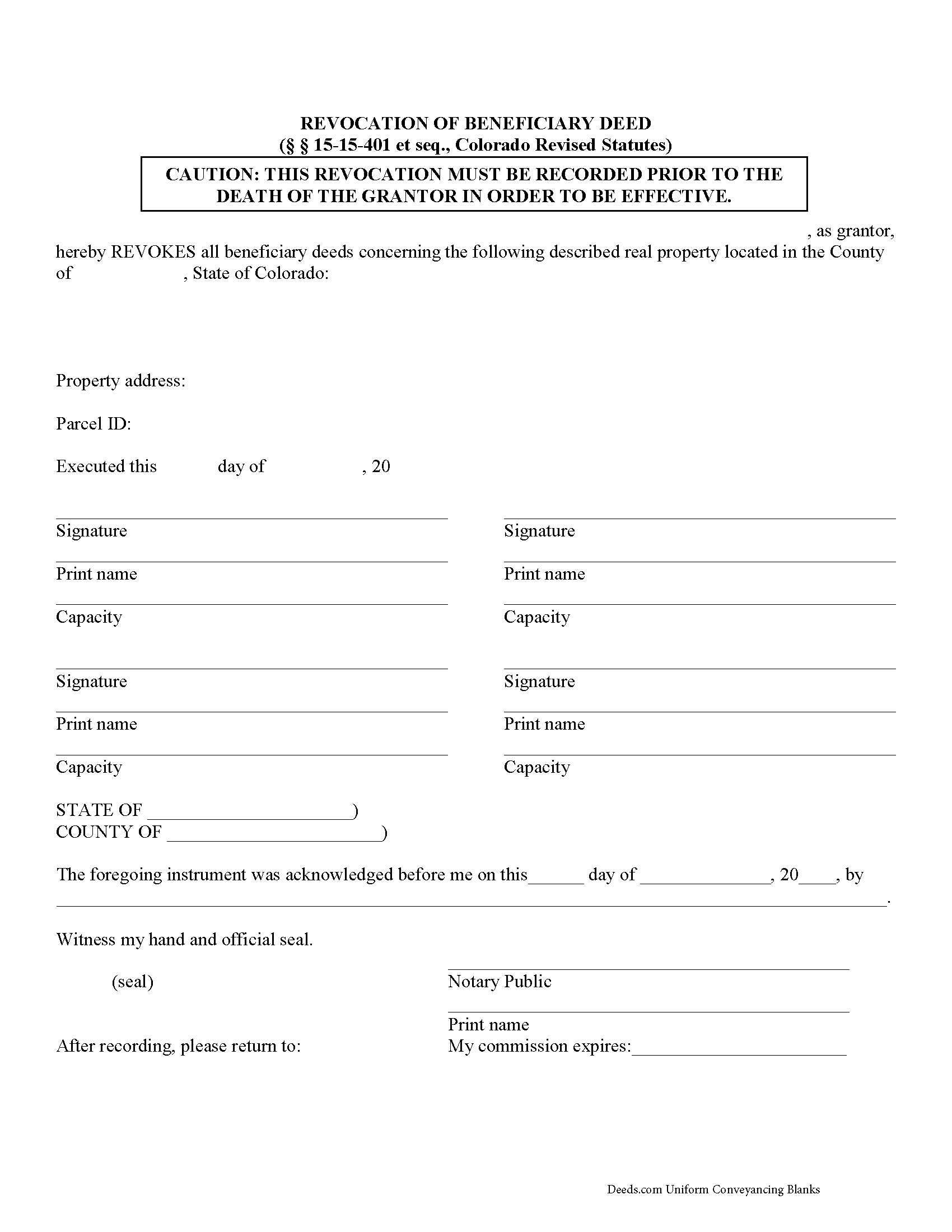
Dolores County Beneficiary Deed Revocation Form
Fill in the blank form formatted to comply with all recording and content requirements.
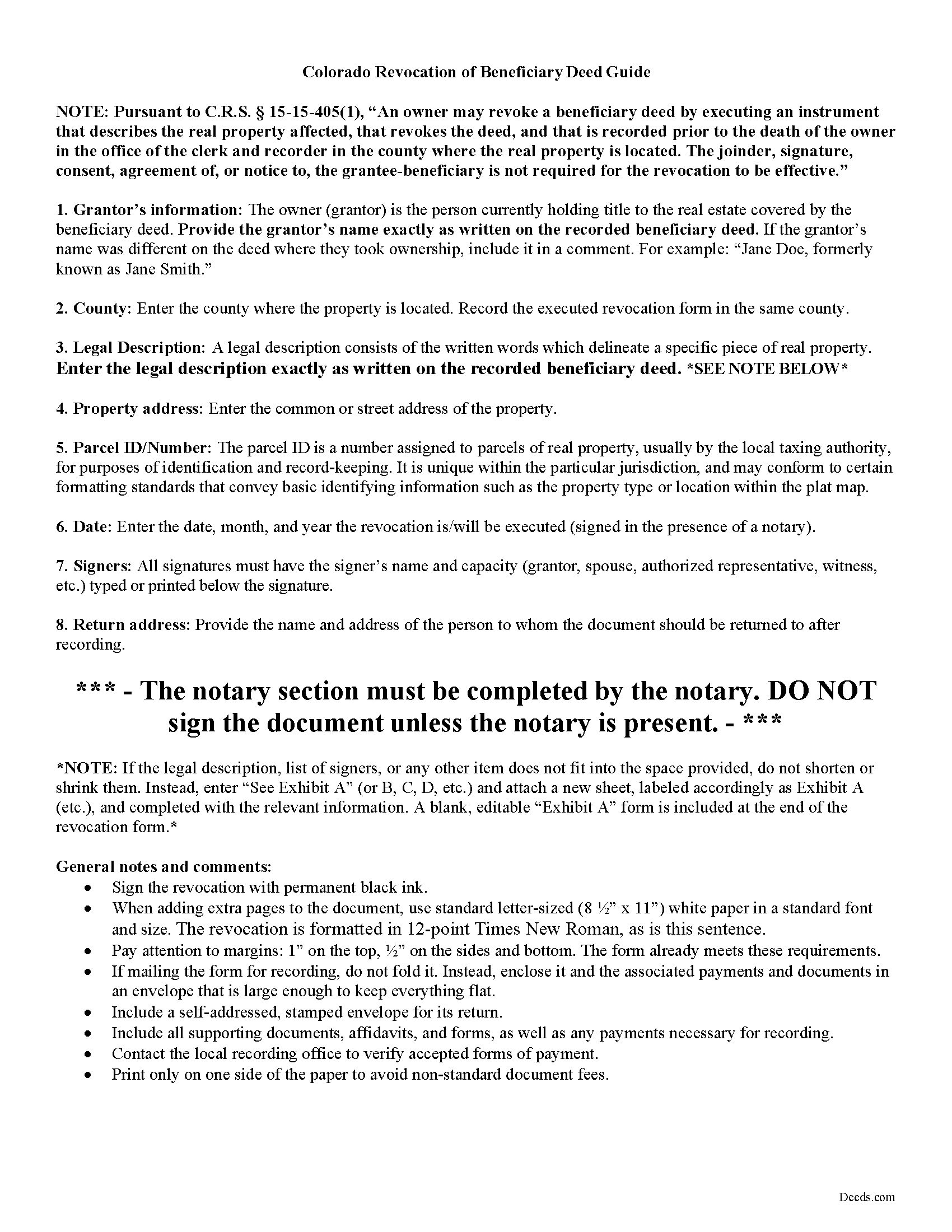
Dolores County Beneficiary Deed Revocation Guide
Line by line guide explaining every blank on the form.
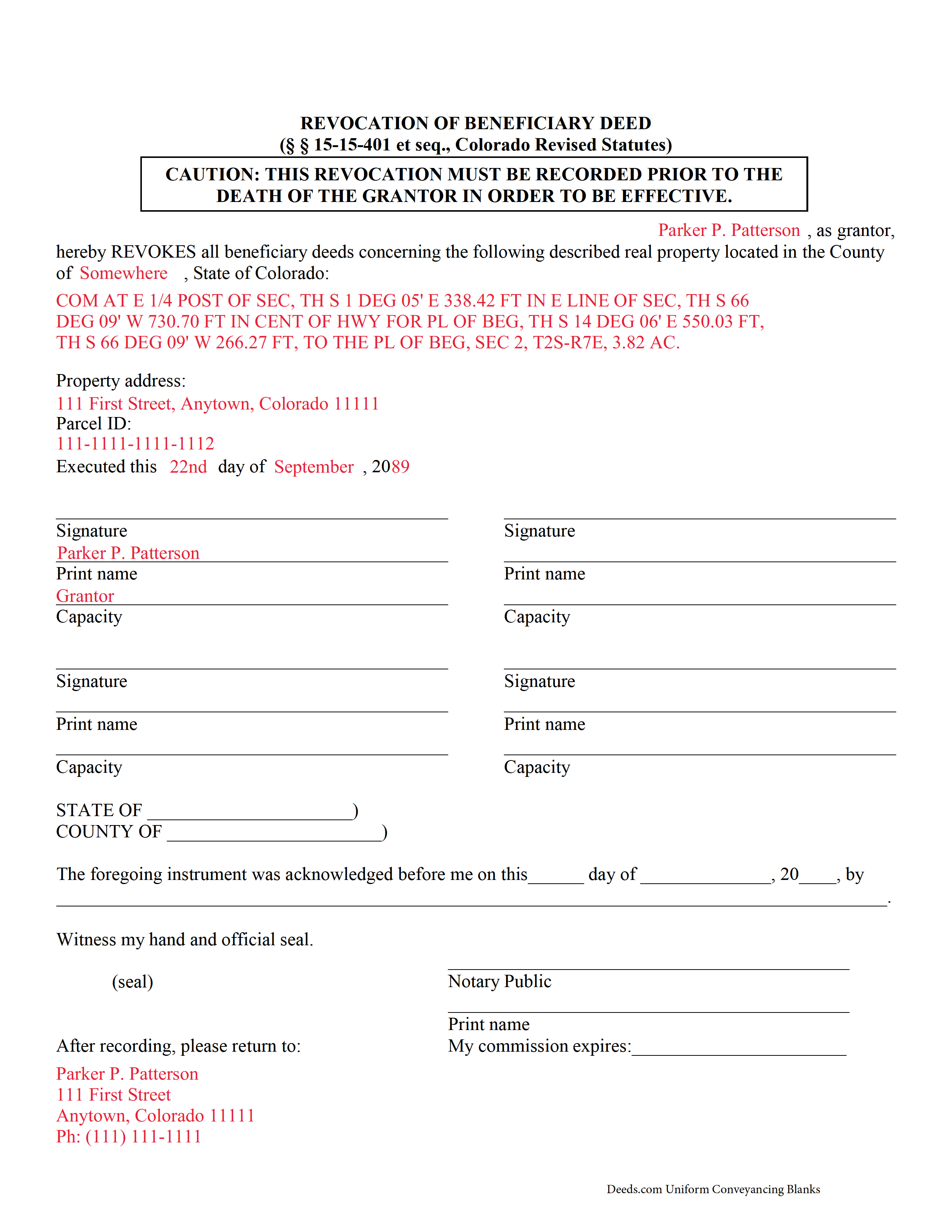
Dolores County Completed Example of the Beneficiary Deed Revocation Document
Example of a properly completed form for reference.
All 3 documents above included • One-time purchase • No recurring fees
Immediate Download • Secure Checkout
Additional Colorado and Dolores County documents included at no extra charge:
Where to Record Your Documents
Dolores County Clerk and Recorder
Dove Creek, Colorado 81324
Hours: 8:30am - 4:30pm Monday through Friday
Phone: (970) 677-2381
Recording Tips for Dolores County:
- Bring your driver's license or state-issued photo ID
- Ensure all signatures are in blue or black ink
- Ask if they accept credit cards - many offices are cash/check only
- Check that your notary's commission hasn't expired
- Documents must be on 8.5 x 11 inch white paper
Cities and Jurisdictions in Dolores County
Properties in any of these areas use Dolores County forms:
- Cahone
- Dove Creek
- Rico
Hours, fees, requirements, and more for Dolores County
How do I get my forms?
Forms are available for immediate download after payment. The Dolores County forms will be in your account ready to download to your computer. An account is created for you during checkout if you don't have one. Forms are NOT emailed.
Are these forms guaranteed to be recordable in Dolores County?
Yes. Our form blanks are guaranteed to meet or exceed the applicable formatting requirements used for recording in Dolores County, including margin requirements, font requirements, and other layout standards. This guarantee applies to formatting, not to the legal sufficiency of information entered by the user or the suitability of a form for a particular transaction.
Can I reuse these forms?
Yes. You can reuse the forms for your personal use. For example, if you have multiple properties in Dolores County you only need to order once.
What do I need to use these forms?
The forms are PDFs that you fill out on your computer. The free Adobe Acrobat Reader is recommended, and most PDF apps also work. You do NOT enter your property information online - you download the blank forms and complete them privately on your own computer.
Are there any recurring fees?
No. This is a one-time purchase. Nothing to cancel, no memberships, no recurring fees.
How much does it cost to record in Dolores County?
Recording fees in Dolores County vary. Contact the recorder's office at (970) 677-2381 for current fees.
Questions answered? Let's get started!
Colorado's beneficiary deeds are governed by C.R.S. 15-15-401 et seq. Revocations are specifically discussed in 15-15-405, which also defines the requirements for a basic form.
Revocability is one of the many useful features of a Colorado beneficiary deed. There are two primary ways for a land owner to revoke a recorded beneficiary designation: executing and recording a revocation, or executing and recording a new beneficiary deed that changes the original designation or distribution (15-15-405(1), (2)).
Neither a modification nor a revocation requires notifying beneficiaries because they only have a potential future interest in the property; nothing is promised or owed to them until the grantor's death. Note, however, that Colorado beneficiary deeds may NOT be revoked or changed by any provisions of the owner's will (15-15-405(4)).
Valid revocations identify the grantor, the property, make reference to the recorded beneficiary deed, and include any other information necessary for the specific situation. The form must also meet state and local standards for recorded documents.
A revocation, when correctly completed and filed for record with the appropriate local agency (generally the recorder or register of deeds for the county where the real estate is located), cancels all prior beneficiary deeds.
IMPORTANT: Any modifications or cancellations to a previously recorded beneficiary deed must be submitted for filing while the grantor is alive. Any changes attempted after the grantor's death are void.
Contact an attorney with questions about revoking beneficiary deeds, or for any other issues related to real property or estate planning in Colorado.
(Colorado Beneficiary Deed Revocation Package includes form, guidelines, and completed example)
Important: Your property must be located in Dolores County to use these forms. Documents should be recorded at the county recording office listed above.
This Beneficiary Deed Revocation meets all recording requirements specific to Dolores County.
Our Promise
The documents you receive here are guaranteed to meet or exceed the applicable Dolores County recording format requirements. If there is a rejection caused by our formatting, we will correct the issue or refund your payment. This guarantee applies to document formatting only and does not extend to information entered by the user, the selection of the form, or the legal effect of the completed document.
Save Time and Money
Get your Dolores County Beneficiary Deed Revocation form done right the first time with Deeds.com Uniform Conveyancing Blanks. At Deeds.com, we understand that your time and money are valuable resources, and we don't want you to face a penalty fee or rejection imposed by a county recorder for submitting nonstandard documents. We constantly review and update our forms to meet rapidly changing state and county recording requirements for roughly 3,500 counties and local jurisdictions.
4.8 out of 5 - ( 4,839 Reviews )
James B. 5 out of 5 stars
All required forms readily available at fair price. Easy to create account. Immediately acquired documents upon order.
We appreciate your business and value your feedback. Thank you. Have a wonderful day!
steven l. 3 out of 5 stars
As a first time user and not having knowledge of how your site worked it was awkward to upload a file and not know what to do next. I found out there is nothing to do next but that after some time looking for a submit button or some kind of confirmation that I was doing the right thing. Ended up being very easy, just wasted time trying to figure out what to do when there was nothing left to do.
Thank you!
Christopher B. 4 out of 5 stars
The service was simple and easy enough but the UI isn't the easiest on the eyes and the process is a tad strange.
Thank you for your feedback. We really appreciate it. Have a great day!
Carolyn A. 5 out of 5 stars
Easy to use!!
Thank you!
Rosie M. 5 out of 5 stars
I found exactly what I was looking for, and the documents are a complete package. Great service!
Thank you, Rosie! We're so glad you found exactly what you needed and that the documents met your expectations. We appreciate your kind words and your support! If you ever need anything else, we're here to help.
MARIA G. 5 out of 5 stars
I tried 3 local attorneys and got no where , wrong information, to busy and another one was very rude. One said he'd do it then didn't. I was so stressed and tried a different online form company advertising an in person attorney within hours. They did call back but gave me the wrong answer. I needed a form used in NC and knew about it from the clerk of the court. The deadline was approaching, I looked one more time and found Deeds.com. They have the form and the much need instructions and for less than $30.00. I am so pleased and also relived!
Thank you for your feedback. We really appreciate it. Have a great day!
James S. 5 out of 5 stars
Forms used, created quitclaim deed that the county accepted without a second look (turns out they see deeds.com forms regularly via erecording and in person). Will be back for any real estate related forms I need and they carry. Will always be my first stop. Also, will use erecording next time, mad I didn't see it this time.
Thanks for the kind words James, glad we could help. Look forward to seeing you again.
michael o. 5 out of 5 stars
After trying to get help locally I found your website. Very easy
Thank you for your feedback. We really appreciate it. Have a great day!
Mary P. 5 out of 5 stars
Excellent easy to follow instructions.
Great to hear Mary, Have a wonderful day!
Michael V. 5 out of 5 stars
Exactly what I needed and VERY fair price. I paid $19.97 for what a local attorney wanted $200 to do. I filled out the form using the line by line guide and filed it at the court house today. Absolutely no problems.
We appreciate your business and value your feedback. Thank you. Have a wonderful day!
JoAnn L. 5 out of 5 stars
The process was easy, and efficient. There was a person available to help if needed. Very pleased, would use this again.
Thank you!
Dakota H. 5 out of 5 stars
Brilliant idea. Beats working with an attorney who charges $250+ per hour. Thanks.
Thank you!
William P. 5 out of 5 stars
Warranty Deed was just what I needed.Easy to complete and accepted by the county.
Thank you!
PATRICK C. 5 out of 5 stars
Fast, honest company Worth every penny! DO IT YOURSELF SAVE THOUSANDS
We appreciate your business and value your feedback. Thank you. Have a wonderful day!
DAVID K. 5 out of 5 stars
You are definitely the place to go for forms and other things which I need to solve my problems. Thanks for your help.
Thank you!