Moffat County Full Release of Memorandum and Notice of Agreement Form
Last validated October 20, 2026 by our Forms Development TeamFormatted for recording in Moffat County, for property anywhere in the county: rural and unincorporated areas as well as Craig, Dinosaur, Hamilton, Maybell, Slater.
- 3 documents included
- Immediate PDF download
- Formatting guarantee
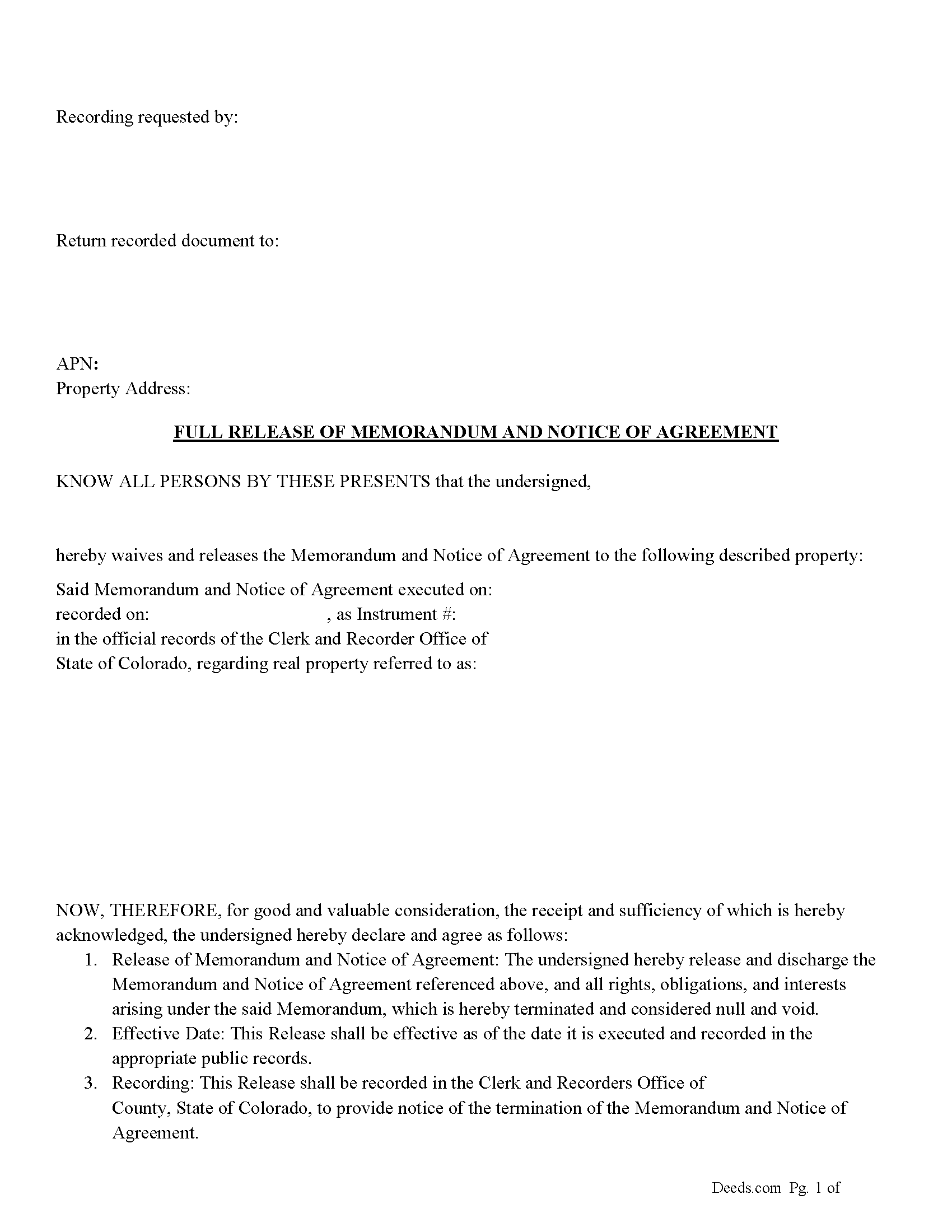
Moffat County Full Release of Memorandum and Notice of Agreement Form
Fill in the blank Full Release of Memorandum and Notice of Agreement form formatted to comply with all Colorado recording and content requirements.
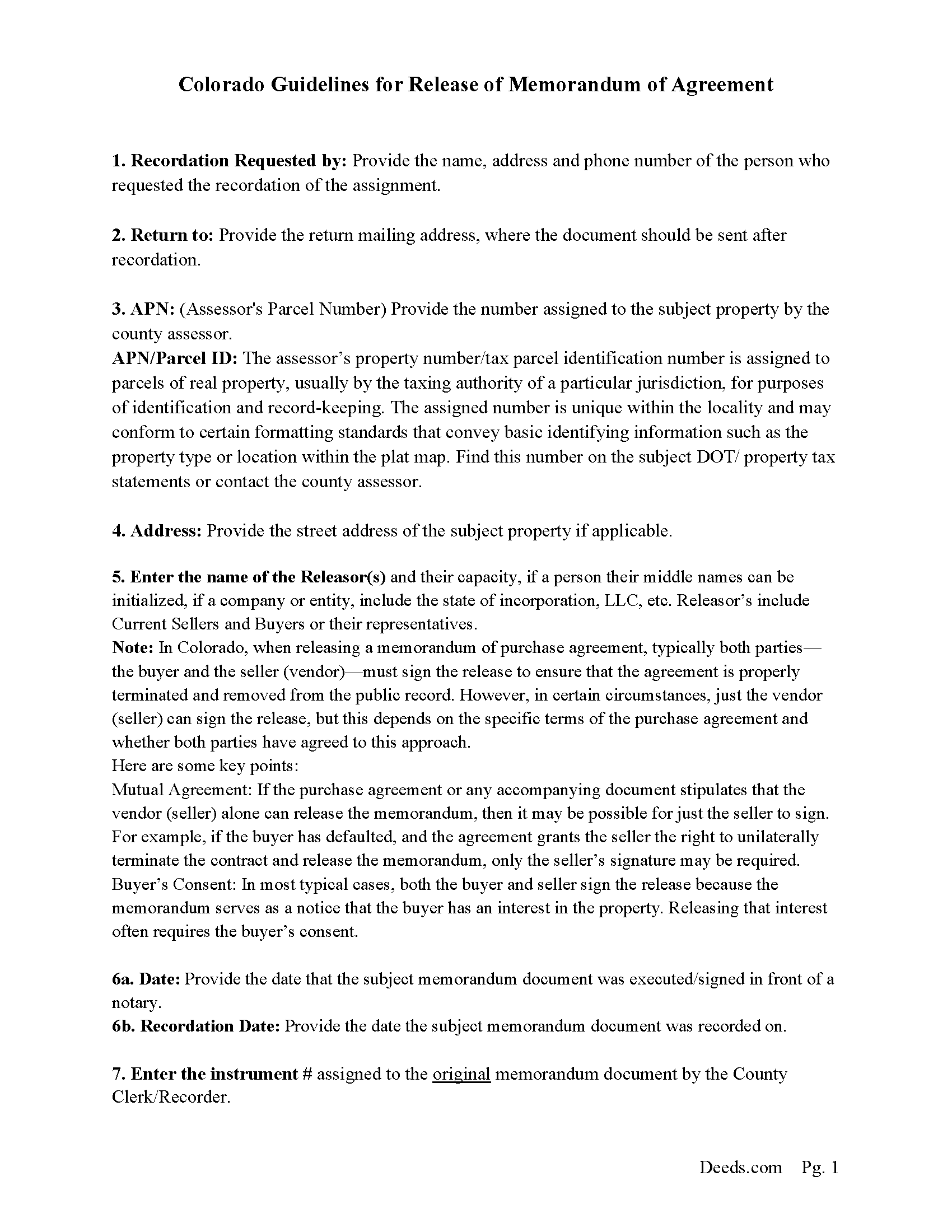
Moffat County Full Release of Memorandum and Notice of Agreement Guide
Line by line guide explaining every blank on the Full Release of Memorandum and Notice of Agreement form.
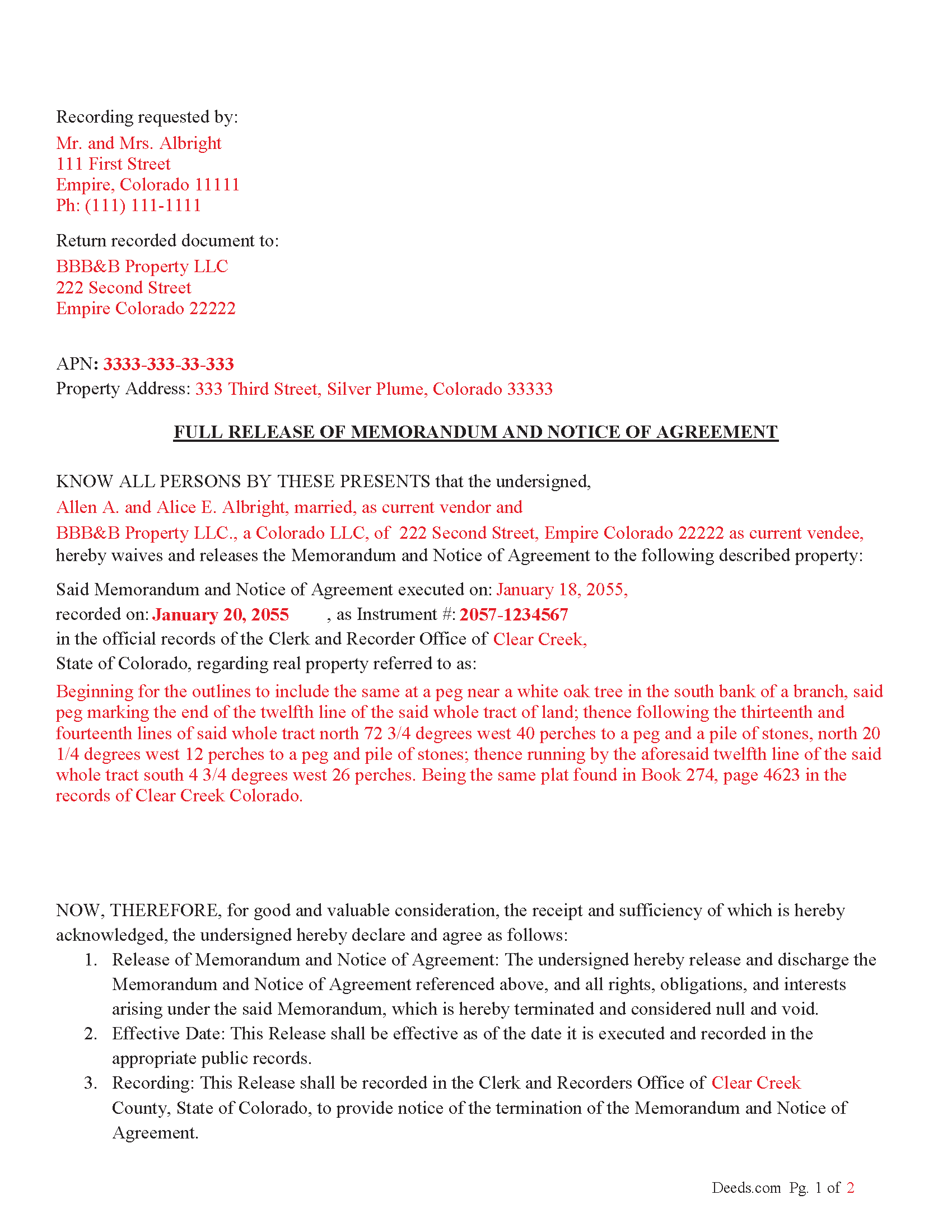
Moffat County Completed Example of the Full Release of Memorandum and Notice of Agreement Document
Example of a properly completed Colorado Full Release of Memorandum and Notice of Agreement document for reference.
All 3 documents above included • One-time purchase • No recurring fees
Immediate Download • Secure Checkout
Additional Colorado and Moffat County documents included at no extra charge:
Where to Record Your Documents
Moffat County Clerk and Recorder
Craig , Colorado 81625
Hours: Monday - Friday 8am-1pm & 2pm-4:30pm
Phone: (970) 824-9104
Recording Tips for Moffat County:
- Bring your driver's license or state-issued photo ID
- Ensure all signatures are in blue or black ink
- Check margin requirements - usually 1-2 inches at top
- Leave recording info boxes blank - the office fills these
- Make copies of your documents before recording - keep originals safe
Cities and Jurisdictions in Moffat County
Properties in any of these areas use Moffat County forms:
- Craig
- Dinosaur
- Hamilton
- Maybell
- Slater
Hours, fees, requirements, and more for Moffat County
How do I get my forms?
Forms are available for immediate download after payment. The Moffat County forms will be in your account ready to download to your computer. An account is created for you during checkout if you don't have one. Forms are NOT emailed.
Are these forms guaranteed to be recordable in Moffat County?
Yes. Our form blanks are guaranteed to meet or exceed the applicable formatting requirements used for recording in Moffat County, including margin requirements, font requirements, and other layout standards. This guarantee applies to formatting, not to the legal sufficiency of information entered by the user or the suitability of a form for a particular transaction.
Can I reuse these forms?
Yes. You can reuse the forms for your personal use. For example, if you have multiple properties in Moffat County you only need to order once.
What do I need to use these forms?
The forms are PDFs that you fill out on your computer. The free Adobe Acrobat Reader is recommended, and most PDF apps also work. You do NOT enter your property information online - you download the blank forms and complete them privately on your own computer.
Are there any recurring fees?
No. This is a one-time purchase. Nothing to cancel, no memberships, no recurring fees.
How much does it cost to record in Moffat County?
Recording fees in Moffat County vary. Contact the recorder's office at (970) 824-9104 for current fees.
Questions answered? Let's get started!
The Release of Memorandum of Agreement is a document that states the original purchase agreement (and its corresponding memorandum) is no longer valid or enforceable.
The release should include: Names of the parties involved (both the buyer and seller). Property description (legal description and address). Recording information from the original memorandum (such as the recording number, date of recording, and where it was recorded). A statement that the memorandum of the purchase agreement is released, and the purchase agreement is no longer effective.
Signatures of the parties involved (at least the vendor/seller, but preferably both the buyer and seller, unless otherwise stipulated).
Sign the Release
Typically, both parties (the buyer and seller) should sign the release document.
However, if the agreement or specific circumstances allow for only the seller to sign the release, ensure this is explicitly permitted in the purchase agreement.
The signatures may need to be notarized to make the release effective for recording. Ensure each party signs in front of a notary public, who will then notarize the document.
Notarization
The release must be notarized to be legally recognized and recorded. Notarization confirms the identity of the signers and the authenticity of their signatures.
Each party (or just the seller, if applicable) should sign the release in front of a notary public who will complete the notarial acknowledgment.
Record the Release Document
Once the document is signed and notarized, it needs to be recorded with the County Clerk and Recorder's Office in the county where the property is located.
Recording the release is essential to formally remove the memorandum from the public record and clear the property's title.
Important: Your property must be located in Moffat County to use these forms. Documents should be recorded at the county recording office listed above.
This Full Release of Memorandum and Notice of Agreement meets all recording requirements specific to Moffat County.
Our Promise
The documents you receive here are guaranteed to meet or exceed the applicable Moffat County recording format requirements. If there is a rejection caused by our formatting, we will correct the issue or refund your payment. This guarantee applies to document formatting only and does not extend to information entered by the user, the selection of the form, or the legal effect of the completed document.
Save Time and Money
Get your Moffat County Full Release of Memorandum and Notice of Agreement form done right the first time with Deeds.com Uniform Conveyancing Blanks. At Deeds.com, we understand that your time and money are valuable resources, and we don't want you to face a penalty fee or rejection imposed by a county recorder for submitting nonstandard documents. We constantly review and update our forms to meet rapidly changing state and county recording requirements for roughly 3,500 counties and local jurisdictions.
4.8 out of 5 - ( 4,839 Reviews )
Judy A D. 5 out of 5 stars
It was quick and easy.
Thank you!
Beaugwynn Wigley S. 5 out of 5 stars
Thanks so much for all your help! That was painless.
Thank you!
Lara T. 5 out of 5 stars
Made recording my document so much easier and faster. First attempt failed due to illegible blue ink, got that fixed and deeds.com resubmitted and doc was recorded within a couple of hours, all from the comfort of my home.
Thank you for your feedback. We really appreciate it. Have a great day!
Rafael R. 5 out of 5 stars
This was my first time using Deed.com. It was easier than I expected. The service is more convenient than filing documents in person or by mail. The response from Deeds.com upon the submission of my order was almost instantaneous.
We appreciate your business and value your feedback. Thank you. Have a wonderful day!
Michael L. 5 out of 5 stars
Pretty good stuff, not exactly clear on the deed transfer costs and all
Thank you for your feedback. We really appreciate it. Have a great day!
Alexis R. 5 out of 5 stars
Excellent service and reasonable fees. Highly recommend this company.
We appreciate your business and value your feedback. Thank you. Have a wonderful day!
Dennis W. 4 out of 5 stars
Fairly straight forward. Notary had a small amount of confusion regarding what wanted in their area.
Thank you for your feedback, Dennis! We're glad the process was straightforward overall. We appreciate you noting the confusion about area requirements - we'll work with our notary partners to ensure clearer communication going forward. Your input helps us improve!
Joe S. 5 out of 5 stars
Easy to use, reasonable price and excellent customer service! I would not hesitate to use Deeds.com again.
We appreciate your business and value your feedback. Thank you. Have a wonderful day!
Alan S. 5 out of 5 stars
Great job! Fast and easy. Terrific communications.
Thank you!
Marlene S. 5 out of 5 stars
This service seems simple and reasonably priced. The deed I requested was not available, and they let me know immediately and refunded the fee. I would try to use this service again, if I had need.
Thank you for your feedback. We really appreciate it. Have a great day!
Bennie W. 5 out of 5 stars
I used the Quitclaim form. The form was easy to complete without using the example or guide. $21 was a fair price compared to paying a lawyer.
Thank you for your feedback. We really appreciate it. Have a great day!
Johnette E. 5 out of 5 stars
Easy and quick to use!!
Thank you!
Thomas E. 5 out of 5 stars
Great, immediate access to everything I needed to assist my client! This is truly a great resource for a Notary Public! I will surely keep my account open, and will refer others as well!
Thank you for the Kind words Thomas. We really appreciate you! Have a great day.
John T. 5 out of 5 stars
I bought a quitclaim deed package, and it was very easy to use. Prints nicely. Two thumbs up!
We appreciate your business and value your feedback. Thank you. Have a wonderful day!
Bryan C. 5 out of 5 stars
Your service is sweet. It is self-explanatory and easy to download. I am excited about finding your website.
Thank you!