Elbert County Mineral Deed Form
Last validated October 7, 2026 by our Forms Development TeamFormatted for recording in Elbert County, for property anywhere in the county: rural and unincorporated areas as well as Agate, Elizabeth, Kiowa, Matheson, Simla.
- 3 documents included
- Immediate PDF download
- Formatting guarantee
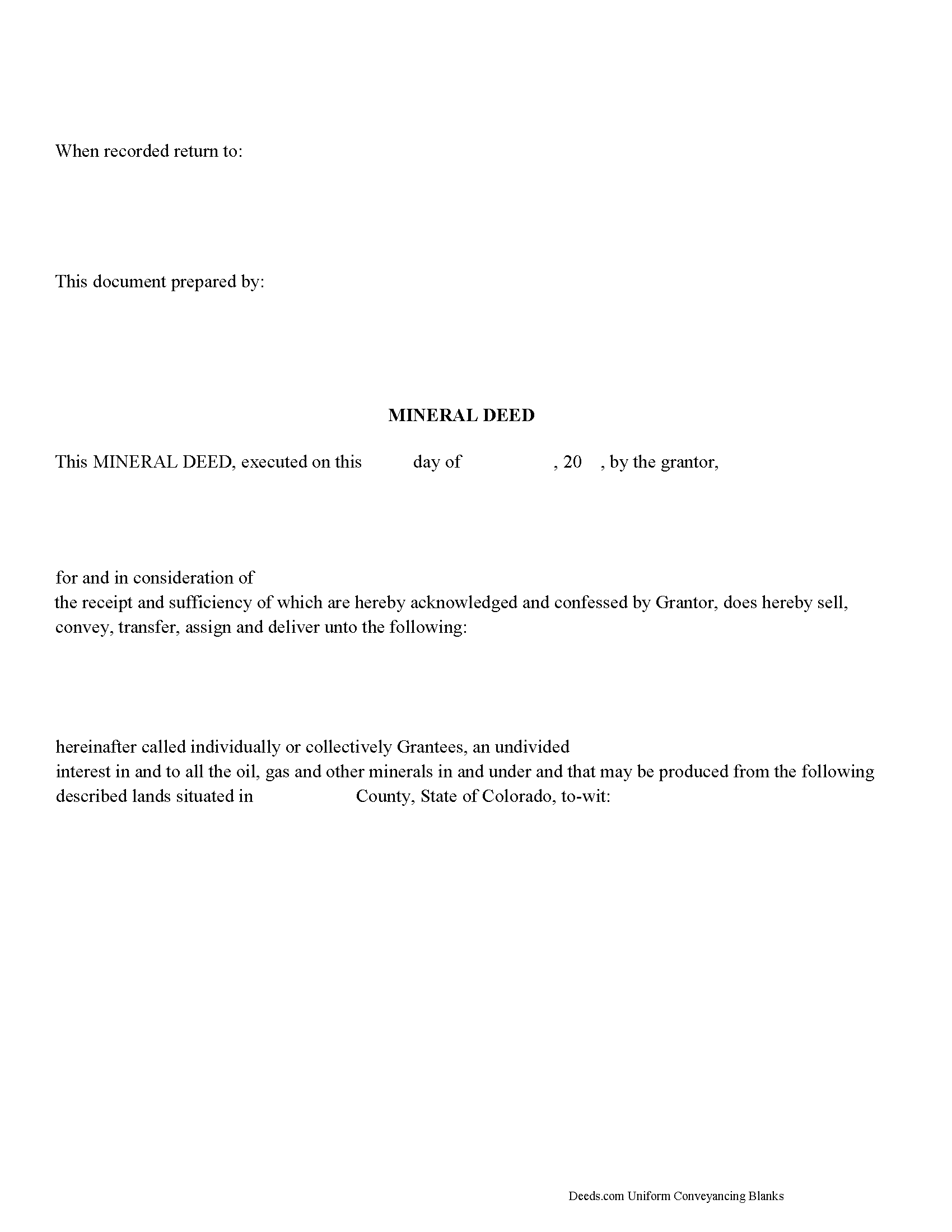
Elbert County Mineral Deed Form
Fill in the blank form formatted to comply with all recording and content requirements.
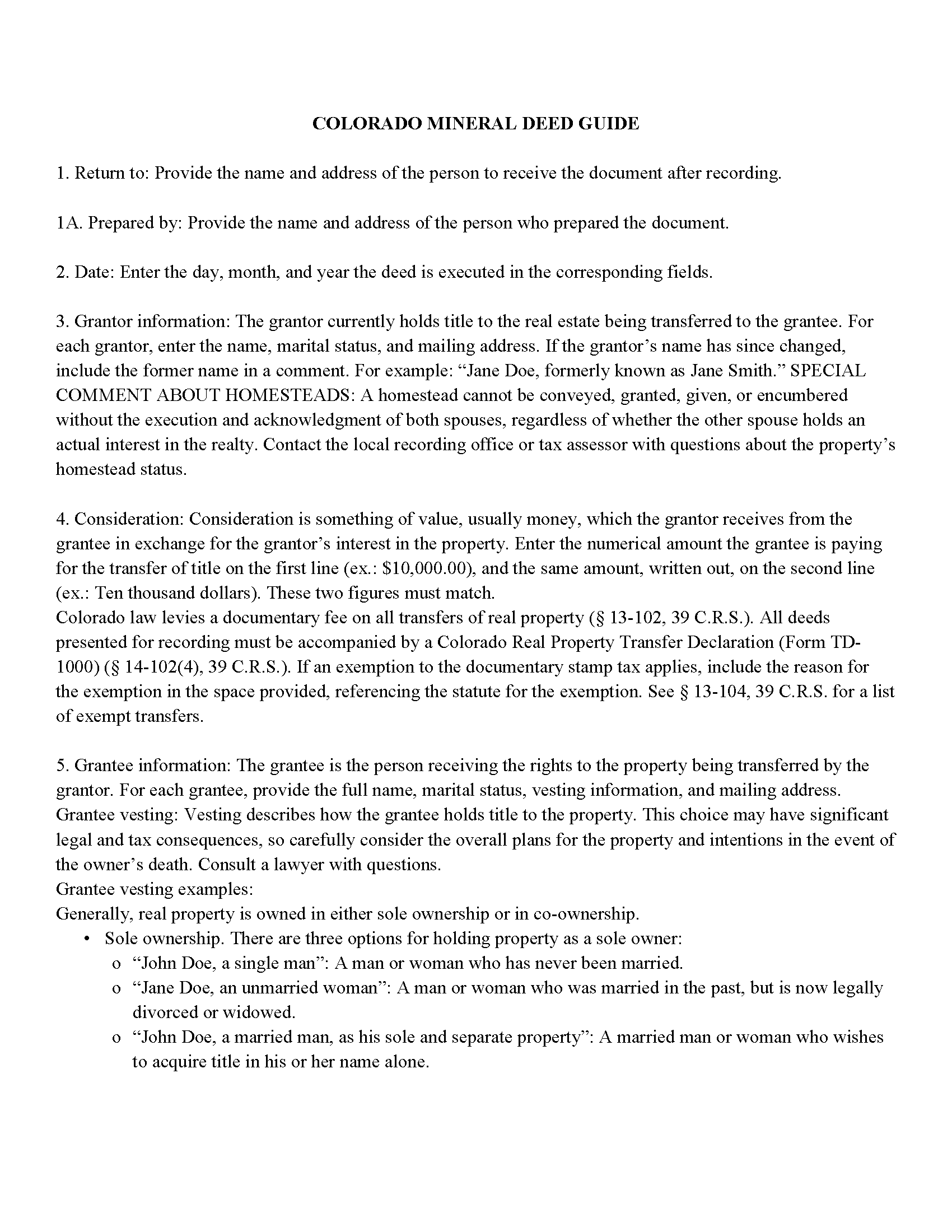
Elbert County Mineral Deed Guide
Line by line guide explaining every blank on the form.
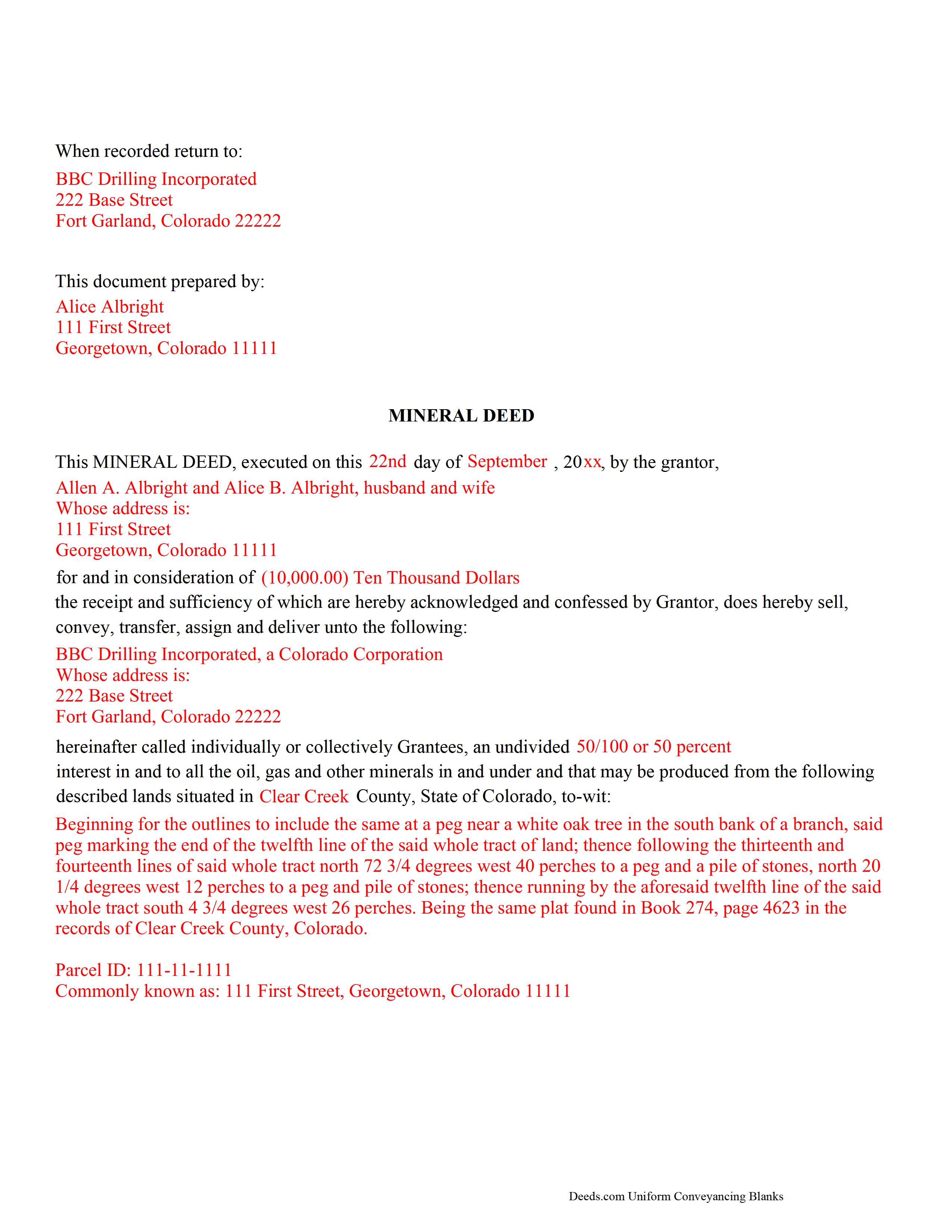
Elbert County Completed Example of a Mineral Deed Document
Example of a properly completed form for reference.
All 3 documents above included • One-time purchase • No recurring fees
Immediate Download • Secure Checkout
Additional Colorado and Elbert County documents included at no extra charge:
Where to Record Your Documents
Elbert County Clerk and Recorder
Kiowa, Colorado 80117
Hours: 8:00am to 4:30pm Monday through Thursday
Phone: (303) 621-3128
Recording Tips for Elbert County:
- Bring your driver's license or state-issued photo ID
- Ensure all signatures are in blue or black ink
- White-out or correction fluid may cause rejection
- Ask about their eRecording option for future transactions
- Avoid the last business day of the month when possible
Cities and Jurisdictions in Elbert County
Properties in any of these areas use Elbert County forms:
- Agate
- Elizabeth
- Kiowa
- Matheson
- Simla
Hours, fees, requirements, and more for Elbert County
How do I get my forms?
Forms are available for immediate download after payment. The Elbert County forms will be in your account ready to download to your computer. An account is created for you during checkout if you don't have one. Forms are NOT emailed.
Are these forms guaranteed to be recordable in Elbert County?
Yes. Our form blanks are guaranteed to meet or exceed the applicable formatting requirements used for recording in Elbert County, including margin requirements, font requirements, and other layout standards. This guarantee applies to formatting, not to the legal sufficiency of information entered by the user or the suitability of a form for a particular transaction.
Can I reuse these forms?
Yes. You can reuse the forms for your personal use. For example, if you have multiple properties in Elbert County you only need to order once.
What do I need to use these forms?
The forms are PDFs that you fill out on your computer. The free Adobe Acrobat Reader is recommended, and most PDF apps also work. You do NOT enter your property information online - you download the blank forms and complete them privately on your own computer.
Are there any recurring fees?
No. This is a one-time purchase. Nothing to cancel, no memberships, no recurring fees.
How much does it cost to record in Elbert County?
Recording fees in Elbert County vary. Contact the recorder's office at (303) 621-3128 for current fees.
Questions answered? Let's get started!
The General Mineral Deed in Colorado transfers oil, gas, and mineral rights from the grantor to the grantee. THIS IS NOT A LEASE. There are no Exceptions or Reservations included.
The transfer includes the oil, gas and other minerals of every kind and nature. It also transfers any and all rights to receive royalties, overriding royalties, net profits interests or other payments out of or with respect to those oil, gas and other minerals. The Grantor can stipulate the percentage of Mineral Rights the Grantee will receive and is made subject to any rights existing under any valid and subsisting oil and gas lease or leases of record.
This general mineral deed gives the grantee the right to access, for the purpose of mining, drilling, exploring, operating and developing said lands for oil, gas, and other minerals, and storing handling, transporting and marketing of such.
In this document the Grantor Warrants and will defend said Title to Grantee. Use of this document has a permanent effect on your rights to the property, if you are not completely sure of what you are executing seek the advice of a legal professional.
(Colorado Mineral Deed Package includes form, guidelines, and completed example)
Important: Your property must be located in Elbert County to use these forms. Documents should be recorded at the county recording office listed above.
This Mineral Deed meets all recording requirements specific to Elbert County.
Our Promise
The documents you receive here are guaranteed to meet or exceed the applicable Elbert County recording format requirements. If there is a rejection caused by our formatting, we will correct the issue or refund your payment. This guarantee applies to document formatting only and does not extend to information entered by the user, the selection of the form, or the legal effect of the completed document.
Save Time and Money
Get your Elbert County Mineral Deed form done right the first time with Deeds.com Uniform Conveyancing Blanks. At Deeds.com, we understand that your time and money are valuable resources, and we don't want you to face a penalty fee or rejection imposed by a county recorder for submitting nonstandard documents. We constantly review and update our forms to meet rapidly changing state and county recording requirements for roughly 3,500 counties and local jurisdictions.
4.8 out of 5 - ( 4,829 Reviews )
Rod G. 5 out of 5 stars
You guys have it DOWN!! You made it easy to navigate your site and services. You explained things effectively. You are helpful and fast. NO WAY would even entertain using a different deed/ document recording service. I'll be back! Thank you. Rod
We appreciate your business and value your feedback. Thank you. Have a wonderful day!
Daniel B. 5 out of 5 stars
Very well organized and easy to understand. Will probably use your service again in the future for other forms
Thank you for your feedback. We really appreciate it. Have a great day!
Tim H. 5 out of 5 stars
Found the service useful and straightforward. The only recommendation would be to send an e-mail notification to the request or when their package is ready for download. Mine, apparently, was ready within and hour or so after placing the request but did not go back onto the site until a day later to find it was ready.
Thank you for your feedback. We really appreciate it. Have a great day!
Brenda W. 5 out of 5 stars
Good.
Thank you for your feedback. We really appreciate it. Have a great day!
Bayyinah M. 5 out of 5 stars
EasyPeasy!
Thank you!
Ed S. 5 out of 5 stars
This is the first time that I have used this service. An employee at the Clerk and Register office in Arizona suggested that I try Deeds.com to find the form I needed and the county office could not provide. I am a licensed Realtor in Colorado with a 43-year career and this service has not been necessary in my own state but it was extremely helpful in finding a form in Arizona. Five star rating for the very user-friendly website!
Thank you for your feedback. We really appreciate it. Have a great day!
Julia M. 5 out of 5 stars
Your PDF form Personal Representative's Deed was exceedingly helpful.
Thank you Julia. Have a fantastic day!
Donald P. 4 out of 5 stars
Very fast and efficient. Easy to fill out but was upset the latest tax exemptions ruled in 2014 did not seem to be included. Exclusion of sale to blood relatives, etc. _ the one I needed.
Thank you for your feedback. We really appreciate it. Have a great day!
Sherry C. 5 out of 5 stars
The experience was great. It was so easy to get my document recorded and it was done the same day!
Thank you!
Oldemar T. 5 out of 5 stars
You guys simplified my life. You offer very convenient services. Thank you.
Thank you!
Tracie R. 5 out of 5 stars
Great company and very fast at getting deeds to me. :)5 star!!
Thank you!
Jamie F. 5 out of 5 stars
Your service was very helpful as we were able to obtain a form for another state for our client.
We appreciate your business and value your feedback. Thank you. Have a wonderful day!
Richard M. 5 out of 5 stars
Needed some help at the beginning but once I was into the program it was smooth sailing.
Thank you!
Scott D. 5 out of 5 stars
I am very satisfied with the quality of the product I ordered. I have done similar property transfers/recording in the past on my own but paying for the forms and guidance is well worth it. The AI question area is extremely helpful. The example for the forms is perfect (as it has to be). I will absolutely use Deeds.com in the future for any related property needs. A+
We appreciate your business and value your feedback. Thank you. Have a wonderful day!
Tracey H. 5 out of 5 stars
The transaction was easy and the download was immediately, What a great service to provide for a reasonable price. I highly recommend this service.
We appreciate your business and value your feedback. Thank you. Have a wonderful day!