Elbert County Trustee Deed Form
Last validated October 23, 2026 by our Forms Development TeamFormatted for recording in Elbert County, for property anywhere in the county: rural and unincorporated areas as well as Agate, Elizabeth, Kiowa, Matheson, Simla.
- 3 documents included
- Immediate PDF download
- Formatting guarantee
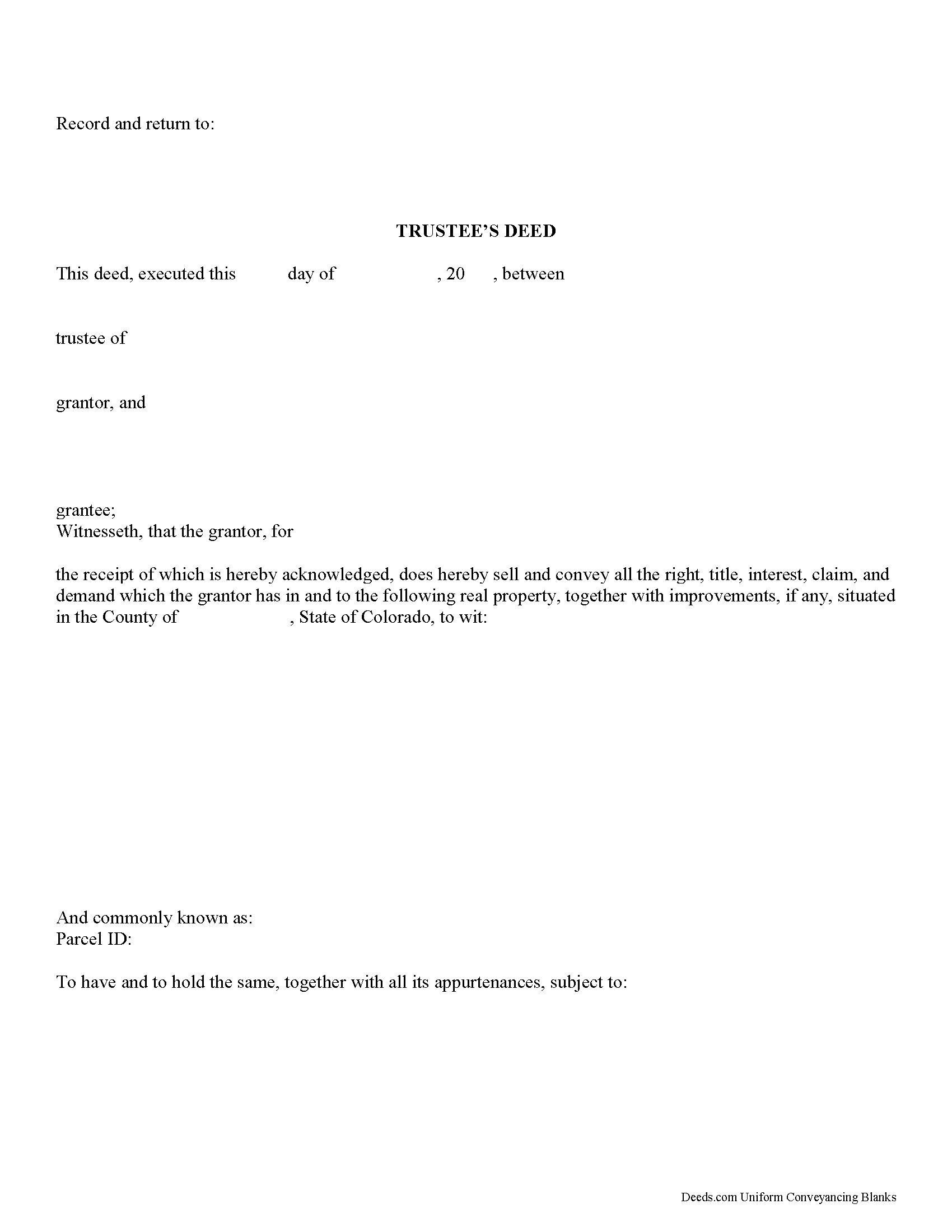
Elbert County Trustee Deed Form
Fill in the blank form formatted to comply with all recording and content requirements.
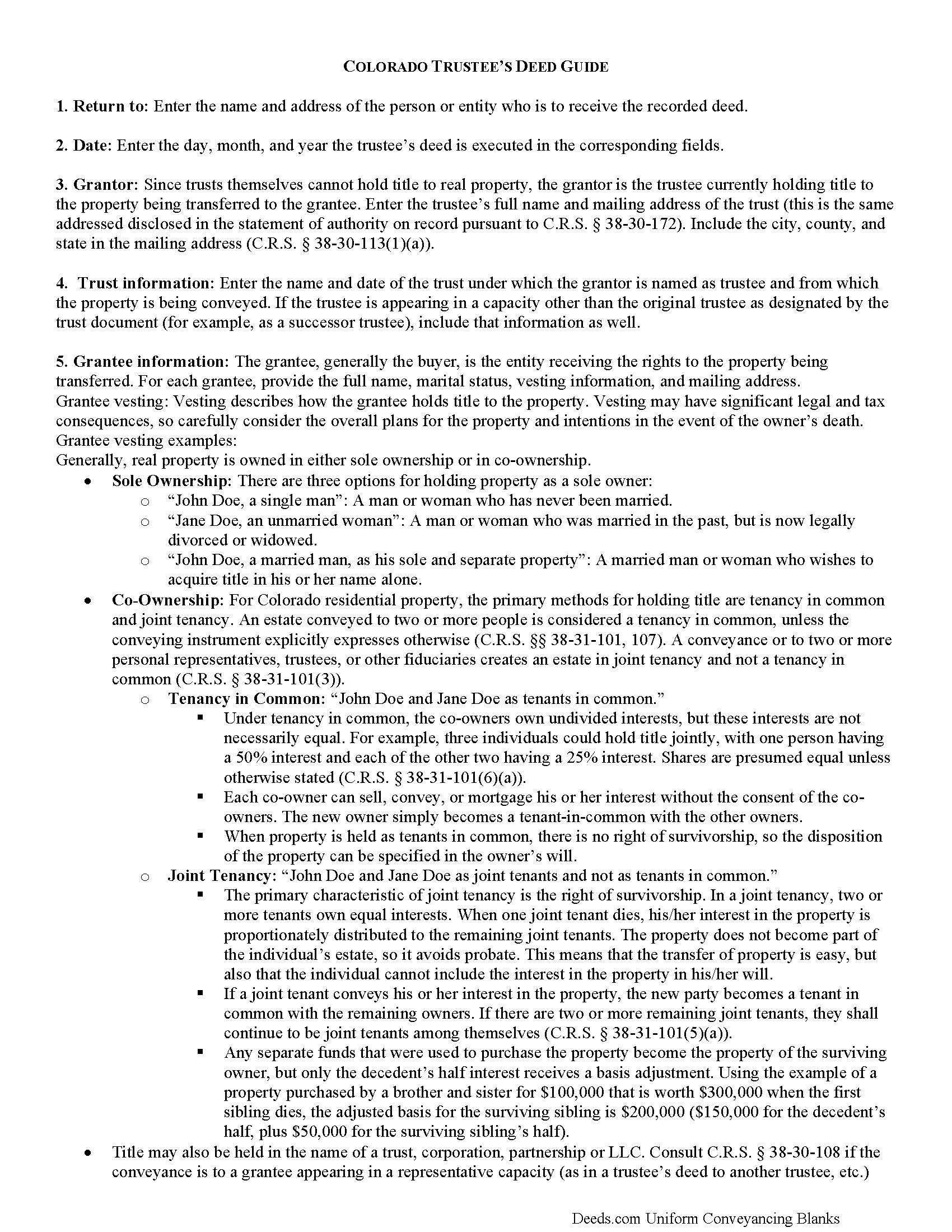
Elbert County Trustee Deed Guide
Line by line guide explaining every blank on the form.
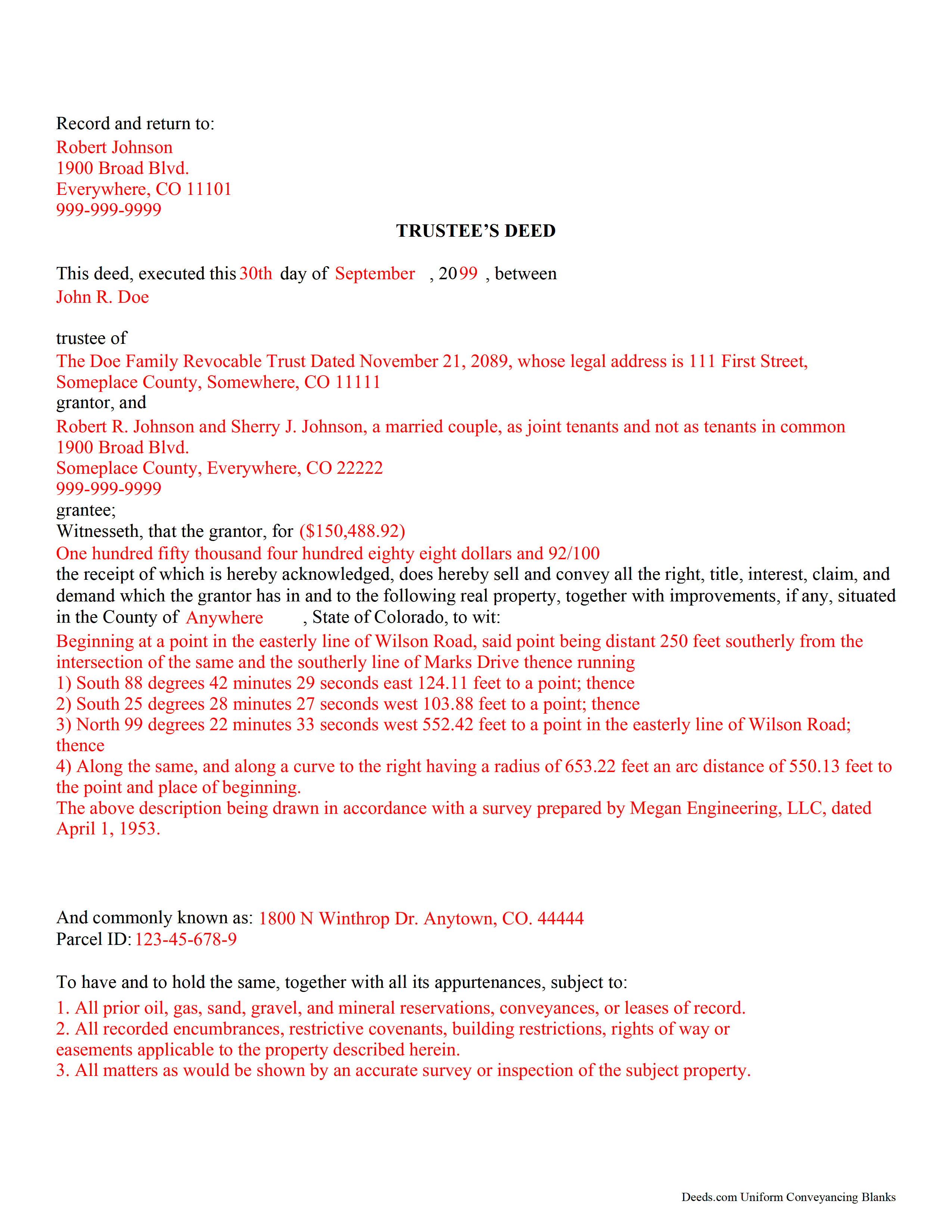
Elbert County Completed Example of the Trustee Deed Document
Example of a properly completed form for reference.
All 3 documents above included • One-time purchase • No recurring fees
Immediate Download • Secure Checkout
Additional Colorado and Elbert County documents included at no extra charge:
Where to Record Your Documents
Elbert County Clerk and Recorder
Kiowa, Colorado 80117
Hours: 8:00am to 4:30pm Monday through Thursday
Phone: (303) 621-3128
Recording Tips for Elbert County:
- Bring your driver's license or state-issued photo ID
- Ensure all signatures are in blue or black ink
- Leave recording info boxes blank - the office fills these
- Make copies of your documents before recording - keep originals safe
- Recorded documents become public record - avoid including SSNs
Cities and Jurisdictions in Elbert County
Properties in any of these areas use Elbert County forms:
- Agate
- Elizabeth
- Kiowa
- Matheson
- Simla
Hours, fees, requirements, and more for Elbert County
How do I get my forms?
Forms are available for immediate download after payment. The Elbert County forms will be in your account ready to download to your computer. An account is created for you during checkout if you don't have one. Forms are NOT emailed.
Are these forms guaranteed to be recordable in Elbert County?
Yes. Our form blanks are guaranteed to meet or exceed the applicable formatting requirements used for recording in Elbert County, including margin requirements, font requirements, and other layout standards. This guarantee applies to formatting, not to the legal sufficiency of information entered by the user or the suitability of a form for a particular transaction.
Can I reuse these forms?
Yes. You can reuse the forms for your personal use. For example, if you have multiple properties in Elbert County you only need to order once.
What do I need to use these forms?
The forms are PDFs that you fill out on your computer. The free Adobe Acrobat Reader is recommended, and most PDF apps also work. You do NOT enter your property information online - you download the blank forms and complete them privately on your own computer.
Are there any recurring fees?
No. This is a one-time purchase. Nothing to cancel, no memberships, no recurring fees.
How much does it cost to record in Elbert County?
Recording fees in Elbert County vary. Contact the recorder's office at (303) 621-3128 for current fees.
Questions answered? Let's get started!
A trustee's deed is a form of conveyance used in trust administration and named for the person executing the deed. A trustee, as the grantor, uses the deed to convey real property out of a trust and vest title in the name of the grantee.
Note: A trustee's deed is separate from a public trustee's deed, which is a form of conveyance used by a county-appointed public trustee to transfer foreclosed property under a deed of trust containing a power of sale.
Generally, a Colorado trustee's deed is a bargain and sale deed. A bargain and sale deed conveys all interest in real property a grantor has without warranties of title, and recites consideration, which is the entire monetary compensation the grantee has paid for the transfer. Some trustee's deeds contain special warranties, however. A special warranty deed warrants the title only for the duration of the grantor's ownership of the property, and may contain further limitations.
In order for a trustee to convey trust property pursuant to C.R.S. 38-30-108.5, a statement of authority must be on record certifying the trustee's authority to act on behalf of the trust.
The trustee's deed follows the format established under C.R.S. 38-30-113. In addition, it references the name and date of the trust on behalf of which the trustee is acting, as well as the trust's legal mailing address as specified in the statement of authority.
As with all documents affecting real property, the deed requires a legal description of the subject real property, including the commonly known address and assessor's parcel identification number. All acting trustees are required to sign the deed in the presence of a notary public. The deed is recorded in the same county in which the subject real property is situated.
(Colorado Trust Deed Package includes form, guidelines, and completed example)
Trust law is complex, as each situation is unique. Consult a lawyer with any questions concerning trust law.
Important: Your property must be located in Elbert County to use these forms. Documents should be recorded at the county recording office listed above.
This Trustee Deed meets all recording requirements specific to Elbert County.
Our Promise
The documents you receive here are guaranteed to meet or exceed the applicable Elbert County recording format requirements. If there is a rejection caused by our formatting, we will correct the issue or refund your payment. This guarantee applies to document formatting only and does not extend to information entered by the user, the selection of the form, or the legal effect of the completed document.
Save Time and Money
Get your Elbert County Trustee Deed form done right the first time with Deeds.com Uniform Conveyancing Blanks. At Deeds.com, we understand that your time and money are valuable resources, and we don't want you to face a penalty fee or rejection imposed by a county recorder for submitting nonstandard documents. We constantly review and update our forms to meet rapidly changing state and county recording requirements for roughly 3,500 counties and local jurisdictions.
4.8 out of 5 - ( 4,839 Reviews )
Omar F. 5 out of 5 stars
Great! Thank you!
Thank you!
Susan N. 5 out of 5 stars
Very easy to use and I received the information in a timely manner. I will use this service again.
Thank you!
mary g. 5 out of 5 stars
Easy site. Reasonably priced
Thank you Mary.
Narcedalia G. 5 out of 5 stars
Easy to use quick responses with accurate information and great customer service. No need to say more!
Your feedback is greatly appreciated. Thank you for taking the time to share your experience!
Ronald W. 5 out of 5 stars
Easy to use and very helpful
Thank you!
Robert H. 5 out of 5 stars
Easy to use and understand. I am glad to have found this resource.
Your appreciative words mean the world to us. Thank you and we look forward to serving you again!
Gary B. 5 out of 5 stars
The whole experience was amazing. Your site was easy to work with and the staff was supper responsive. We were in and out in a flash!
We appreciate your business and value your feedback. Thank you. Have a wonderful day!
Taylor M. 5 out of 5 stars
Service is good. The website isn't very user friendly and could use some updating. Overall I'm happy with the service.
Thank you for your feedback. We really appreciate it. Have a great day!
Karen F. 3 out of 5 stars
Form needs to be gender neutral. Also, while the format prompts for the correct information to be included, more of the form needs to be open for editing and to eliminate unnecessary spacing.
Karen, thank you for your helpful feedback. We appreciate you pointing this out and are reviewing the form to make the language gender neutral, improve editability, and reduce unnecessary spacing so it is easier to complete.
Rut P M. 5 out of 5 stars
I was very pleased with the document I downloaded. I was able to edit it easily and save a copy both as a permanent copy or one that could still be edited. I also liked being able to cut and paste longer paragraphs. It cost a little more than I expected; however, it was worth it be cause I didn't have to fill it out by hand. Great job!
Thank you for your feedback. We really appreciate it. Have a great day!
Gordon J. 5 out of 5 stars
The experience was generally very satisfactory. I was able to fill out the Trust Deed and send it via email no problem. However, I was not able to send the filled out form of the Note. It always erased my fill-ins when it was sent. I found that very frustrating.
Thank you, Gordon. Glad the Trust Deed worked well. Issues like the one you reported with the Note can sometimes be related to how the file is opened or sent. Using Adobe Reader to fill, save, and send the form is recommended. We also pass along all feedback like this to our team to confirm there are no issues.
Katherine S. 5 out of 5 stars
This was easy!!
Thank you!
Jason P. 5 out of 5 stars
Price is fair and system is so user friendly. Highly recommend
We appreciate your business and value your feedback. Thank you. Have a wonderful day!
Jacqueline S. 5 out of 5 stars
Outstanding service. The quit claim Deed form was great. Very easy to use and explained very clearly. Definitely recommend.
Thank you for your feedback. We really appreciate it. Have a great day!
Audra M. 5 out of 5 stars
It was easy to e-record and will/would recommend it to everyone.
Thank you for your feedback. We really appreciate it. Have a great day!