Moffat County Quitclaim Deed (Individual Grantor) Form
Last validated October 26, 2026 by our Forms Development TeamFormatted for recording in Moffat County, for property anywhere in the county: rural and unincorporated areas as well as Craig, Dinosaur, Hamilton, Maybell, Slater.
- 3 documents included
- Immediate PDF download
- Formatting guarantee
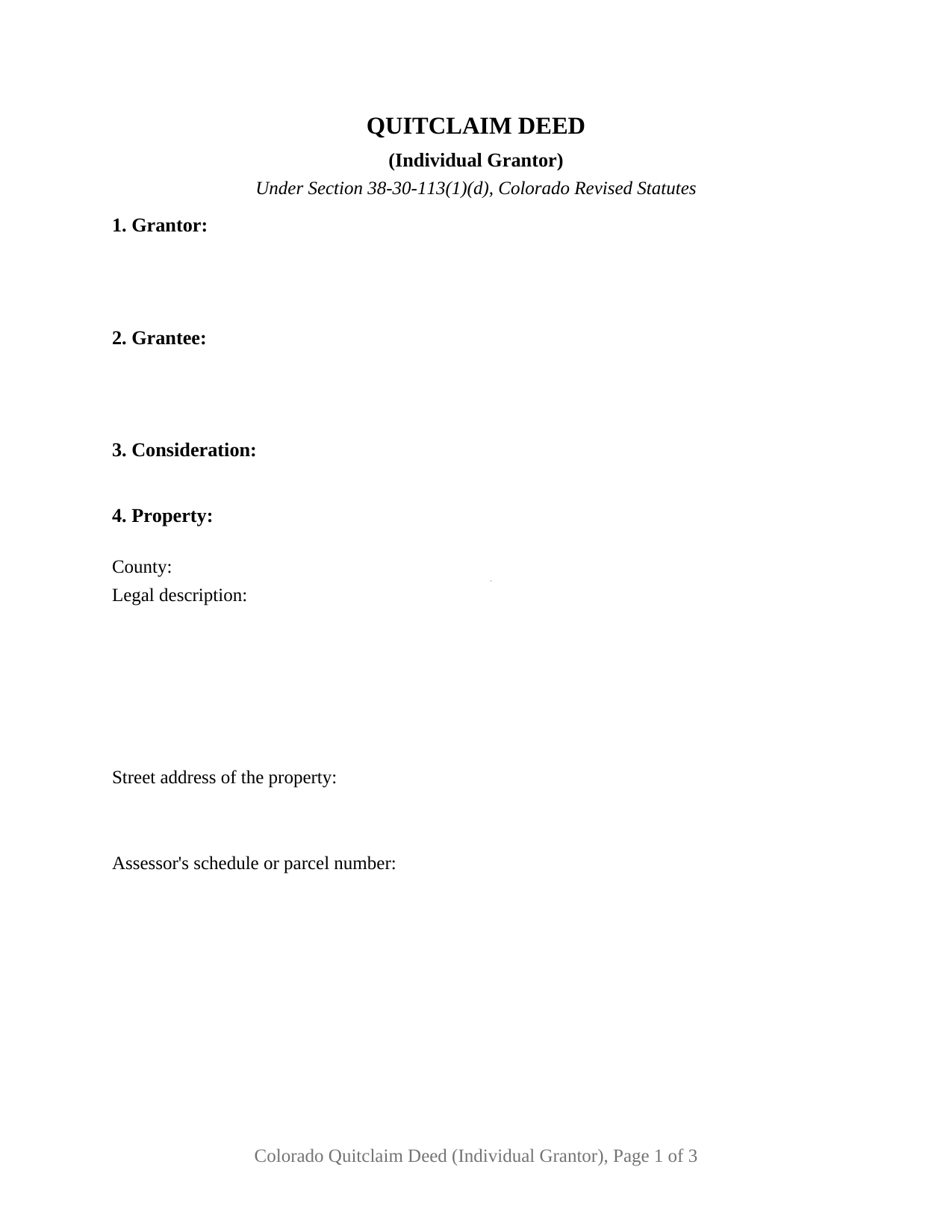
Moffat County Quitclaim Deed (Individual Grantor) Form
Fill in the blank Quitclaim Deed (Individual Grantor) form formatted to comply with all Colorado recording and content requirements.
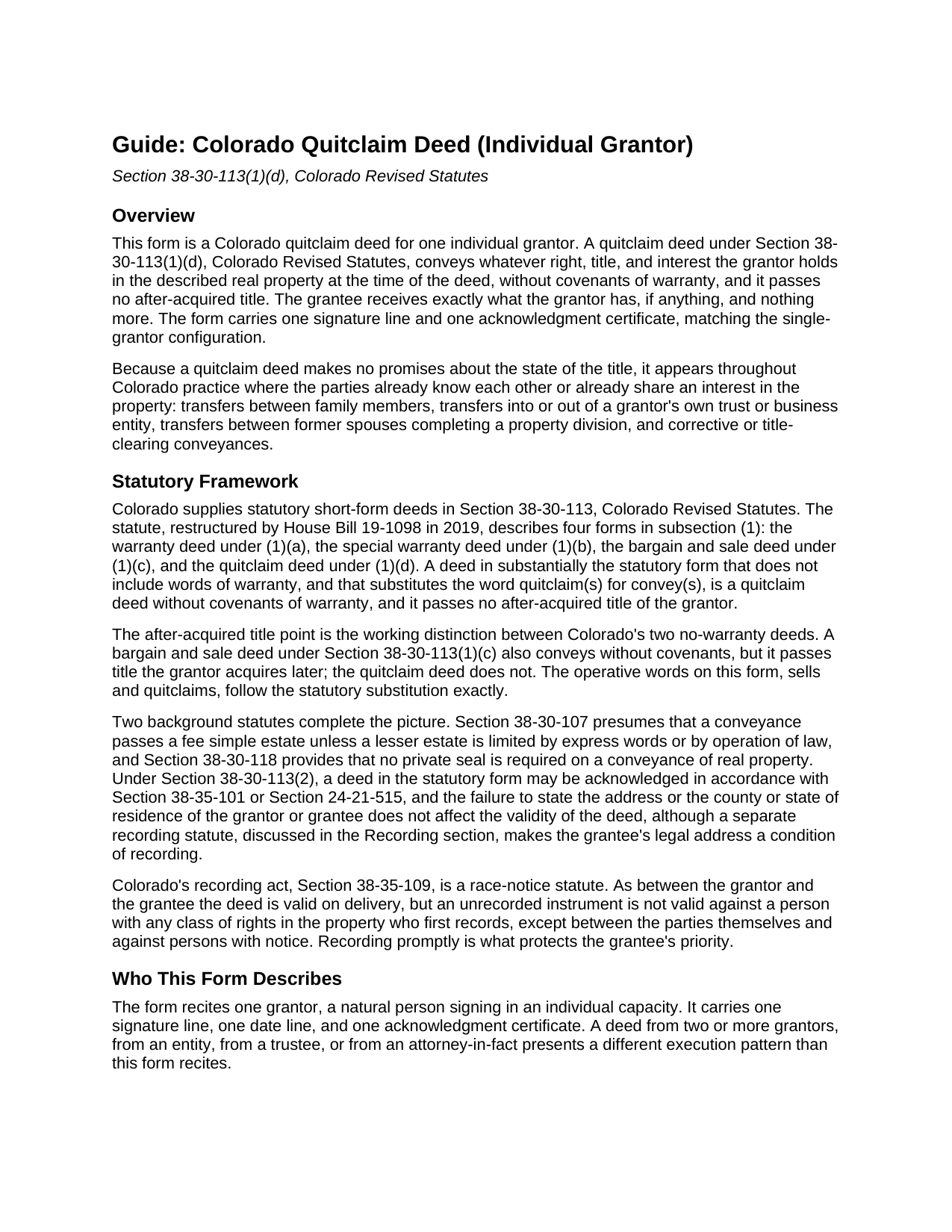
Moffat County Quitclaim Deed (Individual Grantor) Guide
Line by line guide explaining every blank on the Quitclaim Deed (Individual Grantor) form.
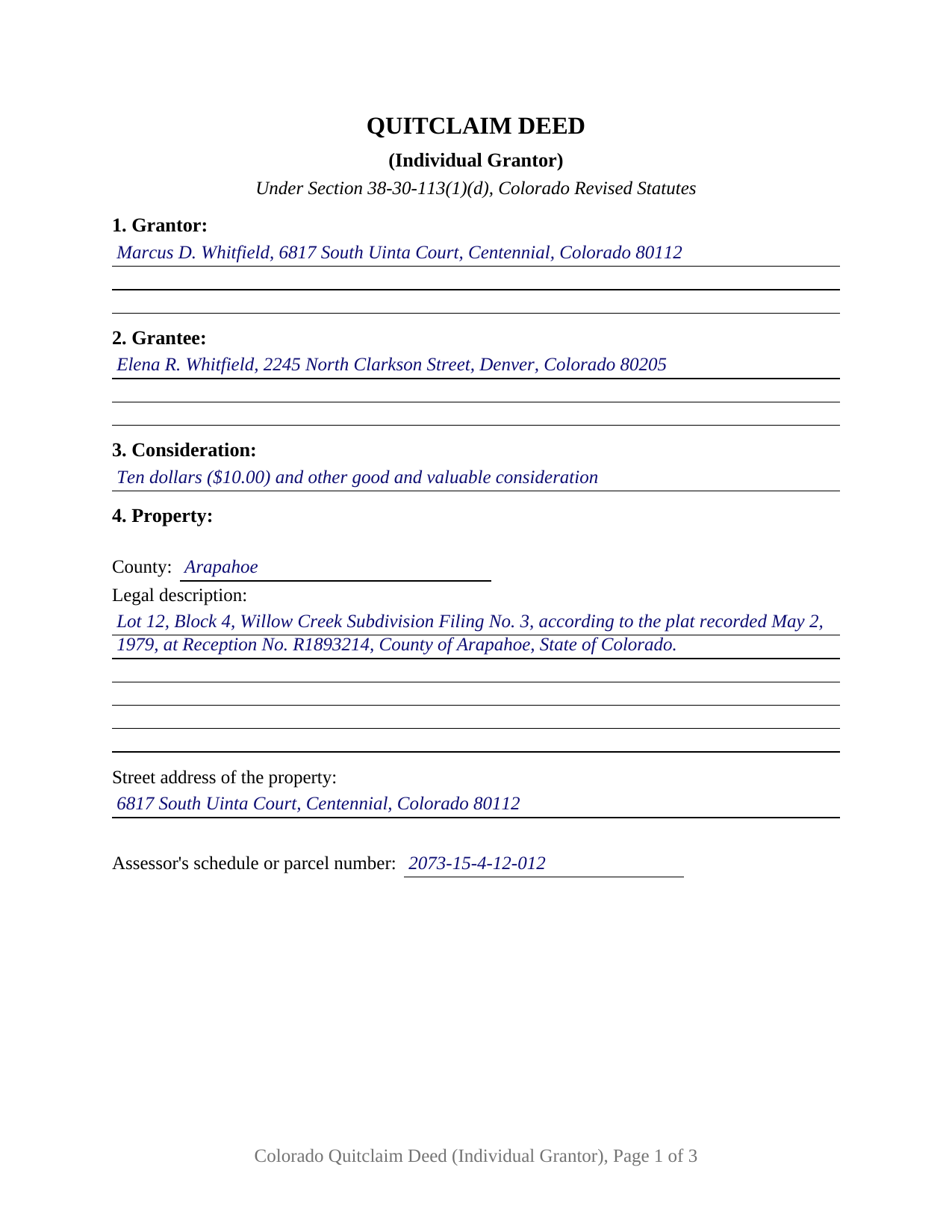
Moffat County Completed Example of the Quitclaim Deed (Individual Grantor) Document
Example of a properly completed Colorado Quitclaim Deed (Individual Grantor) document for reference.
All 3 documents above included • One-time purchase • No recurring fees
Immediate Download • Secure Checkout
Additional Colorado and Moffat County documents included at no extra charge:
Where to Record Your Documents
Moffat County Clerk and Recorder
Craig , Colorado 81625
Hours: Monday - Friday 8am-1pm & 2pm-4:30pm
Phone: (970) 824-9104
Recording Tips for Moffat County:
- Bring your driver's license or state-issued photo ID
- Ensure all signatures are in blue or black ink
- Avoid the last business day of the month when possible
- Both spouses typically need to sign if property is jointly owned
- Bring extra funds - fees can vary by document type and page count
Cities and Jurisdictions in Moffat County
Properties in any of these areas use Moffat County forms:
- Craig
- Dinosaur
- Hamilton
- Maybell
- Slater
Hours, fees, requirements, and more for Moffat County
How do I get my forms?
Forms are available for immediate download after payment. The Moffat County forms will be in your account ready to download to your computer. An account is created for you during checkout if you don't have one. Forms are NOT emailed.
Are these forms guaranteed to be recordable in Moffat County?
Yes. Our form blanks are guaranteed to meet or exceed the applicable formatting requirements used for recording in Moffat County, including margin requirements, font requirements, and other layout standards. This guarantee applies to formatting, not to the legal sufficiency of information entered by the user or the suitability of a form for a particular transaction.
Can I reuse these forms?
Yes. You can reuse the forms for your personal use. For example, if you have multiple properties in Moffat County you only need to order once.
What do I need to use these forms?
The forms are PDFs that you fill out on your computer. The free Adobe Acrobat Reader is recommended, and most PDF apps also work. You do NOT enter your property information online - you download the blank forms and complete them privately on your own computer.
Are there any recurring fees?
No. This is a one-time purchase. Nothing to cancel, no memberships, no recurring fees.
How much does it cost to record in Moffat County?
Recording fees in Moffat County vary. Contact the recorder's office at (970) 824-9104 for current fees.
Questions answered? Let's get started!
A Colorado quitclaim deed signed by one individual grantor releases whatever right, title, and interest that grantor holds in the described property, and nothing more. This fillable form prepares that deed for a single natural person signing in an individual capacity, with one signature line and one acknowledgment certificate, under Section 38-30-113(1)(d) of the Colorado Revised Statutes.
A release of interest, not a promise of title
A quitclaim deed, often typed as a quit claim deed in searches, carries no covenants of warranty. The grantee receives exactly the interest the grantor holds at delivery, if any, with no promise that the title is good, unencumbered, or defensible. That character is what makes the instrument common where the parties already know the title or already share it: transfers between family members, conveyances completing a divorce property division, movements of title into or out of a grantor's own trust or company, and corrective conveyances that clear a cloud from the record all appear in Colorado practice on quitclaim deeds.
Sells and quitclaims: the statutory wording
Colorado writes its deed forms into statute. Under Section 38-30-113(1)(d), a deed in substantially the statutory form that omits words of warranty and substitutes quitclaim(s) for convey(s) is a quitclaim deed without covenants of warranty, and it passes no after-acquired title of the grantor. The after-acquired title point is the working line between Colorado's two no-warranty deeds: a bargain and sale deed also conveys without covenants but passes title the grantor gains later, while a quitclaim deed does not. This form performs the conveyance with the statutory substitution, sells and quitclaims, and states the no-warranty and no-after-acquired-title character on its face.
One grantor, one signature, one certificate
The form recites exactly one grantor, a natural person conveying in an individual capacity. It carries a single signature and date line and one notary acknowledgment certificate on Colorado's statutory short form, which reads that the record was acknowledged before the officer on a stated date by the named individual. The form is not set up for two grantors, for an entity or trustee grantor, or for signing through an attorney-in-fact; each of those presents a different execution pattern than this deed recites.
Colorado's marital property rules leave the single signature intact in the ordinary case. Dower and curtesy are abolished, tenancy by the entirety does not exist in Colorado real property, and an owner conveys automatically homesteaded property free of homestead rights without another person's signature. The exception the guide documents is a recorded homestead declaration, after which both spouses sign a conveyance of the declared homestead.
Recording with the clerk and recorder
The completed deed is recorded with the clerk and recorder of the county where the property is located, and recording is what protects the grantee's priority under Colorado's race-notice recording act. Two Colorado details do real work at the counter. First, a deed that omits the grantee's legal address is returned unrecorded under Section 38-35-109(2), so the grantee entry carries a full legal address. Second, Section 38-35-122 places the property's street address immediately next to the legal description, and the form's property section follows that arrangement, with a line for the assessor's parcel number as a further identification aid. The base recording fee is 40 dollars plus statutory surcharges, quoted as 43 dollars on many county fee pages, and the state documentary fee applies only when the consideration exceeds 500 dollars. A Real Property Transfer Declaration accompanies a conveyance presented for recording; the guide walks through it with the rest of the recording package.
The purchase delivers the quitclaim deed as a fillable PDF, a completed example showing the deed filled in for a realistic Arapahoe County fact pattern, and a guide that describes every numbered section, the notarization, and the recording steps. The materials are informational and are not legal advice.
Important: Your property must be located in Moffat County to use these forms. Documents should be recorded at the county recording office listed above.
This Quitclaim Deed (Individual Grantor) meets all recording requirements specific to Moffat County.
Our Promise
The documents you receive here are guaranteed to meet or exceed the applicable Moffat County recording format requirements. If there is a rejection caused by our formatting, we will correct the issue or refund your payment. This guarantee applies to document formatting only and does not extend to information entered by the user, the selection of the form, or the legal effect of the completed document.
Save Time and Money
Get your Moffat County Quitclaim Deed (Individual Grantor) form done right the first time with Deeds.com Uniform Conveyancing Blanks. At Deeds.com, we understand that your time and money are valuable resources, and we don't want you to face a penalty fee or rejection imposed by a county recorder for submitting nonstandard documents. We constantly review and update our forms to meet rapidly changing state and county recording requirements for roughly 3,500 counties and local jurisdictions.
4.8 out of 5 - ( 4,839 Reviews )
Theresa J. 5 out of 5 stars
I thank you for your service. I received the needed information.
Thank you!
Sandra H. 5 out of 5 stars
I am a retired attorney. I chanced upon this website while looking for a Florida Lady Bird Deed Form. It conforms to Florida Law and was exactly what I needed. The forms are easy to obtain and even easier to use and print out.
Thank you so much Sandra, we really appreciate your feedback.
Arnie M. 5 out of 5 stars
I found this to be a great experience, it was Fairley easy to upload my documents and your customer service was awsome.
We appreciate your business and value your feedback. Thank you. Have a wonderful day!
Fred A. 5 out of 5 stars
Extremely easy to find what you need and get the documents downloaded.
Thanks so much, Fred! We really appreciate your kind words and are glad you had a smooth experience.
WJ H. 5 out of 5 stars
The Quit Claim Deed for the state of Ohio worked for me, saving me the cost of an attorney doing it. O.K., maybe that wouldn't have amounted to more than a few hundred dollars, but anywhere I thought I could save money (and learn something new on top of it) is something I want to do. That said, be forwarned. While I'm not an attorney I'm not averse to spending many hours researching the lingo found in this kind of form and thoroughly understanding exactly how everything has to be filled in. I should add that my ex-wife and I remain friends and she was the one giving me the property/house (thus, technically I filled out the forms on her behalf). Because there was no personal conflict, it made it easier to undertake. Lastly, what others have said about the county office where you must file a Quit Claim Deed not being helpful, that's true in the sense that they do not want to be instructing non-attorneys on filling out the necessary forms. I did take a preliminary draft set of the forms to the county office but was VERY CAREFUL about explaining that I only needed a couple of questions answered about procedure for submitting the final documents. They were helpful once I made it clear I wasn't asking them for "legal advice". And their help was critical as the final submittals requires stopping at three different offices (MapDocuments, Auditor and finally the Recorder's office). So I say thank you to Deeds.com. Their service for the Quit Claim Deed was invaluable.
We appreciate your business and value your feedback. Thank you. Have a wonderful day!
NormaJean Q. 5 out of 5 stars
Thank you, thie was very helpful. I did find the forms I needed.Very easy to use.,
We appreciate your business and value your feedback. Thank you. Have a wonderful day!
ALFRED B. 5 out of 5 stars
I was counting on deeds.com to help me with a closing I was working on. I stumbled with the instructions but when I recovered there were no problems. The instructions were helpful and the deeds etc. were just what I needed. I give deeds five stars. I am 76 years old and when the application asks for the user's name I always think they want my name. WRONG. I am trying to learn computer speak.
Thank you Alfred, have an amazing day!
Melody P. 5 out of 5 stars
Thanks once again for such great service!
Thank you!
Melissa S. 5 out of 5 stars
Simple & easy to navigate. At time of writing this, guide & example of purchased deed is included. Plus lots of extra information to help secure your property. Would recommend to anyone.
We appreciate your business and value your feedback. Thank you. Have a wonderful day!
david t. 5 out of 5 stars
No review provided.
Thank you!
Mary D. 5 out of 5 stars
So far, understanding the process involved to get these forms was simple. I would like to have known or received some information as to charges for filing these documents. Or, be directed to a place that lists charges.
Thank you for your feedback. We really appreciate it. Have a great day!
Elvira N. 5 out of 5 stars
Very useful, it even includes a guide on filling out the deed form!
Thank you!
David C. 5 out of 5 stars
This has been a lifesaver for me. Exactly what I needed. Forma are easy to fill in. Thank you for offering this instead of going thru a lawyer. faster and no wait time.
We appreciate your business and value your feedback. Thank you. Have a wonderful day!
Joshua M. 5 out of 5 stars
Fast service, very responsive. Thank you!
We appreciate your business and value your feedback. Thank you. Have a wonderful day!
Pamela B. 5 out of 5 stars
Fantastic system, so easy to use even for a simpleton like me.
Thank you!