Dolores County Unconditional Lien Waiver Form
Last validated October 23, 2026 by our Forms Development TeamFormatted for recording in Dolores County, for property anywhere in the county: rural and unincorporated areas as well as Cahone, Dove Creek, Rico.
- 3 documents included
- Immediate PDF download
- Formatting guarantee
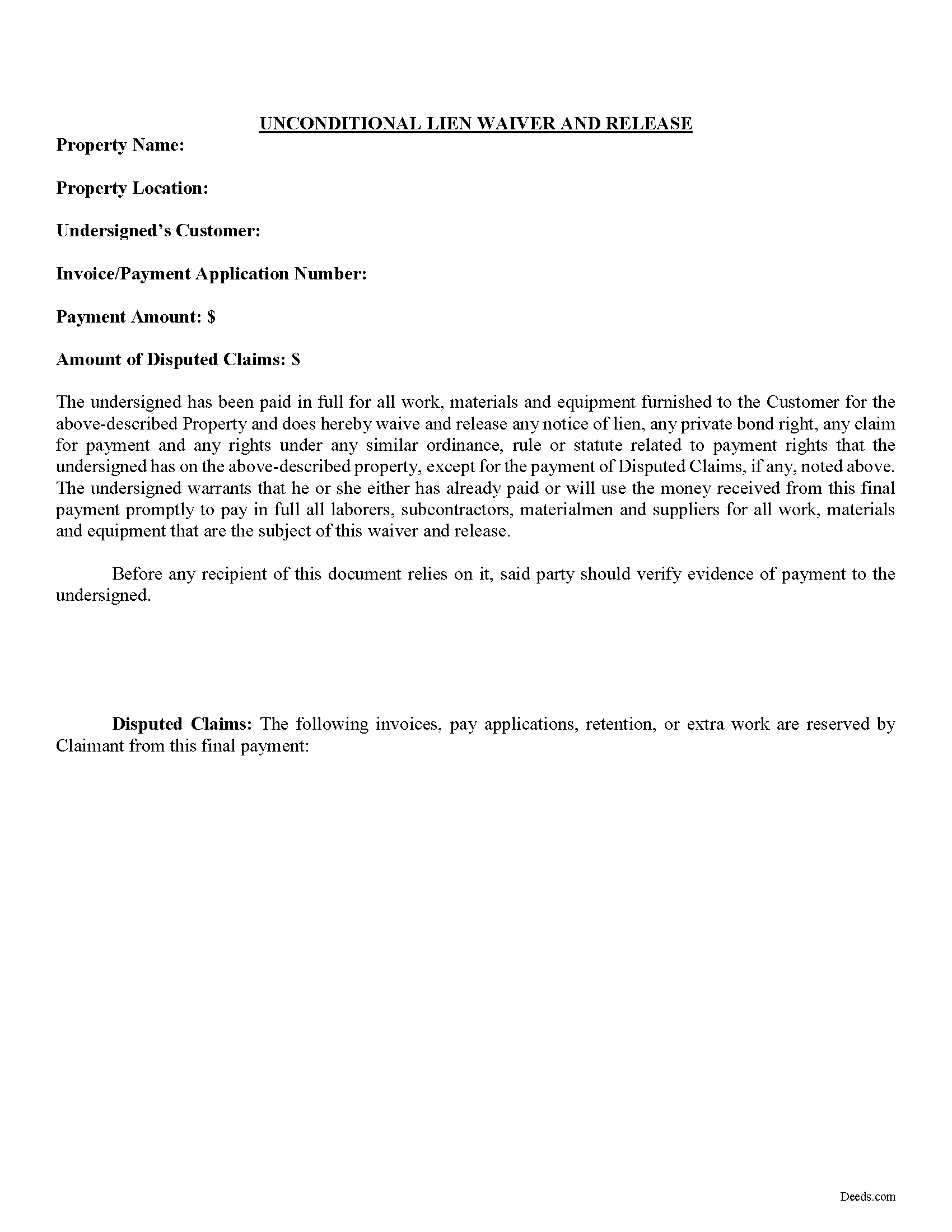
Dolores County Unconditional Lien Waiver Form
Fill in the blank Unconditional Lien Waiver form formatted to comply with all Colorado recording and content requirements.
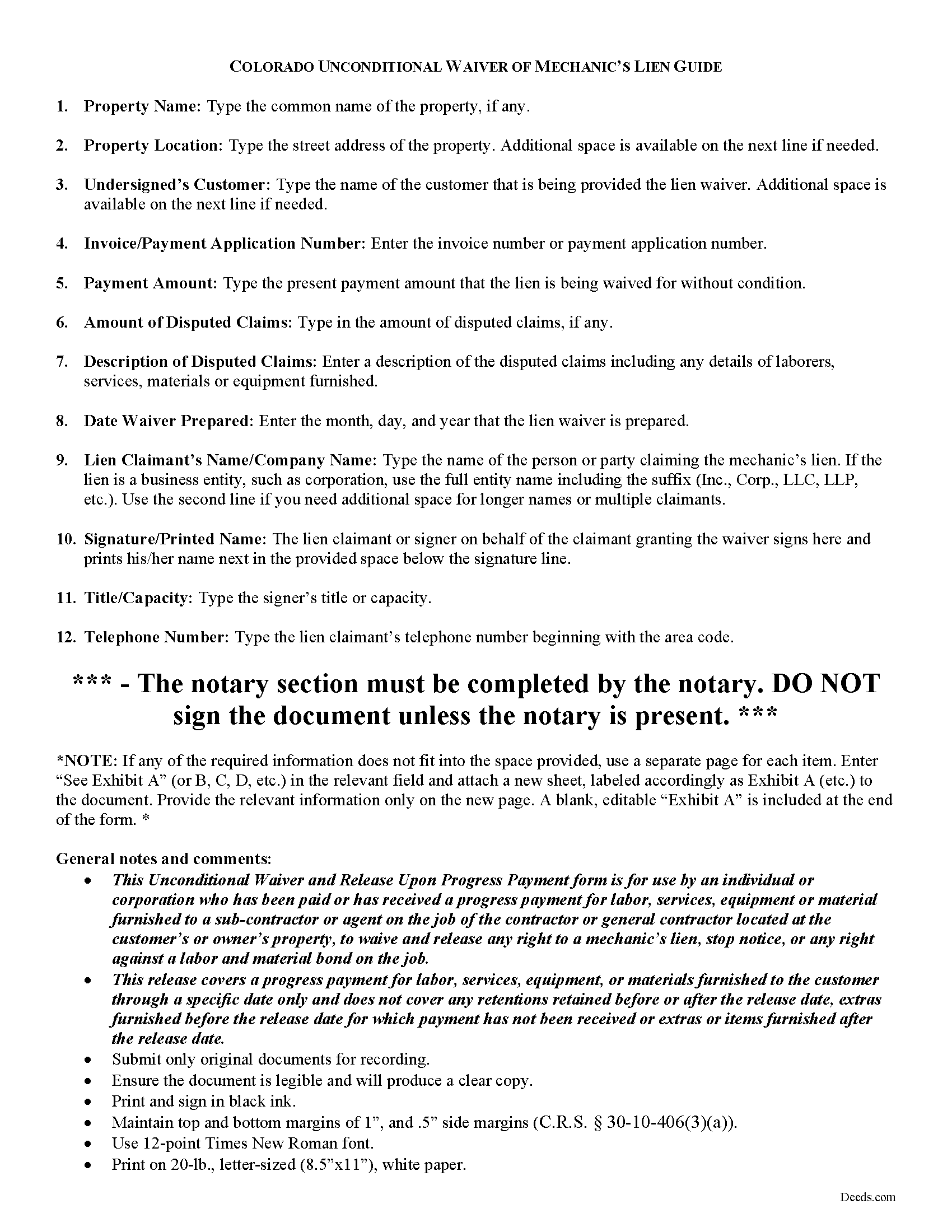
Dolores County Unconditional Lien Waiver Guide
Line by line guide explaining every blank on the form.
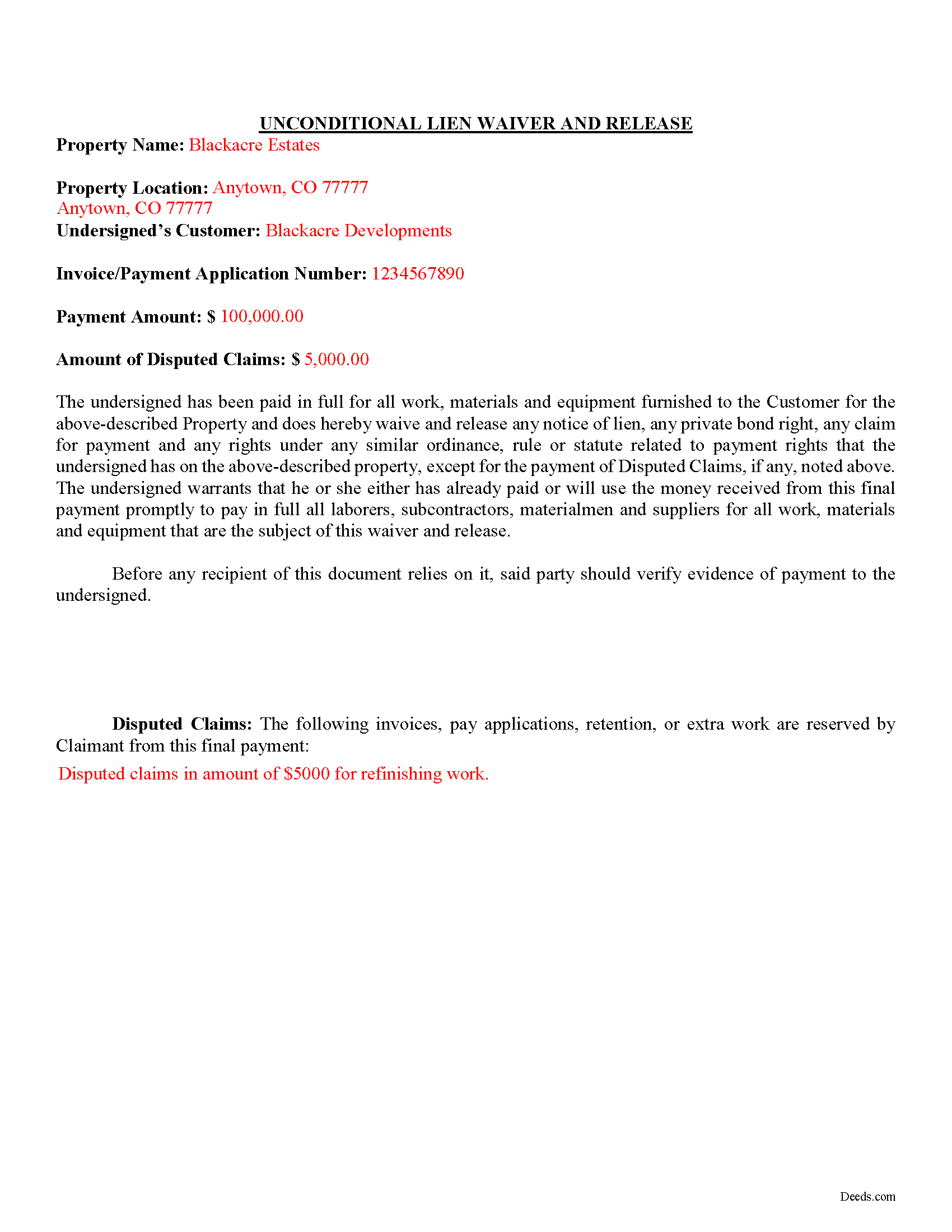
Dolores County Completed Example of the Unconditional Lien Waiver Document
Example of a properly completed form for reference.
All 3 documents above included • One-time purchase • No recurring fees
Immediate Download • Secure Checkout
Additional Colorado and Dolores County documents included at no extra charge:
Where to Record Your Documents
Dolores County Clerk and Recorder
Dove Creek, Colorado 81324
Hours: 8:30am - 4:30pm Monday through Friday
Phone: (970) 677-2381
Recording Tips for Dolores County:
- Bring your driver's license or state-issued photo ID
- Ensure all signatures are in blue or black ink
- Recording fees may differ from what's posted online - verify current rates
- Request a receipt showing your recording numbers
- Ask about accepted payment methods when you call ahead
Cities and Jurisdictions in Dolores County
Properties in any of these areas use Dolores County forms:
- Cahone
- Dove Creek
- Rico
Hours, fees, requirements, and more for Dolores County
How do I get my forms?
Forms are available for immediate download after payment. The Dolores County forms will be in your account ready to download to your computer. An account is created for you during checkout if you don't have one. Forms are NOT emailed.
Are these forms guaranteed to be recordable in Dolores County?
Yes. Our form blanks are guaranteed to meet or exceed the applicable formatting requirements used for recording in Dolores County, including margin requirements, font requirements, and other layout standards. This guarantee applies to formatting, not to the legal sufficiency of information entered by the user or the suitability of a form for a particular transaction.
Can I reuse these forms?
Yes. You can reuse the forms for your personal use. For example, if you have multiple properties in Dolores County you only need to order once.
What do I need to use these forms?
The forms are PDFs that you fill out on your computer. The free Adobe Acrobat Reader is recommended, and most PDF apps also work. You do NOT enter your property information online - you download the blank forms and complete them privately on your own computer.
Are there any recurring fees?
No. This is a one-time purchase. Nothing to cancel, no memberships, no recurring fees.
How much does it cost to record in Dolores County?
Recording fees in Dolores County vary. Contact the recorder's office at (970) 677-2381 for current fees.
Questions answered? Let's get started!
Find Colorado's General Mechanic's Lien laws at C.R.S. 38-22.
There are two types of lien waivers -- conditional and unconditional. A conditional waiver only becomes effective when a triggering event occurs, activating the waiver clause. The event is usually the payment of the due amount or the clearing of an issued check. A conditional waiver offers more protection for the contractor or subcontractor and less for the owner.
The second type of waiver is an unconditional waiver and is effective upon its issue to waive a lien claim for all or part of the potential claim amount. This waiver offers the owner stronger protection and the contractor or subcontractor less assurance of payment. Therefore, it should only be granted when the contractor or sub is close to 100% certain that payment will clear.
Be aware that if a lien claimant grants an unconditional waiver and the payment never arrives or the check bounces, he or she is out of luck for a mechanic's lien claim. There is still an option of recovery by filing a lawsuit based on a breach of contract, but such a suit could be lengthy, costly, and without any guarantee of a recovery in the end.
So, use the unconditional waiver once the money is sitting in the bank account or in situations without any doubt that the owner intends to pay.
This article is provided for informational purposes only and should not be relied upon as a substitute for an attorney's advice. Please contact a Colorado attorney with any specific question about lien waivers.
Important: Your property must be located in Dolores County to use these forms. Documents should be recorded at the county recording office listed above.
This Unconditional Lien Waiver meets all recording requirements specific to Dolores County.
Our Promise
The documents you receive here are guaranteed to meet or exceed the applicable Dolores County recording format requirements. If there is a rejection caused by our formatting, we will correct the issue or refund your payment. This guarantee applies to document formatting only and does not extend to information entered by the user, the selection of the form, or the legal effect of the completed document.
Save Time and Money
Get your Dolores County Unconditional Lien Waiver form done right the first time with Deeds.com Uniform Conveyancing Blanks. At Deeds.com, we understand that your time and money are valuable resources, and we don't want you to face a penalty fee or rejection imposed by a county recorder for submitting nonstandard documents. We constantly review and update our forms to meet rapidly changing state and county recording requirements for roughly 3,500 counties and local jurisdictions.
4.8 out of 5 - ( 4,839 Reviews )
MARTI M. 4 out of 5 stars
The transaction was fairly simple. thank you
Your feedback is greatly appreciated. Thank you for taking the time to share your experience!
Goran L. 5 out of 5 stars
Fast and convenient.
Thank you for your feedback. We really appreciate it. Have a great day!
Roger M. 5 out of 5 stars
EASY. WORKED WITH PROBLEMS.
Thank you!
Kenneth J. 5 out of 5 stars
Great product; Got the Job done.
Thank you!
Audra P. 5 out of 5 stars
Deeds.com was so easy to use and understand. So fairly priced too in my opinion, worth every penny! Thank you deeds.com and I'm grateful my county uses and encourages using them.
We appreciate your business and value your feedback. Thank you. Have a wonderful day!
Lajeanne F. 5 out of 5 stars
Your service was as you promoted and I was able to get a copy of my deed and find the information on it I needed. Thank you.
Thank you for your feedback. We really appreciate it. Have a great day!
Doreen A. 5 out of 5 stars
Easy to navigate Efficient Service
Your kind words warm our hearts. Thank you for sharing your experience!
Allen M. 5 out of 5 stars
Fast,quick and easy to work with. Not confusing.
We appreciate your business and value your feedback. Thank you. Have a wonderful day!
Jane H. 5 out of 5 stars
So far, so good!
Thank you Jane. Have a great day!
Charles S. 5 out of 5 stars
I was very please with the deed, deed of trust and the deed of trust note. It save me a lot of preparation time.
Thank you!
Diana B. 5 out of 5 stars
Really can't say enough good things about these deed forms and the related material. Just having the formatting done saves possibly hours of work. County seems to love these forms also (they referred me to Deeds.com). All around great great great!
Thank you!
Lenore B. 4 out of 5 stars
Thank you for making this deed available. The guide was such a big help.
Thanks Lenore, have a great day!
Dr. Shenetta M. 5 out of 5 stars
The process was simple, and I am thankful for the turnaround time. Thank you for the help!
We are overjoyed to read your appreciative words regarding your experience with our eRecording service. It's rewarding to know that the simplicity of our process and the prompt turnaround time met your expectations.
Your acknowledgement is a great motivator for us to continue enhancing our services. Our goal is to always provide a seamless and efficient experience to our valued customers like you.
Thank you once again for your kind feedback. We are here to assist you anytime you need, and we look forward to serving you again in the near future!
Linda J. 5 out of 5 stars
I was referred to you by a recording service for Walton County, Florida. I registered on your website, and 48 hours later I received a copy of a recorded deed. Easy and Fast!
We appreciate your business and value your feedback. Thank you. Have a wonderful day!
JOYCE R. 5 out of 5 stars
I am a tax attorney and had worked as a Valuation Engineer with Internal Revenue Service. I can access (almost immediately) complete title reports and transactions history of real estate transfers. It is a joy to have access to your valuable service. JOYCE REBHUN,JD,MBA,PhD,EA
Thank you for your feedback. We really appreciate it. Have a great day!