Calhoun County Life Estate Special Warranty Deed Form
Last validated October 12, 2026 by our Forms Development TeamFormatted for recording in Calhoun County, for property anywhere in the county: rural and unincorporated areas as well as Altha, Blountstown, Clarksville, Wewahitchka.
- 3 documents included
- Immediate PDF download
- Formatting guarantee
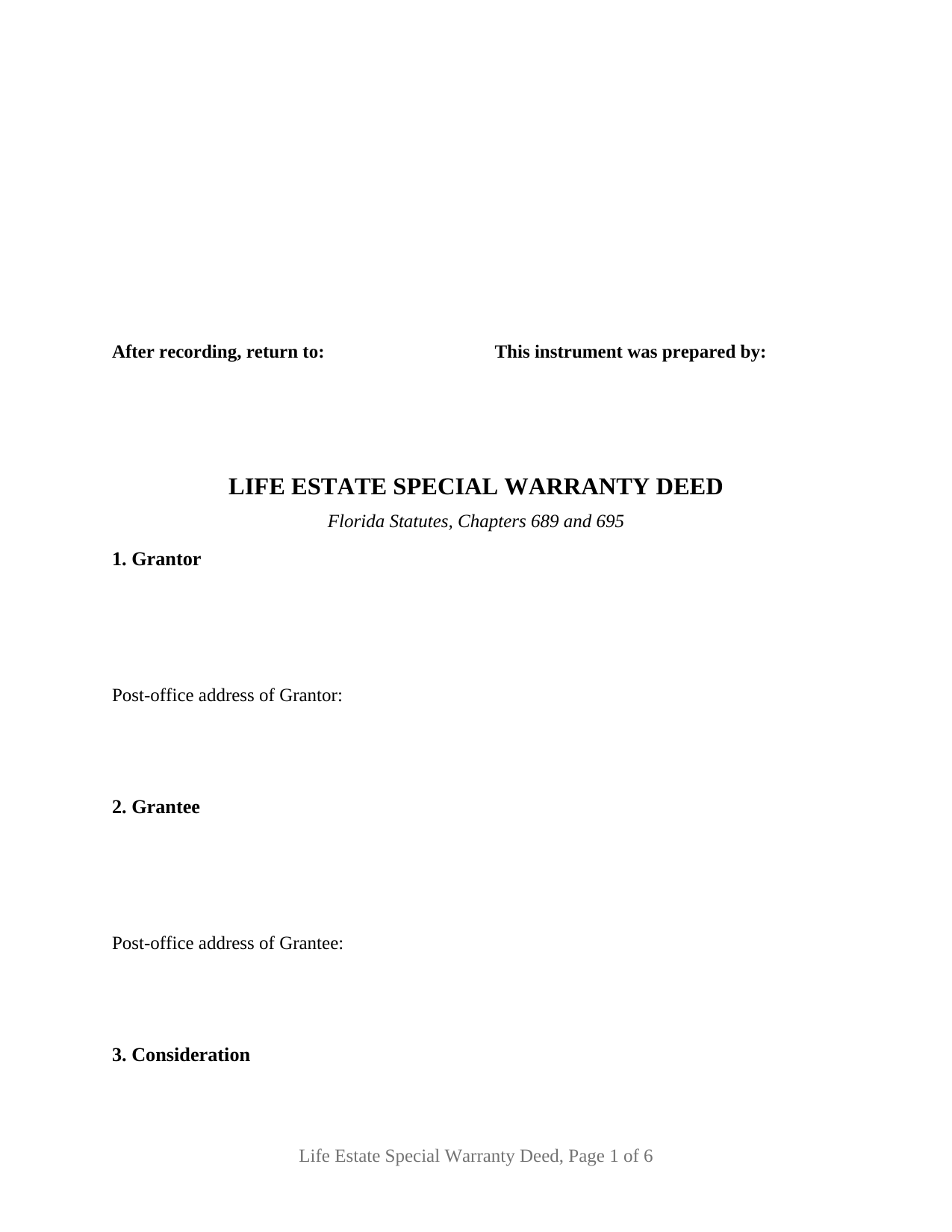
Calhoun County Life Estate Special Warranty Deed Form
Fill in the blank Life Estate Special Warranty Deed form formatted to comply with all Florida recording and content requirements.
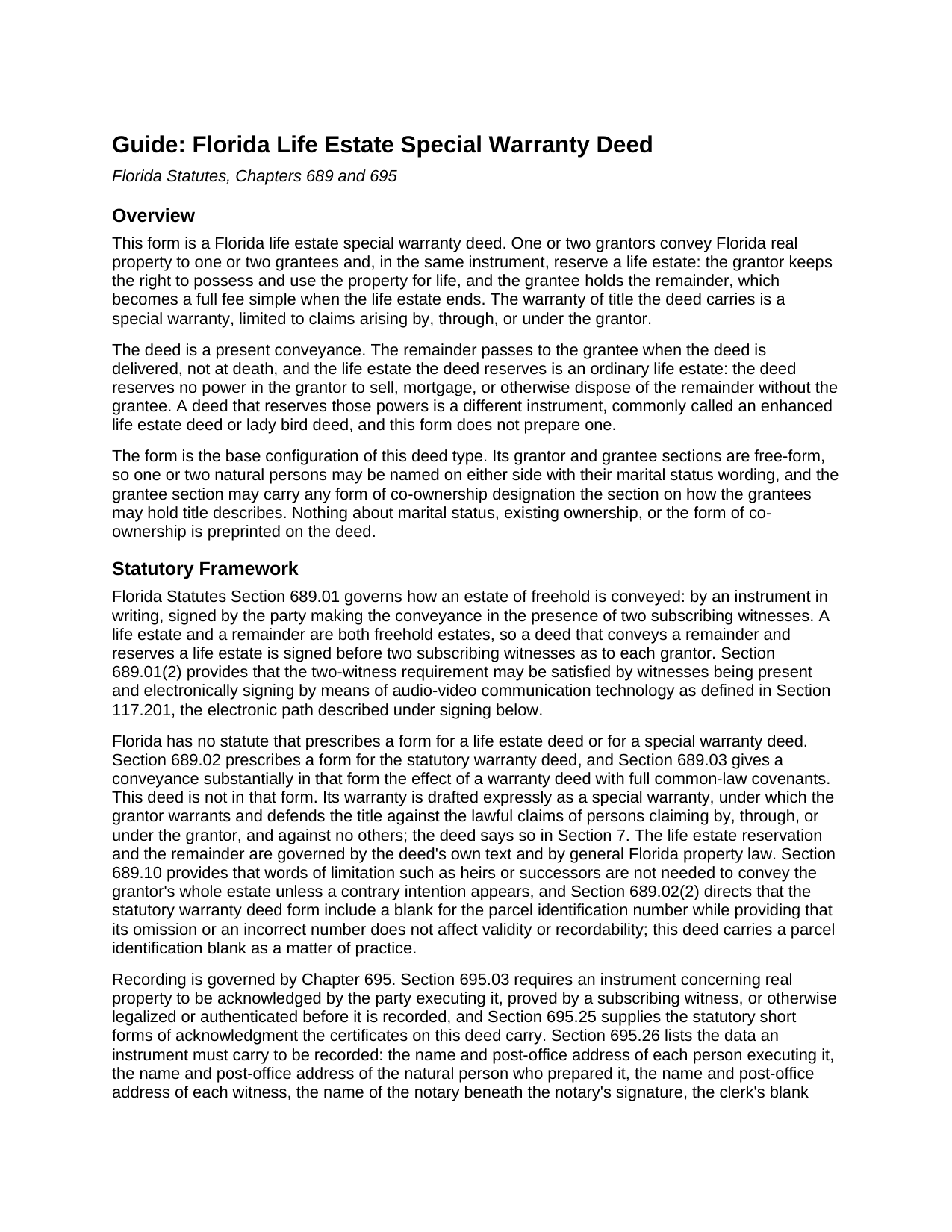
Calhoun County Life Estate Special Warranty Deed Guide
Line by line guide explaining every blank on the Life Estate Special Warranty Deed form.
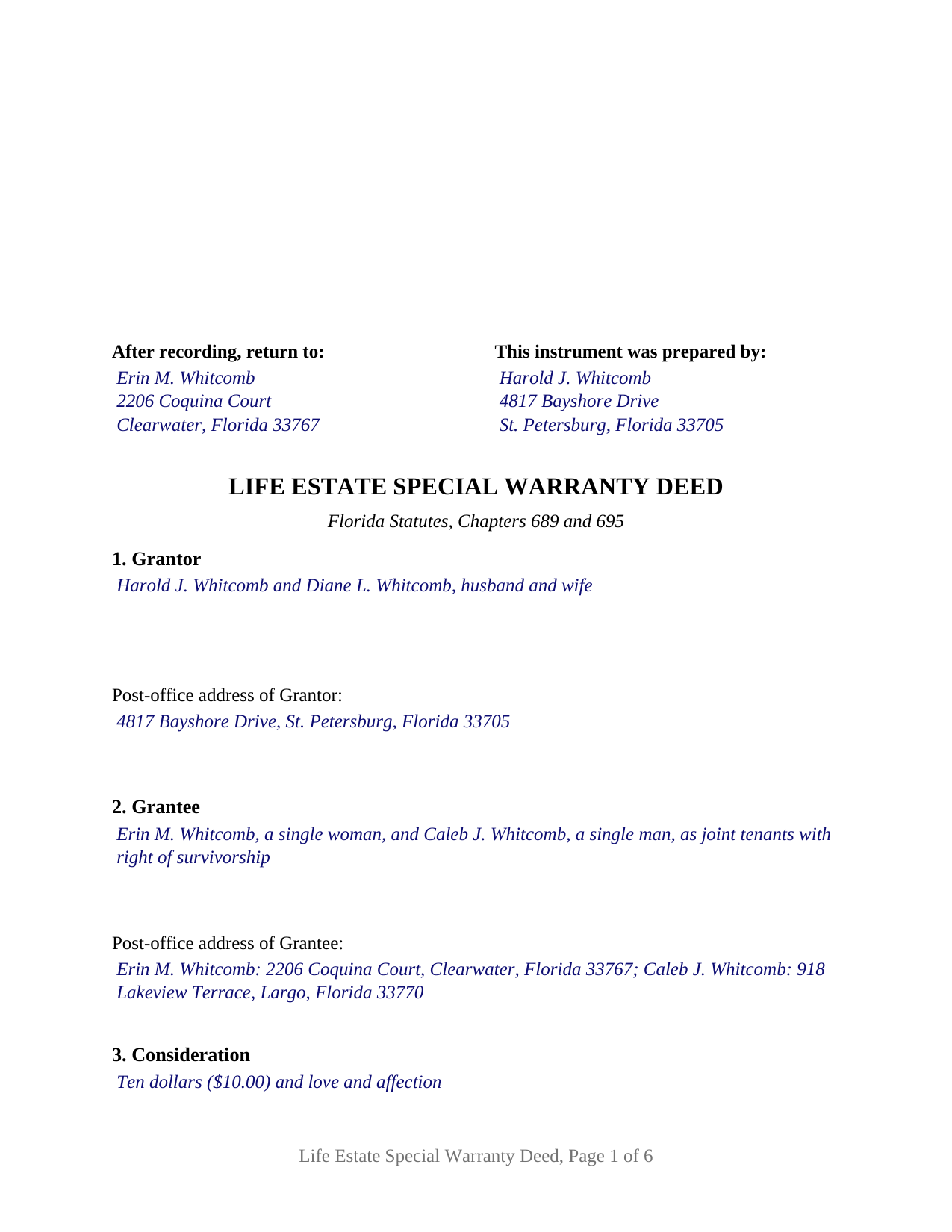
Calhoun County Completed Example of the Life Estate Special Warranty Deed Document
Example of a properly completed Florida Life Estate Special Warranty Deed document for reference.
All 3 documents above included • One-time purchase • No recurring fees
Immediate Download • Secure Checkout
Additional Florida and Calhoun County documents included at no extra charge:
Where to Record Your Documents
Calhoun County Clerk of the Court
Blountstown, Florida 32424
Hours: 8:00am to 4:00pm M-F
Phone: (850) 674-4545
Recording Tips for Calhoun County:
- Bring your driver's license or state-issued photo ID
- Ensure all signatures are in blue or black ink
- Request a receipt showing your recording numbers
- Ask about accepted payment methods when you call ahead
- Ask for certified copies if you need them for other transactions
Cities and Jurisdictions in Calhoun County
Properties in any of these areas use Calhoun County forms:
- Altha
- Blountstown
- Clarksville
- Wewahitchka
Hours, fees, requirements, and more for Calhoun County
How do I get my forms?
Forms are available for immediate download after payment. The Calhoun County forms will be in your account ready to download to your computer. An account is created for you during checkout if you don't have one. Forms are NOT emailed.
Are these forms guaranteed to be recordable in Calhoun County?
Yes. Our form blanks are guaranteed to meet or exceed the applicable formatting requirements used for recording in Calhoun County, including margin requirements, font requirements, and other layout standards. This guarantee applies to formatting, not to the legal sufficiency of information entered by the user or the suitability of a form for a particular transaction.
Can I reuse these forms?
Yes. You can reuse the forms for your personal use. For example, if you have multiple properties in Calhoun County you only need to order once.
What do I need to use these forms?
The forms are PDFs that you fill out on your computer. The free Adobe Acrobat Reader is recommended, and most PDF apps also work. You do NOT enter your property information online - you download the blank forms and complete them privately on your own computer.
Are there any recurring fees?
No. This is a one-time purchase. Nothing to cancel, no memberships, no recurring fees.
How much does it cost to record in Calhoun County?
Recording fees in Calhoun County vary. Contact the recorder's office at (850) 674-4545 for current fees.
Questions answered? Let's get started!
A Florida life estate special warranty deed moves the future ownership of a property to the grantee today while the grantor keeps the right to live on and use it for life. The remainder passes when the deed is delivered, not at death, and the title promise that travels with it is a special warranty: the grantor stands behind the title against claims arising by, through, or under the grantor, and against no others. This form prepares that deed for Florida real property, with one or two grantors conveying to one or two grantees.
A present conveyance with a reserved life estate
The operative section conveys the property to the grantee in fee simple forever, reserving to the grantor a life estate for the grantor's life and, where two people convey, for the lives of both and the life of the survivor. When the life estate ends, the grantee holds the property outright without a probate proceeding, because the remainder was already vested by the recorded deed. Under Florida Statutes Section 689.01 the deed is signed before two subscribing witnesses as to each grantor.
The life estate this deed reserves is an ordinary one. The deed states that the reserved estate carries no retained power to sell, mortgage, or otherwise dispose of the remainder, which separates it from the enhanced life estate arrangement commonly called a lady bird deed. From the day of delivery, decisions about the fee simple involve the holders of the remainder.
A warranty that stops at the grantor's own ownership
Florida prescribes a statutory warranty deed form in Section 689.02 and, through Section 689.03, attaches full common-law covenants to a deed substantially in that form. No statute prescribes a special warranty deed, so the covenant is drafted expressly: the grantor will warrant and defend the title against the lawful claims of all persons claiming by, through, or under the grantor, and the deed states in the same section that it is not made in the Section 689.02 form. Defects traceable to earlier owners sit outside that covenant: the grantor vouches for his or her own period of ownership, not for the whole chain of title.
Who the deed names, and who signs
This is the base configuration of the deed type. The grantor and grantee sections are free-form blocks: each receives the names of one or two natural persons with their marital status wording, and the grantee block also receives any co-ownership designation Florida recognizes between two grantees under Section 689.15, such as a joint tenancy with right of survivorship. Nothing about marital status, existing ownership, or the form of co-ownership is preprinted. The deed carries two grantor signature blocks headed GRANTOR and SECOND GRANTOR, two subscribing witness blocks for each grantor signature, and a separate acknowledgment certificate for each grantor, so two grantors may acknowledge on different dates or before different notaries; a single grantor leaves the second block and its certificate blank. Parents conveying a remainder in the family home to adult children while keeping the right to live there, and a sole owner passing a remainder to one relative, both present the pattern this deed recites. The form is not set up as a conveyance by an entity, a trustee, or an attorney-in-fact, or for three or more owners on either side. Where the property is a married grantor's homestead, Article X, Section 4(c) of the Florida Constitution calls for the spouse's joinder; two spouses who both sign satisfy it within the form.
Built for the Florida clerk's counter
The deed carries the data Section 695.26 requires before a Florida clerk records an instrument: post-office addresses for grantors, grantees, and witnesses, the natural person who prepared the deed, and a printed name beneath every signature. The top three inches of the first page stay blank for the clerk, and the certificates follow the Section 695.25 short form with a reserved area for the notary's seal. Documentary stamp tax under Section 201.02 is computed on the consideration, including any mortgage balance, and the Department of Revenue lists a life estate deed among the deeds the tax reaches.
The package includes the fillable form, a completed example filled in for a Pinellas County fact pattern, and the guide that walks through every numbered section, the witness and notary requirements, and the recording and tax points. This description and the guide describe the form and the governing statutes in general terms; they are not legal advice.
Important: Your property must be located in Calhoun County to use these forms. Documents should be recorded at the county recording office listed above.
This Life Estate Special Warranty Deed meets all recording requirements specific to Calhoun County.
Our Promise
The documents you receive here are guaranteed to meet or exceed the applicable Calhoun County recording format requirements. If there is a rejection caused by our formatting, we will correct the issue or refund your payment. This guarantee applies to document formatting only and does not extend to information entered by the user, the selection of the form, or the legal effect of the completed document.
Save Time and Money
Get your Calhoun County Life Estate Special Warranty Deed form done right the first time with Deeds.com Uniform Conveyancing Blanks. At Deeds.com, we understand that your time and money are valuable resources, and we don't want you to face a penalty fee or rejection imposed by a county recorder for submitting nonstandard documents. We constantly review and update our forms to meet rapidly changing state and county recording requirements for roughly 3,500 counties and local jurisdictions.
4.8 out of 5 - ( 4,840 Reviews )
Anne H. 5 out of 5 stars
After some initial general confusion -- (we sold a small piece of land privately and therefore do not typically prepare such documentation (!)) -- we were able to purchase and download all forms from Deeds.com and understand how to complete it/them. The help is all there, we just needed to read and study it - the "Example" helped alot. We were able to complete the Document per your online form(s) and then take it to be signed/notarized - and take the completed paper document to the Registry -- and it is now all registered and we are All Set. Took the morning (only). THANK YOU. A wonderful tool!!
We appreciate your business and value your feedback. Thank you. Have a wonderful day!
Ruby C. 5 out of 5 stars
very easy to use this site as I live out of state.
Tanks Ruby, glad we could help.
Michael L. 5 out of 5 stars
Perfect timely service! Will use again!
Thank you!
Grace G. 3 out of 5 stars
I like the service, it is hard to see enough of the document to know you're choosing what you need.
Thank you for your feedback. Our previews are intended to show general format and layout. Because these are legal forms, customers should already know the type of document they need before purchasing.
Bernardo M. 3 out of 5 stars
You think you're purchasing 1 form for $25 but you are getting several which explains the $25. My printer ran out of black ink and I couldn't change the color of the text so that it would print. I couldn't copy and paste it to Word and work on it there. I'm going to purchase ink today so that it will at least print right. I will have to retype the text in Word; not good.
Thank you for your feedback. We really appreciate it. Have a great day!
michael n. 5 out of 5 stars
Very easy to use and with all the documents that I needed.
Thank you!
Gina M. 5 out of 5 stars
Wow, great forms. They do have some protections in place to keep you from doing something stupid but if you use the forms as intended they will work perfectly for you.
Thank you for your feedback. We really appreciate it. Have a great day!
Robson A. 5 out of 5 stars
Very easy & efficient to use! I would have had to drive an hour to the county office. So glad this worked instead! You should advertise more....if I hadn't done research I would never have known about your service.
Thank you!
Inara X. 5 out of 5 stars
Great service
Thank you for your positive words! We’re thrilled to hear about your experience.
shaun s. 5 out of 5 stars
Pretty quick and accurate, thank you
Thank you for your feedback. We really appreciate it. Have a great day!
Danny W. 5 out of 5 stars
download complete..I am happy with results. Correct document for the state and my application, and it was a simple transaction.
We appreciate your business and value your feedback. Thank you. Have a wonderful day!
Steven M. 5 out of 5 stars
Happy with your service. Everything as advertised.
Your feedback is greatly appreciated. Thank you for taking the time to share your experience!
Maura M. 5 out of 5 stars
Easy user friendly website
Thank you!
Angela B. 5 out of 5 stars
The site made everything very easy to understand and access. I was able to get everything I needed and the cost was reasonable.
We appreciate your business and value your feedback. Thank you. Have a wonderful day!
Willard V. 3 out of 5 stars
While it's nice to get all the forms and info in one package for a reasonable cost, the fixed format of the form does not allow for a lengthy meet and bounds property description for real property. Also, the Cover Sheet has big fillable sections with no instructions about what's supposed to go there. I tried the "Contact Us" link, but all it does is spin saying it's trying verify the security of my connection. Looks like I;m going to have to create my own deed in MS Word instead of just filling in the blacks of the PDF file that I downloaded. Bummer!
Your feedback is a crucial part of our dedication to ongoing improvement. Thank you for your insightful comments.