Wakulla County Special Warranty Deed (Individual) Form
Last validated October 10, 2026 by our Forms Development TeamFormatted for recording in Wakulla County, for property anywhere in the county: rural and unincorporated areas as well as Crawfordville, Panacea, Saint Marks, Sopchoppy.
- 3 documents included
- Immediate PDF download
- Formatting guarantee
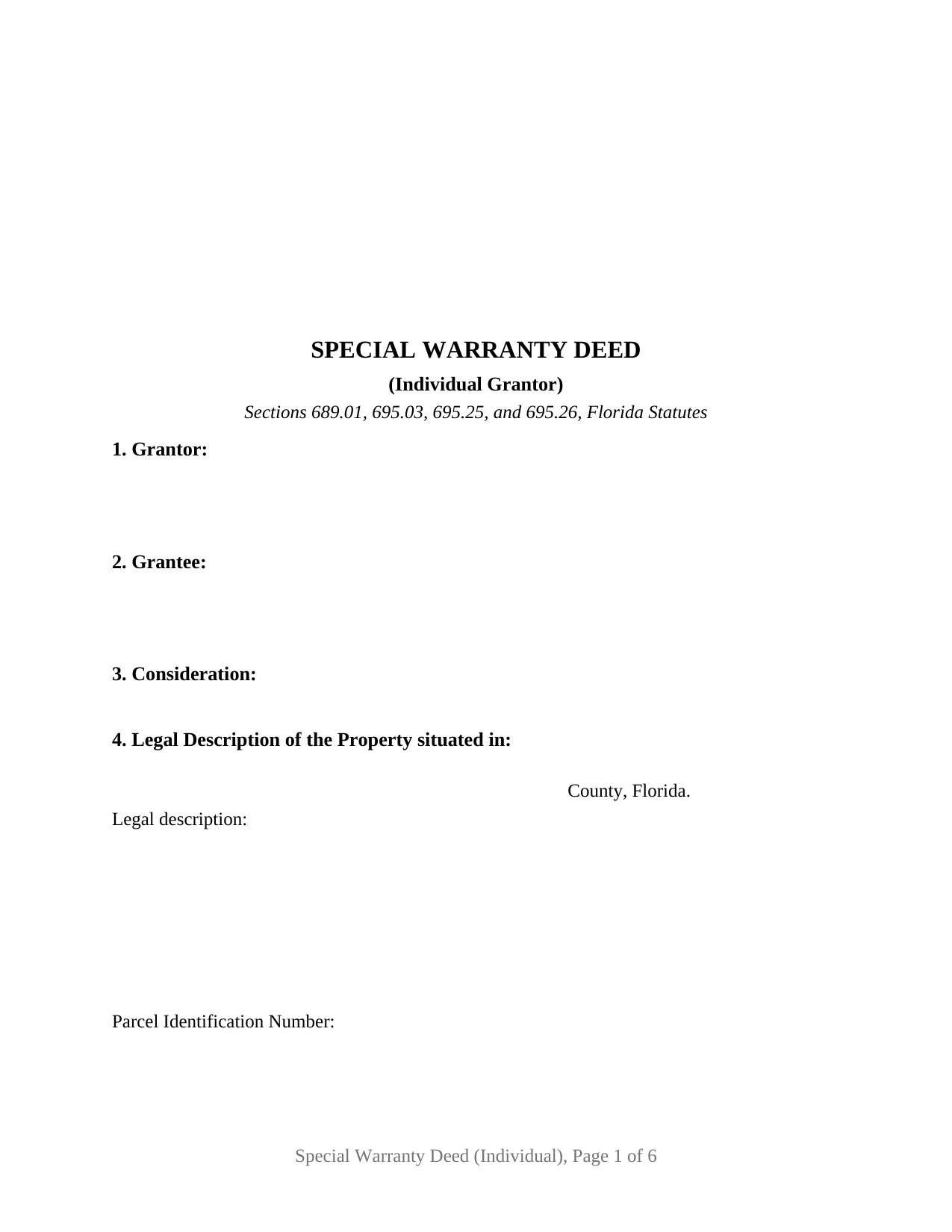
Wakulla County Special Warranty Deed (Individual) Form
Fill in the blank Special Warranty Deed (Individual) form formatted to comply with all Florida recording and content requirements.
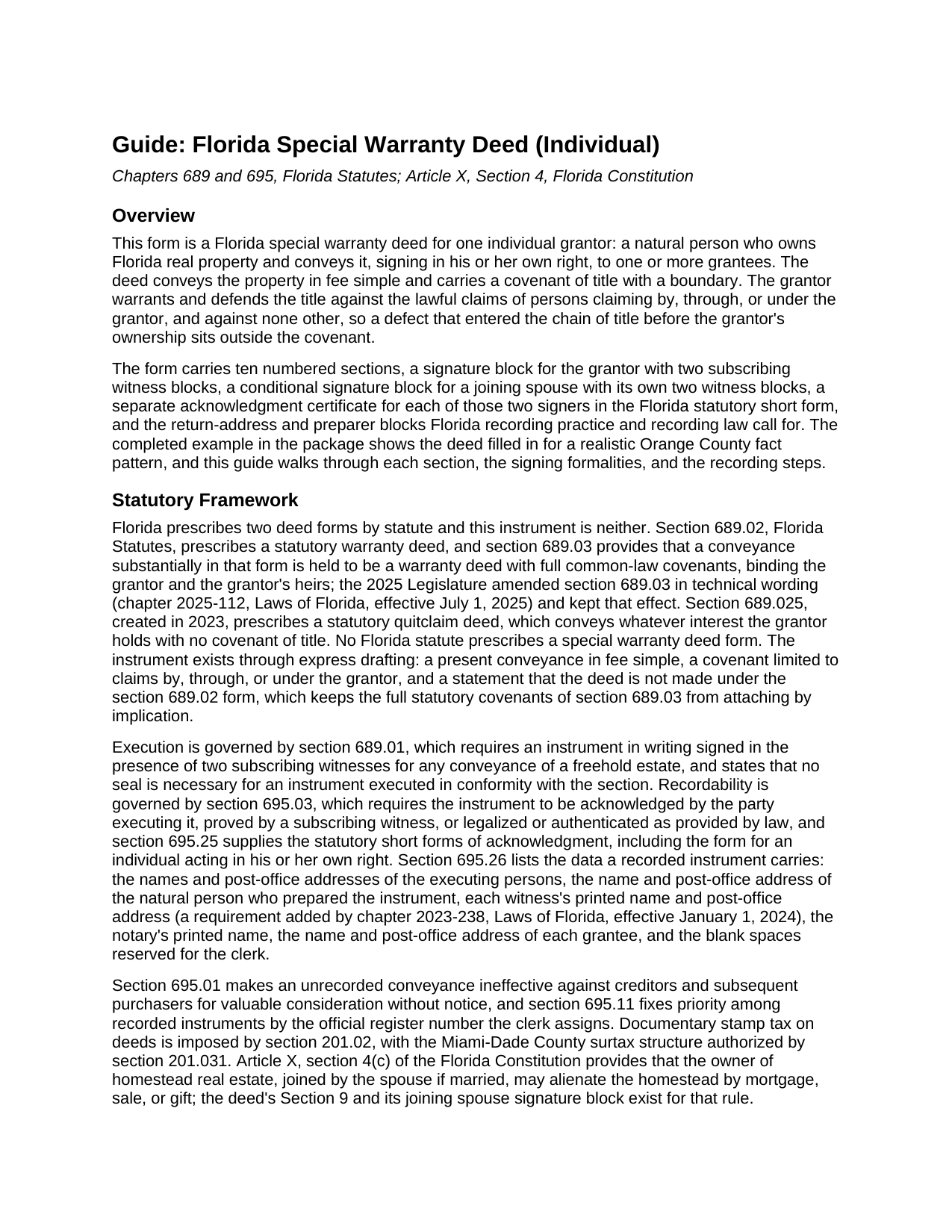
Wakulla County Special Warranty Deed (Individual) Guide
Line by line guide explaining every blank on the Special Warranty Deed (Individual) form.
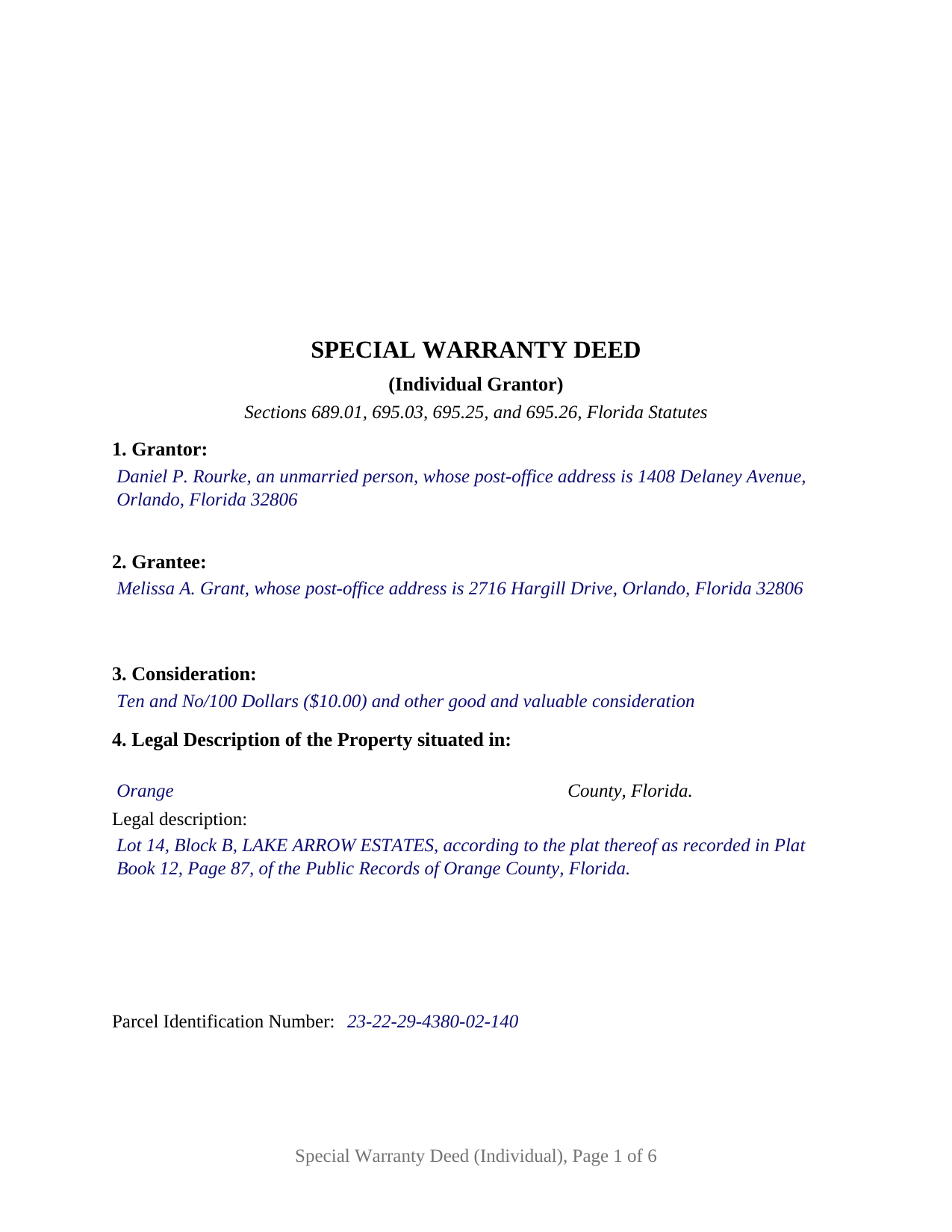
Wakulla County Completed Example of the Special Warranty Deed (Individual) Document
Example of a properly completed Florida Special Warranty Deed (Individual) document for reference.
All 3 documents above included • One-time purchase • No recurring fees
Immediate Download • Secure Checkout
Additional Florida and Wakulla County documents included at no extra charge:
Where to Record Your Documents
Clerk of Courts: Official Records/Recording Dept - Courthouse
Crawfordville, Florida 32327
Hours: 8:00am - 4:00pm M-F
Phone: (850) 926-0905
Recording Tips for Wakulla County:
- Bring your driver's license or state-issued photo ID
- Ensure all signatures are in blue or black ink
- Check that your notary's commission hasn't expired
- Documents must be on 8.5 x 11 inch white paper
- Double-check legal descriptions match your existing deed
Cities and Jurisdictions in Wakulla County
Properties in any of these areas use Wakulla County forms:
- Crawfordville
- Panacea
- Saint Marks
- Sopchoppy
Hours, fees, requirements, and more for Wakulla County
How do I get my forms?
Forms are available for immediate download after payment. The Wakulla County forms will be in your account ready to download to your computer. An account is created for you during checkout if you don't have one. Forms are NOT emailed.
Are these forms guaranteed to be recordable in Wakulla County?
Yes. Our form blanks are guaranteed to meet or exceed the applicable formatting requirements used for recording in Wakulla County, including margin requirements, font requirements, and other layout standards. This guarantee applies to formatting, not to the legal sufficiency of information entered by the user or the suitability of a form for a particular transaction.
Can I reuse these forms?
Yes. You can reuse the forms for your personal use. For example, if you have multiple properties in Wakulla County you only need to order once.
What do I need to use these forms?
The forms are PDFs that you fill out on your computer. The free Adobe Acrobat Reader is recommended, and most PDF apps also work. You do NOT enter your property information online - you download the blank forms and complete them privately on your own computer.
Are there any recurring fees?
No. This is a one-time purchase. Nothing to cancel, no memberships, no recurring fees.
How much does it cost to record in Wakulla County?
Recording fees in Wakulla County vary. Contact the recorder's office at (850) 926-0905 for current fees.
Questions answered? Let's get started!
A sole owner of Florida real estate, holding title as an individual, can give a deed whose title covenant is measured by that owner's own years on the title and by nothing earlier. This Florida special warranty deed is prepared for exactly that seller: a single individual, signing personally rather than for a company or a trust, with a joinder section that brings a spouse onto the deed only when the Florida Constitution calls for it.
A covenant that starts when the grantor's ownership started
Section 689.03 attaches full common-law covenants to a deed substantially in the statutory warranty form of section 689.02, and the statutory quitclaim deed of section 689.025 carries none. Nothing in the statutes describes the deed in between, so this instrument builds it in its own words: the grantor warrants and defends the title against the lawful claims of all persons claiming by, through, or under the grantor, but against none other, and the deed states that it is not made, and is not to be construed, as a statutory warranty deed. Section 6, the source of title, marks where the promise begins. A lien that attached during the grantor's ownership sits inside the covenant unless Section 7 lists it as a matter the conveyance remains subject to.
One signature, and a second one only for homestead
The spouse who may not be on the title at all is what sets an individual grantor apart. Article X, Section 4 of the Florida Constitution lets the owner of homestead real estate alienate it by sale or gift only when joined by the spouse, if married; dower and curtesy are abolished, so no other doctrine puts a spouse's signature on a Florida deed. The form answers that one rule with Section 9, Joinder of Spouse (Homestead), and a JOINING SPOUSE signature block with its own two witness blocks and its own acknowledgment certificate. Where the grantor is married and the property is the grantor's homestead, the spouse signs there and, by that joinder, conveys, releases, and relinquishes the spouse's interest without any warranty. Where the grantor is unmarried, or the property is not the grantor's homestead, those blocks stay blank and the deed states that no spouse joins.
The seller this deed recites
The form recites exactly one grantor, an individual signing in the grantor's own right and not in any representative capacity, conveying the whole of the grantor's interest. Two histories that present the pattern in the Florida record are a buyer at a foreclosure or tax deed sale who later resells without warranting the title the sale cut off, and a landlord who has owned a rental for years and stands behind that period alone. A grantor that is a corporation, a limited liability company, a partnership, or a trustee signs under different statutes and uses a different statutory acknowledgment, and two co-owners present two signatures and two certificates; the form is not set up as any of those.
Two witnesses, the statutory certificate, and a place for the seal
Section 689.01 requires the grantor to sign in the presence of two subscribing witnesses, and since January 1, 2024, section 695.26 has required each witness's printed name beneath the signature and a post-office address on the instrument; the form carries two witness blocks for each signature. The acknowledgment certificate reproduces the section 695.25(1) short form for an individual acting in his or her own right, with the two boxes the officer marks for physical presence or online notarization, and it reserves a labeled area for the rubber-stamp seal section 117.05 places beside or below the notary's signature.
At the recording counter
The clerk of the circuit court records the deed in the county where the land lies, and the first page keeps the top-right 3 inch by 3 inch space section 695.26 reserves for the clerk. Documentary stamp tax under section 201.02 is paid at recording, 70 cents per $100 of consideration in every county except Miami-Dade, which follows its own rate and surtax structure. Under section 695.01 an unrecorded deed binds the parties but gives way to creditors and later purchasers for value without notice.
The download includes the deed as a fillable PDF, a completed example worked through an Orange County conveyance by an unmarried grantor, and a plain-language guide that treats every numbered section, the witness and notary blocks, the homestead joinder, and the recording steps. The materials describe Florida law in general terms and are not legal advice.
Important: Your property must be located in Wakulla County to use these forms. Documents should be recorded at the county recording office listed above.
This Special Warranty Deed (Individual) meets all recording requirements specific to Wakulla County.
Our Promise
The documents you receive here are guaranteed to meet or exceed the applicable Wakulla County recording format requirements. If there is a rejection caused by our formatting, we will correct the issue or refund your payment. This guarantee applies to document formatting only and does not extend to information entered by the user, the selection of the form, or the legal effect of the completed document.
Save Time and Money
Get your Wakulla County Special Warranty Deed (Individual) form done right the first time with Deeds.com Uniform Conveyancing Blanks. At Deeds.com, we understand that your time and money are valuable resources, and we don't want you to face a penalty fee or rejection imposed by a county recorder for submitting nonstandard documents. We constantly review and update our forms to meet rapidly changing state and county recording requirements for roughly 3,500 counties and local jurisdictions.
4.8 out of 5 - ( 4,828 Reviews )
Cheryl C. 4 out of 5 stars
my only problem is the cost of the form I downloaded. A bit cheaper would be nice
Thank you for your feedback. We really appreciate it. Have a great day!
Charles H. 5 out of 5 stars
Website is user-friendly and very helpful, butI will have to wait until I submit my documents to the Clerk of Court to see if they are acceptable.
Thank you for your feedback. We really appreciate it. Have a great day!
Jeffrey M. 5 out of 5 stars
Great service. It had all the forms I needed.
Thank you!
Rochelle C. 5 out of 5 stars
Very prompt service. Thank you.
Thank you!
lindsey r. 5 out of 5 stars
easy to use
Thank you!
KRISSA O. 5 out of 5 stars
Smooth process, no issues.
Thank you!
Melvin M. 4 out of 5 stars
loads of forms and instructions....for a good buy...it would help to know where to send the forms after completing them...
We appreciate your business and value your feedback. Thank you. Have a wonderful day!
Randy R. 5 out of 5 stars
Thank you So far everything worked great. Got my downloads so I'm off and running. I hope the rest of the paperwork goes this easy.
Thank you Randy, we appreciate your feedback.
Edward E. 5 out of 5 stars
Easy to use.
Your feedback is valuable to us and helps us improve. Thank you for sharing your thoughts!
Ronald S. 5 out of 5 stars
fantastic forms, great service!
Thank you for your feedback. We really appreciate it. Have a great day!
Samantha W. 5 out of 5 stars
Great place to get the forms you need. The instructions were clear and made it easy to complete. Pricing was great, especially compared to similar providers.
We appreciate your business and value your feedback. Thank you. Have a wonderful day!
Curtis G. 5 out of 5 stars
Easy to use.
Thank you!
Adriana V. 5 out of 5 stars
Excellent and a very fast way to release important documents. Thank you very much.
Thank you!
CYNTHIA Z. 5 out of 5 stars
So easy to use and fast.
Thank you!
Dan P. 5 out of 5 stars
Great service and well done forms thank you
Thank you!