Colquitt County Easement Deed Form
Last validated October 2, 2026 by our Forms Development TeamFormatted for recording in Colquitt County, for property anywhere in the county: rural and unincorporated areas as well as Berlin, Doerun, Ellenton, Funston, Hartsfield, Moultrie, Norman Park.
- 4 documents included
- Immediate PDF download
- Formatting guarantee
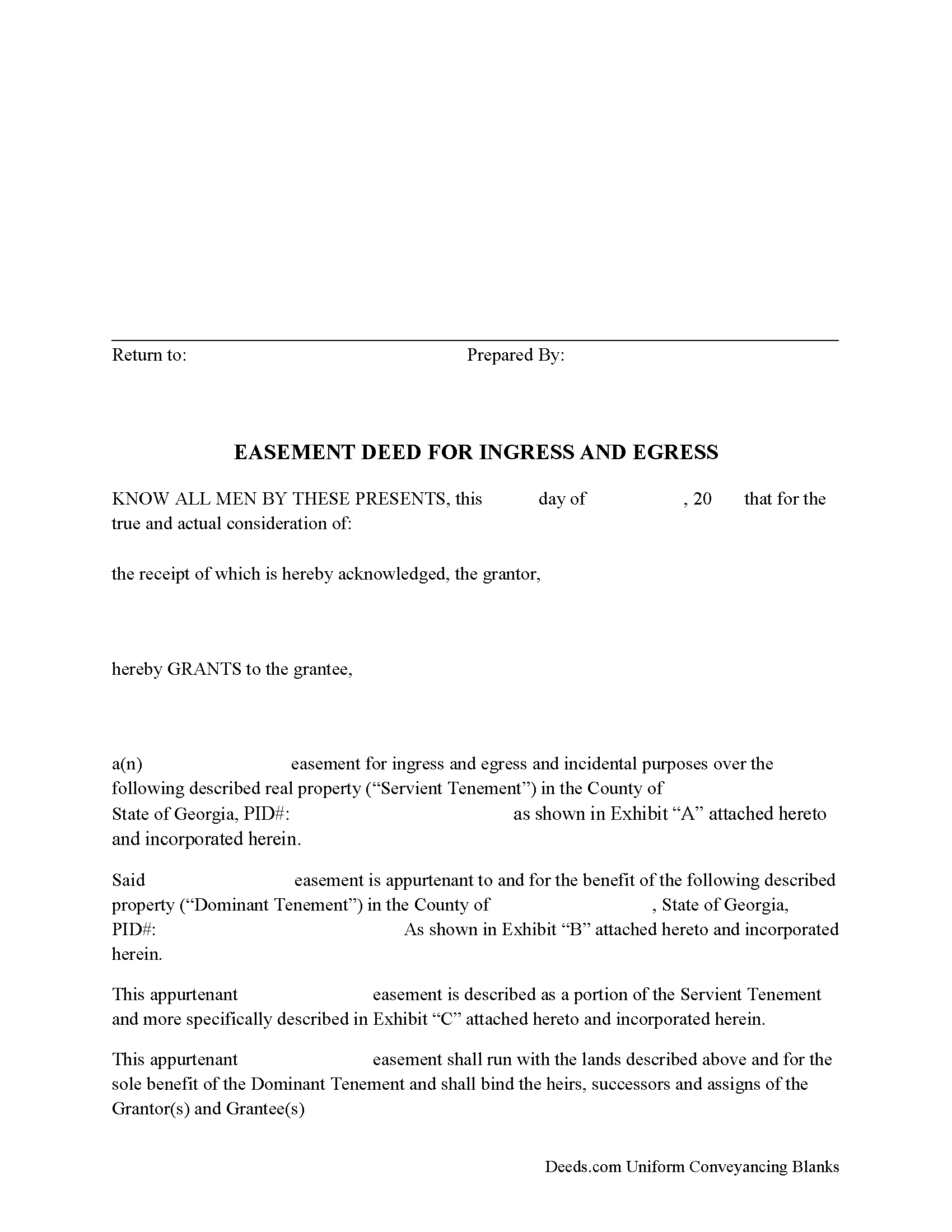
Colquitt County Easement Deed Form
Fill in the blank form formatted to comply with all recording and content requirements.
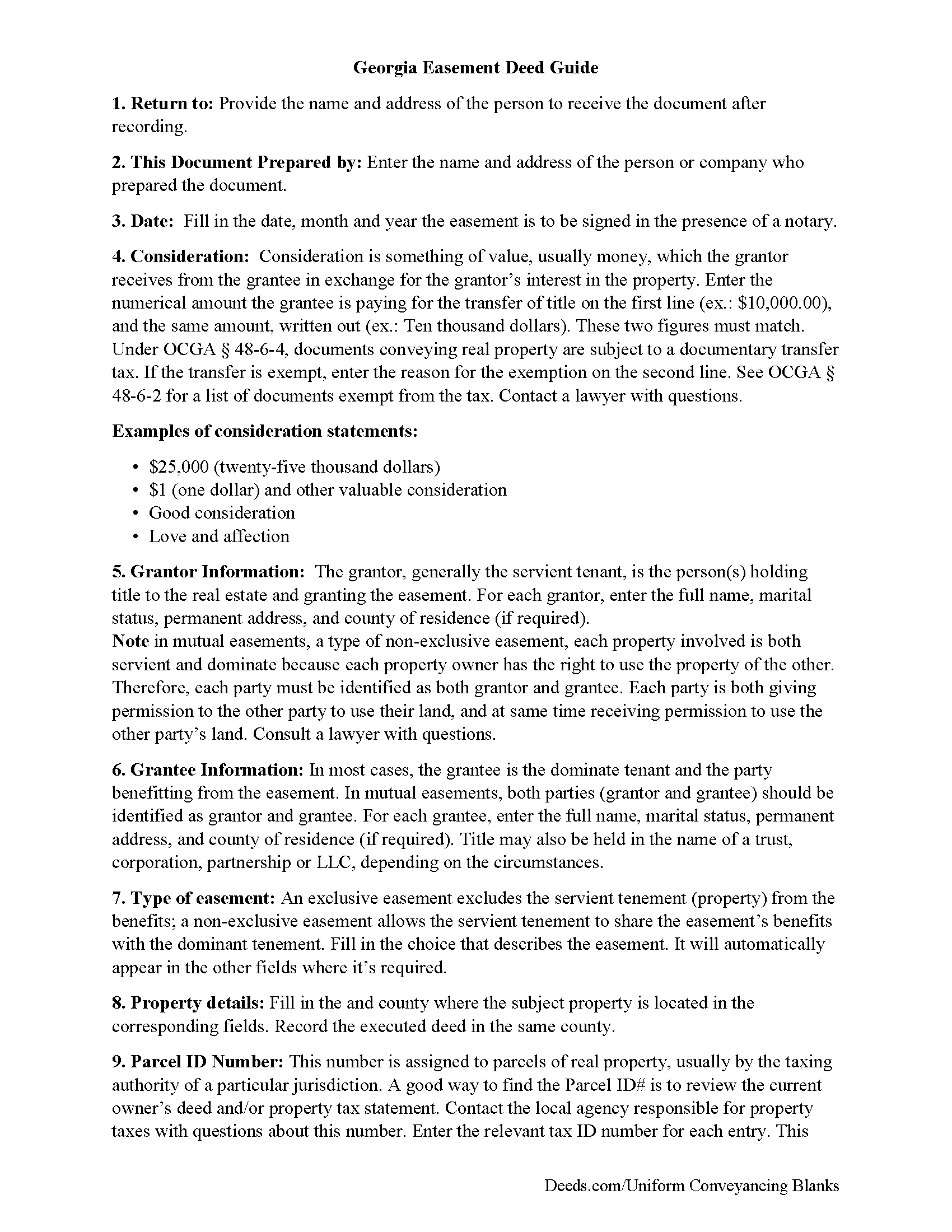
Colquitt County Easement Deed Guide
Line by line guide explaining every blank on the form.
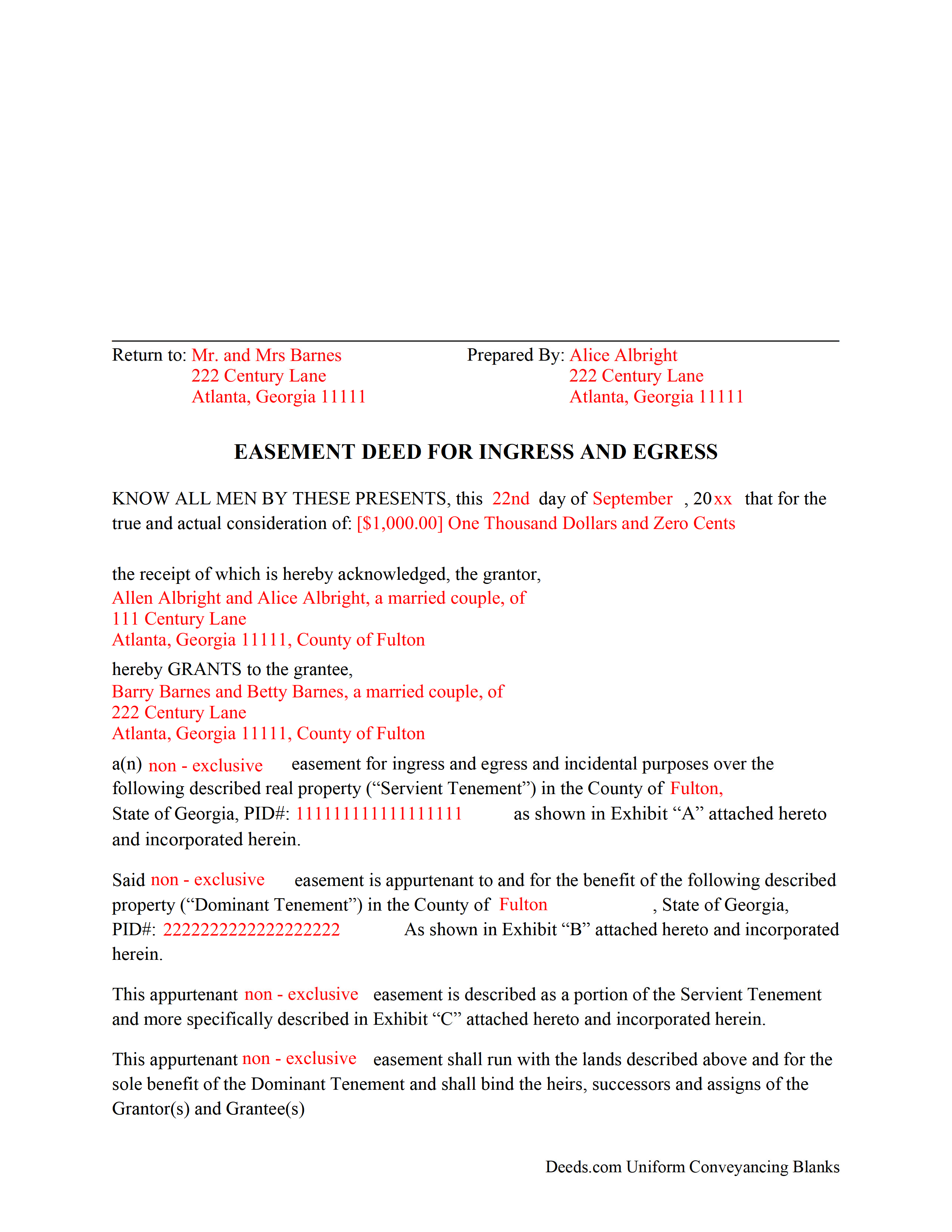
Colquitt County Completed Example of the Easement Deed Document
Example of a properly completed form for reference.
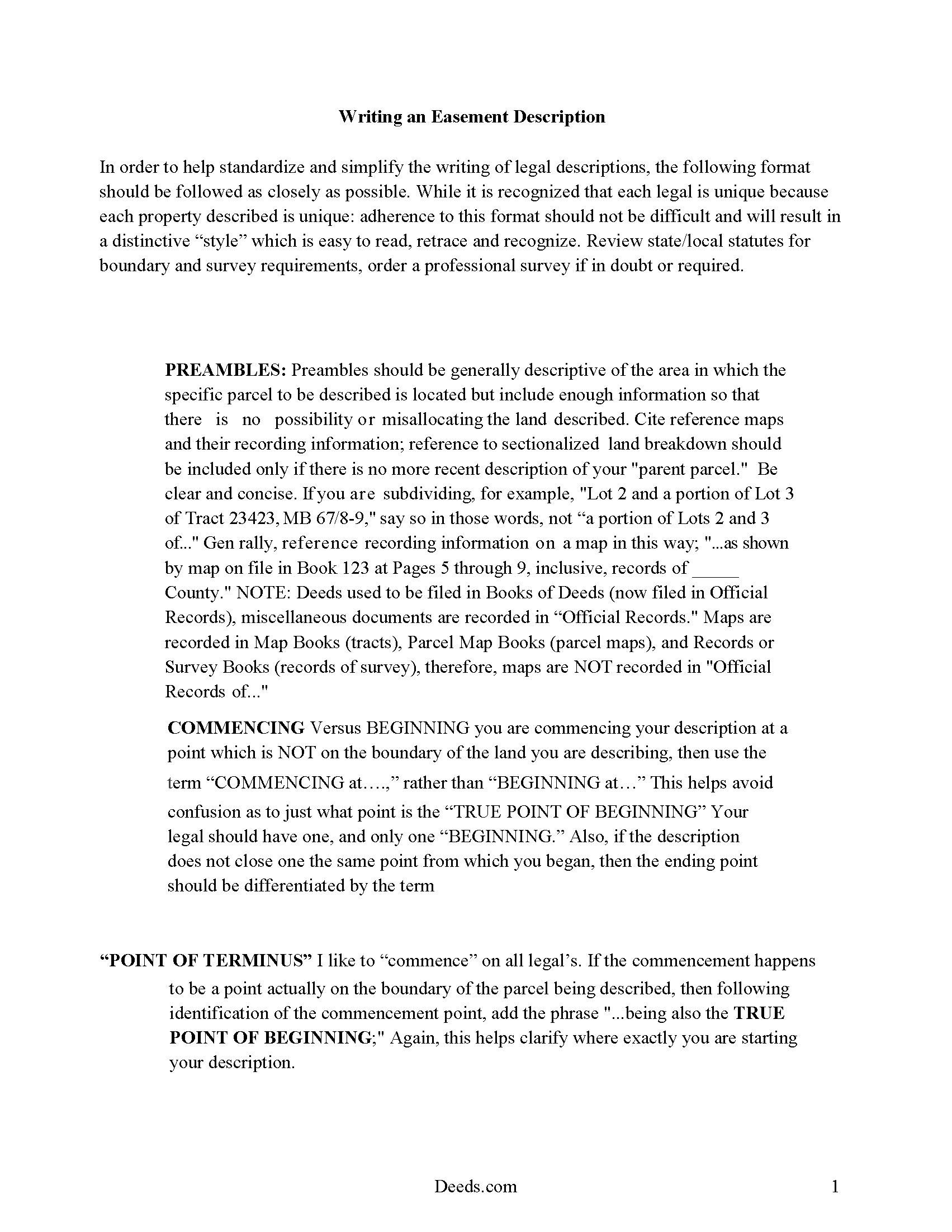
Colquitt County Guide to Writing an Easement Description
A Description of the Easement will be required. This will show how to write an acceptable description for a Right of Way Easement, which gives access, to and from - point A to point B.
All 4 documents above included • One-time purchase • No recurring fees
Immediate Download • Secure Checkout
Additional Georgia and Colquitt County documents included at no extra charge:
Where to Record Your Documents
Colquitt Clerk Of Court - County Courthouse
Moultrie, Georgia 31768
Hours: 8:00am-5:00pm M-F
Phone: (229) 616-7420
Recording Tips for Colquitt County:
- Bring your driver's license or state-issued photo ID
- Ensure all signatures are in blue or black ink
- Double-check legal descriptions match your existing deed
- Verify all names are spelled correctly before recording
- White-out or correction fluid may cause rejection
Cities and Jurisdictions in Colquitt County
Properties in any of these areas use Colquitt County forms:
- Berlin
- Doerun
- Ellenton
- Funston
- Hartsfield
- Moultrie
- Norman Park
Hours, fees, requirements, and more for Colquitt County
How do I get my forms?
Forms are available for immediate download after payment. The Colquitt County forms will be in your account ready to download to your computer. An account is created for you during checkout if you don't have one. Forms are NOT emailed.
Are these forms guaranteed to be recordable in Colquitt County?
Yes. Our form blanks are guaranteed to meet or exceed the applicable formatting requirements used for recording in Colquitt County, including margin requirements, font requirements, and other layout standards. This guarantee applies to formatting, not to the legal sufficiency of information entered by the user or the suitability of a form for a particular transaction.
Can I reuse these forms?
Yes. You can reuse the forms for your personal use. For example, if you have multiple properties in Colquitt County you only need to order once.
What do I need to use these forms?
The forms are PDFs that you fill out on your computer. The free Adobe Acrobat Reader is recommended, and most PDF apps also work. You do NOT enter your property information online - you download the blank forms and complete them privately on your own computer.
Are there any recurring fees?
No. This is a one-time purchase. Nothing to cancel, no memberships, no recurring fees.
How much does it cost to record in Colquitt County?
Recording fees in Colquitt County vary. Contact the recorder's office at (229) 616-7420 for current fees.
Questions answered? Let's get started!
An easement can be created by conveyance in a deed. An easement is the right to use another person's real property for a specific purpose, and the easement deed is the instrument that creates this right. An easement in Georgia can be used for many purposes, including for granting the right of a private way over another's land, for the acquisition of light and air, or for boundary line agreements. Most easements will run with the land being conveyed. Additionally, an easement may be lost or forfeited by nonuse if the abandonment or nonuse continues long enough to raise the presumption of release or abandonment ( 44-9-6). An easement deed is subject to the same formalities as any other transfer of other interests in land in Georgia.
In order to be recordable, an easement deed must be signed by the grantor and must contain two witnesses, one of whom must be the notary with his seal attached. If one of the witnesses is not a notary, then there must be an acknowledgment by a notary attached to the deed ( 44-2-21 and 44-2-14). This pertains to easement deeds executed in Georgia as well as in other states. To authorize the recording of an easement deed executed in a state outside of Georgia, it must be attested or acknowledged before one of the officers listed in 44-2-21. If executed in Georgia, the easement deed may be attested by a judge of a court of record, including a judge of a municipal court, or by a magistrate, a notary public, or a clerk or deputy clerk of a superior court or of a city court created by a special act of the General Assembly. With the exception of notaries public and judges of courts of record, such officers may only attest such instruments only in the county in which they hold their respective offices ( 44-2-15).
Every deed conveying lands or affecting title to real property, such as an easement deed, should be recorded in the office of the clerk of the superior court of the county where the real property is located. Recording can take place at any time, but a prior unrecorded deed will lose its priority over a subsequent recorded deed from the same vendor when the purchaser takes such deed without notice of the existence of the prior deed ( 44-2-1). This is known as a race-notice recording act. Instruments affecting title to land that are required by law to be recorded in the office of the clerk of the superior court and which are against the interests of third parties who have acquired a transfer or lien binding the same property and who are acting in good faith and without notice will take effect only from the time they are filed for record in the clerk's office in the county where the property is located ( 44-2-2b).
(Georgia Easement Deed Package includes form, guidelines, and completed example)
Important: Your property must be located in Colquitt County to use these forms. Documents should be recorded at the county recording office listed above.
This Easement Deed meets all recording requirements specific to Colquitt County.
Our Promise
The documents you receive here are guaranteed to meet or exceed the applicable Colquitt County recording format requirements. If there is a rejection caused by our formatting, we will correct the issue or refund your payment. This guarantee applies to document formatting only and does not extend to information entered by the user, the selection of the form, or the legal effect of the completed document.
Save Time and Money
Get your Colquitt County Easement Deed form done right the first time with Deeds.com Uniform Conveyancing Blanks. At Deeds.com, we understand that your time and money are valuable resources, and we don't want you to face a penalty fee or rejection imposed by a county recorder for submitting nonstandard documents. We constantly review and update our forms to meet rapidly changing state and county recording requirements for roughly 3,500 counties and local jurisdictions.
4.8 out of 5 - ( 4,828 Reviews )
Byron M. 5 out of 5 stars
Prompt service... provide thorough explanation of what is needed to complete the recording.
Thank you for your feedback. We really appreciate it. Have a great day!
Judith F. 5 out of 5 stars
The form I needed was perfect!
Thank you!
David W. 5 out of 5 stars
Thanks to all of you. You provide a great service! Dave in Ca.
Thank you for your feedback. We really appreciate it. Have a great day!
Kathy Z. 5 out of 5 stars
Great site !! Very easy to navigate and explanations are clear and simple to understand. Thank You!
We appreciate your business and value your feedback. Thank you. Have a wonderful day!
Cherie J K. 5 out of 5 stars
needed to prepare a corrective deed and found this great website to print the corrective deed and instructions and example of corrective deed
We appreciate your business and value your feedback. Thank you. Have a wonderful day!
Malissa B. 5 out of 5 stars
Fast response and quick delivery love it!
It was a pleasure serving you. Thank you for the positive feedback!
richard s. 5 out of 5 stars
had exactly what i needed and good price
Thank you Richard! Have an amazing day.
Gregory h. 5 out of 5 stars
OUtsdtanding. Quick and easy, both of which are a huge plus
We appreciate your business and value your feedback. Thank you. Have a wonderful day!
Larry A. 5 out of 5 stars
Provided exactly the form I was looking for at a reasonable price. Easy to do as well.
Thank you!
WILLIAM H. 5 out of 5 stars
i also need a "NOTE" and this trust deed is not exactly what i wanted. it may work but not to well.
Thank you for your feedback. We really appreciate it. Have a great day!
Michael T. 5 out of 5 stars
This site was recommended to me. The deed worked just fine for recording a property transfer (Warranty Deed). What I like is that there is a 1 time fee, not a subscription. I would highly recommend. It saved us $2000 in closing costs and fees.
Thank you!
ronnie y. 5 out of 5 stars
nice to get everything I need for the county that the property is located.
Thank you for your feedback. We really appreciate it. Have a great day!
Dave S. 5 out of 5 stars
Easy to use and get forms I needed. Corporate need for an invoice/receipt could be a bit easier - have to print screen to get any info.
Thank you for your feedback Dave, we really appreciate it.
BROOKE W. 5 out of 5 stars
Great fillable form! And the separate instruction sheet was detailed and very clear. I particularly appreciate you including a sample of a completed form. I've filled in real estate forms before but never this one, and there were some things I didn't know.
We appreciate your business and value your feedback. Thank you. Have a wonderful day!
Joseph R. 3 out of 5 stars
The form and instructions were easy enough to follow if you had all the information.
The only drawback to the form was the length of text allowed for the name of the document (#4). The form self populates in multiple locations but when printed truncated the name if too many characters were used. I kept having to update the name of the document to allow for proper printing.
Your insights are invaluable to us and help us strive for better service. Thank you for taking the time to share your thoughts.