Colquitt County Executor Deed Form
Last validated October 16, 2026 by our Forms Development TeamFormatted for recording in Colquitt County, for property anywhere in the county: rural and unincorporated areas as well as Berlin, Doerun, Ellenton, Funston, Hartsfield, Moultrie, Norman Park.
- 3 documents included
- Immediate PDF download
- Formatting guarantee
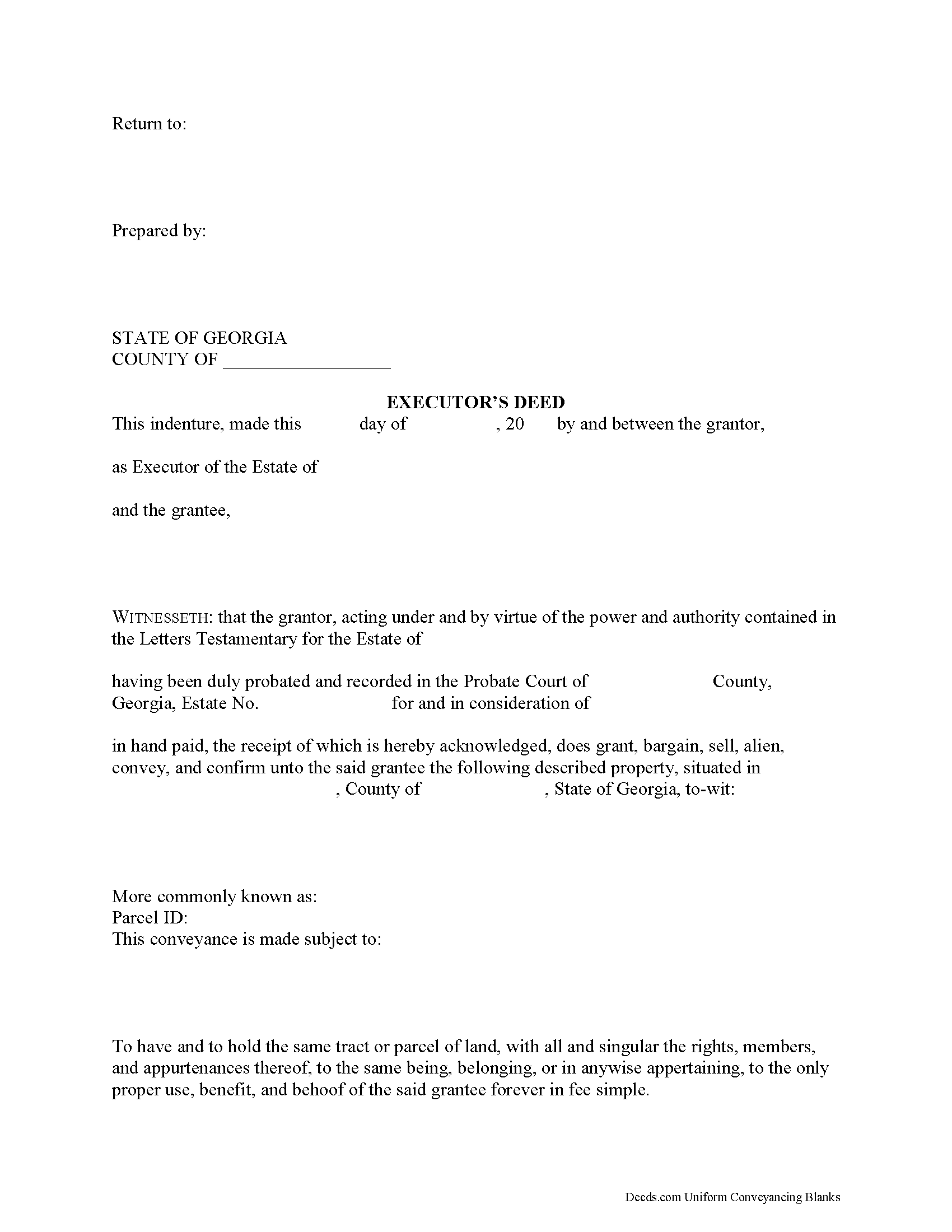
Colquitt County Executor Deed Form
Fill in the blank form formatted to comply with all recording and content requirements.
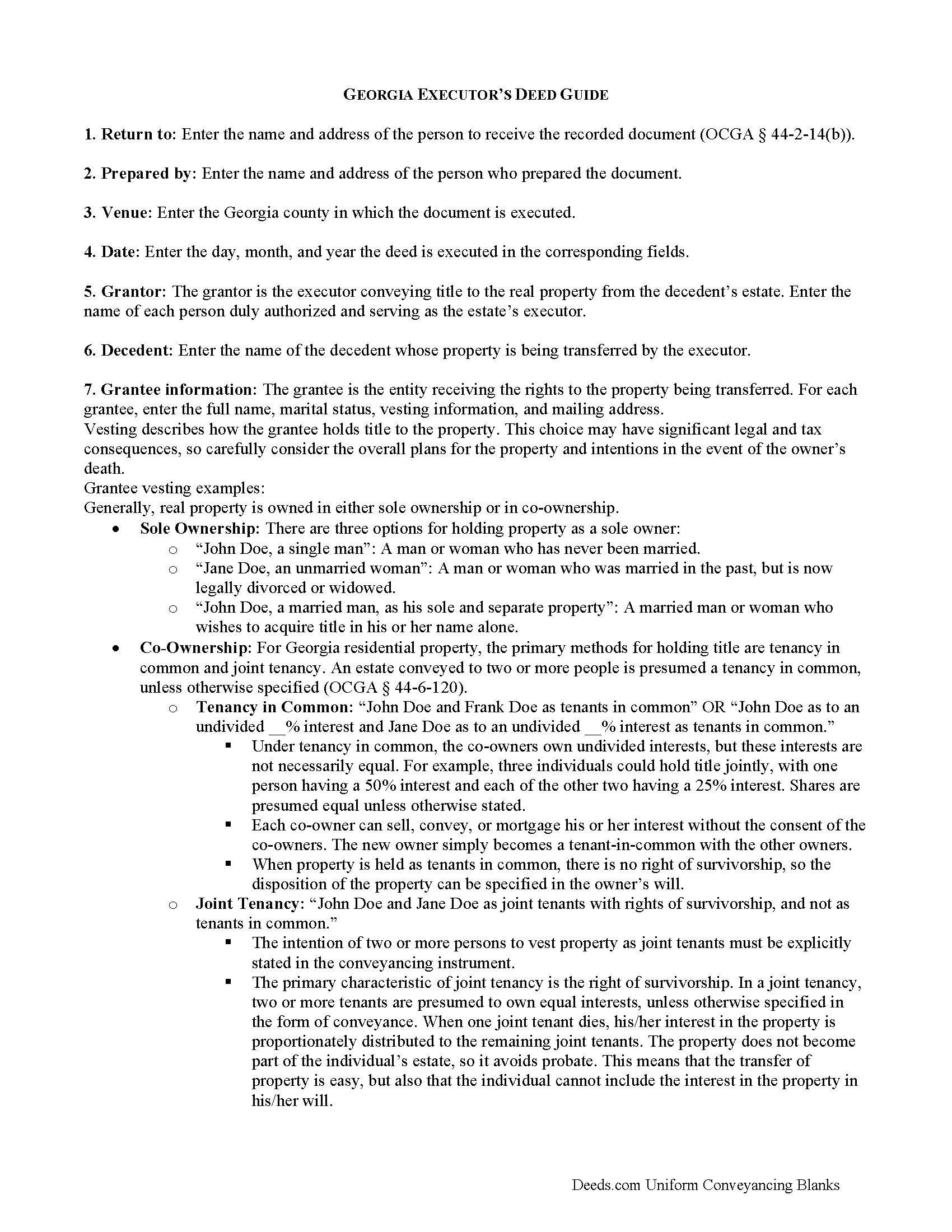
Colquitt County Executor Deed Guide
Line by line guide explaining every blank on the form.
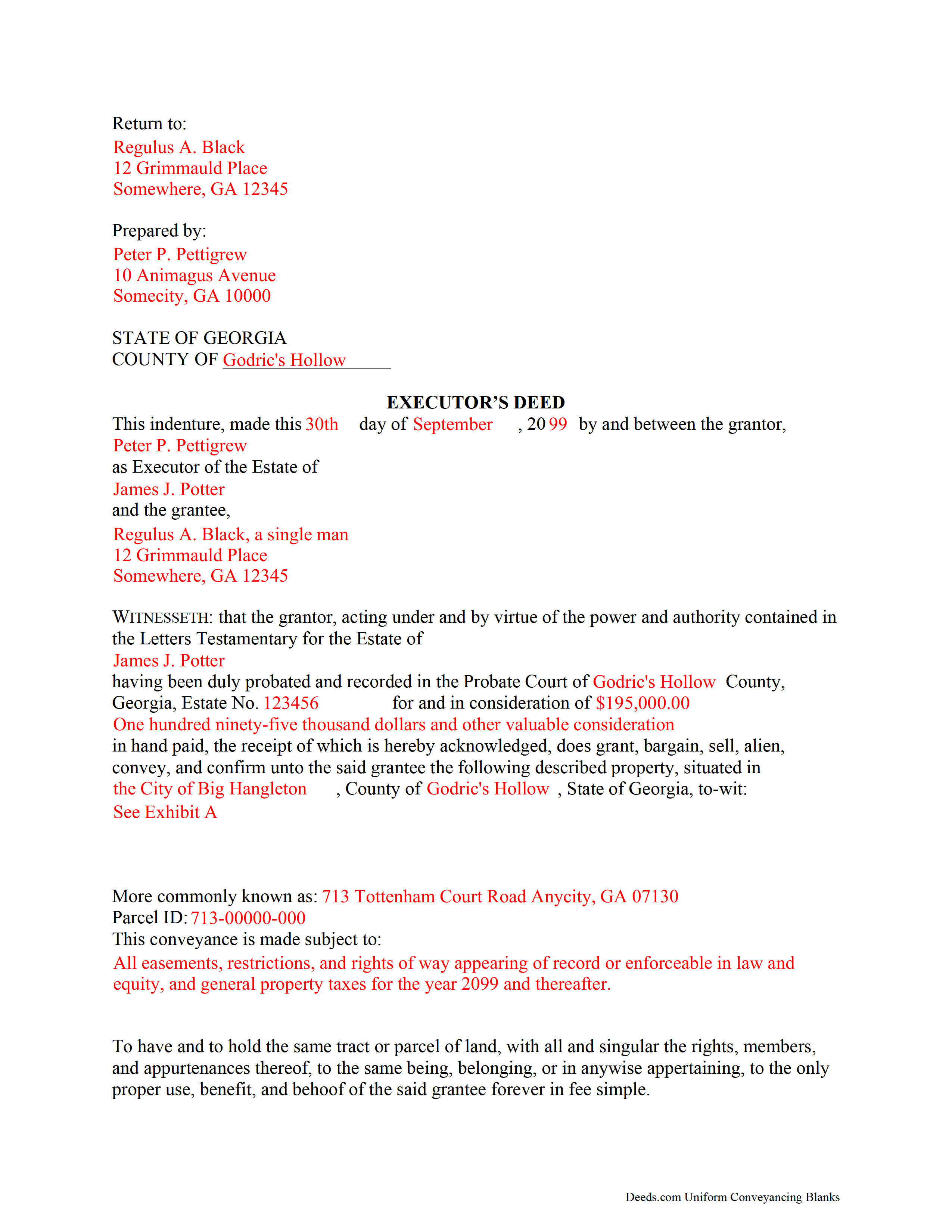
Colquitt County Completed Example of the Executor Deed Document
Example of a properly completed form for reference
All 3 documents above included • One-time purchase • No recurring fees
Immediate Download • Secure Checkout
Additional Georgia and Colquitt County documents included at no extra charge:
Where to Record Your Documents
Colquitt Clerk Of Court - County Courthouse
Moultrie, Georgia 31768
Hours: 8:00am-5:00pm M-F
Phone: (229) 616-7420
Recording Tips for Colquitt County:
- Bring your driver's license or state-issued photo ID
- Ensure all signatures are in blue or black ink
- Bring extra funds - fees can vary by document type and page count
- Check margin requirements - usually 1-2 inches at top
- Leave recording info boxes blank - the office fills these
Cities and Jurisdictions in Colquitt County
Properties in any of these areas use Colquitt County forms:
- Berlin
- Doerun
- Ellenton
- Funston
- Hartsfield
- Moultrie
- Norman Park
Hours, fees, requirements, and more for Colquitt County
How do I get my forms?
Forms are available for immediate download after payment. The Colquitt County forms will be in your account ready to download to your computer. An account is created for you during checkout if you don't have one. Forms are NOT emailed.
Are these forms guaranteed to be recordable in Colquitt County?
Yes. Our form blanks are guaranteed to meet or exceed the applicable formatting requirements used for recording in Colquitt County, including margin requirements, font requirements, and other layout standards. This guarantee applies to formatting, not to the legal sufficiency of information entered by the user or the suitability of a form for a particular transaction.
Can I reuse these forms?
Yes. You can reuse the forms for your personal use. For example, if you have multiple properties in Colquitt County you only need to order once.
What do I need to use these forms?
The forms are PDFs that you fill out on your computer. The free Adobe Acrobat Reader is recommended, and most PDF apps also work. You do NOT enter your property information online - you download the blank forms and complete them privately on your own computer.
Are there any recurring fees?
No. This is a one-time purchase. Nothing to cancel, no memberships, no recurring fees.
How much does it cost to record in Colquitt County?
Recording fees in Colquitt County vary. Contact the recorder's office at (229) 616-7420 for current fees.
Questions answered? Let's get started!
When people create their wills, they generally name one or more individuals to supervise the distribution of their assets. Georgia customarily uses the term "personal representative" to refer to both executors and administrators, but get more specific when it comes to conveying title to real estate. An executor is a personal representative designated in a will to manage a testate decedent's estate; an administrator is appointed by the probate court, and can be involved in either testate or intestate (without a will) processes.
During probate, the court may direct an executor to sell real property pursuant to the terms of the decedent's will, to pay the estate's debts, or to consolidate the decedent's estate for devise among multiple beneficiaries. The named personal representative uses an executor's deed to transfer real property from a testate estate. The executor's deed contains all the information required for a standard conveyance, such as a quitclaim or warranty deed, but also includes relevant details about the decedent and the probate case.
To transfer title to a buyer, record the completed executor's deed, along with any necessary supporting documents, with the real property records of the appropriate county.
Consult an attorney with questions about the executor's deed, or with any other issues related to probate in Georgia.
(Georgia Executor Deed Package includes form, guidelines, and completed example)
Important: Your property must be located in Colquitt County to use these forms. Documents should be recorded at the county recording office listed above.
This Executor Deed meets all recording requirements specific to Colquitt County.
Our Promise
The documents you receive here are guaranteed to meet or exceed the applicable Colquitt County recording format requirements. If there is a rejection caused by our formatting, we will correct the issue or refund your payment. This guarantee applies to document formatting only and does not extend to information entered by the user, the selection of the form, or the legal effect of the completed document.
Save Time and Money
Get your Colquitt County Executor Deed form done right the first time with Deeds.com Uniform Conveyancing Blanks. At Deeds.com, we understand that your time and money are valuable resources, and we don't want you to face a penalty fee or rejection imposed by a county recorder for submitting nonstandard documents. We constantly review and update our forms to meet rapidly changing state and county recording requirements for roughly 3,500 counties and local jurisdictions.
4.8 out of 5 - ( 4,828 Reviews )
Richard O. 5 out of 5 stars
Thank you for providing this service. It was quick and easy.
Thank you for your feedback. We really appreciate it. Have a great day!
Brian B. 5 out of 5 stars
Very good price. It came with instructions and a sample filled out. Very helpful.
Thank you for your feedback. We really appreciate it. Have a great day!
Karen F. 5 out of 5 stars
Very easy to understand instructions. I was able to order, download and print.
Thank you for your feedback. We really appreciate it. Have a great day!
Richard T. 5 out of 5 stars
Easy forms for DIYers
Thank you!
Dean L. 3 out of 5 stars
The template isn't that easy to work with, with you have to type out large amounts of text. Also copy and paste doesn't seem to work. Furthermore, the code listed on the guide is out of date. However, the DQC is decent in that it has all the required fields you need.
Thank you for your feedback. We really appreciate it. Have a great day!
William S C. 5 out of 5 stars
The Lady Bird Deed appears to be fine with me as are the instructions. However, there apparently are no specific laws in Texas addressing them other than they are OK. The problem is that lenders are surely going to use them as triggers for their due on sale clauses, especially as the current small mortgage rates begin to increase. The solution to that seems to be to sign and have them notarized, but not to record them unless the holder needs to enforce the provisions. It seems to me that you should consider your solution to that problem in your instructions.
Thank you for your feedback. We really appreciate it. Have a great day!
Barbara E. 5 out of 5 stars
Fast efficient, just what I needed.
Thank you so much Barbara. We appreciate your feedback.
Donna r. 3 out of 5 stars
Downloads were easy but I am pretty lost in filling out. Thought be more instructions
Thank you for your feedback Donna. If you are not completely sure of what you are doing we highly recommend seeking the assistance of a legal professional familiar with your specific situation.
Valerie R. 5 out of 5 stars
My expereince with Deeds.com was easy and efficent. Great way to efile documents during these trying times.
We appreciate your business and value your feedback. Thank you. Have a wonderful day!
Robert B. 4 out of 5 stars
This suited my purposes just fine. Instructions were clear and easy to follow. But,I would like to have had the ability to delete the many extra spaces on the final document ... for readability purposes.
We appreciate your business and value your feedback. Thank you. Have a wonderful day!
EMMA J. 5 out of 5 stars
I am still learning how this work. Right now this is the form I need. I thank you. I will give survey again once I have completed this form.
Thank you for your feedback. We really appreciate it. Have a great day!
Michelle J. 5 out of 5 stars
I believe this is great! It protects the residents from theft of property. Proud of what Wayne County is doing.
Thank you!
Marilyn J. 5 out of 5 stars
Just what I needed!
Thank you!
Patricia C. 5 out of 5 stars
The website works fine. The process of changing my Mineral Deed is sure more expensive in Texas. But I appreciate the convenience of the website and the pages of directions.
We appreciate your business and value your feedback. Thank you. Have a wonderful day!
Juan M. 5 out of 5 stars
Very happy
We appreciate your business and value your feedback. Thank you. Have a wonderful day!