Riley County Certificate of Trust Form
Last validated October 22, 2026 by our Forms Development TeamFormatted for recording in Riley County, for property anywhere in the county: rural and unincorporated areas as well as Leonardville, Manhattan, Ogden, Randolph, Riley.
- 3 documents included
- Immediate PDF download
- Formatting guarantee
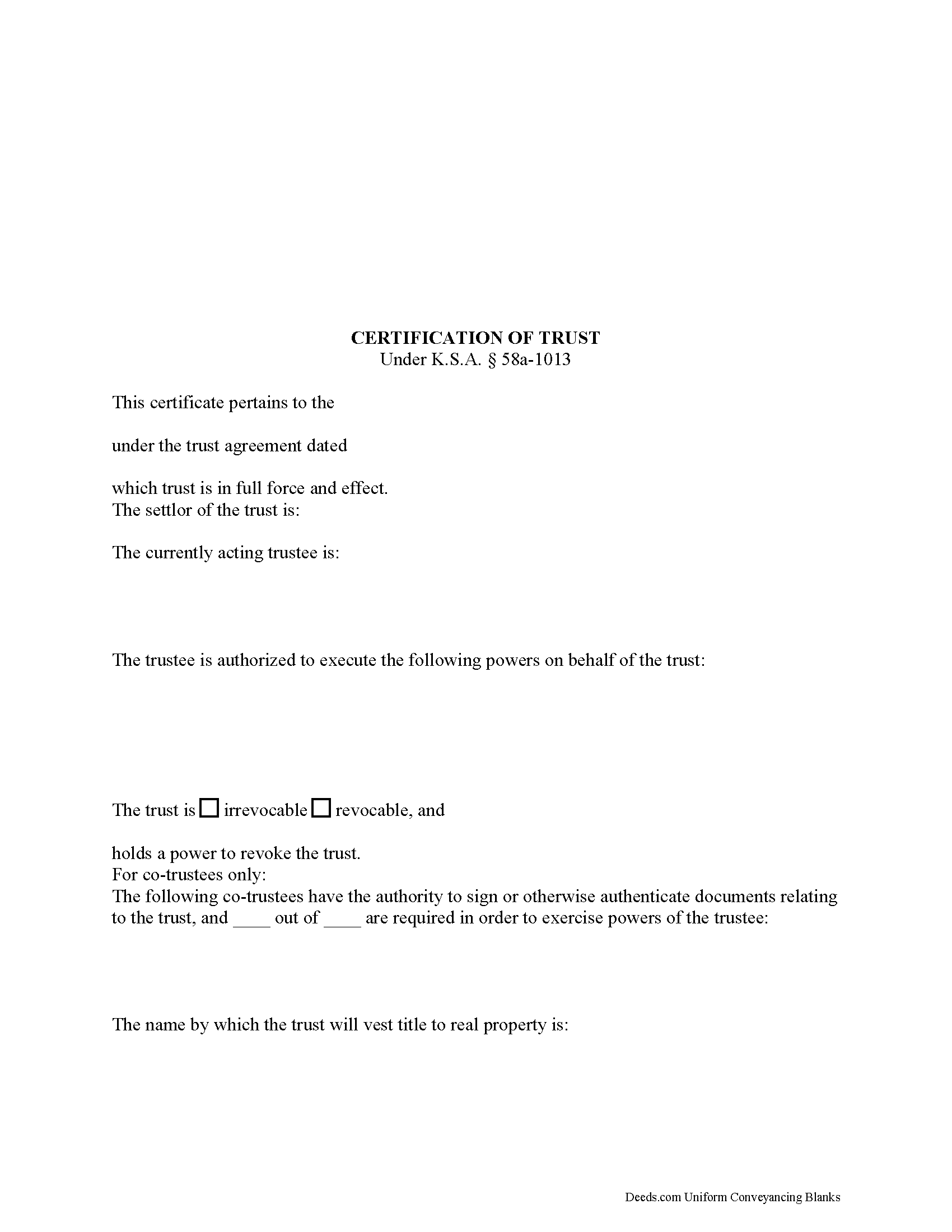
Riley County Certificate of Trust Form
Fill in the blank form formatted to comply with all recording and content requirements.
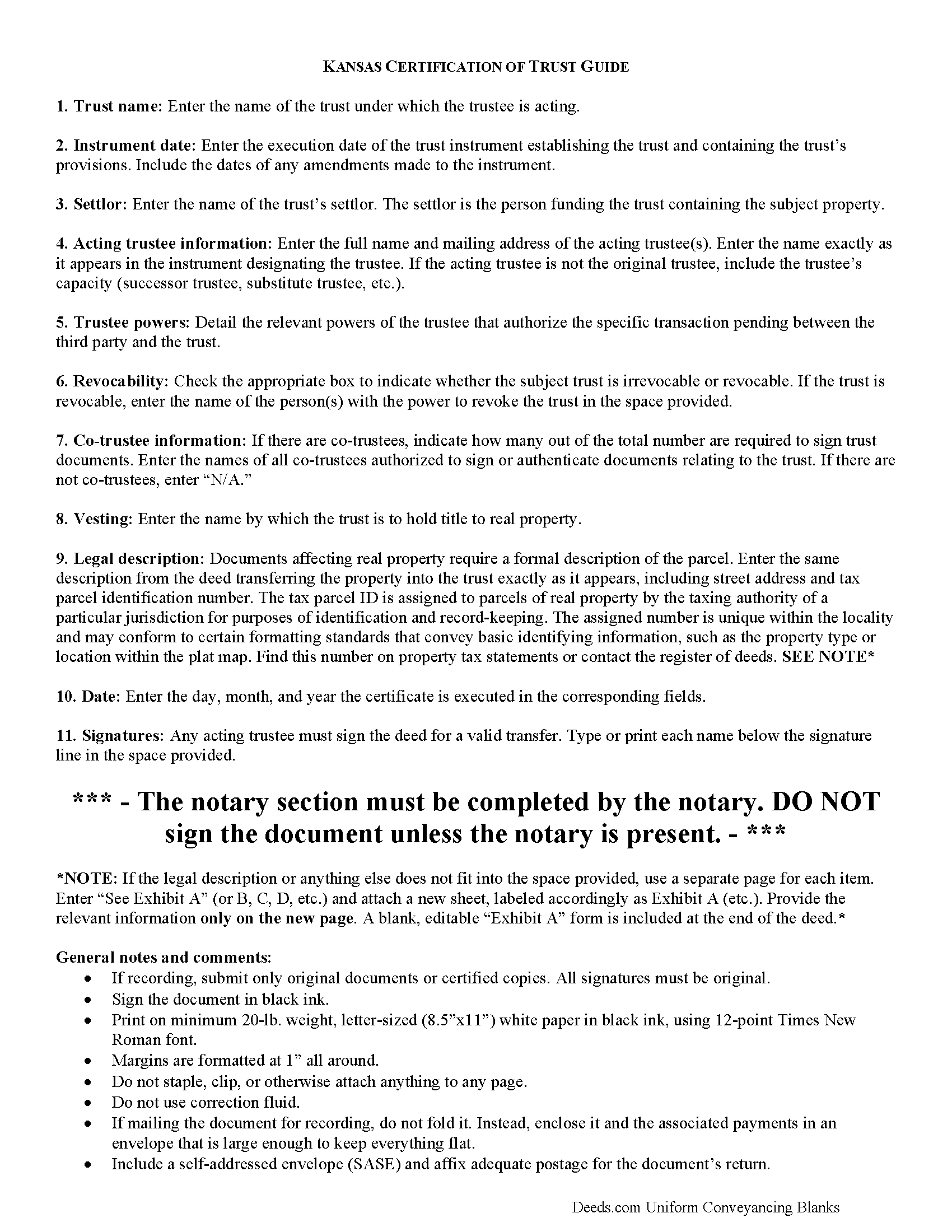
Riley County Certificate of Trust Form
Line by line guide explaining every blank on the form.
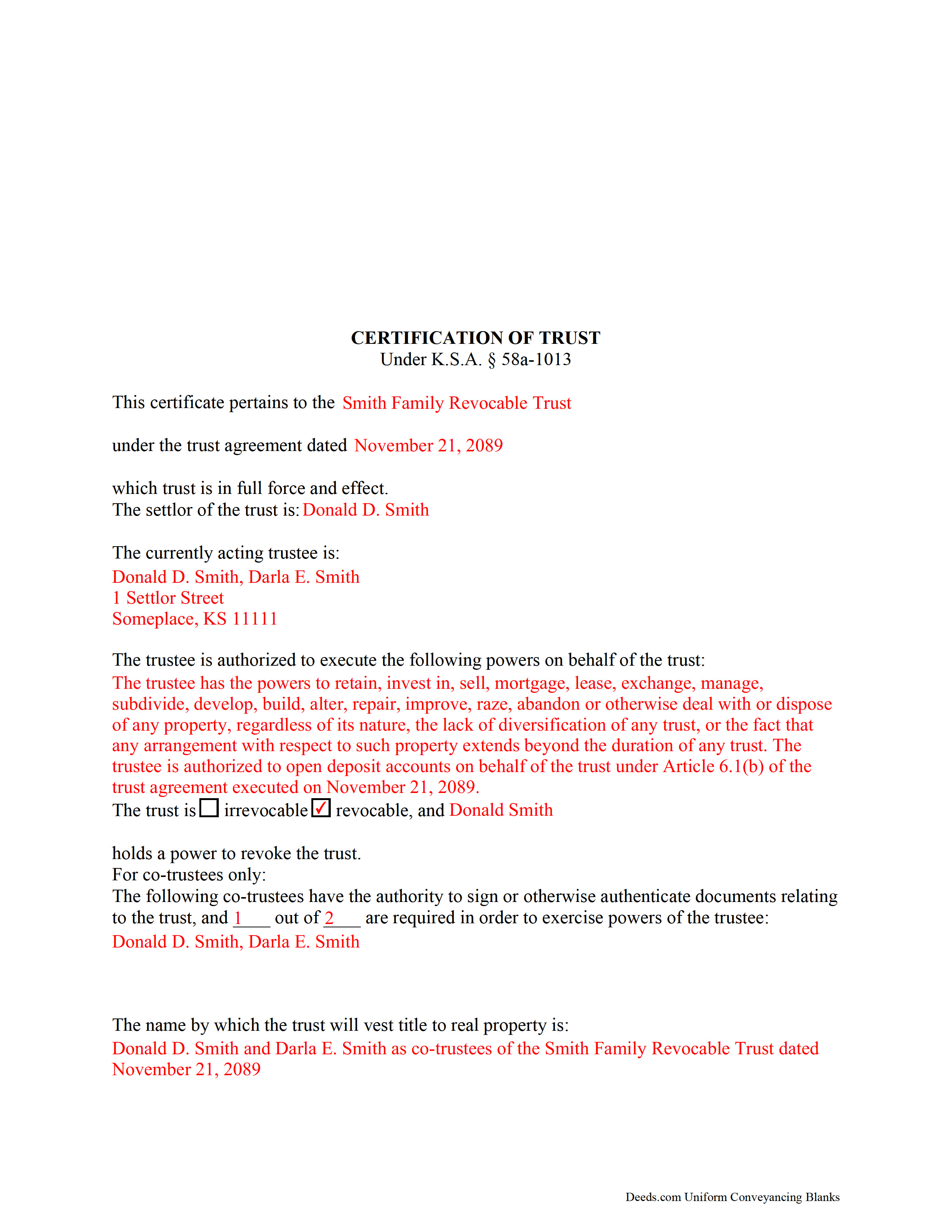
Riley County Completed Example of the Certificate of Trust Document
Example of a properly completed form for reference.
All 3 documents above included • One-time purchase • No recurring fees
Immediate Download • Secure Checkout
Additional Kansas and Riley County documents included at no extra charge:
Where to Record Your Documents
Riley County Register of Deeds
Manhattan, Kansas 66502
Hours: 8:00am-5:00pm M-F
Phone: (785) 537-6340
Recording Tips for Riley County:
- Bring your driver's license or state-issued photo ID
- Ensure all signatures are in blue or black ink
- Both spouses typically need to sign if property is jointly owned
- Bring extra funds - fees can vary by document type and page count
- Check margin requirements - usually 1-2 inches at top
Cities and Jurisdictions in Riley County
Properties in any of these areas use Riley County forms:
- Leonardville
- Manhattan
- Ogden
- Randolph
- Riley
Hours, fees, requirements, and more for Riley County
How do I get my forms?
Forms are available for immediate download after payment. The Riley County forms will be in your account ready to download to your computer. An account is created for you during checkout if you don't have one. Forms are NOT emailed.
Are these forms guaranteed to be recordable in Riley County?
Yes. Our form blanks are guaranteed to meet or exceed the applicable formatting requirements used for recording in Riley County, including margin requirements, font requirements, and other layout standards. This guarantee applies to formatting, not to the legal sufficiency of information entered by the user or the suitability of a form for a particular transaction.
Can I reuse these forms?
Yes. You can reuse the forms for your personal use. For example, if you have multiple properties in Riley County you only need to order once.
What do I need to use these forms?
The forms are PDFs that you fill out on your computer. The free Adobe Acrobat Reader is recommended, and most PDF apps also work. You do NOT enter your property information online - you download the blank forms and complete them privately on your own computer.
Are there any recurring fees?
No. This is a one-time purchase. Nothing to cancel, no memberships, no recurring fees.
How much does it cost to record in Riley County?
Recording fees in Riley County vary. Contact the recorder's office at (785) 537-6340 for current fees.
Questions answered? Let's get started!
Part of the Kansas Uniform Trust Code, the certification of trust is codified at K.S.A. 58a-1013.
In lieu of the trust instrument, a trustee doing business with a third party who is not a trust beneficiary can provide an acknowledged certification of trust. The certification is an abstract of the trust instrument and contains only information essential to the transaction.
A trust instrument, executed by the trust's settlor, contains the trust provisions. It designates a trustee, or a fiduciary that represents the trust. The trust instrument also identifies the trust beneficiaries, or the person(s) having a present or future interest in the trust (K.S.A. 58a-103(2)(A)).
A certification of trust does not disclose the trust's beneficiaries, or other information a settlor may wish to keep private. In Kansas, only trust instruments pertaining to "the state, or any county, municipality, political or governmental subdivision, or governmental agency of the state as the beneficiary" are required to be recorded (K.S.A. 58-2431, 2).
The document certifies, first and foremost, the existence of the trust and the trustee's authority to represent the trust. The certification also states the name, date, and type (revocable or irrevocable) of trust and provides the identity of the trust's settlor, or the person who established the trust and is funding the trust with assets, as well as the name of any person able to revoke the trust, if applicable.
In addition, the certification details the powers that the trustee has been granted relevant to the transaction at hand. For trusts with more than one trustee, the document identifies all trustees who may authorize documents relating to the trust and whether all or less than all is required to authenticate trust documents. Finally, the certification should include the manner of taking title to trust property.
All Kansas documents affecting real property require a legal description. If using the document in conjunction with a trustee's deed, the certification should contain the legal description of the subject real property.
A recipient of a certification of trust can request copies of excerpts from the original trust instrument and later amendments which designate the trustee and confer the power to act in the pending transaction, but may assume without inquiry the existence of the facts contained in the certification (K.S.A. 58a-1013(e),(f). Requesting the entire trust instrument in addition to the certification or excerpts opens the recipient to certain liabilities in court.
Consult a lawyer for guidance and with any questions relating to trusts or certifications of trust, as each situation is unique.
(Kansas Certificate of Trust Package includes form, guidelines, and completed example)
Important: Your property must be located in Riley County to use these forms. Documents should be recorded at the county recording office listed above.
This Certificate of Trust meets all recording requirements specific to Riley County.
Our Promise
The documents you receive here are guaranteed to meet or exceed the applicable Riley County recording format requirements. If there is a rejection caused by our formatting, we will correct the issue or refund your payment. This guarantee applies to document formatting only and does not extend to information entered by the user, the selection of the form, or the legal effect of the completed document.
Save Time and Money
Get your Riley County Certificate of Trust form done right the first time with Deeds.com Uniform Conveyancing Blanks. At Deeds.com, we understand that your time and money are valuable resources, and we don't want you to face a penalty fee or rejection imposed by a county recorder for submitting nonstandard documents. We constantly review and update our forms to meet rapidly changing state and county recording requirements for roughly 3,500 counties and local jurisdictions.
4.8 out of 5 - ( 4,867 Reviews )
William Q. 5 out of 5 stars
The website and information is fine. The proof in the pudding, of course, is whether the forms I used now will provide the results I want if the changes are challenged at some future date.
Thank you for your feedback. We really appreciate it. Have a great day!
ALICIA G. 5 out of 5 stars
To set the service was incredibly easy and the results came back very fast. Very reasonable price.
Thank you for your feedback. We really appreciate it. Have a great day!
Troy B. 4 out of 5 stars
Very pleased with website very simple to navigate through
Thank you for your feedback. We really appreciate it. Have a great day!
JEFFREY C. 5 out of 5 stars
This is pretty amazing...! Very simple and immediate. I would definitely recommend deed.com
Thank you!
Constance R. 5 out of 5 stars
It was very easy to e-file. I liked it.
Thank you for your feedback. We really appreciate it. Have a great day!
yvonne e. 1 out of 5 stars
Poor communication. Confusing charges. (Waiting for explanation) overall, not thrilled and at this point would not recommend.
Sorry to hear of your confusion. We've gone ahead and canceled your order. We do hope that you find something more suitable to your needs elsewhere. Have a wonderful day.
DOUGLAS H. 5 out of 5 stars
Just as promised My quitclaim deed went through the county recorders office with no problem.
Thank you for your feedback. We really appreciate it. Have a great day!
Dawn L. 5 out of 5 stars
Not totally satisfied as unable to edit as needed on signature page of the deed. I want to be able to date the document and don't want the verbage "signed, sealed and delivered in the presence of" to appear and cannot remove it. The notary will make his or her own statement below as to the date executed.
Thank you for your feedback. We really appreciate it. Have a great day!
JUDITH-DIAN W. 5 out of 5 stars
I didn't have any problem downloading and filling out the form on my computer and printing it yesterday. I didn't know what to put for "Source of Title". I called the county recording office; they didn't know either and said to leave it blank. I got the form notarized at my bank and took it in to the recording office. They checked it, accepted it, I paid a fee, and it's done. So easy. My children will appreciate that I've done this. Added note: You do have one typo on your form--you left out 'at'. It should read: "You should carefully read all information at the end of this form."
Thank you for your feedback. We really appreciate it. Have a great day!
John K. 5 out of 5 stars
I was unable to finish what I started due to computer crash. I'll get back soon. I paid off my mortgage last year in November. I need to see what to do to get the deed to my property.
Thank you!
Kendrick S. 5 out of 5 stars
Really solid system for determining what may prevent your documents from being accepted. I love the comments section allowing for fluid communication. I only wish there were automated emails for all those communications and once documents were accepted, but I did receive a couple personally-generated emails regarding the progress instructing me to check the site.
Thank you for your feedback. We really appreciate it. Have a great day!
Allen H. 5 out of 5 stars
Your program was invaluable to us, I used it for my Mom's estate and when she passed the transition was seamless and no probate was involved. I am going to use this for myself to transfer my property over to my children in upon my death. Can't say enough positive things about it. Thanks, Allen
Thank you!
Jay T. 5 out of 5 stars
I filled out the deed, had it notarized, and recorded. No problems. I put this off for so long. Once I had the form it was recorded in one day.
Thank you for your feedback. We really appreciate it. Have a great day!
Helen M. 5 out of 5 stars
All forms were exactly what I needed. Thank you Immediate, smoothly downloaded and printed.
We appreciate your business and value your feedback. Thank you. Have a wonderful day!
Nikie U. 5 out of 5 stars
This was my first time using this service and it worked smoothly and efficiently and I will definitely use them again.
Thank you for your feedback. We really appreciate it. Have a great day!