Graves County Notice of Furnishing Form
Last validated October 26, 2026 by our Forms Development TeamFormatted for recording in Graves County, for property anywhere in the county: rural and unincorporated areas as well as Boaz, Fancy Farm, Farmington, Hickory, Lowes, Lynnville, Mayfield, Melber and 4 more.
- 3 documents included
- Immediate PDF download
- Formatting guarantee
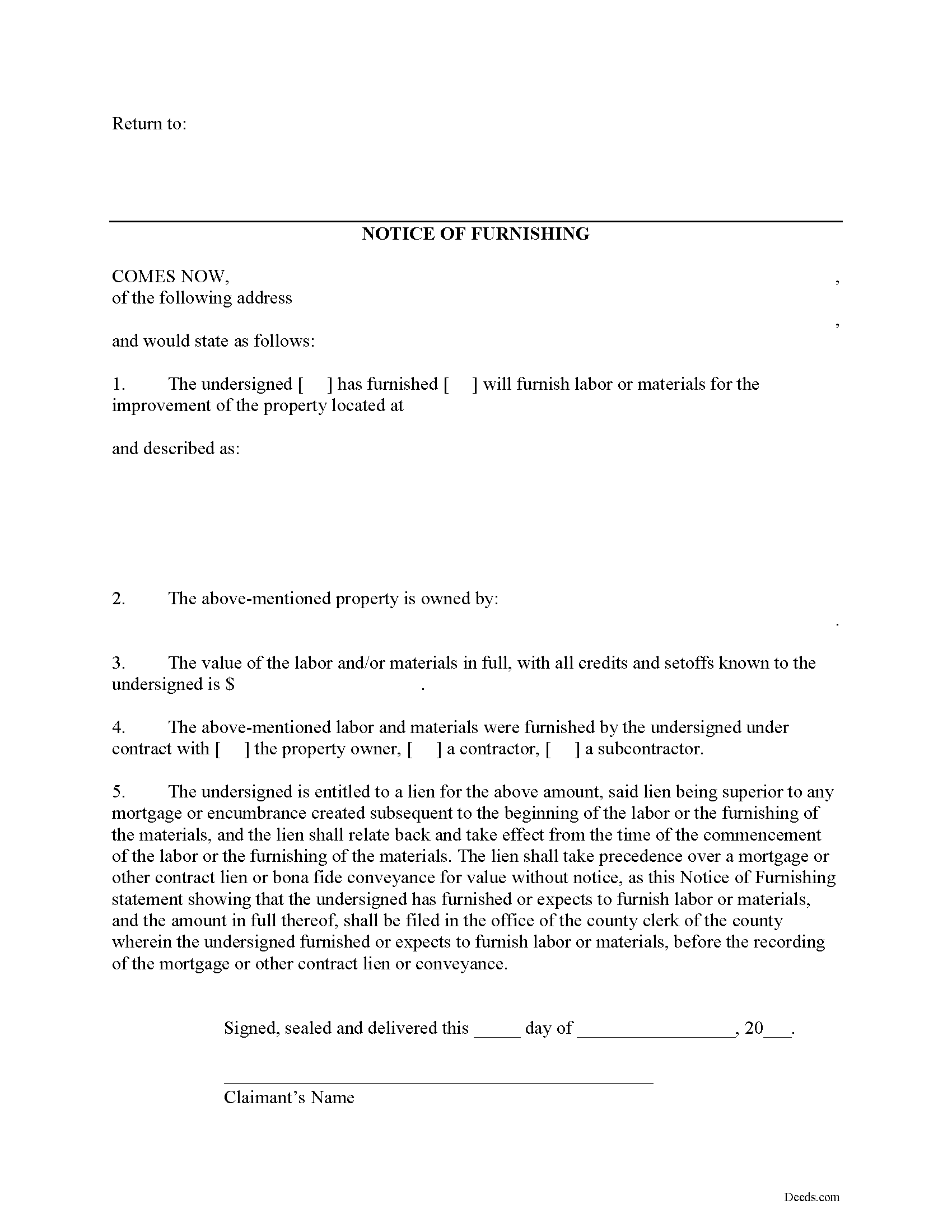
Graves County Notice of Furnishing Form
Fill in the blank Notice of Furnishing form formatted to comply with all Kentucky recording and content requirements.
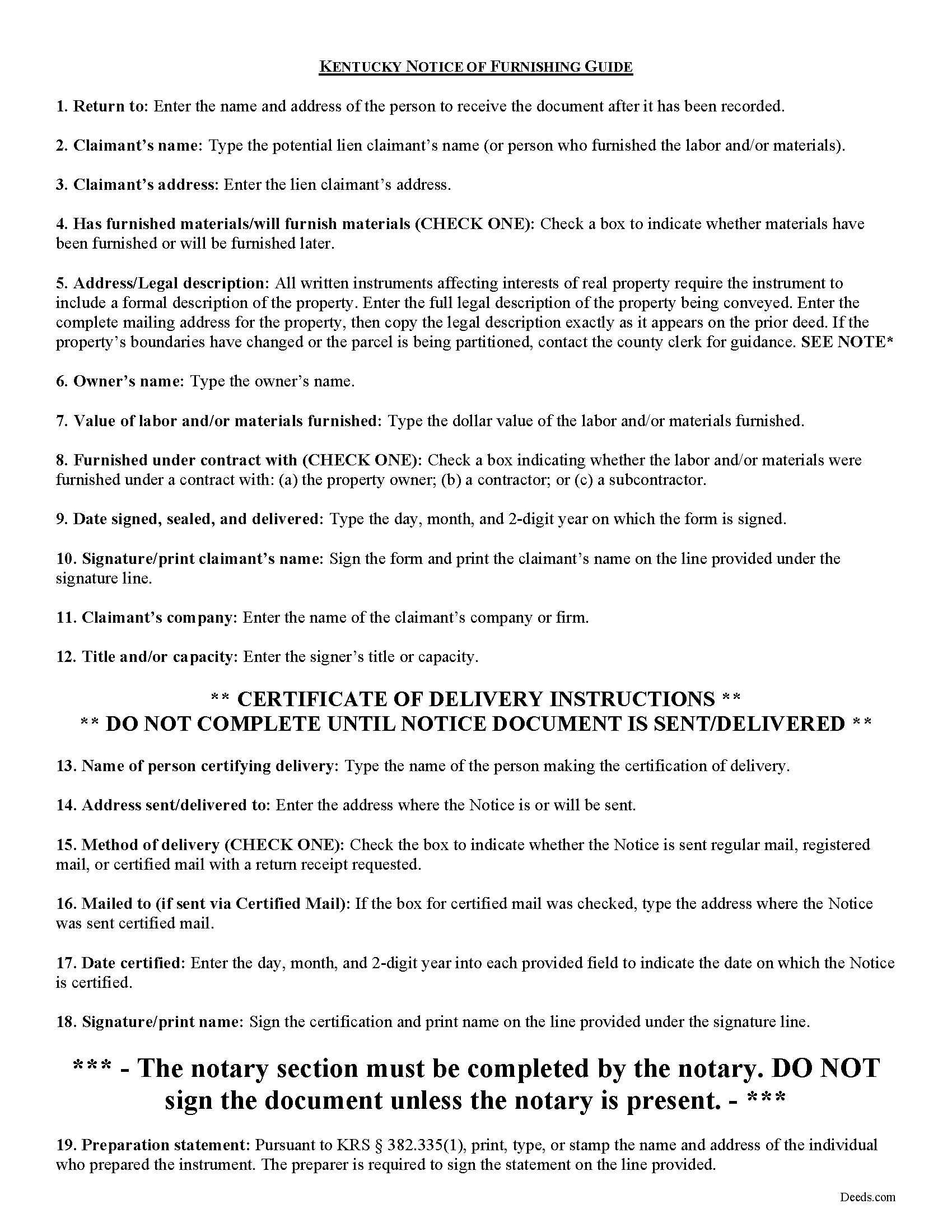
Graves County Notice of Furnishing Guide
Line by line guide explaining every blank on the form.
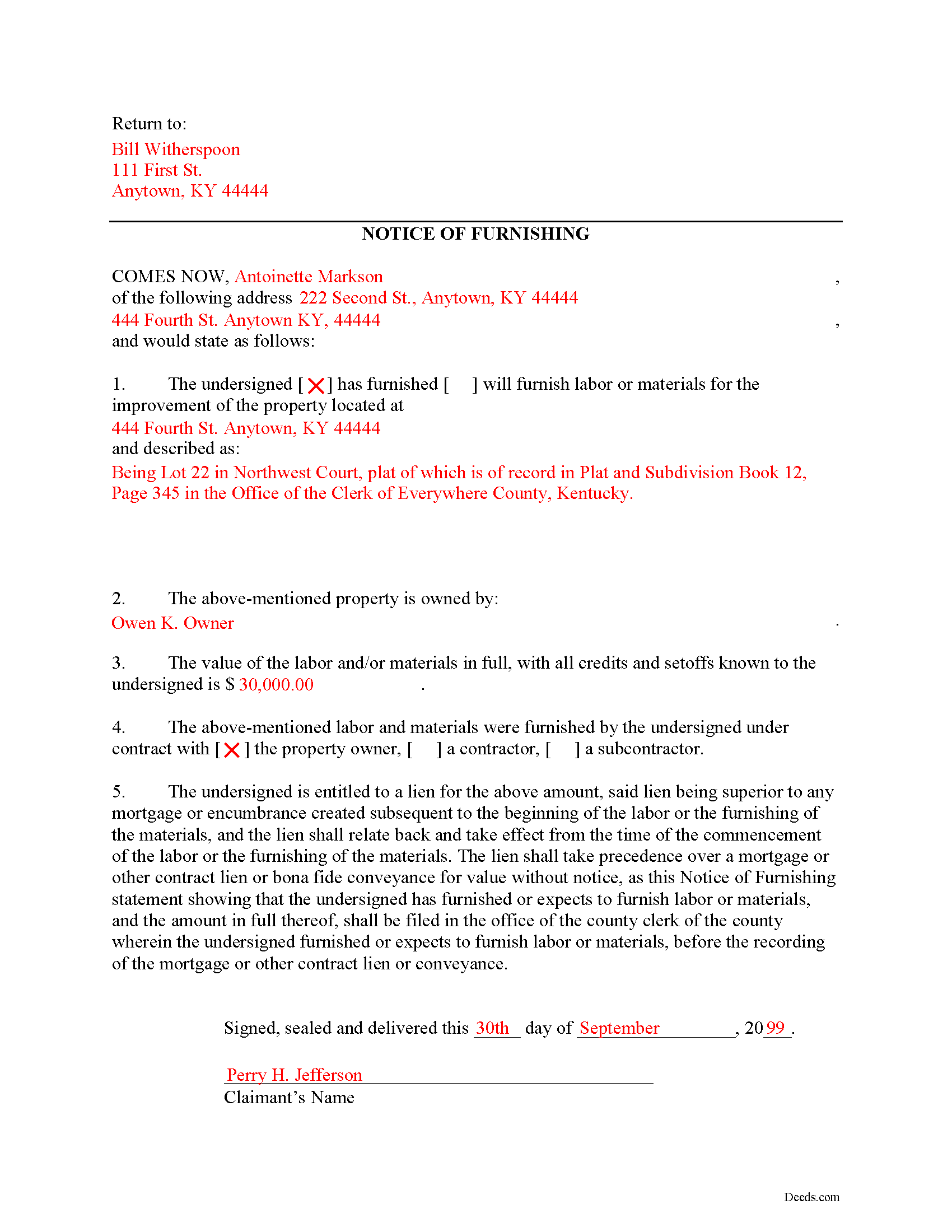
Graves County Completed Example of the Notice of Furnishing Document
Example of a properly completed form for reference.
All 3 documents above included • One-time purchase • No recurring fees
Immediate Download • Secure Checkout
Additional Kentucky and Graves County documents included at no extra charge:
Where to Record Your Documents
Graves County Clerk
Mayfield, Kentucky 42066
Hours: 8:00 to 4:00 Monday through Friday
Phone: (270) 247-1676
Recording Tips for Graves County:
- Bring your driver's license or state-issued photo ID
- Ensure all signatures are in blue or black ink
- Recorded documents become public record - avoid including SSNs
- Recording fees may differ from what's posted online - verify current rates
- Request a receipt showing your recording numbers
Cities and Jurisdictions in Graves County
Properties in any of these areas use Graves County forms:
- Boaz
- Fancy Farm
- Farmington
- Hickory
- Lowes
- Lynnville
- Mayfield
- Melber
- Sedalia
- Symsonia
- Water Valley
- Wingo
Hours, fees, requirements, and more for Graves County
How do I get my forms?
Forms are available for immediate download after payment. The Graves County forms will be in your account ready to download to your computer. An account is created for you during checkout if you don't have one. Forms are NOT emailed.
Are these forms guaranteed to be recordable in Graves County?
Yes. Our form blanks are guaranteed to meet or exceed the applicable formatting requirements used for recording in Graves County, including margin requirements, font requirements, and other layout standards. This guarantee applies to formatting, not to the legal sufficiency of information entered by the user or the suitability of a form for a particular transaction.
Can I reuse these forms?
Yes. You can reuse the forms for your personal use. For example, if you have multiple properties in Graves County you only need to order once.
What do I need to use these forms?
The forms are PDFs that you fill out on your computer. The free Adobe Acrobat Reader is recommended, and most PDF apps also work. You do NOT enter your property information online - you download the blank forms and complete them privately on your own computer.
Are there any recurring fees?
No. This is a one-time purchase. Nothing to cancel, no memberships, no recurring fees.
How much does it cost to record in Graves County?
Recording fees in Graves County vary. Contact the recorder's office at (270) 247-1676 for current fees.
Questions answered? Let's get started!
The Notice of Furnishing is used to certify that labor and/or materials were furnished, or will be furnished upon a specific property identified in the Notice.
In Kentucky, any lien will be dissolved unless the claimant, within six (6) months after he ceases to labor or furnish materials, files, in the office of the county clerk of the county in which the building or improvement is situated, a statement of the amount due him, with all just credits and set-offs known to him, together with a description of the property intended to be covered by the lien sufficiently accurate to identify it, the name of the owner, if known, and whether the materials were furnished or the labor performed by contract with the owner or with a contractor or subcontractor. K.R.S. 376.080(1).
This article is provided for information purposes only and should not be relied on as a substitute for the advice from a legal professional. If you have any questions about preliminary notice, or any other issues related to liens in Kentucky, please speak with a licensed attorney.
Important: Your property must be located in Graves County to use these forms. Documents should be recorded at the county recording office listed above.
This Notice of Furnishing meets all recording requirements specific to Graves County.
Our Promise
The documents you receive here are guaranteed to meet or exceed the applicable Graves County recording format requirements. If there is a rejection caused by our formatting, we will correct the issue or refund your payment. This guarantee applies to document formatting only and does not extend to information entered by the user, the selection of the form, or the legal effect of the completed document.
Save Time and Money
Get your Graves County Notice of Furnishing form done right the first time with Deeds.com Uniform Conveyancing Blanks. At Deeds.com, we understand that your time and money are valuable resources, and we don't want you to face a penalty fee or rejection imposed by a county recorder for submitting nonstandard documents. We constantly review and update our forms to meet rapidly changing state and county recording requirements for roughly 3,500 counties and local jurisdictions.
4.8 out of 5 - ( 4,839 Reviews )
Lori C. 5 out of 5 stars
It just a little disconcerting that I was not able to preview any of the forms prior to purchasing them. Thank goodness they were the correct forms I needed. I would suggest being able to at least make the picture of the forms a little larger or give the capability to zoom in.
Thank you!
Jon I. 5 out of 5 stars
I liked the information I download. Just what I was looking for.
We appreciate your business and value your feedback. Thank you. Have a wonderful day!
Fred D. 5 out of 5 stars
At first glance, explanations and guidance to fill out the grant deed seems quite direct and no too difficult. I did not see any reference to a mortgagee which I believe needs to be incorporated in a boundary line adjustment (BLA), though not sure I'll do the actual filling out the form in the next couple of weeks and will be in a better position for a more complete review.
Thank you for your feedback. We really appreciate it. Have a great day!
Barbara P. 5 out of 5 stars
Easy and fast!
We appreciate your business and value your feedback. Thank you. Have a wonderful day!
Fernando V. 5 out of 5 stars
Excellent!
Thank you!
Ginger C. 5 out of 5 stars
So far so good. Thank you for your prompt responses. Much appreciated.
Thank you!
CARMEN R J. 5 out of 5 stars
Thank you intensly
Thank you!
Allen O. 5 out of 5 stars
The website was easy to use and the forms will guide me as our family sells interest in property to other family members in Central New York.
Thank you for your feedback. We really appreciate it. Have a great day!
Susie k. 5 out of 5 stars
No complaints
Thank you!
Casey W. 5 out of 5 stars
Excellent service, quick and right to the point, without a monthly subscription! Perfect for filers of single documents! Thanks!
Thank you for your feedback. We really appreciate it. Have a great day!
Ralph L. 5 out of 5 stars
Thank you.Very good.
Thank you for your feedback. We really appreciate it. Have a great day!
Arletta B. 5 out of 5 stars
Fantastic service, saved me a ton of time and running around. Thanks!
Thank you!
Jack B. 5 out of 5 stars
All worked out well.
Thank you!
Mary Ann G. 2 out of 5 stars
Couldn't find the deed form that I needed. Needs to have a short summary to determine the correct form.
Sorry to hear that Mary Ann, we appreciate your feedback.
Michael W. 5 out of 5 stars
So far the web site and the tools are a pleasure to use. The price is reasonable. If only getting rid of this timeshare in Mashpee Massachusetts (that I have owned for over thirty years) was this easy.
We appreciate your business and value your feedback. Thank you. Have a wonderful day!