Montgomery County Quitclaim Deed Form
Last validated August 31, 2026 by our Forms Development TeamFormatted for recording in Montgomery County, for property anywhere in the county or independent city: rural and unincorporated areas as well as Ashton, Barnesville, Beallsville, Bethesda, Boyds, Brinklow, Brookeville, Burtonsville and 22 more.
- 3 documents included
- Immediate PDF download
- Formatting guarantee
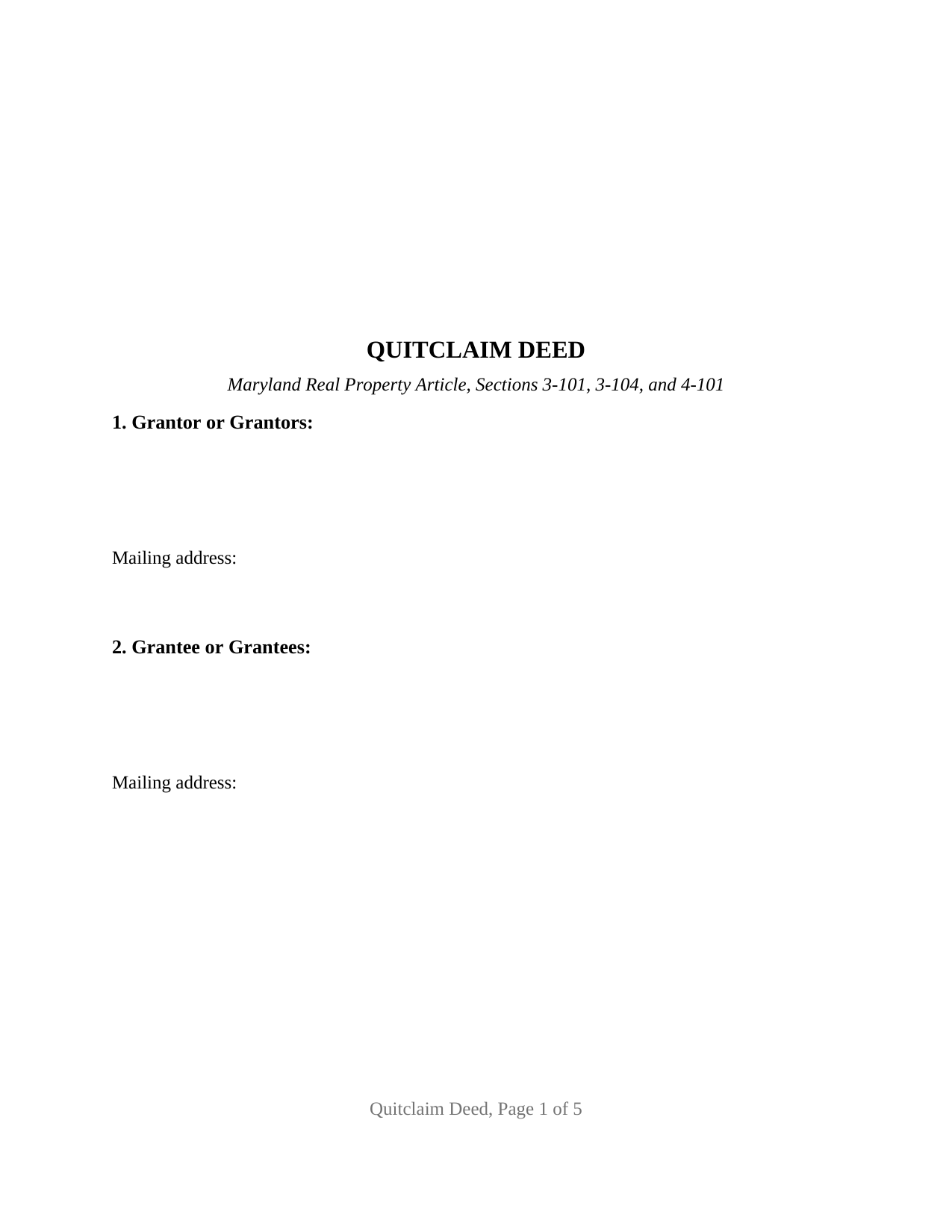
Montgomery County Quitclaim Deed Form
Fill in the blank Quitclaim Deed form formatted to comply with all Maryland recording and content requirements.
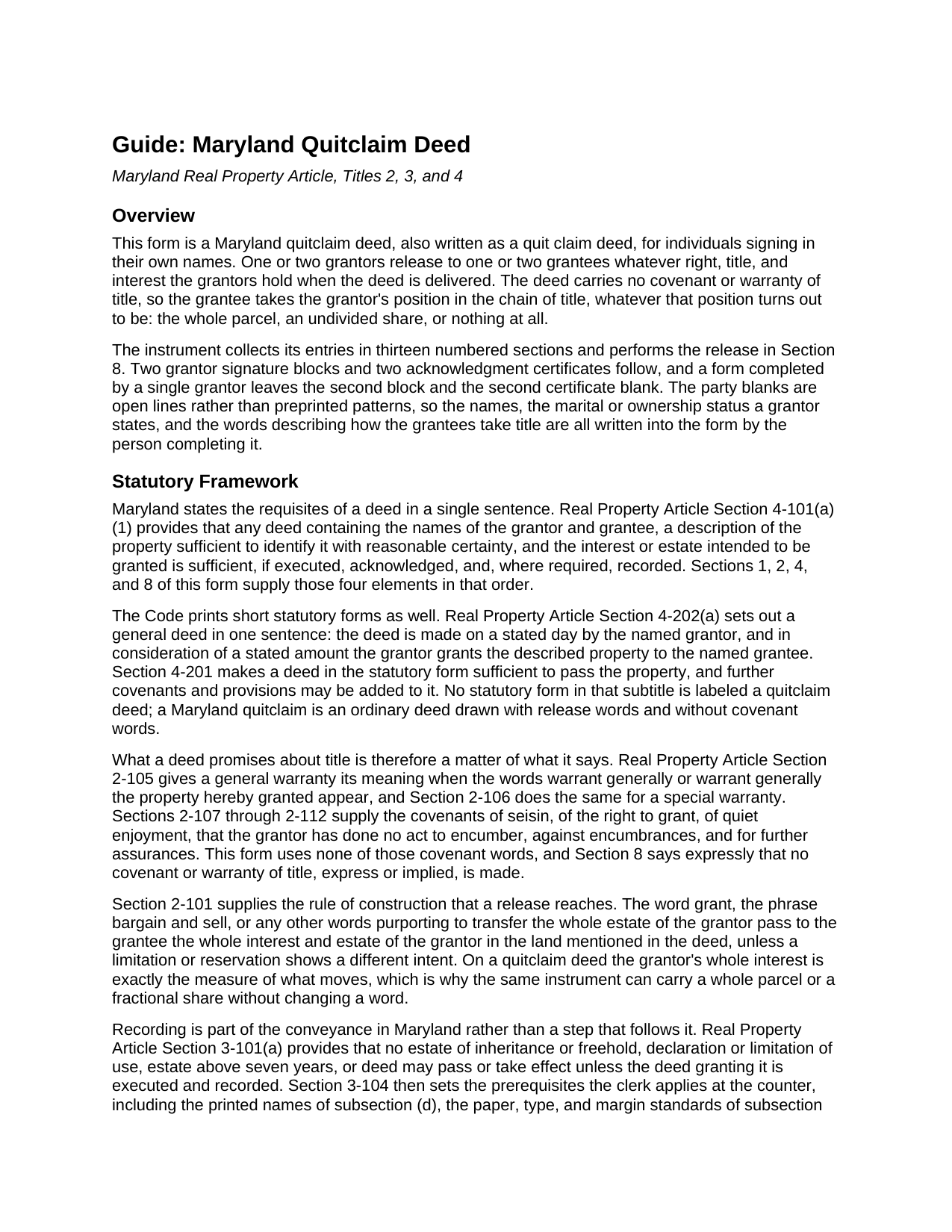
Montgomery County Quitclaim Deed Guide
Line by line guide explaining every blank on the Quitclaim Deed form.
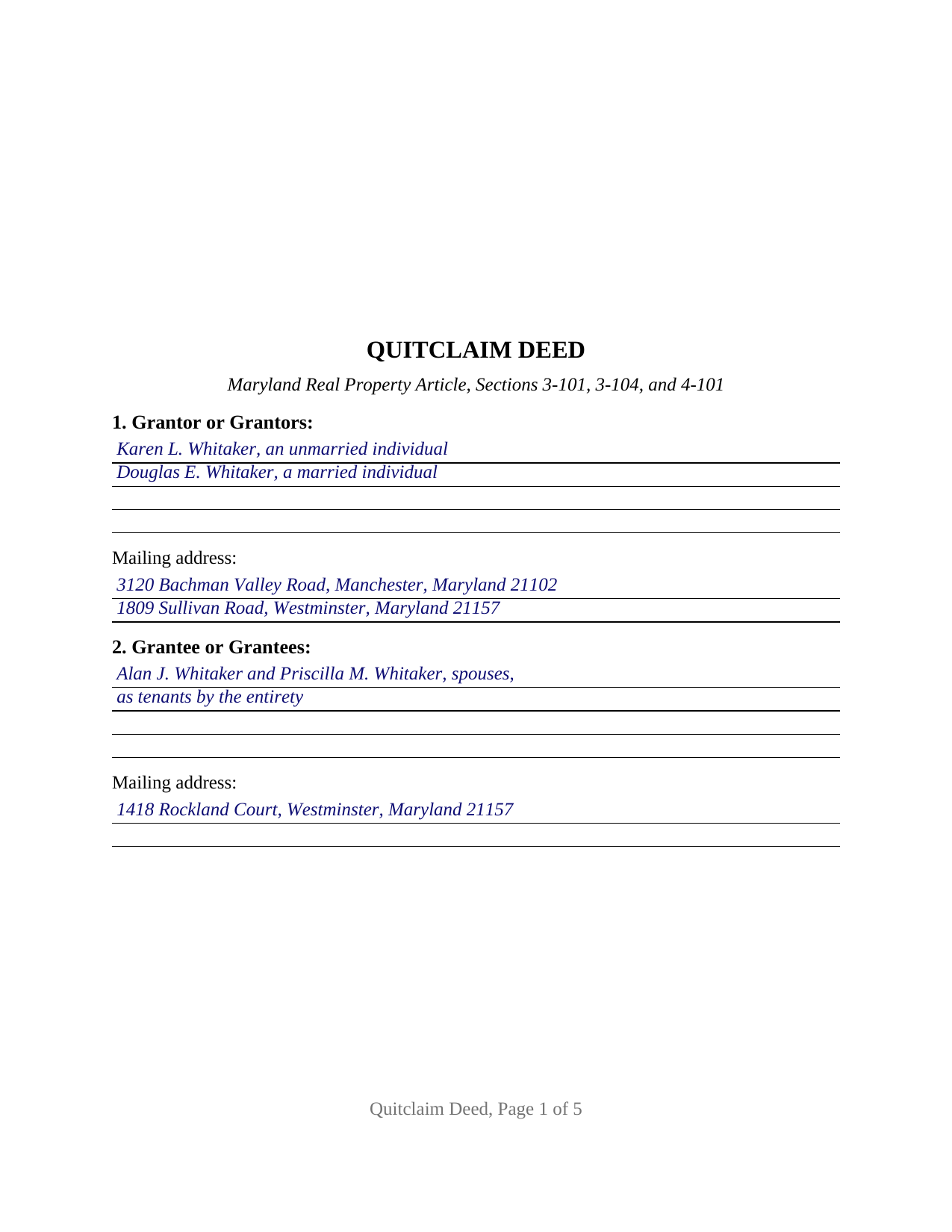
Montgomery County Completed Example of the Quitclaim Deed Document
Example of a properly completed Maryland Quitclaim Deed document for reference.
All 3 documents above included • One-time purchase • No recurring fees
Immediate Download • Secure Checkout
Additional Maryland and Montgomery County documents included at no extra charge:
Where to Record Your Documents
Montgomery County Circuit Court - Land Records
Rockville, Maryland 20850
Hours: 8:30 to 4:30 M-F / Recording until 4:00 pm
Phone: (240) 777-9470
Recording Tips for Montgomery County:
- Bring your driver's license or state-issued photo ID
- Ensure all signatures are in blue or black ink
- Ask if they accept credit cards - many offices are cash/check only
- Check that your notary's commission hasn't expired
- Documents must be on 8.5 x 11 inch white paper
Cities and Jurisdictions in Montgomery County
Properties in any of these areas use Montgomery County forms:
- Ashton
- Barnesville
- Beallsville
- Bethesda
- Boyds
- Brinklow
- Brookeville
- Burtonsville
- Cabin John
- Chevy Chase
- Clarksburg
- Damascus
- Derwood
- Dickerson
- Gaithersburg
- Garrett Park
- Germantown
- Glen Echo
- Kensington
- Montgomery Village
- Olney
- Poolesville
- Potomac
- Rockville
- Sandy Spring
- Silver Spring
- Spencerville
- Suburb Maryland Fac
- Takoma Park
- Washington Grove
Hours, fees, requirements, and more for Montgomery County
How do I get my forms?
Forms are available for immediate download after payment. The Montgomery County forms will be in your account ready to download to your computer. An account is created for you during checkout if you don't have one. Forms are NOT emailed.
Are these forms guaranteed to be recordable in Montgomery County?
Yes. Our form blanks are guaranteed to meet or exceed the applicable formatting requirements used for recording in Montgomery County, including margin requirements, font requirements, and other layout standards. This guarantee applies to formatting, not to the legal sufficiency of information entered by the user or the suitability of a form for a particular transaction.
Can I reuse these forms?
Yes. You can reuse the forms for your personal use. For example, if you have multiple properties in Montgomery County you only need to order once.
What do I need to use these forms?
The forms are PDFs that you fill out on your computer. The free Adobe Acrobat Reader is recommended, and most PDF apps also work. You do NOT enter your property information online - you download the blank forms and complete them privately on your own computer.
Are there any recurring fees?
No. This is a one-time purchase. Nothing to cancel, no memberships, no recurring fees.
How much does it cost to record in Montgomery County?
Recording fees in Montgomery County vary. Contact the recorder's office at (240) 777-9470 for current fees.
Questions answered? Let's get started!
Maryland prints a deed in a single sentence. Real Property Article Section 4-202(a) sets out the statutory form: made on a stated day by a named grantor, and in consideration of a stated amount, the grantor grants the described property to a named grantee. A quit claim deed is that sentence with release words in place of the bare grant and one thing said out loud, that nothing is promised about the title. This fill-in-the-blank Maryland quitclaim deed is drawn for individuals signing in their own names, and it moves whatever interest the grantors hold at delivery.
A deed identified by the covenants it leaves out
No warranty attaches to a Maryland deed by implication. Every promise about title comes from words a drafter chooses: Section 2-105 supplies the meaning of warrant generally, Section 2-106 the meaning of warrant specially, and Sections 2-107 through 2-112 the covenants of seisin, of the right to grant, of quiet enjoyment, and against encumbrances. This deed uses none of them, and Section 4-101(a)(1) leaves it sufficient anyway: a deed suffices when it names the parties, describes the property with reasonable certainty, and states the interest granted. What is left doing the work is Section 2-101, under which words purporting to transfer the whole estate of the grantor pass that grantor's whole interest unless a limitation or reservation shows a different intent. On a release that whole interest is the entire measure of the conveyance, so one printed instrument carries a whole parcel, an undivided one-third, or a doubtful claim without a word changing.
One or two people on either side
The form recites open party blocks rather than a fixed party pattern. Section 1 takes one or two grantors, each a natural person signing personally, with whatever status that person states after the name, and Section 2 takes one or two grantees, with whatever words describe the form in which they take title. Nothing about marital status, capacity, or tenancy is preprinted, so four count patterns run through the same page: one grantor to one grantee, one to two, two to one, and two to two. Two signature blocks and two certificates follow, and a deed signed by a single grantor leaves the second block and the second certificate empty, which keeps the signings independent when a second grantor signs on another day before another notary. Those counts, not the stories behind them, are what this configuration describes. The form is not set up for an entity grantor, for a trustee, a personal representative, a guardian, or an attorney-in-fact signing in a representative capacity, or for three or more owners on either side.
Where the vesting words belong
Because the grantee block is open, the words that fix co-ownership are written into it. Maryland reads silence as a tenancy in common: Section 2-117 provides that no written instrument creates an estate in joint tenancy unless it expressly says the property is to be held that way, so survivorship between unmarried grantees exists only where the deed says so. Two grantees married to each other are presumed to take as tenants by the entirety instead. Section 4-108 allows either estate to be created by direct grant, with no straw man in the middle, and Section 8 makes the grantee designation part of the deed.
Reaching the clerk's counter
In Maryland the filing is a condition of the conveyance, not an errand after it: under Section 3-101(a) a deed passes nothing and takes no effect until it is executed and recorded, so this release becomes operative in the land records of the Clerk of the Circuit Court. Section 11 carries the certification of preparation Section 3-104(f) demands from a party named in the deed or a Maryland attorney, and the page is built to the format standards of Section 3-104(e), enforceable by refusal since October 1, 2025. Section 3 states the consideration Tax-Property Article Section 12-104 calls for, and the county recordation tax charged per $500, the 0.5 percent State transfer tax of Section 13-203, and any county transfer tax compute from that figure at the window, where a Land Instrument Intake Sheet accompanies the deed.
This download includes three files: the blank fillable quit claim deed, a completed example carrying a Carroll County family release through every blank, and a plain-language guide that walks the thirteen sections, the vesting words a grantee entry can hold, the signing formalities, and the taxes collected at filing. The materials are informational and are not legal advice.
Important: Your property must be located in Montgomery County to use these forms. Documents should be recorded at the county or independent city recording office listed above.
This Quitclaim Deed meets all recording requirements specific to Montgomery County.
Our Promise
The documents you receive here are guaranteed to meet or exceed the applicable Montgomery County recording format requirements. If there is a rejection caused by our formatting, we will correct the issue or refund your payment. This guarantee applies to document formatting only and does not extend to information entered by the user, the selection of the form, or the legal effect of the completed document.
Save Time and Money
Get your Montgomery County Quitclaim Deed form done right the first time with Deeds.com Uniform Conveyancing Blanks. At Deeds.com, we understand that your time and money are valuable resources, and we don't want you to face a penalty fee or rejection imposed by a county recorder for submitting nonstandard documents. We constantly review and update our forms to meet rapidly changing state and county recording requirements for roughly 3,500 counties and local jurisdictions.
4.8 out of 5 - ( 4,829 Reviews )
Gene K. 5 out of 5 stars
I am still in the trial stage. I am an older lawyer. Any help I can get is worth it. Once you get used to the format and data fill in the deed thing is excellent. Very professional if not a little slow. I have only done three deeds in one state so I will have to see how it goes. I like the product and their attitude towards pleasing the customer. We'll see when I try the recording part.
We appreciate your business and value your feedback. Thank you. Have a wonderful day!
Charles S. 5 out of 5 stars
Quick and easy. Highly recommend. Thanks!
Thank you for your feedback. We really appreciate it. Have a great day!
Janice S. 5 out of 5 stars
Well, you couldn't find the deeds, but you didn't charge me for it so great! Thanks Jan
Thank you for your feedback. Sorry we were not able to assist you better with your deed search. Have a wonderful day!
Curley L F. 5 out of 5 stars
The deed form I downloaded was easy to use and just what i needed.
We appreciate your business and value your feedback. Thank you. Have a wonderful day!
Gale W. 5 out of 5 stars
Haven't filled them out yet, but extremely pleased with the beneficiary deed forms, including the instructions and a completed sample. 5-stars.
Thank you, Gale! Glad to hear you’re happy with the beneficiary deed package. We appreciate your feedback and wish you the best as you complete your forms.
ronnie y. 5 out of 5 stars
well worth the money thank you
Thank you!
Michael D. 5 out of 5 stars
Great service
Thank you!
Wayne R. 5 out of 5 stars
Couldn't believe how simple it was to do such a very important family support task and the price was right! Thank you
We appreciate your business and value your feedback. Thank you. Have a wonderful day!
Javoura G. 5 out of 5 stars
Great was not hard at all to do and process only wished it told how much it cost to actually submit the forms
Thank you for your feedback. We really appreciate it. Have a great day!
Jeff C. 5 out of 5 stars
Had the paperwork that I needed. Was a quick and easy transaction.
We appreciate your business and value your feedback. Thank you. Have a wonderful day!
Susan J. 5 out of 5 stars
very fast service. immediate response and kept me informed along the way. the county was not cooperating and this was communicated to me and my fee was refunded, just like that. will definitely use this company again
Thank you!
Joanne D. 5 out of 5 stars
Loved your easy to follow instructions along with the paperwork forms that I was looking for. Would highly suggest this service to everyone. You should share this platform with other counties!! Extremely helpful
Thank you!
Ronney O. 5 out of 5 stars
Great Experience
We appreciate your business and value your feedback. Thank you. Have a wonderful day!
John B. 5 out of 5 stars
I bought a Quitclaim Deed package for Fayette County, Kentucky, to transfer my house into a Living Trust that I had set up previously. Creating my Quitclaim Deed was pretty straightforward, using the form, the instructions, and the sample Quitclaim Deed. I signed my Quitclaim Deed at a nearby Notary Public, then took it to the Fayette County Clerk's office to be recorded. The clerk there asked me to make two small changes to the Quitclaim Deed, which she let me do in pen on the spot: * In the signature block for the receiver of the property, filled in "Capacity" as "Grantee as Trustee ______________________________ Living Trust". * In the notary's section, changed "were acknowledged before me" to "were acknowledged and sworn to before me".
Thank you for your feedback. We really appreciate it. Have a great day!
Michael K. 5 out of 5 stars
Service seems smooth. I just wonder what the turn around time on recording is (I need proof of recordation).
Thank you!