Walthall County Quitclaim Deed (Interspousal One Spouse, as Sole Owner, to Both Spouses) Form
Last validated October 1, 2026 by our Forms Development TeamFormatted for recording in Walthall County, for property anywhere in the county: rural and unincorporated areas as well as Tylertown.
- 3 documents included
- Immediate PDF download
- Formatting guarantee
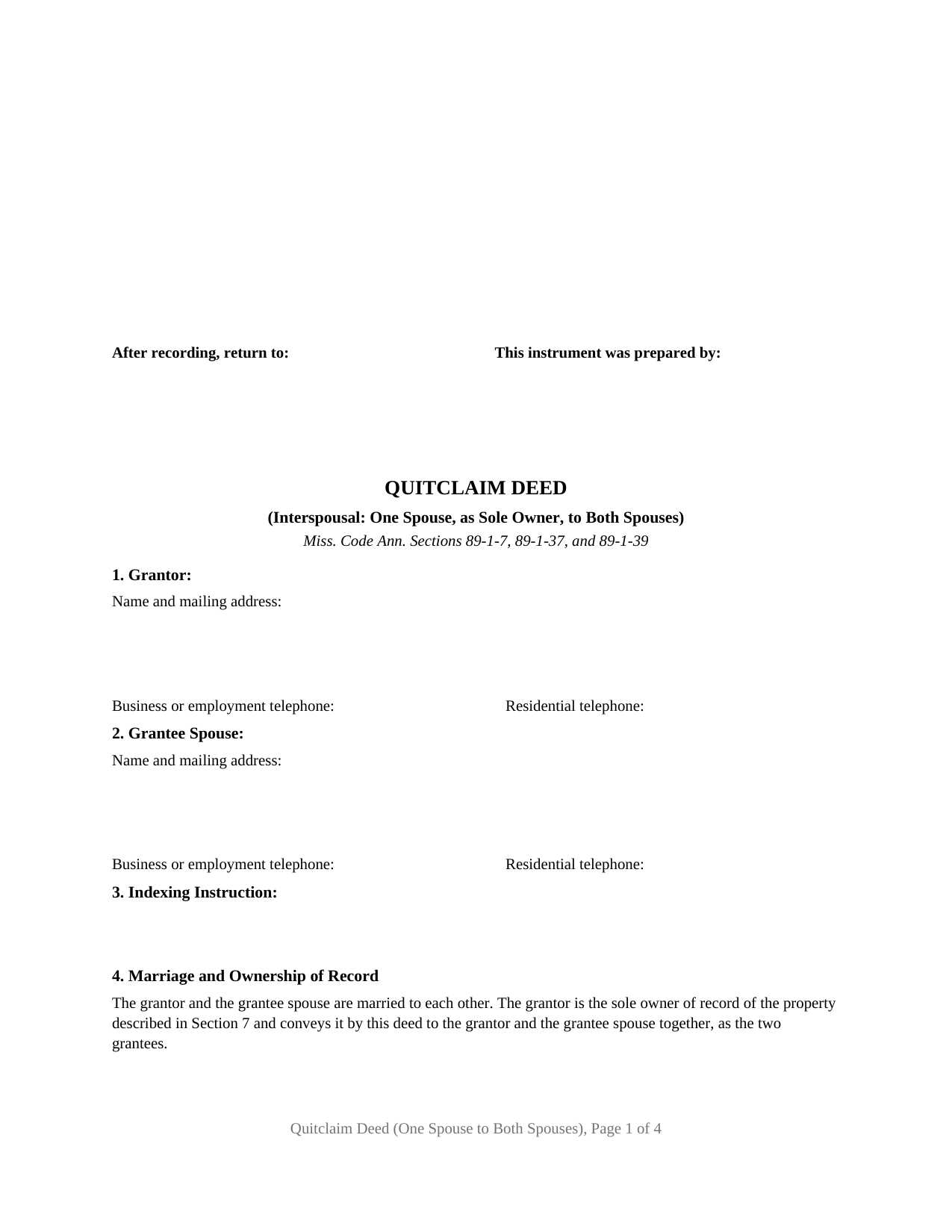
Walthall County Quitclaim Deed (Interspousal One Spouse, as Sole Owner, to Both Spouses) Form
Fill in the blank Quitclaim Deed (Interspousal One Spouse, as Sole Owner, to Both Spouses) form formatted to comply with all Mississippi recording and content requirements.
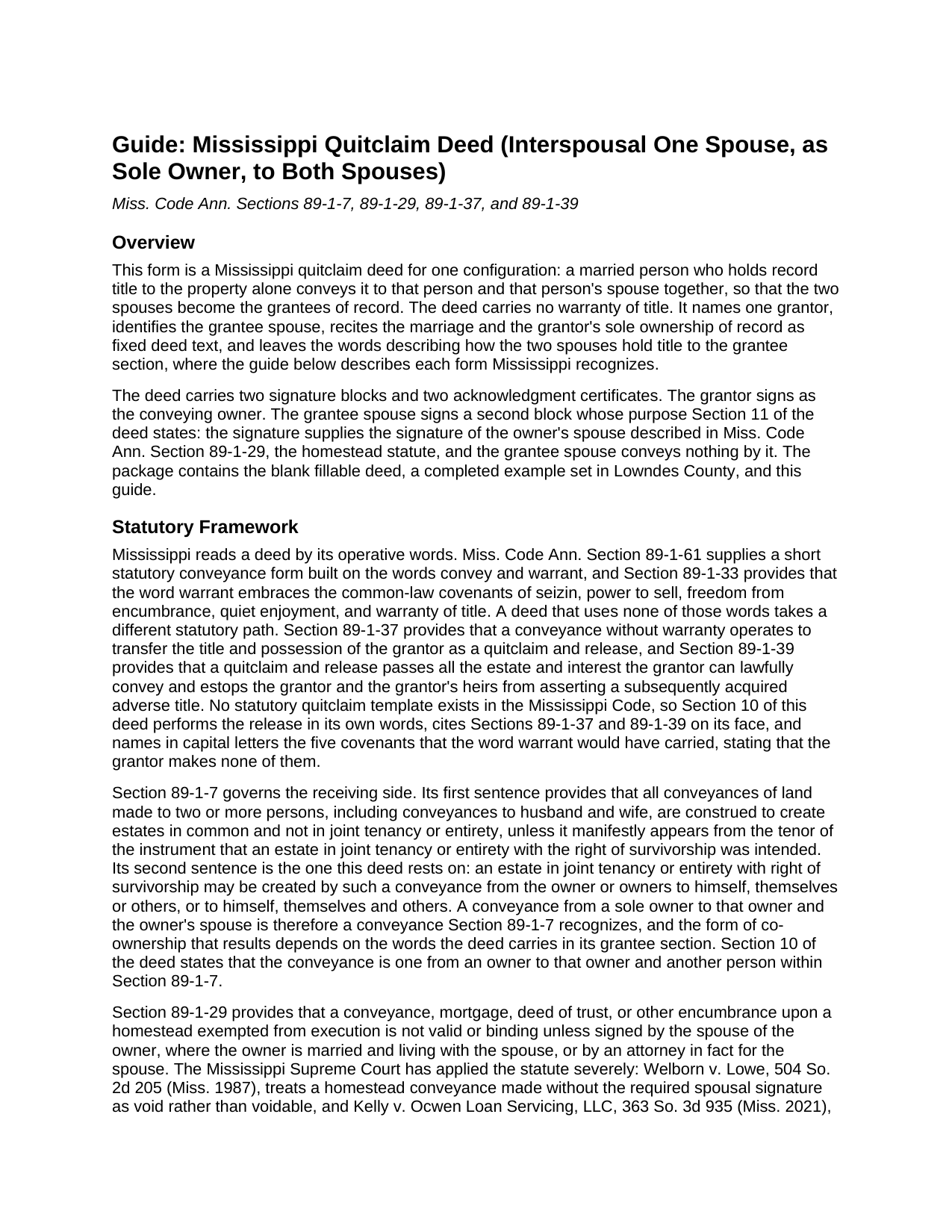
Walthall County Quitclaim Deed (Interspousal One Spouse, as Sole Owner, to Both Spouses) Guide
Line by line guide explaining every blank on the Quitclaim Deed (Interspousal One Spouse, as Sole Owner, to Both Spouses) form.
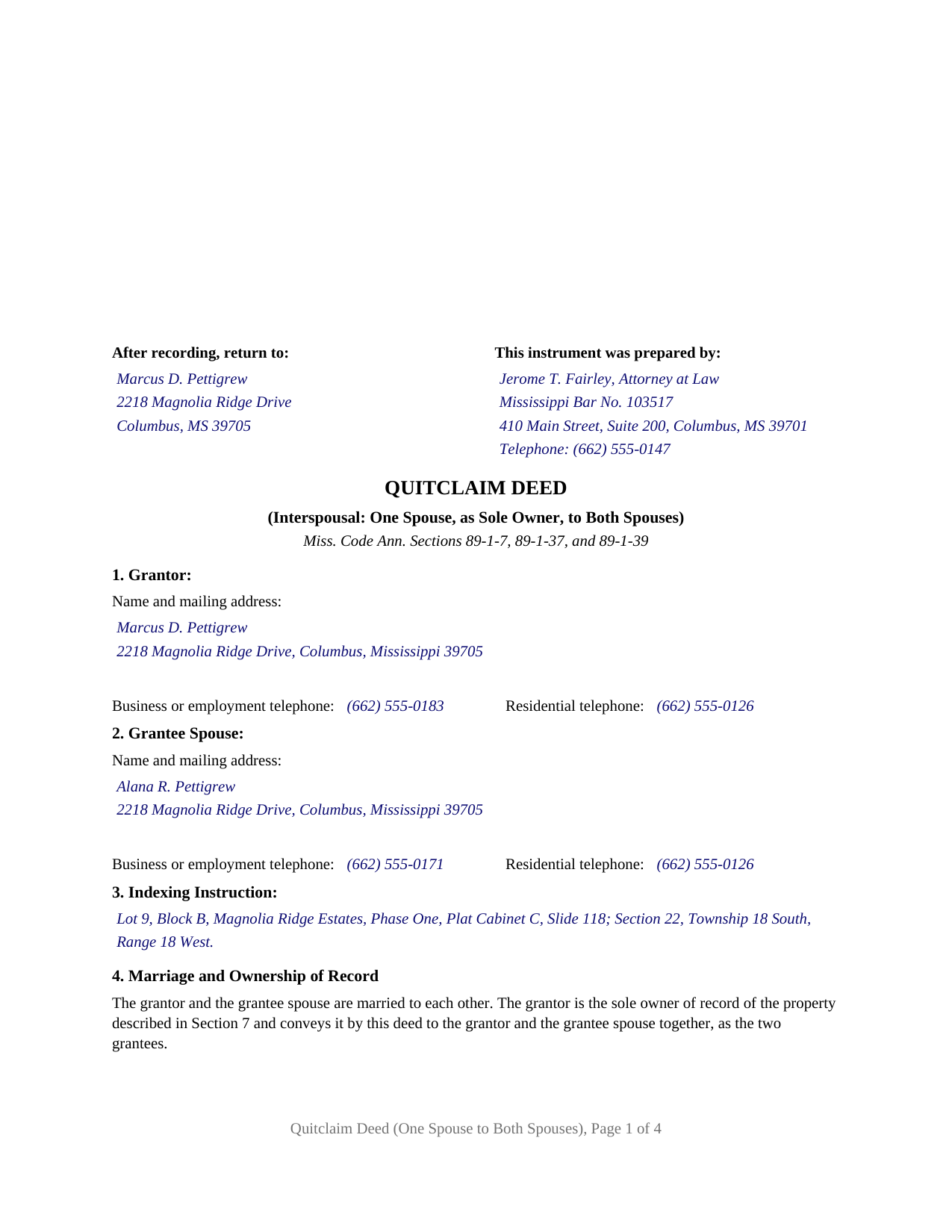
Walthall County Completed Example of the Quitclaim Deed (Interspousal One Spouse, as Sole Owner, to Both Spouses) Document
Example of a properly completed Mississippi Quitclaim Deed (Interspousal One Spouse, as Sole Owner, to Both Spouses) document for reference.
All 3 documents above included • One-time purchase • No recurring fees
Immediate Download • Secure Checkout
Additional Mississippi and Walthall County documents included at no extra charge:
Where to Record Your Documents
Walthall County Chancery Clerk
Tylertown, Mississippi 39667
Hours: 8:00 to 5:00 M-F
Phone: (601) 876-3553
Recording Tips for Walthall County:
- Bring your driver's license or state-issued photo ID
- Ensure all signatures are in blue or black ink
- Ask if they accept credit cards - many offices are cash/check only
- Check that your notary's commission hasn't expired
- Documents must be on 8.5 x 11 inch white paper
Cities and Jurisdictions in Walthall County
Properties in any of these areas use Walthall County forms:
- Tylertown
Hours, fees, requirements, and more for Walthall County
How do I get my forms?
Forms are available for immediate download after payment. The Walthall County forms will be in your account ready to download to your computer. An account is created for you during checkout if you don't have one. Forms are NOT emailed.
Are these forms guaranteed to be recordable in Walthall County?
Yes. Our form blanks are guaranteed to meet or exceed the applicable formatting requirements used for recording in Walthall County, including margin requirements, font requirements, and other layout standards. This guarantee applies to formatting, not to the legal sufficiency of information entered by the user or the suitability of a form for a particular transaction.
Can I reuse these forms?
Yes. You can reuse the forms for your personal use. For example, if you have multiple properties in Walthall County you only need to order once.
What do I need to use these forms?
The forms are PDFs that you fill out on your computer. The free Adobe Acrobat Reader is recommended, and most PDF apps also work. You do NOT enter your property information online - you download the blank forms and complete them privately on your own computer.
Are there any recurring fees?
No. This is a one-time purchase. Nothing to cancel, no memberships, no recurring fees.
How much does it cost to record in Walthall County?
Recording fees in Walthall County vary. Contact the recorder's office at (601) 876-3553 for current fees.
Questions answered? Let's get started!
Record title stands in one spouse's name, and the couple wants it in both. Older conveyancing treated a deed from an owner to that same owner and another as a puzzle and ran the title through a third person first. Mississippi wrote the answer into Miss. Code Ann. Section 89-1-7, and this fillable quitclaim deed is drawn on it: a married sole owner of record conveys to that owner and the other spouse together, without warranty of title.
The sentence that lets an owner convey to that owner and another
The first sentence of Section 89-1-7 makes every deed to two or more people an estate in common unless an intent to create a joint tenancy or a tenancy by the entirety with right of survivorship manifestly appears from the instrument. The second sentence lets such an estate be created by a conveyance from the owner to himself and others, which is what a sole owner deeding to that owner and a spouse does, and Section 10 of the deed says so. The form of co-ownership turns on the words written in Section 5 after the grantees' names; the completed example writes as tenants by the entirety with right of survivorship and not as tenants in common, and an entry without survivorship words leaves an estate in common.
Why the receiving spouse signs too
Section 89-1-29 makes a conveyance of a homestead exempted from execution invalid unless signed by the owner's spouse where the owner is married and living with that spouse. Welborn v. Lowe, 504 So. 2d 205 (Miss. 1987), treats a homestead deed missing that signature as void, and Kelly v. Ocwen Loan Servicing, LLC, 363 So. 3d 935 (Miss. 2021), applied the statute's plain words over a purpose-served argument. The decisions excusing that signature on a deed between spouses concern a conveyance to the other spouse alone. This deed conveys to both spouses, so it carries a GRANTEE SPOUSE signature block beside the GRANTOR block, and Section 11 recites that the signature supplies the one Section 89-1-29 describes, whether or not the parcel is homestead, and that the grantee spouse conveys nothing.
Without warranty, and the grantor stays on the title
No warranty words appear in the deed, so under Section 89-1-37 it operates as a quitclaim and release of the grantor's title and possession, and Section 89-1-39 carries every estate the grantor can lawfully convey. The grantor is also a grantee, so what changes is not who owns the land but how many hold it and in what form; a deed of trust the grantor signed remains a lien, and a capitalized paragraph states that the grantor makes none of the five covenants Section 89-1-33 folds into the word warrant.
One married owner, one grantee spouse, two certificates
The form recites exactly one grantor and one grantee spouse. Section 4 states the marriage and the sole ownership of record as fixed text, Section 5 names the grantees and carries the co-ownership words, and a signature block for each is followed by an acknowledgment certificate in the Section 89-3-7(2) short form. A house one spouse bought before the wedding and now places in both names, land one spouse inherited alone that the couple takes as an entirety estate, and a refinance whose title commitment calls for both spouses of record present the pattern this deed recites. It is not set up for a conveyance to the other spouse alone, for both spouses deeding to someone else, or for a signer acting as agent or trustee. Searches for a deed adding a spouse to the title, or a quit claim deed to husband and wife in the two-word spelling, reach this instrument.
A first page the chancery clerk can index
Section 89-5-24(2) places the preparer, the return address, the title, each party's contact data, and the indexing instruction on the first page below the three inches reserved for the clerk, and this deed lays out all of them there, the legal description following on page two under the statute's continuation rule, and Sections 1 and 2 carry the address and telephone numbers Section 27-3-51 requires for both spouses. Four pages, inside the twenty-five dollars Section 25-7-9 charges for five.
Three files download together: the blank deed as a fillable PDF, a completed Lowndes County example carried through both certificates, and a plain-language guide to each numbered section, the forms of co-ownership, signing, and recording. These materials describe Mississippi law in general terms and are not legal advice.
Important: Your property must be located in Walthall County to use these forms. Documents should be recorded at the county recording office listed above.
This Quitclaim Deed (Interspousal One Spouse, as Sole Owner, to Both Spouses) meets all recording requirements specific to Walthall County.
Our Promise
The documents you receive here are guaranteed to meet or exceed the applicable Walthall County recording format requirements. If there is a rejection caused by our formatting, we will correct the issue or refund your payment. This guarantee applies to document formatting only and does not extend to information entered by the user, the selection of the form, or the legal effect of the completed document.
Save Time and Money
Get your Walthall County Quitclaim Deed (Interspousal One Spouse, as Sole Owner, to Both Spouses) form done right the first time with Deeds.com Uniform Conveyancing Blanks. At Deeds.com, we understand that your time and money are valuable resources, and we don't want you to face a penalty fee or rejection imposed by a county recorder for submitting nonstandard documents. We constantly review and update our forms to meet rapidly changing state and county recording requirements for roughly 3,500 counties and local jurisdictions.
4.8 out of 5 - ( 4,829 Reviews )
Norman K. 2 out of 5 stars
It wasn't really what I needed I read and read and read and read and I thought I was to do with for filing for probate or probate executor but instead it was for the property if you are executor and but it wasn't very clear on that so it didn't work for me so I was kind of wasted money
Sorry to hear that Norman. We've gone ahead and canceled your order and payment.
Gerlinde H. 5 out of 5 stars
This was fantastic. I downloaded the document, filled it out, printed it, had it notarized and drove to the recorders office and had it recorded within less than 15 minutes. Instructions are precise and easy to understand. You saved me hundreds of dollars a lawyer would have charged for the same work.
We appreciate your business and value your feedback. Thank you. Have a wonderful day!
Joy N. 5 out of 5 stars
As a real estate professional, I've had the opportunity to use various legal form providers over the years, but none have matched the quality and user-friendliness of Deeds.com's real estate legal forms. The forms themselves are comprehensive, up-to-date, and in line with current real estate laws and regulations, which is paramount in our field. The clarity and thoroughness of the documentation ensured that I could complete with confidence, knowing that every detail was covered. I wholeheartedly recommend their services and look forward to continuing our partnership.
Your feedback is greatly appreciated. Thank you for taking the time to share your experience!
Michael W. 5 out of 5 stars
Appreciate the help with DC's non-intuitive forms. Superb service.
Thank you!
Thomas G. 1 out of 5 stars
Wasn’t what I expected
Sorry to hear that your expectations were missed. Your order has been canceled. We do hope that you find something more suitable to your expectations elsewhere. Do keep in mind that purchasing legal forms should not be an exploratory endeavor.
Stacey S. 4 out of 5 stars
The system was easy to use and download my documents but the way the packages are set up it was confusing and I wish there was a way to delete an item from a package if you make a mistake.
Thank you for your feedback. We really appreciate it. Have a great day!
Linda W. 5 out of 5 stars
Received feedback in a timely manner and got a quick reponse.
Thank you!
Jean B. 5 out of 5 stars
Thank you for this service. Saved a lot of my time and money. The guide and sample was very helpful. Jean
We appreciate your business and value your feedback. Thank you. Have a wonderful day!
Terry S. 5 out of 5 stars
Forms were very easy to use using the completed form as an example.
Thank you for your feedback. We really appreciate it. Have a great day!
Jack B. 5 out of 5 stars
The service was fast, but I didn't learn about the results until I logged in. I would have liked to get email when the report was finished.
Thank you for your feedback. We really appreciate it. Have a great day!
Jose G. C. 4 out of 5 stars
It was OK but unfortunately useless. The jurisdictions are now requesting that documents such as Notices of Commencement not only be recorded at their offices, but also certified. This last service is not provided by Deeds, or at least I could not find it in your website and did not receive a response when I asked if you did. Thus, we are going back to traditional means of recording/certifying
Thank you for your feedback Jose. We do hope that you find something more suitable to your needs elsewhere. Have a wonderful day.
Randal R. 5 out of 5 stars
While disappointed that my request could not be filled, I understand the issue, and appreciate the attempt and the responsiveness. I certainly will be back if the occasion arises!
Thank you!
Roberta U. 5 out of 5 stars
Thanks for the quick reply Will use in future. Thanksgivings
Thank you!
Charlene H. 5 out of 5 stars
Deeds.com is a wonderful website. I highly recommend them and would use them again in the future.
Thank you, Charlene! We're so glad to hear you had a great experience. We truly appreciate your recommendation and look forward to helping you again in the future.
Gertrude F. 3 out of 5 stars
I like that DEEDS.com has a variety of forms tht I may need. However, I was disappointed that I am not able to save the PDF forms after I fill in the spaces. If I need to edit anything, I have to go back to the blank form and redo the whole thing. Perhap I am doing something wrong.
Thank you!