Wake County Quitclaim Deed (Individual Grantor) Form
Last validated October 22, 2026 by our Forms Development TeamFormatted for recording in Wake County, for property anywhere in the county: rural and unincorporated areas as well as Apex, Cary, Fuquay Varina, Garner, Holly Springs, Knightdale, Morrisville, New Hill and 6 more.
- 3 documents included
- Immediate PDF download
- Formatting guarantee
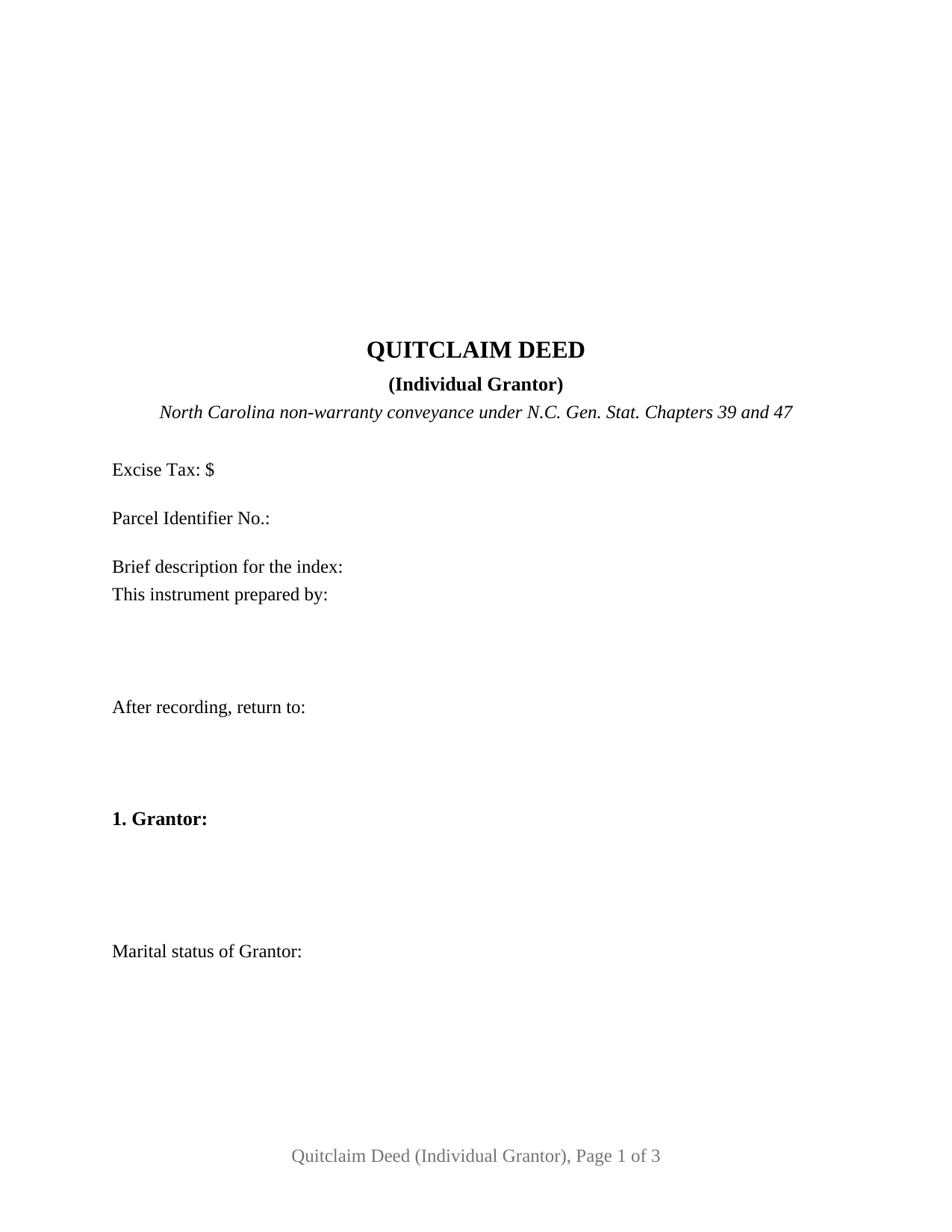
Wake County Quitclaim Deed (Individual Grantor) Form
Fill in the blank Quitclaim Deed (Individual Grantor) form formatted to comply with all North Carolina recording and content requirements.
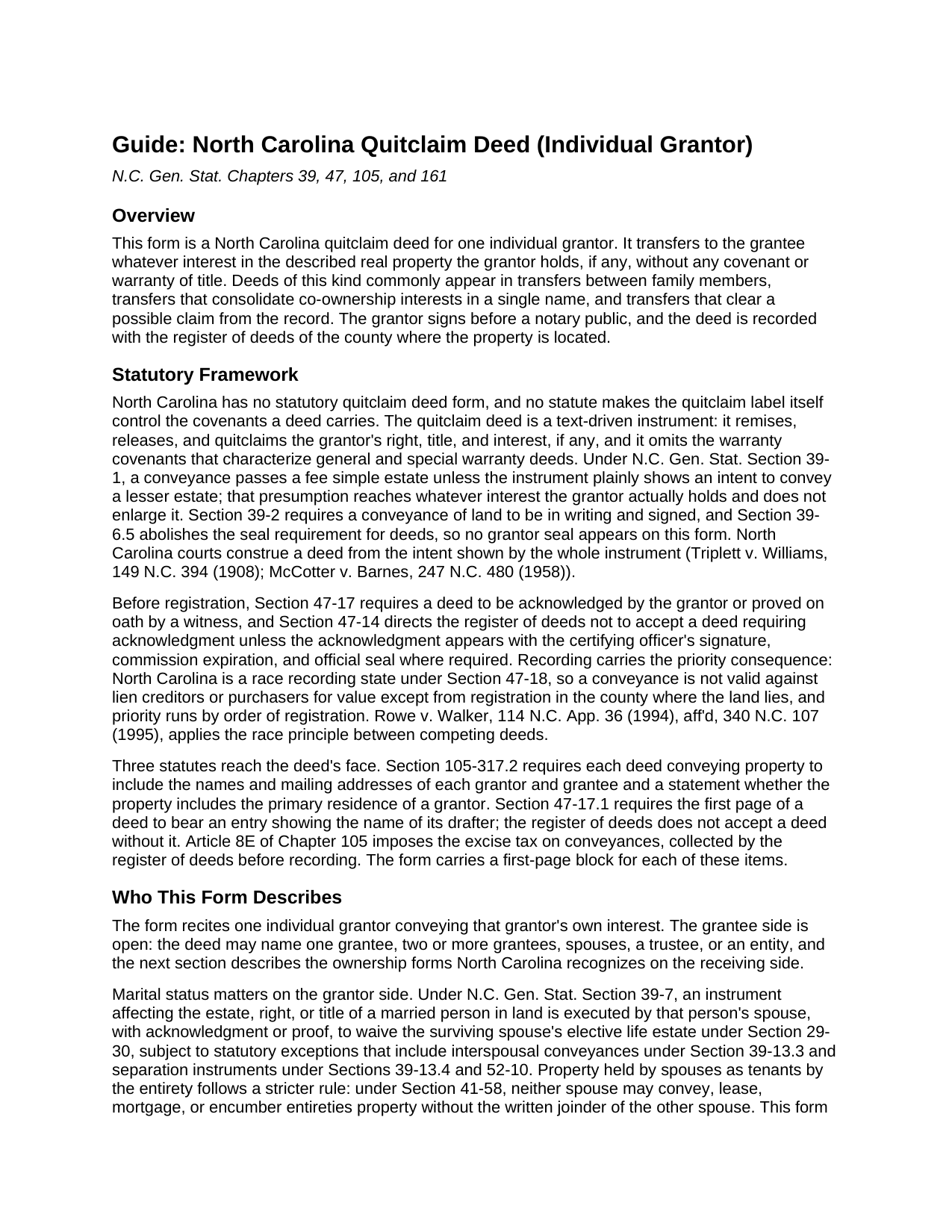
Wake County Quitclaim Deed (Individual Grantor) Guide
Line by line guide explaining every blank on the Quitclaim Deed (Individual Grantor) form.
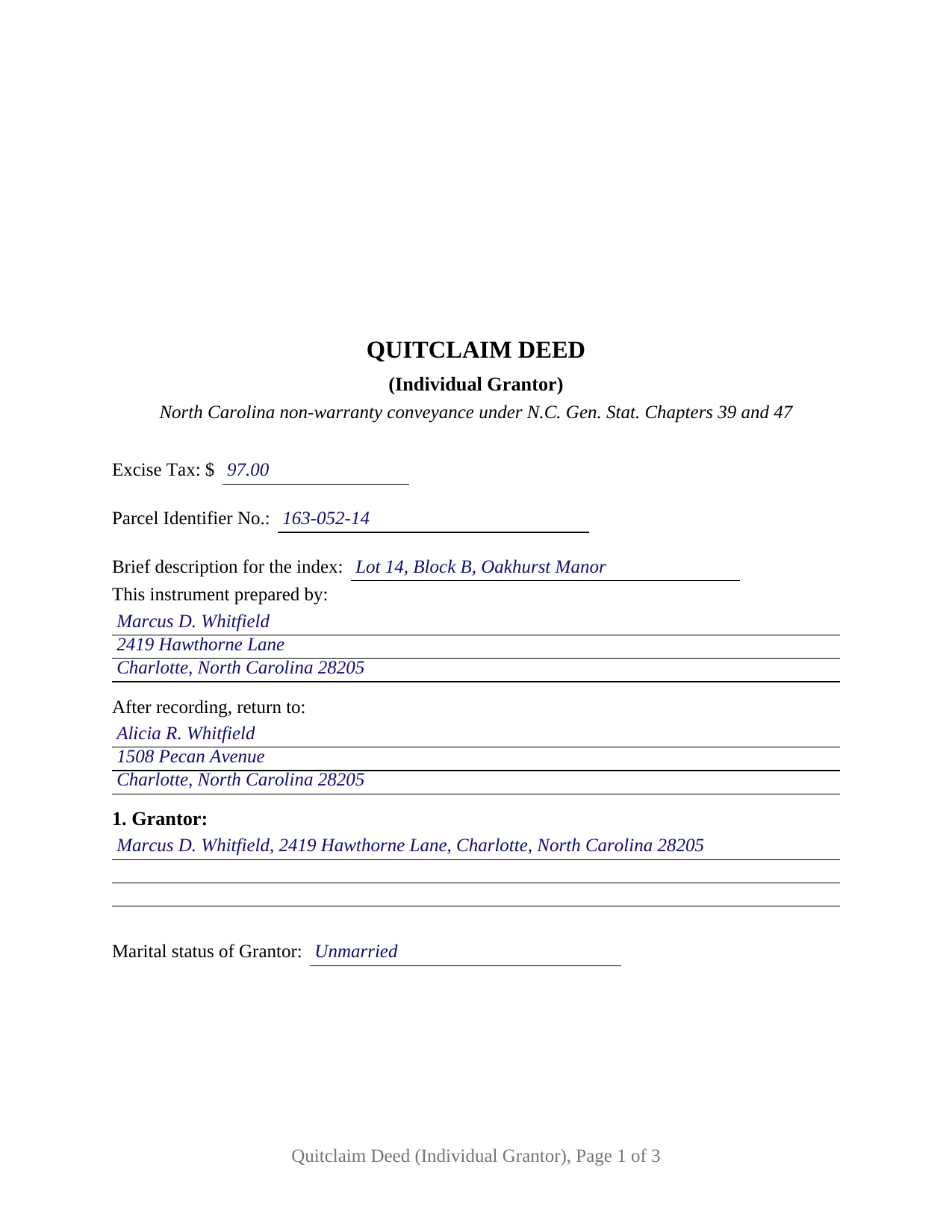
Wake County Completed Example of the Quitclaim Deed (Individual Grantor) Document
Example of a properly completed North Carolina Quitclaim Deed (Individual Grantor) document for reference.
All 3 documents above included • One-time purchase • No recurring fees
Immediate Download • Secure Checkout
Additional North Carolina and Wake County documents included at no extra charge:
Where to Record Your Documents
Wake County Register of Deeds
Raleigh, North Carolina 27601
Hours: 8:30 to 4:45
Phone: (919) 856-5460
Mailing Address
Raleigh, North Carolina 27602
Hours: N/A
Phone: N/A
Recording Tips for Wake County:
- Bring your driver's license or state-issued photo ID
- Ensure all signatures are in blue or black ink
- Ask about accepted payment methods when you call ahead
- Ask for certified copies if you need them for other transactions
- Ask if they accept credit cards - many offices are cash/check only
Cities and Jurisdictions in Wake County
Properties in any of these areas use Wake County forms:
- Apex
- Cary
- Fuquay Varina
- Garner
- Holly Springs
- Knightdale
- Morrisville
- New Hill
- Raleigh
- Rolesville
- Wake Forest
- Wendell
- Willow Spring
- Zebulon
Hours, fees, requirements, and more for Wake County
How do I get my forms?
Forms are available for immediate download after payment. The Wake County forms will be in your account ready to download to your computer. An account is created for you during checkout if you don't have one. Forms are NOT emailed.
Are these forms guaranteed to be recordable in Wake County?
Yes. Our form blanks are guaranteed to meet or exceed the applicable formatting requirements used for recording in Wake County, including margin requirements, font requirements, and other layout standards. This guarantee applies to formatting, not to the legal sufficiency of information entered by the user or the suitability of a form for a particular transaction.
Can I reuse these forms?
Yes. You can reuse the forms for your personal use. For example, if you have multiple properties in Wake County you only need to order once.
What do I need to use these forms?
The forms are PDFs that you fill out on your computer. The free Adobe Acrobat Reader is recommended, and most PDF apps also work. You do NOT enter your property information online - you download the blank forms and complete them privately on your own computer.
Are there any recurring fees?
No. This is a one-time purchase. Nothing to cancel, no memberships, no recurring fees.
How much does it cost to record in Wake County?
Recording fees in Wake County vary. Contact the recorder's office at (919) 856-5460 for current fees.
Questions answered? Let's get started!
One signer, one signature line, one acknowledgment certificate: this fillable North Carolina quitclaim deed is set up for a single individual grantor releasing whatever interest he or she holds in real property located in the state. The deed transfers the grantor's right, title, and interest, if any, to the named grantee without any covenant or warranty of title.
A release of interest, not a promise of title
North Carolina statutes supply no quitclaim deed form, so the instrument works through its own text. This deed remises, releases, and forever quitclaims the grantor's interest, then states expressly that it conveys without covenant or warranty of title and only the interest, if any, the grantor holds. Under N.C. Gen. Stat. Section 39-1, a conveyance passes a fee simple estate unless the deed plainly shows a lesser one; the presumption reaches whatever the grantor actually owns and enlarges nothing. That architecture places the quitclaim, also searched as a quit claim deed or non-warranty deed, at the opposite pole from a general warranty deed: the grantee receives the grantor's position in the title, exactly as it stands in the record.
One grantor, one certificate
The form recites exactly one individual grantor: a single signature line, a printed-name line for the register's index, and one acknowledgment certificate carrying the substance of the statutory certificate in G.S. 10B-41. A marital status line in the grantor section records the status the grantor asserts. Patterns that present this single-signer configuration in the record include one heir releasing an inherited interest to a co-heir, a former co-owner conveying a fractional share so title consolidates in a single name, and an individual releasing a stray interest that surfaced in a title search. The form is not set up for two grantors signing together, for spousal joinder on a married grantor's conveyance, or for property spouses hold as tenants by the entirety, which moves only with the written joinder of both spouses under G.S. 41-58; the guide describes those signing rules and where they come from.
The first page carries North Carolina's recording data
Several North Carolina statutes read the face of a deed, and the form's first page collects what they look for in one block. G.S. 47-17.1 makes a drafter entry on the first page a condition of acceptance by the register of deeds, so the This instrument prepared by line sits at the top. The excise tax line reports the conveyance tax of one dollar per five hundred dollars of consideration under G.S. 105-228.30, which the register collects before recording; gifts without consideration fall within the exempt classes of G.S. 105-228.29. A parcel identifier line serves the county indexing systems authorized by G.S. 161-30. In the body, the deed states the names and mailing addresses of the parties and whether the property includes the primary residence of a grantor, the content G.S. 105-317.2 requires of every North Carolina deed.
Recording in a race state
North Carolina's recording act is a pure race statute. Under G.S. 47-18, a deed is not valid against lien creditors or purchasers for value until it is registered in the county where the land lies, and priority between competing instruments follows the order of registration. Recording fees are uniform statewide, twenty-six dollars for the first fifteen pages of a deed plus four dollars for each additional page under G.S. 161-10. The form follows the format standards of G.S. 161-14(b): letter size paper, a three inch blank recording space at the top of the first page with the instrument type stated at the top, generous margins, and black type well above the statute's nine point legibility floor, so the deed records at the standard fee rather than the nonstandard-document rate.
What arrives in the package
The package contains the quitclaim deed as a fillable PDF, a completed example showing the deed filled in for a realistic Mecklenburg County fact pattern, and a plain language guide that walks through every numbered section, the excise tax and county-level prerequisites, and the recording steps. The materials describe North Carolina law in general terms and are not legal advice.
Important: Your property must be located in Wake County to use these forms. Documents should be recorded at the county recording office listed above.
This Quitclaim Deed (Individual Grantor) meets all recording requirements specific to Wake County.
Our Promise
The documents you receive here are guaranteed to meet or exceed the applicable Wake County recording format requirements. If there is a rejection caused by our formatting, we will correct the issue or refund your payment. This guarantee applies to document formatting only and does not extend to information entered by the user, the selection of the form, or the legal effect of the completed document.
Save Time and Money
Get your Wake County Quitclaim Deed (Individual Grantor) form done right the first time with Deeds.com Uniform Conveyancing Blanks. At Deeds.com, we understand that your time and money are valuable resources, and we don't want you to face a penalty fee or rejection imposed by a county recorder for submitting nonstandard documents. We constantly review and update our forms to meet rapidly changing state and county recording requirements for roughly 3,500 counties and local jurisdictions.
4.8 out of 5 - ( 4,842 Reviews )
Deborah B. 5 out of 5 stars
Easy download, and super easy to fill out. Had them recorded Friday with zero issues. Recommended.
We appreciate your business and value your feedback. Thank you. Have a wonderful day!
Timothy G. 5 out of 5 stars
Very happy with the cost and with the speed in which the deed was recorded.
We appreciate your business and value your feedback. Thank you. Have a wonderful day!
Mary L M. 5 out of 5 stars
Your website was very helpful & easy to use
Thank you for your feedback. We really appreciate it. Have a great day!
Darrell J. 5 out of 5 stars
Easy to use, rapid response, excellent service.
Thank you for your feedback. We really appreciate it. Have a great day!
Dorothy O. 5 out of 5 stars
This would be a great form but I couldn’t tell what size the font was. Also, I didn’t know how to save it so I will have to type it all over again. I’m sure I did it incorrectly.
Your feedback is a crucial part of our dedication to ongoing improvement. Thank you for your insightful comments.
Gerry V. 5 out of 5 stars
Easy to use, fast and reliable. love deeds.com
We appreciate your business and value your feedback. Thank you. Have a wonderful day!
Shabaz W. 5 out of 5 stars
Very convenient
Thank you!
Karen S. 5 out of 5 stars
Excellent support! They were patient and knowledgeable.
Thank you!
Steven T. 5 out of 5 stars
I needed the deed forms for setting up our living trust. It appears this will do the trick! Steve
We appreciate your business and value your feedback. Thank you. Have a wonderful day!
Benjamin B. 5 out of 5 stars
Your software was beneficial; facilitating preparation of a legal document and cover page in a state where I had limited legal experience.
Thank you for your feedback. We really appreciate it. Have a great day!
Margaret L. 1 out of 5 stars
I was not able to use the form after paying for it. The words in red would not let me type over them and I could not get a blank document. Useless.
Each forms package includes a blank form, a guide, and a completed example. The red text appears in the completed example to show how a finished document may look; the blank form is the editable document intended for customer use. Because our products are do-it-yourself legal forms, we canceled the order and payment when it was clear the customer was not able to identify and use the blank form included in the package.
Kim P. 5 out of 5 stars
I want to thank you so much. You made a stressful process easy. The customer service was amazing. There is no doubt I will use your service again.
Thank you!
Sherrl F. 5 out of 5 stars
I had a excellent experience using DEEDS.COM. Very clear directions and site was easy to use. I paid the fee to have my deed electronically filed and it was done the day I requested it be filed.
We appreciate your business and value your feedback. Thank you. Have a wonderful day!
Charlie T. 5 out of 5 stars
I really like the service and will be definitely be using it again to submit future deeds.
Thank you!
Celestine U. 5 out of 5 stars
Very well done
Thank you!