Guilford County Release Deed for Deed of Trust Form
Last validated October 7, 2026 by our Forms Development TeamFormatted for recording in Guilford County, for property anywhere in the county: rural and unincorporated areas as well as Browns Summit, Climax, Colfax, Gibsonville, Greensboro, High Point, Jamestown, Julian and 7 more.
- 3 documents included
- Immediate PDF download
- Formatting guarantee
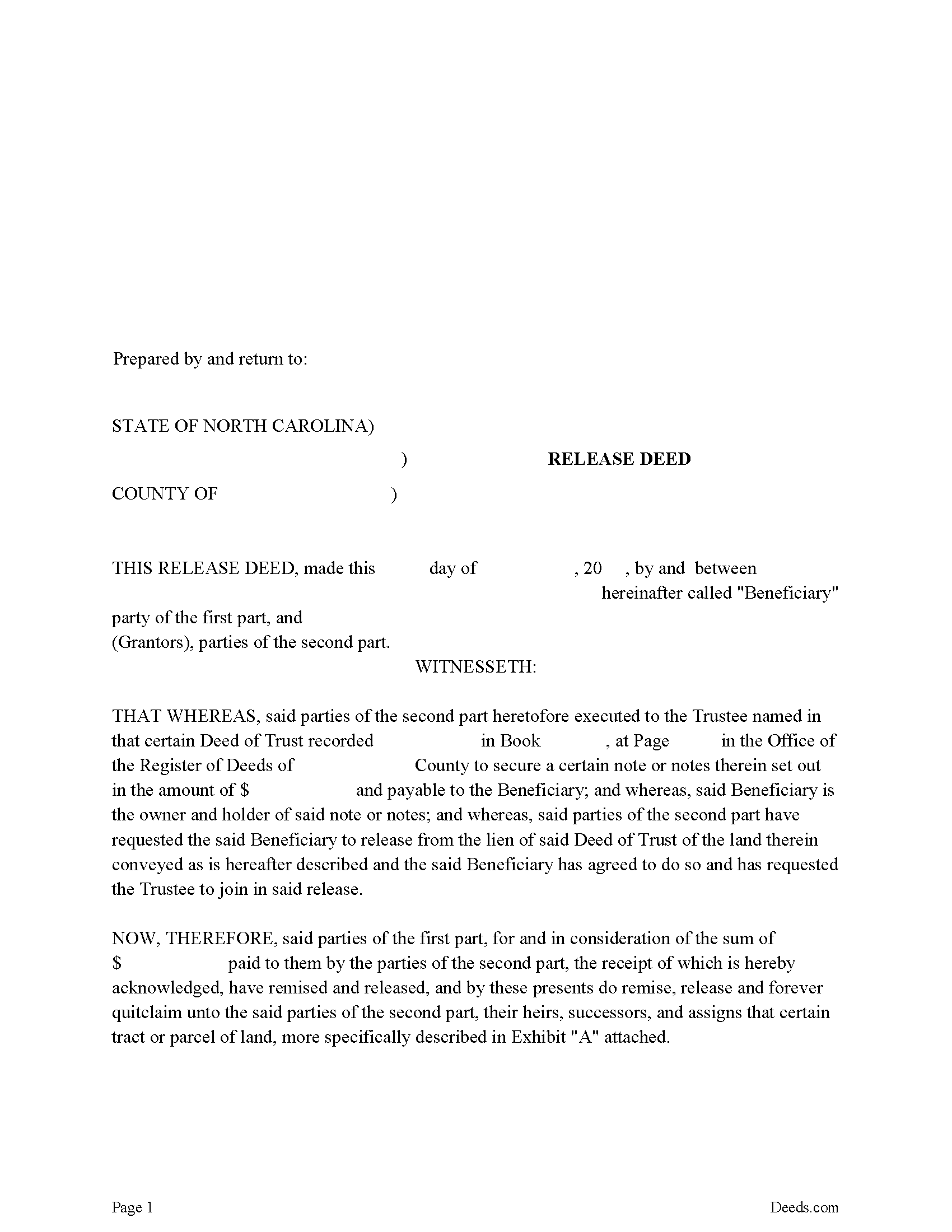
Guilford County Release Deed Form
Fill in the blank form formatted to comply with all recording and content requirements.
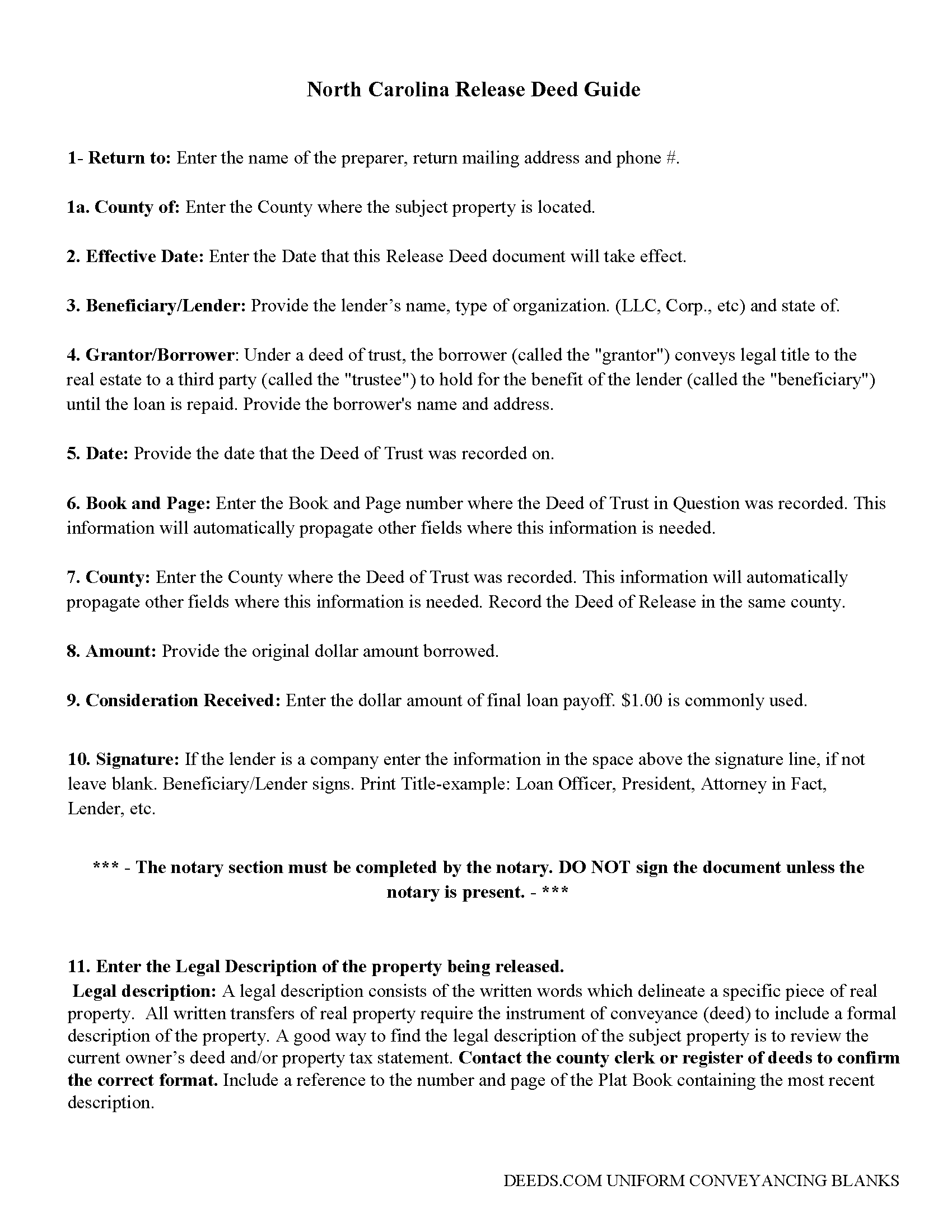
Guilford County Guidelines for Release Deed
Line by line guide explaining every blank on the form.
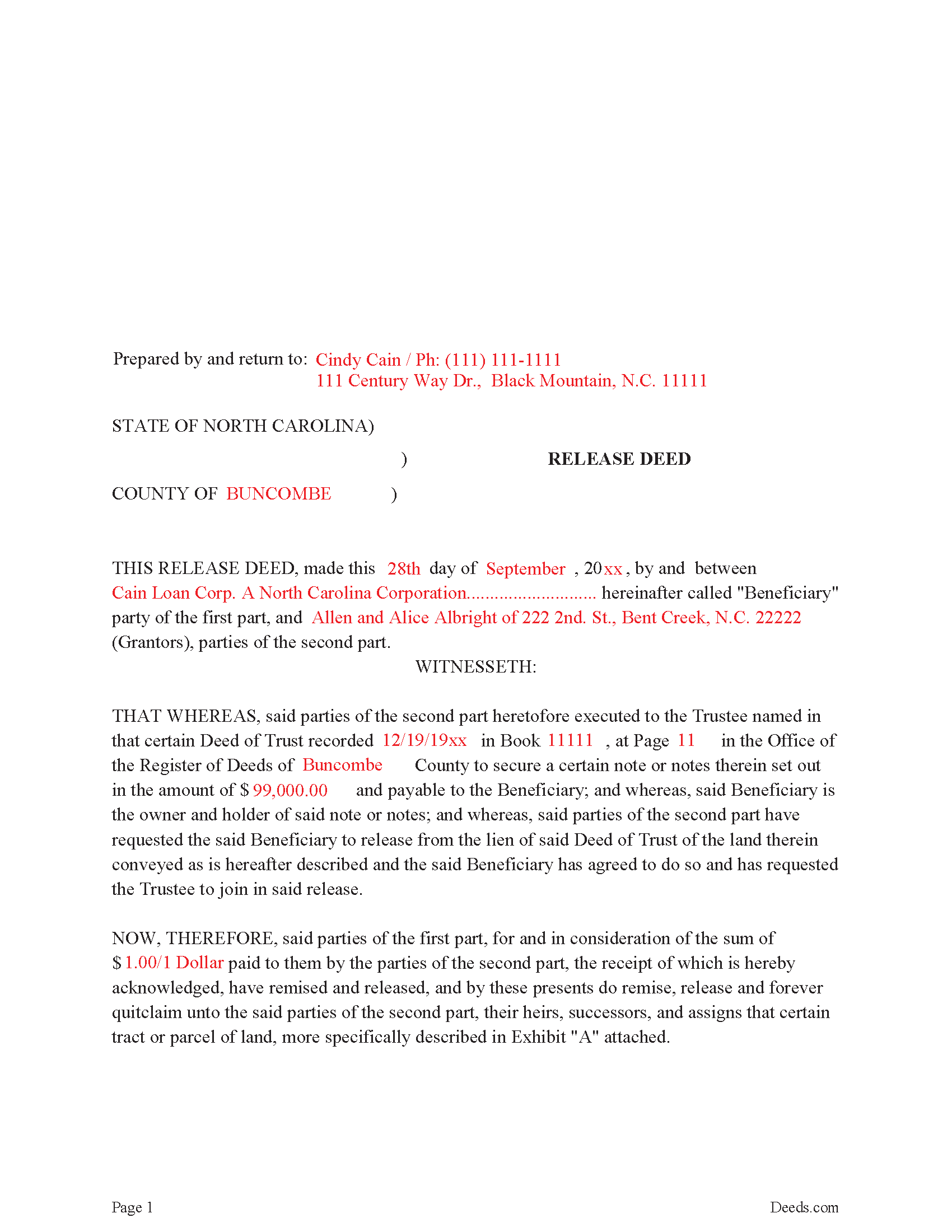
Guilford County Completed Example Release Deed
Example of a properly completed form for reference.
All 3 documents above included • One-time purchase • No recurring fees
Immediate Download • Secure Checkout
Additional North Carolina and Guilford County documents included at no extra charge:
Where to Record Your Documents
Greensboro Office
Greensboro, North Carolina 27401
Hours: 8:00 to 5:00 M-F
Phone: 336-641-7556
High Point Office
High Point, North Carolina 27260
Hours: 8:00 to 5:00 M-F
Phone: 336-641-7556
Recording Tips for Guilford County:
- Bring your driver's license or state-issued photo ID
- Ensure all signatures are in blue or black ink
- Ask about their eRecording option for future transactions
- Avoid the last business day of the month when possible
- Both spouses typically need to sign if property is jointly owned
Cities and Jurisdictions in Guilford County
Properties in any of these areas use Guilford County forms:
- Browns Summit
- Climax
- Colfax
- Gibsonville
- Greensboro
- High Point
- Jamestown
- Julian
- Mc Leansville
- Oak Ridge
- Pleasant Garden
- Sedalia
- Stokesdale
- Summerfield
- Whitsett
Hours, fees, requirements, and more for Guilford County
How do I get my forms?
Forms are available for immediate download after payment. The Guilford County forms will be in your account ready to download to your computer. An account is created for you during checkout if you don't have one. Forms are NOT emailed.
Are these forms guaranteed to be recordable in Guilford County?
Yes. Our form blanks are guaranteed to meet or exceed the applicable formatting requirements used for recording in Guilford County, including margin requirements, font requirements, and other layout standards. This guarantee applies to formatting, not to the legal sufficiency of information entered by the user or the suitability of a form for a particular transaction.
Can I reuse these forms?
Yes. You can reuse the forms for your personal use. For example, if you have multiple properties in Guilford County you only need to order once.
What do I need to use these forms?
The forms are PDFs that you fill out on your computer. The free Adobe Acrobat Reader is recommended, and most PDF apps also work. You do NOT enter your property information online - you download the blank forms and complete them privately on your own computer.
Are there any recurring fees?
No. This is a one-time purchase. Nothing to cancel, no memberships, no recurring fees.
How much does it cost to record in Guilford County?
Recording fees in Guilford County vary. Contact the recorder's office at 336-641-7556 for current fees.
Questions answered? Let's get started!
Executed by the lender, once the trustee is notified by the borrower. Signed by the lender, releasing any lien attached by the "Deed of Trust" that's assigned to the property. In general, a release is required to be recorded within 60 days of satisfaction.
(North Carolina Release of DOT Package includes form, guidelines, and completed example)
Important: Your property must be located in Guilford County to use these forms. Documents should be recorded at the county recording office listed above.
This Release Deed for Deed of Trust meets all recording requirements specific to Guilford County.
Our Promise
The documents you receive here are guaranteed to meet or exceed the applicable Guilford County recording format requirements. If there is a rejection caused by our formatting, we will correct the issue or refund your payment. This guarantee applies to document formatting only and does not extend to information entered by the user, the selection of the form, or the legal effect of the completed document.
Save Time and Money
Get your Guilford County Release Deed for Deed of Trust form done right the first time with Deeds.com Uniform Conveyancing Blanks. At Deeds.com, we understand that your time and money are valuable resources, and we don't want you to face a penalty fee or rejection imposed by a county recorder for submitting nonstandard documents. We constantly review and update our forms to meet rapidly changing state and county recording requirements for roughly 3,500 counties and local jurisdictions.
4.8 out of 5 - ( 4,839 Reviews )
Dave S. 5 out of 5 stars
Easy to use and get forms I needed. Corporate need for an invoice/receipt could be a bit easier - have to print screen to get any info.
Thank you for your feedback Dave, we really appreciate it.
Warren R. 4 out of 5 stars
Nice service at a fair price. Website is not very user oriented. Messages accumulate in the messages area but are not emailed to the client. If you used the service regularly, it would be more understandable but for a first time or occasional user, the site can be time consuming.
Thank you!
Audra M. 5 out of 5 stars
It was easy to e-record and will/would recommend it to everyone.
Thank you for your feedback. We really appreciate it. Have a great day!
Joann J. 5 out of 5 stars
Much easier to navigate than some others I've been on. Liked the upfront pricing.
We appreciate your comments and your trust in us. Thank you.
Jodi W. 1 out of 5 stars
Absolutely horrible service and experience. Would not recommend to anyone. If there was an option to select a zero star rating I would have. I am sure this review will not be posted.
Thank you for your feedback Jodi.
Michael R. 5 out of 5 stars
A suggestion: Include instructions on how to add your spouse to the deed, rather than transferring completely to a third party
Thank you for your thoughtful feedback. Adding a spouse to a deed is a common need, and suggestions like yours help us identify where additional guidance would be useful. We’ll take this into consideration as we continue improving our resources.
David B. 5 out of 5 stars
I found the information very helpful. Had problems producing a professional looking document due to the limited active fields on the PDF form. Finally I just typed it.
Thank you!
Heidi J. 3 out of 5 stars
The form was useful, however the formatting is terrible once completed. A lot of white space with no option to remove extra spacing or to improve the overall formatting.
Thank you for your feedback, Heidi. We’re glad to hear the form itself was useful. We also understand your concern about the formatting and extra spacing once completed. Our forms are designed to meet strict county recording requirements, which can sometimes result in additional white space. That said, we’re always working to improve usability and presentation without compromising acceptance. Your input helps us identify where refinements are possible, and we’ll keep it in mind as we continue updating our templates.
Joan H. 5 out of 5 stars
I am happy I can record this this way.
Thank you!
Ron M. 5 out of 5 stars
The download of forms, etc. was easy and the guides that were provided were good, but more information would have been nice as to where to find tax map #, parcel #, and district mentioned in Exemptions from Property Transfer Fees (and Declaration of Consideration or Value. In general, I was quite pleased with your product.
We appreciate your business and value your feedback. Thank you. Have a wonderful day!
Ed C. 5 out of 5 stars
I purchased the DIY quitclaim deed forms for Florida and couldn’t be happier. The forms were clear, professional, and easy to follow. I had everything filled out and recorded without a single issue. Worth every penny — the site is great, and the forms are exactly what I needed. Highly recommend!
Thanks so much, Ed! We’re thrilled to hear that the Florida quitclaim deed forms worked perfectly for you and that the recording process went smoothly. We appreciate your trust and recommendation!
Christopher M. 5 out of 5 stars
Awesome company. Fast, friendly, professional.
We are delighted to have been of service. Thank you for the positive review!
Eva S. 5 out of 5 stars
I was able to download the forms and I needed and fill out quickly. There were examples to review if I needed any assistance. I would recommend this site to anyone.
We are delighted to have been of service. Thank you for the positive review!
Connie G. 4 out of 5 stars
This product makes it so much easier to understand and file forms that you might have to pay an attorney to do. All Counties have their own way of submitting forms and with Deeds you have the correct format.
Thank you for your feedback. We really appreciate it. Have a great day!
Tod F. 5 out of 5 stars
In 15 minutes I had my out of state documents. I am very pleased with the ease of acquiring them. I will definitely be using Deeds.com again if the need arises.
We appreciate your business and value your feedback. Thank you. Have a wonderful day!