Traill County Correction Deed Form
Last validated November 18, 2026 by our Forms Development TeamFormatted for recording in Traill County, for property anywhere in the county: rural and unincorporated areas as well as Blanchard, Buxton, Caledonia, Clifford, Cummings, Galesburg, Hatton, Hillsboro and 2 more.
- 3 documents included
- Immediate PDF download
- Formatting guarantee
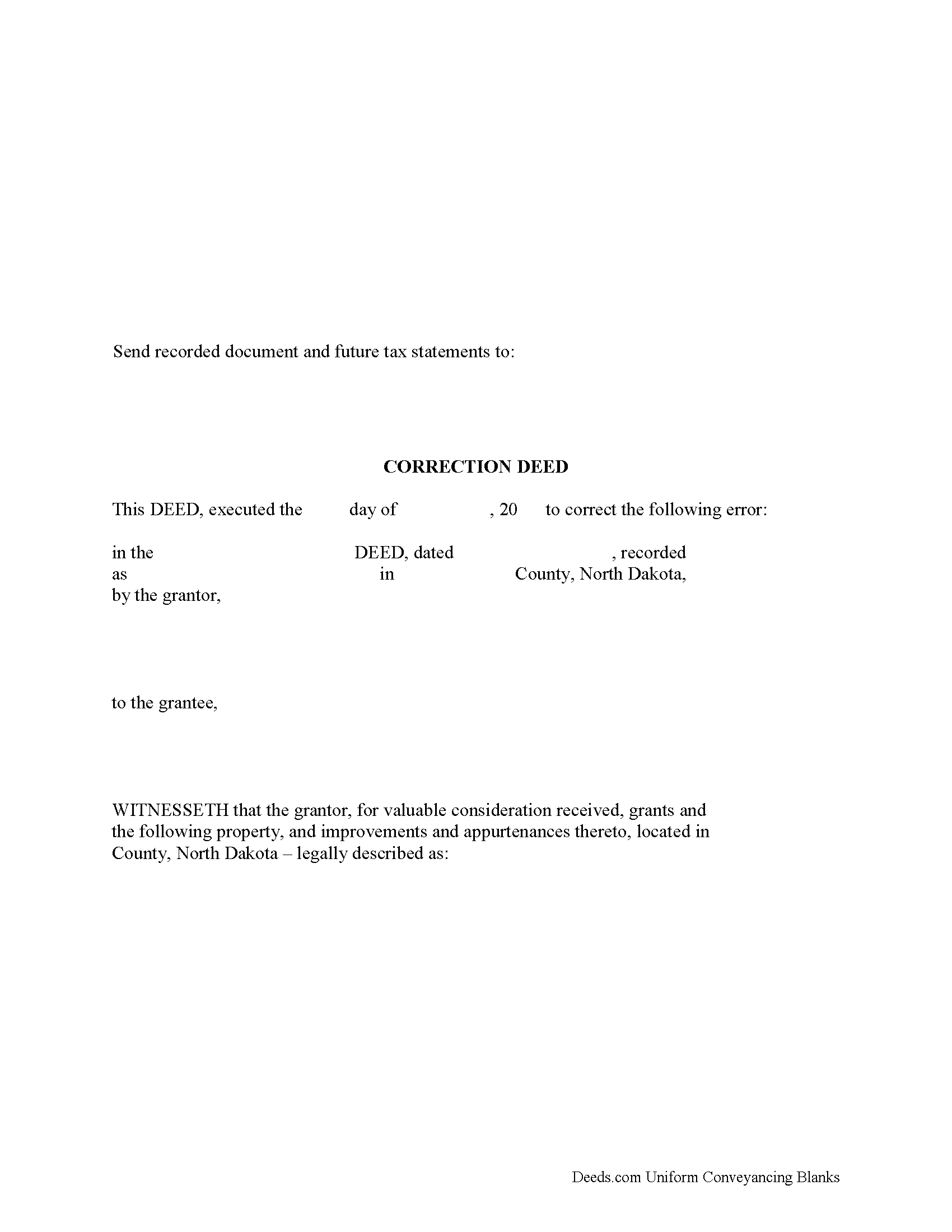
Traill County Correction Deed Form
Fill in the blank form formatted to comply with all recording and content requirements.
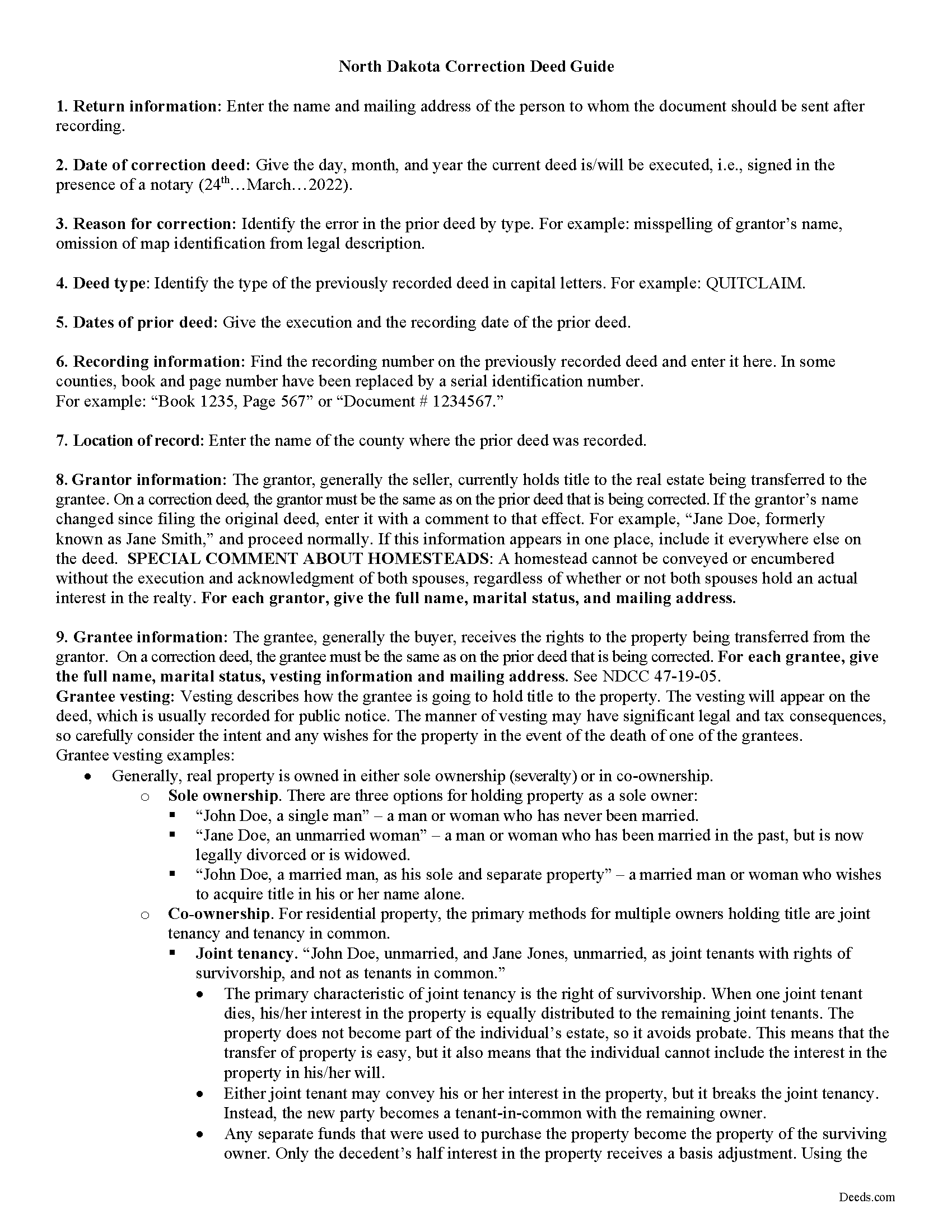
Traill County Correction Deed Guide
Line by line guide explaining every blank on the form.
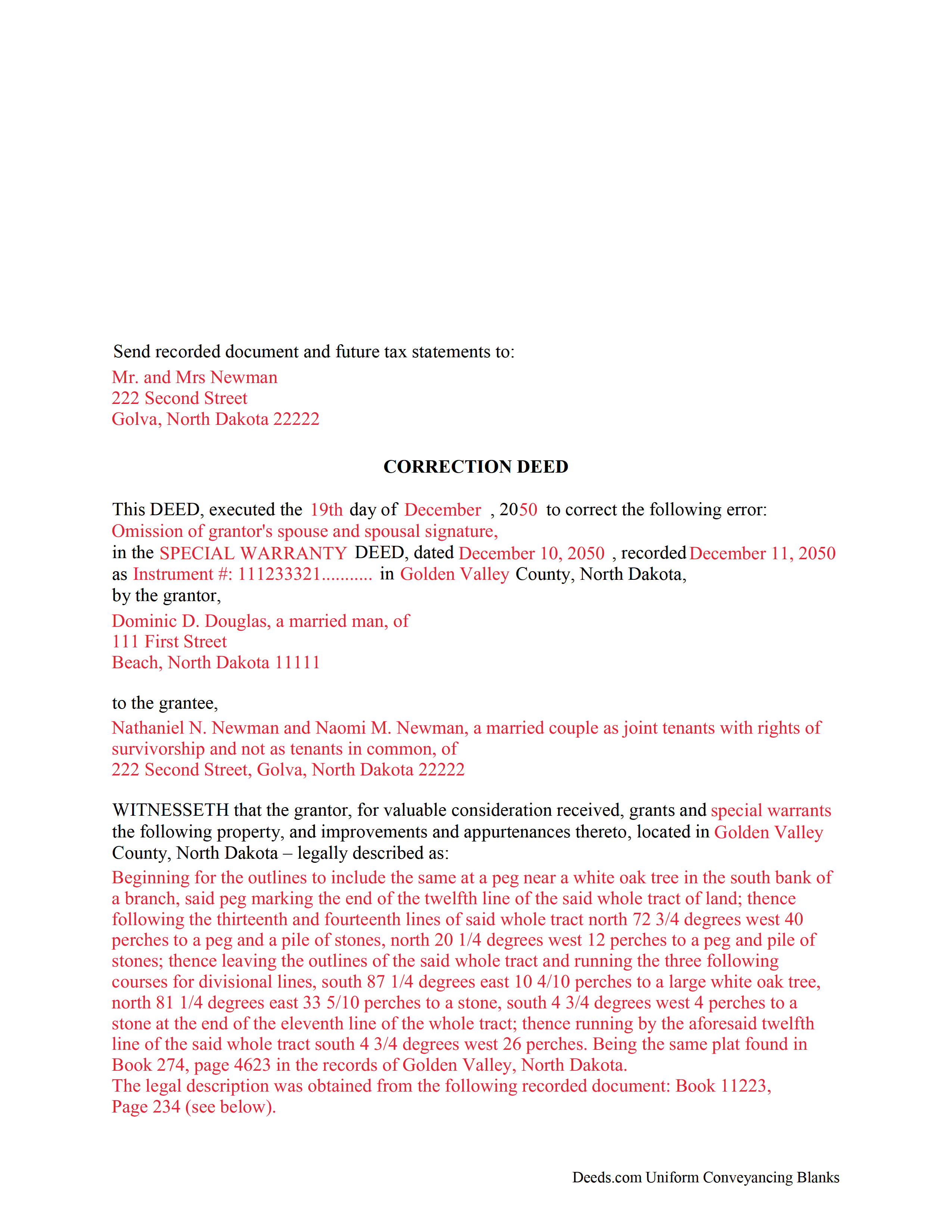
Traill County Completed Example of the Correction Deed Document
Example of a properly completed form for reference.
All 3 documents above included • One-time purchase • No recurring fees
Immediate Download • Secure Checkout
Additional North Dakota and Traill County documents included at no extra charge:
Where to Record Your Documents
Traill County Recorder
Hillsboro, North Dakota 58045
Hours: 8:00 to 12:00 & 12:30 to 4:30 M-F
Phone: (701) 636-4457
Recording Tips for Traill County:
- Bring your driver's license or state-issued photo ID
- Ensure all signatures are in blue or black ink
- Request a receipt showing your recording numbers
- Ask about accepted payment methods when you call ahead
- Ask for certified copies if you need them for other transactions
Cities and Jurisdictions in Traill County
Properties in any of these areas use Traill County forms:
- Blanchard
- Buxton
- Caledonia
- Clifford
- Cummings
- Galesburg
- Hatton
- Hillsboro
- Mayville
- Portland
Hours, fees, requirements, and more for Traill County
How do I get my forms?
Forms are available for immediate download after payment. The Traill County forms will be in your account ready to download to your computer. An account is created for you during checkout if you don't have one. Forms are NOT emailed.
Are these forms guaranteed to be recordable in Traill County?
Yes. Our form blanks are guaranteed to meet or exceed the applicable formatting requirements used for recording in Traill County, including margin requirements, font requirements, and other layout standards. This guarantee applies to formatting, not to the legal sufficiency of information entered by the user or the suitability of a form for a particular transaction.
Can I reuse these forms?
Yes. You can reuse the forms for your personal use. For example, if you have multiple properties in Traill County you only need to order once.
What do I need to use these forms?
The forms are PDFs that you fill out on your computer. The free Adobe Acrobat Reader is recommended, and most PDF apps also work. You do NOT enter your property information online - you download the blank forms and complete them privately on your own computer.
Are there any recurring fees?
No. This is a one-time purchase. Nothing to cancel, no memberships, no recurring fees.
How much does it cost to record in Traill County?
Recording fees in Traill County vary. Contact the recorder's office at (701) 636-4457 for current fees.
Questions answered? Let's get started!
Use the correction deed to correct an error in a previously recorded deed of conveyance in North Dakota.
Correcting an error in a recorded deed helps prevent problems that might arise when the current owner tries to sell the property. The best method for correction is to prepare and record a new document, a so-called correction deed. This document does not convey title; instead, it confirms the prior conveyance of the property.
Apart from supplying the correct information, the new deed must give the reason for the correction by identifying the error. It also must reference the prior deed by title, date, and recording number. The original grantor has to sign again, which confirms the property transfer to the grantee. Generally, corrective deeds are used to address minor errors in a deed, such as typos, accidentally omitted suffixes or middle initials of names, and other minor omissions. When in doubt about the gravity of an error and whether a correction deed is the appropriate vehicle to address it, consult with a lawyer.
For certain changes, a correction deed may not be appropriate. Adding or removing a grantee, for example, or making material changes to the legal description, especially deleting a portion of the originally transferred property, may all require a new deed of conveyance, instead of a correction deed. When correcting the legal description, both grantor and grantee should sign the corrective instrument to avoid doubt regarding any portions of the conveyed property.
(North Dakota CD Package includes form, guidelines, and completed example)
Important: Your property must be located in Traill County to use these forms. Documents should be recorded at the county recording office listed above.
This Correction Deed meets all recording requirements specific to Traill County.
Our Promise
The documents you receive here are guaranteed to meet or exceed the applicable Traill County recording format requirements. If there is a rejection caused by our formatting, we will correct the issue or refund your payment. This guarantee applies to document formatting only and does not extend to information entered by the user, the selection of the form, or the legal effect of the completed document.
Save Time and Money
Get your Traill County Correction Deed form done right the first time with Deeds.com Uniform Conveyancing Blanks. At Deeds.com, we understand that your time and money are valuable resources, and we don't want you to face a penalty fee or rejection imposed by a county recorder for submitting nonstandard documents. We constantly review and update our forms to meet rapidly changing state and county recording requirements for roughly 3,500 counties and local jurisdictions.
4.8 out of 5 - ( 4,867 Reviews )
Shane J. 5 out of 5 stars
I use deeds.com for all of my document filing needs. The amount of time and money saved on making trips to the auditor's office is well worth the nominal fee that is charged. I highly recommend deeds.com!
Your feedback is greatly appreciated. Thank you for taking the time to share your experience!
Robert P. 5 out of 5 stars
Excellent service to record a warranty deed. Travel time and expensive gas and working through the waiting times at the county made sense to try this service. I received a stamped recording notice for my file in just a few hours when the county office opened.
Thank you for choosing our service. We appreciate your review.
Jeff C. 5 out of 5 stars
Had the paperwork that I needed. Was a quick and easy transaction.
We appreciate your business and value your feedback. Thank you. Have a wonderful day!
Julie G. 5 out of 5 stars
Great online tool to get your deeds recorded without having to go downtown! Will be using deeds.com for all our future recordings!
Thank you!
george k. 5 out of 5 stars
Thank u the site helped me get the quick deed forms I needed for TN.i will use it in the furture.
Thank you for your feedback. We really appreciate it. Have a great day!
Pamela S. 5 out of 5 stars
Great experience! Instructions are very clear and thorough. The completeness of the instructions really inspired confidence. Within minutes of uploading my document, I received a message that it had been prepared and submitted to the county for recording. Makes it so simple! Well worth it.
We appreciate your business and value your feedback. Thank you. Have a wonderful day!
Mary B. 5 out of 5 stars
I was very pleased with my experience on Deeds.com. I hand purchased the wrong papers and they credited my account so I could purchase the correct papers. I will use them again
We appreciate your business and value your feedback. Thank you. Have a wonderful day!
George S. 5 out of 5 stars
Deeds.com made the recording of my timeshare Quit Claim Deed painless and extremely fast. I'm talking hours, not days. Thank You!
Your feedback is greatly appreciated. Thank you for taking the time to share your experience!
Daniel C. 5 out of 5 stars
This is a wonderful service and your staff is very responsive through the chat. My one suggestion is that there be an added sentence to your instructions that sates that once you upload there is nothing more to do as in a "submit" or "Finished uploading" button. After uploading instinct says there is something to click to let you all know that we have finished with our uploads.
Your feedback is valuable to us and helps us improve. Thank you for sharing your thoughts!
Benjamin B. 5 out of 5 stars
Your software was beneficial; facilitating preparation of a legal document and cover page in a state where I had limited legal experience.
Thank you for your feedback. We really appreciate it. Have a great day!
Deana A. 5 out of 5 stars
Great forms and info, easy step-by-step guidance.
Thank you!
Alain L. 5 out of 5 stars
deeds.com was able to turnaround my document in a matter of hours. I was also surprised at how easy their website was to navigate, considering other websites that offered the same service were so convoluted. Thank you again for the quick turnaround.
Thank you!
Robert B. 5 out of 5 stars
Everything worked Fine. I wish there was an John Doe type of an example for the Tax form.
Thank you!
Roman F. 5 out of 5 stars
You form was good the only thing that did not work was the download to fill it out !!! I use a Mac system and maybe that's what the issue was. I filled it out by hand and it worked for the purpose .
Thanks for the kind words, Roman. Glad the form worked for you. For the fillable fields, the PDF opens best in a dedicated reader like Preview or Adobe Acrobat rather than inside a browser window, which can sometimes flatten them out. We appreciate your business.
Sarah C. 5 out of 5 stars
Great, but I'd like to see the actual filings/documents in my account, PDF, not only the blank forms. Thank you.
Thank you for your feedback. We really appreciate it. Have a great day!