Barnes County Notice of Lis Pendens Form
Last validated November 13, 2026 by our Forms Development TeamFormatted for recording in Barnes County, for property anywhere in the county: rural and unincorporated areas as well as Dazey, Fingal, Kathryn, Litchville, Nome, Oriska, Pillsbury, Rogers and 4 more.
- 3 documents included
- Immediate PDF download
- Formatting guarantee
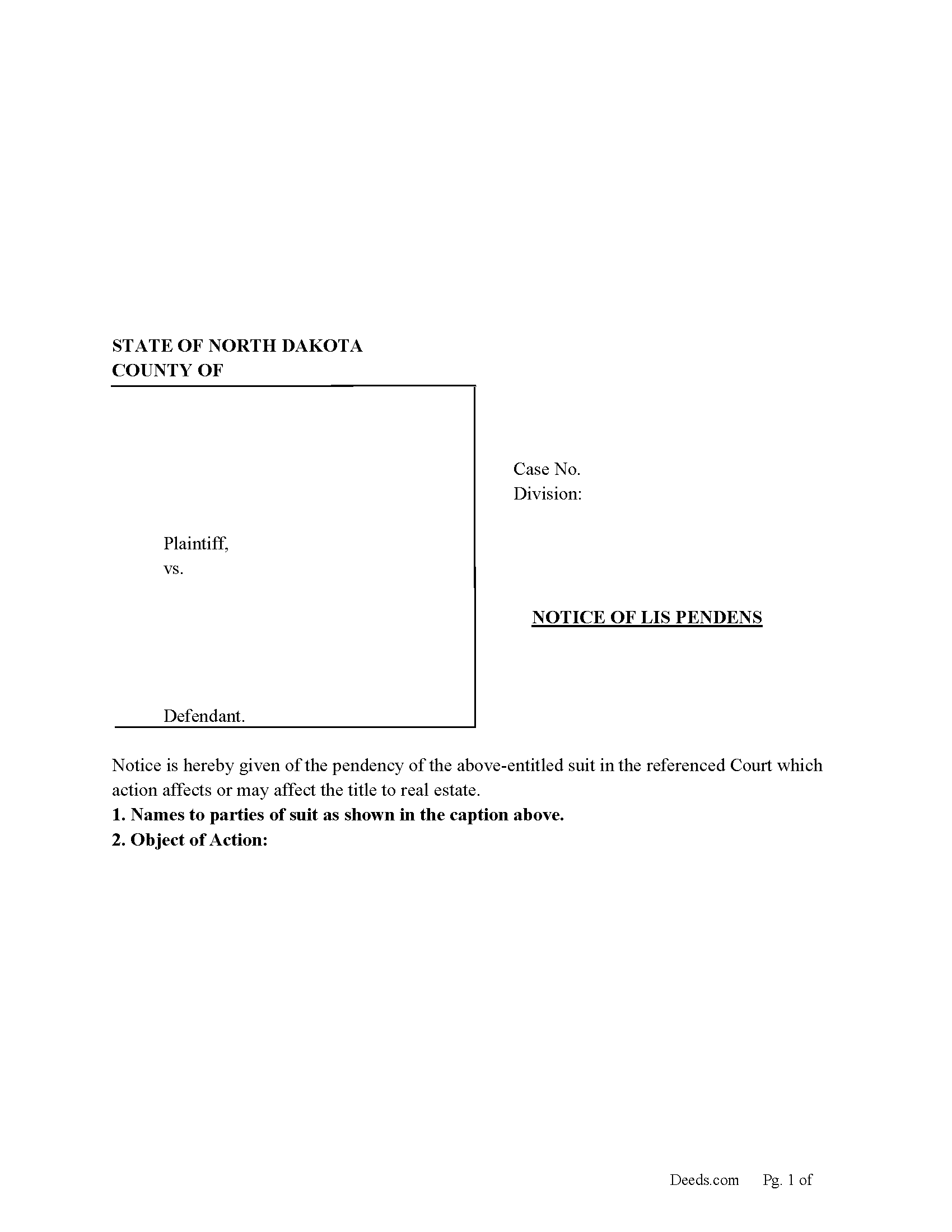
Barnes County Notice of Lis Pendens Form
Fill in the blank form formatted to comply with all recording and content requirements.
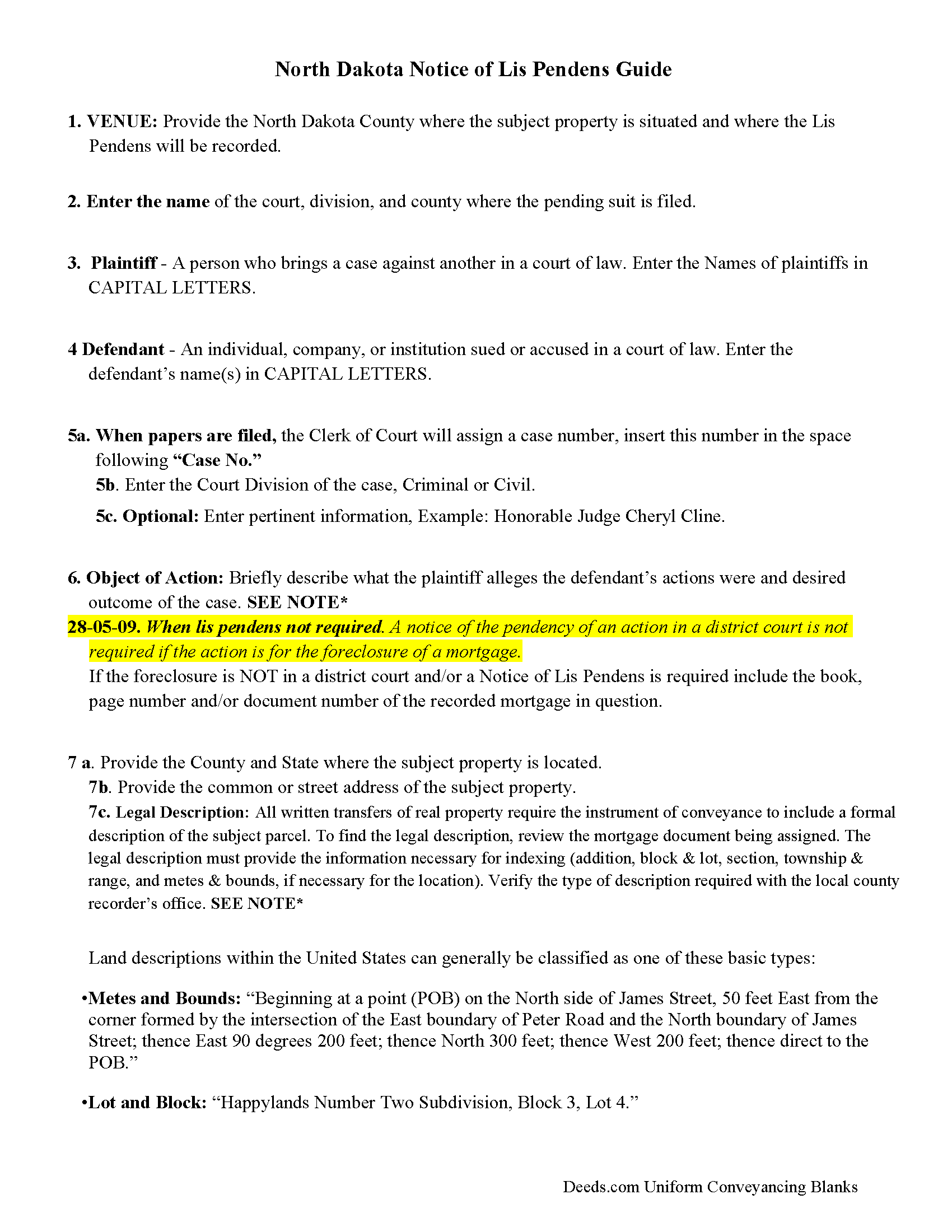
Barnes County Guidelines Notice of Lis Pendens
Line by line guide explaining every blank on the form.
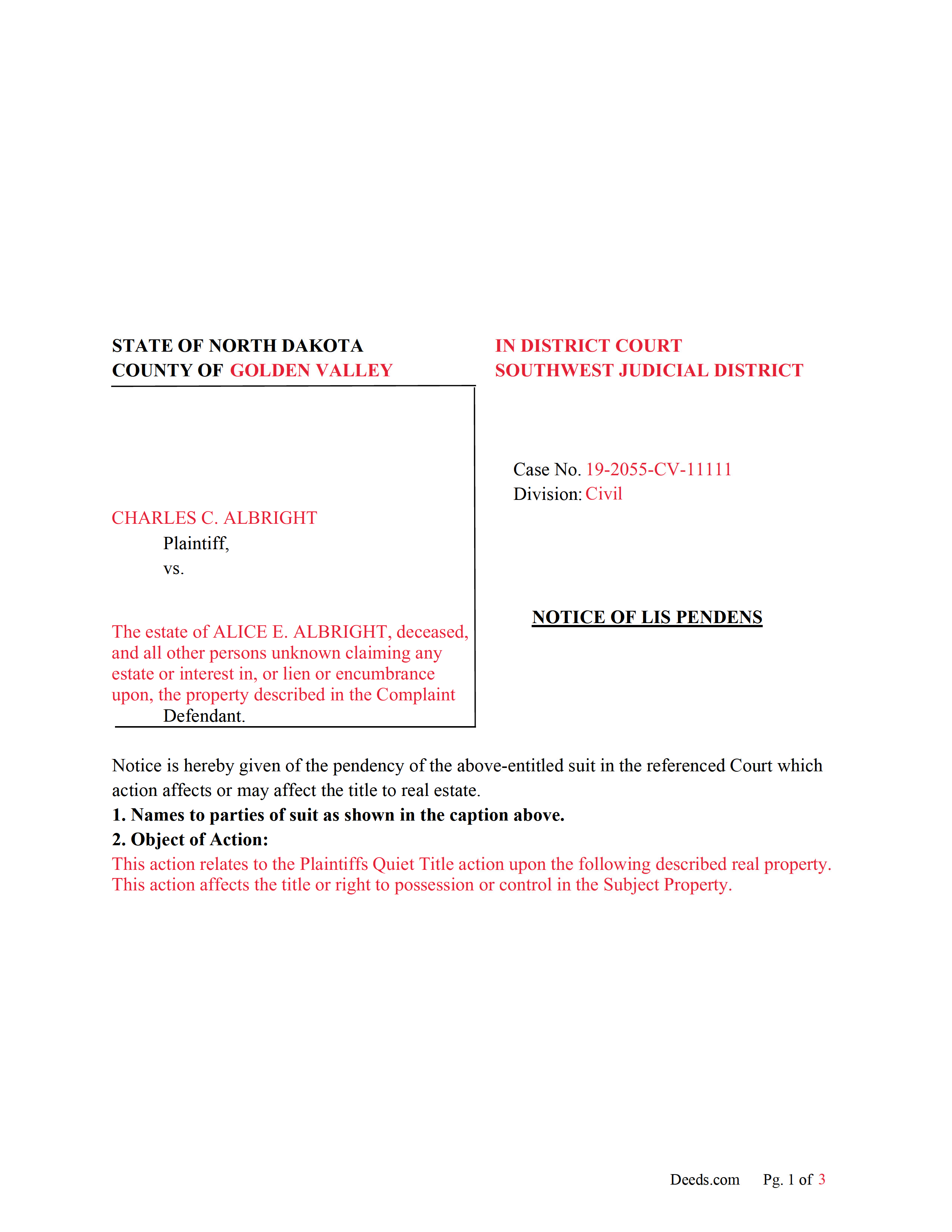
Barnes County Completed Example of a Notice of Lis Pendens Document
Example of a properly completed form for reference.
All 3 documents above included • One-time purchase • No recurring fees
Immediate Download • Secure Checkout
Additional North Dakota and Barnes County documents included at no extra charge:
Where to Record Your Documents
Barnes County Recorder
Valley City, North Dakota 58072
Hours: 8:00 to 5:00 M-F
Phone: (701) 845-8506
Recording Tips for Barnes County:
- Bring your driver's license or state-issued photo ID
- Ensure all signatures are in blue or black ink
- Recording fees may differ from what's posted online - verify current rates
- Request a receipt showing your recording numbers
- Ask about accepted payment methods when you call ahead
Cities and Jurisdictions in Barnes County
Properties in any of these areas use Barnes County forms:
- Dazey
- Fingal
- Kathryn
- Litchville
- Nome
- Oriska
- Pillsbury
- Rogers
- Sanborn
- Spiritwood
- Valley City
- Wimbledon
Hours, fees, requirements, and more for Barnes County
How do I get my forms?
Forms are available for immediate download after payment. The Barnes County forms will be in your account ready to download to your computer. An account is created for you during checkout if you don't have one. Forms are NOT emailed.
Are these forms guaranteed to be recordable in Barnes County?
Yes. Our form blanks are guaranteed to meet or exceed the applicable formatting requirements used for recording in Barnes County, including margin requirements, font requirements, and other layout standards. This guarantee applies to formatting, not to the legal sufficiency of information entered by the user or the suitability of a form for a particular transaction.
Can I reuse these forms?
Yes. You can reuse the forms for your personal use. For example, if you have multiple properties in Barnes County you only need to order once.
What do I need to use these forms?
The forms are PDFs that you fill out on your computer. The free Adobe Acrobat Reader is recommended, and most PDF apps also work. You do NOT enter your property information online - you download the blank forms and complete them privately on your own computer.
Are there any recurring fees?
No. This is a one-time purchase. Nothing to cancel, no memberships, no recurring fees.
How much does it cost to record in Barnes County?
Recording fees in Barnes County vary. Contact the recorder's office at (701) 845-8506 for current fees.
Questions answered? Let's get started!
Lis Pendens Latin for SUIT PENDING
Use this form to notify the world that a case (civil or criminal) is pending affecting real property. (From the time of filing only shall the pendency of the action be constructive notice to a purchaser or encumbrancer of the property affected thereby, and every person whose conveyance or encumbrance is subsequently executed or subsequently recorded is deemed a subsequent purchaser or encumbrancer with notice and is bound by all proceedings taken after the filing of such notice to the same extent as if that person were a party to the action.) (ND 28-05-07. Lis pendens - Effect.)
A Notice of Lis Pendens is filed in an ACTION FOR PARTITION OF REAL PROPERTY.
(Immediately after filing the complaint in the district court, the plaintiff must record in the office of the recorder of the county, or of the several counties in which the property is situated, a notice of the pendency of the action, containing the names of the parties, so far as known, the object of the action, and a description of the property to be affected thereby. From the time of filing such notice for record, all persons shall be deemed to have notice of the pendency of the action.) (32-16-04. Lis pendens required.)
28-05-09. When Lis Pendens not required.
A notice of the pendency of an action in a district court is not required if the action is for the foreclosure of a mortgage.
28-05-10. When civil action deemed pending.
A civil action in a district court is deemed to be pending from the time of its commencement until its final determination upon appeal or until the time for appeal has passed, unless the judgment is sooner satisfied.
(North Dakota Notice of LP Package includes form, guidelines, and completed example) For use in North Dakota only.
Important: Your property must be located in Barnes County to use these forms. Documents should be recorded at the county recording office listed above.
This Notice of Lis Pendens meets all recording requirements specific to Barnes County.
Our Promise
The documents you receive here are guaranteed to meet or exceed the applicable Barnes County recording format requirements. If there is a rejection caused by our formatting, we will correct the issue or refund your payment. This guarantee applies to document formatting only and does not extend to information entered by the user, the selection of the form, or the legal effect of the completed document.
Save Time and Money
Get your Barnes County Notice of Lis Pendens form done right the first time with Deeds.com Uniform Conveyancing Blanks. At Deeds.com, we understand that your time and money are valuable resources, and we don't want you to face a penalty fee or rejection imposed by a county recorder for submitting nonstandard documents. We constantly review and update our forms to meet rapidly changing state and county recording requirements for roughly 3,500 counties and local jurisdictions.
4.8 out of 5 - ( 4,853 Reviews )
FRANCIS P. 5 out of 5 stars
Finding what I needed was easy. The payment process was easy. Using what I found was easy. Easy-peasy and GREAT results. Professional and succinct all for the price of a steak dinner. I'll be back to DEEDS.COM when I need any paperwork/forms related to deeds.
Thank you for your feedback. We really appreciate it. Have a great day!
Karen U. 5 out of 5 stars
Very quick and easy!! Thanks!
Thank you for taking a moment to share your thoughts.
ALAN C. 5 out of 5 stars
Everything was as advertised, and easily downloaded.
We appreciate your business and value your feedback. Thank you. Have a wonderful day!
Arthur L. 5 out of 5 stars
The directions were clear, I typed the deed out and it was successfully recorded and mailed back to me in less than a week.
Thank you for your feedback. We really appreciate it. Have a great day!
Sean D. 5 out of 5 stars
I am new to needing this type of service, and the Deeds.Com team has been fantastic. Responsive, professional, and thorough are the first 3 words that come to mind. Deeds.Com will be my first choice for all of our county recorder needs.
Thank you!
Marianne L. 5 out of 5 stars
I filled in the form, following the instructions. I submitted to the County Recorder, no problem. Thank you.
Thanks for your feedback. We’re glad we could help.
Saul N. 5 out of 5 stars
Great and fast service. Would have been grate to have seen a little more detail or a pre-filled sample in the fields. Had a little confussion in some of the lines to fill out since the guide only explains a few of the lines not all of them. Otherwise, is really great to have this service with low cost. Thank you.
Thank you for taking the time to provide us with your feedback Saul, we appreciate you.
Marion R. 4 out of 5 stars
YOU WERE NOT ABLE TO PROVIDE SERVICE IN THE COUNTY WE NEEDED IN NEW MEXICO. YOUR RESPONSE WAS QUICK SO I APPRECIATE THAT. THANK YOU
Thank you for your feedback Marion.
Loretta W. 5 out of 5 stars
Thank you for your excellent service
We appreciate your business and value your feedback. Thank you. Have a wonderful day!
Linda M. 5 out of 5 stars
The form I purchased along with the instructions and completed sample were easy to use. I downloaded them on my iPad. I had to also download the free adobe reader app from the App Store. I had no problem getting the beneficiary deed recorded at the recorder’s office. I am pleased with my purchase.
Thanks so much for the kind words, Linda! Glad the sample and instructions made the process smooth, and that tip about the Adobe Reader app for iPad is genuinely helpful for other customers too. Congrats on getting the deed recorded!
John M. 5 out of 5 stars
I ordered my gift deed forms one evening, filled them out the next day, and registered them with the register of deeds the next morning. Boom. Done! Easy peasy, no lawyer expense!
Thank you!
Chris M. 5 out of 5 stars
The personal attention and the ease of use is beyond any other service I have used. Thank you for making my work so much easier.
Thank you for your positive words! We’re thrilled to hear about your experience.
Brenda R. 5 out of 5 stars
Excellent!! Site VERY easy/simple to navigate.
Happy we could assist. Thank you for sharing your experience.
Thomas E. 4 out of 5 stars
For the most part the process went smoothly. However, I have some suggestions to make the photo verification process better. 1) State up front that you must configure your appearance to conform with the photo on your state issued ID. In other words, take off you glasses if you are not wearing them in the photo. I know you issued that suggestion AFTER a couple of failed attempts. 2) I do not need glasses for driving, but I do need them for reading and close up work. I had difficulty reading the instructions about turning my head right and left on the screen without my glasses.
Thank you, Thomas. Both suggestions are fair and we have passed them along for the ID verification step. Glad the rest of the process went smoothly.
Grace G. 5 out of 5 stars
The Forms I received were perfect for me. I also double ordered one of the forms and you corrected it on the spot. Thanks. (I am a Real Estate Broker)
Thank you!