Rolette County Quitclaim Deed (Interspousal) Form
Last validated November 17, 2026 by our Forms Development TeamFormatted for recording in Rolette County, for property anywhere in the county: rural and unincorporated areas as well as Agate, Belcourt, Dunseith, Mylo, Rolette, Rolla, Saint John.
- 3 documents included
- Immediate PDF download
- Formatting guarantee

Rolette County Quitclaim Deed (Interspousal) Form
Fill in the blank Quitclaim Deed (Interspousal) form formatted to comply with all North Dakota recording and content requirements.
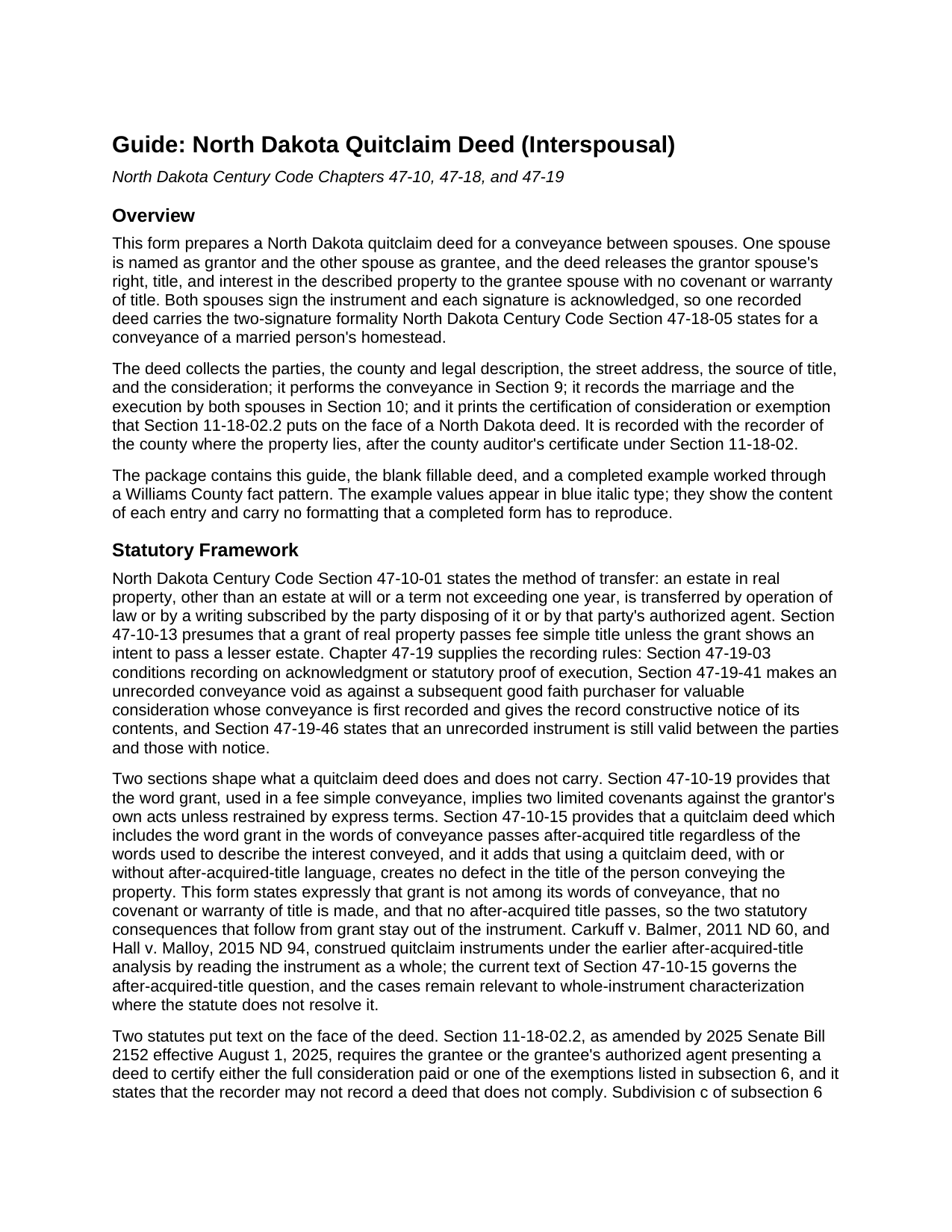
Rolette County Quitclaim Deed (Interspousal) Guide
Line by line guide explaining every blank on the Quitclaim Deed (Interspousal) form.
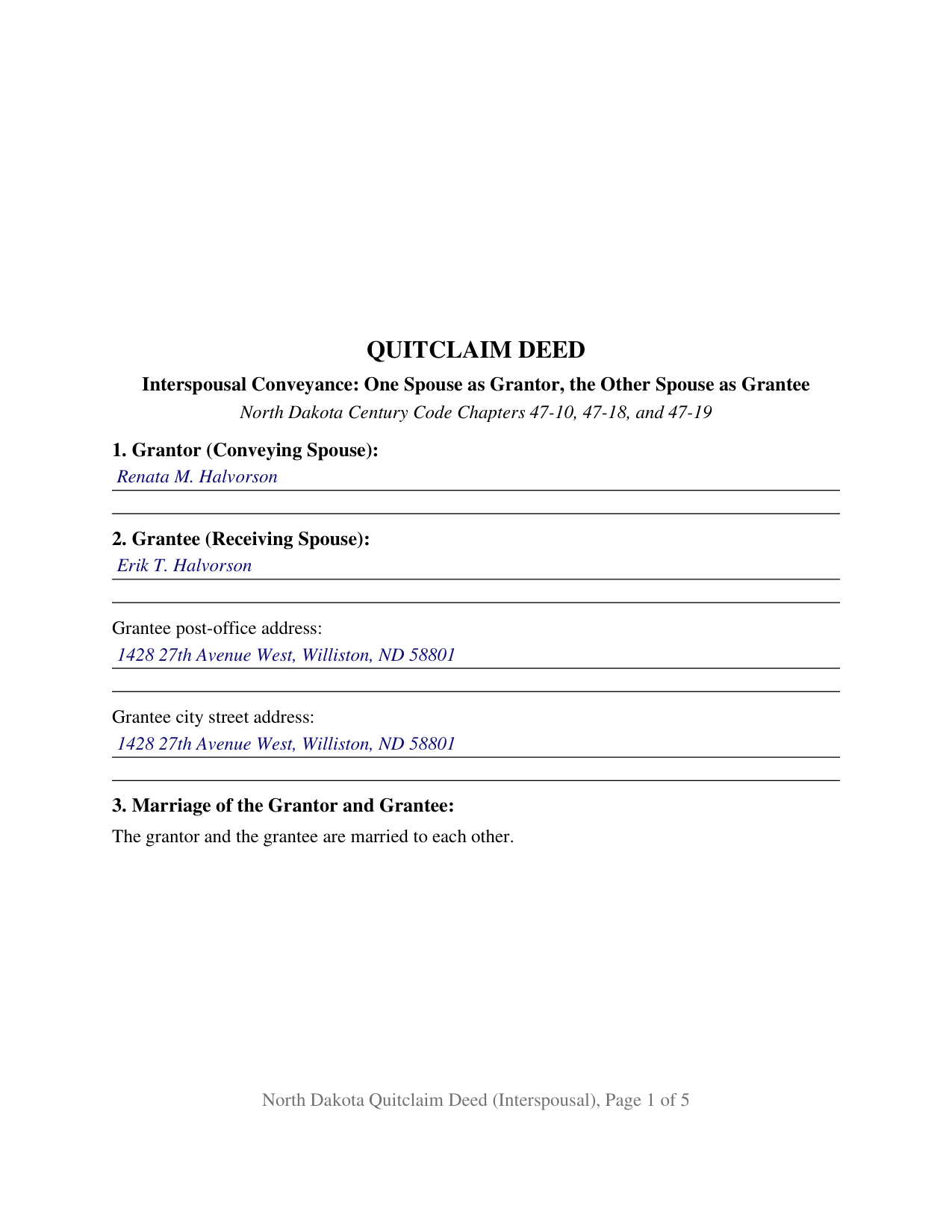
Rolette County Completed Example of the Quitclaim Deed (Interspousal) Document
Example of a properly completed North Dakota Quitclaim Deed (Interspousal) document for reference.
All 3 documents above included • One-time purchase • No recurring fees
Immediate Download • Secure Checkout
Additional North Dakota and Rolette County documents included at no extra charge:
Where to Record Your Documents
Rolette County Recorder
Rolla, North Dakota 58367
Hours: 8:30 to 12:30 & 1:00 to 4:30 M-F
Phone: (701) 477-3166
Recording Tips for Rolette County:
- Bring your driver's license or state-issued photo ID
- Ensure all signatures are in blue or black ink
- Bring extra funds - fees can vary by document type and page count
- Check margin requirements - usually 1-2 inches at top
- Leave recording info boxes blank - the office fills these
Cities and Jurisdictions in Rolette County
Properties in any of these areas use Rolette County forms:
- Agate
- Belcourt
- Dunseith
- Mylo
- Rolette
- Rolla
- Saint John
Hours, fees, requirements, and more for Rolette County
How do I get my forms?
Forms are available for immediate download after payment. The Rolette County forms will be in your account ready to download to your computer. An account is created for you during checkout if you don't have one. Forms are NOT emailed.
Are these forms guaranteed to be recordable in Rolette County?
Yes. Our form blanks are guaranteed to meet or exceed the applicable formatting requirements used for recording in Rolette County, including margin requirements, font requirements, and other layout standards. This guarantee applies to formatting, not to the legal sufficiency of information entered by the user or the suitability of a form for a particular transaction.
Can I reuse these forms?
Yes. You can reuse the forms for your personal use. For example, if you have multiple properties in Rolette County you only need to order once.
What do I need to use these forms?
The forms are PDFs that you fill out on your computer. The free Adobe Acrobat Reader is recommended, and most PDF apps also work. You do NOT enter your property information online - you download the blank forms and complete them privately on your own computer.
Are there any recurring fees?
No. This is a one-time purchase. Nothing to cancel, no memberships, no recurring fees.
How much does it cost to record in Rolette County?
Recording fees in Rolette County vary. Contact the recorder's office at (701) 477-3166 for current fees.
Questions answered? Let's get started!
On this North Dakota quitclaim deed the person receiving the property signs it as well, because that person is the grantor's husband or wife. The form is configured for an interspousal conveyance: one spouse is named as grantor, the other spouse as grantee, and the release runs from one side of a marriage to the other without any covenant or warranty of title.
A deed the receiving spouse also signs
North Dakota Century Code Section 47-18-05 lets a married person's homestead be conveyed only through an instrument that both husband and wife have signed and acknowledged, whatever the property is worth. That rule reads on the marriage rather than on the record title, and it does not pause because the new owner happens to be the other spouse. This form answers it by architecture instead of by argument: Section 3 recites that the parties are married to each other, Section 10 records that both of them execute and acknowledge the instrument, and Section 12 carries a signature block for each spouse followed by its own acknowledgment certificate. Section 10 also states the limit of the grantee's signature, which moves nothing away from the grantee and leaves Section 9 as the only conveyance the deed makes. Whether the homestead rule is satisfied or simply inapplicable when a spouse conveys to a spouse is a question no reported North Dakota decision has answered, so the deed carries the two-signature formality on its face.
What the release reaches
The operative words are remises, releases, and forever quitclaims. The deed never uses the word grant in its words of conveyance, which matters twice under North Dakota law: Section 47-10-19 reads two limited covenants into that word, and Section 47-10-15 makes a quitclaim carrying it pass title the grantor picks up later. Excluding it keeps both effects out, and the form says so expressly. The grantee spouse takes the interest the grantor spouse holds at delivery, along with the easements, mineral severances, liens, and restrictions already of record. Nothing in the deed releases either spouse from a mortgage note; that release comes from a lender, not from a recorder's stamp.
Where interspousal transfers show up in the record
Three patterns bring this configuration forward. A dissolution settlement allocates the parcel to one spouse, and a deed from the other spouse conforms the record to the allocation, alongside the joint tenancy severance Section 30.1-10-04 works at divorce. A name added at a closing, or on a later correction, goes back to the other spouse in a single recorded instrument. Spouses who hold a parcel together consolidate it in one name while an estate plan is being put in place. The form recites exactly one grantor spouse and exactly one grantee spouse who are married to each other, so title vests in that spouse in sole ownership; a conveyance to both spouses in joint tenancy under Section 47-10-23 names two grantees, and a transfer to anyone outside the marriage follows a different architecture. A quit claim deed between spouses, in the spelling that turns up in searches, is the ordinary instrument for these moves because it shifts an interest without promising anything about it.
The lines the recorder checks
Two statutory entries print on the deed itself. Section 11 carries the certification Section 11-18-02.2 puts on the face of every North Dakota deed, with the full consideration paid or the exempting subdivision of subsection 6 designated; subdivision h covers property transferred by quitclaim deed and subdivision c covers a transfer within the same family, so a deed between spouses is reached by either letter, and the grantee or presenting agent signs and dates that entry with no notary involved. Section 5 carries the drafter statement of Section 47-19-03.1 for a metes and bounds description. Each grantee address entry answers Sections 47-10-07 and 47-19-05, the county auditor certifies transfer and taxes under Section 11-18-02 before the recorder may take the deed, the statutory fee is twenty dollars through six pages, and North Dakota collects no transfer tax or deed tax at all.
The download holds the blank interspousal quitclaim deed as a fillable PDF, a completed example filled in for a Williams County husband and wife, and a guide covering every numbered section, both acknowledgments, the homestead signature rule, and the trip from the auditor's counter to the recorder's. These materials describe North Dakota law in general terms and are not legal advice.
Important: Your property must be located in Rolette County to use these forms. Documents should be recorded at the county recording office listed above.
This Quitclaim Deed (Interspousal) meets all recording requirements specific to Rolette County.
Our Promise
The documents you receive here are guaranteed to meet or exceed the applicable Rolette County recording format requirements. If there is a rejection caused by our formatting, we will correct the issue or refund your payment. This guarantee applies to document formatting only and does not extend to information entered by the user, the selection of the form, or the legal effect of the completed document.
Save Time and Money
Get your Rolette County Quitclaim Deed (Interspousal) form done right the first time with Deeds.com Uniform Conveyancing Blanks. At Deeds.com, we understand that your time and money are valuable resources, and we don't want you to face a penalty fee or rejection imposed by a county recorder for submitting nonstandard documents. We constantly review and update our forms to meet rapidly changing state and county recording requirements for roughly 3,500 counties and local jurisdictions.
4.8 out of 5 - ( 4,862 Reviews )
Robert P. 5 out of 5 stars
Excellent product. Wish I had found this site a week earlier. It would have saved me many hours of struggle and $40.00 in notary fees. Thanks and I will recommend to anyone needing forms.
Thank you for your feedback. We really appreciate it. Have a great day!
Mary R. 5 out of 5 stars
The best site ever. Easy to navigate. Love it!!
Thank you Mary! We appreciate you and your kinds words.
Scott H. 5 out of 5 stars
Very helpful
Thank you!
Janet R. 5 out of 5 stars
The site was easy to navigate...all the information needed to fill in the forms was included, which was very helpful and a pleasant surprise...form completed in short order...made taking care of business quick and easy...Thanks for the thoughtful and excellent help, I will share the link with others and I will use the site again...Thanks
We appreciate your business and value your feedback. Thank you. Have a wonderful day!
Vanessa G. 5 out of 5 stars
Quick, painless, and they communicated with me during the entire process. I will certainly be suing them again.
We are delighted to have been of service. Thank you for the positive review!
William S. 5 out of 5 stars
Contents were well done. Could not remove and replace the "Deeds/" footer, rendering the form unusable for filing with a court and county deed records. This should be corrected.
Thank you for your feedback. We really appreciate it. Have a great day!
Kathy R. 5 out of 5 stars
I was very pleased with the quick turn around on a response to my inquiry. Further guidance was direct and I appreciate the professionalism from deeds.com.
Thank you!
Emili C. 5 out of 5 stars
Thank you! I received my forms promptly and they are easy to follow along for filling out. The examples gave me confidence that they were done correctly.
Thank you for your feedback. We really appreciate it. Have a great day!
Kathryn C. 5 out of 5 stars
The process to get my needed documents worked easily. I was pleased how quickly I was able to access the documents.
Your positive feedback is a testament to our efforts, and it truly made our day. We are committed to keeping up this level of service and making your future interactions with us equally, if not more, pleasing.
Thank you once again for taking the time to share your positive experience. We look forward to serving you again soon!
Larry C. 5 out of 5 stars
Very easy and convenient, thank you so much.
Thank you!
Andrew F. 5 out of 5 stars
The process was terrific. Much better than hiring someone local to process deeds, as deeds.com got back to me right away with corrections before submitting.
Thank you for your feedback. We really appreciate it. Have a great day!
Michael H. 5 out of 5 stars
Site was easy to understand and use. Service was prompt. Good job Montgomery County!
Thank you!
M T. 5 out of 5 stars
Really nice deed form and guide the whole process was super easy.
Thank you!
Andrew T. 5 out of 5 stars
I was pleasantly surprised with the experience. Cost was better than other sites I checked. Questions about my submittal were asked within an hour. Document was recorded by next day.
Thanks for the review, Andrew. Glad we could get your document recorded quickly — that's the standard we hold ourselves to. We appreciate your business.
Thomas D. 2 out of 5 stars
The documents themselves are fine and the information provided with them is helpful. I find the actual processing of the documents, however, to be difficult particularly once the document has been saved. First, I note that the box for the date only allows entry of the last 2 digits of the year. Unfortunately, my download only allows me to enter one of the 2 digits required. When I delete it repeatedly, it eventually allows both digits to be entered but puts them in extremely small text and in superscrypt. I have not found a solution to this problem and am not sure the deed can even be recorded with this problem. Another problem is that if you try to revise the document after you have saved it the curser goes to the end of the line after each key entry. This means that there basically is no way to efficiently save the document for reworking later since you will have to delete everything you have entered in the text box unless you only need to make a single keystroke change or are willing to replace the curser after each entry. Try that with a long property description! Please note that I am using a Mac to prepare my documents and perhaps this is part of an "incompatibility problem". However, I didn't see a disclaimer regarding Mac use and so would expect the documents to perform correctly. Overall, I give the program a "2 star" rating because I am experiencing significant difficulties in entering dates in the documents even before saving them and because saving your work for later revision appears to be basically unworkable.
Thank you for your feedback Thomas, we appreciate you being specific about the issues you encountered. Adobe and Mac have a fairly long history of issues working together.