Shelby County Assignment of Mortgage (Married Couple or Civil Union Partners) Form
Last validated October 28, 2026 by our Forms Development TeamFormatted for recording in Shelby County, for property anywhere in the county: rural and unincorporated areas as well as Anna, Botkins, Fort Loramie, Houston, Jackson Center, Kettlersville, Maplewood, Pemberton and 3 more.
- 3 documents included
- Immediate PDF download
- Formatting guarantee
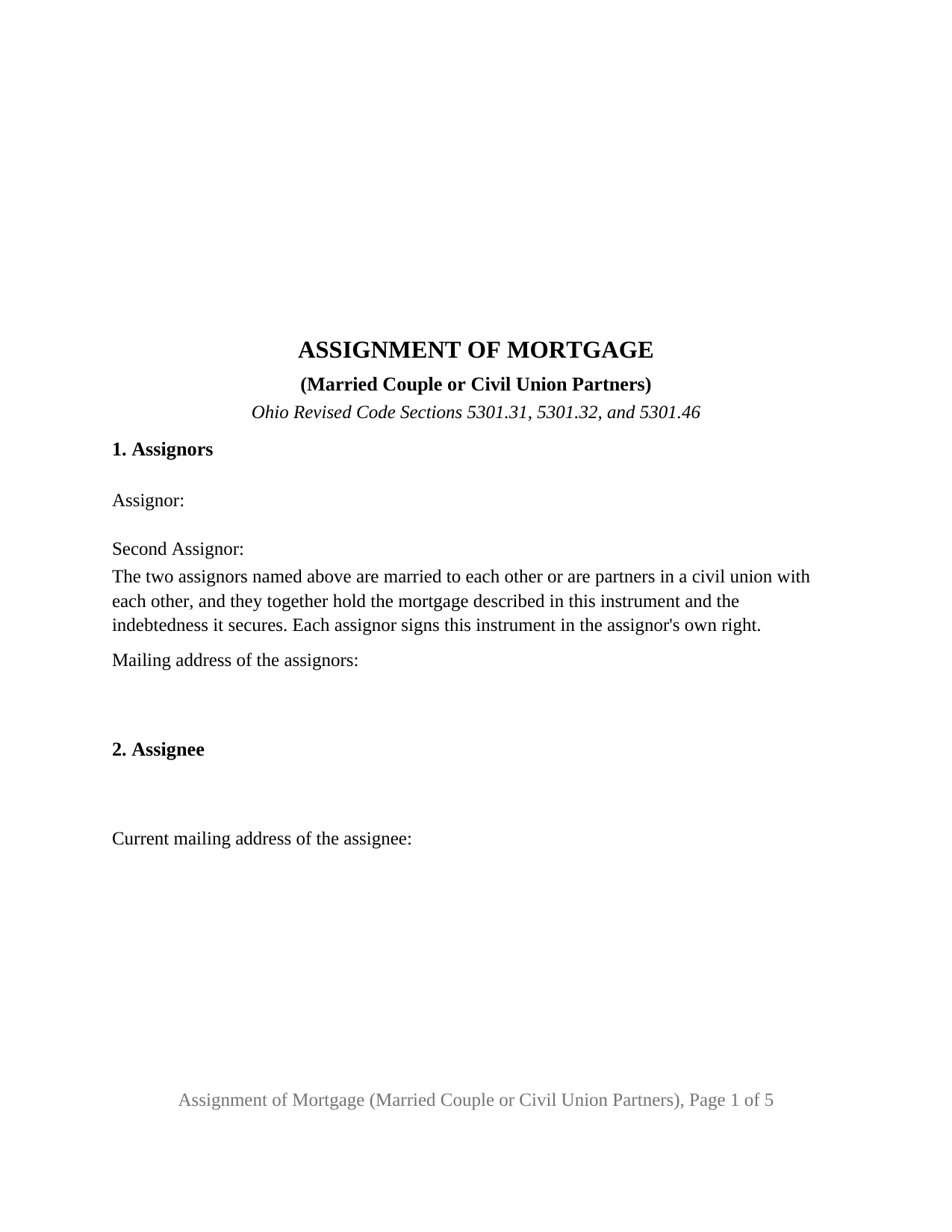
Shelby County Assignment of Mortgage (Married Couple or Civil Union Partners) Form
Fill in the blank Assignment of Mortgage (Married Couple or Civil Union Partners) form formatted to comply with all Ohio recording and content requirements.
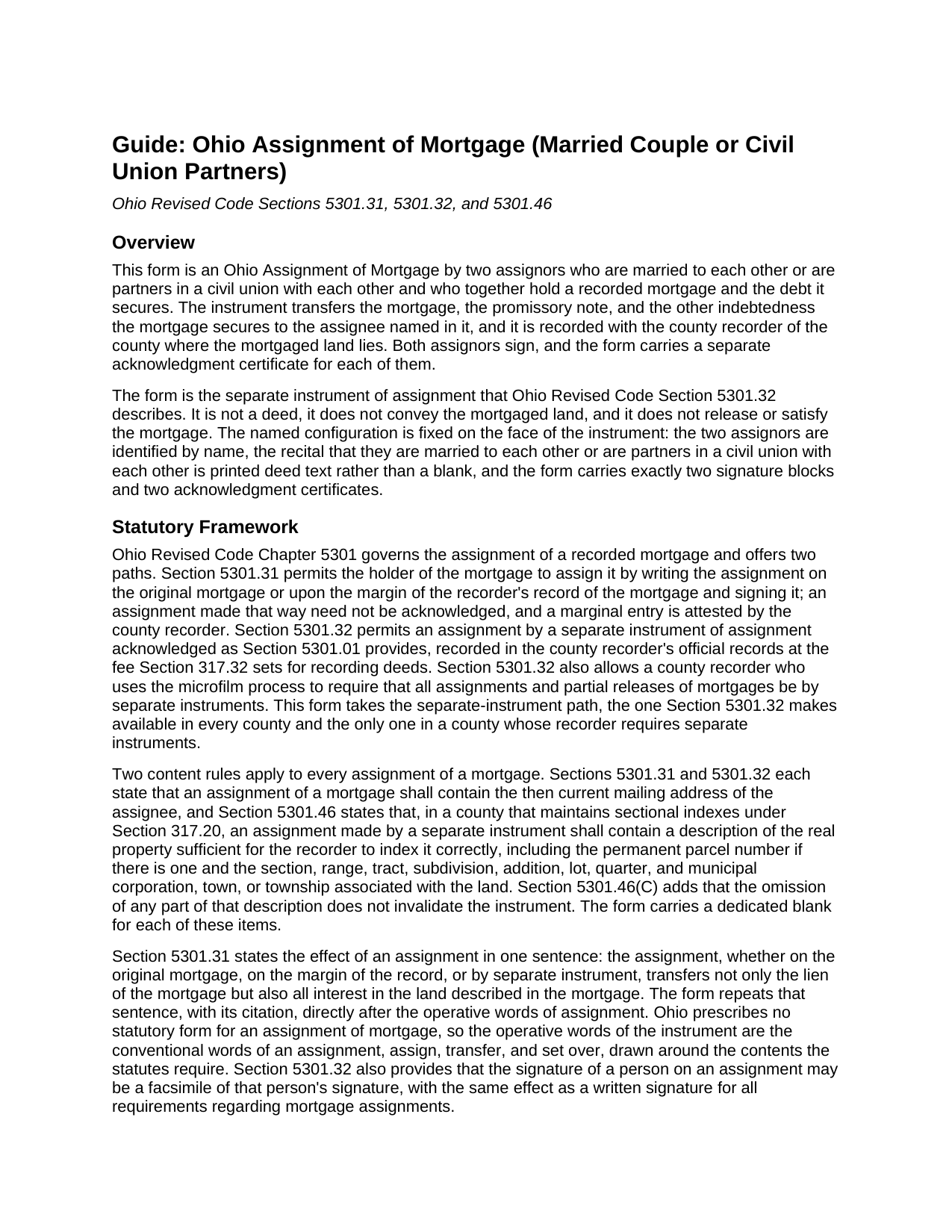
Shelby County Assignment of Mortgage (Married Couple or Civil Union Partners) Guide
Line by line guide explaining every blank on the Assignment of Mortgage (Married Couple or Civil Union Partners) form.
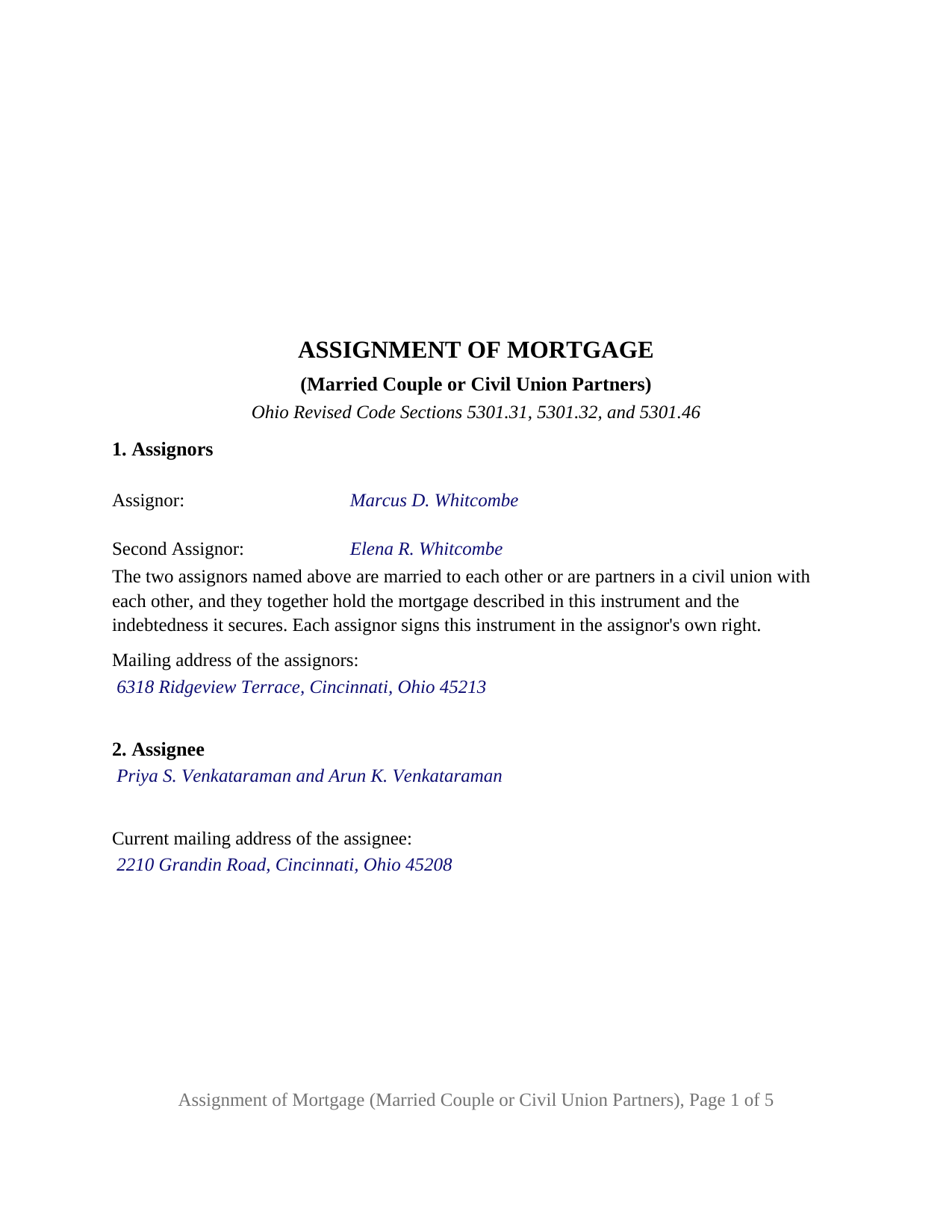
Shelby County Completed Example of the Assignment of Mortgage (Married Couple or Civil Union Partners) Document
Example of a properly completed Ohio Assignment of Mortgage (Married Couple or Civil Union Partners) document for reference.
All 3 documents above included • One-time purchase • No recurring fees
Immediate Download • Secure Checkout
Additional Ohio and Shelby County documents included at no extra charge:
Where to Record Your Documents
Shelby County Recorder
Sidney, Ohio 45365
Hours: 8:30 to 4:30 Monday through Thursday; 8:30 to 12:00 Friday
Phone: 937-498-7270
Recording Tips for Shelby County:
- Bring your driver's license or state-issued photo ID
- Ensure all signatures are in blue or black ink
- Documents must be on 8.5 x 11 inch white paper
- Double-check legal descriptions match your existing deed
- Verify all names are spelled correctly before recording
Cities and Jurisdictions in Shelby County
Properties in any of these areas use Shelby County forms:
- Anna
- Botkins
- Fort Loramie
- Houston
- Jackson Center
- Kettlersville
- Maplewood
- Pemberton
- Port Jefferson
- Russia
- Sidney
Hours, fees, requirements, and more for Shelby County
How do I get my forms?
Forms are available for immediate download after payment. The Shelby County forms will be in your account ready to download to your computer. An account is created for you during checkout if you don't have one. Forms are NOT emailed.
Are these forms guaranteed to be recordable in Shelby County?
Yes. Our form blanks are guaranteed to meet or exceed the applicable formatting requirements used for recording in Shelby County, including margin requirements, font requirements, and other layout standards. This guarantee applies to formatting, not to the legal sufficiency of information entered by the user or the suitability of a form for a particular transaction.
Can I reuse these forms?
Yes. You can reuse the forms for your personal use. For example, if you have multiple properties in Shelby County you only need to order once.
What do I need to use these forms?
The forms are PDFs that you fill out on your computer. The free Adobe Acrobat Reader is recommended, and most PDF apps also work. You do NOT enter your property information online - you download the blank forms and complete them privately on your own computer.
Are there any recurring fees?
No. This is a one-time purchase. Nothing to cancel, no memberships, no recurring fees.
How much does it cost to record in Shelby County?
Recording fees in Shelby County vary. Contact the recorder's office at 937-498-7270 for current fees.
Questions answered? Let's get started!
When two spouses hold a mortgage together, both are the mortgagee, and an assignment of it carries both signatures. This Ohio Assignment of Mortgage prepares that instrument for exactly two assignors who are married to each other or are partners in a civil union with each other and who together hold a recorded mortgage and the debt it secures, transferring both to a new holder by the separate instrument Ohio Revised Code Section 5301.32 describes.
Two holders, two signatures, one printed recital
Section 1 names the two assignors and then states, as printed text rather than a blank, that the two are married to each other or are partners in a civil union with each other, that they together hold the mortgage and the indebtedness it secures, and that each signs in the assignor's own right. The instrument carries two signature blocks, headed ASSIGNOR and SECOND ASSIGNOR, and a separate acknowledgment certificate for each, drawn to the individual short form of Section 147.55(A). Neither block is optional. A couple who financed an adult child's home purchase with a mortgage back to themselves and now move that loan to the trustee of their living trust, a couple who sell a mortgage from a private loan to a note investor, and partners in an out-of-state civil union who hold an Ohio mortgage between them present the pattern this instrument recites. The form is not set up for a sole assignor, for three or more assignors, for co-holders who are not married or partnered with each other, or for an assignor signing as a trustee, executor, attorney-in-fact, or entity.
Why the printed relationship reads married or civil union
Ohio has no civil union status of its own. Article XV, Section 11 of the Ohio Constitution provides that the state shall not create or recognize a legal status for relationships of unmarried individuals that approximates marriage, and Section 3101.01(B) of the Revised Code treats an out-of-state record extending marriage benefits to a nonmarital relationship as having no legal force in Ohio; the same section's one man and one woman sentence is unenforceable under Obergefell v. Hodges (2015). A civil union named on this form is therefore a status that exists under another jurisdiction's law, described as the assignors state it. The assignment does not rest on that recital: Sections 5301.31, 5301.32, and 5301.46 name what a mortgage assignment carries and say nothing about the holders' relationship, and the instrument operates because both holders of the mortgage sign and acknowledge it.
No dower release on the lender's side of a mortgage
Ohio deed forms carry a sentence releasing dower because Section 2103.02 gives a spouse a life estate in one third of the real property of which the other spouse was seized as an estate of inheritance during the marriage. This instrument carries no such sentence: it assigns the mortgagee's interest, both holders of that interest sign, and no spouse stands outside it for a release to address.
What the assignee receives
For value received, the two assignors assign, transfer, and set over to the assignee their right, title, and interest in the identified mortgage, together with the promissory note and the other indebtedness it secures, and the form repeats, with its citation, the Section 5301.31 sentence that an assignment transfers the lien and all interest in the land the mortgage describes. Section 2 carries the dedicated line for the assignee's current mailing address that Sections 5301.31 and 5301.32 require.
Indexing and the recorder's fee
The property section asks for the permanent parcel number and the municipal corporation or township along with the legal description copied from the mortgage, the items Section 5301.46 names for a county with sectional indexes, and a separate section identifies any earlier assignment of record so the chain from the original mortgagee to the present holders is complete. The recorder records the instrument at the deed fee of Section 317.32 and, under division (C), collects four dollars for the marginal reference to the mortgage being assigned. A release or satisfaction of the mortgage is a different instrument under Sections 5301.28 and 5301.34, recorded separately and not included in this package.
The package includes the fillable form, a completed example filled in for a Hamilton County mortgage held by two spouses, and the guide that walks through each section, both acknowledgment certificates, and recording with the county recorder. This page and the guide explain the form and the Ohio statutes behind it in general terms only; neither is legal advice.
Important: Your property must be located in Shelby County to use these forms. Documents should be recorded at the county recording office listed above.
This Assignment of Mortgage (Married Couple or Civil Union Partners) meets all recording requirements specific to Shelby County.
Our Promise
The documents you receive here are guaranteed to meet or exceed the applicable Shelby County recording format requirements. If there is a rejection caused by our formatting, we will correct the issue or refund your payment. This guarantee applies to document formatting only and does not extend to information entered by the user, the selection of the form, or the legal effect of the completed document.
Save Time and Money
Get your Shelby County Assignment of Mortgage (Married Couple or Civil Union Partners) form done right the first time with Deeds.com Uniform Conveyancing Blanks. At Deeds.com, we understand that your time and money are valuable resources, and we don't want you to face a penalty fee or rejection imposed by a county recorder for submitting nonstandard documents. We constantly review and update our forms to meet rapidly changing state and county recording requirements for roughly 3,500 counties and local jurisdictions.
4.8 out of 5 - ( 4,860 Reviews )
Jason J. 5 out of 5 stars
My first submission was super quick and easy. I had trouble with the second submission, as I was not aware of what the county would require, but the team at Deeds.com walked me through every step of the process. Will definitely use again and refer business partners to Deeds.com!
Thank you, Jason! We’re glad your first submission went smoothly and appreciate your patience with the second. County requirements can vary, and we’re always here to help make the process as simple as possible. We look forward to assisting you — and your business partners — again soon!
Suhila C. 5 out of 5 stars
This site is awesome. It has everything I need to purchase and sell (transfer deed ownership) land and property. I cannot wait to get our new land and building for business. Thanks, Suhila
We appreciate your business and value your feedback. Thank you. Have a wonderful day!
Jeanne P. 5 out of 5 stars
very easy to use and at an affordable price. Thank you!!
We appreciate your business and value your feedback. Thank you. Have a wonderful day!
Narcedalia G. 5 out of 5 stars
Easy to use quick responses with accurate information and great customer service. No need to say more!
Your feedback is greatly appreciated. Thank you for taking the time to share your experience!
John F. 5 out of 5 stars
Excellent service, very reliable.
Thank you for your feedback. We really appreciate it. Have a great day!
Shawn B. 5 out of 5 stars
Deeds.com support is very quick and responsive. Would use again and recommend to others in need of e-recording.
Thank you for your feedback. We really appreciate it. Have a great day!
Lawrence N. 5 out of 5 stars
Very easy and convenient to use. Low cost and saves a trip to the courthouse and/or having to do mailing(s)
We appreciate your business and value your feedback. Thank you. Have a wonderful day!
Darren G. 3 out of 5 stars
Your beneficiary deed sample contains a error of the LDPS designation. I copied the designation of LPDS instead of the correct designation
Thank you for your feedback. We really appreciate it. Have a great day!
Janice S. 5 out of 5 stars
Really easy downloading the forms the directions everything was really easy thanks!
We appreciate your business and value your feedback. Thank you. Have a wonderful day!
Monica U. 5 out of 5 stars
Thank You. Good Service. Questions were answered.
Thank you for your feedback. We really appreciate it. Have a great day!
Barbara E. 5 out of 5 stars
Fast efficient, just what I needed.
Thank you so much Barbara. We appreciate your feedback.
Chad N. 5 out of 5 stars
Thank you for taking care of a recording very quickly. I am very impressed by your service an would recommend to anyone. Easy to navigate.
Thank you for your feedback. We really appreciate it. Have a great day!
jim g. 5 out of 5 stars
so far so good. was hoping to have the recorded document already. i need the recorded document by friday, june 5th for my city approval. anyway you can please get it to me tomorrow. thanks, jim
Thank you!
Jan M. 5 out of 5 stars
Fantastic company. They are the absolute best and helped me get the information I needed.
We appreciate your business and value your feedback. Thank you. Have a wonderful day!
Lutz P. 5 out of 5 stars
Your forms are great but I couldn’t use them with my computer and acrobats reader didn’t work. And then my thermal printer would only print 1/3 size pages with no way to fix it. I ordered a new color printer and we’ll see what happens.
Thank you, Lutz. We're glad you like the forms, and we're sorry getting them working turned into such a hassle. That shrunken page is typical of thermal printers: most use narrow receipt or label paper, so a full page gets scaled down to fit, and no setting can change that. Thermal paper also fades over time, which you don't want on a document you're recording, so the new printer is the right call. When it arrives, print on plain white paper with “Actual size” selected in the print settings so the page comes out full size with its margins intact. If Acrobat Reader gives you trouble again, save the form to your computer first and open the saved file in Acrobat Reader rather than in your web browser. Still stuck? Contact our support team and we'll walk you through it.