Richland County Correction Deed Form
Last validated October 12, 2026 by our Forms Development TeamFormatted for recording in Richland County, for property anywhere in the county: rural and unincorporated areas as well as Bellville, Butler, Lucas, Mansfield, Ontario, Shelby, Shiloh.
- 3 documents included
- Immediate PDF download
- Formatting guarantee
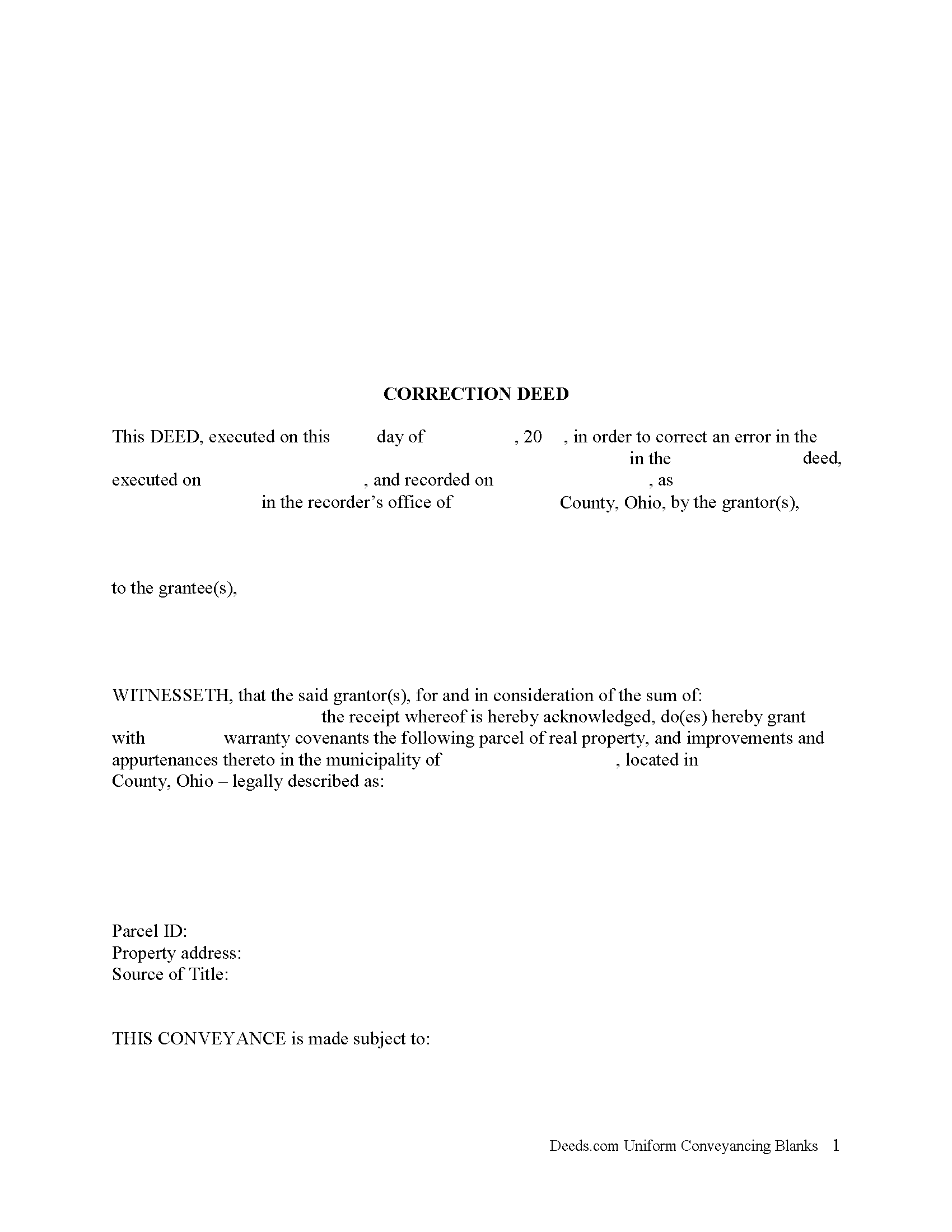
Richland County Correction Deed Form
Fill in the blank form formatted to comply with all recording and content requirements.
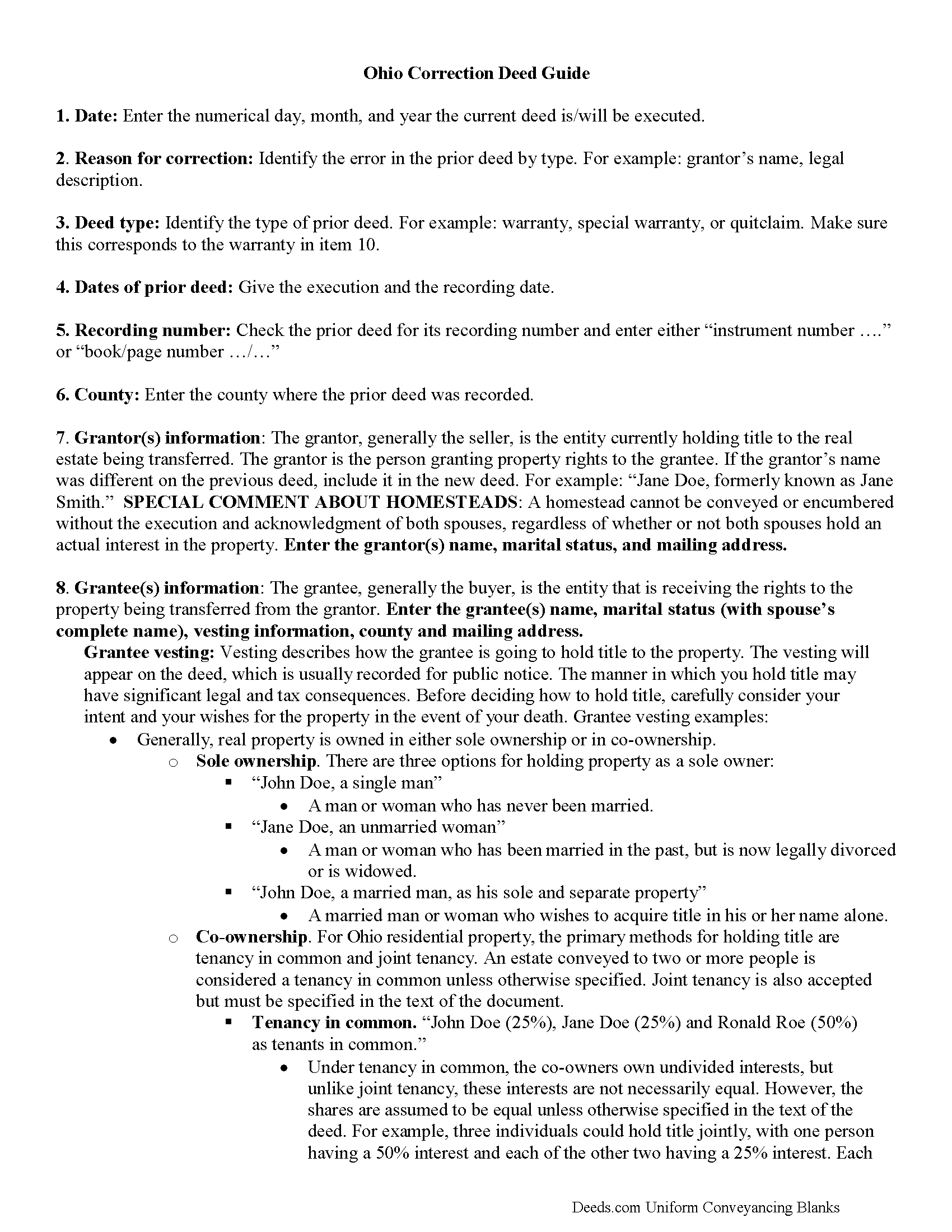
Richland County Correction Deed Guide
Line by line guide explaining every blank on the form.
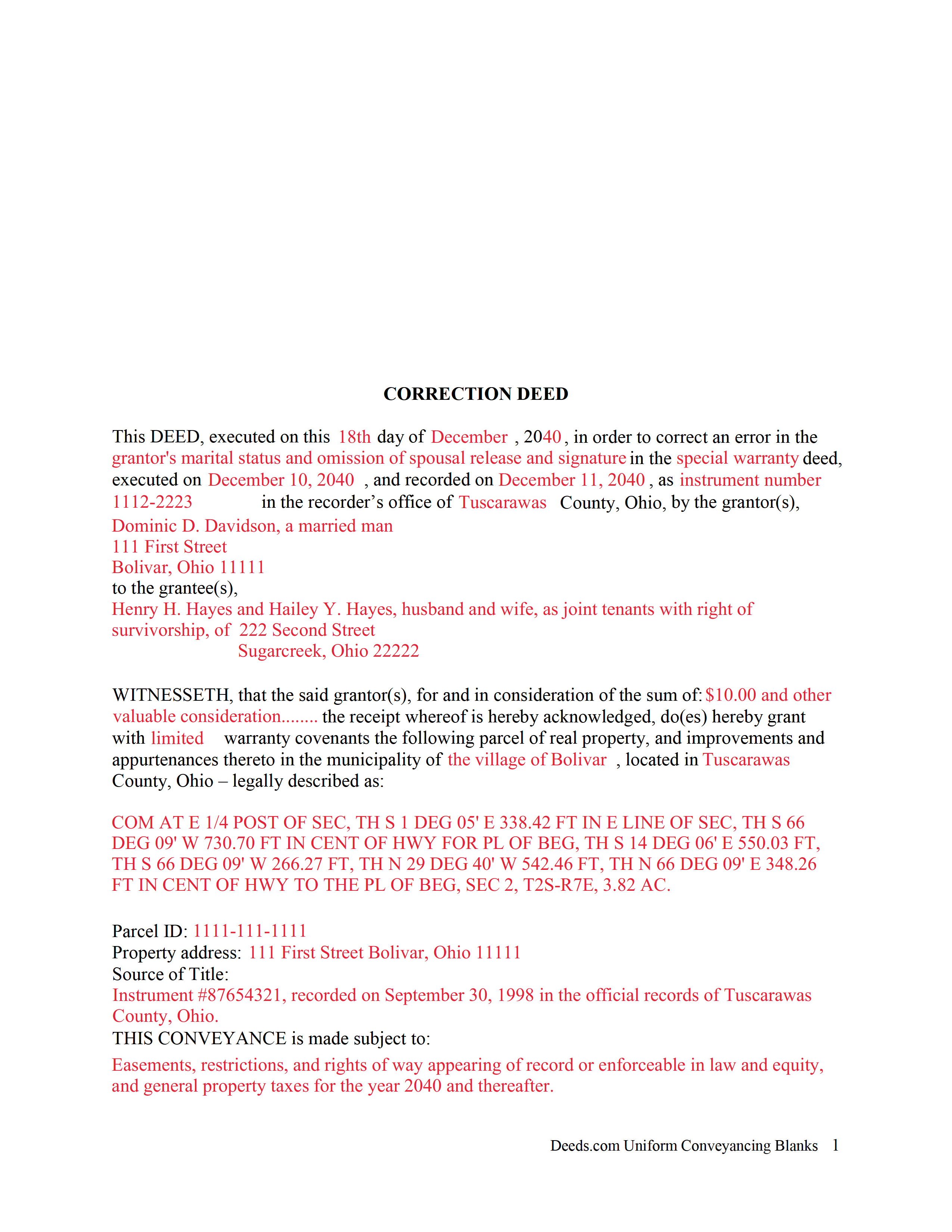
Richland County Completed Example of the Correction Deed Document
Example of a properly completed form for reference.
All 3 documents above included • One-time purchase • No recurring fees
Immediate Download • Secure Checkout
Additional Ohio and Richland County documents included at no extra charge:
Where to Record Your Documents
Richland County Recorder
Mansfield, Ohio 44902
Hours: 8:00 to 4:00 M-F
Phone: 419-774-5602 or 5601
Recording Tips for Richland County:
- Bring your driver's license or state-issued photo ID
- Ensure all signatures are in blue or black ink
- Request a receipt showing your recording numbers
- Ask about accepted payment methods when you call ahead
- Ask for certified copies if you need them for other transactions
Cities and Jurisdictions in Richland County
Properties in any of these areas use Richland County forms:
- Bellville
- Butler
- Lucas
- Mansfield
- Ontario
- Shelby
- Shiloh
Hours, fees, requirements, and more for Richland County
How do I get my forms?
Forms are available for immediate download after payment. The Richland County forms will be in your account ready to download to your computer. An account is created for you during checkout if you don't have one. Forms are NOT emailed.
Are these forms guaranteed to be recordable in Richland County?
Yes. Our form blanks are guaranteed to meet or exceed the applicable formatting requirements used for recording in Richland County, including margin requirements, font requirements, and other layout standards. This guarantee applies to formatting, not to the legal sufficiency of information entered by the user or the suitability of a form for a particular transaction.
Can I reuse these forms?
Yes. You can reuse the forms for your personal use. For example, if you have multiple properties in Richland County you only need to order once.
What do I need to use these forms?
The forms are PDFs that you fill out on your computer. The free Adobe Acrobat Reader is recommended, and most PDF apps also work. You do NOT enter your property information online - you download the blank forms and complete them privately on your own computer.
Are there any recurring fees?
No. This is a one-time purchase. Nothing to cancel, no memberships, no recurring fees.
How much does it cost to record in Richland County?
Recording fees in Richland County vary. Contact the recorder's office at 419-774-5602 or 5601 for current fees.
Questions answered? Let's get started!
In Ohio, a deed can be corrected either by re-recording the prior deed with corrections made directly on it, or by recording a new deed, called correction or corrective deed. In both cases, the reason for the correction, the recording number and execution/recording dates need to be stated. The choice between the two options may depend on county preference or the nature of the defect. Correction in general is only effective when it clarifies or completes the title of the prior deed. Altering the nature of the document by means of a correction deed is not advisable.
Thus, correcting the name or missing initial in the grantor's or grantee's name, the grantee's tax address, a minor error in the acknowledgement or even in the legal description can all be achieved through a correction deed. If the grantor re-acknowledges the corrected deed, errors of omission can be resolved as well, as can the marital status and spousal release and more serious errors in the legal description.
The Ohio Bar Association publishes guidelines for title standards and advise to never use a correction deed in order to add or delete a grantee, to make major changes in the legal description, such as a changing the lot number, or to add or delete restrictive covenants or easements. Taking minimal requirements for sufficiency and definiteness as the standard for effective conveyances, they list and explain errors that may not impair the marketability of a title and indicate that "lapse of time, subsequent conveyances, the manifest or typographical nature of errors or omission, accepted rules of construction and other considerations should be relied upon to approve marginally sufficient or questionable descriptions" (Ohio Title Standards, section 3.2, 2012).
In many counties, submit all deeds to the assessor prior to recording. Sometimes, only changes to the legal description need to be approved by the auditor before they can be recorded. The statement of value form DTE 100-EX needs to accompany the correction deed and indicate the reason for exemption. Bear in mind, however, that any changes to the legal description may affect transfer tax assessment. Spend time considering the different outcomes of each option and contact the local authorities, either the recorder's or the auditor's office for specific requirements and practices.
(Ohio Correction Deed Package includes form, guidelines, and completed example)
Important: Your property must be located in Richland County to use these forms. Documents should be recorded at the county recording office listed above.
This Correction Deed meets all recording requirements specific to Richland County.
Our Promise
The documents you receive here are guaranteed to meet or exceed the applicable Richland County recording format requirements. If there is a rejection caused by our formatting, we will correct the issue or refund your payment. This guarantee applies to document formatting only and does not extend to information entered by the user, the selection of the form, or the legal effect of the completed document.
Save Time and Money
Get your Richland County Correction Deed form done right the first time with Deeds.com Uniform Conveyancing Blanks. At Deeds.com, we understand that your time and money are valuable resources, and we don't want you to face a penalty fee or rejection imposed by a county recorder for submitting nonstandard documents. We constantly review and update our forms to meet rapidly changing state and county recording requirements for roughly 3,500 counties and local jurisdictions.
4.8 out of 5 - ( 4,828 Reviews )
Jennifer C. 5 out of 5 stars
Fast turnaround. Very much appreciated!
Thank you!
Gary F. 5 out of 5 stars
5 star review. Was able to order and download what I wanted in just a few minutes without any glitches.
Thank you for your feedback. We really appreciate it. Have a great day!
Norman J. 5 out of 5 stars
I really enjoyed your service. It was great.
Thank you!
Todd W. 2 out of 5 stars
Communication is hard. The reps need to be empowered and encouraged to call the customers when necessary. They encourage 300 dpi resolution and under 2 MB PDF file, which is not even possible with our scanner. They made a vague comment about a legal description looking abbreviated but did not explain. They refused to call me. They said the county said "Image is light please darken", but the image looked fine to me. Maybe not their fault, but they refused to help work with the county on that for me. I followed their suggestion though and re-scanned at 300 dpi, but they misunderstood me and did not re-submit it right away. Over 48 hours later, it's still not recorded yet. I hope it will be today.
Thank you for your feedback Todd.
Celeste F. 5 out of 5 stars
Great experience. No hassle. It kept me out of a government office.
Thank you for your feedback. We really appreciate it. Have a great day!
Lora N. 5 out of 5 stars
Excellent, easy to use! Awesome system. Loved it.
Thank you!
Ivory J. 5 out of 5 stars
Haven't processed any deed documents so far. I do agree that Deed.com website browsing tool will be helpful.
Thank you!
Leslie S. 5 out of 5 stars
After over a month of turmoil and feeling like "you can't get there from here",you solved my problem in a little over an hour. Thank you!!
Thank you for your feedback. We really appreciate it. Have a great day!
GLENN C. 5 out of 5 stars
Your response was very thorough
Thank you for your feedback. We really appreciate it. Have a great day!
Audra P. 5 out of 5 stars
Deeds.com was so easy to use and understand. So fairly priced too in my opinion, worth every penny! Thank you deeds.com and I'm grateful my county uses and encourages using them.
We appreciate your business and value your feedback. Thank you. Have a wonderful day!
THOMAS P. 5 out of 5 stars
This site is excellent and makes everything so much easier. 5 star platform.
We appreciate your business and value your feedback. Thank you. Have a wonderful day!
Wayne T. 5 out of 5 stars
I found that it was easy-to-use and complete.
Thank you!
Mary S. 5 out of 5 stars
Really, really great. Instructions are so helpful.
We appreciate your business and value your feedback. Thank you. Have a wonderful day!
Thomas G. 1 out of 5 stars
Wasn’t what I expected
Sorry to hear that your expectations were missed. Your order has been canceled. We do hope that you find something more suitable to your expectations elsewhere. Do keep in mind that purchasing legal forms should not be an exploratory endeavor.
David D. 5 out of 5 stars
Forms were quick to receive and appear to be what I need to complete our task.
Thank you for your feedback. We really appreciate it. Have a great day!