Hocking County Disclaimer of Interest (Trustee) Form
Last validated October 23, 2026 by our Forms Development TeamFormatted for recording in Hocking County, for property anywhere in the county: rural and unincorporated areas as well as Carbon Hill, Haydenville, Laurelville, Logan, Murray City, Rockbridge, South Bloomingville, Union Furnace.
- 3 documents included
- Immediate PDF download
- Formatting guarantee
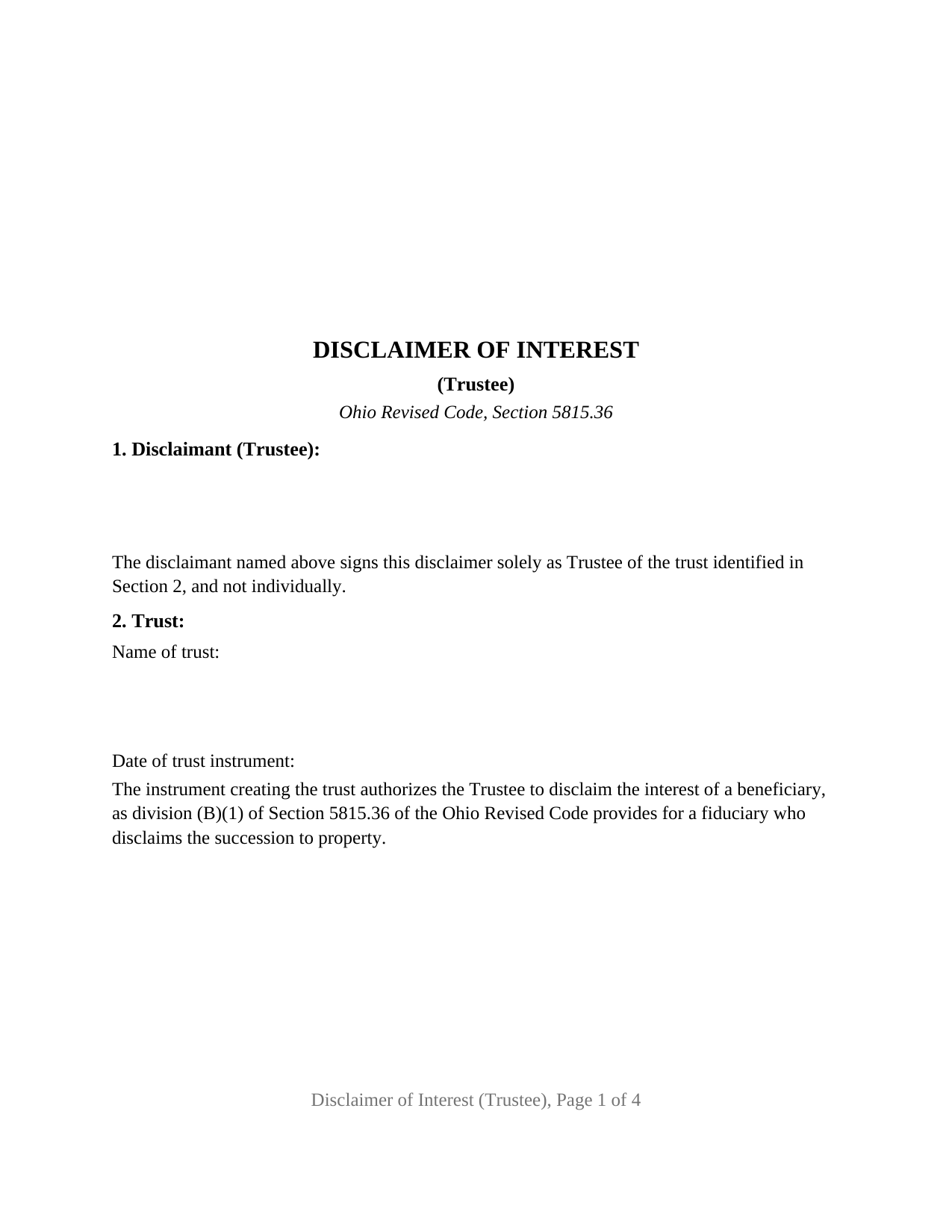
Hocking County Disclaimer of Interest (Trustee) Form
Fill in the blank Disclaimer of Interest (Trustee) form formatted to comply with all Ohio recording and content requirements.
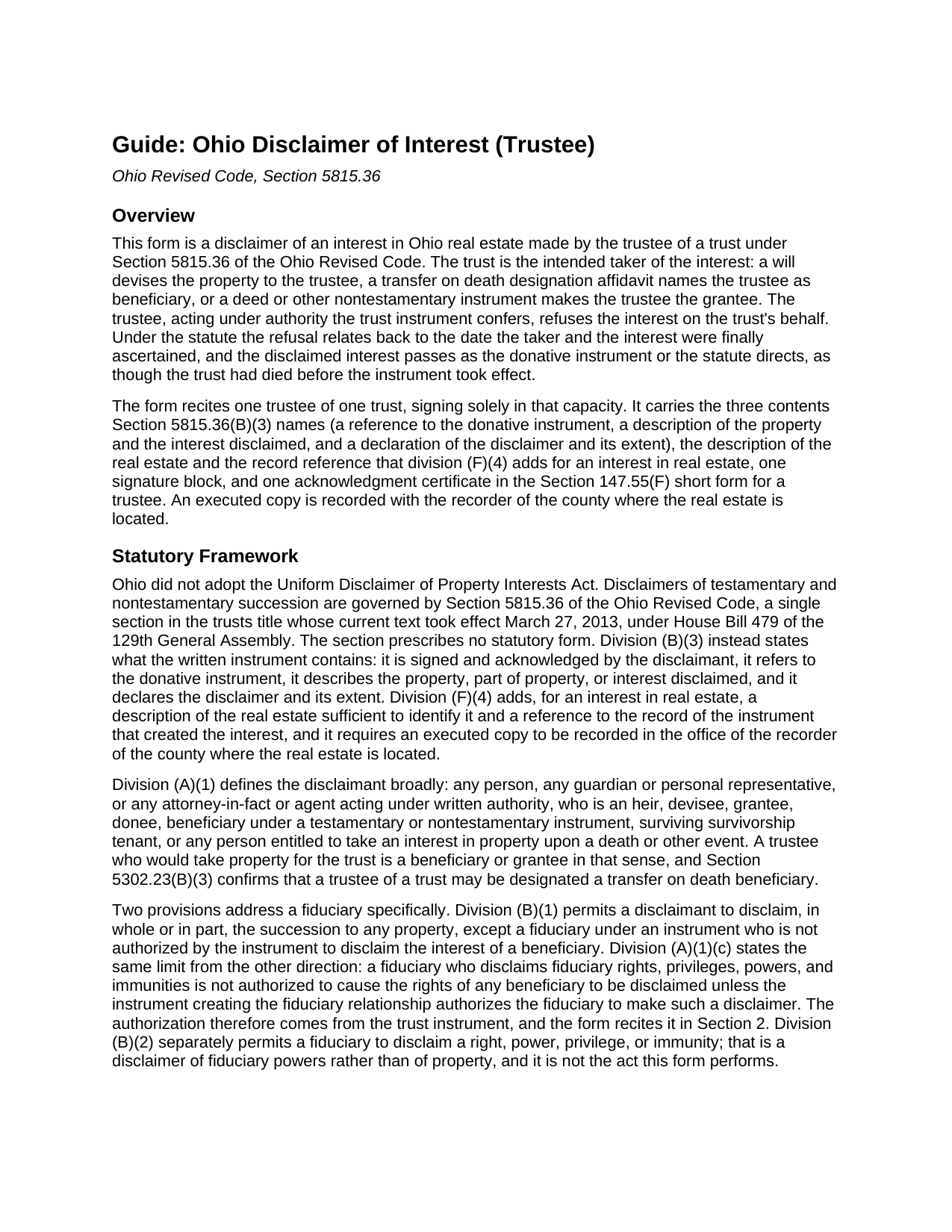
Hocking County Disclaimer of Interest (Trustee) Guide
Line by line guide explaining every blank on the Disclaimer of Interest (Trustee) form.
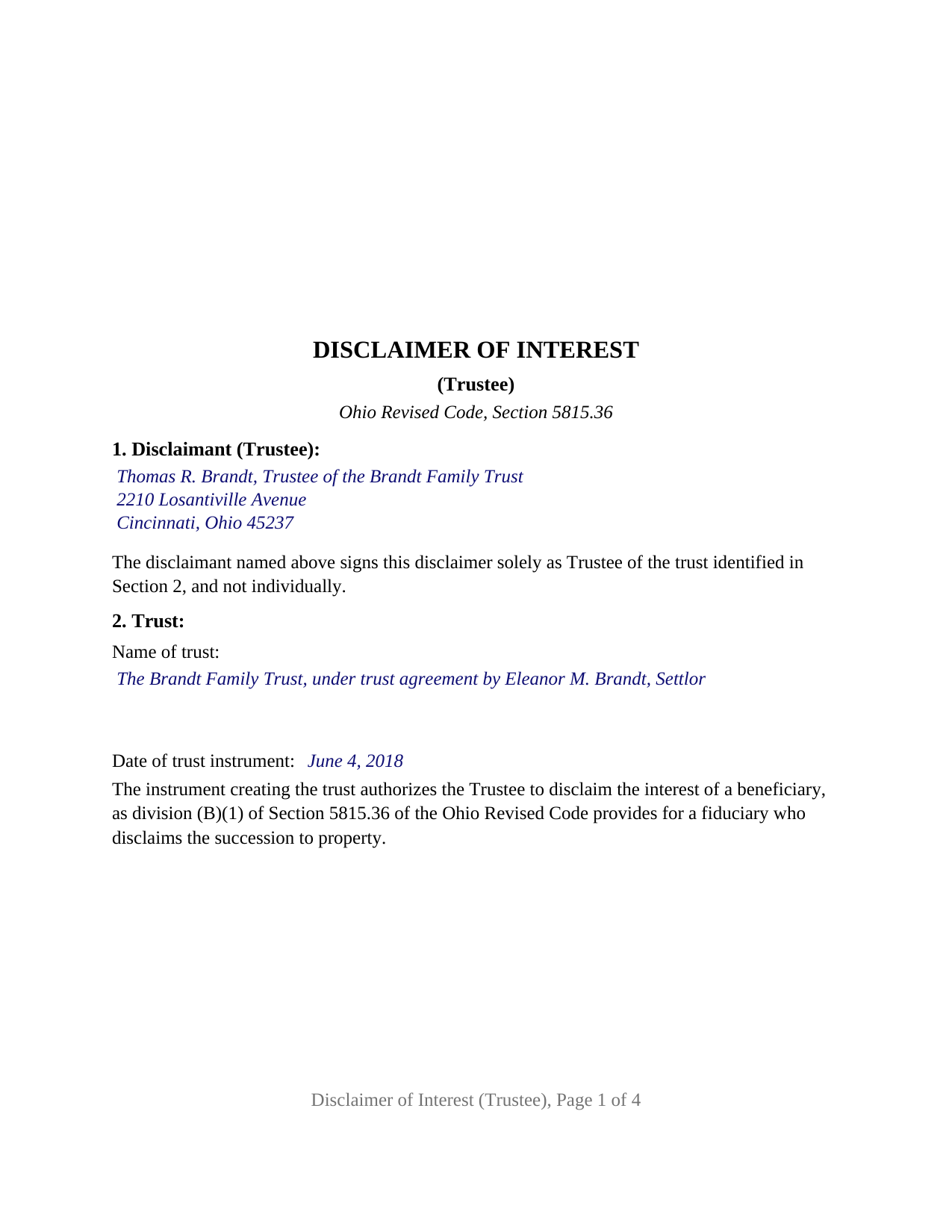
Hocking County Completed Example of the Disclaimer of Interest (Trustee) Document
Example of a properly completed Ohio Disclaimer of Interest (Trustee) document for reference.
All 3 documents above included • One-time purchase • No recurring fees
Immediate Download • Secure Checkout
Additional Ohio and Hocking County documents included at no extra charge:
Where to Record Your Documents
Hocking County Recorder
Logan, Ohio 43138
Hours: 8:30 a.m. - 4:00 p.m. Monday - Friday
Phone: 740-385-2031
Recording Tips for Hocking County:
- Bring your driver's license or state-issued photo ID
- Ensure all signatures are in blue or black ink
- Avoid the last business day of the month when possible
- Both spouses typically need to sign if property is jointly owned
- Bring extra funds - fees can vary by document type and page count
Cities and Jurisdictions in Hocking County
Properties in any of these areas use Hocking County forms:
- Carbon Hill
- Haydenville
- Laurelville
- Logan
- Murray City
- Rockbridge
- South Bloomingville
- Union Furnace
Hours, fees, requirements, and more for Hocking County
How do I get my forms?
Forms are available for immediate download after payment. The Hocking County forms will be in your account ready to download to your computer. An account is created for you during checkout if you don't have one. Forms are NOT emailed.
Are these forms guaranteed to be recordable in Hocking County?
Yes. Our form blanks are guaranteed to meet or exceed the applicable formatting requirements used for recording in Hocking County, including margin requirements, font requirements, and other layout standards. This guarantee applies to formatting, not to the legal sufficiency of information entered by the user or the suitability of a form for a particular transaction.
Can I reuse these forms?
Yes. You can reuse the forms for your personal use. For example, if you have multiple properties in Hocking County you only need to order once.
What do I need to use these forms?
The forms are PDFs that you fill out on your computer. The free Adobe Acrobat Reader is recommended, and most PDF apps also work. You do NOT enter your property information online - you download the blank forms and complete them privately on your own computer.
Are there any recurring fees?
No. This is a one-time purchase. Nothing to cancel, no memberships, no recurring fees.
How much does it cost to record in Hocking County?
Recording fees in Hocking County vary. Contact the recorder's office at 740-385-2031 for current fees.
Questions answered? Let's get started!
A trust can be next in line for Ohio real estate it does not want: a transfer on death designation affidavit names the trustee as beneficiary, a will devises a parcel to the trust, or a deed makes the trustee the grantee of land that carries more liability than value. This form prepares the instrument by which the trustee refuses that interest on the trust's behalf under Section 5815.36 of the Ohio Revised Code, signed and acknowledged by one trustee in that capacity alone.
Authority that comes from the trust instrument
Section 5815.36 lets most takers disclaim at will, but it treats a fiduciary differently. Division (B)(1) permits a disclaimant to disclaim the succession to property in whole or in part, except a fiduciary under an instrument who is not authorized by the instrument to disclaim the interest of a beneficiary, and division (A)(1)(c) repeats the limit from the other side. The authorization lives in the trust agreement or the will that created the trust, and Section 2 of this form recites it in a fixed sentence beneath the trust's name and date. The instrument follows the Section 5815.36 procedure, with its relation back under division (H) and its final and binding effect under division (M).
The successor trustee stands in
Ohio's transfer on death statute anticipates the trustee named in an affidavit no longer serving. Section 5302.22(G) provides that where the person designated solely as trustee of a trust has died, resigned, or been replaced by the owner's death, the successor trustee is the beneficiary in existence on that date even though the affidavit never names the successor. Section 1 of the form takes the successor's name and the words Successor Trustee in the same blank. When that trustee disclaims, Section 5302.23(B)(1) carries the interest to the contingent beneficiary the affidavit names and, where none exists, into the owner's probate estate.
Contents the statute dictates
No official Ohio form exists for a disclaimer. Division (B)(3) lists the contents of the written instrument, division (F)(4) adds two more for real estate, and the form carries each: the donative instrument and its record reference, the real estate described with certainty, the interest disclaimed and the extent of the disclaimer, and the declaration itself. Section 6 performs the act in fixed text: the trustee disclaims irrevocably and without any power to revoke, the condition division (E)(1) attaches to an effective disclaimer, has accepted no benefit of the interest, and makes no direction as to where it goes, leaving division (G) and the donative instrument to decide. The trustee's marital status plays no part, and no spouse signs.
One trustee, one trust, one certificate
The form recites exactly one trustee of exactly one trust, a natural person serving as trustee or successor trustee, with one signature block and one acknowledgment certificate carrying the Section 147.55(F) short form for a public officer, trustee, or personal representative, whose name blank holds the trustee's name and title. A trustee of a family trust declining a parcel the settlor's transfer on death affidavit left to the trust, so that the affidavit's contingent beneficiary takes it instead, presents the pattern this form recites. Co-trustees disclaiming together, a bank or other entity trustee signing through an officer, a trustee disclaiming fiduciary powers under division (B)(2), and a guardian or personal representative disclaiming with probate court consent under division (B)(4) follow different patterns.
Where the executed copy goes
An executed copy is recorded with the recorder of the county where the land lies, on pages formatted to Section 317.114, which this form meets with 12 point type. For a transfer on death interest the instrument is also filed with that recorder; for an interest under a will it is filed in the probate division with a copy delivered to the personal representative; for an interest under a deed or other nontestamentary instrument it is delivered to the person holding legal title or possession. Each step comes before the trust accepts any benefit of the interest.
Three deliverables make up the package: the fillable trustee disclaimer form, a completed example worked through a Hamilton County fact pattern, and the guide, which takes up each numbered section in turn together with the statutory delivery and filing paths and the recording steps. Neither this description nor the guide applies the Ohio statutes to a particular trust or parcel, and neither is legal advice.
Important: Your property must be located in Hocking County to use these forms. Documents should be recorded at the county recording office listed above.
This Disclaimer of Interest (Trustee) meets all recording requirements specific to Hocking County.
Our Promise
The documents you receive here are guaranteed to meet or exceed the applicable Hocking County recording format requirements. If there is a rejection caused by our formatting, we will correct the issue or refund your payment. This guarantee applies to document formatting only and does not extend to information entered by the user, the selection of the form, or the legal effect of the completed document.
Save Time and Money
Get your Hocking County Disclaimer of Interest (Trustee) form done right the first time with Deeds.com Uniform Conveyancing Blanks. At Deeds.com, we understand that your time and money are valuable resources, and we don't want you to face a penalty fee or rejection imposed by a county recorder for submitting nonstandard documents. We constantly review and update our forms to meet rapidly changing state and county recording requirements for roughly 3,500 counties and local jurisdictions.
4.8 out of 5 - ( 4,831 Reviews )
Roderick S. 2 out of 5 stars
It all started out well, then I was abruptly told that I would have to submit the documents directly to the recording office. No explanation was offered and I wasted a lot of time on your website for nothing. Very disappointing, as the concept of e-recording is what is needed in 2026.
We reviewed your order and our support messages. The document uploaded for recording was a very low-quality scan that did not meet the county’s eRecording image requirements. Our staff asked that a clearer scan be uploaded, but the same image was submitted again.
Because the document could not be processed electronically, we advised recording it directly with the county recorder’s office.
E-recording systems require clear, legible document images that meet county standards. When those requirements cannot be met, recording directly with the recorder is often the fastest option.
Timothy M. 5 out of 5 stars
I like what I see so far!
Thank you!
Annette H. 5 out of 5 stars
Clear directions. Giving a sample filled-in set of forms was great! Economical cost. Will refer others & use Deeds.com again.
We appreciate your business and value your feedback. Thank you. Have a wonderful day!
Stephen S. 5 out of 5 stars
This is awesome. Making sure not only that everything is worded correctly but also formatted correctly is great. Thank you.
Thank you for your feedback. We really appreciate it. Have a great day!
Ann B. 5 out of 5 stars
Works perfect. Saved money hiring someone to do this work.
Thank you!
CHARLES H. 5 out of 5 stars
Easy to fill-in forms, easy instructions, worth purchasing
Thank you!
Marlin M. 5 out of 5 stars
all round GREAT!
Always great to hear kind words from such a long time customer Marlin, thank you.
Meg R. 5 out of 5 stars
Good system fairly easy to use
Thank you!
Gerald S. 5 out of 5 stars
Very pleased with the services provided by deeds.com. Quick response time after information was provided.
We appreciate your business and value your feedback. Thank you. Have a wonderful day!
Edwart D. 5 out of 5 stars
I tend to not pay attention to the details and then blame other people. Thankfully Deeds.com has my back when I make silly mistakes.
Thank you!
Robert B. 5 out of 5 stars
Fast and easy and Jefferson County Colorado excepted the forms.
Thank you!
Larry J. 5 out of 5 stars
we are hoping this is what we need. Thanks
Thank you!
William J. T. 5 out of 5 stars
Satisfied with downloaded documents.
Thank you!
Cheryl L. 5 out of 5 stars
So very easy to deal with and purchase. It was exactly what I was looking for. Thank you
Thank you, Cheryl! Glad the form was exactly what you needed and the process was straightforward. We appreciate you taking the time to share your experience.
Krissyn S. 5 out of 5 stars
It was so easy to find, download, and use the form I needed. Literally took about 5 minutes and I was ready to go. I loved that the download included a sample form and a guide to help fill out the form properly.
Thank you for your feedback. We really appreciate it. Have a great day!