Greene County Memorandum of Trust (Two Individual Cotrustees) Form
Last validated November 13, 2026 by our Forms Development TeamFormatted for recording in Greene County, for property anywhere in the county: rural and unincorporated areas as well as Alpha, Bellbrook, Bowersville, Cedarville, Clifton, Dayton, Fairborn, Jamestown and 4 more.
- 3 documents included
- Immediate PDF download
- Formatting guarantee
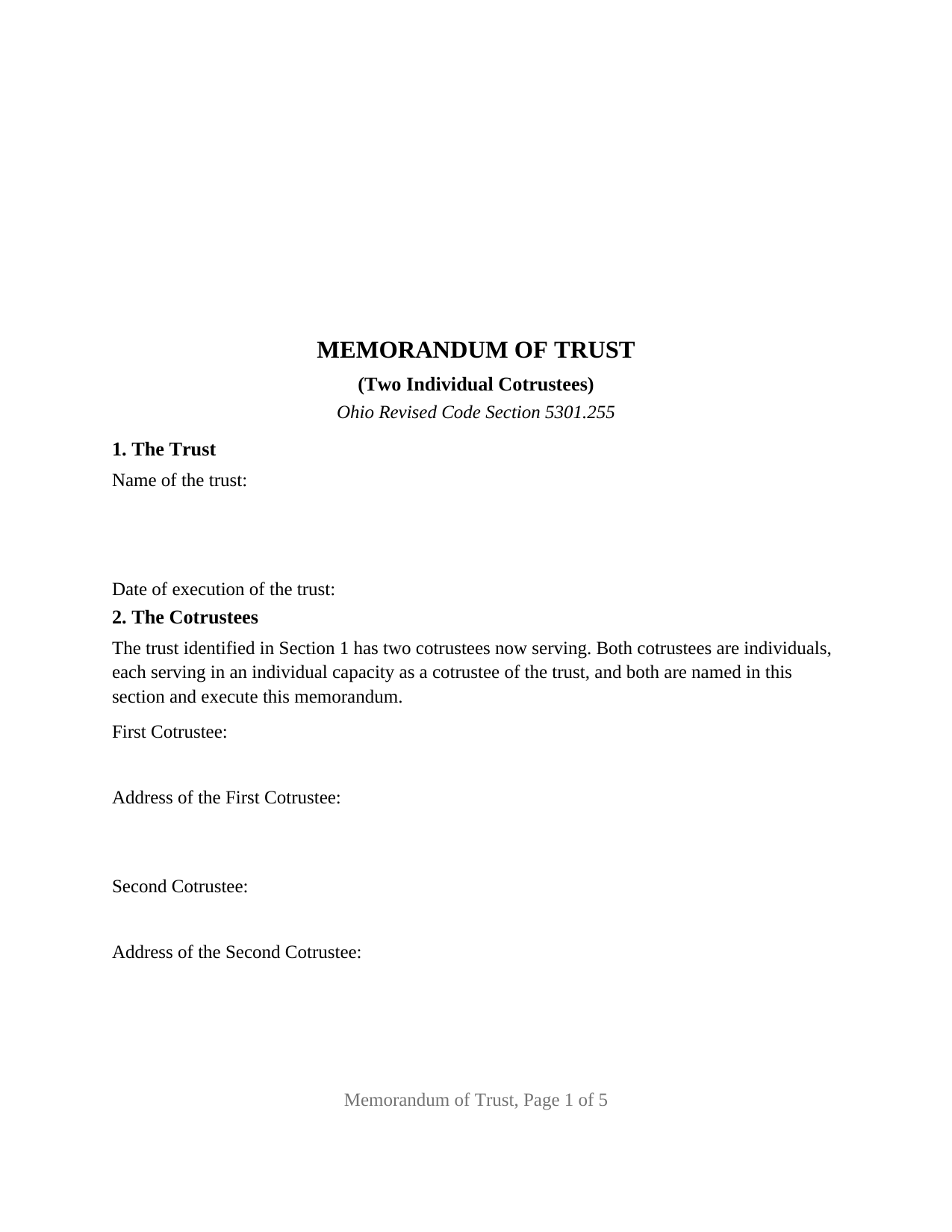
Greene County Memorandum of Trust (Two Individual Cotrustees) Form
Fill in the blank Memorandum of Trust (Two Individual Cotrustees) form formatted to comply with all Ohio recording and content requirements.
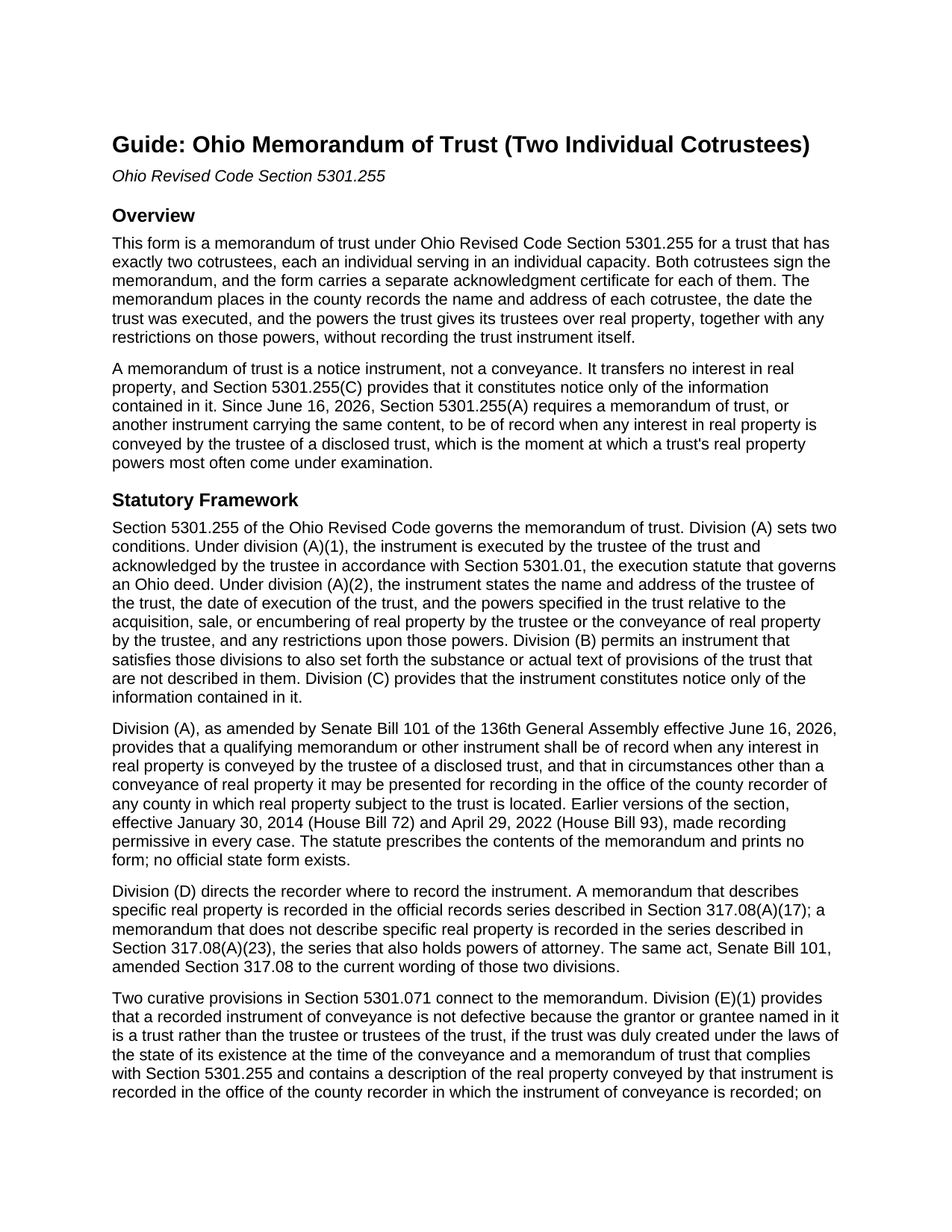
Greene County Memorandum of Trust (Two Individual Cotrustees) Guide
Line by line guide explaining every blank on the Memorandum of Trust (Two Individual Cotrustees) form.
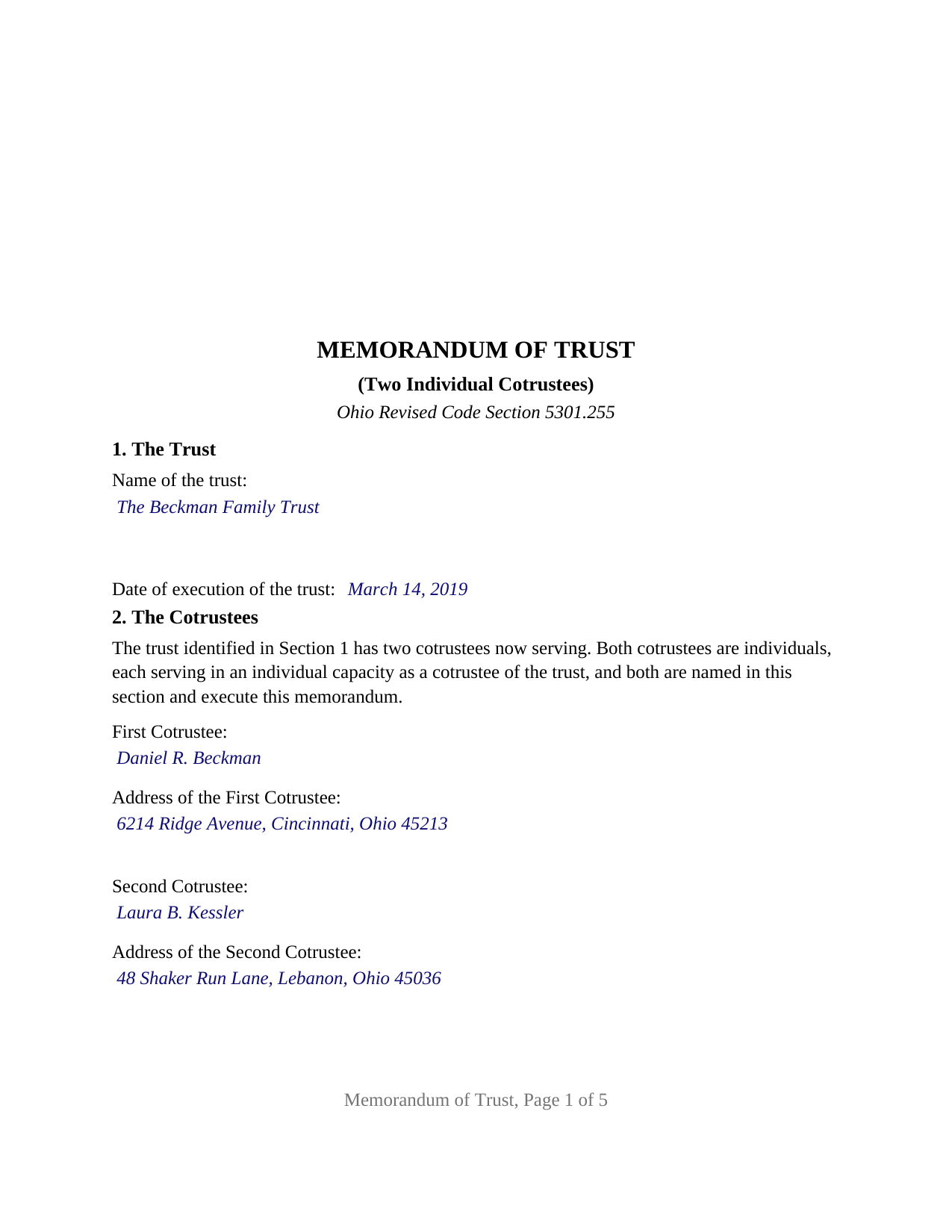
Greene County Completed Example of the Memorandum of Trust (Two Individual Cotrustees) Document
Example of a properly completed Ohio Memorandum of Trust (Two Individual Cotrustees) document for reference.
All 3 documents above included • One-time purchase • No recurring fees
Immediate Download • Secure Checkout
Additional Ohio and Greene County documents included at no extra charge:
Where to Record Your Documents
Greene County Recorder
Xenia, Ohio 45385
Hours: 7:30 to 4:30 M-F / Recording until 3:30 only
Phone: 937-562-5270
Recording Tips for Greene County:
- Bring your driver's license or state-issued photo ID
- Ensure all signatures are in blue or black ink
- Ask about accepted payment methods when you call ahead
- Ask for certified copies if you need them for other transactions
- Ask if they accept credit cards - many offices are cash/check only
Cities and Jurisdictions in Greene County
Properties in any of these areas use Greene County forms:
- Alpha
- Bellbrook
- Bowersville
- Cedarville
- Clifton
- Dayton
- Fairborn
- Jamestown
- Spring Valley
- Wilberforce
- Xenia
- Yellow Springs
Hours, fees, requirements, and more for Greene County
How do I get my forms?
Forms are available for immediate download after payment. The Greene County forms will be in your account ready to download to your computer. An account is created for you during checkout if you don't have one. Forms are NOT emailed.
Are these forms guaranteed to be recordable in Greene County?
Yes. Our form blanks are guaranteed to meet or exceed the applicable formatting requirements used for recording in Greene County, including margin requirements, font requirements, and other layout standards. This guarantee applies to formatting, not to the legal sufficiency of information entered by the user or the suitability of a form for a particular transaction.
Can I reuse these forms?
Yes. You can reuse the forms for your personal use. For example, if you have multiple properties in Greene County you only need to order once.
What do I need to use these forms?
The forms are PDFs that you fill out on your computer. The free Adobe Acrobat Reader is recommended, and most PDF apps also work. You do NOT enter your property information online - you download the blank forms and complete them privately on your own computer.
Are there any recurring fees?
No. This is a one-time purchase. Nothing to cancel, no memberships, no recurring fees.
How much does it cost to record in Greene County?
Recording fees in Greene County vary. Contact the recorder's office at 937-562-5270 for current fees.
Questions answered? Let's get started!
This form prepares an Ohio memorandum of trust for a trust that has exactly two cotrustees, both of them individuals. The memorandum names both cotrustees, both sign it, and each acknowledges on a certificate of that cotrustee's own, so the record shows every person who holds the office of trustee and that each of them executed it. It is the Ohio Revised Code Section 5301.255 instrument built around a two-person trusteeship.
Two cotrustees, and no majority between them
Ohio's trust code treats a pair of cotrustees differently from a larger group. Section 5807.03(A) lets cotrustees act by majority decision only when three or more are serving. With two there is no majority to reach, and division (C) applies instead: a cotrustee must participate in the performance of a trustee's function unless unavailable for the reasons the division lists or unless the function has been properly delegated. The trust's own terms override those defaults under Section 5801.04, so the question a title examiner asks of a two-cotrustee trust is whether the trust requires both signatures on a deed, and this memorandum is where the answer goes of record.
Where the trust's rule on acting together goes
Section 5301.255 requires the memorandum to state the trust's real property powers together with any restrictions upon them, and a requirement that both cotrustees consent to a sale is exactly such a restriction. Section 3 of the form carries it, drawn from the trust instrument by article and section. Division (B) then lets the memorandum set forth further trust provisions, and Section 4 is built for the two a two-cotrustee trust most often needs of record: the clause naming the pair as successor cotrustees and the clause saying how they act. The completed example sets forth a trust article under which two siblings serve as successor cotrustees after both settlors have died and act jointly.
The configuration the form recites
The form recites, as fixed text in Section 2, that the trust has two cotrustees now serving, that both are individuals serving in an individual capacity, and that both are named there and execute the memorandum; the only entries in that section are two names and two mailing addresses. Section 6 repeats that the undersigned are the two cotrustees and all of the trustees now serving. The signature area carries a FIRST COTRUSTEE block and a SECOND COTRUSTEE block, neither optional, and two acknowledgment certificates on the Section 147.55(F) trustee short form, each by-line holding a name followed by Cotrustee of the named trust. The two certificates are the form's architecture rather than a rule of Ohio law, and they let the cotrustees acknowledge in different counties on different days, as the example's Hamilton County and Warren County certificates show.
A settlor's two adult children serving as successor cotrustees, two relatives named as original cotrustees of an irrevocable trust, and a settlor serving beside one other individual present the two-cotrustee pattern this memorandum recites. The form is not set up as a sole trustee's memorandum, an instrument for three or more cotrustees, a bank or trust company's execution through an officer, or a signing through an attorney in fact; each carries a different recital, and the last two a different statutory certificate. A memorandum signed by only one of two serving cotrustees is likewise a different instrument.
A notice instrument that conveys nothing
The memorandum constitutes notice only of the information contained in it, under Section 5301.255(C), and the form says on its face that it is not a conveyance and transfers no interest in real property. That keeps the county auditor's transfer stamps and conveyance fee statement off the filing: those attach to deeds. What the recorder needs is each cotrustee's acknowledgment under Section 5301.01, the Section 317.114 standard format with its three-inch blank first-page top margin, and the recording fee, fifty-eight dollars for a five-page memorandum before any county preservation surcharge. Sometimes searched as a trust certificate or certificate of trust, the recorded memorandum is a different instrument from the certification of trust a trustee hands to a bank under Section 5810.13; that one is furnished, this one is recorded.
Three items make up the package: the fillable memorandum of trust form, a completed example worked through for a Hamilton County trust with two sibling cotrustees, and a guide covering each numbered section, signing, and recording. The description here and the guide treat the form and the Ohio statutes behind it in general terms only and are not legal advice.
Important: Your property must be located in Greene County to use these forms. Documents should be recorded at the county recording office listed above.
This Memorandum of Trust (Two Individual Cotrustees) meets all recording requirements specific to Greene County.
Our Promise
The documents you receive here are guaranteed to meet or exceed the applicable Greene County recording format requirements. If there is a rejection caused by our formatting, we will correct the issue or refund your payment. This guarantee applies to document formatting only and does not extend to information entered by the user, the selection of the form, or the legal effect of the completed document.
Save Time and Money
Get your Greene County Memorandum of Trust (Two Individual Cotrustees) form done right the first time with Deeds.com Uniform Conveyancing Blanks. At Deeds.com, we understand that your time and money are valuable resources, and we don't want you to face a penalty fee or rejection imposed by a county recorder for submitting nonstandard documents. We constantly review and update our forms to meet rapidly changing state and county recording requirements for roughly 3,500 counties and local jurisdictions.
4.8 out of 5 - ( 4,853 Reviews )
James N. 2 out of 5 stars
The purchasing process was very slick and my credit card was charged IMMEDIATELY. The deliver went well as the link was provided immediately. However I asked a question via the "Contact Us" link and days later I get a survey but no reply. I may have been directed to the wrong forms via my County and I wanted to confirm that...but still no answer. What would that deserve as a rating???
Also, your history on our site shows no messages sent via our contact us page.
Josephine H. 5 out of 5 stars
This was so helpful! I was able to get the right forms. Presto! Peace of mind.
Thank you for your feedback. We really appreciate it. Have a great day!
Biinah B. 5 out of 5 stars
Wished I had known about this site earlier. Just what we needed. Get tool to get lip to date legal help.
Thank you for your feedback. We really appreciate it. Have a great day!
Barbara B. 5 out of 5 stars
Great forms and instructions!
Thank you Barbara.
Christin A. 5 out of 5 stars
Super Quick! and Easy!
Thank you!
RHONDA G. 4 out of 5 stars
Was driven to this site by the county website. It took a bit of work having to create an account, etc. The example was useful; however the example only showed both parties in the same county, nor did the instructions mention anything about differing counties. This caused an oversight on my part.
Your insights are invaluable to us and help us strive for better service. Thank you for taking the time to share your thoughts.
Richard E. 3 out of 5 stars
The QuitClaim deed does not provide enough space in the Grantor block at the top of the first page. In fact, all blocks should provide more space.
Thank you for your feedback. We really appreciate it. Have a great day!
Michael B. 4 out of 5 stars
Download was easy to complete, but difficult to revisit site to review purchased forms on line. Suggest you download everything at one sitting to make sure you get everything you need from your purchase.
Thank you!
Gerry A. 5 out of 5 stars
It was easy, affordable and I appreciate this service.
Thank you!
Pam B. 4 out of 5 stars
This form really helped me out a lot could be a little more explanatory in some areas but all and all it works.
Thanks Pam, we appreciate your feedback.
Bill M. 3 out of 5 stars
I found the path from the home page to actually ordering the document I wanted extremely convoluted and non-intuitive. I went around in circles several times before I figured out how to actually buy the document.
Thank you for your feedback. We really appreciate it. Have a great day!
Wanda W. 5 out of 5 stars
Terrific!!!
Thank you!
Robert T. 5 out of 5 stars
Perfect. Downloaded the forms with no issues, filled them out, had them notarized and recorded all in just a few hours (most of that time was spent at the recorder's office). Highly recommend.
Thank you for your feedback. We really appreciate it. Have a great day!
Blaine G. 3 out of 5 stars
Pretty good promissory note...but unable to delete some of the not needed stuff. Fill in blanks are fine but not all the template language is appropriate in my situation
Thank you for your feedback. We really appreciate it. Have a great day!
JACK G. 5 out of 5 stars
Worked out good can the forms be filled out on the computer and printed off.
Thank you for your feedback. We really appreciate it. Have a great day!