Cuyahoga County Mortgage Instrument and Promissory Note Form
Last validated October 14, 2026 by our Forms Development TeamFormatted for recording in Cuyahoga County, for property anywhere in the county: rural and unincorporated areas as well as Bay Village, Beachwood, Bedford, Berea, Brecksville, Broadview Heights, Brook Park, Chagrin Falls and 13 more.
- 7 documents included
- Immediate PDF download
- Formatting guarantee
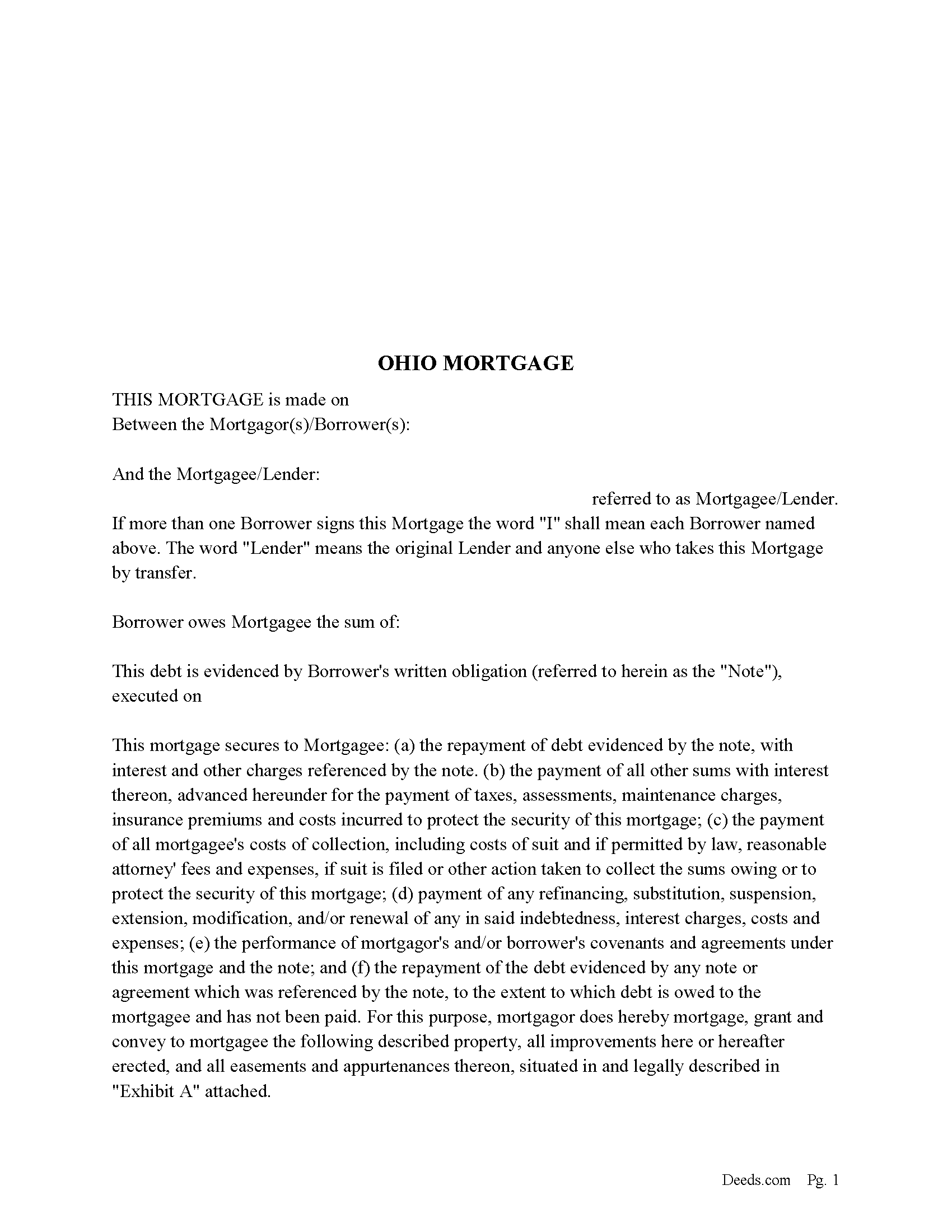
Cuyahoga County Mortgage Form
Fill in the blank form formatted to comply with all recording and content requirements.
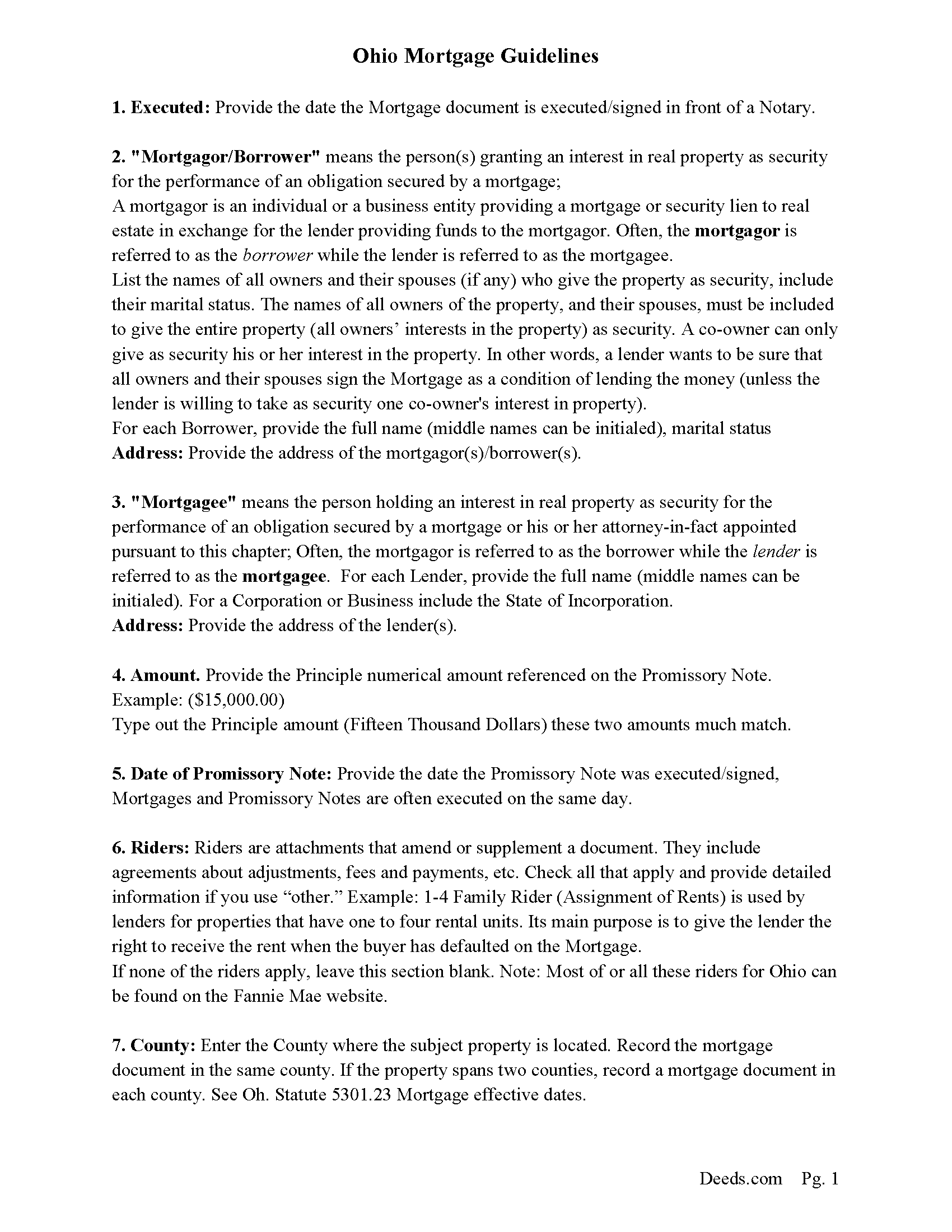
Cuyahoga County Mortgage Guidelines
Line by line guide explaining every blank on the form.
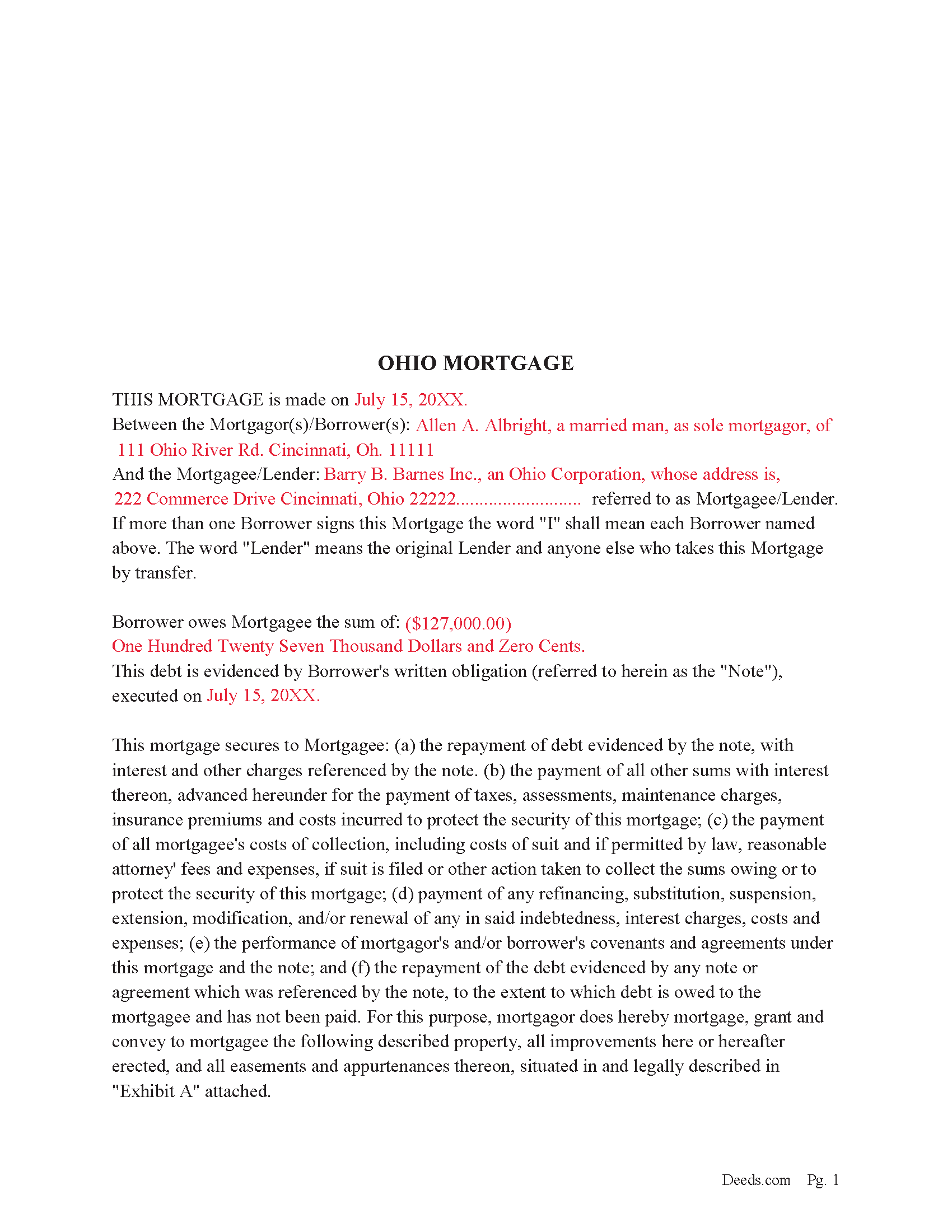
Cuyahoga County Completed Example of the Mortgage Document
Example of a properly completed form for reference.
Cuyahoga County Promissory Note Form
Promissory Note secured by Mortgage Agreement.
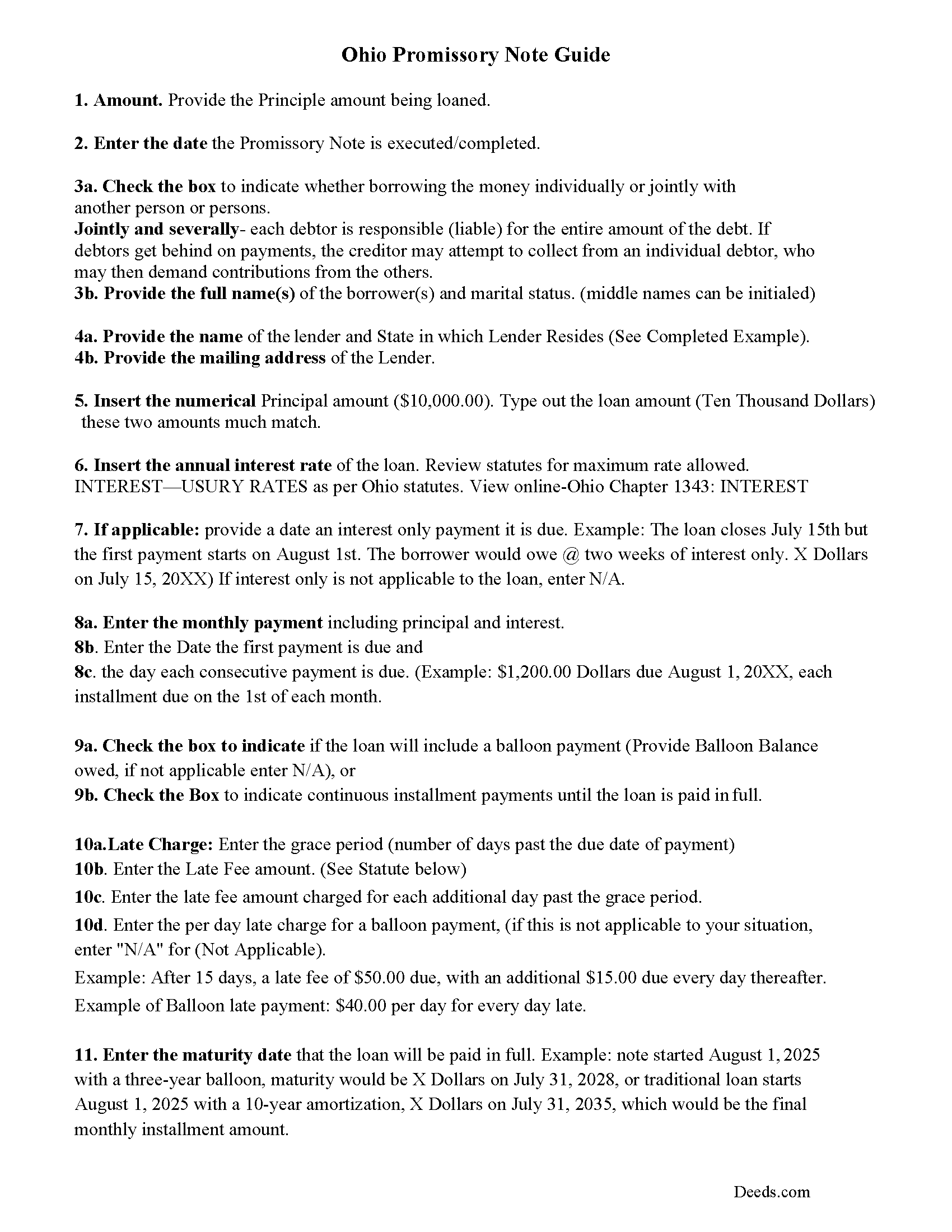
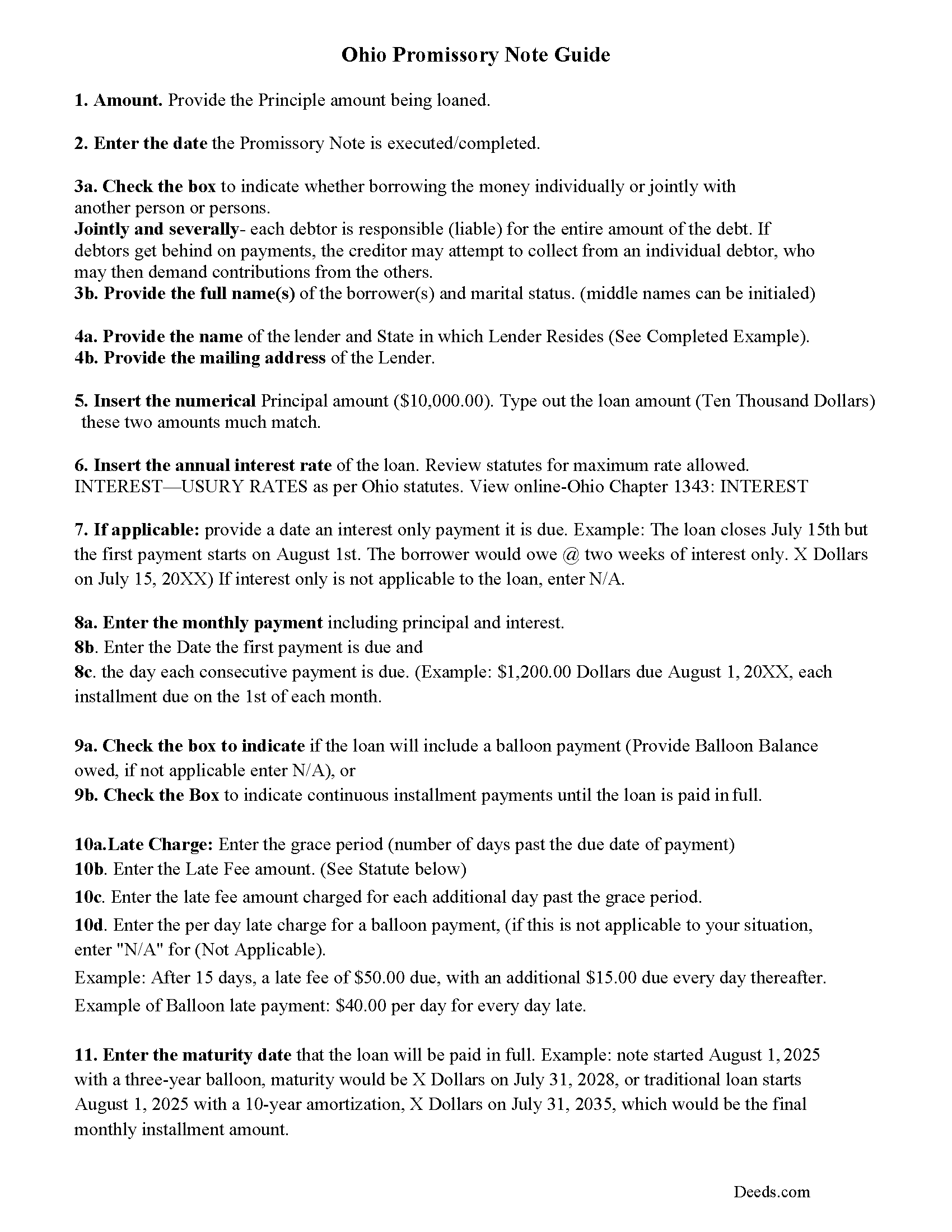
Cuyahoga County Promissory Note Guidelines
Line by line guide explaining every blank on the form.
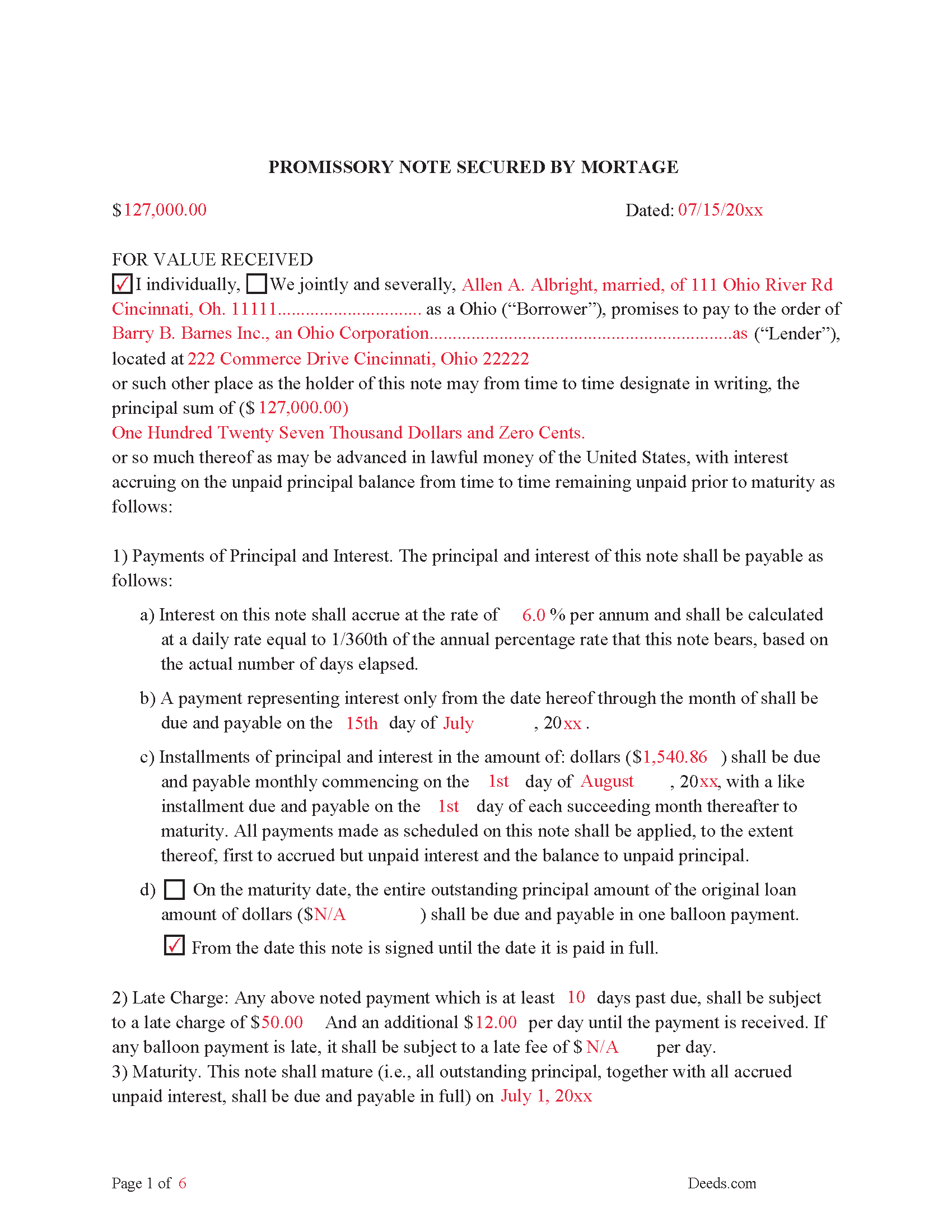
Cuyahoga County Completed Example of the Promissory Note Document
This Promissory Note is filled in and highlighted, showing how the guideline information, can be interpreted into the document.
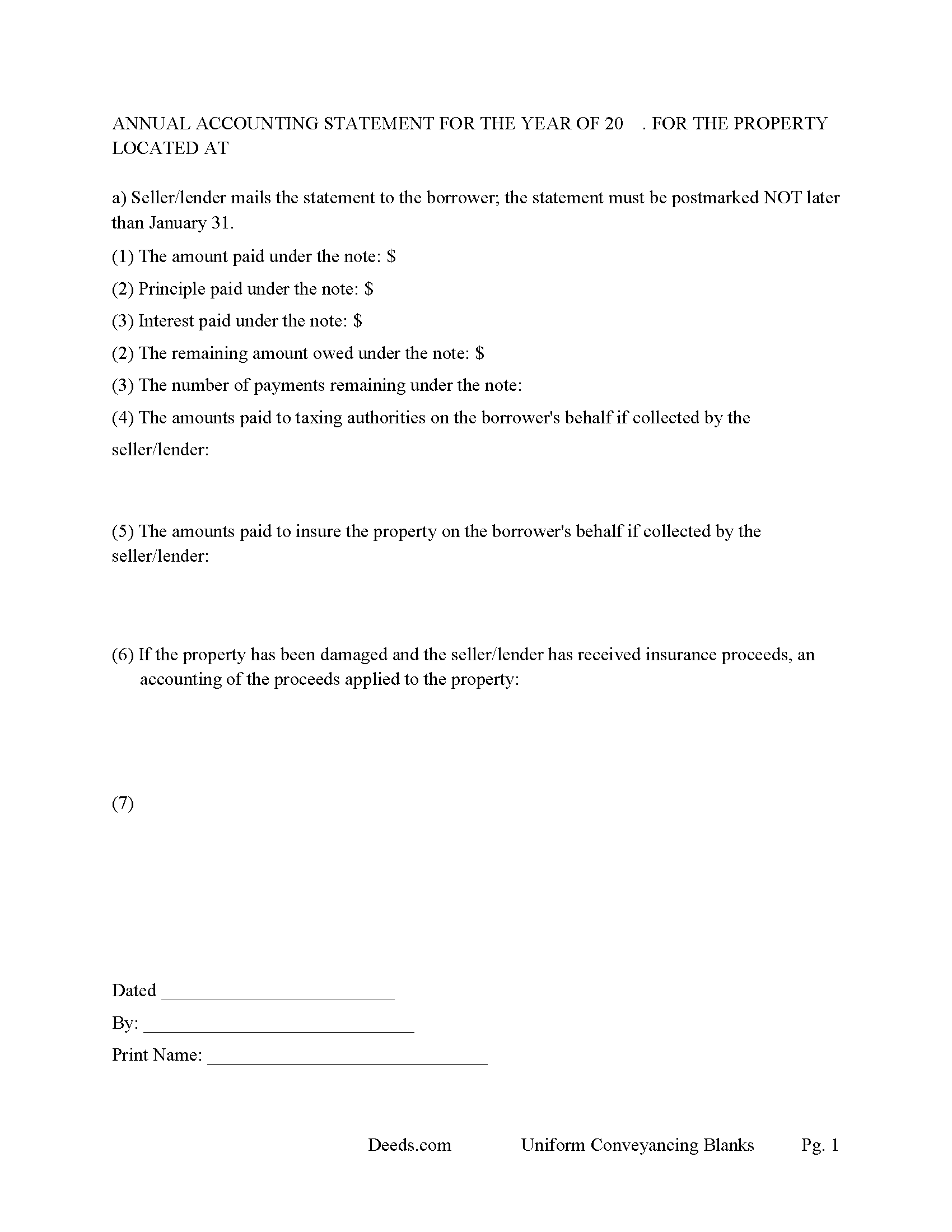
Cuyahoga County Annual Accounting Statement Form
Mail to borrower for fiscal year reporting.
All 7 documents above included • One-time purchase • No recurring fees
Immediate Download • Secure Checkout
Additional Ohio and Cuyahoga County documents included at no extra charge:
Where to Record Your Documents
Cuyahoga County Fiscal Office: Transfer and Recording Department
Cleveland, Ohio 44115
Hours: 8:30 to 4:30 M-F
Phone: 216-443-7020
Recording Tips for Cuyahoga County:
- Bring your driver's license or state-issued photo ID
- Ensure all signatures are in blue or black ink
- Verify all names are spelled correctly before recording
- White-out or correction fluid may cause rejection
- Ask about their eRecording option for future transactions
Cities and Jurisdictions in Cuyahoga County
Properties in any of these areas use Cuyahoga County forms:
- Bay Village
- Beachwood
- Bedford
- Berea
- Brecksville
- Broadview Heights
- Brook Park
- Chagrin Falls
- Cleveland
- Euclid
- Gates Mills
- Independence
- Lakewood
- Maple Heights
- North Olmsted
- North Royalton
- Olmsted Falls
- Rocky River
- Solon
- Strongsville
- Westlake
Hours, fees, requirements, and more for Cuyahoga County
How do I get my forms?
Forms are available for immediate download after payment. The Cuyahoga County forms will be in your account ready to download to your computer. An account is created for you during checkout if you don't have one. Forms are NOT emailed.
Are these forms guaranteed to be recordable in Cuyahoga County?
Yes. Our form blanks are guaranteed to meet or exceed the applicable formatting requirements used for recording in Cuyahoga County, including margin requirements, font requirements, and other layout standards. This guarantee applies to formatting, not to the legal sufficiency of information entered by the user or the suitability of a form for a particular transaction.
Can I reuse these forms?
Yes. You can reuse the forms for your personal use. For example, if you have multiple properties in Cuyahoga County you only need to order once.
What do I need to use these forms?
The forms are PDFs that you fill out on your computer. The free Adobe Acrobat Reader is recommended, and most PDF apps also work. You do NOT enter your property information online - you download the blank forms and complete them privately on your own computer.
Are there any recurring fees?
No. This is a one-time purchase. Nothing to cancel, no memberships, no recurring fees.
How much does it cost to record in Cuyahoga County?
Recording fees in Cuyahoga County vary. Contact the recorder's office at 216-443-7020 for current fees.
Questions answered? Let's get started!
These forms are used for financing residential property, condominiums, rental units, small commercial, vacant land, and planned unit developments. They include special provisions and exhibit pages making them adaptable and flexible for unique situations. Ohio recognizes dower rights, which means that if a married man or woman owns an interest in real property, his or her spouse holds a 1/3 interest in the property, Review Oh. statute 2103.02. Dower rights can become problematic when it comes to mortgages. Oftentimes, banks require a release of dower if only one spouse is on the promissory note. Otherwise, if the paying spouse defaults, a spouse may be able to enforce their dower rights if the spouse is not on the deed. This mortgage can release rights of dower if applicable to the situation. These forms have stringent default terms, typical uses - lender who is financing investment property, owner financing, etc.
(Ohio Mortgage Package includes forms, guidelines, and completed examples) For use in Ohio only.
Important: Your property must be located in Cuyahoga County to use these forms. Documents should be recorded at the county recording office listed above.
This Mortgage Instrument and Promissory Note meets all recording requirements specific to Cuyahoga County.
Our Promise
The documents you receive here are guaranteed to meet or exceed the applicable Cuyahoga County recording format requirements. If there is a rejection caused by our formatting, we will correct the issue or refund your payment. This guarantee applies to document formatting only and does not extend to information entered by the user, the selection of the form, or the legal effect of the completed document.
Save Time and Money
Get your Cuyahoga County Mortgage Instrument and Promissory Note form done right the first time with Deeds.com Uniform Conveyancing Blanks. At Deeds.com, we understand that your time and money are valuable resources, and we don't want you to face a penalty fee or rejection imposed by a county recorder for submitting nonstandard documents. We constantly review and update our forms to meet rapidly changing state and county recording requirements for roughly 3,500 counties and local jurisdictions.
4.8 out of 5 - ( 4,828 Reviews )
Quaid H. 5 out of 5 stars
Just what we needed! Thank you!
Thank you for your feedback. We really appreciate it. Have a great day!
Albert G. 5 out of 5 stars
Download was smooth. I'll post an update after I get a change to work with the forms.
Thank you!
Caroline W. 5 out of 5 stars
They didn't have what I needed, but they were very quick in responding to let me know and where I needed to go to receive the desired information.
Thank you for your feedback Caroline.
Gary J. 5 out of 5 stars
Whomever "KCH" is, that person was of great help. It took me several tries due my inexperience with ADOBE SCAN, but that certainly is no fault of yours!! KVH was very patient with me, and in fact resolved the things I was doing wrong for me, without my even requesting the assistance.
Thank you!
Steven N. 5 out of 5 stars
I was introduced to Deeds.com from my title company. I wanted the title company to do a courtesy recording for me and they suggested Deeds.com. Best suggestion in a while. The interface to use the website was seemlessly easy. The communication with the service staff was thorough and prompt. After the initial verification process (which the photo app was a little tricky), everything was easy. Will use them again.
Your feedback is greatly appreciated. Thank you for taking the time to share your experience!
Johanna R. 5 out of 5 stars
As soon as payment was received the forms were downloaded, printed and were useable. The guide was helpful and I was able to get my forms filled out and filed with no problem here in Linn County Oregon. I would recommend the site to anyone.
Thank you for your feedback. We really appreciate it. Have a great day!
Bonnie B. 5 out of 5 stars
Very easy process for both quit claim and beneficiary deed forms and explanations.. also gives an example form filled out to ensure you have something to go by when filling out your own for accuracy.. the forms are for your specific county, city, and state so no problems when you go to record at deeds office!
Thank you, Bonnie! County-specific forms, clear instructions, and a filled-in example to guide you — that's exactly the experience we aim for. So glad both deeds went smoothly from form to recording. We appreciate the kind words!
Kevin T. 5 out of 5 stars
amazing customer service. thank you deeds.com. I just wish I knew about this company earlier. Kevin
We appreciate your business and value your feedback. Thank you. Have a wonderful day!
Eileen S. 5 out of 5 stars
It seems fast.
Thank you!
John T. 5 out of 5 stars
Amazing! Very helpful. Very specific.
Thank you for your feedback. We really appreciate it. Have a great day!
David K. 5 out of 5 stars
Worked Great! First time go at the courthouse
Thank you!
LeAnne A. 5 out of 5 stars
Documents are helpful and much appreciated. Grateful for this service when an attorney is not required.
We appreciate your business and value your feedback. Thank you. Have a wonderful day!
James M. 5 out of 5 stars
Just what I needed to help clear ownership of what has been deeded to be by inheritance
We appreciate your business and value your feedback. Thank you. Have a wonderful day!
Christopher G. 5 out of 5 stars
thank you - your service is awesome - i sent documents to the county - after 2 plus weeks they returned them with 'errors' - i went to your site - signed up - uploaded documents and submitted in less than 3 minutes - had it approved by the county in under 12 hours - THANK YOU - great service!!!!
Thank you Christopher, glad we could help. Have a great day!
Jeramy A. 5 out of 5 stars
Excellent source of information and forms. Deeds.com had exactly what I've been looking for and even had guides to filling out the forms.
We appreciate your business and value your feedback. Thank you. Have a wonderful day!