Hocking County Notice of Furnishing Form
Last validated October 22, 2026 by our Forms Development TeamFormatted for recording in Hocking County, for property anywhere in the county: rural and unincorporated areas as well as Carbon Hill, Haydenville, Laurelville, Logan, Murray City, Rockbridge, South Bloomingville, Union Furnace.
- 3 documents included
- Immediate PDF download
- Formatting guarantee
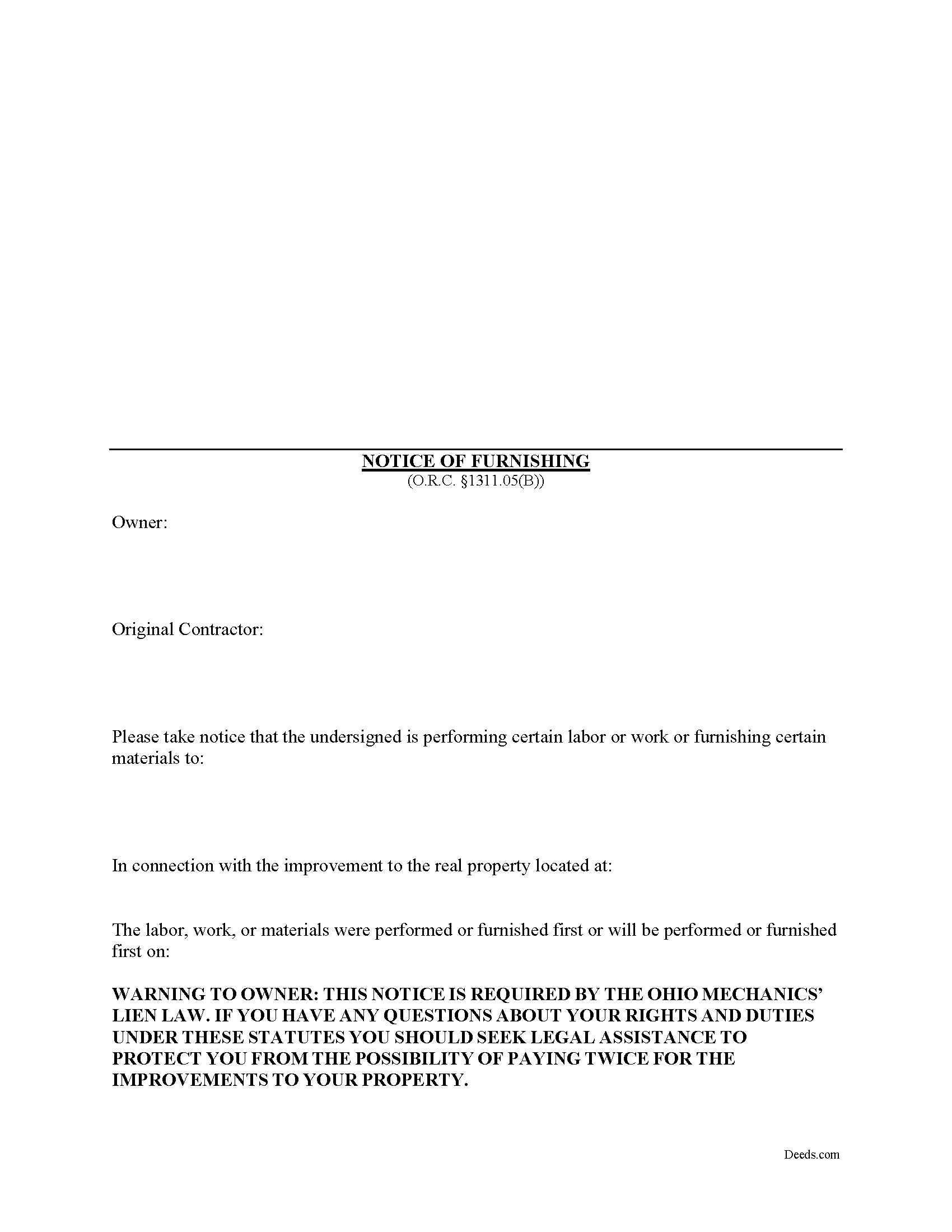
Hocking County Notice of Furnishing Form
Fill in the blank Notice of Furnishing form formatted to comply with all Ohio recording and content requirements.
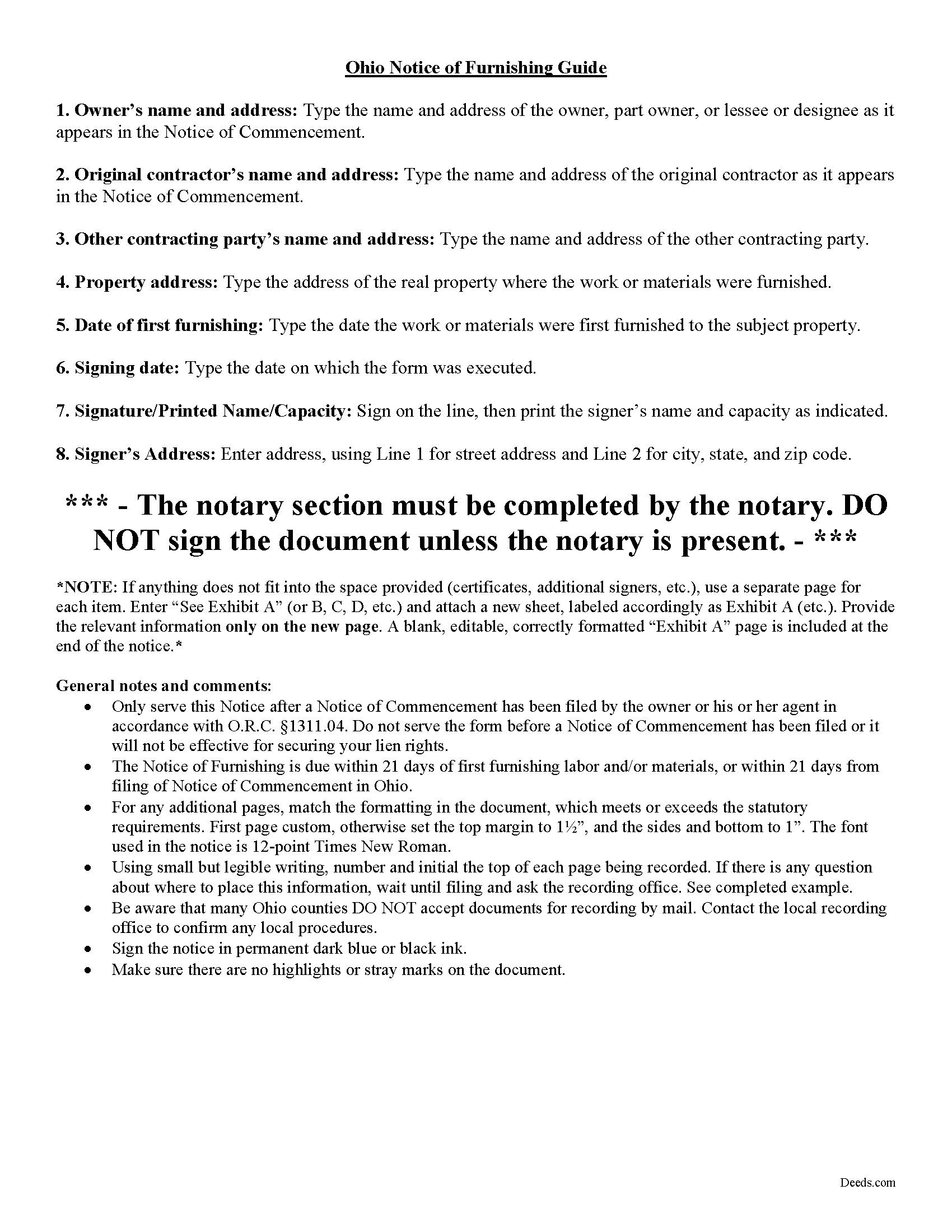
Hocking County Notice of Furnishing Guide
Line by line guide explaining every blank on the form.
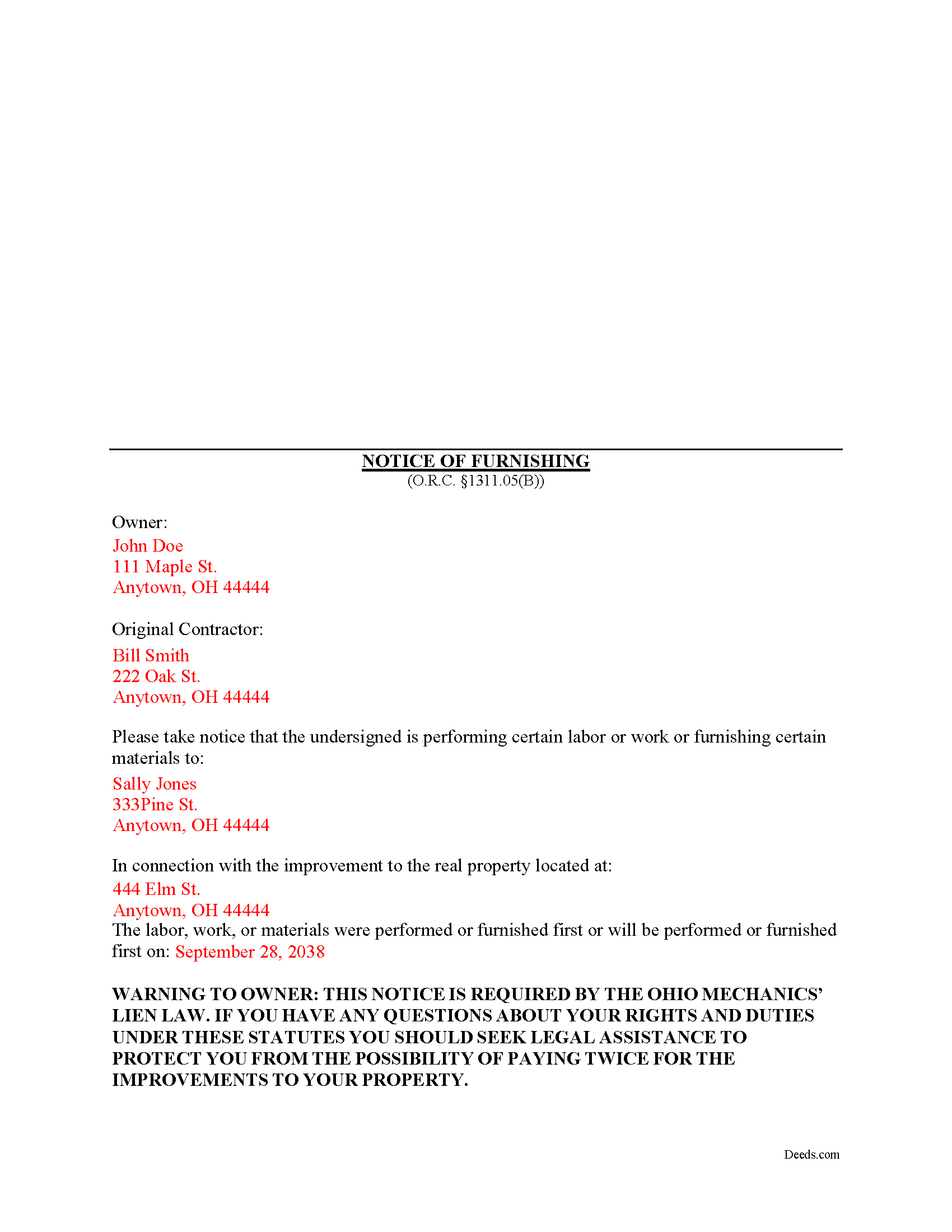
Hocking County Completed Example of the Notice of Furnishing Document
Example of a properly completed form for reference.
All 3 documents above included • One-time purchase • No recurring fees
Immediate Download • Secure Checkout
Additional Ohio and Hocking County documents included at no extra charge:
Where to Record Your Documents
Hocking County Recorder
Logan, Ohio 43138
Hours: 8:30 a.m. - 4:00 p.m. Monday - Friday
Phone: 740-385-2031
Recording Tips for Hocking County:
- Bring your driver's license or state-issued photo ID
- Ensure all signatures are in blue or black ink
- Check margin requirements - usually 1-2 inches at top
- Leave recording info boxes blank - the office fills these
- Make copies of your documents before recording - keep originals safe
Cities and Jurisdictions in Hocking County
Properties in any of these areas use Hocking County forms:
- Carbon Hill
- Haydenville
- Laurelville
- Logan
- Murray City
- Rockbridge
- South Bloomingville
- Union Furnace
Hours, fees, requirements, and more for Hocking County
How do I get my forms?
Forms are available for immediate download after payment. The Hocking County forms will be in your account ready to download to your computer. An account is created for you during checkout if you don't have one. Forms are NOT emailed.
Are these forms guaranteed to be recordable in Hocking County?
Yes. Our form blanks are guaranteed to meet or exceed the applicable formatting requirements used for recording in Hocking County, including margin requirements, font requirements, and other layout standards. This guarantee applies to formatting, not to the legal sufficiency of information entered by the user or the suitability of a form for a particular transaction.
Can I reuse these forms?
Yes. You can reuse the forms for your personal use. For example, if you have multiple properties in Hocking County you only need to order once.
What do I need to use these forms?
The forms are PDFs that you fill out on your computer. The free Adobe Acrobat Reader is recommended, and most PDF apps also work. You do NOT enter your property information online - you download the blank forms and complete them privately on your own computer.
Are there any recurring fees?
No. This is a one-time purchase. Nothing to cancel, no memberships, no recurring fees.
How much does it cost to record in Hocking County?
Recording fees in Hocking County vary. Contact the recorder's office at 740-385-2031 for current fees.
Questions answered? Let's get started!
A Notice of Furnishing is a type of preliminary lien notice that must be served on a property owner with whom the claimant does not have a direct contract. Serve the Notice after beginning to furnish the labor and materials on a construction job. This notice is a required step toward securing lien rights, but only for those who supply materials. O.R.C. 1311.05(G). Even labor-only contractors should send the notice, however, to give the owner a clear picture of what was furnished and by whom, as well as to help establish priority if payment disputes ever arise.
A subcontractor or material supplier who performs labor or work or furnishes material in furtherance of an improvement to real property and who wishes to preserve the subcontractor's or material supplier's lien rights shall serve a notice of furnishing, if any person has recorded a Notice of Commencement. O.R.C. 1311.05(A). Therefore, only serve the Notice of Furnishing after a Notice of Commencement has been filed by the owner or his or her agent in accordance with O.R.C. 1311.04.
The notice is a relatively straightforward document that contains the owner's and contractor's names and addresses, the name and address of the other contracting party, the address where the work or materials were furnished, and the date on which the work or materials were first furnished. O.R.C. 1311.05(B).
Serve the Notice of Furnishing after the claimant begins work on the project and within 21 days of the first furnishing of labor and/or materials, but not before, or the Notice will not be effective. If the Notice of Commencement is served past its deadline, the Notice of Furnishing is due within 21 days of the date the Notice of Commencement was filed. O.R.C. 1311.05(A). If the Notice of Furnishing is filed late, it only covered items furnished within the preceding 21-day period. Mail it to the owner via registered or certified US mail, with return receipt requested.
Each case is unique, so contact an attorney for complex situations, with specific questions about the Notice of Furnishing, or any other issue related to mechanic's liens in Ohio.
Important: Your property must be located in Hocking County to use these forms. Documents should be recorded at the county recording office listed above.
This Notice of Furnishing meets all recording requirements specific to Hocking County.
Our Promise
The documents you receive here are guaranteed to meet or exceed the applicable Hocking County recording format requirements. If there is a rejection caused by our formatting, we will correct the issue or refund your payment. This guarantee applies to document formatting only and does not extend to information entered by the user, the selection of the form, or the legal effect of the completed document.
Save Time and Money
Get your Hocking County Notice of Furnishing form done right the first time with Deeds.com Uniform Conveyancing Blanks. At Deeds.com, we understand that your time and money are valuable resources, and we don't want you to face a penalty fee or rejection imposed by a county recorder for submitting nonstandard documents. We constantly review and update our forms to meet rapidly changing state and county recording requirements for roughly 3,500 counties and local jurisdictions.
4.8 out of 5 - ( 4,830 Reviews )
Janet C. 5 out of 5 stars
Easy to use website and extremely helpful. great service!
Thank you!
Remon W. 5 out of 5 stars
Excellent and fast service. I will be using this site as needed in the future.
Thank you Remon, we appreciate you.
Edward E. 5 out of 5 stars
Easy to use.
Your feedback is valuable to us and helps us improve. Thank you for sharing your thoughts!
Lloyd F. 5 out of 5 stars
We were very pleased at how quickly the forms showed up and the guide and copy of a sample filled in form was very helpful. We will defiantly use you again if the occasion arises, and will highly recommend your company to friends and family. Thank you
We appreciate your business and value your feedback. Thank you. Have a wonderful day!
Kathy D. 5 out of 5 stars
Thank You, I will be looking forward to printing these files, and getting this Ladybird deed in place.
Thank you!
Jaime H. 5 out of 5 stars
quick and easy
Thank you!
Wayne A. 4 out of 5 stars
good service but pricey.
Thank you for your feedback. We really appreciate it. Have a great day!
Vernon A L. 3 out of 5 stars
They are forms....no magic there. I still have to round up the details.
We appreciate your business and value your feedback. Thank you. Have a wonderful day!
Kathy C. 5 out of 5 stars
It's worth the cost to download the fill in the blank forms. So quick and easy. The lady I spoke to on the phone was super nice and very helpful. She deserves a medal for being so patient with me.
Thank you!
Linda W. 3 out of 5 stars
The Quitclaim deed form was fine. Unfortunately, all I wanted to accomplish was to transfer property held in my name into my trust, but I could not any wording on the information you provided on how to accomplish this. It was not a sale, just a transfer from me to me as trustee.
Thank you for your feedback. We really appreciate it. Have a great day!
Nicole w. 5 out of 5 stars
Awesome and very fast service!!!
Thank you!
Gayela C. 5 out of 5 stars
Easy to use and I really like having the guides that come along with the forms.
Thank you!
SueAnn V. 5 out of 5 stars
Thanks so much for the TOD Beneficiary Deed with the explanation, supplementary forms and great example! I just filed it today for the state of Colorado, in my county and it was accepted by the Clerk/Recorder. I really appreciate the thorough work that Deeds.com does. I definitely will use this site again and also recommend it to family and friends. Thanks again.
Thank you for your feedback. We really appreciate it. Have a great day!
Susan K. 5 out of 5 stars
They were unable to complete the task and my money was immediately refunded.
Thank you for your feedback Susan, sorry we were unable to assist.
Dretha W. 5 out of 5 stars
Ordered the fill in the blank form for a deed. Very professional looking but more importantly, correct for my recording office. It was recorded with no question. The guide was a big help in completed the deed.
Great to hear Dretha. We appreciate you taking the time to leave your feedback. Have a wonderful day!