Pickaway County Partial Release of Mortgage Form
Last validated October 28, 2026 by our Forms Development TeamFormatted for recording in Pickaway County, for property anywhere in the county: rural and unincorporated areas as well as Ashville, Circleville, Commercial Point, Derby, New Holland, Orient, Tarlton, Williamsport.
- 3 documents included
- Immediate PDF download
- Formatting guarantee
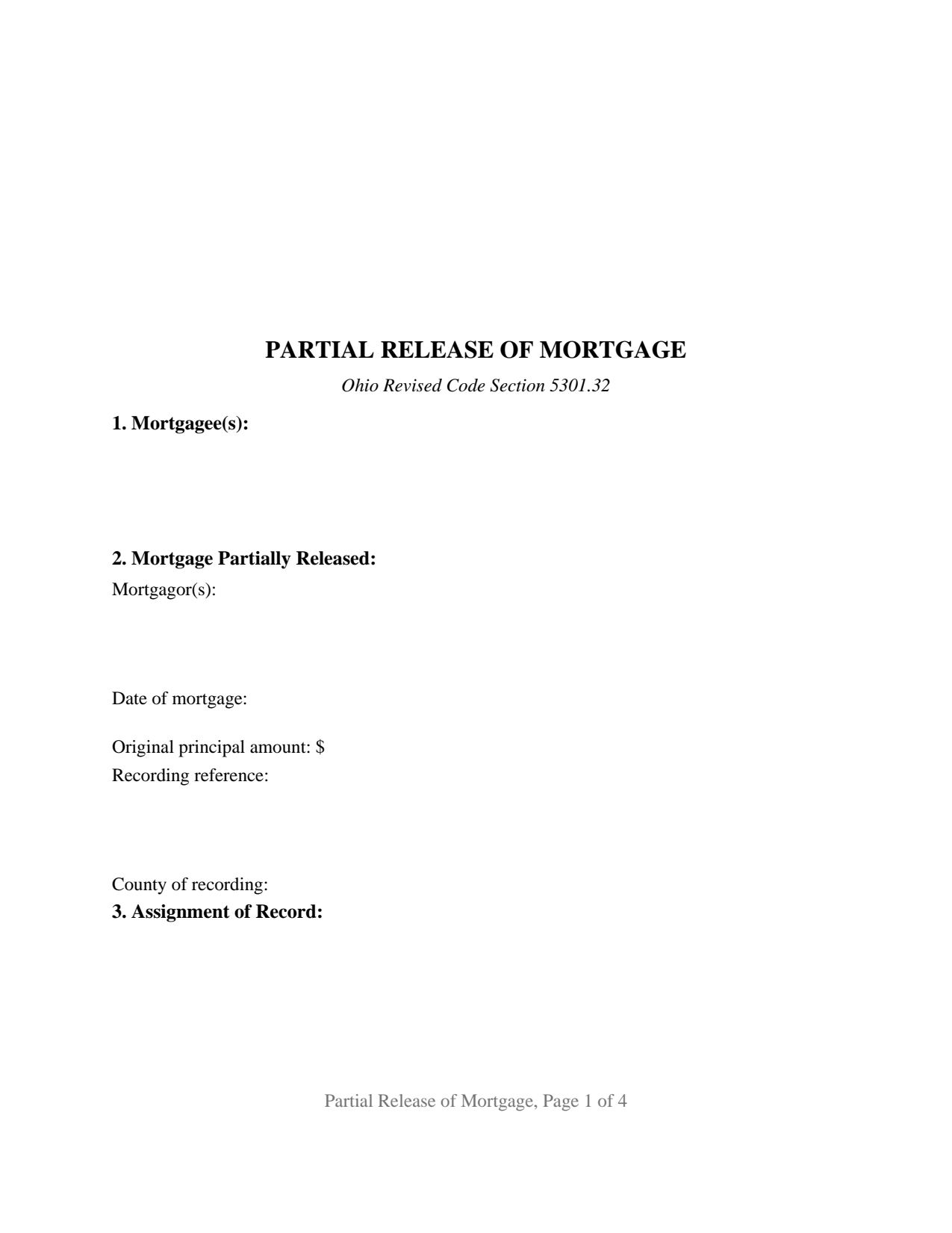
Pickaway County Partial Release of Mortgage Form
Fill in the blank Partial Release of Mortgage form formatted to comply with all Ohio recording and content requirements.
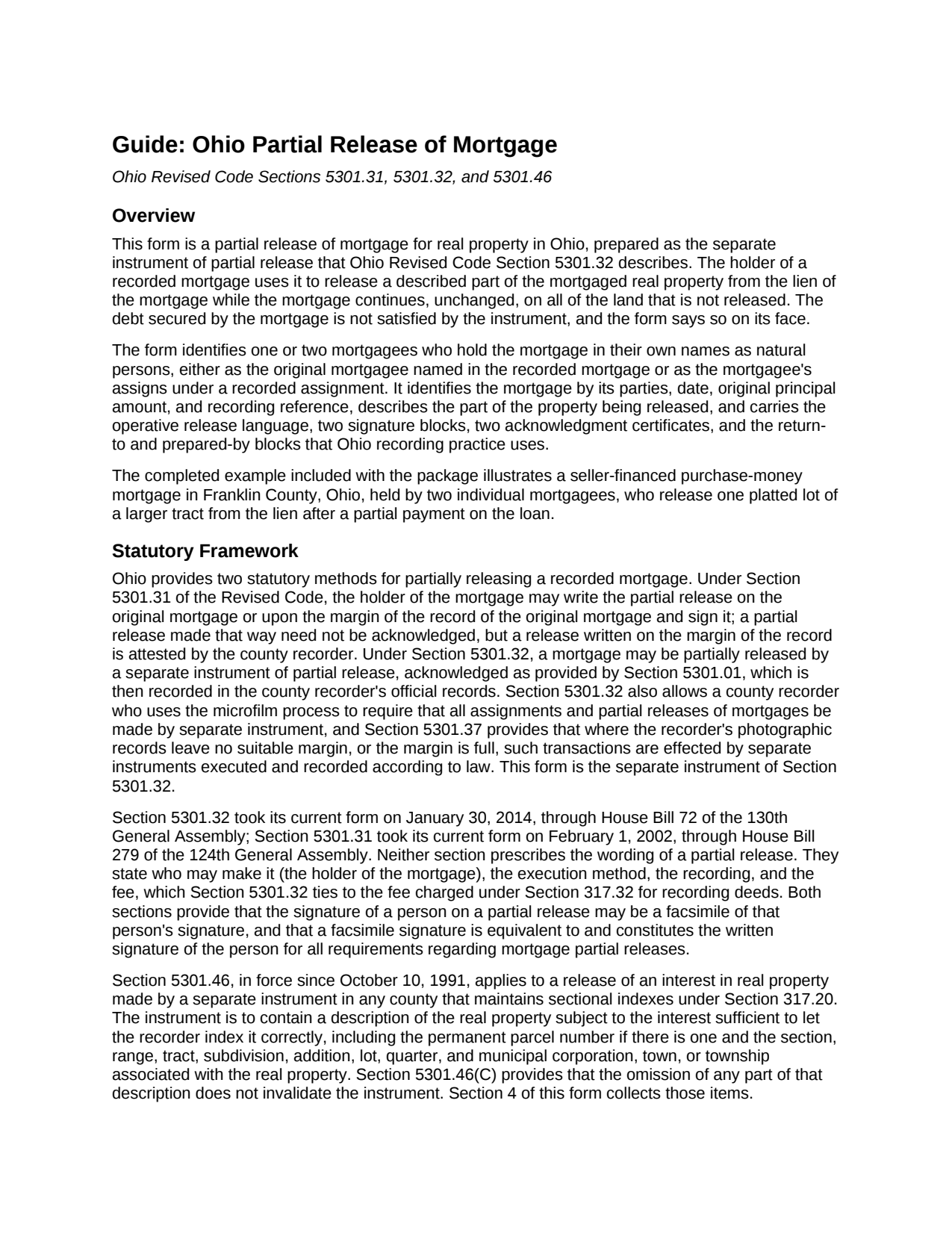
Pickaway County Partial Release of Mortgage Guide
Line by line guide explaining every blank on the Partial Release of Mortgage form.
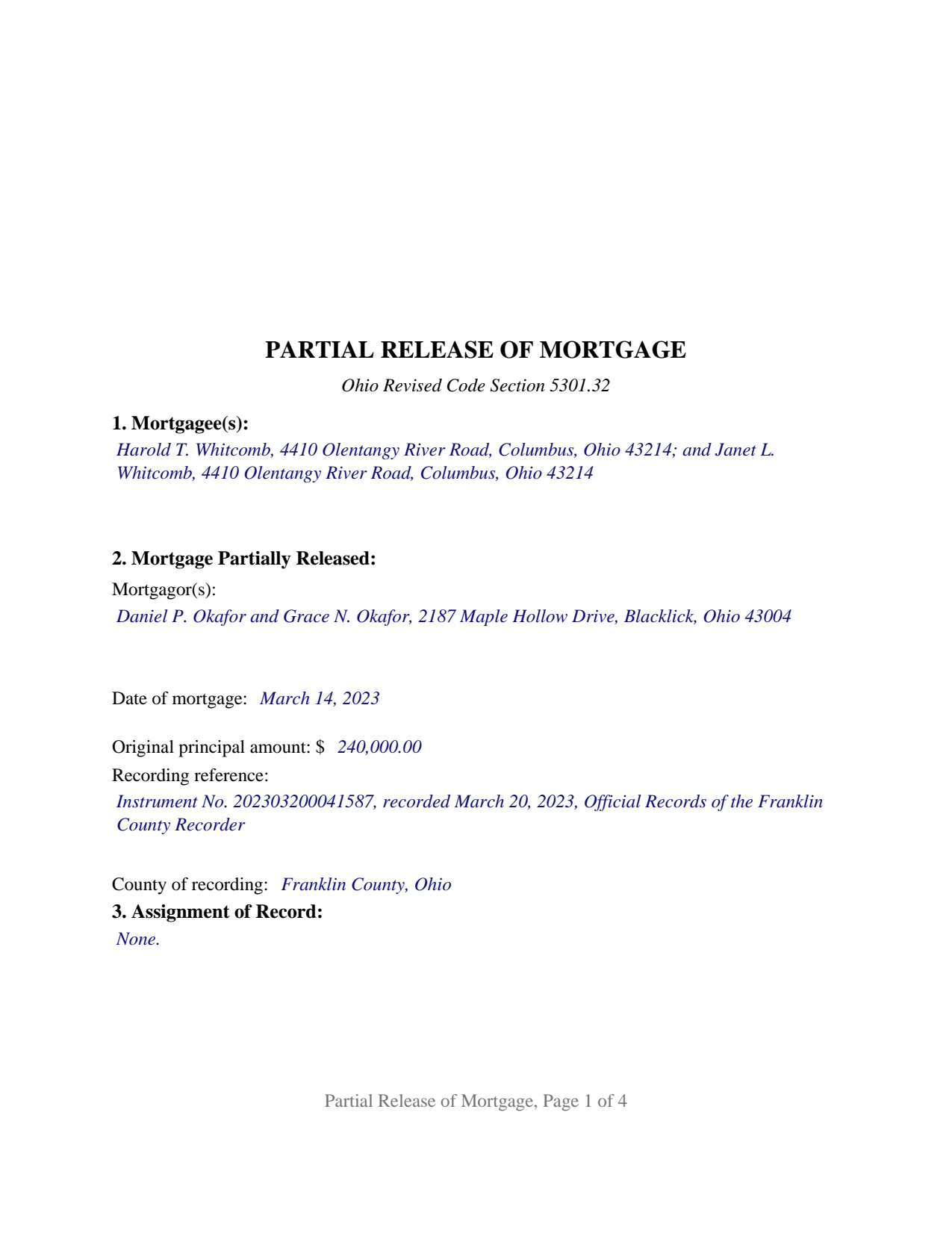
Pickaway County Completed Example of the Partial Release of Mortgage Document
Example of a properly completed Ohio Partial Release of Mortgage document for reference.
All 3 documents above included • One-time purchase • No recurring fees
Immediate Download • Secure Checkout
Additional Ohio and Pickaway County documents included at no extra charge:
Where to Record Your Documents
Pickaway County Recorder
Circleville, Ohio 43113
Hours: 8:00 a.m. - 4:00 p.m. Monday - Friday
Phone: (740) 474-5826
Recording Tips for Pickaway County:
- Bring your driver's license or state-issued photo ID
- Ensure all signatures are in blue or black ink
- Ask about their eRecording option for future transactions
- Avoid the last business day of the month when possible
- Both spouses typically need to sign if property is jointly owned
Cities and Jurisdictions in Pickaway County
Properties in any of these areas use Pickaway County forms:
- Ashville
- Circleville
- Commercial Point
- Derby
- New Holland
- Orient
- Tarlton
- Williamsport
Hours, fees, requirements, and more for Pickaway County
How do I get my forms?
Forms are available for immediate download after payment. The Pickaway County forms will be in your account ready to download to your computer. An account is created for you during checkout if you don't have one. Forms are NOT emailed.
Are these forms guaranteed to be recordable in Pickaway County?
Yes. Our form blanks are guaranteed to meet or exceed the applicable formatting requirements used for recording in Pickaway County, including margin requirements, font requirements, and other layout standards. This guarantee applies to formatting, not to the legal sufficiency of information entered by the user or the suitability of a form for a particular transaction.
Can I reuse these forms?
Yes. You can reuse the forms for your personal use. For example, if you have multiple properties in Pickaway County you only need to order once.
What do I need to use these forms?
The forms are PDFs that you fill out on your computer. The free Adobe Acrobat Reader is recommended, and most PDF apps also work. You do NOT enter your property information online - you download the blank forms and complete them privately on your own computer.
Are there any recurring fees?
No. This is a one-time purchase. Nothing to cancel, no memberships, no recurring fees.
How much does it cost to record in Pickaway County?
Recording fees in Pickaway County vary. Contact the recorder's office at (740) 474-5826 for current fees.
Questions answered? Let's get started!
An Ohio partial release of mortgage takes a described piece of land out from under a recorded mortgage while the mortgage keeps its full force on everything else it covers. This form prepares that instrument as the separate instrument of partial release described in Section 5301.32 of the Ohio Revised Code, for one or two mortgagees who hold the mortgage in their own names.
A release that stops at the lot line
A seller who financed the sale of land that is later subdivided, or a private lender whose mortgage blankets several parcels, may agree to let one lot go, usually against a payment on the loan, so the borrower can convey it clear. The partial release is the recorded instrument that does exactly that and nothing more. Its operative paragraph releases and discharges from the lien and operation of the mortgage the real property described in the instrument and no other real property, and a second paragraph states on the face of the document that the mortgage remains in full force and effect on the land not released and that the secured debt is not released, satisfied, or affected. The satisfaction that ends a loan is a different instrument under Sections 5301.34 and 5301.36.
Two Ohio methods, one acknowledged instrument
Ohio law lets a mortgage holder partially release a mortgage by writing the release on the original mortgage or on the margin of the recorder's record under Section 5301.31, a method that needs no acknowledgment. Section 5301.32 supplies the alternative this form follows: a separate instrument of partial release, acknowledged as Section 5301.01 provides, recorded in the county recorder's official records, and charged at the fee Section 317.32 sets for recording deeds. A recorder who keeps records on microfilm may require that every partial release be made by separate instrument.
What the instrument identifies
The form identifies the mortgage by its mortgagor, date, original principal amount, recording reference, and county of recording. A separate section identifies any recorded assignment through which the signer holds the mortgage, since under Section 5301.31 an assignment carries the lien and all interest in the land with it. The property section describes only the land being released and carries the permanent parcel number and the municipal corporation or township, the indexing elements Section 5301.46 names for a release made by separate instrument in a county that keeps sectional indexes.
One or two mortgagees, signing in their own names
The form is the General configuration for this instrument: a free-form mortgagee block that receives the name and mailing address of one person who holds the mortgage, or of two who hold it together, with nothing about status, capacity, or ownership preprinted. It carries a MORTGAGEE signature block and a SECOND MORTGAGEE (if applicable) block, each followed by its own acknowledgment certificate in the Section 147.55(A) short form, so two mortgagees may acknowledge on different dates before different officers; on a single-mortgagee release the second block and certificate stay blank. The two-certificate layout is the form's design; Ohio notarial law does not demand it. A holder signing for an institution, a company, or a trust, through a power of attorney, or as a deceased mortgagee's personal representative presents a representative-capacity pattern this form does not recite, as does a mortgage held by three or more people.
Built for the recorder's counter
The document is laid out to the standard format of Section 317.114: letter size, a three inch blank top margin on the first page for the recorder's endorsement, one inch side and bottom margins, a one and one-half inch top margin on every later page, and twelve point type over the ten point floor, so it records without the twenty dollar nonstandard-format surcharge. A prepared-by block carries the preparer's name Section 317.111 requires on an instrument discharging a lien, and a printed-name line under each signature answers Section 317.11. Because a partial release conveys no title, the auditor's transfer stamp and conveyance fee statement that accompany deeds are not part of its path to the record.
The package includes the fillable partial release of mortgage form, a completed example filled in for a two-mortgagee, seller-financed Franklin County fact pattern, and the guide that walks through every section of the form, the notarization, and the recording rules. This description and the guide describe the form and the governing Ohio statutes in general terms; they are not legal advice.
Important: Your property must be located in Pickaway County to use these forms. Documents should be recorded at the county recording office listed above.
This Partial Release of Mortgage meets all recording requirements specific to Pickaway County.
Our Promise
The documents you receive here are guaranteed to meet or exceed the applicable Pickaway County recording format requirements. If there is a rejection caused by our formatting, we will correct the issue or refund your payment. This guarantee applies to document formatting only and does not extend to information entered by the user, the selection of the form, or the legal effect of the completed document.
Save Time and Money
Get your Pickaway County Partial Release of Mortgage form done right the first time with Deeds.com Uniform Conveyancing Blanks. At Deeds.com, we understand that your time and money are valuable resources, and we don't want you to face a penalty fee or rejection imposed by a county recorder for submitting nonstandard documents. We constantly review and update our forms to meet rapidly changing state and county recording requirements for roughly 3,500 counties and local jurisdictions.
4.8 out of 5 - ( 4,845 Reviews )
Rafael R. 5 out of 5 stars
This was my first time using Deed.com. It was easier than I expected. The service is more convenient than filing documents in person or by mail. The response from Deeds.com upon the submission of my order was almost instantaneous.
We appreciate your business and value your feedback. Thank you. Have a wonderful day!
Amy R. 5 out of 5 stars
Forms I was looking for were easy to find, easy to download and accessible at any time in my account.
We are grateful for your feedback and looking forward to serving you again. Thank you!
Meg R. 5 out of 5 stars
Good system fairly easy to use
Thank you!
William K. 5 out of 5 stars
I filled out the Xfer on Death Deed and turned it in to the County Recorder - everything went well. I did NOT like the Huge Print over like a stamp of "DEEDS.COM" on some of the material - it just made it hard to read.
Thank you for your feedback. We really appreciate it. Have a great day!
Melody M. 5 out of 5 stars
Thank you Deeds.com for making our Quit Deed process easy and efficient. The instructions and example forms are a must! Excellent value for the price.
Thank you for your feedback. We really appreciate it. Have a great day!
Dana G. 5 out of 5 stars
This service is WONDERUL. I spent 14 years trying to get a deed recorded properly. Deeds.com kept submitting and resubmitting after corrections until it was finally accepted. They did in one day what I couldn't get done in 14 years!
Thank you!
MARY LACEY M. 5 out of 5 stars
Great service! Recording was smooth and swiftly performed. Deeds.com is an excellent service.
We are delighted to have been of service. Thank you for the positive review!
Molly S. 5 out of 5 stars
I used deeds.com to record a deed because the recording office closed due to Covid 19. It was easy to sign up and upload the documents I needed recorded and within 24 hours possibly even less, the deeds were recorded. I am very happy with the service and the $15 fee was affordable and worth every penny to get it done so quickly.
We appreciate your business and value your feedback. Thank you. Have a wonderful day!
Patricia K. 5 out of 5 stars
Fabulous. Good to have a county with uniform forms. Great service.
We appreciate your business and value your feedback. Thank you. Have a wonderful day!
Deborah P. 5 out of 5 stars
Very helpful! Easy and clear guidance. Good examples on sample forms.
We appreciate your business and value your feedback. Thank you. Have a wonderful day!
William R. 5 out of 5 stars
Yes I received the forms downloaded them and the example is very helpful as I have not used this form before, Thank you
We’re glad the completed example helped make the process easier for you. Thanks for the review, William, and thank you for choosing us.
Anita H. 5 out of 5 stars
Easy way to get forms that I needed. Would buy again from you if needed.
Thank you for your positive words! We’re thrilled to hear about your experience.
Donna J. 5 out of 5 stars
what do you do with it once filled out. doesn't tell you
Generally, once the documents are completed and executed they are recorded with the recorder where the property is located.
Carl T. 5 out of 5 stars
Awesome! Quick service and well worth the very minimal fee for the convenience of being able to quickly record my mothers will without having to leave the house. Also, our court is currently closed due to Covid. So happy to have found Deeds.com
We appreciate your business and value your feedback. Thank you. Have a wonderful day!
Kimberly G. 3 out of 5 stars
It would be helpful if there were a specific example of putting a deed into a trust. Also, the limitation of characters on the description of the property was not enough.
Thank you for your feedback. We really appreciate it. Have a great day!