Hocking County Quitclaim Deed (Reserving Life Estate) Form
Last validated November 2, 2026 by our Forms Development TeamFormatted for recording in Hocking County, for property anywhere in the county: rural and unincorporated areas as well as Carbon Hill, Haydenville, Laurelville, Logan, Murray City, Rockbridge, South Bloomingville, Union Furnace.
- 3 documents included
- Immediate PDF download
- Formatting guarantee
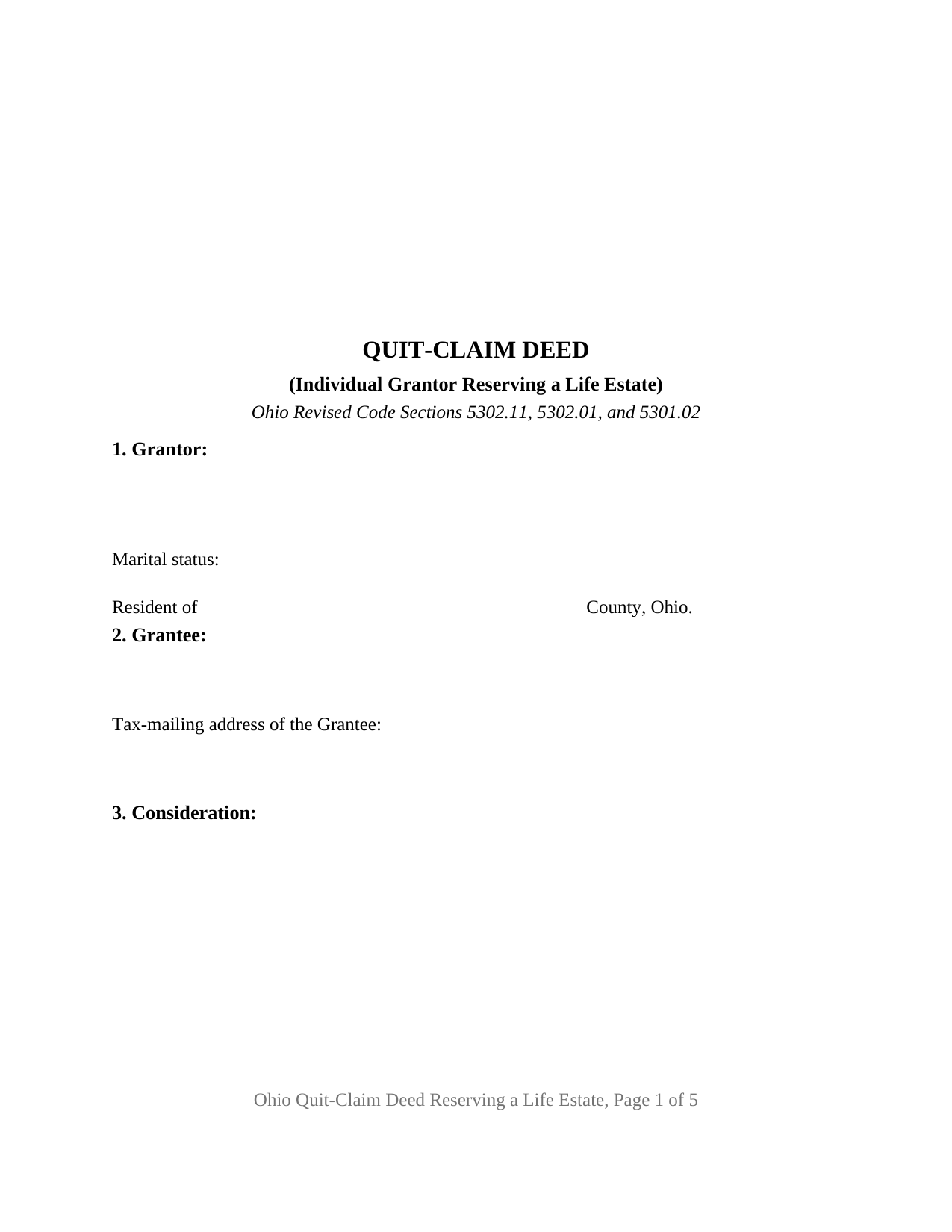
Hocking County Quitclaim Deed (Reserving Life Estate) Form
Fill in the blank Quitclaim Deed (Reserving Life Estate) form formatted to comply with all Ohio recording and content requirements.
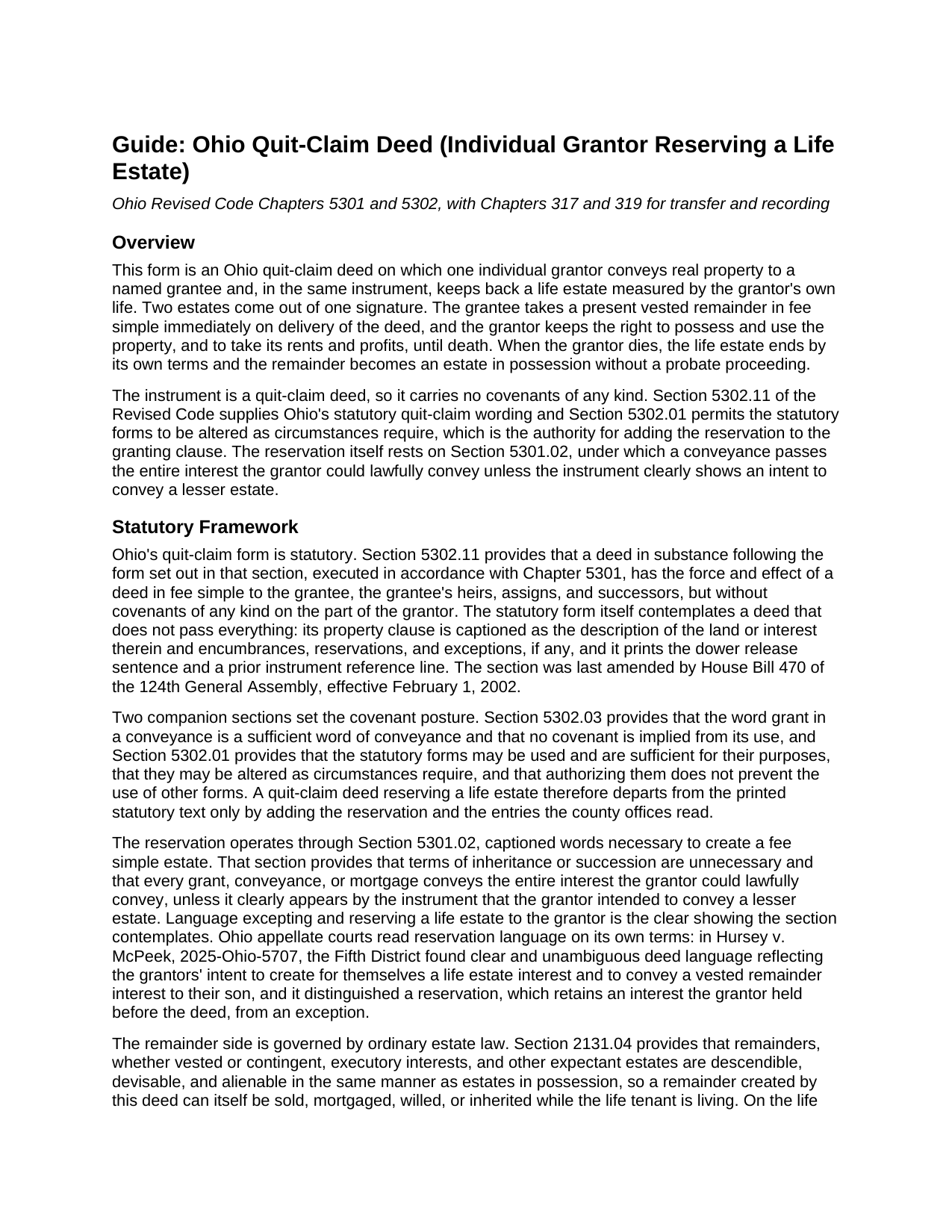
Hocking County Quitclaim Deed (Reserving Life Estate) Guide
Line by line guide explaining every blank on the Quitclaim Deed (Reserving Life Estate) form.
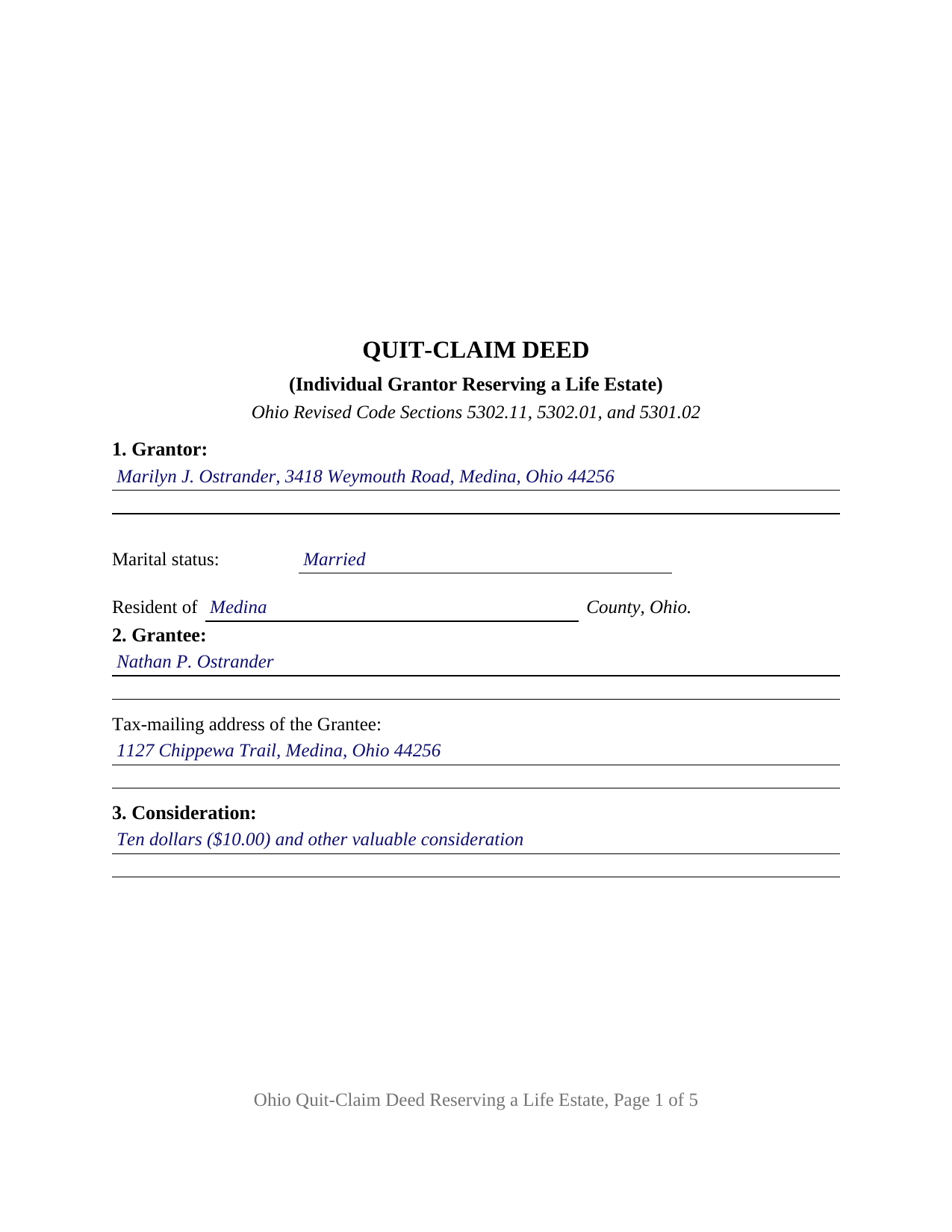
Hocking County Completed Example of the Quitclaim Deed (Reserving Life Estate) Document
Example of a properly completed Ohio Quitclaim Deed (Reserving Life Estate) document for reference.
All 3 documents above included • One-time purchase • No recurring fees
Immediate Download • Secure Checkout
Additional Ohio and Hocking County documents included at no extra charge:
Where to Record Your Documents
Hocking County Recorder
Logan, Ohio 43138
Hours: 8:30 a.m. - 4:00 p.m. Monday - Friday
Phone: 740-385-2031
Recording Tips for Hocking County:
- Bring your driver's license or state-issued photo ID
- Ensure all signatures are in blue or black ink
- Verify all names are spelled correctly before recording
- White-out or correction fluid may cause rejection
- Ask about their eRecording option for future transactions
Cities and Jurisdictions in Hocking County
Properties in any of these areas use Hocking County forms:
- Carbon Hill
- Haydenville
- Laurelville
- Logan
- Murray City
- Rockbridge
- South Bloomingville
- Union Furnace
Hours, fees, requirements, and more for Hocking County
How do I get my forms?
Forms are available for immediate download after payment. The Hocking County forms will be in your account ready to download to your computer. An account is created for you during checkout if you don't have one. Forms are NOT emailed.
Are these forms guaranteed to be recordable in Hocking County?
Yes. Our form blanks are guaranteed to meet or exceed the applicable formatting requirements used for recording in Hocking County, including margin requirements, font requirements, and other layout standards. This guarantee applies to formatting, not to the legal sufficiency of information entered by the user or the suitability of a form for a particular transaction.
Can I reuse these forms?
Yes. You can reuse the forms for your personal use. For example, if you have multiple properties in Hocking County you only need to order once.
What do I need to use these forms?
The forms are PDFs that you fill out on your computer. The free Adobe Acrobat Reader is recommended, and most PDF apps also work. You do NOT enter your property information online - you download the blank forms and complete them privately on your own computer.
Are there any recurring fees?
No. This is a one-time purchase. Nothing to cancel, no memberships, no recurring fees.
How much does it cost to record in Hocking County?
Recording fees in Hocking County vary. Contact the recorder's office at 740-385-2031 for current fees.
Questions answered? Let's get started!
One signature on this deed produces two estates at once. The grantor conveys Ohio real property and keeps back the right to live in it, and the statutory quit-claim language does both inside a single granting sentence. This form is arranged for that split: one individual grantor grants under Section 5302.11 of the Ohio Revised Code, excepting and reserving a life estate measured by the grantor's own life, so the named grantee holds a vested remainder from the day of delivery and takes possession at the grantor's death.
Where the reservation gets its authority
Ohio prints no statutory form captioned as a life estate deed, so the estate is assembled from three sections. Section 5301.02 supplies the mechanism: a conveyance passes the entire interest the grantor could lawfully convey unless the instrument clearly shows that a lesser estate was intended, and words excepting and reserving a life estate are that showing. Section 5302.01 lets the statutory forms be altered as circumstances require, and Section 5302.11 gives the altered instrument its effect, a fee simple conveyance carrying no covenant of any kind. In Hursey v. McPeek, decided in 2025, the Fifth District read deed wording as clearly reflecting the grantors' intent to keep a life estate while conveying a vested remainder to their son.
What the grantor keeps, and what the grantee already owns
The reserved estate carries possession, use, and the rents and profits of the land for the length of the grantor's life, under the duties Section 2105.20 places on a tenant for life: waste committed or suffered forfeits the affected part of the property to the holder of the remainder and leaves the life tenant liable in damages. The remainder is not a promise about the future. It is present property: Section 2131.04 makes remainders descendible, devisable, and alienable in the same manner as estates in possession, so a grantee may sell, mortgage, or will that interest while the life tenant lives. The grantor cannot pull it back alone, and moving the whole fee to a buyer afterward takes both owners signing together. Searches for a quit claim deed, for the hyphenated quit-claim spelling Ohio's code itself prints, or for a life estate deed arrive at this instrument.
One grantor, one measuring life, one dower line
The form recites exactly one individual grantor, and the life measuring the reserved estate is that grantor's own. Section 1 takes the marital status entry Ohio transfer counters look for, Section 9 holds optional terms allocating taxes, insurance, and repairs between the two owners, and Section 12 prints the statutory release sentence with its own signature block and certificate, because Section 2103.02 still gives a spouse a life estate in one third of property the other spouse held as an estate of inheritance during the marriage. Two signers is the ceiling on the page. A homeowner deeding the family house to a son while keeping the right to occupy it for life, and an owner of tillable acreage passing the ground to a nephew while the cash rent stays behind, present the reserved life estate this deed records. A reservation running to somebody other than the grantor, successive life estates measured by two lives, and entity or fiduciary grantors each answer to a different drafting pattern.
A checkbox already waiting at the auditor's counter
Ohio hands a deed to the county auditor before the recorder sees it, and the auditor's form anticipates this transfer: the conditions of sale line on form DTE 100 carries a life estate box beside part interest transfer and gift, and the statement asks for the value of the interest conveyed. That form, or the DTE 100EX exemption statement, is filed under Section 319.202 separately from the deed. The auditor charges ten cents per hundred dollars of value, collects any county transfer tax levied under Chapter 322, and endorses the transfer which Section 317.22 makes a condition of recording.
What comes with the purchase
The layout answers Section 317.114, whose three inch recording reserve tops the first page. Three files arrive: the Ohio quitclaim deed reserving a life estate as a fillable PDF, a completed example worked through a Medina County conveyance from a married owner to an adult son, and a plain language guide covering the twelve numbered sections, the reservation and dower statutes, the ways an Ohio grantee may hold the remainder, and the county steps in order. The materials describe Ohio law and this form in general terms and are not legal advice.
Important: Your property must be located in Hocking County to use these forms. Documents should be recorded at the county recording office listed above.
This Quitclaim Deed (Reserving Life Estate) meets all recording requirements specific to Hocking County.
Our Promise
The documents you receive here are guaranteed to meet or exceed the applicable Hocking County recording format requirements. If there is a rejection caused by our formatting, we will correct the issue or refund your payment. This guarantee applies to document formatting only and does not extend to information entered by the user, the selection of the form, or the legal effect of the completed document.
Save Time and Money
Get your Hocking County Quitclaim Deed (Reserving Life Estate) form done right the first time with Deeds.com Uniform Conveyancing Blanks. At Deeds.com, we understand that your time and money are valuable resources, and we don't want you to face a penalty fee or rejection imposed by a county recorder for submitting nonstandard documents. We constantly review and update our forms to meet rapidly changing state and county recording requirements for roughly 3,500 counties and local jurisdictions.
4.8 out of 5 - ( 4,845 Reviews )
Jenni R. 5 out of 5 stars
Dry convenient and had just the form I needed and included directions, filled out sample form and other resources. Will recommend and use again if needed.
Thank you for your feedback. We really appreciate it. Have a great day!
Julie P. 5 out of 5 stars
Easy to use service. Thank you.
Thank you for your feedback. We really appreciate it. Have a great day!
Claire W. 5 out of 5 stars
The price is right, and very simple to follow
Thank you!
Rosemary W. 5 out of 5 stars
considering the current epidemic your fees save me time and parking fees. with help from DC recorder of deeds I was directed to the correct link to process my deed
Thank you for your feedback. We really appreciate it. Have a great day!
Richard P. 5 out of 5 stars
Excellent source and easy to use site.
Thank you!
TRACEY W. 5 out of 5 stars
The system is very easy to use. I wasn't able to access what I needed but my fees were refunded without issue.
We appreciate your business and value your feedback. Thank you. Have a wonderful day!
JoAnn S. 5 out of 5 stars
Easy to process orders.
Thank you!
Woody P. 5 out of 5 stars
I was informed that a quit Claim Deed that I had submitted, did not meet county requirements. I ordered the correct form and was surprised that the form included instructions and a sample "completed" form for me to follow. I found it al very helpful. Thank you !!!
Thank you!
Joseph L. 5 out of 5 stars
I am an invalid and needed just one quitclaim form. I was able to quickly enter and complete the form. Unfortunately, it will probably be a last hurrah for me..
We appreciate your business and value your feedback. Thank you. Have a wonderful day!
Vickie K. 5 out of 5 stars
Easy to download, forms look to be pretty easy to use. Thank you!
We appreciate your business and value your feedback. Thank you. Have a wonderful day!
Howard N. 5 out of 5 stars
I tried several other online sites for lady bird deed. The county said they didn't contain the correct information. The form from Deeds.com was the right one. Thank you Howard Nielsen
Thank you for your positive words! We’re thrilled to hear about your experience.
Scott H. 5 out of 5 stars
Very helpful
Thank you!
Lawrence D. 5 out of 5 stars
My first time using it; very fast service. I am an estate planning attorney (44 years). None of my old title company contacts are around anymore to provide deed copies, so this is a great source. I will be using it again.
Thank you Lawrence, we appreciate your feedback. Have a fantastic day!
Sue B. 5 out of 5 stars
Easy to download and complete. Thank you for this service!
Thank you for your feedback Sue, we really appreciate it!
Sandra T. 5 out of 5 stars
I hope this will address all I need to make sure my father is not being taken for granted by my siblings and a nephew and his wife. thank you
Thank you!