Lane County Deed of Full Reconveyance Form
Last validated October 15, 2026 by our Forms Development TeamFormatted for recording in Lane County, for property anywhere in the county: rural and unincorporated areas as well as Alvadore, Blachly, Blue River, Cheshire, Cottage Grove, Creswell, Culp Creek, Deadwood and 24 more.
- 3 documents included
- Immediate PDF download
- Formatting guarantee
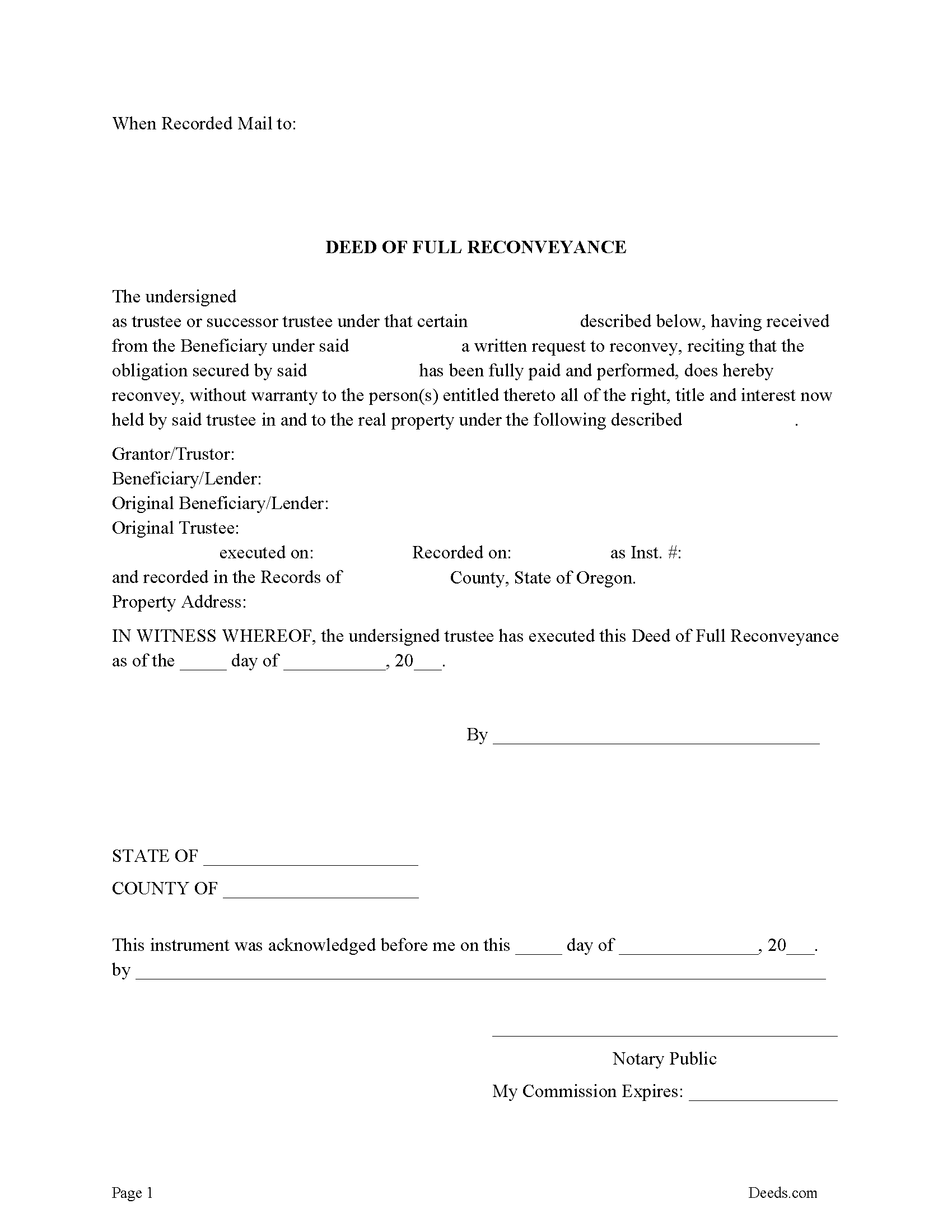
Lane County Deed of Full Reconveyance Form
Fill in the blank form formatted to comply with all recording and content requirements.
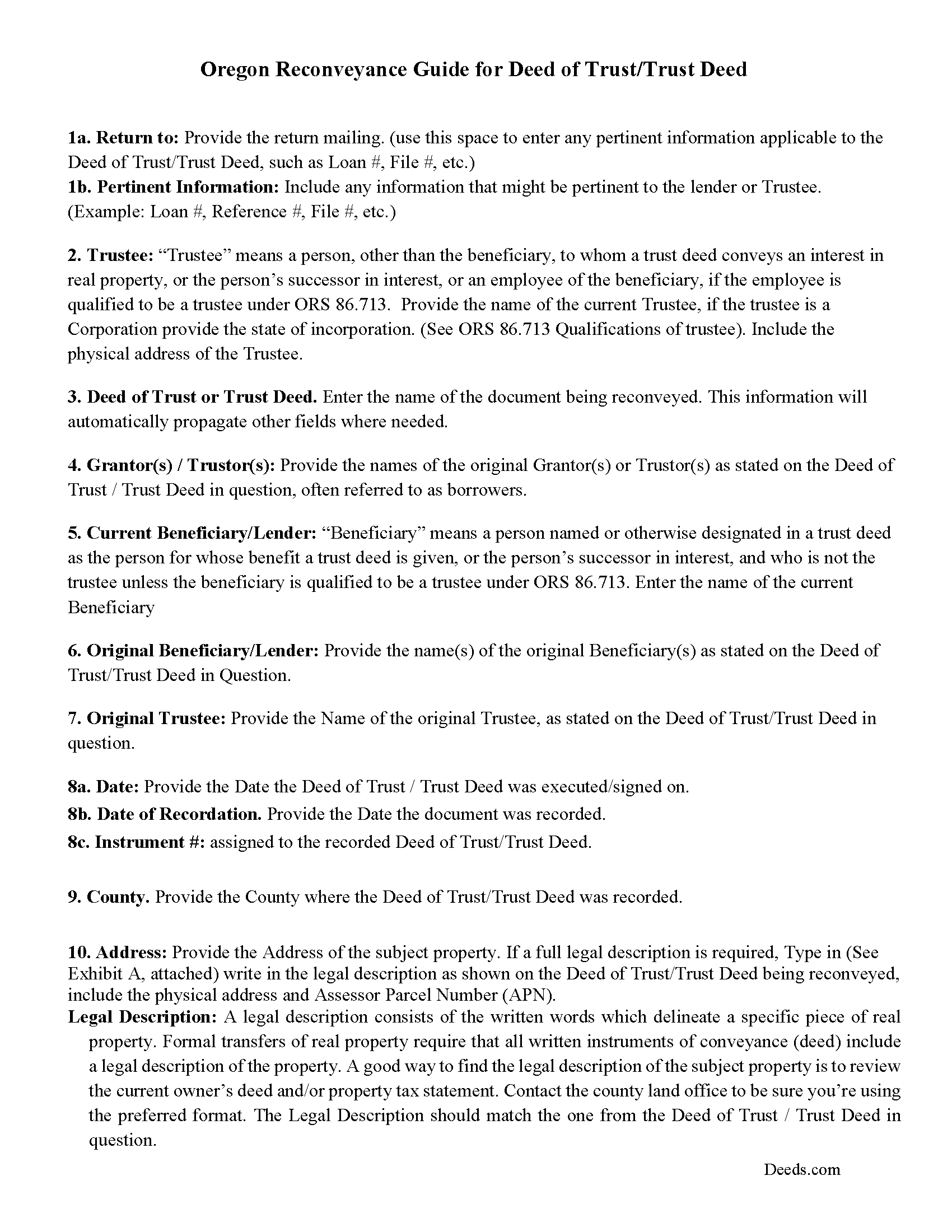
Lane County Deed of Reconveyance Guidelines
Line by line guide explaining every blank on the form.
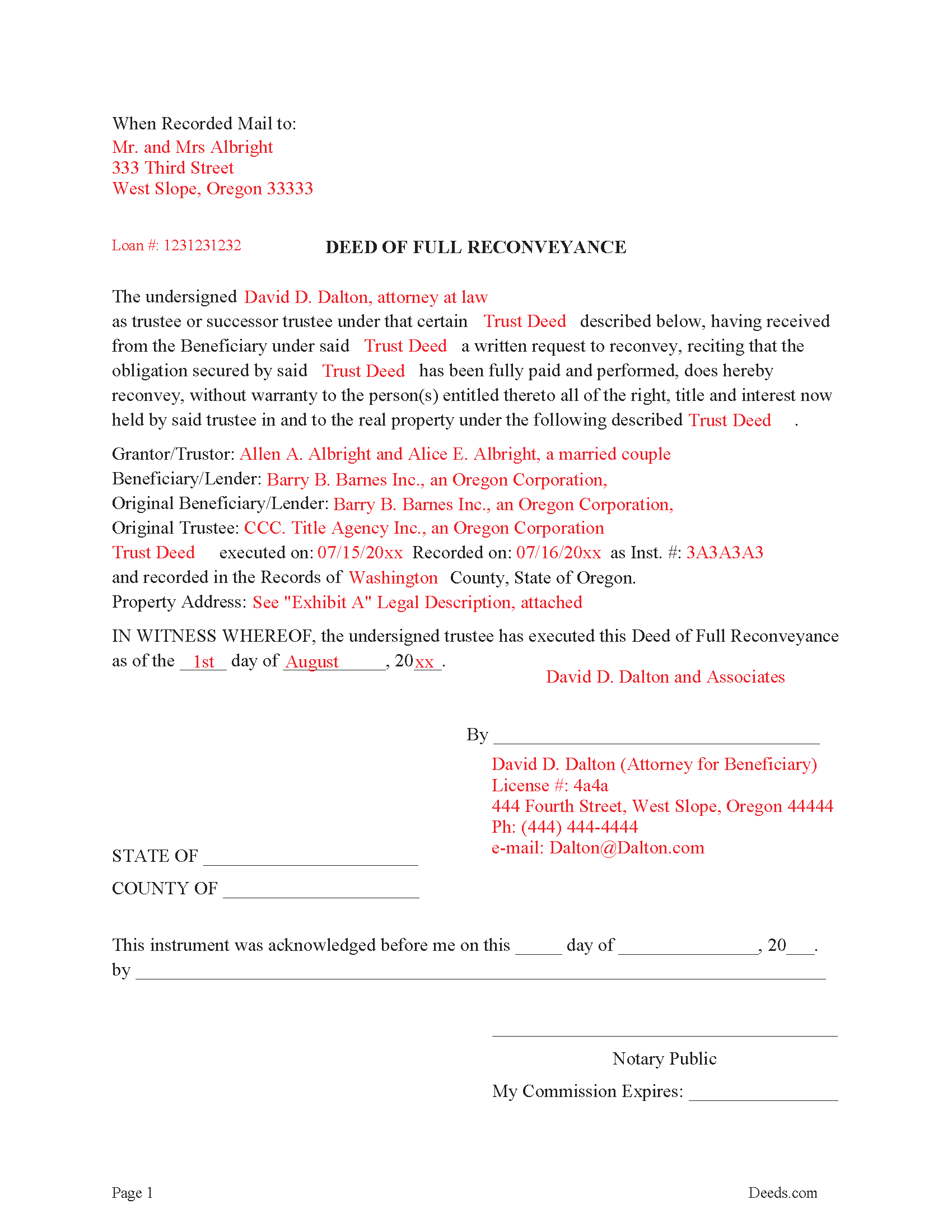
Lane County Completed Example of the Deed of Full Reconveyance Document
Example of a properly completed form for reference.
All 3 documents above included • One-time purchase • No recurring fees
Immediate Download • Secure Checkout
Additional Oregon and Lane County documents included at no extra charge:
Where to Record Your Documents
County Clerk: Deeds & Records
Eugene, Oregon 97401
Hours: 9:00 to 12:00 & 1:00 to 4:00 Mon-Fri / Research: 8:00 to 5:00
Phone: 541-682-3654
Recording Tips for Lane County:
- Bring your driver's license or state-issued photo ID
- Ensure all signatures are in blue or black ink
- Recording fees may differ from what's posted online - verify current rates
- Request a receipt showing your recording numbers
- Ask about accepted payment methods when you call ahead
Cities and Jurisdictions in Lane County
Properties in any of these areas use Lane County forms:
- Alvadore
- Blachly
- Blue River
- Cheshire
- Cottage Grove
- Creswell
- Culp Creek
- Deadwood
- Dexter
- Dorena
- Elmira
- Eugene
- Fall Creek
- Florence
- Junction City
- Lorane
- Lowell
- Mapleton
- Marcola
- Noti
- Oakridge
- Pleasant Hill
- Saginaw
- Springfield
- Swisshome
- Thurston
- Veneta
- Vida
- Walterville
- Walton
- Westfir
- Westlake
Hours, fees, requirements, and more for Lane County
How do I get my forms?
Forms are available for immediate download after payment. The Lane County forms will be in your account ready to download to your computer. An account is created for you during checkout if you don't have one. Forms are NOT emailed.
Are these forms guaranteed to be recordable in Lane County?
Yes. Our form blanks are guaranteed to meet or exceed the applicable formatting requirements used for recording in Lane County, including margin requirements, font requirements, and other layout standards. This guarantee applies to formatting, not to the legal sufficiency of information entered by the user or the suitability of a form for a particular transaction.
Can I reuse these forms?
Yes. You can reuse the forms for your personal use. For example, if you have multiple properties in Lane County you only need to order once.
What do I need to use these forms?
The forms are PDFs that you fill out on your computer. The free Adobe Acrobat Reader is recommended, and most PDF apps also work. You do NOT enter your property information online - you download the blank forms and complete them privately on your own computer.
Are there any recurring fees?
No. This is a one-time purchase. Nothing to cancel, no memberships, no recurring fees.
How much does it cost to record in Lane County?
Recording fees in Lane County vary. Contact the recorder's office at 541-682-3654 for current fees.
Questions answered? Let's get started!
This form is used by the current trustee upon receiving a written request from the beneficiary/lender to reconvey property when a Deed of Trust of Trust Deed has been fully paid.
((1) Within 30 days after performance of the obligation secured by the trust deed, the beneficiary shall deliver a written request to the trustee to reconvey the estate of real property described in the trust deed to the grantor. Within 30 days after the beneficiary delivers the written request to reconvey to the trustee, the trustee shall reconvey the estate of real property described in the trust deed to the grantor. In the event the obligation is performed and the beneficiary refuses to request reconveyance or the trustee refuses to reconvey the property, the beneficiary or trustee so refusing shall be liable as provided by ORS 86.140 (Liability of mortgagee for failure to discharge mortgage) in the case of refusal to execute a discharge or satisfaction of a mortgage on real property. The trustee may charge a reasonable fee for all services involved in the preparation, execution and recordation of any reconveyance executed pursuant to this section.)
(ORS 86.720 Reconveyance upon performance)
(Oregon DOFR Package includes form, guidelines, and completed example) For use in Oregon only.
Important: Your property must be located in Lane County to use these forms. Documents should be recorded at the county recording office listed above.
This Deed of Full Reconveyance meets all recording requirements specific to Lane County.
Our Promise
The documents you receive here are guaranteed to meet or exceed the applicable Lane County recording format requirements. If there is a rejection caused by our formatting, we will correct the issue or refund your payment. This guarantee applies to document formatting only and does not extend to information entered by the user, the selection of the form, or the legal effect of the completed document.
Save Time and Money
Get your Lane County Deed of Full Reconveyance form done right the first time with Deeds.com Uniform Conveyancing Blanks. At Deeds.com, we understand that your time and money are valuable resources, and we don't want you to face a penalty fee or rejection imposed by a county recorder for submitting nonstandard documents. We constantly review and update our forms to meet rapidly changing state and county recording requirements for roughly 3,500 counties and local jurisdictions.
4.8 out of 5 - ( 4,833 Reviews )
Michael M. 5 out of 5 stars
Thanks worked out great as the form was perfect and no problems filing it with the county.
Thank you for your feedback. We really appreciate it. Have a great day!
Stacey S. 4 out of 5 stars
The system was easy to use and download my documents but the way the packages are set up it was confusing and I wish there was a way to delete an item from a package if you make a mistake.
Thank you for your feedback. We really appreciate it. Have a great day!
James W. 5 out of 5 stars
Easy access to forms saving lots of time researching reqmts from a State/Municipal Govt website. I saved 400-500 in lawyer fees but getting these forms, and coordinating with the Property recorders office in another state. Will use you again.
Thank you James. We really appreciate your feedback.
Prentis T. 5 out of 5 stars
So far so good
Thank you for your feedback. We really appreciate it. Have a great day!
Gina G. 5 out of 5 stars
This service is fantastic! Took a few tries to scan the document correctly, but their patience and quick turn around made this a far better experience than going to the County myself.
We are delighted to have been of service. Thank you for the positive review!
David S. 3 out of 5 stars
I downloaded the quit claim deed form and saved it on my computer. I opened it with Adobe and filled it out. The space for the legal description was too small (2 lines only) which did not allow enough room for the long property description that I had.
Thank you for your feedback. We really appreciate it. Have a great day!
Joseph R. 5 out of 5 stars
Wonderful service! Things changed for me on my side and the company saw this and closed my account with ease.
Thank you!
Jianxing L. 5 out of 5 stars
My case was a deed recording. The process was extremely smooth and carried out by the agents professionally and efficiently. I was greeted and guided to the right windows and the whole process took about 5 minutes, I was so impressed and appreciated the service our county agents provided. The process and the folks handled it really deserve a solid 5 star rating.
Thank you for taking a moment to share your thoughts.
Kristina M. 5 out of 5 stars
deeds.com has been an easy and efficient way for my organization to file deeds on behalf of older DC residents. KVH especially has been wonderfully helpful in providing guidance about the submission process. Appreciate the professionalism and patience
Thank you for the kind words Kristina.
Lori G. 5 out of 5 stars
This was so easy and seemless. I wish I had found deeds.com for eRecording sooner! I submitted my documents from the comfort of my office, they were great about communicating in a timely manner with updates. The next day I had copies of my recorded documents! I would highly recommend deeds.com!
We appreciate your business and value your feedback. Thank you. Have a wonderful day!
Sandra C. 5 out of 5 stars
Not sure whether the two forms I printed will be helpful or not. Will find out when I go to a place for completion and to be notorized.
Thank you!
Toni C. 4 out of 5 stars
The system was simple to use. The rep that answered my questions could have been a little more forthcoming, but that being said I would use the service again.
Thank you!
Gerry A. 5 out of 5 stars
It was easy, affordable and I appreciate this service.
Thank you!
IVAN G. 5 out of 5 stars
THIS Guys Save YOU TIME , Efforts and MONEY!!! So easy and secured to use,,NOT to mention FAST!!
We appreciate your business and value your feedback. Thank you. Have a wonderful day!
Gary S. 5 out of 5 stars
Easy to use. Very helpful
Thank you!