Putnam County Notice of Mechanics Lien Form
Last validated October 27, 2026 by our Forms Development TeamFormatted for recording in Putnam County, for property anywhere in the county: rural and unincorporated areas as well as Baxter, Bloomington Springs, Buffalo Valley, Cookeville, Monterey, Silver Point.
- 3 documents included
- Immediate PDF download
- Formatting guarantee
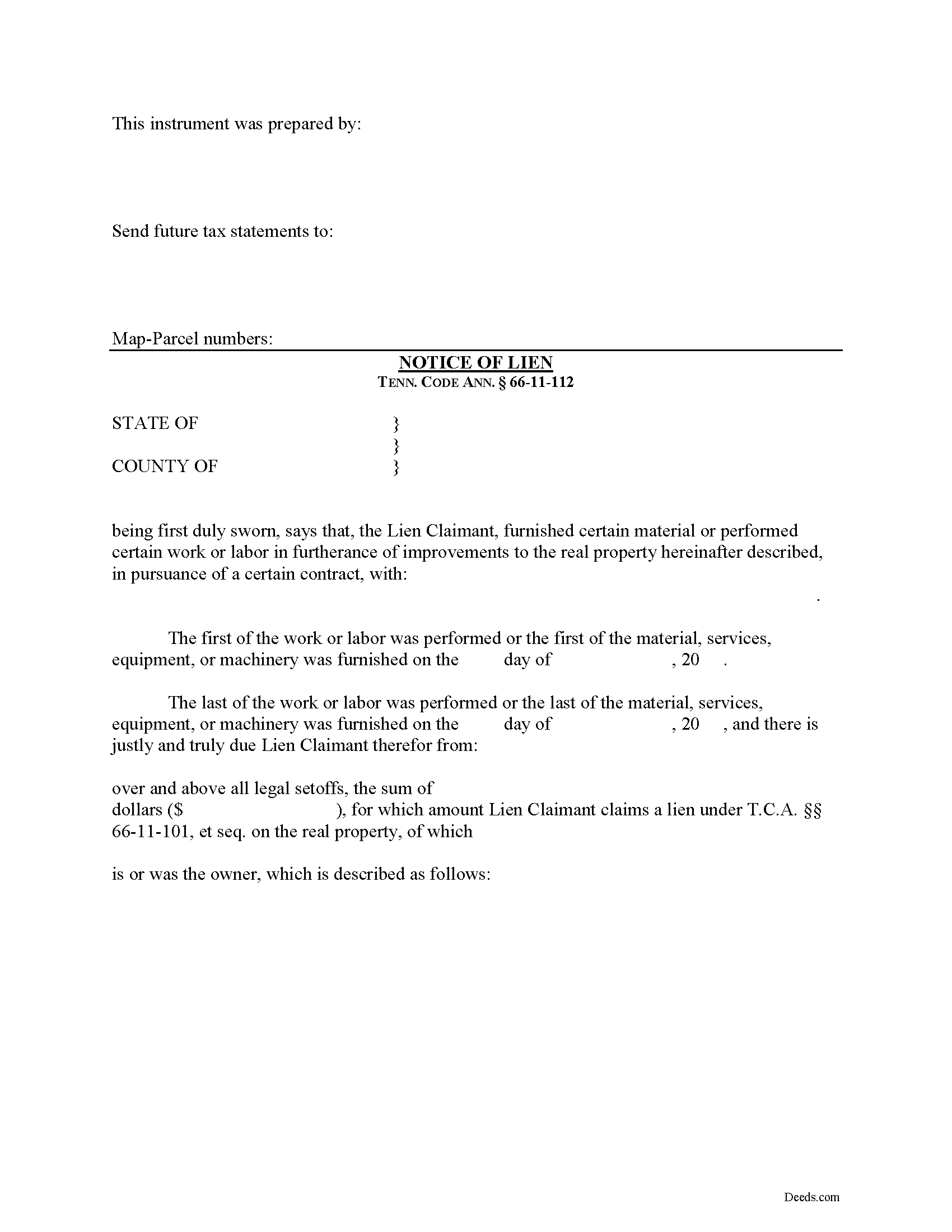
Putnam County Notice of Mechanics Lien Form
Fill in the blank Notice of Mechanics Lien form formatted to comply with all Tennessee recording and content requirements.
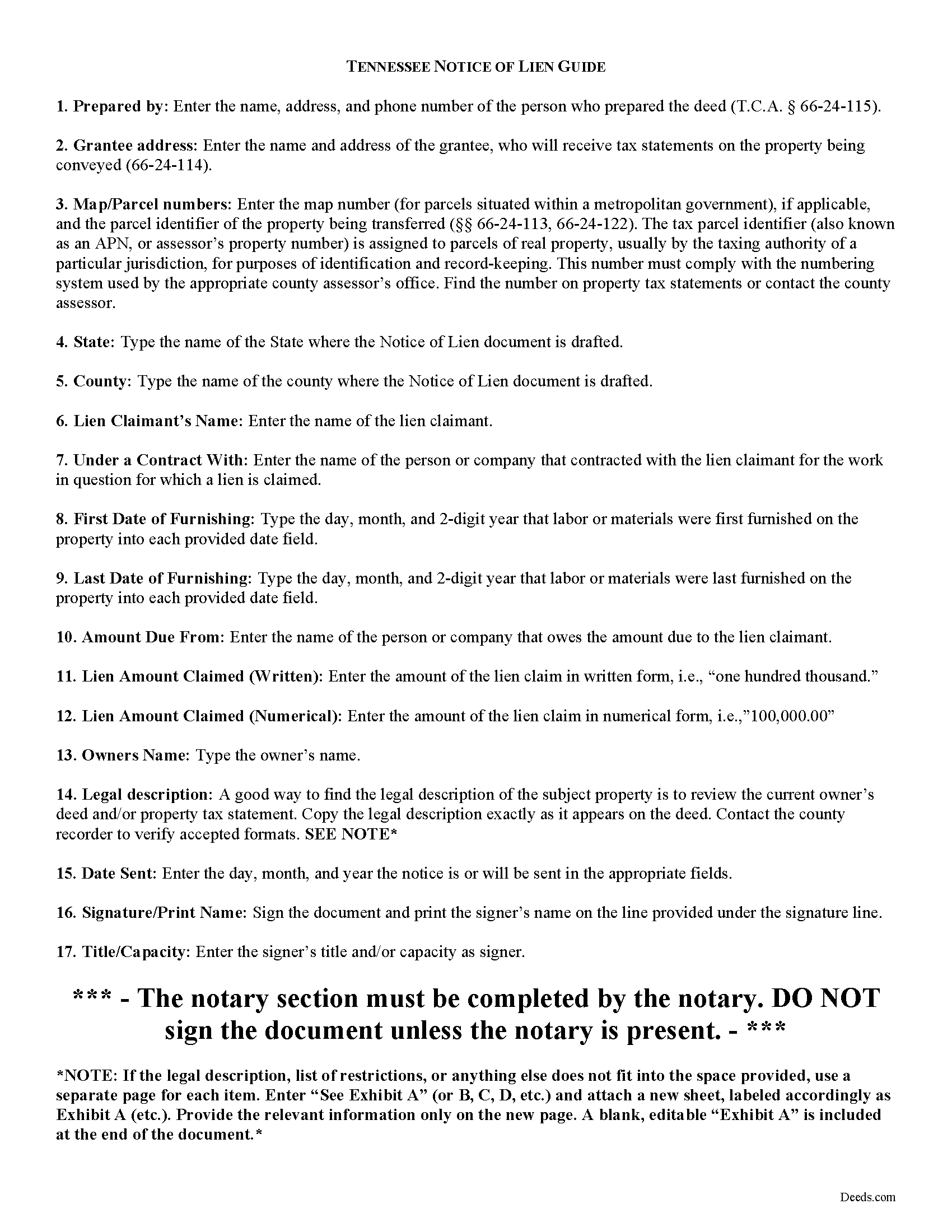
Putnam County Notice of Mechanics Lien Guide
Line by line guide explaining every blank on the form.
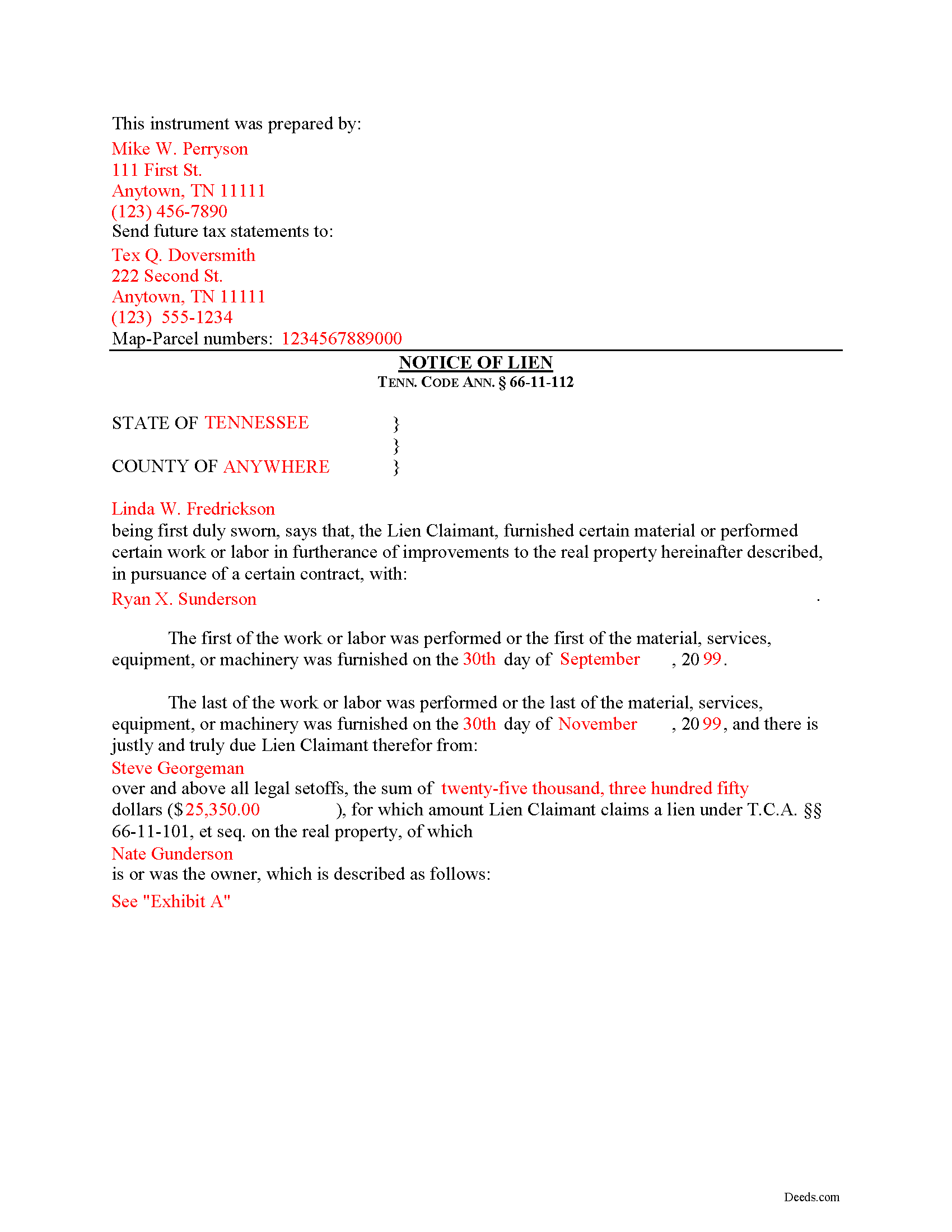
Putnam County Completed Example of the Notice of Mechanics Lien Document
Example of a properly completed form for reference.
All 3 documents above included • One-time purchase • No recurring fees
Immediate Download • Secure Checkout
Additional Tennessee and Putnam County documents included at no extra charge:
Where to Record Your Documents
Putnam County Register of Deeds
Cookeville, Tennessee 38503
Hours: 8:00 to 4:00 M-F
Phone: (931) 526-7101
Recording Tips for Putnam County:
- Bring your driver's license or state-issued photo ID
- Ensure all signatures are in blue or black ink
- Check that your notary's commission hasn't expired
- Documents must be on 8.5 x 11 inch white paper
- Double-check legal descriptions match your existing deed
Cities and Jurisdictions in Putnam County
Properties in any of these areas use Putnam County forms:
- Baxter
- Bloomington Springs
- Buffalo Valley
- Cookeville
- Monterey
- Silver Point
Hours, fees, requirements, and more for Putnam County
How do I get my forms?
Forms are available for immediate download after payment. The Putnam County forms will be in your account ready to download to your computer. An account is created for you during checkout if you don't have one. Forms are NOT emailed.
Are these forms guaranteed to be recordable in Putnam County?
Yes. Our form blanks are guaranteed to meet or exceed the applicable formatting requirements used for recording in Putnam County, including margin requirements, font requirements, and other layout standards. This guarantee applies to formatting, not to the legal sufficiency of information entered by the user or the suitability of a form for a particular transaction.
Can I reuse these forms?
Yes. You can reuse the forms for your personal use. For example, if you have multiple properties in Putnam County you only need to order once.
What do I need to use these forms?
The forms are PDFs that you fill out on your computer. The free Adobe Acrobat Reader is recommended, and most PDF apps also work. You do NOT enter your property information online - you download the blank forms and complete them privately on your own computer.
Are there any recurring fees?
No. This is a one-time purchase. Nothing to cancel, no memberships, no recurring fees.
How much does it cost to record in Putnam County?
Recording fees in Putnam County vary. Contact the recorder's office at (931) 526-7101 for current fees.
Questions answered? Let's get started!
Filing a Mechanic's Lien Claim in Tennessee
Mechanic's Liens are used to place a block or burden on a property owner's title when a claimant (such as a contractor or materials supplier) has not been paid for labor, materials, or equipment provided. In Tennessee, mechanic's liens are governed under Chapter 11 of the Tennessee Property Code.
In order to preserve the priority of the lien, as it concerns subsequent purchasers or encumbrancers for a valuable consideration without notice of the lien, the lienor, is required to record in the office of the register of deeds of the county where the real property, or any part affected, lies, a sworn statement of the amount for, and a reasonably certain description of the real property on, which the lien is claimed. Tenn. Prop. Code 66-11-112(a).
The recording party shall pay filing fees, and shall be provided a receipt for the filing fees, which amount shall be part of the lien amount. Id. The recordation must be done no later than ninety (90) days after the date the improvement is complete or is abandoned, prior to which time the lien shall be effective as against the purchasers or encumbrancers without the recordation. Id.
The owner must serve thirty (30) days' notice on prime contractors and on all of those lienors who have served notice in accordance with Tenn. Prop. Code 66-11-145 (the notice of non-payment) prior to the owner's transfer of any interest to a subsequent purchaser or encumbrancer for a valuable consideration. Id.
If the sworn statement is not recorded within that time, the lien's priority as to subsequent purchasers or encumbrancers shall be determined as if it attached as of the time the sworn statement is recorded. Id. Therefore, timely recording is of the utmost importance to protect full lien rights.
According to Tennessee Prop. Code 66-11-112(b), a building, structure or improvement is deemed to have been abandoned for purposes of the lien law when there is a cessation of operation for a period of ninety (90) days and an intent on the part of the owner or prime contractor to cease operations permanently, or at least for an indefinite period. If either of these occur, it is time to file your lien.
This article is provided for informational purposes only and should not be considered legal advice or relied upon as any substitute for speaking with an attorney. Please consult a Tennessee attorney familiar with construction law for any issues regarding mechanic's liens.
Important: Your property must be located in Putnam County to use these forms. Documents should be recorded at the county recording office listed above.
This Notice of Mechanics Lien meets all recording requirements specific to Putnam County.
Our Promise
The documents you receive here are guaranteed to meet or exceed the applicable Putnam County recording format requirements. If there is a rejection caused by our formatting, we will correct the issue or refund your payment. This guarantee applies to document formatting only and does not extend to information entered by the user, the selection of the form, or the legal effect of the completed document.
Save Time and Money
Get your Putnam County Notice of Mechanics Lien form done right the first time with Deeds.com Uniform Conveyancing Blanks. At Deeds.com, we understand that your time and money are valuable resources, and we don't want you to face a penalty fee or rejection imposed by a county recorder for submitting nonstandard documents. We constantly review and update our forms to meet rapidly changing state and county recording requirements for roughly 3,500 counties and local jurisdictions.
4.8 out of 5 - ( 4,846 Reviews )
Richard S. 5 out of 5 stars
Nicely done. Smooooth
Thank you for your feedback. We really appreciate it. Have a great day!
tim g. 5 out of 5 stars
that is what I was looking for thanks
Thanks Tim, glad we could help.
JD S. 5 out of 5 stars
I used Deeds.com recently. They were quick and got the job done quickly. Their online portal was extremely easy to use. I will definitely use them again.
Thank you!
Ginger O. 5 out of 5 stars
Thank you for making this so easy to use. I had looked all over the internet and yours was the most user friendly and for a reasonable price.
We appreciate your business and value your feedback. Thank you. Have a wonderful day!
Christin A. 5 out of 5 stars
Super Quick! and Easy!
Thank you!
Kathryn C. 5 out of 5 stars
descriptions for some areas were longer than what would print out on document - it showed and was visible on the form but would not print out - for example in the legal description. would be nice in fill in areas could be extended as needed
Thank you for your feedback. We really appreciate it. Have a great day!
Hoang N. 5 out of 5 stars
Thank you for helping. Deeds online service is so good. I would refer to my friends or whoever if they need this services. once again you guy is doing great work
Thank you!
Donald B. 5 out of 5 stars
Pretty good forms, they would probably be better if I read the directions but...
Thank you!
LEROY S. 5 out of 5 stars
Thank you for your kind help. Great help. VR Roy F. Sutton
Thank you for your feedback. We really appreciate it. Have a great day!
Maria S. 3 out of 5 stars
The paperwork/forms are fine, but there isn't enough explanation for me to figure out how to file the extra forms (which I do need in my case). The main form, Deed Upon Death is fine. I think the price is pretty high for these forms. I wouldn't have purchased it because there are places to get them for much cheaper (about 6 dollars), but this site had the extra forms I wanted (property in a trust and another form). Unfortunately these were included as a "courtesy" and there are no instructions for them. So three stars for being clear about what was in the package, having the right forms that I need, but instructions for putting them to use and price took a couple of stars off. Downloading was easy and once you download you can type the info into the PDF--that makes working with the forms much easier.
Thank you for the feedback Maria. Regarding the supplement documents, it is best to get assistance from the agency that requires them. These are not legal documents, they should provide full support and guidance for them.
Yvette B. 5 out of 5 stars
Efficient
Thank you!
Erlinda M. 5 out of 5 stars
Very convenient & easy to use this website. Information was helpful.
Thank you for your feedback. We really appreciate it. Have a great day!
stephanie h. 5 out of 5 stars
Very satisfied. In the middle of COVID19 I was able to complete important paperwork even though I wasn't completely sure what I was doing on my own. Quick and easy. Thank you. It means a lot to me.
Thank you for your feedback. We really appreciate it. Have a great day!
Chastity S. 1 out of 5 stars
Very confusing and a waste of money, Now I will have to pay for another service from another site. Very disappointed.
Thank you for your feedback. Sorry to hear about your disappointment. It is certainly a good idea to seek a more full service route if you are not completely sure of what you are doing. We have canceled your order and payment.
Linda D. 5 out of 5 stars
This is a very nice service. Easy to use and reasonable. I especially appreciated the helpful explanations of each of the fields on the form. I will positively use this service again.
Thank you for your feedback. We really appreciate it. Have a great day!