Franklin County Notice of Non-Payment Form
Last validated October 12, 2026 by our Forms Development TeamFormatted for recording in Franklin County, for property anywhere in the county: rural and unincorporated areas as well as Belvidere, Cowan, Decherd, Estill Springs, Huntland, Sewanee, Sherwood, Winchester.
- 3 documents included
- Immediate PDF download
- Formatting guarantee
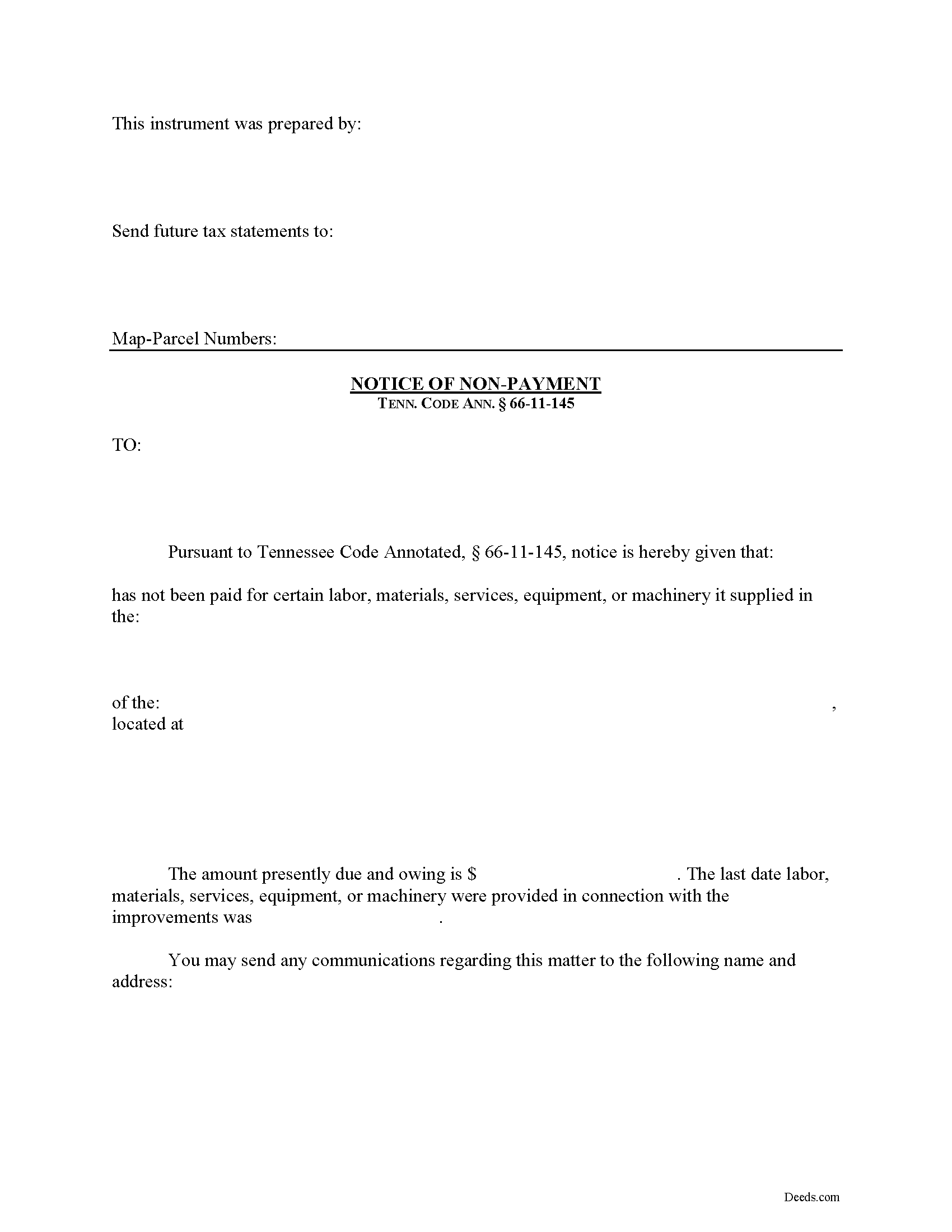
Franklin County Notice of Non-Payment Form
Fill in the blank Notice of Non-Payment form formatted to comply with all Tennessee recording and content requirements.
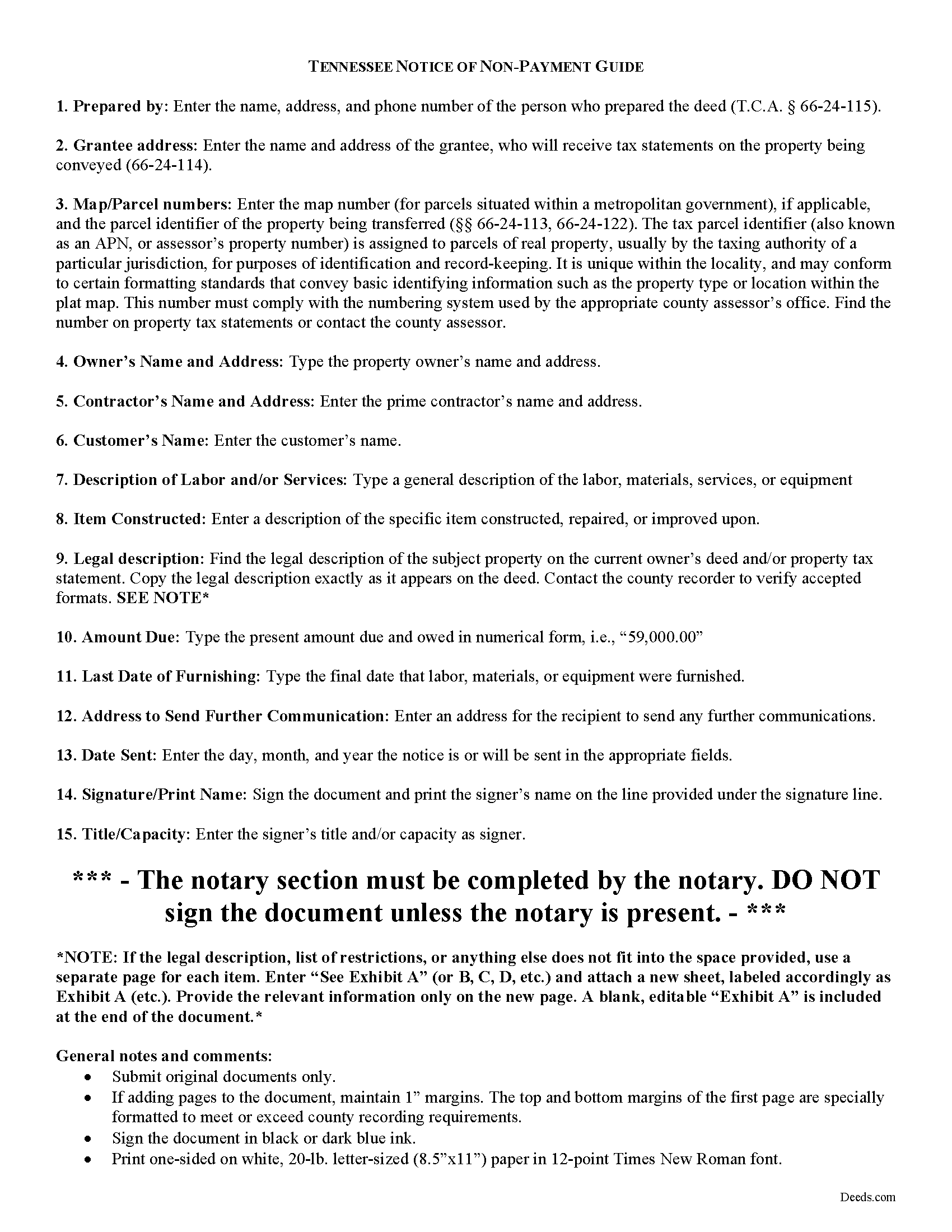
Franklin County Notice of Non-Payment Guide
Line by line guide explaining every blank on the form.
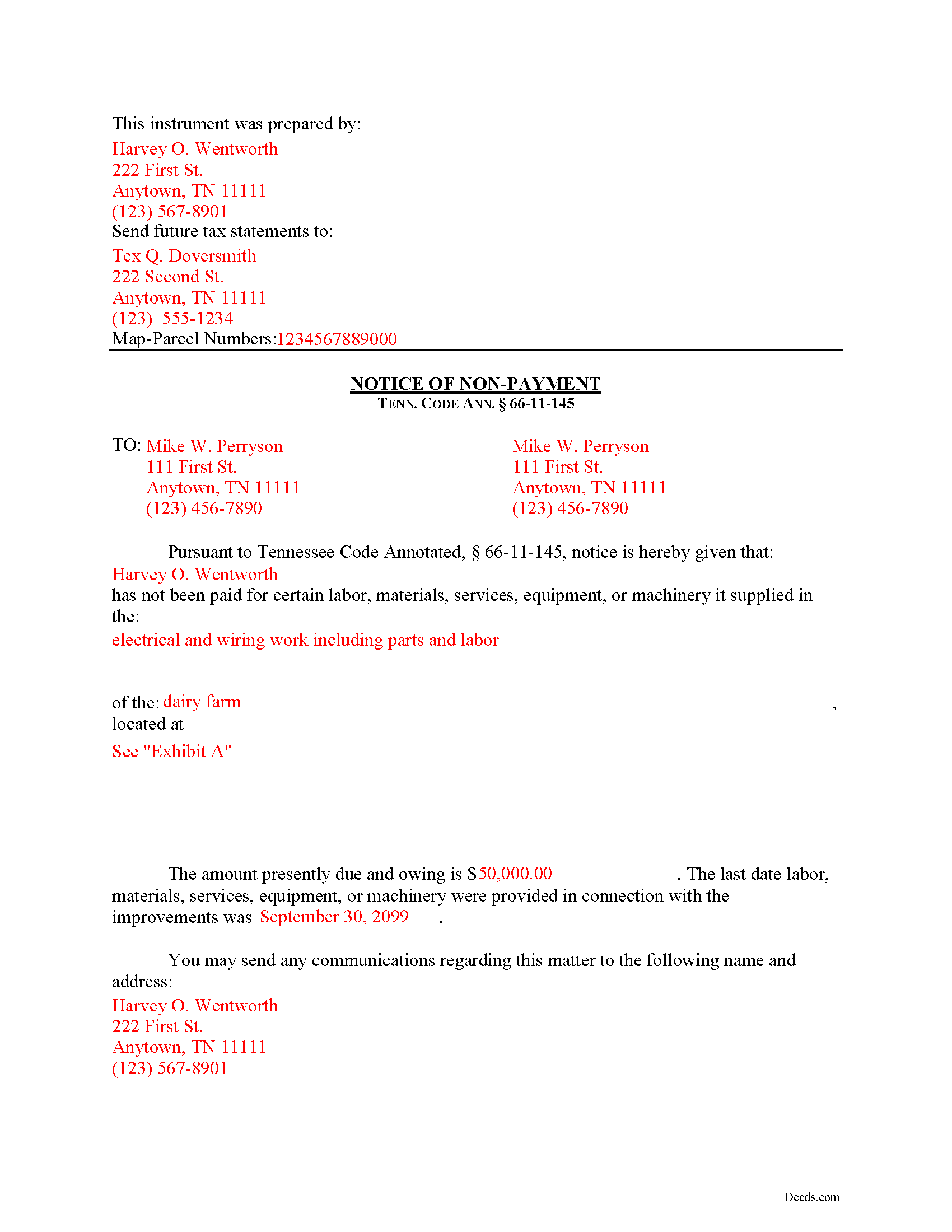
Franklin County Completed Example of the Notice of Non-Payment Document
Example of a properly completed form for reference.
All 3 documents above included • One-time purchase • No recurring fees
Immediate Download • Secure Checkout
Additional Tennessee and Franklin County documents included at no extra charge:
Where to Record Your Documents
Franklin County Register of Deeds
Winchester, Tennessee 37398
Hours: 8:00 to 4:30 Monday through Friday
Phone: (931) 967-2840
Recording Tips for Franklin County:
- Bring your driver's license or state-issued photo ID
- Ensure all signatures are in blue or black ink
- Ask for certified copies if you need them for other transactions
- Ask if they accept credit cards - many offices are cash/check only
- Check that your notary's commission hasn't expired
Cities and Jurisdictions in Franklin County
Properties in any of these areas use Franklin County forms:
- Belvidere
- Cowan
- Decherd
- Estill Springs
- Huntland
- Sewanee
- Sherwood
- Winchester
Hours, fees, requirements, and more for Franklin County
How do I get my forms?
Forms are available for immediate download after payment. The Franklin County forms will be in your account ready to download to your computer. An account is created for you during checkout if you don't have one. Forms are NOT emailed.
Are these forms guaranteed to be recordable in Franklin County?
Yes. Our form blanks are guaranteed to meet or exceed the applicable formatting requirements used for recording in Franklin County, including margin requirements, font requirements, and other layout standards. This guarantee applies to formatting, not to the legal sufficiency of information entered by the user or the suitability of a form for a particular transaction.
Can I reuse these forms?
Yes. You can reuse the forms for your personal use. For example, if you have multiple properties in Franklin County you only need to order once.
What do I need to use these forms?
The forms are PDFs that you fill out on your computer. The free Adobe Acrobat Reader is recommended, and most PDF apps also work. You do NOT enter your property information online - you download the blank forms and complete them privately on your own computer.
Are there any recurring fees?
No. This is a one-time purchase. Nothing to cancel, no memberships, no recurring fees.
How much does it cost to record in Franklin County?
Recording fees in Franklin County vary. Contact the recorder's office at (931) 967-2840 for current fees.
Questions answered? Let's get started!
Remote Contractor Claims in Tennessee
Remote contractors who have not contracted directly with the owner, must send a special type of notice when they are not paid at time. In Tennessee, that notice is called the "Notice of Non-Payment."
Every remote contractor with respect to an improvement, except one-to-four-family residential units, shall serve, within ninety (90) days of the last day of each month within which work, material, or labor was provided, or machinery furnished and for which the remote contractor intends to claim a lien, a notice of nonpayment to the owner and prime contractor in contractual privity with the remote contractor if its account is, in fact, unpaid. Tenn. Prop. Code 66-11-145(a). Serve the notice via registered or certified US Mail, or any other service with official delivery confirmation.
The notice shall contain the following: (1) The name of the remote contractor and the address to which the owner and the prime contractor in contractual relation with the remote contractor may send communications to the remote contractor; (2) A general description of the work, labor, materials, services, equipment, or machinery provided; (3) The amount owed as of the date of the notice; (4) A statement of the last date the claimant performed work and/or provided labor or materials, services, equipment, or machinery in connection with the improvements; and (5) A description sufficient to identify the real property against which a lien may be claimed. Id.
If a remote contractor fails to provide the notice of nonpayment in compliance with the law, he or she may lose the right to claim a lien (except with regard to a certain amount or percentage of the contract amount retained to guarantee performance of the remote contractor). Tenn. Prop. Code 66-11-145(b). Even though the notice of nonpayment is a required step in the lien process, be aware that it is NOT the same notice required to fulfill a notice of an impending lien, which must be drafted and sent separately. Tenn. Prop. Code 66-11-145(c).
This article is provided for informational purposes only and should not be considered legal advice or relied upon as any substitute for speaking with an attorney. Please consult a Tennessee attorney familiar with construction law for any issues regarding mechanic's liens.
Important: Your property must be located in Franklin County to use these forms. Documents should be recorded at the county recording office listed above.
This Notice of Non-Payment meets all recording requirements specific to Franklin County.
Our Promise
The documents you receive here are guaranteed to meet or exceed the applicable Franklin County recording format requirements. If there is a rejection caused by our formatting, we will correct the issue or refund your payment. This guarantee applies to document formatting only and does not extend to information entered by the user, the selection of the form, or the legal effect of the completed document.
Save Time and Money
Get your Franklin County Notice of Non-Payment form done right the first time with Deeds.com Uniform Conveyancing Blanks. At Deeds.com, we understand that your time and money are valuable resources, and we don't want you to face a penalty fee or rejection imposed by a county recorder for submitting nonstandard documents. We constantly review and update our forms to meet rapidly changing state and county recording requirements for roughly 3,500 counties and local jurisdictions.
4.8 out of 5 - ( 4,828 Reviews )
Joyce S. 5 out of 5 stars
The site was very easy to understand and to download the required documents I need to prepare a release. Response of the documents ready for my use was very efficient.
We appreciate your business and value your feedback. Thank you. Have a wonderful day!
Thomas H. 5 out of 5 stars
Great service! The example completed form and instructions provided by Deeds.com were extremely helpful for properly filling out the blank form they provided. After completing my form and getting it notarized, I e-filed it to my county clerk's office and it was approved right away with no issues. The entire process was well worth the price and I'm very happy with the results.
Thanks, Thomas. First-try acceptance is the goal every time, and we're glad yours went that way. We appreciate your business.
James V. 5 out of 5 stars
Easy, quick and very proficient. I am glad I used Deeds.
Thank you!
Diane D. 5 out of 5 stars
. I purchased 3 different items yesterday. Truthfully, it was a bit annoying, I could not figure out how to put them in a cart and had to do 3 transactions. I'm in the process of reviewing my purchases. Thank you! .
Thank you for your feedback. We really appreciate it. Have a great day!
Michelle K. 5 out of 5 stars
Excellent service! Easy to use, great communication, quick response time and very helpful with any questions I had. I would recommend to anyone seeking the services they provide.
We appreciate your business and value your feedback. Thank you. Have a wonderful day!
John C. 5 out of 5 stars
Excellent find (Deeds.com) from a google search, first hit. This was exactly what we were looking for. It also got me to upgrade Adobe to be able to fill in the forms. Will be back for follow up as needed, but I think I got everything we needed in the first downloads. Appreciate a well done site like yours. Thanks John
Thank you for your feedback. We really appreciate it. Have a great day!
JAMES S. 5 out of 5 stars
Saved me 1-2 hours' time dictating. Will use again.
Thank you!
Philippe B. 1 out of 5 stars
I purchased a Quit Claim Deed package a couple weeks ago. The included guide unfortunately didn't answer all the questions about my specific case of how to fill it out, so I sent them a couple questions on Sept 8. It's now the 23rd, and still no reply. The form is a useless waste of money if I don't know how to fill it out in a legally-accurate way.
We certainly do not want you to waste your money Philippe, to that end your order and payment has been canceled. We do hope that you seek the advice of a legal professional familiar with your specific situation. It should go without saying but just to be clear, our do it yourself forms do not include legal representation for $19. Have a wonderful day.
Audra P. 5 out of 5 stars
Deeds.com was so easy to use and understand. So fairly priced too in my opinion, worth every penny! Thank you deeds.com and I'm grateful my county uses and encourages using them.
We appreciate your business and value your feedback. Thank you. Have a wonderful day!
John M. 5 out of 5 stars
I found just what I needed at a very good price.
We appreciate your business and value your feedback. Thank you. Have a wonderful day!
Craig J. 5 out of 5 stars
Package downloaded without any problems. Help sheet was fair. Maybe they could cross reference the help number on the help sheet to the form better - somehow. Overall, I was pleased. I was able to download, fill in the blanks and do what edits I thought it needed with ease. Cost was very reasonable. I'll give it a 5.
Thank you for your feedback. We really appreciate it. Have a great day!
Shirley R J. 5 out of 5 stars
Great website.....fast and easy access!
We appreciate your business and value your feedback. Thank you. Have a wonderful day!
Laurentina F. 5 out of 5 stars
Great and efficient.
We appreciate your business and value your feedback. Thank you. Have a wonderful day!
JESSICA B. 5 out of 5 stars
easy to move through the site and create an account.
Thank you!
patricia l b. 5 out of 5 stars
Wonderful service, very user friendly!
Thank you for your feedback. We really appreciate it. Have a great day!