Shelby County Notice of Spousal Non-Responsibility Form
Last validated September 22, 2026 by our Forms Development TeamFormatted for recording in Shelby County, for property anywhere in the county: rural and unincorporated areas as well as Arlington, Brunswick, Collierville, Cordova, Eads, Ellendale, Germantown, Memphis and 1 more.
- 3 documents included
- Immediate PDF download
- Formatting guarantee
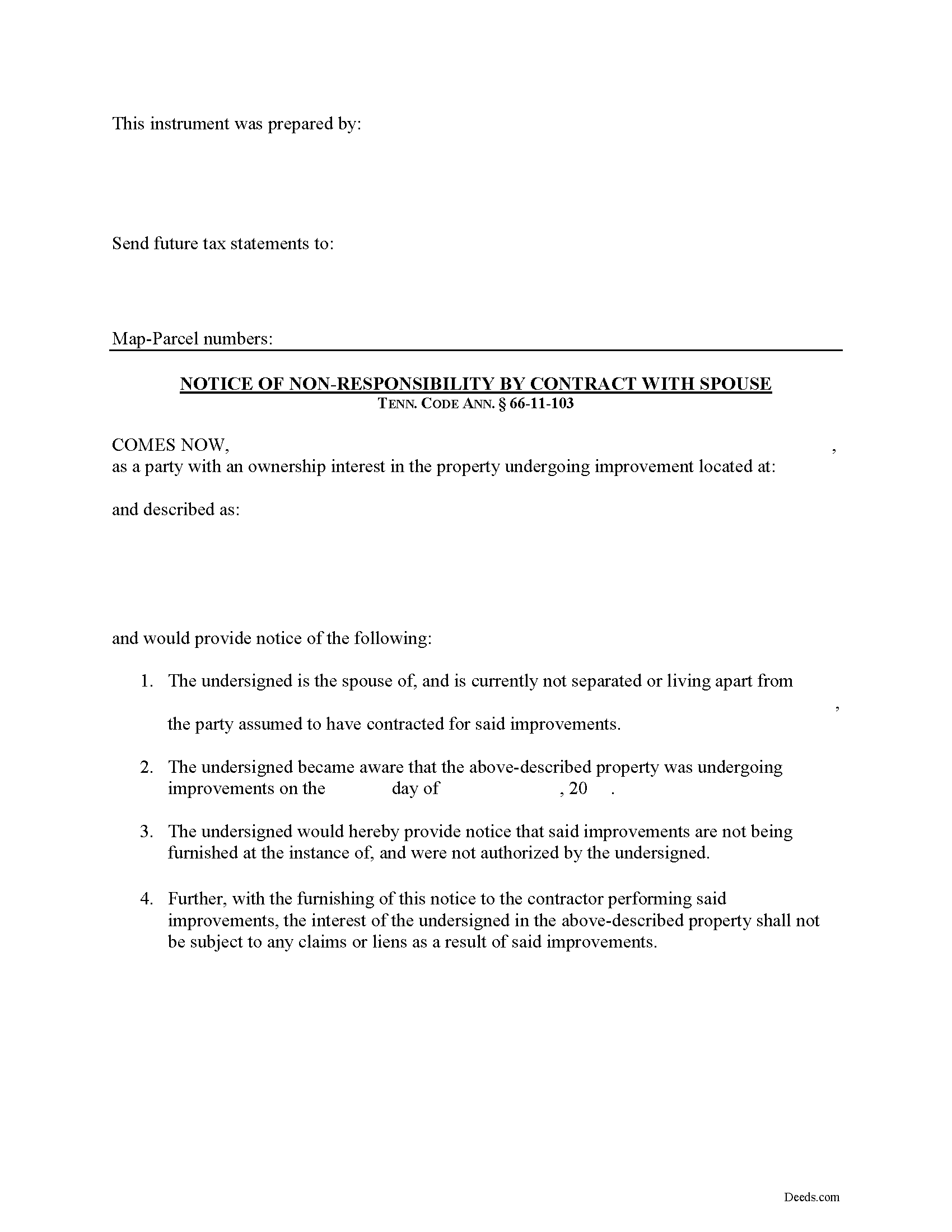
Shelby County Notice of Spousal Non-Responsibility Form
Fill in the blank Notice of Spousal Non-Responsibility form formatted to comply with all Tennessee recording and content requirements.
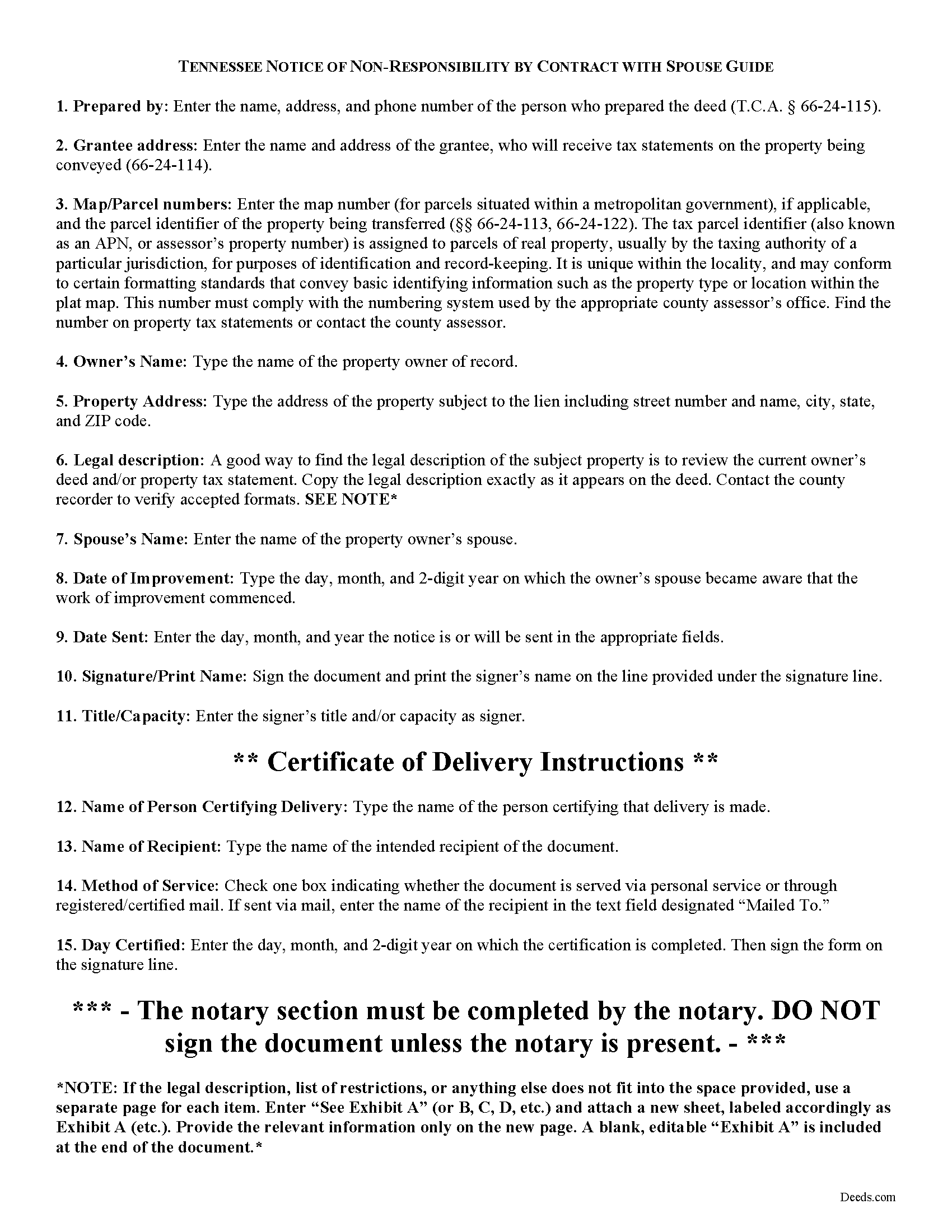
Shelby County Notice of Non-Responsibility Guide
Line by line guide explaining every blank on the form.
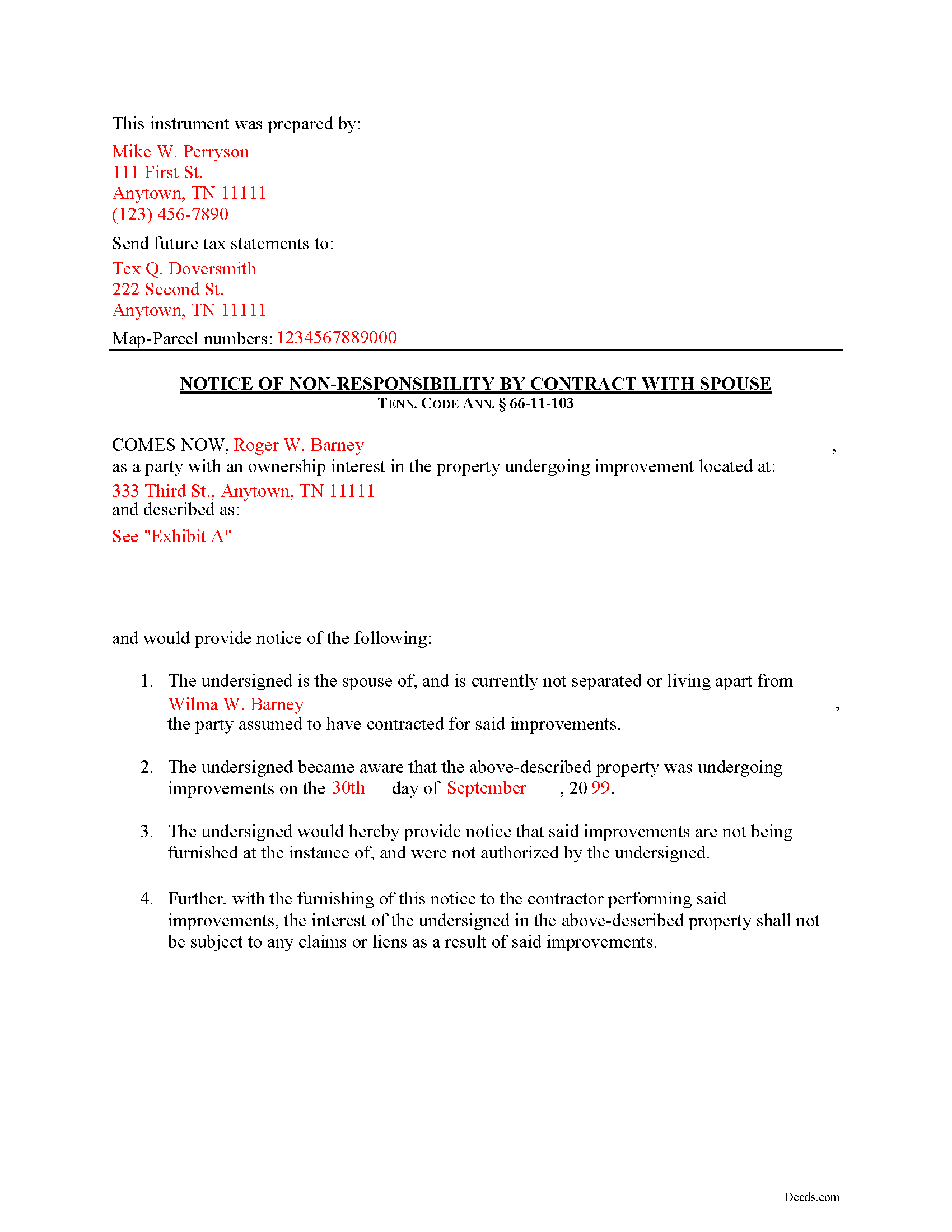
Shelby County Completed Example of the Notice of Non-Responsibility Document
Example of a properly completed form for reference.
All 3 documents above included • One-time purchase • No recurring fees
Immediate Download • Secure Checkout
Additional Tennessee and Shelby County documents included at no extra charge:
Where to Record Your Documents
Shelby County Register of Deeds
Memphis, Tennessee 38134
Hours: 8:00 to 4:30 M-F
Phone: (901) 222-8100
Recording Tips for Shelby County:
- Bring your driver's license or state-issued photo ID
- Ensure all signatures are in blue or black ink
- Double-check legal descriptions match your existing deed
- Verify all names are spelled correctly before recording
- White-out or correction fluid may cause rejection
Cities and Jurisdictions in Shelby County
Properties in any of these areas use Shelby County forms:
- Arlington
- Brunswick
- Collierville
- Cordova
- Eads
- Ellendale
- Germantown
- Memphis
- Millington
Hours, fees, requirements, and more for Shelby County
How do I get my forms?
Forms are available for immediate download after payment. The Shelby County forms will be in your account ready to download to your computer. An account is created for you during checkout if you don't have one. Forms are NOT emailed.
Are these forms guaranteed to be recordable in Shelby County?
Yes. Our form blanks are guaranteed to meet or exceed the applicable formatting requirements used for recording in Shelby County, including margin requirements, font requirements, and other layout standards. This guarantee applies to formatting, not to the legal sufficiency of information entered by the user or the suitability of a form for a particular transaction.
Can I reuse these forms?
Yes. You can reuse the forms for your personal use. For example, if you have multiple properties in Shelby County you only need to order once.
What do I need to use these forms?
The forms are PDFs that you fill out on your computer. The free Adobe Acrobat Reader is recommended, and most PDF apps also work. You do NOT enter your property information online - you download the blank forms and complete them privately on your own computer.
Are there any recurring fees?
No. This is a one-time purchase. Nothing to cancel, no memberships, no recurring fees.
How much does it cost to record in Shelby County?
Recording fees in Shelby County vary. Contact the recorder's office at (901) 222-8100 for current fees.
Questions answered? Let's get started!
Tennessee Notice of Non-Responsibility by Contract with Spouse
Under Tennessee Property Code section 66-11-103, spouses are awarded certain protections from mechanic's lien if a notice of objection to the contract is timely filed. The form of the notice is called a "Notice of Non-Responsibility by Contract with Spouse."
When the contract for improving real property is made with a husband or a wife who is not separated and living apart from that person's spouse, and the property is owned by the other spouse or by both spouses, the spouse who is the contracting party shall be deemed to be the agent of the other spouse unless the other spouse serves the prime contractor with written notice of that spouse's objection to the contract within ten (10) days after learning of the contract. Tenn. Prop. Code 66-11-103.
This document identifies the parties, the location and starting date of the project, and specifically states that the filing spouse accepts no obligations related to the improvement. If the notice is filed within the required ten-day period after learning of the contract, it can be a powerful tool to avoid any lien being placed on the spouse's property interest.
This article is provided for informational purposes only and should not be considered legal advice or relied upon as any substitute for speaking with an attorney. Please consult a Tennessee attorney familiar with construction law for any questions about the Notice of Non-Responsibility or for any other issues regarding mechanic's liens.
Important: Your property must be located in Shelby County to use these forms. Documents should be recorded at the county recording office listed above.
This Notice of Spousal Non-Responsibility meets all recording requirements specific to Shelby County.
Our Promise
The documents you receive here are guaranteed to meet or exceed the applicable Shelby County recording format requirements. If there is a rejection caused by our formatting, we will correct the issue or refund your payment. This guarantee applies to document formatting only and does not extend to information entered by the user, the selection of the form, or the legal effect of the completed document.
Save Time and Money
Get your Shelby County Notice of Spousal Non-Responsibility form done right the first time with Deeds.com Uniform Conveyancing Blanks. At Deeds.com, we understand that your time and money are valuable resources, and we don't want you to face a penalty fee or rejection imposed by a county recorder for submitting nonstandard documents. We constantly review and update our forms to meet rapidly changing state and county recording requirements for roughly 3,500 counties and local jurisdictions.
4.8 out of 5 - ( 4,845 Reviews )
Greg S. 5 out of 5 stars
The Beneficiary Deed is easy to fill out, expecially with the examples/explanations provided. The only recommendation I would make is to state that the Parcel ID and the Assessor's ID are one in the same. I looked everywhere for something that mentions "Assessor's ID" in my paperwork to no avail. Upon calling the Maricopa Assessor's number in Maricopa I was told that they are the same.
Thank you for your feedback. We really appreciate it. Have a great day!
Viola J. 5 out of 5 stars
You made this so easy to process the Executor Deed. THANK YOU a thousand times. Appreciate that all forms are in one place and I did not have to search all over the internet to get what I needed.
We appreciate your business and value your feedback. Thank you. Have a wonderful day!
Brenda G. 5 out of 5 stars
So far have only done the download, will come back with further review at a later date.
Thank you!
Dean L. 3 out of 5 stars
The template isn't that easy to work with, with you have to type out large amounts of text. Also copy and paste doesn't seem to work. Furthermore, the code listed on the guide is out of date. However, the DQC is decent in that it has all the required fields you need.
Thank you for your feedback. We really appreciate it. Have a great day!
Kim P. 5 out of 5 stars
I want to thank you so much. You made a stressful process easy. The customer service was amazing. There is no doubt I will use your service again.
Thank you!
Kimberly E. 5 out of 5 stars
This process could not have been made any easier!! Very easy instructions to follow and the response time was incredible! Thank you!
Thank you!
Kimberly M. 5 out of 5 stars
Great service. Very helpful and quick. Love Deeds.com and will be using their services again.
Thank you for your feedback Kimberly, we really appreciate it!
Mary G. 5 out of 5 stars
Deeds.com was a fast and easy site to use the staff answered my questions online efficiently
Thank you!
shaun s. 5 out of 5 stars
Pretty quick and accurate, thank you
Thank you for your feedback. We really appreciate it. Have a great day!
Ryan K. 5 out of 5 stars
Excellent service! Quick and much easier than having to do everything through the mail. The agent was quick to answer questions and everything was processed and submitted from Deeds.com within a couple of hours. Will definitely use again if the need arises.
We appreciate your business and value your feedback. Thank you. Have a wonderful day!
Michael S. 1 out of 5 stars
I'll give you a review. YOur deeds are way, way, TOO EXPENSIVE Michael Spinks, Attorney
Thank you for your feedback. We're sorry to hear that you're dissatisfied with our pricing.
We take pride in the quality of our products, and our prices reflect the costs involved in sourcing, producing, and ensuring the high standards we've set. It's a balancing act between affordability and maintaining these standards.
We're aware that everyone has a budget to consider, and we're constantly working on optimizing our pricing. However, we won't compromise the quality of our products for the sake of cutting costs. We believe in fair value, and we hope our customers do too.
Richard O. 5 out of 5 stars
Thank you for providing this service. It was quick and easy.
Thank you for your feedback. We really appreciate it. Have a great day!
EUGENE S. 5 out of 5 stars
SIMPLE EASY TO UNDERSTAND PROCESS
We appreciate your business and value your feedback. Thank you. Have a wonderful day!
Nga C. 5 out of 5 stars
I am so happy to discover the Deeds.com website. It is worth to pay the package fee and the recording fee for my beneficiary deed in AZ state. It is so convenient, I highly recommend everybody to use the service. Thank you and thank you.
Thank you for your feedback. We really appreciate it. Have a great day!
Michael G. 5 out of 5 stars
Very helpful and easy to use
Your appreciative words mean the world to us. Thank you.