Shelby County Notice to Owner Form
Last validated October 9, 2026 by our Forms Development TeamFormatted for recording in Shelby County, for property anywhere in the county: rural and unincorporated areas as well as Arlington, Brunswick, Collierville, Cordova, Eads, Ellendale, Germantown, Memphis and 1 more.
- 3 documents included
- Immediate PDF download
- Formatting guarantee
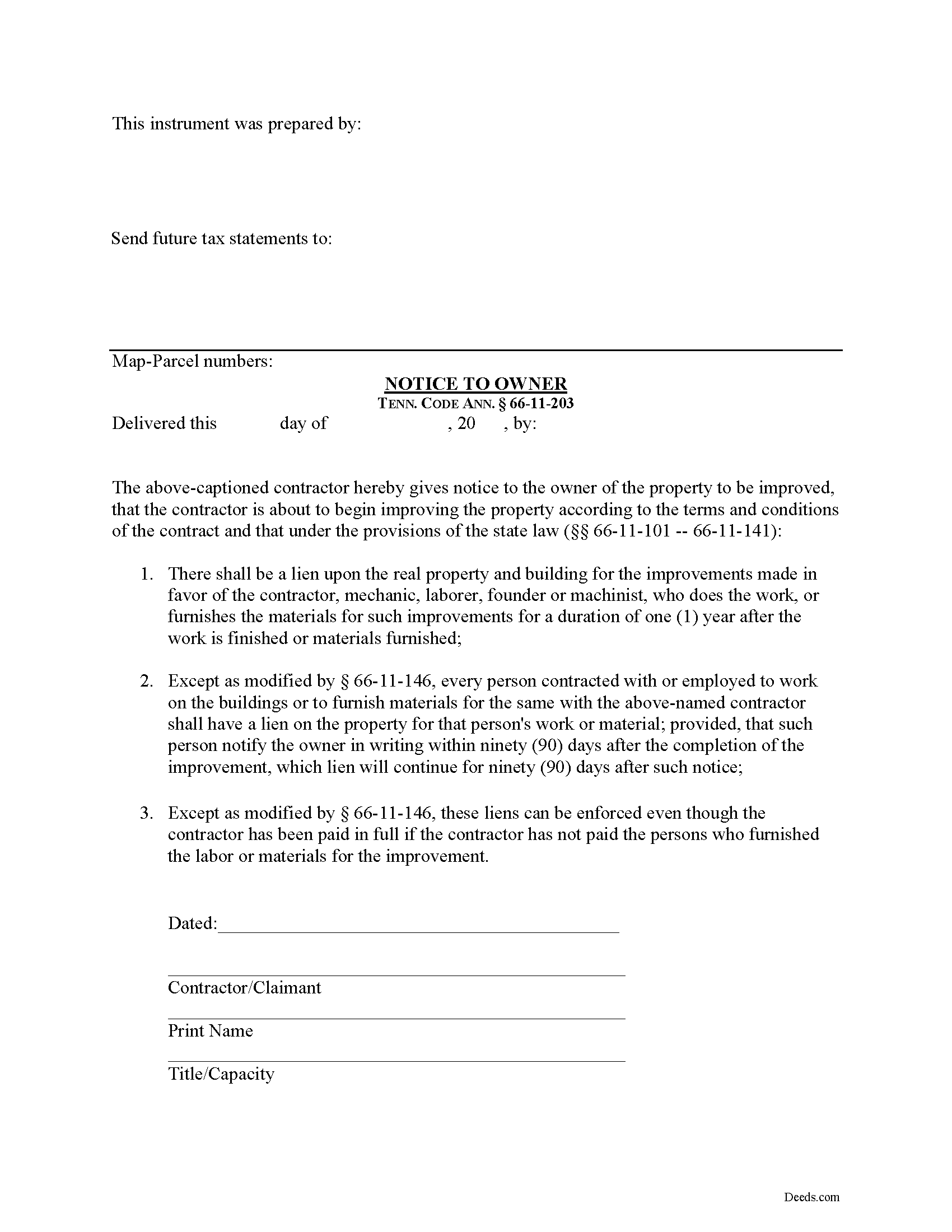
Shelby County Notice to Owner Form
Fill in the blank Notice to Owner form formatted to comply with all Tennessee recording and content requirements.
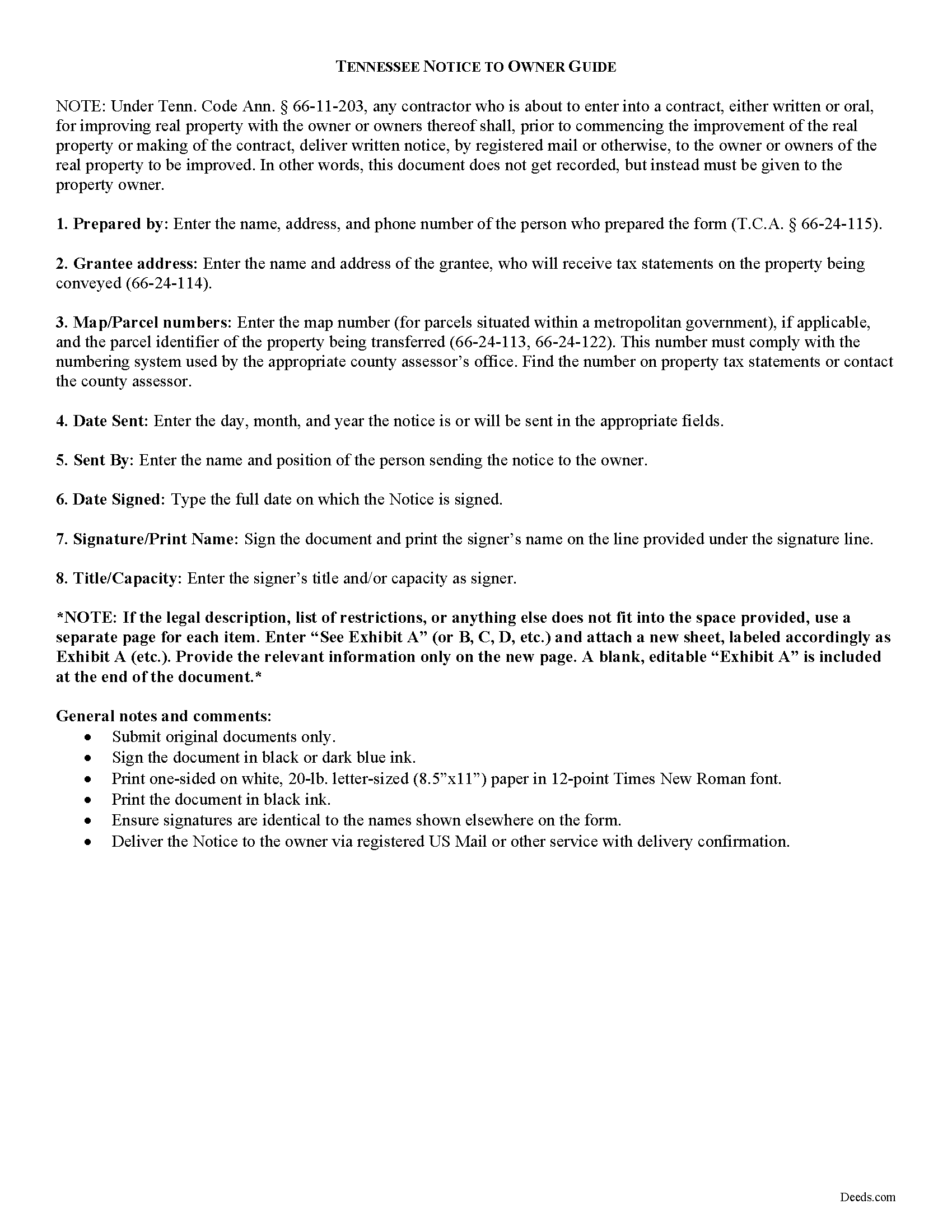
Shelby County Notice to Owner Guide
Line by line guide explaining every blank on the form.
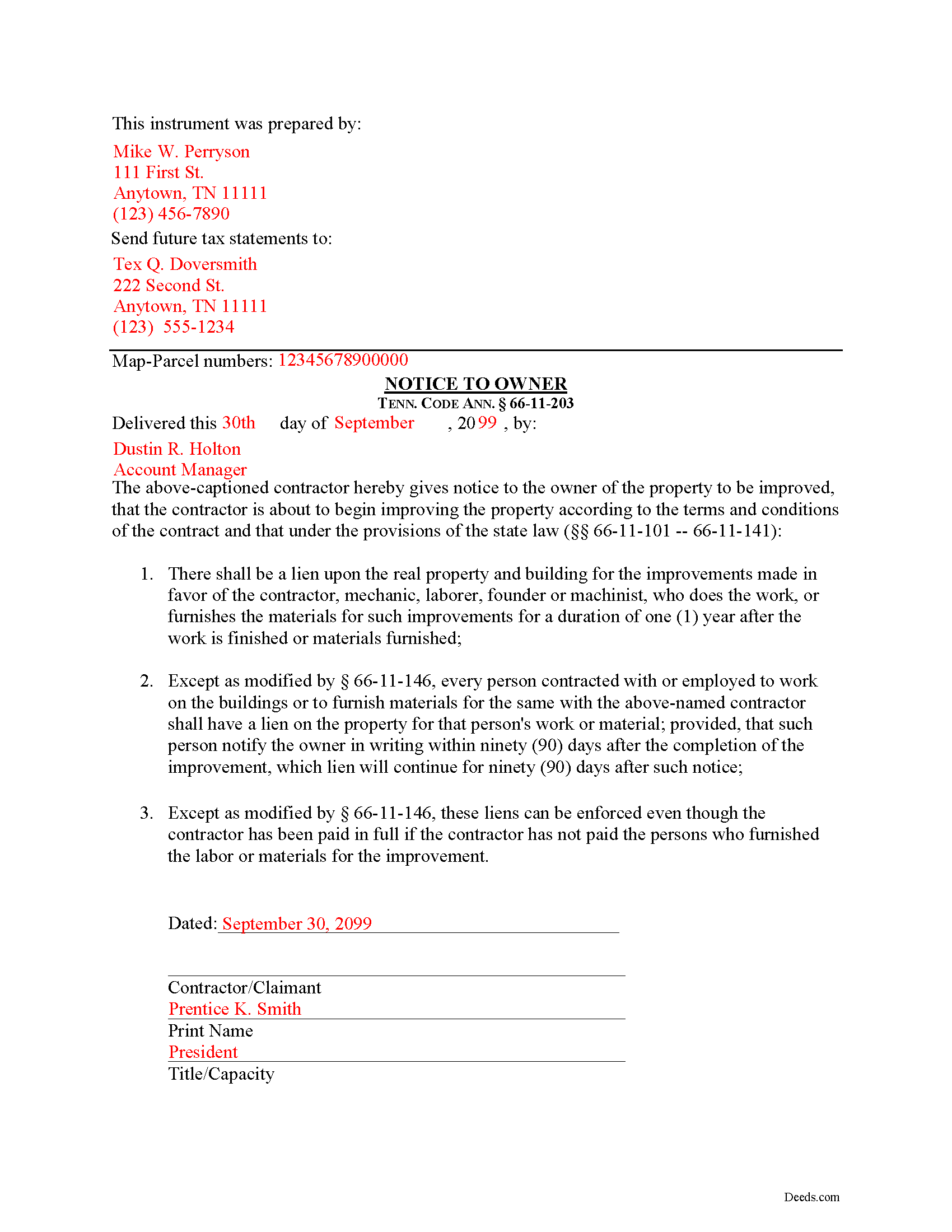
Shelby County Completed Example of the Notice to Owner Document
Example of a properly completed form for reference.
All 3 documents above included • One-time purchase • No recurring fees
Immediate Download • Secure Checkout
Additional Tennessee and Shelby County documents included at no extra charge:
Where to Record Your Documents
Shelby County Register of Deeds
Memphis, Tennessee 38134
Hours: 8:00 to 4:30 M-F
Phone: (901) 222-8100
Recording Tips for Shelby County:
- Bring your driver's license or state-issued photo ID
- Ensure all signatures are in blue or black ink
- Leave recording info boxes blank - the office fills these
- Make copies of your documents before recording - keep originals safe
- Recorded documents become public record - avoid including SSNs
Cities and Jurisdictions in Shelby County
Properties in any of these areas use Shelby County forms:
- Arlington
- Brunswick
- Collierville
- Cordova
- Eads
- Ellendale
- Germantown
- Memphis
- Millington
Hours, fees, requirements, and more for Shelby County
How do I get my forms?
Forms are available for immediate download after payment. The Shelby County forms will be in your account ready to download to your computer. An account is created for you during checkout if you don't have one. Forms are NOT emailed.
Are these forms guaranteed to be recordable in Shelby County?
Yes. Our form blanks are guaranteed to meet or exceed the applicable formatting requirements used for recording in Shelby County, including margin requirements, font requirements, and other layout standards. This guarantee applies to formatting, not to the legal sufficiency of information entered by the user or the suitability of a form for a particular transaction.
Can I reuse these forms?
Yes. You can reuse the forms for your personal use. For example, if you have multiple properties in Shelby County you only need to order once.
What do I need to use these forms?
The forms are PDFs that you fill out on your computer. The free Adobe Acrobat Reader is recommended, and most PDF apps also work. You do NOT enter your property information online - you download the blank forms and complete them privately on your own computer.
Are there any recurring fees?
No. This is a one-time purchase. Nothing to cancel, no memberships, no recurring fees.
How much does it cost to record in Shelby County?
Recording fees in Shelby County vary. Contact the recorder's office at (901) 222-8100 for current fees.
Questions answered? Let's get started!
Most states require contractors and other workers to provide a written notice to a property owner that lets he or she know that a project is about to commence. Sending the notice is necessary to protect any later mechanic's lien rights. In Tennessee, the form of notice is called a "Notice to Owner."
Any contractor who is about to enter into a contract, either written or oral, for improving real property with the owner or owners thereof shall, prior to commencing the improvement of the real property or making of the contract, deliver, by registered mail or otherwise, to the owner or owners of the real property to be improved a written notice. Tenn. Prop. Code 66-11-203.
The purpose of the Notice is to identify who the contractor is and inform the owner that the contractor is about to commence work and will have a right to claim a lien under State law. Id.
The notice identifies the parties, the delivery date, and the intended location and start date for the work or improvement. It must be sent before the work begins or else the person sending the notice may only be able to claim a lien for work arising after the notice is sent (if sent late). This document does not need to be recorded, but the potential claimant should either deliver it by hand or via USPS Registered mail or another delivery service that offers confirmation.
This article is provided for informational purposes only and should not be considered legal advice or relied upon as any substitute for speaking with an attorney. Please consult a Tennessee attorney familiar with construction law for any issues regarding mechanic's liens or sending notice to an owner.
Important: Your property must be located in Shelby County to use these forms. Documents should be recorded at the county recording office listed above.
This Notice to Owner meets all recording requirements specific to Shelby County.
Our Promise
The documents you receive here are guaranteed to meet or exceed the applicable Shelby County recording format requirements. If there is a rejection caused by our formatting, we will correct the issue or refund your payment. This guarantee applies to document formatting only and does not extend to information entered by the user, the selection of the form, or the legal effect of the completed document.
Save Time and Money
Get your Shelby County Notice to Owner form done right the first time with Deeds.com Uniform Conveyancing Blanks. At Deeds.com, we understand that your time and money are valuable resources, and we don't want you to face a penalty fee or rejection imposed by a county recorder for submitting nonstandard documents. We constantly review and update our forms to meet rapidly changing state and county recording requirements for roughly 3,500 counties and local jurisdictions.
4.8 out of 5 - ( 4,828 Reviews )
Nancy C. 3 out of 5 stars
Very disappointed that you had certain documents but did not have the accompanying documents needed to complete the transfer. I also had issues with the documents not allowing you to fill in the pages... example the document was prefilled in as so ... Page 1 of_____ but you could not fill in the blank... I tried reaching out to your customer service, but they had no solution for me. So, I had to write in the page, which didn't look professional. I think I could have gotten documents just as good for free if I'd research a little longer.
Thank you for your feedback, Nancy.
The Virginia Transfer on Death Deed and the Virginia Transfer on Death Beneficiary Affidavit are separate documents and are offered individually because many customers only need one, depending on their situation. In your case, the affidavit was later ordered separately.
Regarding the page numbering (“Page 1 of ___”), that field is intentionally left blank. The total number of pages is not known until the document is finalized, signed, notarized, and all attachments (such as exhibits or legal descriptions) are included. It is standard practice to complete that portion by hand at execution so the final page count accurately reflects the recorded document.
We are unable to locate a customer service inquiry associated with your order, but we are always glad to assist when contacted directly.
We appreciate your feedback and wish you the best with your transfer.
Theodore K. 2 out of 5 stars
This does the job but we are not able to save this in our account and if you don't pay for Adobe and only have Adobe reader, I cannot save any information on the form online in my account. I do understand why they do this because they would lose money. A huge issue is that when I got to the end of the document and was adding an Exhibit A, as I typed, the page kept jumping back up the to top and I couldn't see what I was typing. I had to type a little then scroll back down and when I would type more, it would jump up again. This was a real problem.
Thank you for your feedback. We really appreciate it. Have a great day!
Jennifer M P. 5 out of 5 stars
Locating the deed I needed was not too hard. I love that you can download and complete it on your time frame.
Thank you!
Rajesh S. 5 out of 5 stars
It was a wonderful and less time-consuming experience. Got my job done in a timely manner.
Thank you, Rajesh. We appreciate you taking the time to share your experience. Glad everything came together quickly and got the job done.
Sharon B. 5 out of 5 stars
My questions were answered promptly. I was not able to locate the deed I was searching for because my county has not uploaded the documents to be accessed through this system. I am sure I could have found what I was looking for had the information been available through the system. Thank you for your assistance.
Thank you!
Lisa D. 5 out of 5 stars
Love this site! They are very fast in retrieving information. Will use this site again. Thank You for this service!
We appreciate your business and value your feedback. Thank you. Have a wonderful day!
Albo A. 5 out of 5 stars
Deeds.com was fast and easy to file documents
Thank you!
Renee M. 5 out of 5 stars
My sister in law is in a hospital ICU with Covid, so we were trying to get her affairs in order. Deeds.com made this difficult situation so much better by making this process very easy to understand and do.
Glad we could help Renee, hoping the very best for you and your family.
Heather G. 5 out of 5 stars
This entire process was painless. I couldn't be happier with how simple and easy it was to get the document I needed.
We’re so glad the process was smooth and easy, Heather—thanks for sharing your experience!
FREDERICK T C. 5 out of 5 stars
simple to follow and easy to use. Thanks
Thank you!
JOY W. 5 out of 5 stars
Really great resource to use in a time that can be very stressful. Downloading was very simple and the instructions provided were detailed and easy to follow. I was grateful to have found this.
Thank you for your review, Joy. We’re glad the process was straightforward and helpful when you needed it most.
Eleanor E. 5 out of 5 stars
Not knowing I could down load these forms, I first went to the local recording office thinking I could get info on the forms I needed. I was told that obviously you dont know what you are doing so find someone who does. This snippy clerk obviously didnt know the forms were accessible on line; either that or she was needing to feel her phony superiority.
Thank you for your feedback. We really appreciate it. Have a great day!
Susan V. 5 out of 5 stars
With a little assist from the customer service department-- who was extremely nice and professional- I was able to get my documents printed. I was pleased with the process and hope that the forms will work out for me. Thank you deeds.com for saving me $250 in lawyers fees.
Thank you for your feedback. We really appreciate it. Have a great day!
Heather R. 5 out of 5 stars
Fast and convenient service.
Thank you Heather, we appreciate your feedback.
Fred B. 5 out of 5 stars
Great service and all seems to be what I was looking for
Thank you Fred, have a great day!