Polk County Notice to Owner Form
Last validated November 24, 2026 by our Forms Development TeamFormatted for recording in Polk County, for property anywhere in the county: rural and unincorporated areas as well as Benton, Conasauga, Copperhill, Delano, Ducktown, Farner, Ocoee, Old Fort and 2 more.
- 3 documents included
- Immediate PDF download
- Formatting guarantee
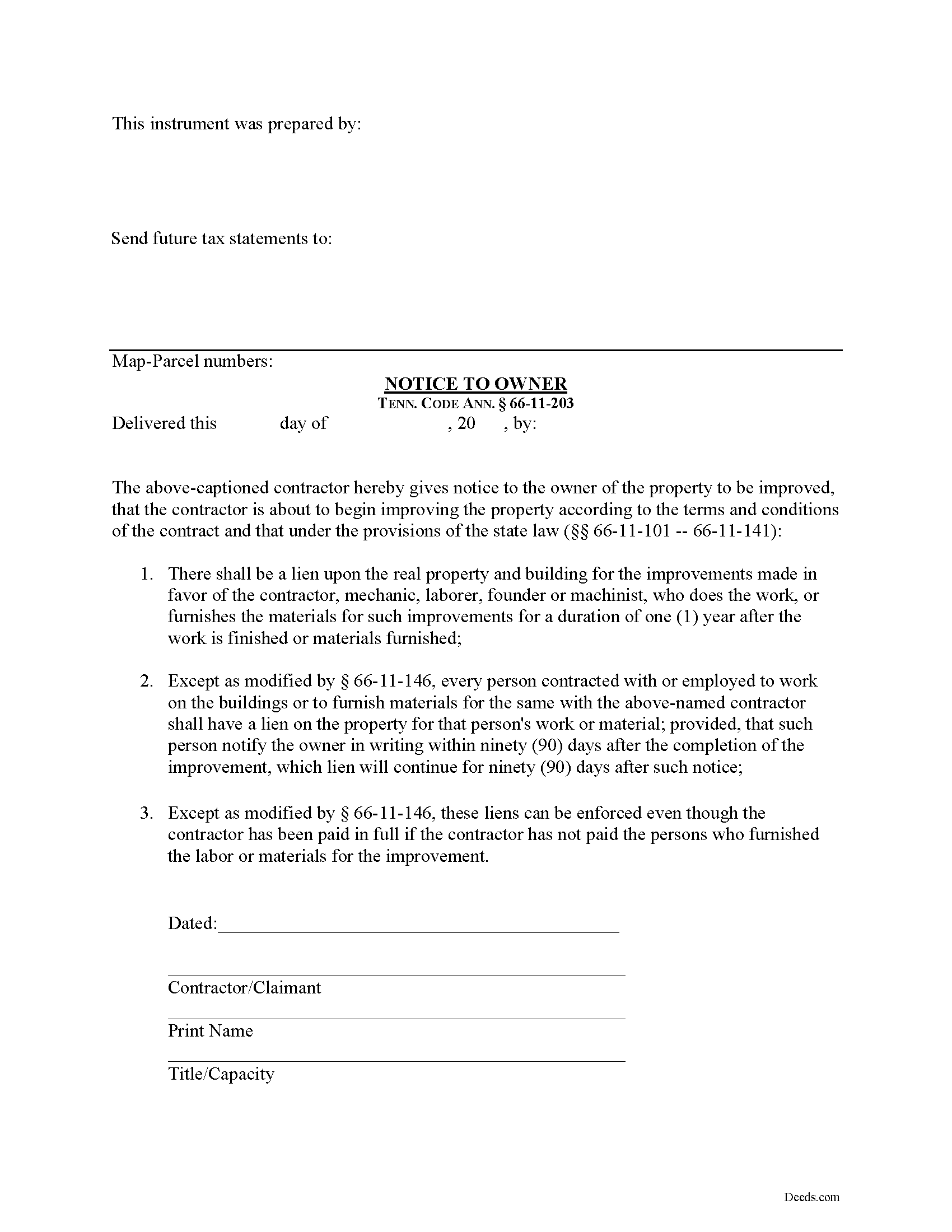
Polk County Notice to Owner Form
Fill in the blank Notice to Owner form formatted to comply with all Tennessee recording and content requirements.
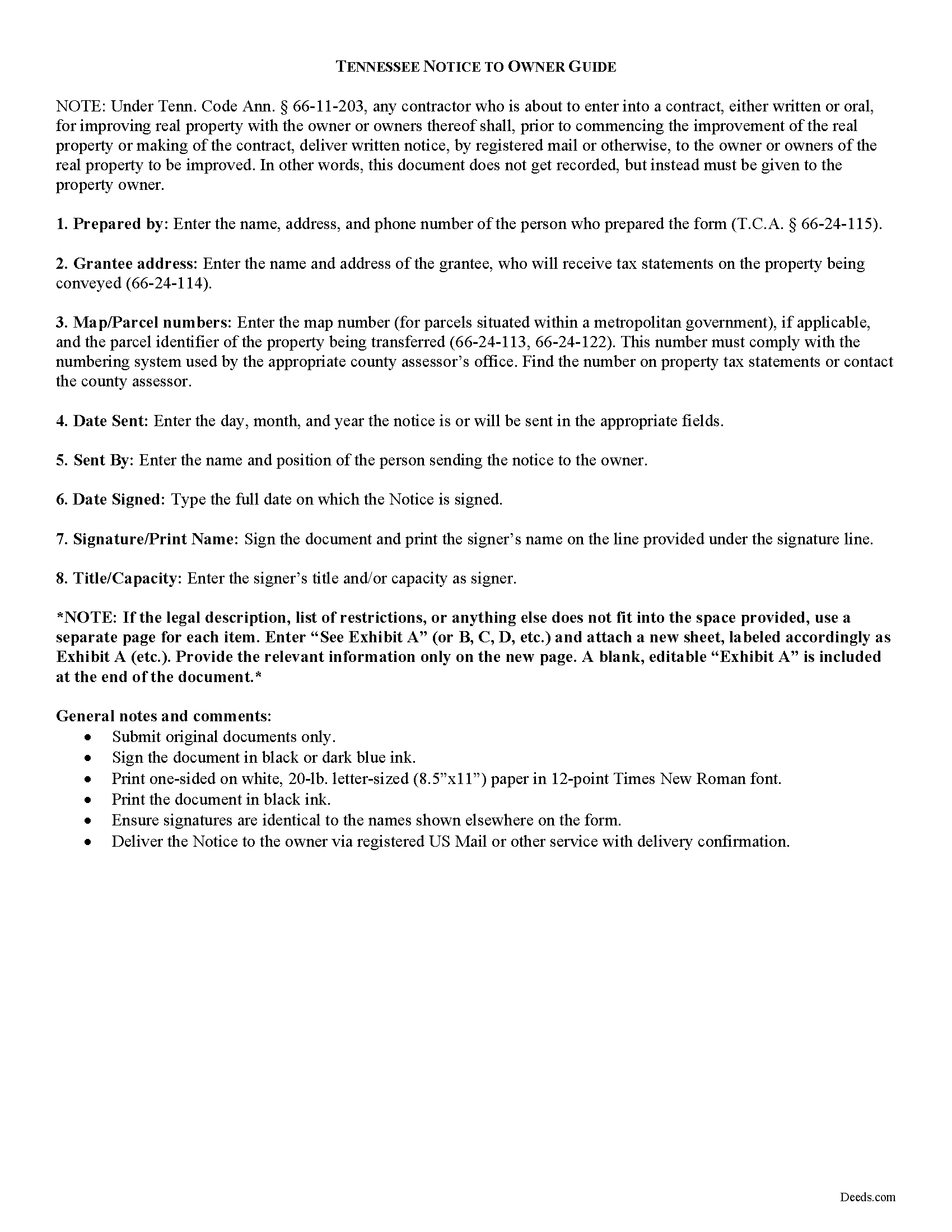
Polk County Notice to Owner Guide
Line by line guide explaining every blank on the form.
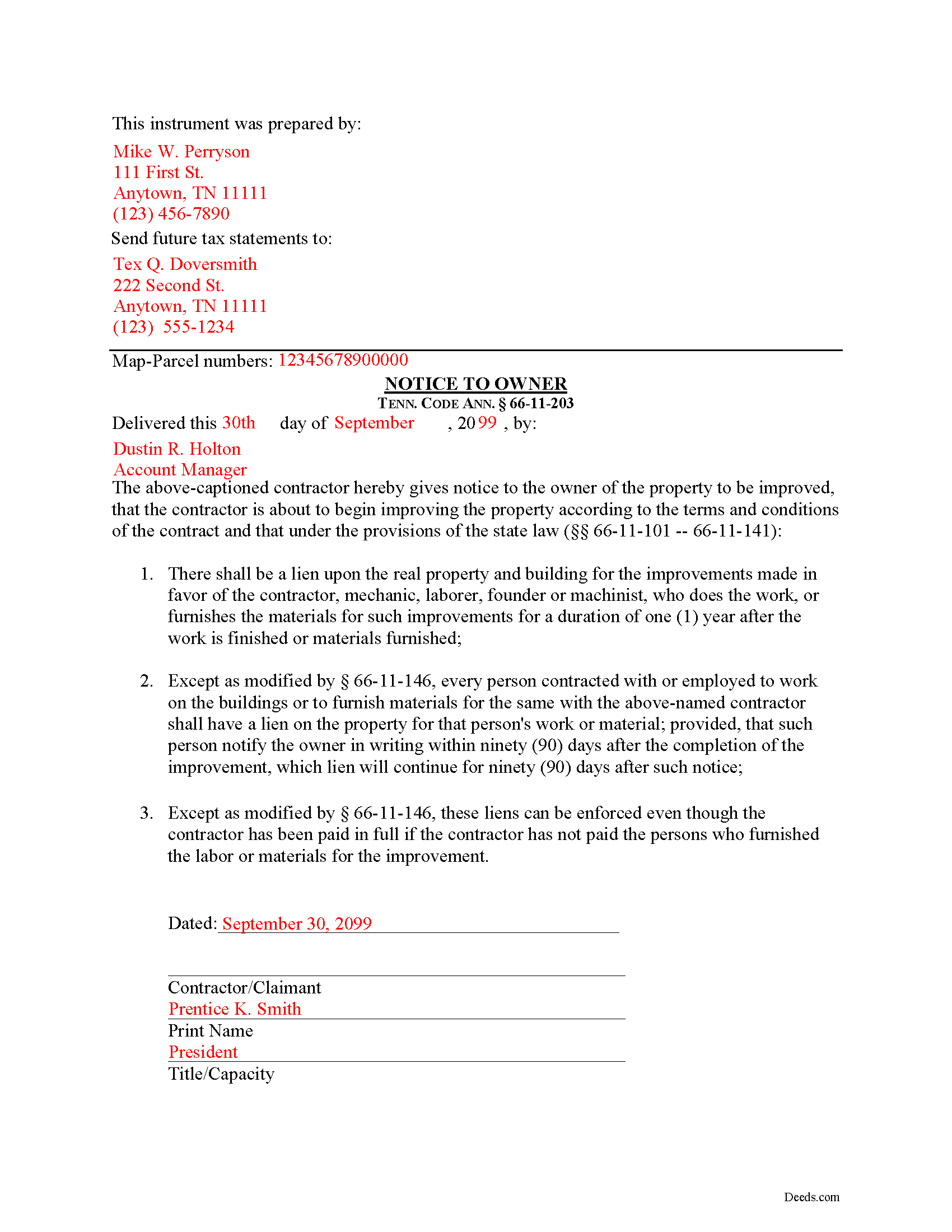
Polk County Completed Example of the Notice to Owner Document
Example of a properly completed form for reference.
All 3 documents above included • One-time purchase • No recurring fees
Immediate Download • Secure Checkout
Additional Tennessee and Polk County documents included at no extra charge:
Where to Record Your Documents
Polk County Register of Deeds
Benton, Tennessee 37307
Hours: 8:30am to 4:30pm M-F
Phone: (423) 338-4537
Recording Tips for Polk County:
- Bring your driver's license or state-issued photo ID
- Ensure all signatures are in blue or black ink
- Double-check legal descriptions match your existing deed
- Verify all names are spelled correctly before recording
- White-out or correction fluid may cause rejection
Cities and Jurisdictions in Polk County
Properties in any of these areas use Polk County forms:
- Benton
- Conasauga
- Copperhill
- Delano
- Ducktown
- Farner
- Ocoee
- Old Fort
- Reliance
- Turtletown
Hours, fees, requirements, and more for Polk County
How do I get my forms?
Forms are available for immediate download after payment. The Polk County forms will be in your account ready to download to your computer. An account is created for you during checkout if you don't have one. Forms are NOT emailed.
Are these forms guaranteed to be recordable in Polk County?
Yes. Our form blanks are guaranteed to meet or exceed the applicable formatting requirements used for recording in Polk County, including margin requirements, font requirements, and other layout standards. This guarantee applies to formatting, not to the legal sufficiency of information entered by the user or the suitability of a form for a particular transaction.
Can I reuse these forms?
Yes. You can reuse the forms for your personal use. For example, if you have multiple properties in Polk County you only need to order once.
What do I need to use these forms?
The forms are PDFs that you fill out on your computer. The free Adobe Acrobat Reader is recommended, and most PDF apps also work. You do NOT enter your property information online - you download the blank forms and complete them privately on your own computer.
Are there any recurring fees?
No. This is a one-time purchase. Nothing to cancel, no memberships, no recurring fees.
How much does it cost to record in Polk County?
Recording fees in Polk County vary. Contact the recorder's office at (423) 338-4537 for current fees.
Questions answered? Let's get started!
Most states require contractors and other workers to provide a written notice to a property owner that lets he or she know that a project is about to commence. Sending the notice is necessary to protect any later mechanic's lien rights. In Tennessee, the form of notice is called a "Notice to Owner."
Any contractor who is about to enter into a contract, either written or oral, for improving real property with the owner or owners thereof shall, prior to commencing the improvement of the real property or making of the contract, deliver, by registered mail or otherwise, to the owner or owners of the real property to be improved a written notice. Tenn. Prop. Code 66-11-203.
The purpose of the Notice is to identify who the contractor is and inform the owner that the contractor is about to commence work and will have a right to claim a lien under State law. Id.
The notice identifies the parties, the delivery date, and the intended location and start date for the work or improvement. It must be sent before the work begins or else the person sending the notice may only be able to claim a lien for work arising after the notice is sent (if sent late). This document does not need to be recorded, but the potential claimant should either deliver it by hand or via USPS Registered mail or another delivery service that offers confirmation.
This article is provided for informational purposes only and should not be considered legal advice or relied upon as any substitute for speaking with an attorney. Please consult a Tennessee attorney familiar with construction law for any issues regarding mechanic's liens or sending notice to an owner.
Important: Your property must be located in Polk County to use these forms. Documents should be recorded at the county recording office listed above.
This Notice to Owner meets all recording requirements specific to Polk County.
Our Promise
The documents you receive here are guaranteed to meet or exceed the applicable Polk County recording format requirements. If there is a rejection caused by our formatting, we will correct the issue or refund your payment. This guarantee applies to document formatting only and does not extend to information entered by the user, the selection of the form, or the legal effect of the completed document.
Save Time and Money
Get your Polk County Notice to Owner form done right the first time with Deeds.com Uniform Conveyancing Blanks. At Deeds.com, we understand that your time and money are valuable resources, and we don't want you to face a penalty fee or rejection imposed by a county recorder for submitting nonstandard documents. We constantly review and update our forms to meet rapidly changing state and county recording requirements for roughly 3,500 counties and local jurisdictions.
4.8 out of 5 - ( 4,865 Reviews )
Anthony T. 4 out of 5 stars
Would be better if you could save the forms to word for easier use on your computer.
Thank you!
James B. 5 out of 5 stars
Reliable and fast. A great assest.
Thank you!
Linda M. 5 out of 5 stars
The form I purchased along with the instructions and completed sample were easy to use. I downloaded them on my iPad. I had to also download the free adobe reader app from the App Store. I had no problem getting the beneficiary deed recorded at the recorder’s office. I am pleased with my purchase.
Thanks so much for the kind words, Linda! Glad the sample and instructions made the process smooth, and that tip about the Adobe Reader app for iPad is genuinely helpful for other customers too. Congrats on getting the deed recorded!
Betty H. S. 5 out of 5 stars
I have no complaints thank you.
Thanks Betty, Have a great day!
Monique C. 5 out of 5 stars
Very quick and efficient service! I will continue to use them for future reference.
Thank you!
Stephen K. 5 out of 5 stars
The forms were correct and the instructions and Completed sample were very helpful. I filled it out and filed it at the county office, they didn't question anything. Thank you.
Thank you!
Jon B. 2 out of 5 stars
The information and documents received are great. But the communication with customer service is not good at all. I've been waiting three days for them to respond to a question. I don't think they are going too.
Thank you for your feedback. We really appreciate it. Have a great day!
David C. 5 out of 5 stars
I was very impressed. Your program makes it very user friendly which is a must for most of the public . I have recommended this site to various clients for estate planning documents with simple estates.
Thank you!
A. S. 3 out of 5 stars
First, I am glad that you gave a blank copy, an example copy, and a 'guide'. It made it much easier to do. Overall I was very happy with your products and organization... however, things got pretty confusing and I have a pretty 'serious' law background in Real Estate and Civil law. With that said, I spent about 10+ hours getting my work done, using the Deed of Trust and Promissory note from you and there were a few problems: First, it would be FANTASTIC if you actually aligned your guide to actually match the Deed or Promissory Note. What I mean is that if the Deed says 'section (E)' then your guide shouldn't be 'randomly' numbered as 1,2,3, for advice/instructions, but should EXACTLY match 'section (E)'. Some places you have to 'hunt' for what you are looking for, and if you did it based on my suggestion, you wouldn't need to 'hunt' and it would avoid confusion. 2nd: This one really 'hurt'... you had something called the 'Deed of Trust Master Form' yet you had basically no information on what it was or how to use it. The only information you had was a small section at the top of the 'Short Form Deed of Trust Guide'. Holy Cow, was that 'section' super confusing. I still don't know if I did it correctly, but your guide says only put a return address on it and leave the rest of the 16 or so page Deed of Trust beneath it blank... and then include your 'Deed of Trust' (I had to assume the short form deed that I had just created) as part of it. I had to assume that I had to print off the entire 17 page or so title page and blank deed. I also had to assume that the promissory note was supposed to be EXHIBIT A or B on the Short Form Deed. It would be great if someone would take a serious look at that short section in your 'Short Form Deed of Trust Guide' and realize that those of us using your products are seriously turning this into a county clerk to file and that most of us, probably already have a property that has an existing Deed... or at least can find one in the county records if necessary... and make sure that you make a distinction between the Deed for the property that already exists, versus the Deed of Trust and Promissory note that we are trying to file. Thanks.
Thank you for your feedback. We'll have staff review the document for clarity. Have a great day!
Donald C. 5 out of 5 stars
The service was VERY quick, simple and, easy. I would definetly use this service again.
We appreciate your business and value your feedback. Thank you. Have a wonderful day!
Jamie F. 5 out of 5 stars
Your service was very helpful as we were able to obtain a form for another state for our client.
We appreciate your business and value your feedback. Thank you. Have a wonderful day!
Karen W. 5 out of 5 stars
Great experience. Easy.
We appreciate your business and value your feedback. Thank you. Have a wonderful day!
Roger G. 4 out of 5 stars
was difficult to find the location on the website to actually download the form I needed. Initially was directed only to information pages related to the form I needed
Thank you for your feedback. We really appreciate it. Have a great day!
Mary K. 5 out of 5 stars
I love this site already! Even though I have not executed my downloads, the documents are so professionally written, and the extras are great. I am impressed with Deeds. Thank you! I will continue to use Deeds as a source for my business and personal needs.
Thank you for your positive words! We’re thrilled to hear about your experience.
Brian R. 5 out of 5 stars
Your website is very informative, and easy to use.The purchase and download process was clear and went well. I would add that your Virginia Quitclaim Deed Guide is very comprehensive and informative. This combined with the example form you provide is most helpful. Thank You. Brian R
Thank you for your feedback. We really appreciate it. Have a great day!