Kerr County Certification of Trust Form
Last validated October 28, 2026 by our Forms Development TeamFormatted for recording in Kerr County, for property anywhere in the county: rural and unincorporated areas as well as Center Point, Hunt, Ingram, Kerrville, Mountain Home.
- 3 documents included
- Immediate PDF download
- Formatting guarantee
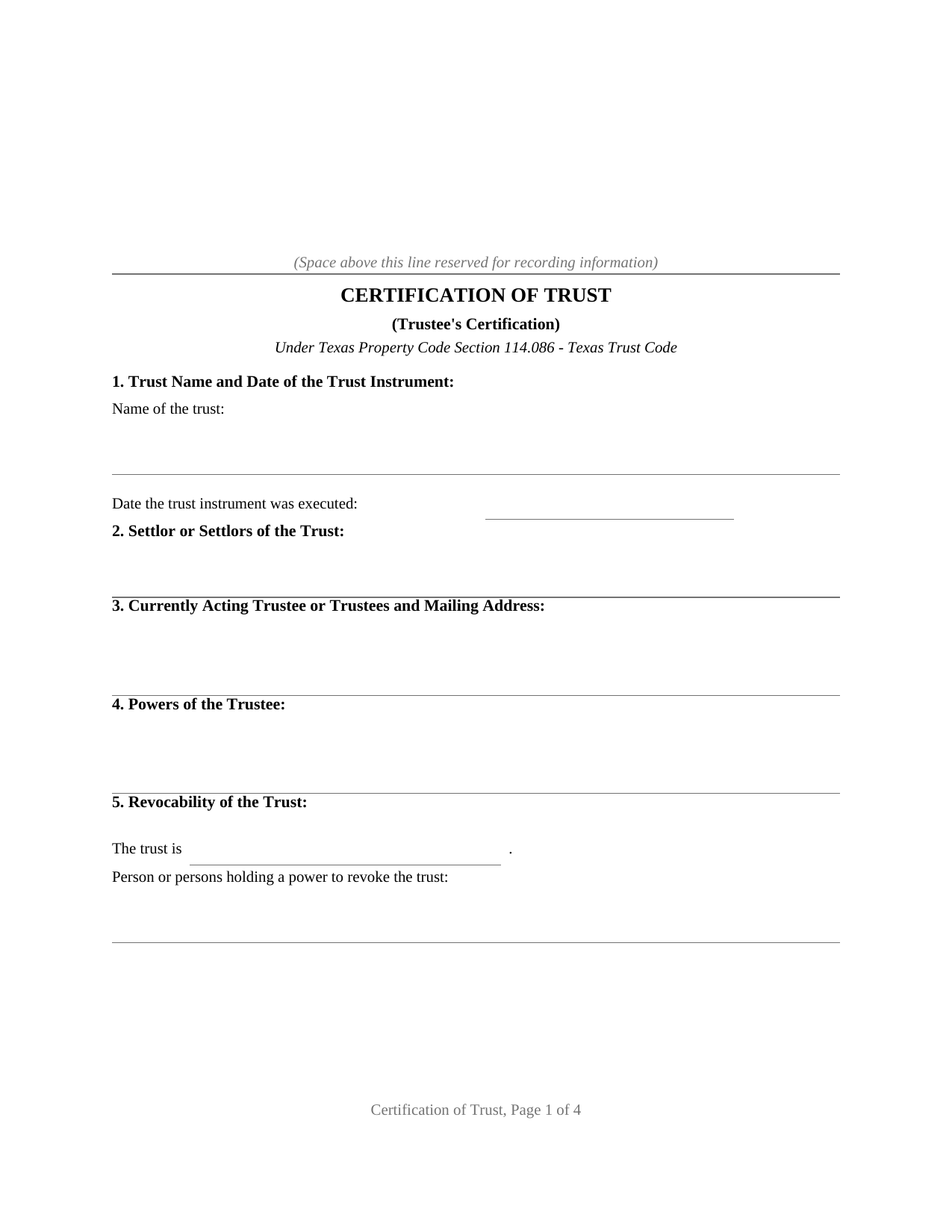
Kerr County Certification of Trust Form
Fill in the blank Certification of Trust form formatted to comply with all Texas recording and content requirements.
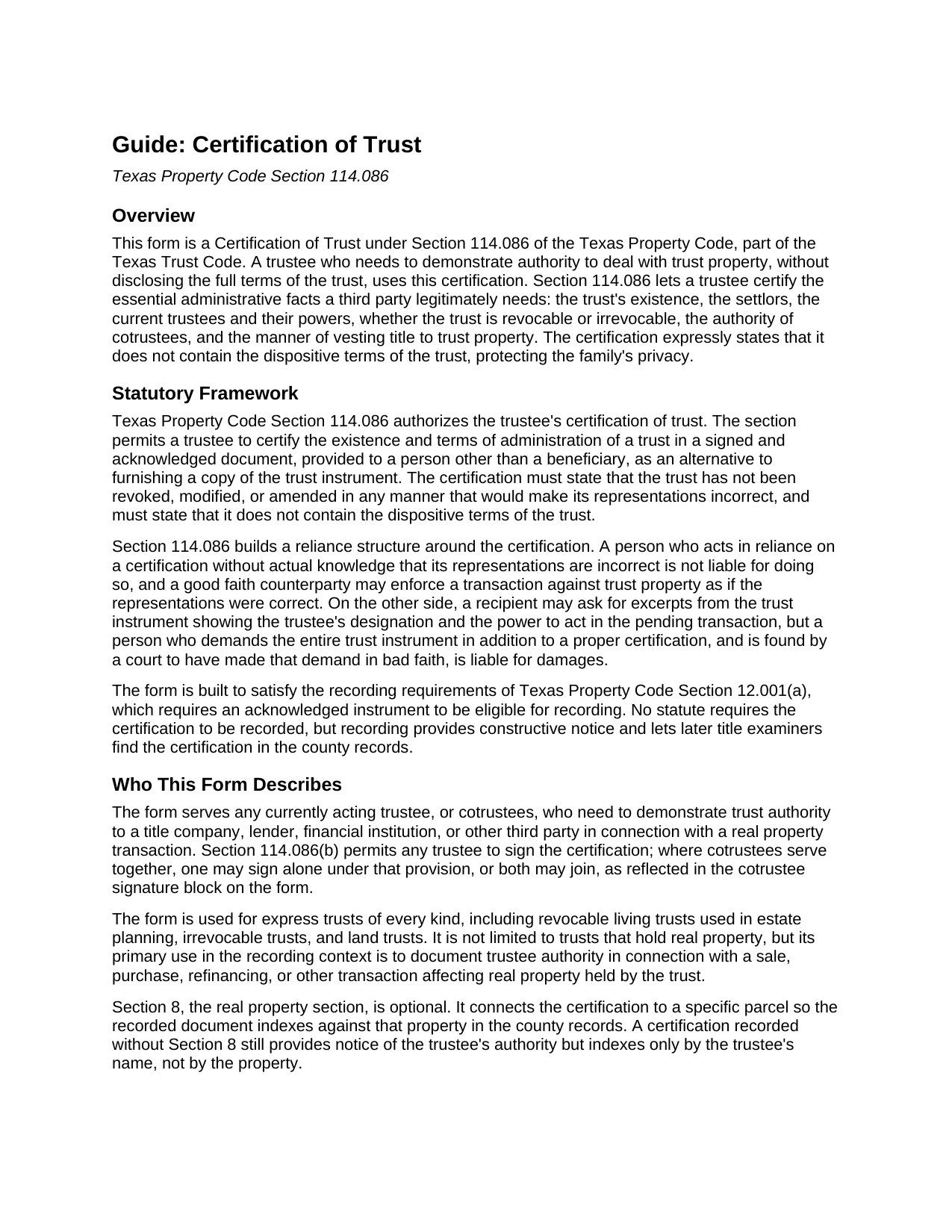
Kerr County Certification of Trust Guide
Line by line guide explaining every blank on the Certification of Trust form.
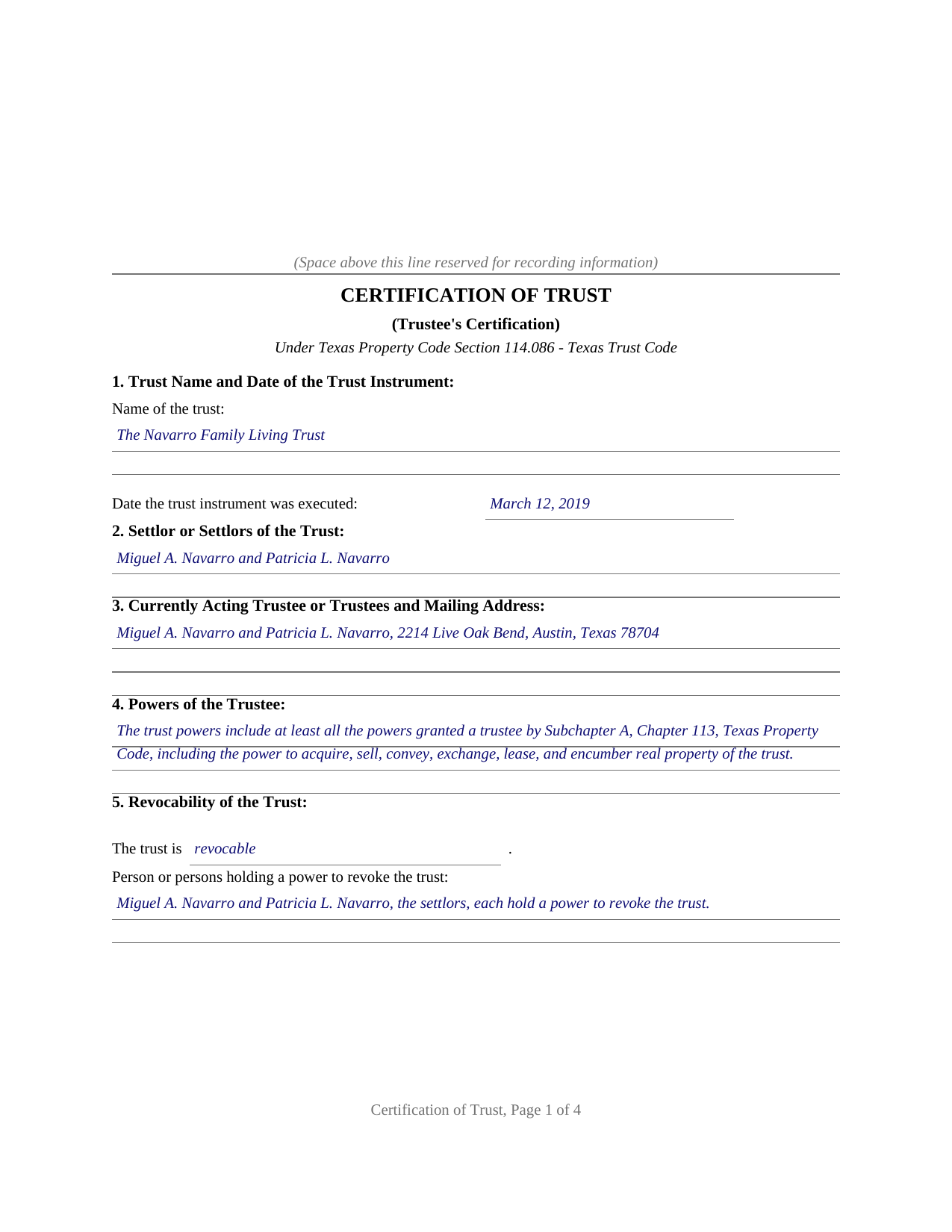
Kerr County Completed Example of the Certification of Trust Document
Example of a properly completed Texas Certification of Trust document for reference.
All 3 documents above included • One-time purchase • No recurring fees
Immediate Download • Secure Checkout
Additional Texas and Kerr County documents included at no extra charge:
Where to Record Your Documents
Kerr County Clerk
Kerrville, Texas 78028
Hours: Monday-Friday 8am-5pm
Phone: (830) 792-2255
Recording Tips for Kerr County:
- Bring your driver's license or state-issued photo ID
- Ensure all signatures are in blue or black ink
- Recorded documents become public record - avoid including SSNs
- Recording fees may differ from what's posted online - verify current rates
- Request a receipt showing your recording numbers
Cities and Jurisdictions in Kerr County
Properties in any of these areas use Kerr County forms:
- Center Point
- Hunt
- Ingram
- Kerrville
- Mountain Home
Hours, fees, requirements, and more for Kerr County
How do I get my forms?
Forms are available for immediate download after payment. The Kerr County forms will be in your account ready to download to your computer. An account is created for you during checkout if you don't have one. Forms are NOT emailed.
Are these forms guaranteed to be recordable in Kerr County?
Yes. Our form blanks are guaranteed to meet or exceed the applicable formatting requirements used for recording in Kerr County, including margin requirements, font requirements, and other layout standards. This guarantee applies to formatting, not to the legal sufficiency of information entered by the user or the suitability of a form for a particular transaction.
Can I reuse these forms?
Yes. You can reuse the forms for your personal use. For example, if you have multiple properties in Kerr County you only need to order once.
What do I need to use these forms?
The forms are PDFs that you fill out on your computer. The free Adobe Acrobat Reader is recommended, and most PDF apps also work. You do NOT enter your property information online - you download the blank forms and complete them privately on your own computer.
Are there any recurring fees?
No. This is a one-time purchase. Nothing to cancel, no memberships, no recurring fees.
How much does it cost to record in Kerr County?
Recording fees in Kerr County vary. Contact the recorder's office at (830) 792-2255 for current fees.
Questions answered? Let's get started!
A Texas trustee is regularly asked to prove the trust: a title company examining a sale, a lender refinancing trust property, a bank retitling an account. Handing over the full trust instrument answers the question at the cost of the family's privacy, because the dispositive terms, who ultimately takes and on what conditions, travel with it. Section 114.086 of the Texas Property Code supplies the alternative this form prepares: a certification of trust, signed by a currently acting trustee, that carries the administrative facts a third party legitimately requires and expressly omits the dispositive terms of the trust.
What the Certification Carries
The statute lists seven items: the trust's existence and the date the trust instrument was executed, the settlor's identity, the currently acting trustee and mailing address, the trustee's powers (stated specifically or by reference to the general powers of Chapter 113, Subchapter A), revocability and who holds a power to revoke, the authority of cotrustees, and the manner of vesting title to trust property. Section 114.086(c) adds one required sentence: the trust has not been revoked, modified, or amended in any manner that would cause the representations in the certification to be incorrect. The form collects the seven items in numbered sections and performs the certification in a single operative paragraph the trustee signs before a notary.
Reliance the Statute Enforces
What gives the certification its force is the reliance structure built around it. A person who acts in reliance on a certification without knowledge that its representations are incorrect is not liable and may assume without inquiry the facts it contains, and a good faith counterparty may enforce the transaction against the trust property as if the representations were correct. The statute also polices the other side of the exchange: a recipient may require excerpts from the trust instrument showing the trustee's designation and power to act in the pending transaction, but a person who demands the entire trust instrument on top of a certification or those excerpts is liable for damages where a court finds the demand was not made in good faith.
Built for the County Records
No statute conditions the certification on recording, but a certification connected to real property is commonly placed of record so later title examiners find it. The form is built for that path. It carries a notarial acknowledgment, which qualifies it for recording under Property Code Section 12.001(a); an optional section identifying the property by county and legal description, so the recorded instrument indexes against the parcel; and a printed statement that the certification is not a conveyance and transfers no interest in real property. Because Section 114.086(b) lets any trustee sign, the form provides a signature block and a separate acknowledgment certificate for one trustee and for a cotrustee who joins.
What Arrives in the Download
The package contains the certification as a fillable PDF formatted to Texas recording standards, a completed example filled in for a realistic Travis County fact pattern, and a plain language guide covering every numbered section, the signing formalities, and recording, including the photo identification requirement at the recording counter for documents presented in person on or after December 4, 2025. The materials are informational and are not legal advice; a Texas attorney can apply Section 114.086 to a particular trust or transaction.
Important: Your property must be located in Kerr County to use these forms. Documents should be recorded at the county recording office listed above.
This Certification of Trust meets all recording requirements specific to Kerr County.
Our Promise
The documents you receive here are guaranteed to meet or exceed the applicable Kerr County recording format requirements. If there is a rejection caused by our formatting, we will correct the issue or refund your payment. This guarantee applies to document formatting only and does not extend to information entered by the user, the selection of the form, or the legal effect of the completed document.
Save Time and Money
Get your Kerr County Certification of Trust form done right the first time with Deeds.com Uniform Conveyancing Blanks. At Deeds.com, we understand that your time and money are valuable resources, and we don't want you to face a penalty fee or rejection imposed by a county recorder for submitting nonstandard documents. We constantly review and update our forms to meet rapidly changing state and county recording requirements for roughly 3,500 counties and local jurisdictions.
4.8 out of 5 - ( 4,845 Reviews )
Dianna B. 5 out of 5 stars
Amazingly easy! I absolutely love it because it is so efficient and I only have to pay for when I use it. I use to have to drive to the recorders office or to a Kiosk station. The turn-around time was really quick as well.
Thank you!
Sandrs T. 4 out of 5 stars
It would be good to be able to print several documents at 1 time by highlighting them in the list without having to do one document at a time.
Thank you for your feedback. We really appreciate it. Have a great day!
Danny A. 5 out of 5 stars
This app is a fast and convenient way to download documents you need.
Thank you!
John V. 5 out of 5 stars
getting the proper forms was easy--filling them out, not so much
Thank you!
Antonia J. 5 out of 5 stars
Great Family Planner
Thank you!
Karen U. 5 out of 5 stars
Very quick and easy!! Thanks!
Thank you for taking a moment to share your thoughts.
Richard H. 5 out of 5 stars
Thank You! Very informative and helpful!
We appreciate your business and value your feedback. Thank you. Have a wonderful day!
Carol M. 5 out of 5 stars
Very user friendly. Glad I found your site.
Thank you!
JOYCE R. 5 out of 5 stars
I am a tax attorney and had worked as a Valuation Engineer with Internal Revenue Service. I can access (almost immediately) complete title reports and transactions history of real estate transfers. It is a joy to have access to your valuable service. JOYCE REBHUN,JD,MBA,PhD,EA
Thank you for your feedback. We really appreciate it. Have a great day!
Wilian B. 5 out of 5 stars
Top 10 experience, Easy-Fast-Affordable
Happy we could assist. Thank you for sharing your experience.
Kimberly M. 5 out of 5 stars
Love Deeds.com. So easy to work with and quick as well.
Thank you again for your kind words! Have a fantastic day!
Frank S. 5 out of 5 stars
Pretty easy to register. Menu layout is too follow.
Thank you!
Sol B. 5 out of 5 stars
Got me all the info I was looking for Thanks you deeds.com
Thank you!
Brenda G. 5 out of 5 stars
So far have only done the download, will come back with further review at a later date.
Thank you!
Margaret T. 5 out of 5 stars
Had a difficult time finding my download after purchase. Thankfully I had printed the form and had. However it was read only and I'm not experienced enough to be able to change that. So I went into my word program and typed in the form. I should be able to use it for my purpose. Just glad I was finally able to find it after hours of searching online. I'm in my 70's and not real computer intelligent which may have been part of the problem
Sorry to hear of your struggle Margaret, we will try harder to make our forms easier for everyone.