Nueces County Revocation of Transfer on Death Deed (Joint Owners) Form
Last validated October 15, 2026 by our Forms Development TeamFormatted for recording in Nueces County, for property anywhere in the county: rural and unincorporated areas as well as Agua Dulce, Banquete, Bishop, Chapman Ranch, Corpus Christi, Crp Christi, Driscoll, Port Aransas and 1 more.
- 3 documents included
- Immediate PDF download
- Formatting guarantee
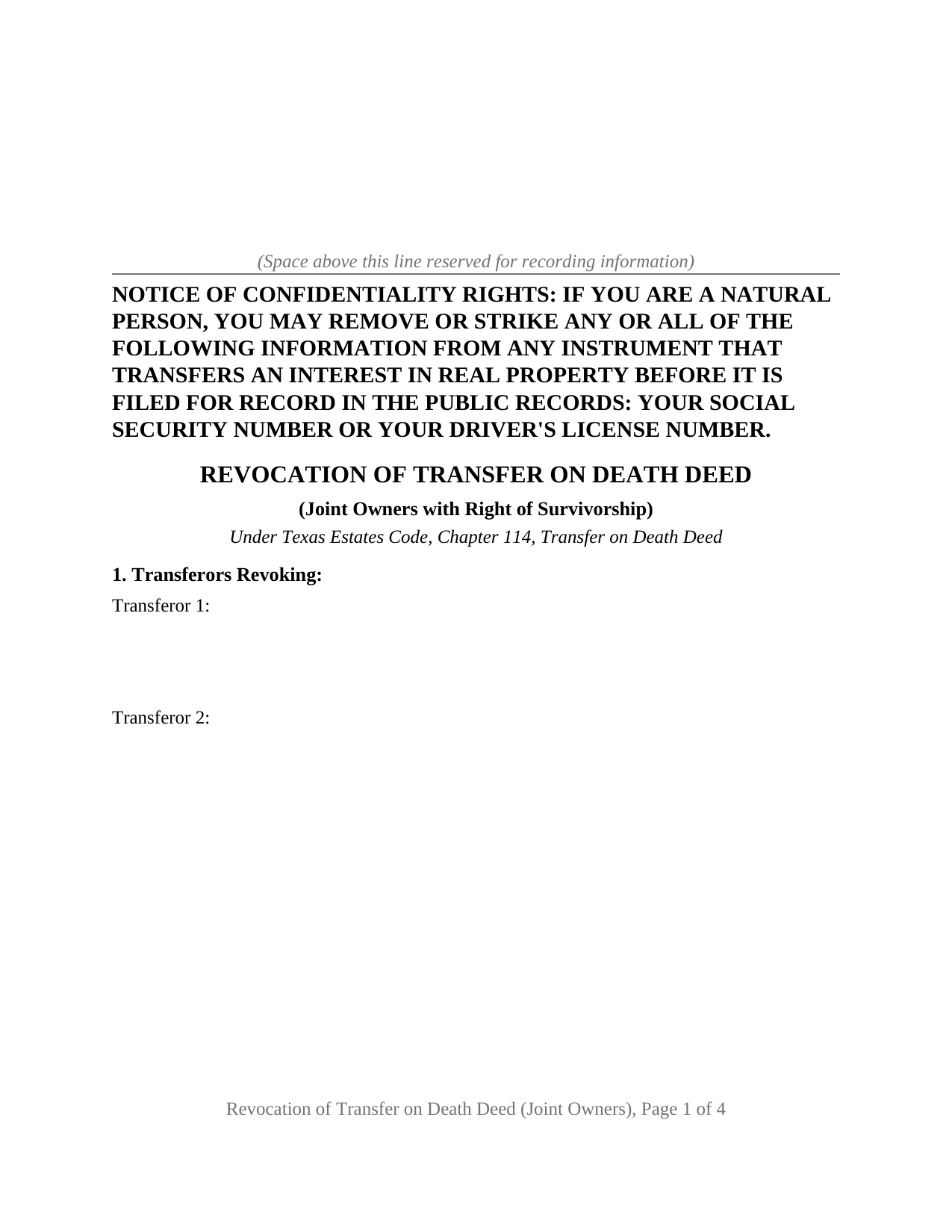
Nueces County Revocation of Transfer on Death Deed (Joint Owners) Form
Fill in the blank Revocation of Transfer on Death Deed (Joint Owners) form formatted to comply with all Texas recording and content requirements.
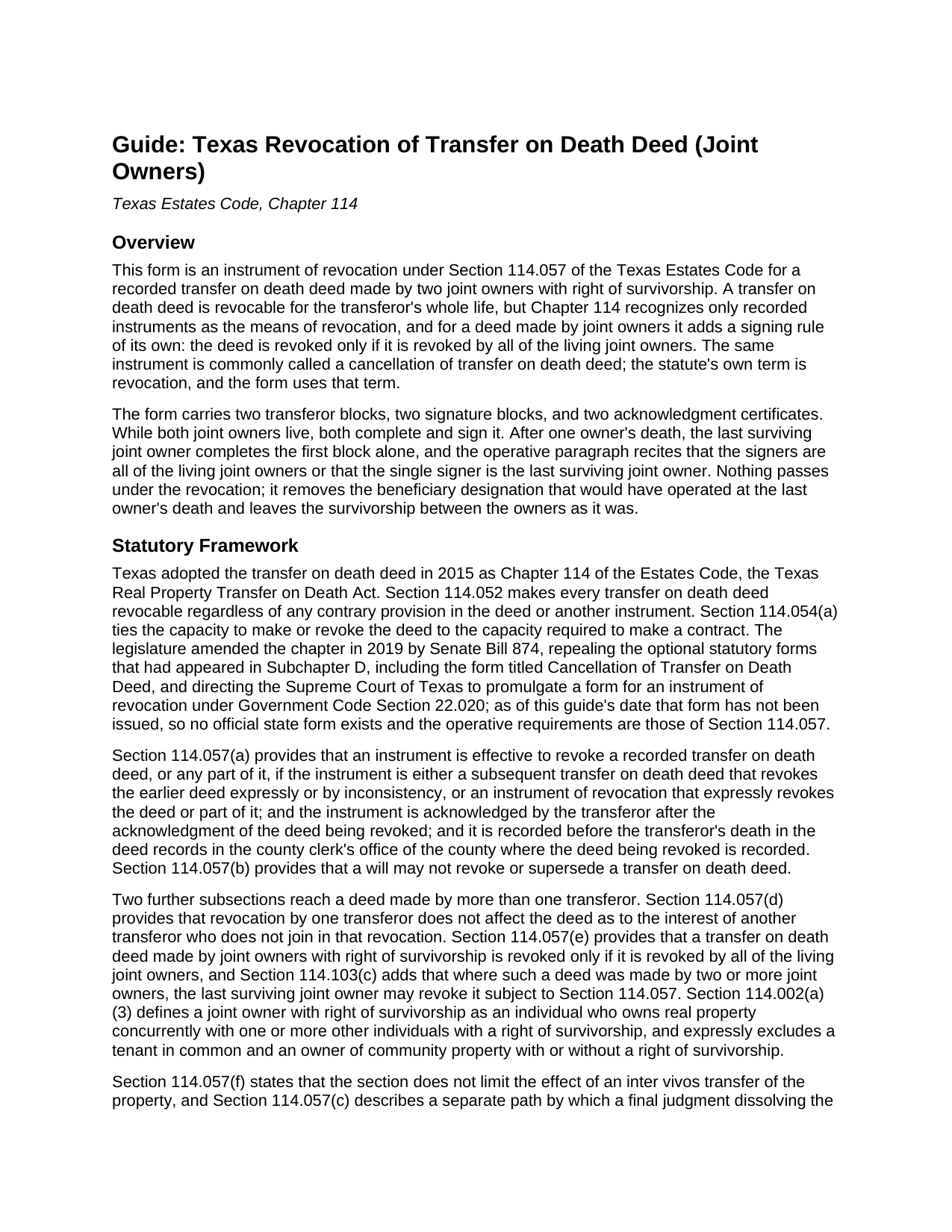
Nueces County Revocation of Transfer on Death Deed (Joint Owners) Guide
Line by line guide explaining every blank on the Revocation of Transfer on Death Deed (Joint Owners) form.
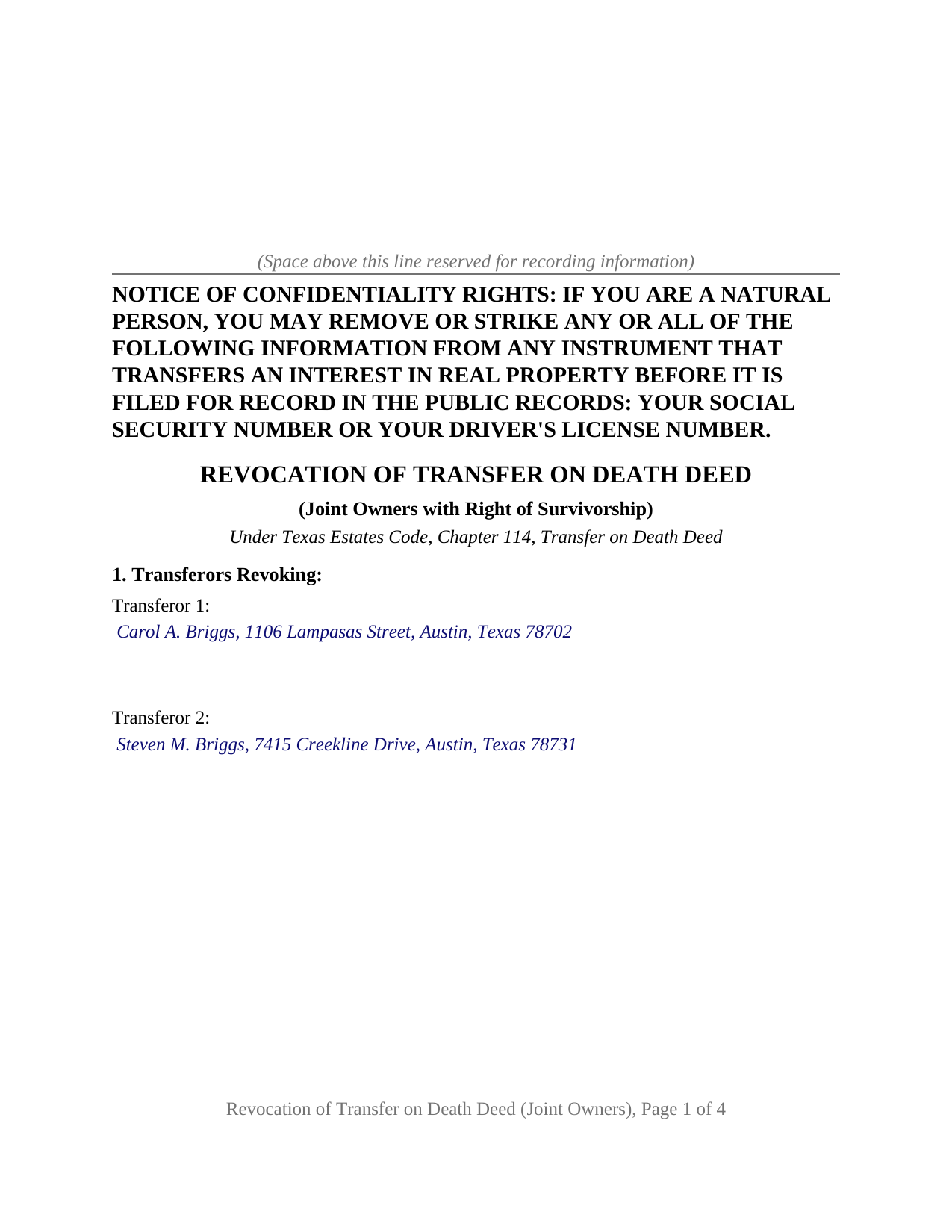
Nueces County Completed Example of the Revocation of Transfer on Death Deed (Joint Owners) Document
Example of a properly completed Texas Revocation of Transfer on Death Deed (Joint Owners) document for reference.
All 3 documents above included • One-time purchase • No recurring fees
Immediate Download • Secure Checkout
Additional Texas and Nueces County documents included at no extra charge:
Where to Record Your Documents
Nueces County Clerk
Corpus Christi, Texas 78403
Hours: Monday - Friday 8:00am - 5:00pm
Phone: (361) 888-0580
Robstown Office
Robstown, Texas 78380
Hours: Tuesday & Thursday 8:00am - 12:00pm & 1:00pm - 5:00pm
Phone: (361) 888-0580
Recording Tips for Nueces County:
- Bring your driver's license or state-issued photo ID
- Ensure all signatures are in blue or black ink
- Documents must be on 8.5 x 11 inch white paper
- Double-check legal descriptions match your existing deed
- Verify all names are spelled correctly before recording
Cities and Jurisdictions in Nueces County
Properties in any of these areas use Nueces County forms:
- Agua Dulce
- Banquete
- Bishop
- Chapman Ranch
- Corpus Christi
- Crp Christi
- Driscoll
- Port Aransas
- Robstown
Hours, fees, requirements, and more for Nueces County
How do I get my forms?
Forms are available for immediate download after payment. The Nueces County forms will be in your account ready to download to your computer. An account is created for you during checkout if you don't have one. Forms are NOT emailed.
Are these forms guaranteed to be recordable in Nueces County?
Yes. Our form blanks are guaranteed to meet or exceed the applicable formatting requirements used for recording in Nueces County, including margin requirements, font requirements, and other layout standards. This guarantee applies to formatting, not to the legal sufficiency of information entered by the user or the suitability of a form for a particular transaction.
Can I reuse these forms?
Yes. You can reuse the forms for your personal use. For example, if you have multiple properties in Nueces County you only need to order once.
What do I need to use these forms?
The forms are PDFs that you fill out on your computer. The free Adobe Acrobat Reader is recommended, and most PDF apps also work. You do NOT enter your property information online - you download the blank forms and complete them privately on your own computer.
Are there any recurring fees?
No. This is a one-time purchase. Nothing to cancel, no memberships, no recurring fees.
How much does it cost to record in Nueces County?
Recording fees in Nueces County vary. Contact the recorder's office at (361) 888-0580 for current fees.
Questions answered? Let's get started!
When two Texas co-owners with a right of survivorship recorded a transfer on death deed together, undoing it is a joint act. This Texas Revocation of Transfer on Death Deed (Joint Owners) prepares the instrument Section 114.057 of the Estates Code describes, drawn so that the two owners who made the deed, or the one still living, take it out of effect in a single recorded document. The instrument is also known as a cancellation of transfer on death deed or a TOD deed revocation.
Every living joint owner, or the last one standing
Section 114.057(e) states the rule in one sentence: a transfer on death deed made by joint owners with right of survivorship is revoked only if it is revoked by all of the living joint owners. The form is built around that count. Its operative paragraph recites that the signers are all of the living joint owners who made the deed, or, where a single person signs, the last surviving joint owner, the path Section 114.103(c) opens once the other owner has died and the property already belongs to the survivor. Two transferor blocks, two signature blocks, and two acknowledgment certificates carry the two-owner case; the survivor completes the first of each and leaves the second blank.
The count matters because Section 114.057(d) gives a lone signature a narrower effect: a revocation by one of several transferors does not affect the deed as to the interest of a transferor who did not join.
Acknowledged after, recorded before
Under Section 114.057(a), an instrument of revocation that expressly revokes the deed operates only when it is acknowledged by the transferor after the acknowledgment of the deed being revoked, and recorded before the transferor's death in the county where that deed is recorded. Section 114.057(b) closes the other door: a will may not revoke or supersede a transfer on death deed. The form prints these conditions in capital letters directly above the signature section, so the sequence that makes the instrument work is on the recorded page itself.
What stays as it was
The revocation changes the record in one respect: the beneficiary designation that would have taken effect at the last owner's death is withdrawn. Title between the two owners is untouched, and the survivorship arrangement between them, usually a written agreement under Estates Code Section 111.001 set out in their vesting deed, keeps governing what happens at each death. The operative paragraph says so, stating that the instrument revokes the deed only and neither transfers the property nor affects the survivorship between the joint owners. Replacing the beneficiaries instead of removing them is the other recorded path under Section 114.057(a)(1)(A), a new transfer on death deed signed by all living joint owners, which is prepared separately and is not part of this package.
Where joint owner means something narrower than it sounds
Section 114.002(a)(3) defines a joint owner with right of survivorship as an individual who owns real property concurrently with others with a right of survivorship, and it excludes a tenant in common and an owner of community property, with or without survivorship. The owners this form recites are pairs holding under a vesting deed that carries a written survivorship agreement, such as siblings who inherited together or unmarried partners. Spouses holding community property with right of survivorship under a Chapter 112 agreement fall outside the joint owner rule, and a deed made by one transferor alone follows a different pattern; neither is what this form recites.
The form on the page
The instrument runs in five numbered sections: the transferors, the property, the deed being revoked by its date, recording date, document number, and recording county, the operative revocation with its capital-letter conditions, and the signatures. Each signer has a separate acknowledgment certificate in the short form of Civil Practice and Remedies Code Section 121.008, so the two owners may appear before different officers on different days. The confidentiality notice of Property Code Section 11.008 heads the first page, and the document is set in 12 point type on letter size pages within Local Government Code Section 191.007.
The package contains the blank form as a fillable PDF, a completed example showing a revocation by two Texas joint owners from the first block through the second certificate, and a guide that walks through each section, the signing rule, and the recording step, including the photo identification a county clerk takes from a person who presents a document in person. The materials are informational and are not legal advice.
Important: Your property must be located in Nueces County to use these forms. Documents should be recorded at the county recording office listed above.
This Revocation of Transfer on Death Deed (Joint Owners) meets all recording requirements specific to Nueces County.
Our Promise
The documents you receive here are guaranteed to meet or exceed the applicable Nueces County recording format requirements. If there is a rejection caused by our formatting, we will correct the issue or refund your payment. This guarantee applies to document formatting only and does not extend to information entered by the user, the selection of the form, or the legal effect of the completed document.
Save Time and Money
Get your Nueces County Revocation of Transfer on Death Deed (Joint Owners) form done right the first time with Deeds.com Uniform Conveyancing Blanks. At Deeds.com, we understand that your time and money are valuable resources, and we don't want you to face a penalty fee or rejection imposed by a county recorder for submitting nonstandard documents. We constantly review and update our forms to meet rapidly changing state and county recording requirements for roughly 3,500 counties and local jurisdictions.
4.8 out of 5 - ( 4,845 Reviews )
Jeffrey W. 5 out of 5 stars
You should add a button to cancel a package. I uploaded a document for e-recording, but wanted to cancel because I got a more clear copy.
Thank you!
Byron G. 5 out of 5 stars
So easy to use. Would recommend.
Thank you for your feedback. We really appreciate it. Have a great day!
David W. 5 out of 5 stars
Thanks to all of you. You provide a great service! Dave in Ca.
Thank you for your feedback. We really appreciate it. Have a great day!
Karen M. 5 out of 5 stars
Great way to get the forms you need. Quick, easy and affordable
Thank you!
Ruth R. 5 out of 5 stars
Very pleased with the service, solved an immediate problem for me and at good price.
We appreciate your business and value your feedback. Thank you. Have a wonderful day!
Gary O. 5 out of 5 stars
Easy to use,makes things easier,Thanks! Great Idea!
We appreciate your business and value your feedback. Thank you. Have a wonderful day!
Brian O. 5 out of 5 stars
It's an instant download. I was very pleased that it included instructions and any necessary additional forms. Much easier than spending 3 hours on a county assessor's website searching for every single form. A good deal and I don't know how Deeds.com keeps up with thousands of counties. The fillable .pdf capability is a great enhancement.
Thank you for your feedback. We really appreciate it. Have a great day!
Bonnie C. 5 out of 5 stars
User friendly an FAST to access and use! Highly recommended.
We appreciate your business and value your feedback. Thank you. Have a wonderful day!
Michael M. 5 out of 5 stars
Received the documents as ordered in a timely fashion. Can't ask for much better than that!
Thank you!
Kristie B. 1 out of 5 stars
Horrible. As an agent, trying to find a simple answer was never accomplished.
Sorry to hear that Kristie. We do hope that you found what you were looking for elsewhere.
Stan P. 5 out of 5 stars
Great, covered all the legal area I needed to identify.
Thank you!
Ruby C. 5 out of 5 stars
very easy to use this site as I live out of state.
Tanks Ruby, glad we could help.
Donald P. 5 out of 5 stars
I wish the quick claim dead would have had letterhead that said, State South Carolina.
Thank you for your feedback. We really appreciate it. Have a great day!
Marilyn C. 5 out of 5 stars
My document got recorded right away. Thank you! Will use again in the future when needed.
We appreciate your business and value your feedback. Thank you. Have a wonderful day!
Irwin C. 5 out of 5 stars
For starters, enrolling was as easy as could be. Then, it only took minutes before my entry was formatted and filed. Finally, when I asked a question, I got an answer within a few minutes. Couldn't be happier with service
We appreciate your business and value your feedback. Thank you. Have a wonderful day!