Kerr County Special Warranty Deed (Corporation Grantor) Form
Last validated October 23, 2026 by our Forms Development TeamFormatted for recording in Kerr County, for property anywhere in the county: rural and unincorporated areas as well as Center Point, Hunt, Ingram, Kerrville, Mountain Home.
- 3 documents included
- Immediate PDF download
- Formatting guarantee
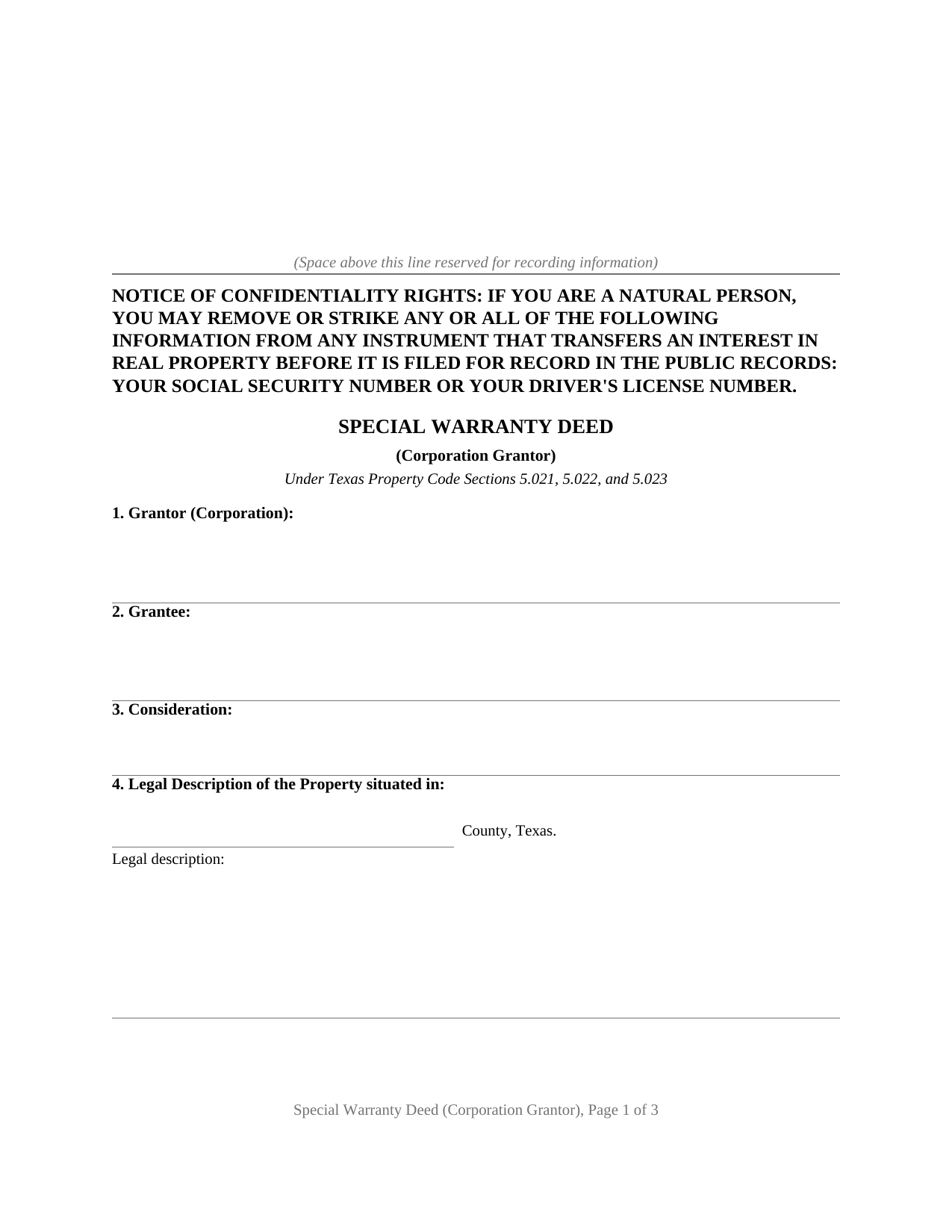
Kerr County Special Warranty Deed (Corporation Grantor) Form
Fill in the blank Special Warranty Deed (Corporation Grantor) form formatted to comply with all Texas recording and content requirements.
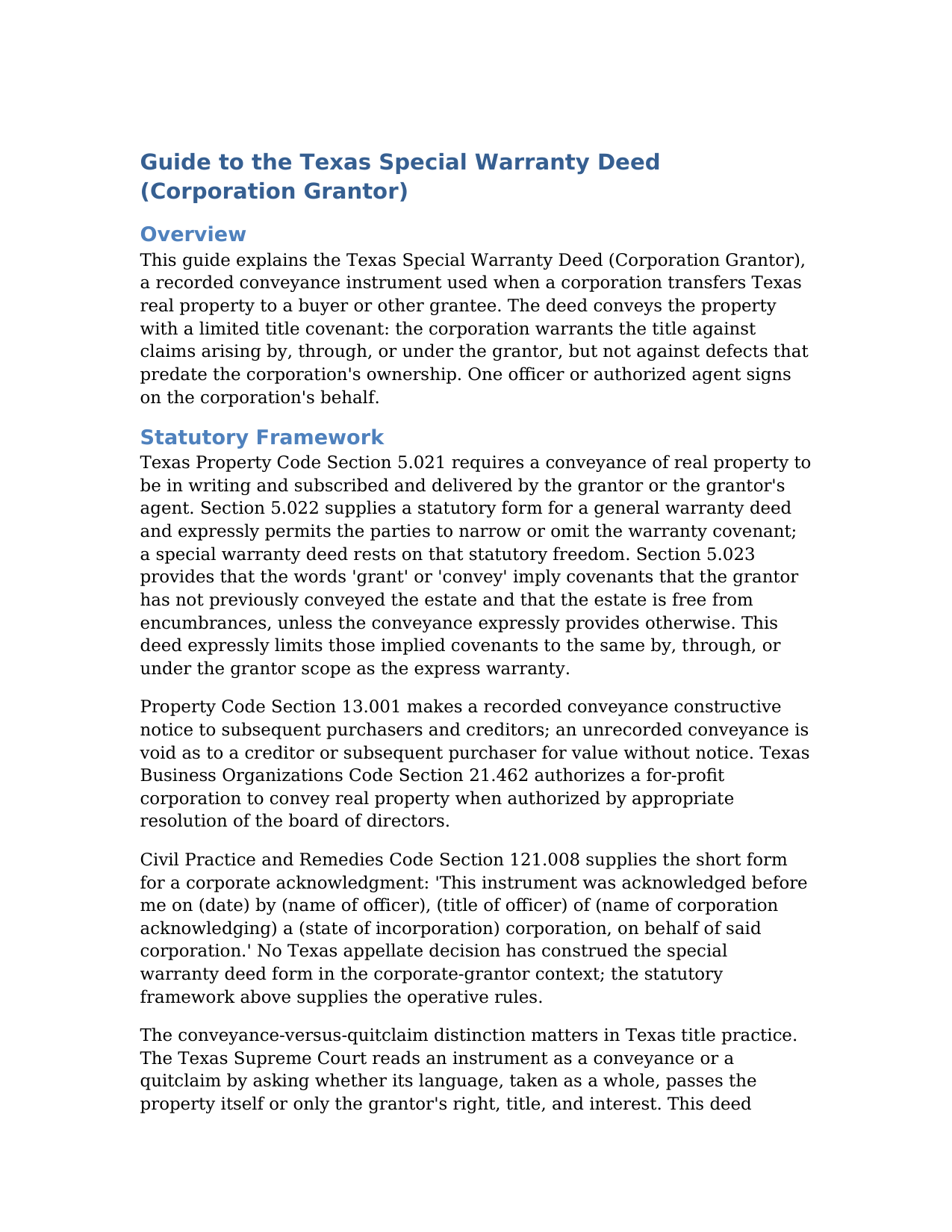
Kerr County Special Warranty Deed (Corporation Grantor) Guide
Line by line guide explaining every blank on the Special Warranty Deed (Corporation Grantor) form.
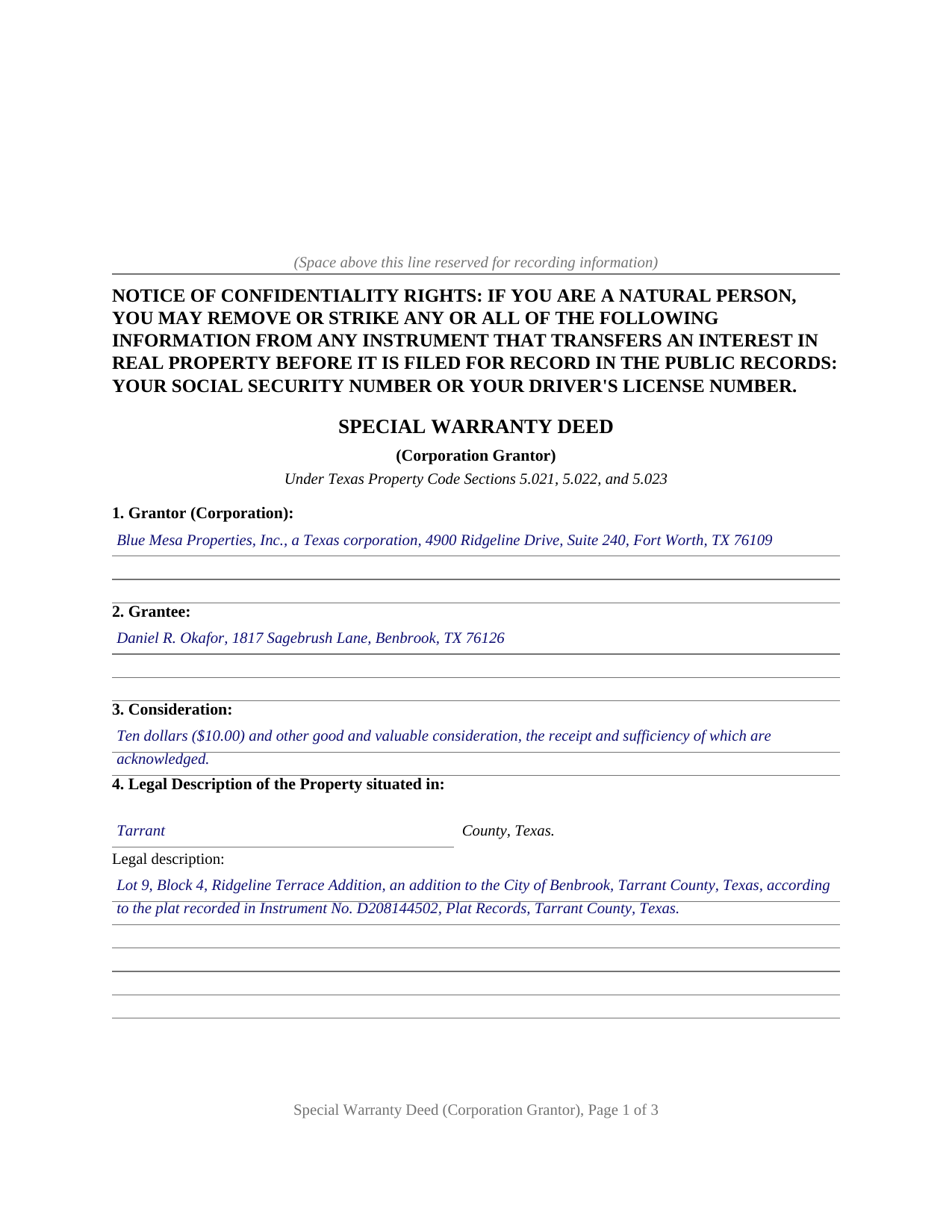
Kerr County Completed Example of the Special Warranty Deed (Corporation Grantor) Document
Example of a properly completed Texas Special Warranty Deed (Corporation Grantor) document for reference.
All 3 documents above included • One-time purchase • No recurring fees
Immediate Download • Secure Checkout
Additional Texas and Kerr County documents included at no extra charge:
Where to Record Your Documents
Kerr County Clerk
Kerrville, Texas 78028
Hours: Monday-Friday 8am-5pm
Phone: (830) 792-2255
Recording Tips for Kerr County:
- Bring your driver's license or state-issued photo ID
- Ensure all signatures are in blue or black ink
- Check that your notary's commission hasn't expired
- Documents must be on 8.5 x 11 inch white paper
- Double-check legal descriptions match your existing deed
Cities and Jurisdictions in Kerr County
Properties in any of these areas use Kerr County forms:
- Center Point
- Hunt
- Ingram
- Kerrville
- Mountain Home
Hours, fees, requirements, and more for Kerr County
How do I get my forms?
Forms are available for immediate download after payment. The Kerr County forms will be in your account ready to download to your computer. An account is created for you during checkout if you don't have one. Forms are NOT emailed.
Are these forms guaranteed to be recordable in Kerr County?
Yes. Our form blanks are guaranteed to meet or exceed the applicable formatting requirements used for recording in Kerr County, including margin requirements, font requirements, and other layout standards. This guarantee applies to formatting, not to the legal sufficiency of information entered by the user or the suitability of a form for a particular transaction.
Can I reuse these forms?
Yes. You can reuse the forms for your personal use. For example, if you have multiple properties in Kerr County you only need to order once.
What do I need to use these forms?
The forms are PDFs that you fill out on your computer. The free Adobe Acrobat Reader is recommended, and most PDF apps also work. You do NOT enter your property information online - you download the blank forms and complete them privately on your own computer.
Are there any recurring fees?
No. This is a one-time purchase. Nothing to cancel, no memberships, no recurring fees.
How much does it cost to record in Kerr County?
Recording fees in Kerr County vary. Contact the recorder's office at (830) 792-2255 for current fees.
Questions answered? Let's get started!
When a Texas corporation conveys real estate, the deed most transactions settle on is the special warranty deed: full words of grant, a genuine covenant of title, and a boundary on that covenant at the edge of the corporation's own ownership. This form prepares that deed for a corporate grantor under Texas Property Code Sections 5.021 through 5.023, with the corporate signature block and the corporate acknowledgment the county records expect.
A warranty measured by the grantor's tenure
Texas lets the parties set a deed's warranty by its words; Section 5.022(b) provides that a covenant of warranty is not required in a conveyance at all. A special warranty deed uses the same covenant a general warranty deed carries, to WARRANT AND FOREVER DEFEND the property, then adds the phrase that defines the instrument: when the claim is by, through, or under Grantor, but not otherwise. The corporation stands behind everything that happened on its own watch, liens it created or suffered and conveyances it made, while defects that predate its ownership stay where commercial practice leaves them, with the title examination and the title insurance in the transaction.
A conveyance, not a quitclaim
The Texas Supreme Court reads an instrument as a conveyance or a quitclaim by asking whether its language passes the property itself or only the maker's right, title, and interest. That distinction has consequences for later purchasers, so this form conveys the Property with the statutory words of grant, GRANTS, SELLS, AND CONVEYS, together with the traditional habendum. It also handles the implied covenants of Section 5.023 expressly, limiting them to the same by, through, or under scope as the warranty and making them subject to the reservations and exceptions the form lists, so the deed's stated warranty and its implied one match.
Signing for a corporation
Execution is where an entity deed differs from an individual one. Business Organizations Code Section 21.462 authorizes a corporation to convey real property when authorized by appropriate resolution of the board of directors. One officer or authorized agent signs on the corporation's behalf, with the corporation's name, a By signature line, and the signer's printed name and title in the signature section. The notary certificate completes to the corporate short form of Civil Practice and Remedies Code Section 121.008: the named officer, of the named corporation, on behalf of said corporation. Because the grantor is an entity, no spousal joinder question arises.
Ready for the county records
The deed is recorded with the county clerk of the county where the property is located, with the Property Code Section 11.008 confidentiality notice at the top of the first page and reserved space for the recording stamp. For documents presented in person on or after December 4, 2025, the clerk also requires photo identification from the presenter under the 2025 deed fraud legislation. The package includes the blank deed as a fillable PDF, a completed example on a realistic Tarrant County fact pattern, and a plain language guide covering every numbered section; the materials are informational and are not legal advice.
Important: Your property must be located in Kerr County to use these forms. Documents should be recorded at the county recording office listed above.
This Special Warranty Deed (Corporation Grantor) meets all recording requirements specific to Kerr County.
Our Promise
The documents you receive here are guaranteed to meet or exceed the applicable Kerr County recording format requirements. If there is a rejection caused by our formatting, we will correct the issue or refund your payment. This guarantee applies to document formatting only and does not extend to information entered by the user, the selection of the form, or the legal effect of the completed document.
Save Time and Money
Get your Kerr County Special Warranty Deed (Corporation Grantor) form done right the first time with Deeds.com Uniform Conveyancing Blanks. At Deeds.com, we understand that your time and money are valuable resources, and we don't want you to face a penalty fee or rejection imposed by a county recorder for submitting nonstandard documents. We constantly review and update our forms to meet rapidly changing state and county recording requirements for roughly 3,500 counties and local jurisdictions.
4.8 out of 5 - ( 4,837 Reviews )
Marcus F. 5 out of 5 stars
Great resource! I was in a bind being out of state and deeds.com came through in a pinch for a very good price! If I need esigning again this is where I'll be coming.
Your words of encouragement and feedback are greatly appreciated. They motivate us to maintain high standards in our service.
Tracy E. 5 out of 5 stars
This is so convenient. Thank you.
Thank you!
ROBIN C. 5 out of 5 stars
The process was very easy but I did not realize before I paid to get this form , that I could have gotten it free from Tulsa county clerks office. Other than that, it was fine.
Thank you for the honest feedback, Robin, and we're glad the process was easy for you. You're right that the Tulsa County Clerk publishes a free transfer on death deed form, and we'd never want anyone to feel they overpaid. Our version isn't that same blank, though: it adds an alternate beneficiary designation so the property still passes as you intend if your first choice doesn't survive you, it's built to handle one or two owners, and it comes with a plain-language guide and a completed example. We appreciate your business.
Yvette B. 1 out of 5 stars
Rude customer service. Will not be using deeds.com again. Thanks
Thank you for your feedback Yvette, we do hope that you find something more suitable to your needs elsewhere. Have a wonderful day.
Michelle R. 5 out of 5 stars
Fairly easy to use. Need to be able to find platts easy.
Thank you!
Paula V. 5 out of 5 stars
Fast, easy, helpful instructions. I’ll use them again!
Thank you for your feedback. We really appreciate it. Have a great day!
Kimberly S. 5 out of 5 stars
It's so easy to use. Well worth the price. Thank you.
Thank you for your feedback. We really appreciate it. Have a great day!
Tracey H. 5 out of 5 stars
The transaction was easy and the download was immediately, What a great service to provide for a reasonable price. I highly recommend this service.
We appreciate your business and value your feedback. Thank you. Have a wonderful day!
virginia a. 4 out of 5 stars
Thank you for the prompt instructions on the download and installation. The only problem I had was trying to input data into the form once I renamed the form.and saved it. I was unable to change the size of the font and was very frustrated. In the end I finally had to redo the entire form through Word using your format.
Thank you!
Jennifer L L. 5 out of 5 stars
So far this has been a great experience. Very easy to use the deeds.com website and download the forms. Very nice that they give example forms and guides to help you fill out the forms. I just have to wait to make sure that the forms are accepted and recorded with no issues.
Your insights are invaluable to us and help us strive for better service. Thank you for taking the time to share your thoughts.
James P. 5 out of 5 stars
I wish I used this site more often. The format is pretty easy but the messages were invaluable and the staff were great. I was able to complete my transaction in a Covid environment from the security of my own home. Great service and tools!
Thank you for your feedback. We really appreciate it. Have a great day!
Barry G. 5 out of 5 stars
Excellent service! I was shocked at the speed of completion. Filed and had copies back from the county within 4 hours. Highly recommend!
Thank you for the great feedback, Barry! We’re glad the process moved quickly for you and that everything was recorded and returned so fast. We appreciate the recommendation.
Jeri M. 5 out of 5 stars
Very happy with the site and the deed document I received.
We appreciate your business and value your feedback. Thank you. Have a wonderful day!
YU LI K. 5 out of 5 stars
Very easy to find the document I need and easy to download
Your feedback is valuable to us and helps us improve. Thank you for sharing your thoughts!
Cindy N. 5 out of 5 stars
Our home was in only my husband’s name and as we are getting older, it was time to add my name to the Deed to avoid potential issues in the future. Our experience with Deeds.com was wonderful. The website is user friendly, instructions written in layman’s terms, straightforward and easy to follow. Very reasonably priced. I highly recommend using Deeds.com.
Thank you for the kind words Cindy. We appreciate you. Have an amazing day!