Calhoun County Warranty Deed to Trustee Form
Last validated September 30, 2026 by our Forms Development TeamFormatted for recording in Calhoun County, for property anywhere in the county: rural and unincorporated areas as well as Point Comfort, Port Lavaca, Port O Connor, Seadrift.
- 3 documents included
- Immediate PDF download
- Formatting guarantee
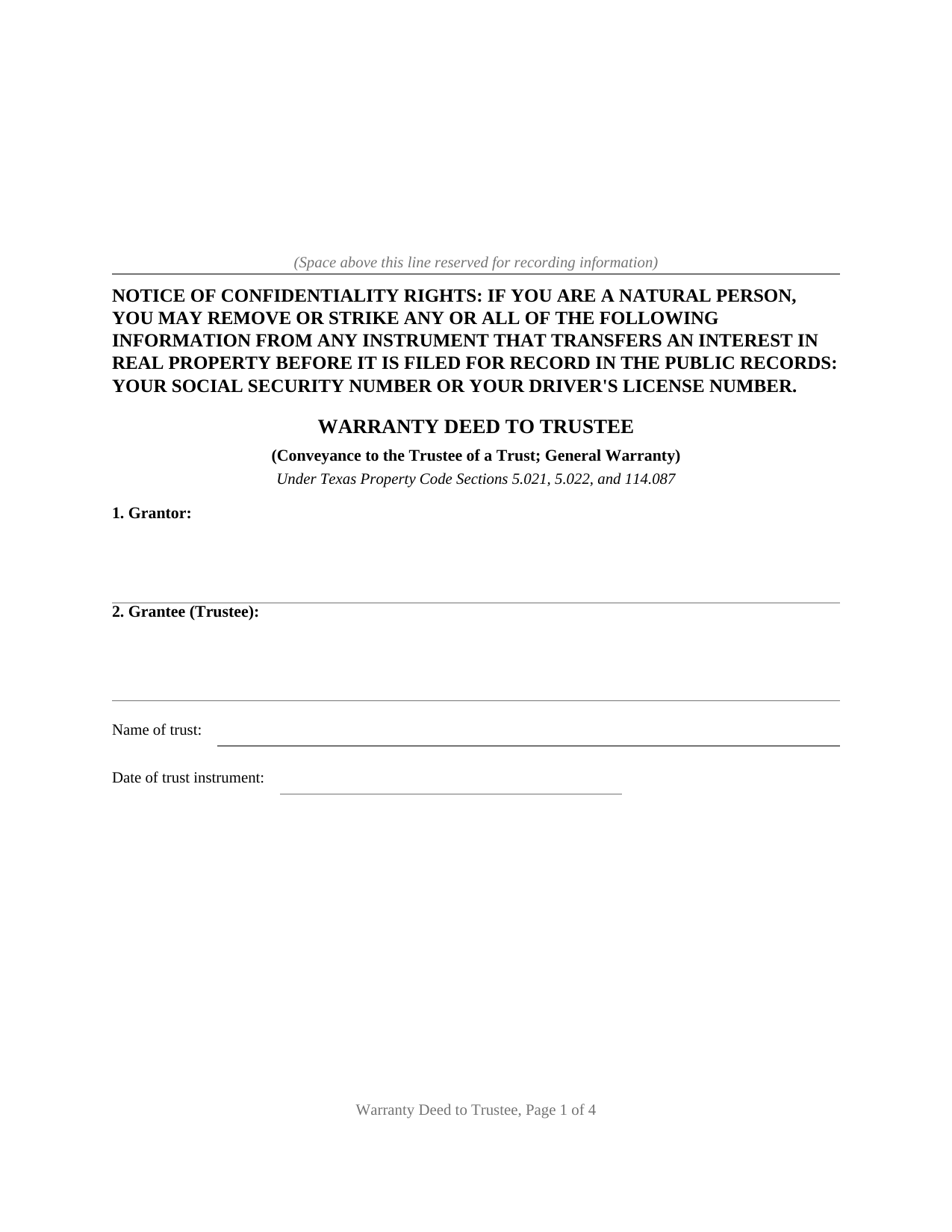
Calhoun County Warranty Deed to Trustee Form
Fill in the blank Warranty Deed to Trustee form formatted to comply with all Texas recording and content requirements.
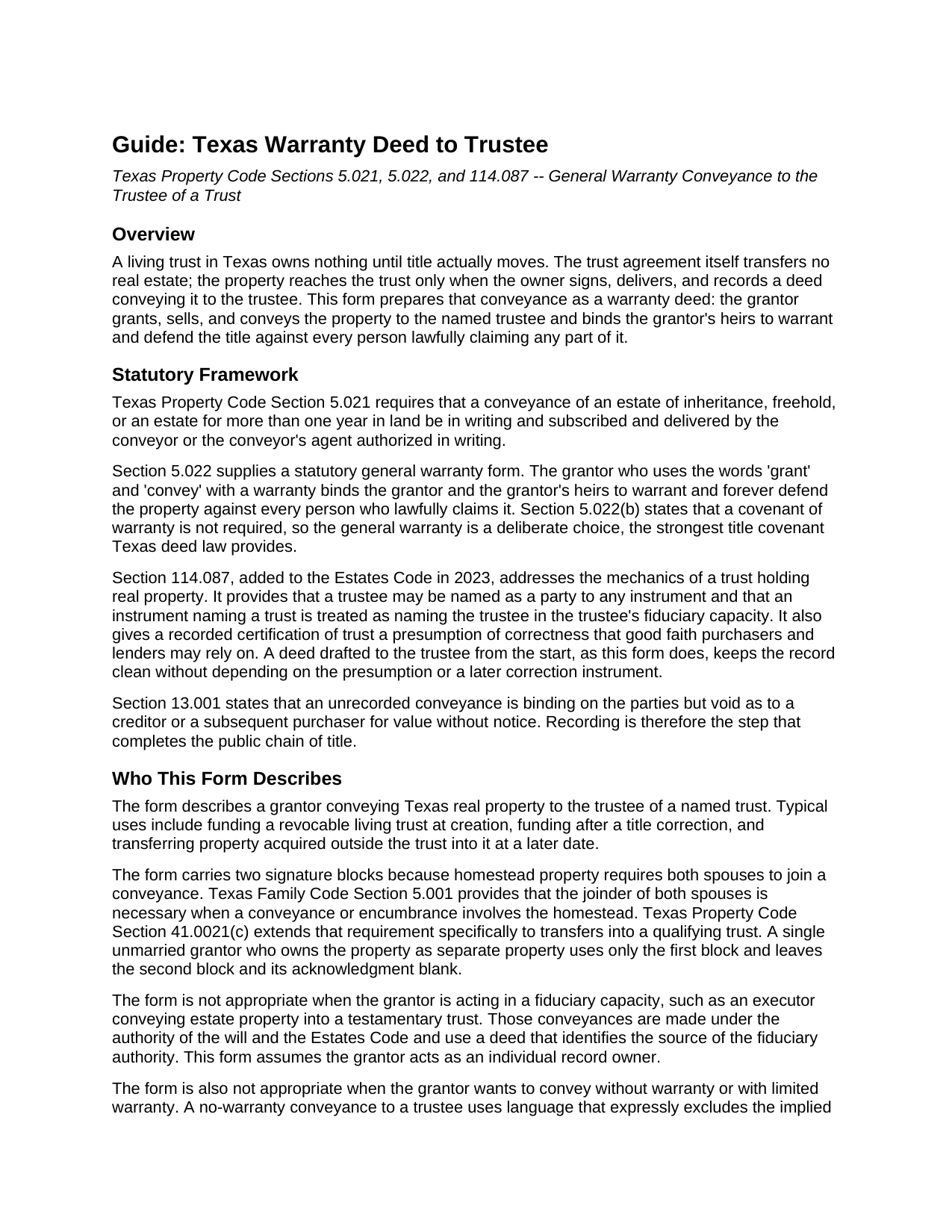
Calhoun County Warranty Deed to Trustee Guide
Line by line guide explaining every blank on the Warranty Deed to Trustee form.
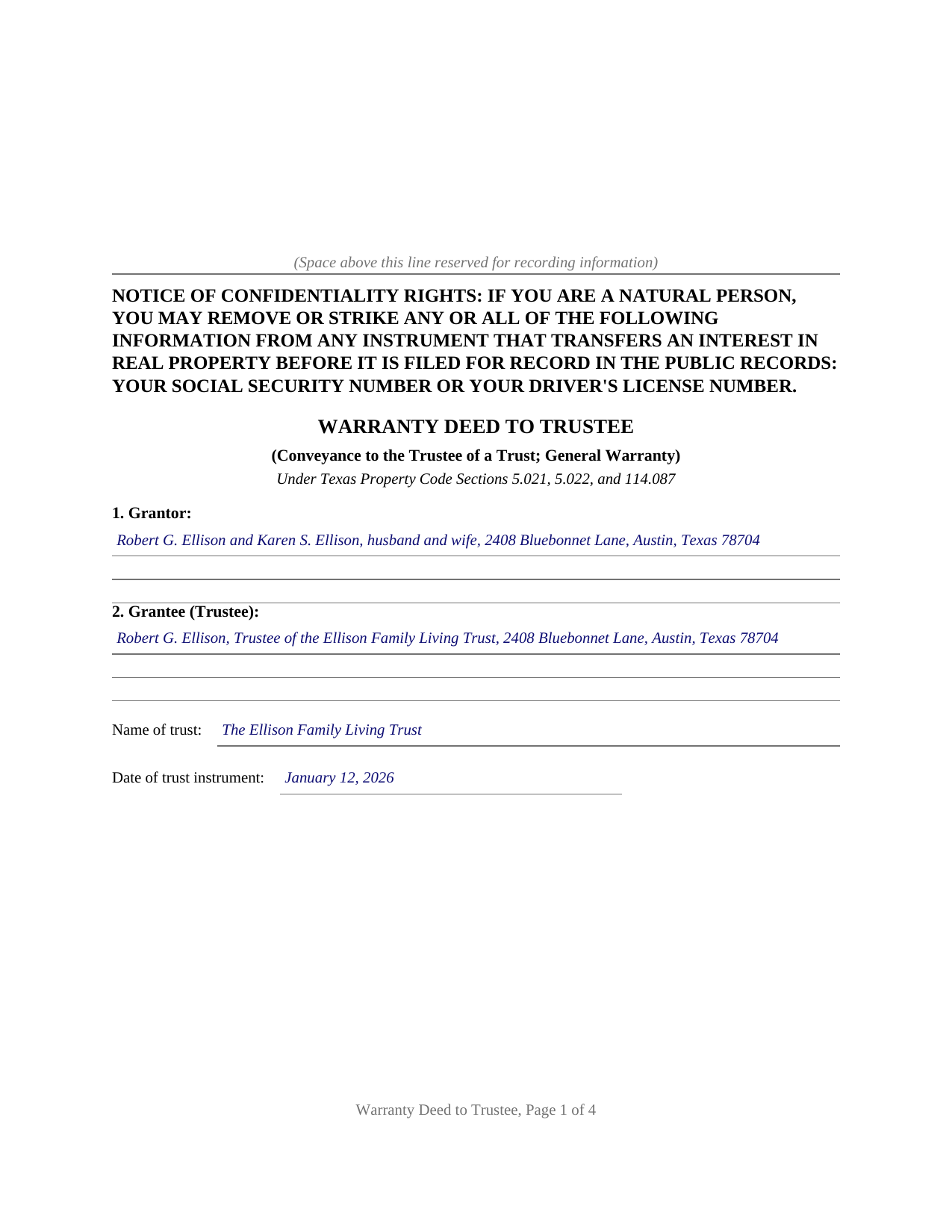
Calhoun County Completed Example of the Warranty Deed to Trustee Document
Example of a properly completed Texas Warranty Deed to Trustee document for reference.
All 3 documents above included • One-time purchase • No recurring fees
Immediate Download • Secure Checkout
Additional Texas and Calhoun County documents included at no extra charge:
Where to Record Your Documents
Calhoun County Clerk
Port Lavaca, Texas 77979
Hours: Monday - Thursday 8:00 to 5:00 / Friday 8:30 to 5:00
Phone: 361-553-4411
Recording Tips for Calhoun County:
- Bring your driver's license or state-issued photo ID
- Ensure all signatures are in blue or black ink
- Recorded documents become public record - avoid including SSNs
- Recording fees may differ from what's posted online - verify current rates
- Request a receipt showing your recording numbers
Cities and Jurisdictions in Calhoun County
Properties in any of these areas use Calhoun County forms:
- Point Comfort
- Port Lavaca
- Port O Connor
- Seadrift
Hours, fees, requirements, and more for Calhoun County
How do I get my forms?
Forms are available for immediate download after payment. The Calhoun County forms will be in your account ready to download to your computer. An account is created for you during checkout if you don't have one. Forms are NOT emailed.
Are these forms guaranteed to be recordable in Calhoun County?
Yes. Our form blanks are guaranteed to meet or exceed the applicable formatting requirements used for recording in Calhoun County, including margin requirements, font requirements, and other layout standards. This guarantee applies to formatting, not to the legal sufficiency of information entered by the user or the suitability of a form for a particular transaction.
Can I reuse these forms?
Yes. You can reuse the forms for your personal use. For example, if you have multiple properties in Calhoun County you only need to order once.
What do I need to use these forms?
The forms are PDFs that you fill out on your computer. The free Adobe Acrobat Reader is recommended, and most PDF apps also work. You do NOT enter your property information online - you download the blank forms and complete them privately on your own computer.
Are there any recurring fees?
No. This is a one-time purchase. Nothing to cancel, no memberships, no recurring fees.
How much does it cost to record in Calhoun County?
Recording fees in Calhoun County vary. Contact the recorder's office at 361-553-4411 for current fees.
Questions answered? Let's get started!
A living trust in Texas owns nothing until title actually moves. The trust agreement transfers no real estate; the property reaches the trust only when the owner signs, delivers, and records a deed conveying it to the trustee. The Texas Warranty Deed to Trustee prepares that conveyance with a covenant of general warranty, the strongest title assurance Texas deed law provides.
Title Goes to the Trustee, Not the Trust
A Texas trust is a fiduciary relationship rather than a legal entity, so legal title to trust real estate belongs to the trustee. This deed names the grantee accordingly: the trustee, identified by name and mailing address, together with the trust's full name and the date of the trust instrument. Since 2023, Property Code Section 114.087 has backstopped that architecture by treating the trustee as the named party to any instrument that names the trust, and by giving a recorded certification of trust a presumption of correctness that good faith purchasers and lenders may rely on. A deed drafted to the trustee from the start keeps the record clean without leaning on the presumption or on a later correction instrument.
A General Warranty on the Way In
The operative language follows the statutory general warranty pattern of Property Code Section 5.022: the grantor grants, sells, and conveys the property and binds the grantor and the grantor's heirs to warrant and forever defend it against every person lawfully claiming any part of it. Carrying the full covenant into the trust preserves an unbroken chain of warranties in the title, for the benefit of the trust and of anyone who later takes from the trustee. A reservations section defines what the conveyance is subject to and where the warranty stops, such as recorded easements, mineral reservations, and an existing deed of trust lien.
Homestead, Marriage, and the Qualifying Trust
Because the property conveyed is so often the family home, the form is built around Texas homestead law. Family Code Section 5.001 requires both spouses to join in a conveyance of homestead property, and Property Code Section 41.0021(c) restates that requirement for transfers into a qualifying trust, so the deed carries a second signature block and a second acknowledgment certificate for a second grantor or a joining spouse. Property Code Section 41.0021 and Tax Code Section 11.13(j) allow a properly structured qualifying trust to keep the home's creditor protection and property tax exemption after the transfer, and the guide describes how those definitions operate and what county appraisal districts look for.
Recorded in the County Where the Property Sits
The deed is recorded with the county clerk of the county where the property is located, and it is formatted for Texas recording standards, including the confidentiality notice Property Code Section 11.008 places at the top of the first page and reserved space for the clerk's recording stamp. Texas has no deed transfer tax, so the recorded deed and any exhibits are the complete recording package.
The download includes the blank deed as a fillable PDF, a completed example documenting a realistic Travis County trust funding, and a plain language guide that walks through every numbered section. The materials are informational and are not legal advice; a Texas attorney can apply these rules to a specific title or trust.
Important: Your property must be located in Calhoun County to use these forms. Documents should be recorded at the county recording office listed above.
This Warranty Deed to Trustee meets all recording requirements specific to Calhoun County.
Our Promise
The documents you receive here are guaranteed to meet or exceed the applicable Calhoun County recording format requirements. If there is a rejection caused by our formatting, we will correct the issue or refund your payment. This guarantee applies to document formatting only and does not extend to information entered by the user, the selection of the form, or the legal effect of the completed document.
Save Time and Money
Get your Calhoun County Warranty Deed to Trustee form done right the first time with Deeds.com Uniform Conveyancing Blanks. At Deeds.com, we understand that your time and money are valuable resources, and we don't want you to face a penalty fee or rejection imposed by a county recorder for submitting nonstandard documents. We constantly review and update our forms to meet rapidly changing state and county recording requirements for roughly 3,500 counties and local jurisdictions.
4.8 out of 5 - ( 4,825 Reviews )
Jeffrey G. 5 out of 5 stars
We had a one-time-only recording to make in the District of Columbia. We could not have e-filed the document without the assistance Deeds.com! The service they provided was wonderful.
Thank you for your feedback. We really appreciate it. Have a great day!
Dana H. 5 out of 5 stars
Thanks for making this process a seamless one! I love Deeds.com and will recommend it to others!
Thank you for your feedback. We really appreciate it. Have a great day!
Susan K. 5 out of 5 stars
They were unable to complete the task and my money was immediately refunded.
Thank you for your feedback Susan, sorry we were unable to assist.
Peggy D. 5 out of 5 stars
Very helpful in finding the information for me. Quick response. Very easy to use the forms.
Thank you for your feedback. We really appreciate it. Have a great day!
William P. 5 out of 5 stars
I was very pleased with the end results regarding Quitclaim deeds.
Thank you!
Shirley S. 3 out of 5 stars
Laborious process to gain access; need to indicate PRIINT when complete and inform that if page is backspaced, entered info disappears, necessitating starting all over again. There is only one “A” provision, when some documents have several more. Space is too limited in some instances to provide what is necessary for recording. Thank you
Your feedback is valuable to us and helps us improve. Thank you for sharing your thoughts!
Elaine S. 4 out of 5 stars
Being new at this, the system was somewhat difficult to understand at first. It took a couple of tries before I got it. It seems to be somewhat slow as well. However, it's a wonderful idea to have documents recorded from the comfort of your home, especially in the times that we are in with COVID19. I definitely don't mind paying the fee which I thought was reasonable.
Thank you!
Samantha Ann F. 5 out of 5 stars
I needed more knowledge to feel comfortable for using this form. I am sure it will work great for some people...for me I needed to contact an Estate Manager.
We understand that not every situation is a good fit for a do-it-yourself form package, especially when estate matters are involved. We’re glad you recognized when additional guidance would make you more comfortable, and we appreciate you giving our forms a try. Best wishes moving forward with your estate matter.
Salvatore R. 5 out of 5 stars
It was fast and easy to find.
Thank you!
Stephen E. 5 out of 5 stars
Thank you for your great response on my needs. In less than 24 hours I had my documents in hand as needed. Looking forward to working with Deeds.com again. Steve Esler
Thank you for your feedback Steve, glad we could help.
Gerald C. 2 out of 5 stars
Pros, quick purchase and document availability including instructions and examples. Cons, For the cert. of trust, the form would not accept the length of our trust name with no way to get around. The pdf file printing did not meet the requirements for 2.5" top margin and .5" other margins as well as the 10pt font size as the form information was shrunk down even when normal printing.
Thank you for your feedback. We really appreciate it. Have a great day!
Dale S. 5 out of 5 stars
I used the Affidavit of Death form provided by Deeds.com. The form and directions were easy to follow. I took the form to the county clerk's office for filing after getting it notarized. They accepted the form with no issues. A task that many people go to a lawyer complete was completed easily by me in less than an hour.
Thanks, Dale! Glad it worked exactly as it should — clear form, smooth filing, no issues at the clerk's office. That's the goal every time.
Caroline E. 5 out of 5 stars
VERY easy to register, to request relevant deeds that apply to your own county/state, and to download. And bonus - you get instructional materials too! Highly recommend! Thank you!
Thank you for your feedback. We really appreciate it. Have a great day!
FEDERICO T. 4 out of 5 stars
It was a little confusing to retrieve the documents. I was waiting for an email, but then I went toyour portal and I saw the messages and the document.
Thank you for your feedback Frederico.
Susan K. 5 out of 5 stars
Very helpful; information included on the form explanations about Colorado laws in regards to beneficiary deeds helped us understand the issues involved.
Thank you for your feedback. We really appreciate it. Have a great day!