Caroline County Quitclaim Deed (Corrective) Form
Last validated October 20, 2026 by our Forms Development TeamFormatted for recording in Caroline County, for property anywhere in the county or independent city: rural and unincorporated areas as well as Bowling Green, Corbin, Ladysmith, Milford, Port Royal, Rappahannock Academy, Ruther Glen, Sparta and 1 more.
- 3 documents included
- Immediate PDF download
- Formatting guarantee
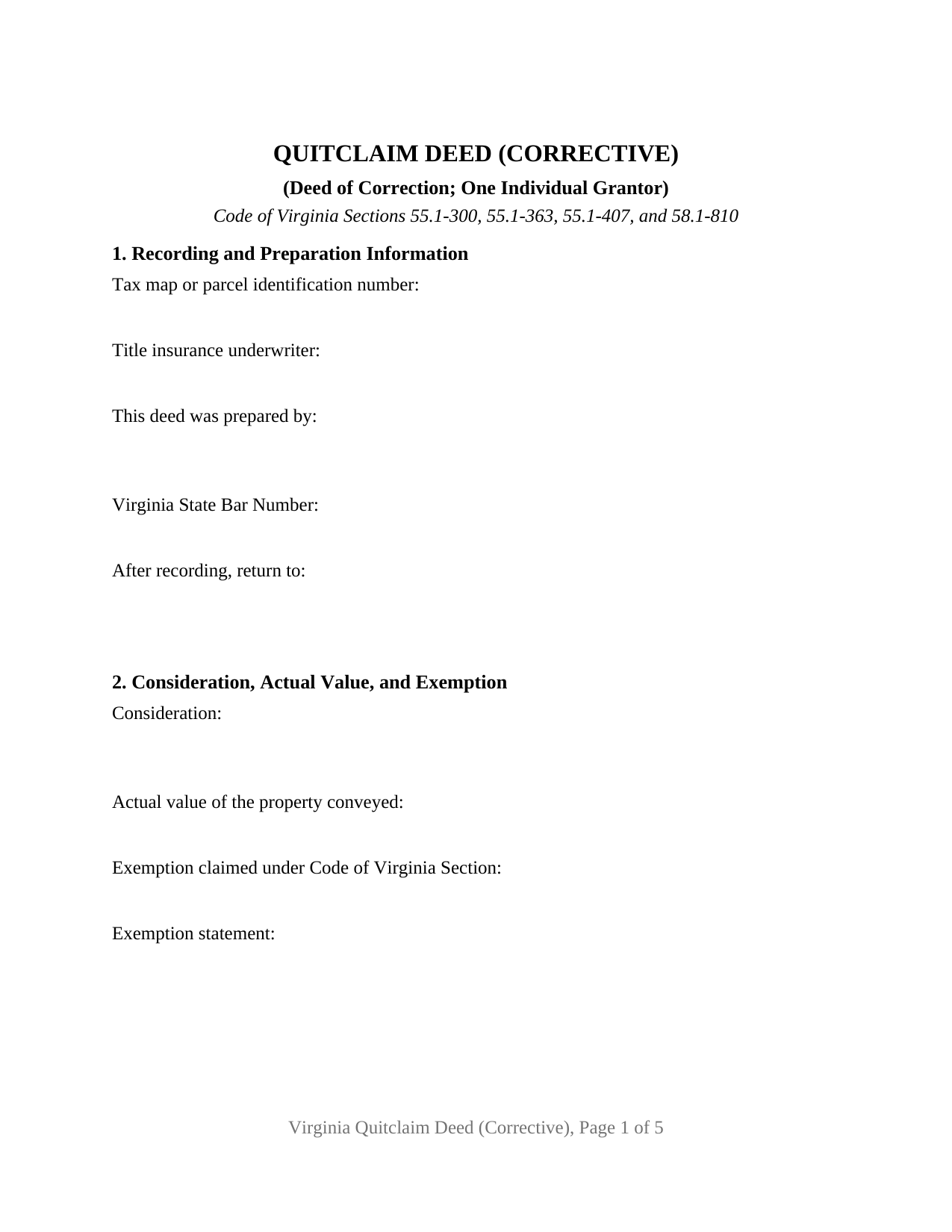
Caroline County Quitclaim Deed (Corrective) Form
Fill in the blank Quitclaim Deed (Corrective) form formatted to comply with all Virginia recording and content requirements.
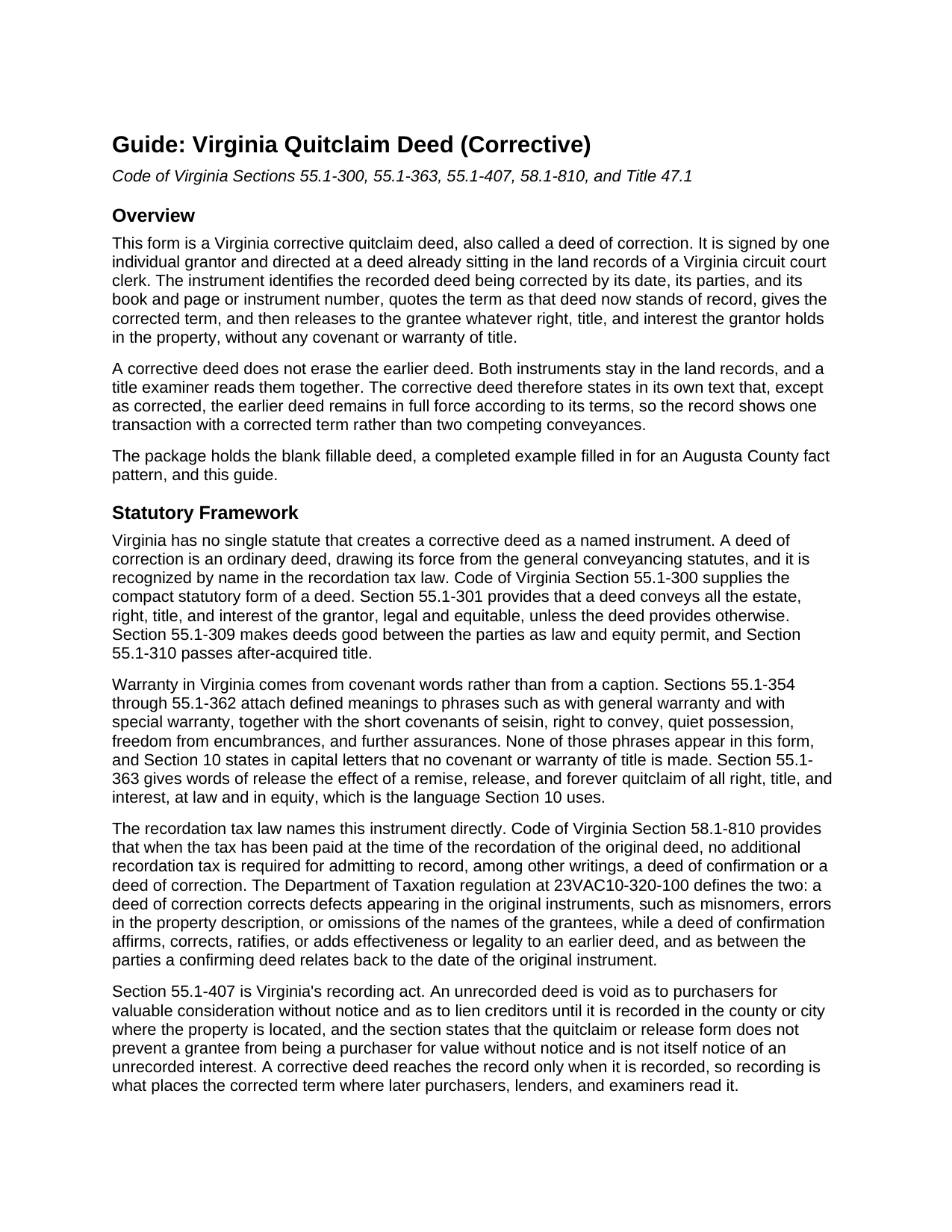
Caroline County Quitclaim Deed (Corrective) Guide
Line by line guide explaining every blank on the Quitclaim Deed (Corrective) form.
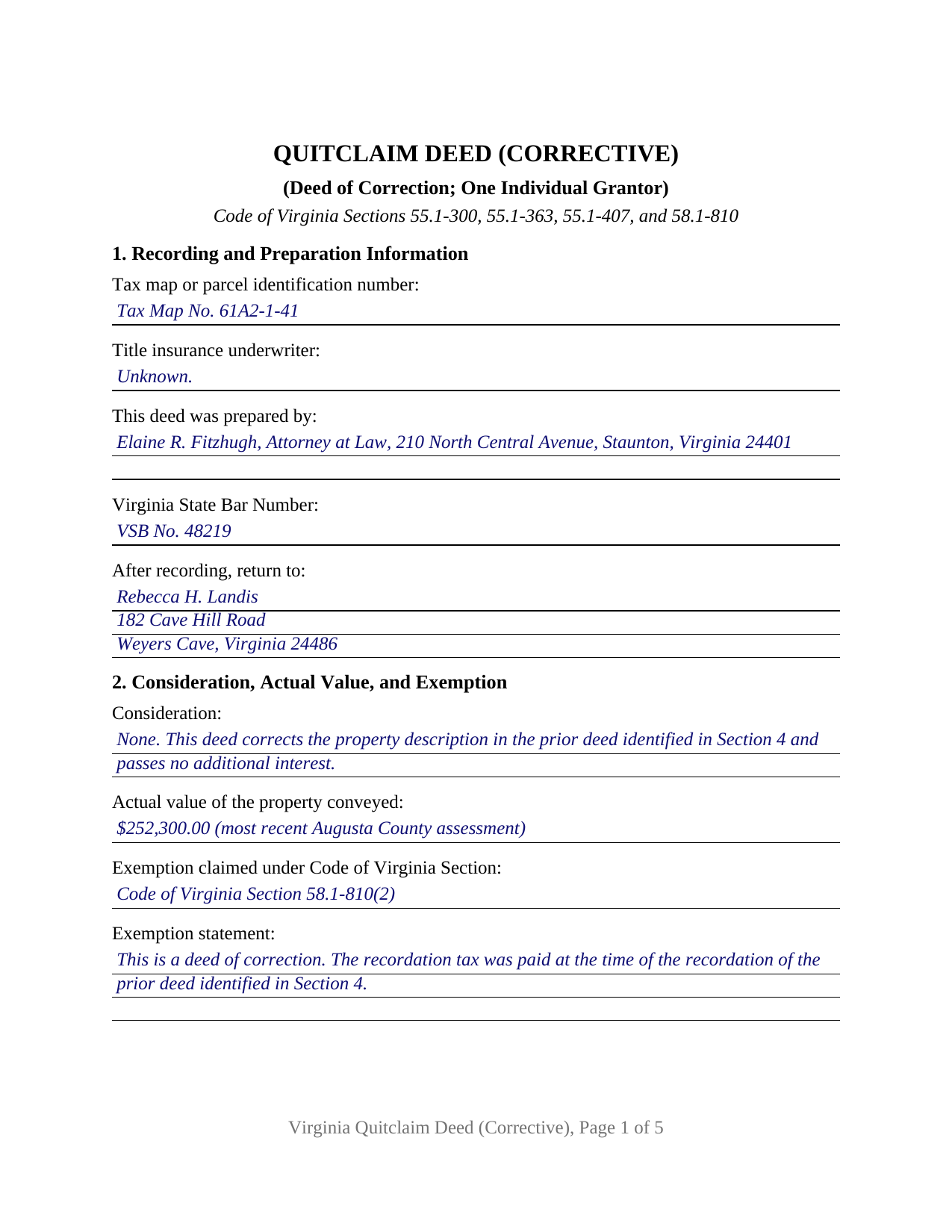
Caroline County Completed Example of the Quitclaim Deed (Corrective) Document
Example of a properly completed Virginia Quitclaim Deed (Corrective) document for reference.
All 3 documents above included • One-time purchase • No recurring fees
Immediate Download • Secure Checkout
Additional Virginia and Caroline County documents included at no extra charge:
Where to Record Your Documents
Clerk of Circuit Court
Bowling Green, Virginia 22427-0309
Hours: Monday - Friday 8:30 to 4:00 / Recording until 3:30
Phone: (804) 633-1090, 633-1092, or 633-1184
Recording Tips for Caroline County:
- Bring your driver's license or state-issued photo ID
- Ensure all signatures are in blue or black ink
- Documents must be on 8.5 x 11 inch white paper
- Double-check legal descriptions match your existing deed
- Verify all names are spelled correctly before recording
Cities and Jurisdictions in Caroline County
Properties in any of these areas use Caroline County forms:
- Bowling Green
- Corbin
- Ladysmith
- Milford
- Port Royal
- Rappahannock Academy
- Ruther Glen
- Sparta
- Woodford
Hours, fees, requirements, and more for Caroline County
How do I get my forms?
Forms are available for immediate download after payment. The Caroline County forms will be in your account ready to download to your computer. An account is created for you during checkout if you don't have one. Forms are NOT emailed.
Are these forms guaranteed to be recordable in Caroline County?
Yes. Our form blanks are guaranteed to meet or exceed the applicable formatting requirements used for recording in Caroline County, including margin requirements, font requirements, and other layout standards. This guarantee applies to formatting, not to the legal sufficiency of information entered by the user or the suitability of a form for a particular transaction.
Can I reuse these forms?
Yes. You can reuse the forms for your personal use. For example, if you have multiple properties in Caroline County you only need to order once.
What do I need to use these forms?
The forms are PDFs that you fill out on your computer. The free Adobe Acrobat Reader is recommended, and most PDF apps also work. You do NOT enter your property information online - you download the blank forms and complete them privately on your own computer.
Are there any recurring fees?
No. This is a one-time purchase. Nothing to cancel, no memberships, no recurring fees.
How much does it cost to record in Caroline County?
Recording fees in Caroline County vary. Contact the recorder's office at (804) 633-1090, 633-1092, or 633-1184 for current fees.
Questions answered? Let's get started!
A recorded Virginia deed cannot be edited, and no clerk lifts a page back out of the book. What Virginia allows instead is a second recorded instrument that names the first, quotes the term standing wrong in the record, and gives the term as it was meant to read. This corrective quitclaim deed does that for one individual grantor, between the same two names the earlier deed carries.
A deed of correction, named where the money is
Virginia never invented a corrective deed. It treats one as an ordinary deed and then names it in the recordation tax law: under Code of Virginia Section 58.1-810, where the tax was paid at the time of the recordation of the original deed, no additional recordation tax is required for admitting a deed of correction to record. The Department of Taxation regulation at 23VAC10-320-100 separates it from its cousin the deed of confirmation, which adds legality to an earlier deed and, between the parties, relates back to that instrument's date. A deed of correction answers defects on the face of the original, among them misnomers, errors in the property description, and omitted grantee names.
Both deeds stay in the book
Correcting the land records is additive rather than substitutive. The earlier deed keeps its place, its recording date, and its priority under Section 55.1-407, while the correction sits later in the index with a reference tying the two together. So Sections 4, 5, and 6 read as they do: the date, parties, and book and page or instrument number of the deed being corrected, then the term as it presently stands of record, then the corrected term. Section 10 says in the deed's own words that the prior deed remains in full force except as corrected, and that this one neither enlarges nor limits the estate it conveyed.
One grantor signs, and the names stay put
The grantor side is fixed at one individual signing personally: a signature line, a printed-name line, a date, and one acknowledgment certificate whose venue reads city or county under Section 47.1-16(A). The grantor entry takes whoever granted the deed being corrected, the grantee entry takes whoever took under it, and the vesting designation line beside the grantee repeats the ownership form that deed established instead of rearranging it. A lot number transposed against the recorded plat, a party's name misspelled at settlement, and a grantee's name dropped from the granting clause all present the correction pattern this deed carries. No second grantor block prints, and no trustee, personal representative, corporate officer, or attorney-in-fact capacity appears. A change that would move the estate to a different grantee, or enlarge or shrink what the earlier deed passed, is a fresh conveyance rather than a correction of the recorded one.
Release words, and the covenants left out
Warranty in Virginia follows covenant language, not the heading on a page. Under Section 55.1-363, words of release in a deed carry the force of a remise, release, and forever quitclaim reaching whatever the grantor holds at law and in equity; Section 10 prints that language and leaves out every phrase Sections 55.1-354 through 55.1-362 turn into a covenant. Fixing a term in the description leaves liens, judgments, and chain defects where they were.
The narrower route Virginia gives an attorney
Some errors never need a deed. Section 55.1-609 authorizes a corrective affidavit, executed by an attorney licensed by the Virginia State Bar, to correct an obvious description error in a recorded deed, deed of trust, or mortgage. Notice duties run to the parties, the preparing attorney, the title insurer, and sometimes an adjoining owner, with a 30-day window for objection and relation back to the original recordation. That affidavit is drawn and recorded separately by the attorney and is not included here.
Page one carries what a clerk reads first: the underwriter and preparer statements of Section 17.1-223(B), the return address, and the parcel number Section 17.1-252 calls for in localities with unique parcel systems. Buyers reach this instrument searching for a corrective deed, a deed of correction, or a correction quit claim deed; this package prepares the Virginia version for one individual grantor correcting a recorded deed. It holds three items: the blank deed as a fillable PDF, a completed example worked through an Augusta County lot-number correction, and a plain-language guide covering the sections, the ownership forms open to a grantee, and the charges collected at the counter. These materials describe Virginia law in general terms and are not legal advice.
Important: Your property must be located in Caroline County to use these forms. Documents should be recorded at the county or independent city recording office listed above.
This Quitclaim Deed (Corrective) meets all recording requirements specific to Caroline County.
Our Promise
The documents you receive here are guaranteed to meet or exceed the applicable Caroline County recording format requirements. If there is a rejection caused by our formatting, we will correct the issue or refund your payment. This guarantee applies to document formatting only and does not extend to information entered by the user, the selection of the form, or the legal effect of the completed document.
Save Time and Money
Get your Caroline County Quitclaim Deed (Corrective) form done right the first time with Deeds.com Uniform Conveyancing Blanks. At Deeds.com, we understand that your time and money are valuable resources, and we don't want you to face a penalty fee or rejection imposed by a county recorder for submitting nonstandard documents. We constantly review and update our forms to meet rapidly changing state and county recording requirements for roughly 3,500 counties and local jurisdictions.
4.8 out of 5 - ( 4,836 Reviews )
Denise P. 5 out of 5 stars
Seamless transaction. Was pleased with the additional information that was provided. Thank you!
Thank you for your feedback. We really appreciate it. Have a great day!
Kenneth S. 2 out of 5 stars
Navigating the site was fine, but the service was not able to find my deed. Still have not received my refund.
Thanks for your feedback Kenneth. Sorry we were not able to pull the deed for your property. We voided your payment on December 28, 2018. Sometimes, depending on your financial institution, it can take a few days for the pending charge (hold) to expire.
Judith F. 5 out of 5 stars
Was easy to use the eRecording service.
Thank you!
Renata L. 3 out of 5 stars
Was a bit difficult to navigate. I feel a fee to access the site and a fee to print is a bit much. I am in the real estate business and find the deeds very useful
Thank you for your feedback. We really appreciate it. Have a great day!
Nancy A. 5 out of 5 stars
First time user and I was pleasantly surprised how quick and easy it was to get my Deed recorded. And the fee was not outrageous.
We appreciate your business and value your feedback. Thank you. Have a wonderful day!
Pamela B. 5 out of 5 stars
Fantastic system, so easy to use even for a simpleton like me.
Thank you!
Ron M. 5 out of 5 stars
The download of forms, etc. was easy and the guides that were provided were good, but more information would have been nice as to where to find tax map #, parcel #, and district mentioned in Exemptions from Property Transfer Fees (and Declaration of Consideration or Value. In general, I was quite pleased with your product.
We appreciate your business and value your feedback. Thank you. Have a wonderful day!
Kyle K. 5 out of 5 stars
Deeds is extremely helpful and cost effective for small and large businesses. Saves me time to do more valuable tasks.
Thank you for your feedback. We really appreciate it. Have a great day!
Richard S. 2 out of 5 stars
Not user friendly, and not an Adobe fan. The first page of Quitclaim Deed form cuts off the Parcel Identification line on the bottom. Also quite a few forms showed up to be downloaded , after I paid, so I was unsure if all the forms were part of the quitclaim package. I have adobe but was unable to locate the forms in adobe on my computer after I downloaded them. Just wanted to print out one quitclaim deed form, which would have taken less that 3 minutes. instead it took 97 minutes. Thank you, though, for having the form there.
Thank you for your feedback. We really appreciate it. Have a great day!
Penny S. 5 out of 5 stars
Easy to access information needed.
We’re always here to help. Thank you for your feedback.
Cindy A. 5 out of 5 stars
Easy to understand and use. However, need to add line for phone number for preparer - Thanks
Thank you for your feedback. We really appreciate it. Have a great day!
Toni M. 5 out of 5 stars
I liked having the forms. Some may need to know they can look at the legal Description from online county records, then type up in Word document line by line, the degree sign in Word program is achieved by using alt and 248 on number pad. Then on the form page one write SEE Exibit A and title your Word program description as Exibit A. Goes without saying the legal description should be looked over many times and it is easier to do so if you format your Word the same lineage as the legal description online which is usually not text which is why you have to retype it.
Thank you for your feedback. We really appreciate it. Have a great day!
David B. 5 out of 5 stars
I'm not sure how a forms web-site could be so, but I find deeds.com to be sweet.
Thank you for your feedback. We really appreciate it. Have a great day!
Cecil S. 5 out of 5 stars
Fast service done well
We appreciate your business and value your feedback. Thank you. Have a wonderful day!
BARBARA T. 5 out of 5 stars
Love this site! So easy to use and very economical
Thank you!