Fairfax County Transfer on Death Revocation Form
Last validated October 9, 2026 by our Forms Development TeamFormatted for recording in Fairfax County, for property anywhere in the county or independent city: rural and unincorporated areas as well as Alexandria, Annandale, Burke, Centreville, Chantilly, Clifton, Dunn Loring, Fairfax and 16 more.
- 3 documents included
- Immediate PDF download
- Formatting guarantee
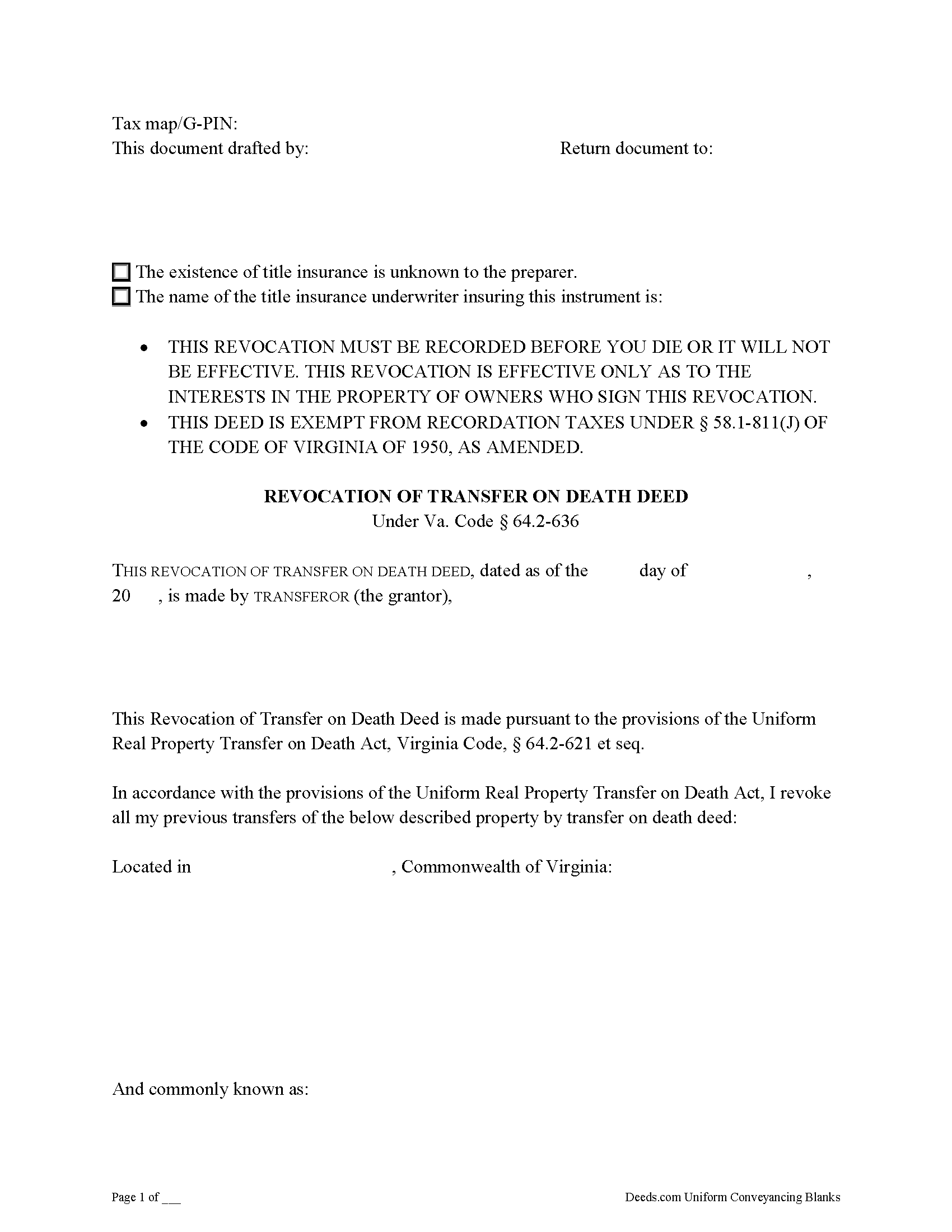
Fairfax County Transfer on Death Revocation Form
Fill in the blank form formatted to comply with all recording and content requirements.
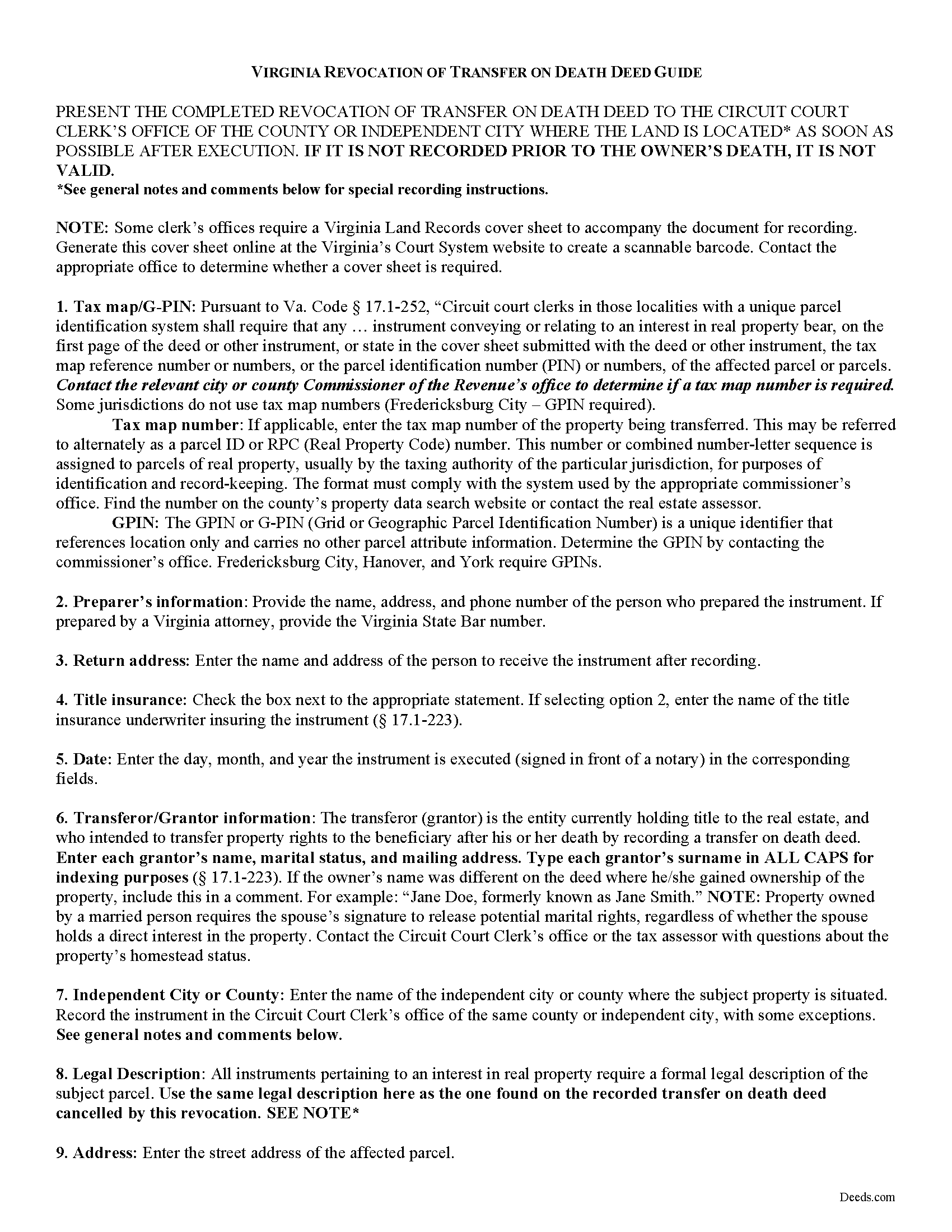
Fairfax County Transfer on Death Revocation Guide
Line by line guide explaining every blank on the form.
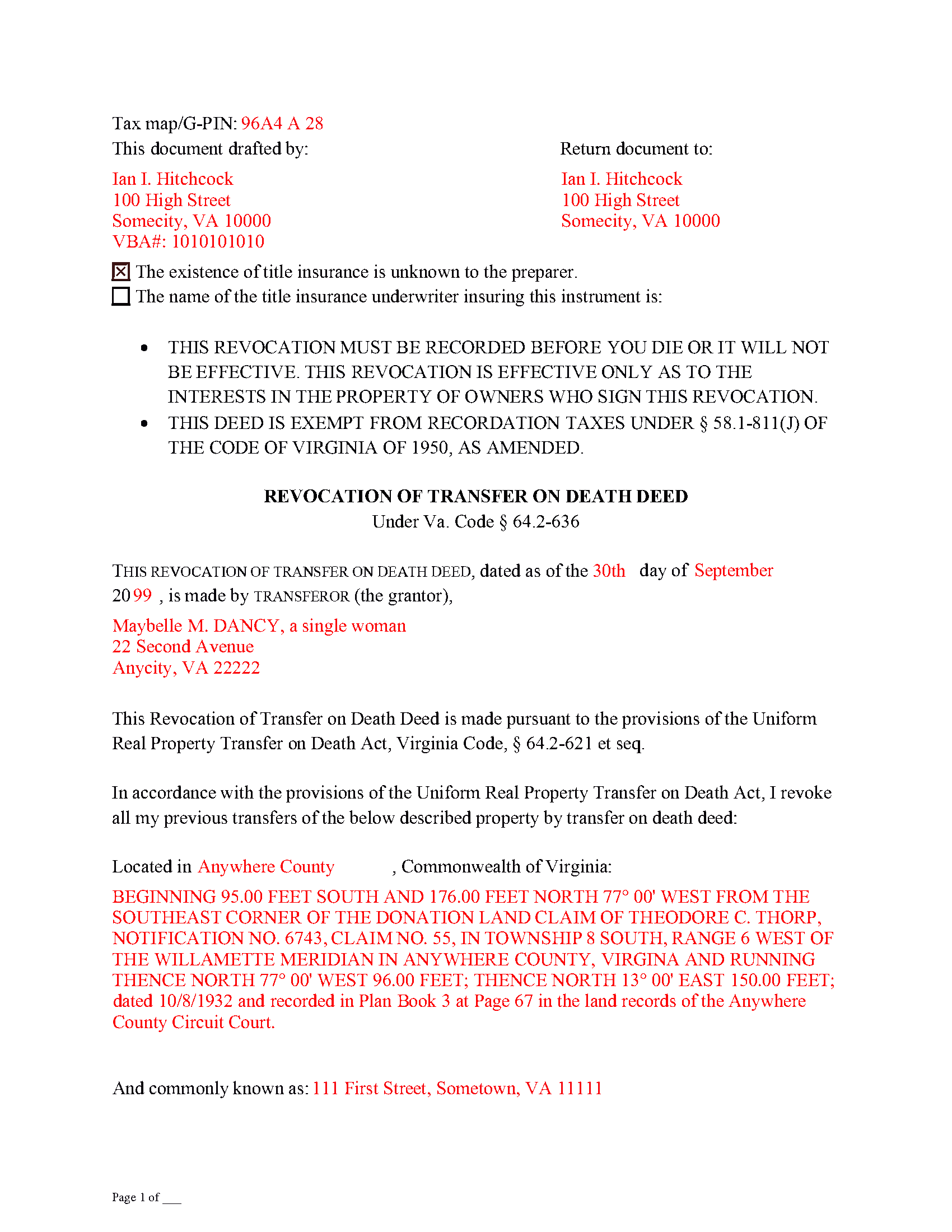
Fairfax County Completed Example of the Transfer on Death Revocation Document
Example of a properly completed form for reference.
All 3 documents above included • One-time purchase • No recurring fees
Immediate Download • Secure Checkout
Additional Virginia and Fairfax County documents included at no extra charge:
Where to Record Your Documents
Fairfax Circuit Court Clerk: Land Records Division
Fairfax, Virginia 22030
Hours: 8:00 to 4:00 M-F / Recording until 3:00
Phone: (703) 691-7320
Recording Tips for Fairfax County:
- Bring your driver's license or state-issued photo ID
- Ensure all signatures are in blue or black ink
- Bring extra funds - fees can vary by document type and page count
- Check margin requirements - usually 1-2 inches at top
- Leave recording info boxes blank - the office fills these
Cities and Jurisdictions in Fairfax County
Properties in any of these areas use Fairfax County forms:
- Alexandria
- Annandale
- Burke
- Centreville
- Chantilly
- Clifton
- Dunn Loring
- Fairfax
- Fairfax Station
- Falls Church
- Fort Belvoir
- Great Falls
- Greenway
- Herndon
- Lorton
- Mc Lean
- Merrifield
- Mount Vernon
- Newington
- Oakton
- Reston
- Springfield
- Vienna
- West Mclean
Hours, fees, requirements, and more for Fairfax County
How do I get my forms?
Forms are available for immediate download after payment. The Fairfax County forms will be in your account ready to download to your computer. An account is created for you during checkout if you don't have one. Forms are NOT emailed.
Are these forms guaranteed to be recordable in Fairfax County?
Yes. Our form blanks are guaranteed to meet or exceed the applicable formatting requirements used for recording in Fairfax County, including margin requirements, font requirements, and other layout standards. This guarantee applies to formatting, not to the legal sufficiency of information entered by the user or the suitability of a form for a particular transaction.
Can I reuse these forms?
Yes. You can reuse the forms for your personal use. For example, if you have multiple properties in Fairfax County you only need to order once.
What do I need to use these forms?
The forms are PDFs that you fill out on your computer. The free Adobe Acrobat Reader is recommended, and most PDF apps also work. You do NOT enter your property information online - you download the blank forms and complete them privately on your own computer.
Are there any recurring fees?
No. This is a one-time purchase. Nothing to cancel, no memberships, no recurring fees.
How much does it cost to record in Fairfax County?
Recording fees in Fairfax County vary. Contact the recorder's office at (703) 691-7320 for current fees.
Questions answered? Let's get started!
As of July 1, 2013, Virginia joined the growing number of states allowing transfer on death deeds. These instruments are governed by the Uniform Real Property Transfer on Death Act (URPTODA), which is incorporated into the Virginia statutes at 64.2-621 et seq.
One of the most useful characteristics of this estate planning tool is its flexibility. Life is unpredictable, and it's important to update wills and other documents dealing with what happens after death. For most deeds, once the owner/transferor signs and records the document, the transfer of title is completed and permanent. With transfer on death deeds, though, recording the executed form sets out the owner's intended plans for the property, but only after his/her death -- while alive, the owner maintains absolute control over and possession of the real estate. Because the conveyance is only for a potential future interest, and generally involves no consideration (money or something else of value given in exchange for the property), these deeds can be revoked for any reason, and at any time during the owner's life.
The Virginia statutes define the processes available for revoking a transfer on death deed at 64.2-630. The primary methods are executing a new transfer on death deed that explicitly revokes or changes the named beneficiary on one that was previously recorded; executing a revocation instrument; or executing an inter vivos deed, permanently transferring ownership of the real property to another owner. All of the methods require that the instrument changing the status of a transfer on death deed be executed and recorded DURING THE OWNER'S LIFE.
Each situation is unique, so carefully review all the options and their potential advantages and consequences before deciding on the appropriate method for revoking a transfer on death deed.
(Virginia Revocation of TOD Package includes form, guidelines, and completed example)
Important: Your property must be located in Fairfax County to use these forms. Documents should be recorded at the county or independent city recording office listed above.
This Transfer on Death Revocation meets all recording requirements specific to Fairfax County.
Our Promise
The documents you receive here are guaranteed to meet or exceed the applicable Fairfax County recording format requirements. If there is a rejection caused by our formatting, we will correct the issue or refund your payment. This guarantee applies to document formatting only and does not extend to information entered by the user, the selection of the form, or the legal effect of the completed document.
Save Time and Money
Get your Fairfax County Transfer on Death Revocation form done right the first time with Deeds.com Uniform Conveyancing Blanks. At Deeds.com, we understand that your time and money are valuable resources, and we don't want you to face a penalty fee or rejection imposed by a county recorder for submitting nonstandard documents. We constantly review and update our forms to meet rapidly changing state and county recording requirements for roughly 3,500 counties and local jurisdictions.
4.8 out of 5 - ( 4,828 Reviews )
Maria D. 5 out of 5 stars
Deeds.com has done a great job. I really recommend to everyone who needs this service, fast & reliable. Thank you
We appreciate your business and value your feedback. Thank you. Have a wonderful day!
JOHN P. 5 out of 5 stars
I thought your service would comply with my request quicker.
Looks like it took 4 minutes to complete your order, sorry it took so long.
Stephen M. 5 out of 5 stars
Easy to sign up and create an account. Lots of options.
Thank you!
Elizabeth P. 5 out of 5 stars
Perfect quitclaim form. Easy to fill in with the required information and all the required information has a place (no easy feat in our county!). It is helpful that they include exhibit pages for larger blocks of information (our legal is 2 pages long). Great job folks!
Thank you for the kind words Elizabeth. Have an amazing day!
Ariel S. 5 out of 5 stars
Awesome....love the ease of use and response.
Thank you for the kinds words Ariel, we appreciate you! Have a fantastic day!
Stephen F. 5 out of 5 stars
Easy to use. Outstanding interface.
Thank you!
Jubal T. 5 out of 5 stars
This is the most comprehensive, helpful real estate tool I have seen. I was at first worried because the 330# didn’t have live operators but I received messages in my account as quickly as a conversation had by text and was able to download a deed and record it the same day in a county 1,300 miles away. Highly recommended!
We are sincerely grateful for your feedback and are committed to providing the highest quality service. Thank you for your trust in us.
Kimberly C. 5 out of 5 stars
Very straight forward easy to use. No need to hunt for the information or forms you ate looking for, every thing is right there just click on the link and voila!
Thank you for your feedback. We really appreciate it. Have a great day!
Ralph L. 5 out of 5 stars
Thank you.Very good.
Thank you for your feedback. We really appreciate it. Have a great day!
Sherry F. 5 out of 5 stars
Good product and service.
Thank you!
James R. 5 out of 5 stars
Really Easy site to navigate!
Thank you James, have a great day!
elizabeth m. 5 out of 5 stars
Wonderful service, forms were great. Completed and ready for recording. Will check back in after recorded.
We appreciate your business and value your feedback. Thank you. Have a wonderful day!
Ute P. 5 out of 5 stars
Thank you it was hard for me to pull these documents online you been a big help since I am in a different state, quick and awesome.
We appreciate your business and value your feedback. Thank you. Have a wonderful day!
Christopher Shawn S. 5 out of 5 stars
Swift and Concise Process!!! I would recommend, as well as, use again!
We appreciate your business and value your feedback. Thank you. Have a wonderful day!
Beatrica G. 5 out of 5 stars
Thanks for your service. I recieved my documents on time and package information as promise.
Thank you for your feedback. We really appreciate it. Have a great day!